








Magento emergency support

Adobe Commerce emergency support.

Redefine Innovations gives Adobe Commerce emergency support for stores that are down, hacked or broken after an upgrade. Developers, ERP engineers and marketers work as one team.

A Redefine engineer reads each request and replies with a fix plan.

550+ projects delivered over 25+ years. Want ongoing help? See Adobe Commerce SLA support plans.

Ecommerce manager at night seeing sales fall to zero on the Adobe Commerce admin Dashboard

When checkout stops, every hour costs orders. We stop the loss first, then fix the cause.

Track record

The team that answers when your store breaks

Redefine has built online stores since 2001. Every fix gets developers, ERP engineers and marketers on one team.

  • Projects
    550+
    Projects delivered for online stores and the systems behind them.
  • Years
    25+
    Years building ecommerce, since Redefine started in 2001.
  • One team
    3
    Skills on every fix: developers, ERP engineers and marketers.

Source: Redefine Innovations company record. See all Adobe Commerce services.

Closest published store build: Half Price Drapes. That project is not Adobe Commerce. The same team plans this work.

Site error? Tell us the issue.

Get a Fix Plan Report from a Redefine engineer.

Get emergency help

Short answer

What is Magento emergency support from Redefine Innovations?

Updated

Magento emergency support is fast help for an Adobe Commerce store that is down or broken. Redefine Innovations helps when checkout fails, an upgrade or extension goes wrong, or the store is hacked. Our engineers find the cause, fix it and help stop it from coming back. Nothing in a Magento checkout that is down changes until you approve the Adobe Commerce emergency support step.

Most store problems show up as one sign: no new orders, an error page, or a payment that fails. The real cause is often somewhere else, like a bad deploy, an extension or the server. Adobe Commerce emergency support starts from time to restore orders, before a Magento checkout that is down is touched.

We test each fix before it goes live. Then it goes live with your OK.

Three ways to get Adobe Commerce help

Pick by what the store needs now

WayWhat you getBest whenWhere it stops
Emergency supportSales are at risk because something failedFirst the cause, then a repair plan, then the repairThis covers one issue, separate from ongoing care
SLA support plansYou want set support terms each monthA support plan with agreed termsThe fee is monthly, including the quiet months
Managed servicesYou want a team to run the storePlanned updates, checks and fixesThis is planned care, separate from a rush fix

What we check first

  • [1] Checkout and payments
  • [2] Extensions and recent deploys
  • [3] Server, hosting and cache
  • [4] Error logs and security alerts

Want ongoing help? See Adobe Commerce SLA support plans or Adobe Commerce managed services.

Fix the cause

Get your store steady by fixing the core issue.

A quick patch can hide a problem for a day. We trace it to the cause, so the same thing does not break again next week.

See how we fix it
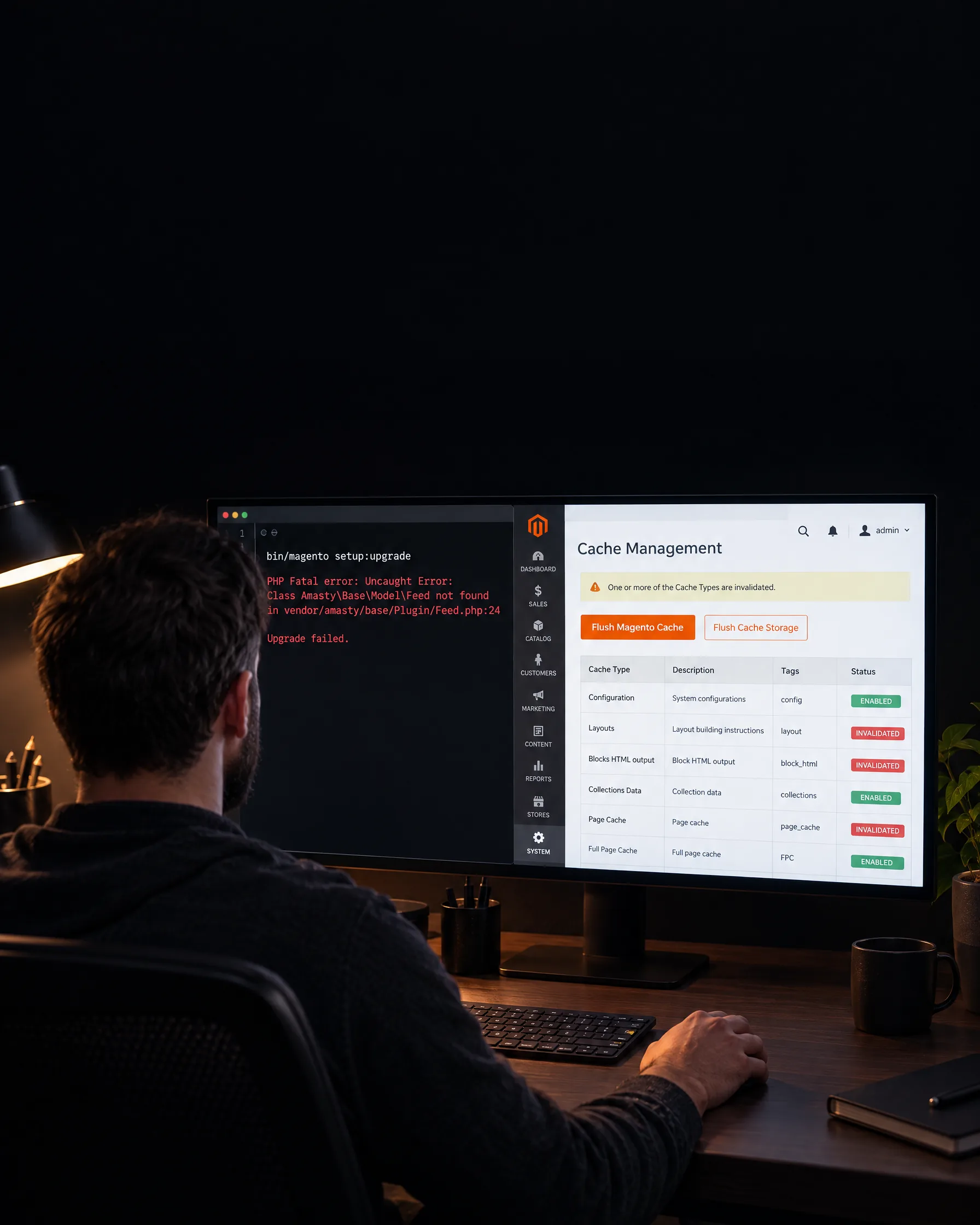
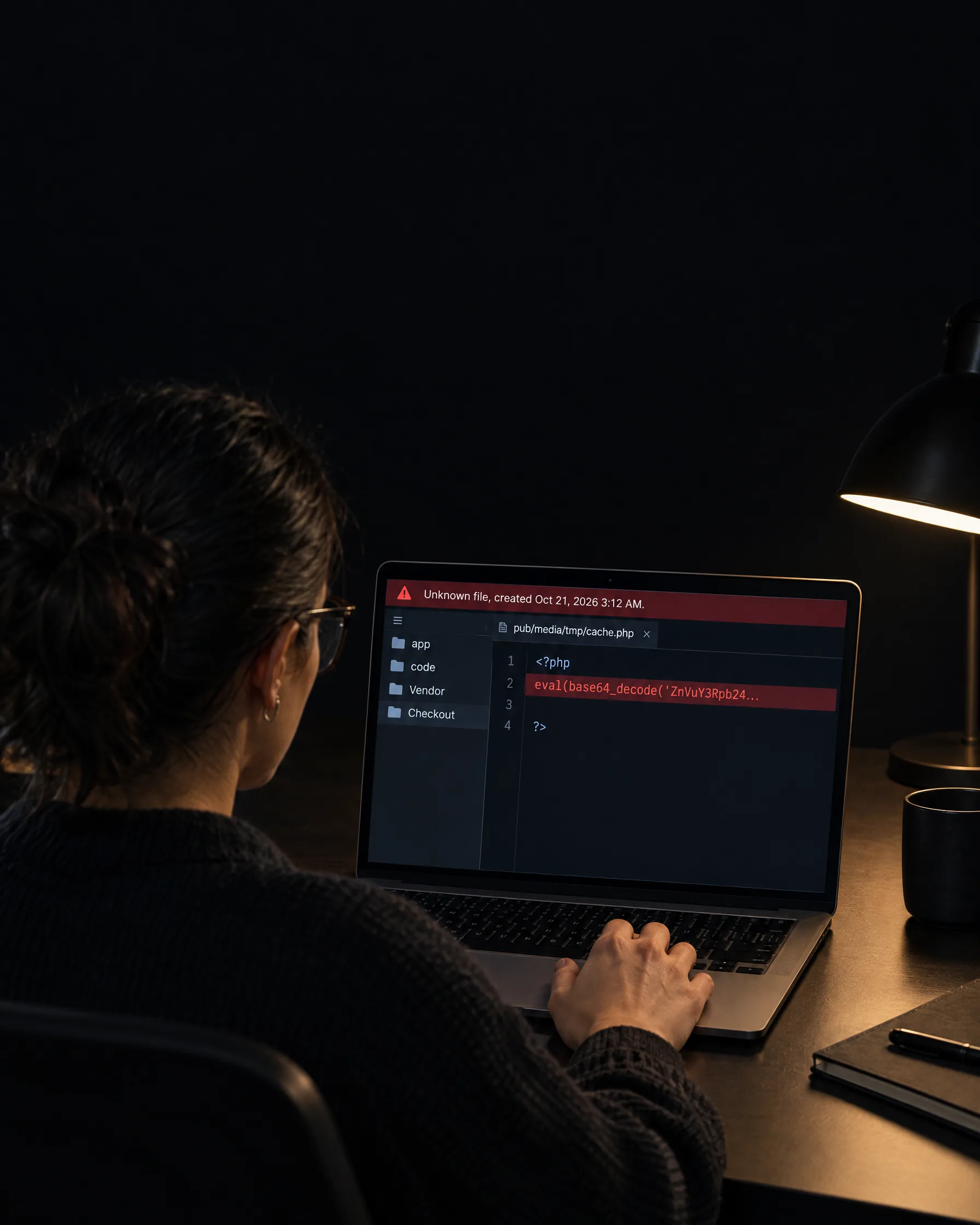
Two engineers tracing a store error to its cause in the exception log

One team

One team replaces four vendors

During an outage, you call the host, the developer, the extension vendor and the agency. Each one points at the next.

Get emergency help

Before

Everyone says their part is fine. Nobody owns the fix.

  • Host

    Says the server is fine

  • Developer

    Says the code looks fine

  • Extension vendor

    Says the tools are up to date

  • Marketing agency

    Says the ads are running

After

One Redefine team traces the issue across all of it, with one owner.

Redefine Innovations

One team

  • Server and hosting
  • Code and extensions
  • Checkout and payments
  • Tracking and ads

Downtime calculator

What is downtime costing your business?

See what a broken store may cost each day, using your own numbers.

Your numbers

Per day

1,200
0.2%
$150
1.8%

Sales per day

Your estimate

While broken
$360
Normal day
$3K

Estimated sales at risk

$3Kper day

$35K if the issue runs 12 days.

Get emergency help

This Adobe Commerce emergency support figure uses only the numbers you enter. It is not a promise.

Daily visits times the rate lost while the store is broken times a typical order. A sketch, not a forecast.

Urgent fixes for your store.

An engineering mindset for Adobe Commerce emergency support

Release plan for Adobe Commerce emergency support.

Redefine is an engineering company that does marketing. Developers, ERP engineers and marketers sit on one team, so a fix reaches the store's code, not just the ad account.

  1. Analyst checking that orders are back to normal on the Adobe Commerce admin Dashboard after a fix

    01 Our way: How we work

    Success for Adobe Commerce emergency support means moving time to restore orders.

    We call Adobe Commerce emergency support done only after time to restore orders moves.

    Old way: Rather than the usual agency habit

    Adobe Commerce emergency support used to ship on opinion, with no check of time to restore orders.

    Marking Adobe Commerce emergency support as sent used to be enough, even when time to restore orders never moved.

  2. Developer fixing checkout code in a code editor on a laptop

    02 Our way: How we work

    Developers change a Magento checkout that is down while doing Adobe Commerce emergency support.

    Code for Adobe Commerce emergency support is edited in a Magento checkout that is down.

    Old way: Rather than the usual agency habit

    The old habit stopped Adobe Commerce emergency support before anyone touched a Magento checkout that is down.

    During Adobe Commerce emergency support, a Magento checkout that is down used to be left unchanged.

  3. Phone showing a store alert email with one named owner, in front of a task board

    03 Our way: How we work

    If time to restore orders slips during Adobe Commerce emergency support, an alert goes out that same week.

    The alert for Adobe Commerce emergency support names one owner and the next edit in a Magento checkout that is down.

    Old way: Rather than the usual agency habit

    Time to restore orders used to sit for a month before anyone reviewed Adobe Commerce emergency support.

    Orders moving through a Magento checkout that is down had already dropped before Adobe Commerce emergency support was reviewed.

How Redefine works

TheREDEFINEMethod

Stop the loss first, then fix the cause for good.

In an emergency, a redesign or a full upgrade is not the first job. We find what broke, fix what stops sales first, and prove it works before we call it done.

Get emergency help

Nothing changes without approval. Say what failed.

Why this approach matters

  • The real cause gets fixed, not just the sign.
  • A plan helps stop the next outage.
  • Your budget goes to the fixes that matter most.
  1. Start here

    Step 1: Diagnose

    We read error logs, recent changes and extensions to find what broke and why.

    You receive An issue report with the cause

  2. Choose what matters

    Step 2: Prioritize

    We stop the loss first. A redesign or a full upgrade waits while checkout is down.

    You receive A ranked task list

  3. Do the work

    Step 3: Deliver

    Engineers fix hosting, payment or code problems. We may roll back a bad deploy or patch a broken extension.

    You receive Fixes in place, with your OK

  4. Check the result

    Step 4: Prove

    We test checkout and payment end to end, so the store holds up for real shoppers again.

    You receive Test results for each fix

  5. Keep improving

    Step 5: Improve

    We add monitoring and a written runbook, so the same problem is less likely to happen again.

    You receive A prevention plan

What you receive

A detailed fix plan, tested fixes, a plan to stay ready, and expert help from one team.

Safe work

How we work on your live store safely.

Open each part to see how we keep your store and data safe.

Safe access

You stay in control of who gets in.

We ask only for the access the fix needs. Our engineers follow your security rules the whole time.

3 parts

  • Limited admin user

    Only the rights the fix needs.

  • Server or cloud access

    To read logs and fix the code.

  • You remove it after

    Turn off our access when we are done.

Safe changes

Tested before it goes live.

We test each fix and keep a way to undo it. If something odd shows up, we stop and check first.

2 parts

  • An undo plan

    A way back for every change we make.

  • A test order

    We check checkout and payment after each fix.

Get emergency help

The shop does not change until you approve it.

Store owner setting up a limited, time-boxed admin user for a Redefine engineer in Adobe Commerce

Access checklist

Your store

Prepared for: your store

Store
Your Adobe Commerce store
Access
A limited admin user and console access
Not needed
Owner rights or your own password
After the fix
You turn off our access.
Your access checklistMade for your store

Your fix plan

Your emergency fix plan.

This is the written plan a Redefine engineer sends after looking at what broke on your Adobe Commerce store. You approve it before the fix starts.

Sections
5
Cause
1
Your OK
First
Get emergency help

Redefine

Confidential

Prepared for: your store

Fix Plan Report

Contents

  1. 01What broke3
  2. 02Root cause7
  3. 03Fix steps in order12
  4. 04Risk of each step and checks after18
  5. 05How to prevent a repeat22

Fix Plan Report

Your store

01 / 05

Cause found

Checkout

A new extension clashed with the payment step, so orders stopped.

Orders today

Risk to live orders

Low

Priority

High

Fix in this order

Pause extension Fix code Test order

How your Fix Plan Report is laid out: the cover and page 3.

The REDEFINE Method, explained

For Adobe Commerce emergency support, Redefine reads a Magento checkout that is down before any edit, then ranks by time to restore orders, ships it, and proves time to restore orders held.

Read a Magento checkout that is down, rank by time to restore orders, deliver Adobe Commerce emergency support, prove it, then improve it. Read the REDEFINE Method

How much does emergency help cost?

The cost depends on what broke and how big the fix is.

You get a written plan and price before work starts. You approve the scope first, with no hidden fees.

How does Redefine access my store safely?

We ask for a limited admin user and server or cloud console access.

Our engineers follow your security rules. You can remove our access after the fix.

Can fixing one thing make it worse somewhere else?

Our engineers test each fix to avoid new problems.

We check every part of the store a fix touches. If something odd shows up, we stop and fix it.

What if the hosting or an extension is the problem?

We find the root cause first.

If it is the host or an extension, we work with that provider for you, so you are not stuck in the middle.

Who works on my store issue?

Engineers who know Adobe Commerce handle your issue.

Developers fix the code, ERP engineers check data and syncs, and marketers check tracking. One person is your contact.

What happens after the issue is fixed?

You get a report on what broke, what we changed and why, with a plan to stop a repeat.

Want help every month? See Adobe Commerce SLA support plans

Emergency help

Get your store fix plan

Stay calm. Tell us what broke. A Redefine engineer looks at it and replies with a fix plan for your store.

Ecommerce manager reading the Fix Plan Report on a phone with an Approve button
  • An engineer reads every request
  • A written fix plan
  • 25+ years in ecommerce
  • 550+ projects delivered

Your Fix Plan Report

Tell us what broke on your store. A screenshot or the error message helps.

  1. 1We read what broke
  2. 2You get a Fix Plan Report
  3. 3You approve the plan
  4. 4The team fixes it, once you approve