











Adobe Commerce replatforming services

Get a detailed replatforming plan for Adobe Commerce

Redefine Innovations moves stores from any platform onto Adobe Commerce, with developers, ERP engineers and marketers on one team.

550+ projects delivered in 25+ years. A plan for your store, with no obligation. Moving an existing Magento store? See Adobe Commerce migration services.

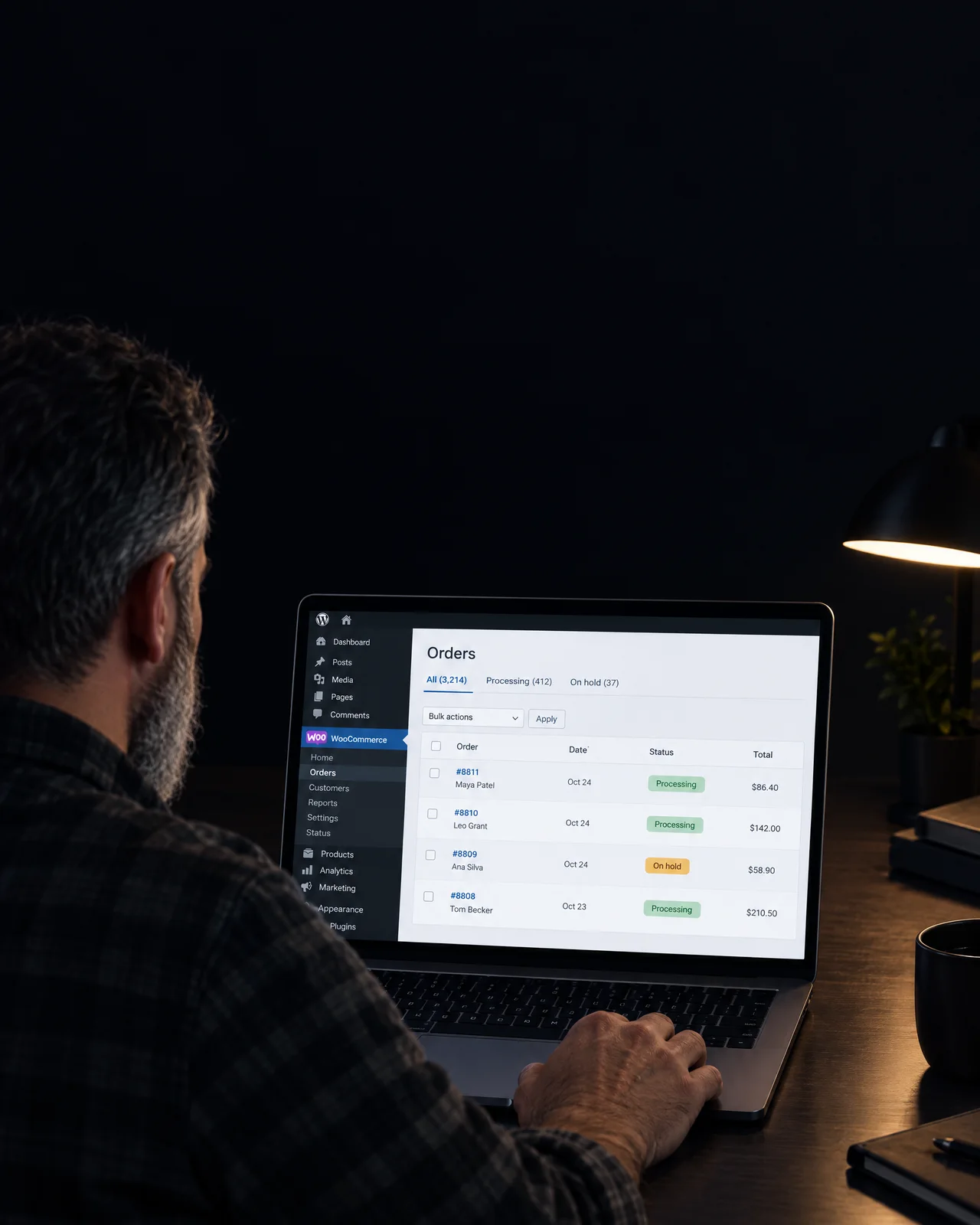
  1. Engineer checking 18,642 products from your old store in the Adobe Commerce admin Import page

    01Product data checked

  2. SEO lead mapping old store links to new pages in the Adobe Commerce admin URL Rewrites grid

    02Old links redirected

  3. ERP engineer seeing a new order sent to the ERP in the Adobe Commerce admin order view

    03ERP connected

  4. Store owner placing the first order on your new Adobe Commerce store on her phone at launch

    04Launched, first order in

Redefine Innovations

One team for your whole move

Your plan shows the data, the links and the systems before anything moves.

  • Since 2001
    25+
    Years building ecommerce stores and business software.
  • Projects
    550+
    Projects delivered for stores and growing companies.
  • Your team
    1
    Team of developers, ERP engineers and marketers on your move.

Redefine Innovations company figures. Closest published store build: Half Price Drapes. That project is not Adobe Commerce. The same team plans this work. See all Adobe Commerce services.

Get a detailed replatforming plan for your store.

Written for your store, no obligation.

Get my replatforming plan

Short answer

What is Adobe Commerce replatforming?

Updated

Adobe Commerce replatforming moves your online store from another platform, such as Shopify, BigCommerce or WooCommerce, to Adobe Commerce (Magento). Redefine Innovations helps ecommerce directors, CTOs and operations leads check if Adobe Commerce fits, plan the data and SEO move, connect ERP, PIM and CRM systems, rebuild the store, run the launch and support it after.

A move goes wrong in the handoffs: lost data, broken links and orders that stop reaching the ERP.

So we map what you have first. Then we move it in the order that keeps your store selling.

What a replatform covers

Your store, part by part

PartWhat we checkWhat we doLearn more
DataCatalog, customers and ordersWe map and move every recordStore audit services
SEOOld URLs, redirects and trackingWe redirect every old link and test itConsulting services
SystemsERP, PIM and CRM linksWe connect and test each oneDevelopment services

What we check before we start

  • [1] Catalog, customers and orders
  • [2] URLs and redirects
  • [3] Custom features and apps
  • [4] ERP, PIM and CRM links

Already on Magento? See Magento upgrade services, or all Adobe Commerce services.

Redefine Innovations simplifies your move to Adobe Commerce.

One team plans your data, links and launch, so you keep selling.

See what we move
Redefine lead and an operations leader walking through a printed move plan for your store

One team

Four vendors become one team.

A replatform often takes four vendors. The handoffs between them are where things break.

Get my replatforming plan

Before

An agency builds the new look, a developer moves the data, an ERP partner syncs orders and a marketer guards search. Nobody owns the move.

  • Developer

    Own plan, own contact

  • ERP partner

    Own plan, own contact

  • Marketing

    Own plan, own contact

  • Agency

    Own plan, own contact

After

Redefine, one team: one plan and one owner for your move.

Redefine Innovations

One team

  • Store build
  • ERP links
  • SEO
  • Design

Revenue calculator

Explore the revenue that might be slipping away

Put in your own numbers to see what a better store could earn from the same visitors.

Your numbers

Monthly

35,000
1.4%
$190
1.9%

Monthly revenue

Your estimate

Current
$93K
Potential
$126K

Estimated revenue impact

$33Kper month

$399K a year from the same traffic.

Get my replatforming plan

Your plan shows what to do first.

This is an estimate from your numbers: visitors x (rate after the move minus current rate) x average order value. Not a promise. Want more visitors to buy now? See Adobe Commerce conversion optimization.

Common reasons stores move to Adobe Commerce.

An engineering mindset for Adobe Commerce replatform

Release plan for an Adobe Commerce replatform.

One Redefine team handles an Adobe Commerce replatform. The change lands in the new stack, and we judge it by the catalog cutover.

  1. Engineer running a redirect check on every old store link before launch

    01 Our way: How we work

    Success for an Adobe Commerce replatform means moving the catalog cutover.

    A redirect check runs before launch, and each task has a "done when" line.

    Old way: Instead of the usual agency habit

    An Adobe Commerce replatform used to ship on opinion, with no check of the catalog cutover.

    Marking an Adobe Commerce replatform as sent used to be enough, even when the catalog cutover never moved.

  2. Developer fixing checkout code for your new Adobe Commerce store in a code editor

    02 Our way: How we work

    Developers change the new stack while doing an Adobe Commerce replatform.

    Code for an Adobe Commerce replatform is edited in the new stack. Done when ERP orders sync in testing.

    Old way: Instead of the usual agency habit

    The old habit stopped an Adobe Commerce replatform before anyone touched the new stack.

    During an Adobe Commerce replatform, the new stack used to be left unchanged.

  3. Marketing lead seeing an alert as sessions drop in Google Analytics the week after launch

    03 Our way: How we work

    If the catalog cutover slips during an Adobe Commerce replatform, an alert goes out that same week.

    The alert for an Adobe Commerce replatform names one owner and the next edit in the new stack.

    Old way: Instead of the usual agency habit

    The catalog cutover used to sit for a month before anyone reviewed an Adobe Commerce replatform.

    Orders moving through the new stack had already dropped before an Adobe Commerce replatform was reviewed.

How Redefine works

TheREDEFINEMethod

Effective steps to Adobe Commerce.

A full redesign of every page is not the first job. Data, redirects and checkout come first, so each stage protects your sales and your search traffic.

Get my replatforming plan

A detailed replatforming plan for your store.

Why this approach matters

  • Less risk during the move.
  • Your links and search kept.
  • Technology that fits your business.
  1. Start here

    Step 1: Diagnose

    We review your catalog, customers, orders, URLs, custom features and connected systems, and check that Adobe Commerce fits.

    You receive A fit check and data map

  2. Choose what matters

    Step 2: Prioritize

    We rank the work by revenue risk, SEO risk and ERP need. Data, redirects and checkout come before a full redesign.

    You receive A ranked migration plan

  3. Do the work

    Step 3: Deliver

    We rebuild your store on Adobe Commerce, move the data and connect ERP, PIM and CRM, then test it all before launch.

    You receive A tested store ready to launch

  4. Check the result

    Step 4: Prove

    After launch we check orders, redirects, tracking and search against the numbers in the plan.

    You receive A launch check report

  5. Keep improving

    Step 5: Improve

    We watch the store after launch and fix what drifts.

    You receive Ongoing care and a fix list

What you receive

A fit check, a migration plan, a full rebuild, a launch check and a plan for after launch.

What we move, and how

Your data, your links and your systems, moved safely

We map and move your catalog, customers and orders, redirect every old URL and connect ERP, PIM and CRM, then test before launch.

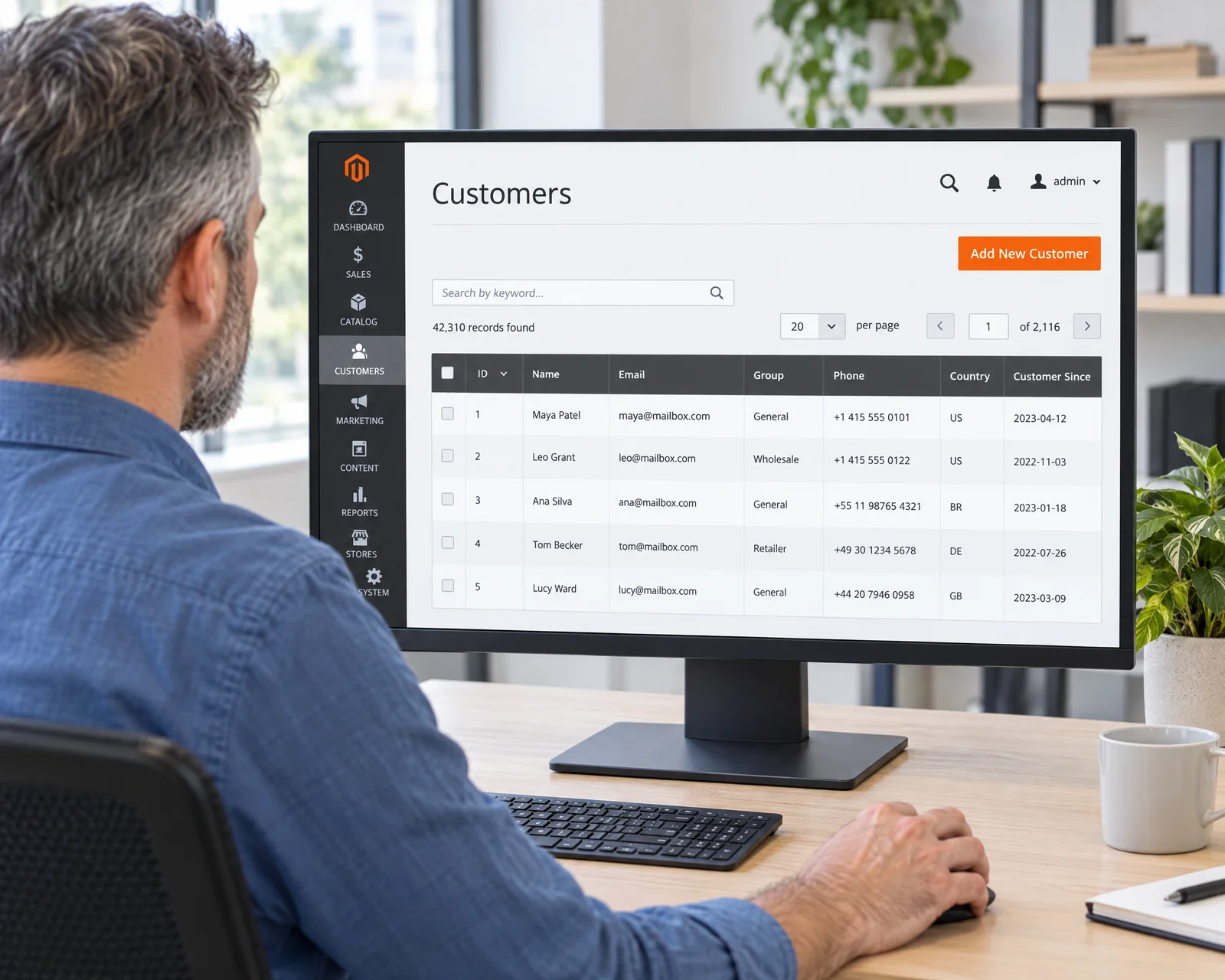
  1. Data engineer checking 42,310 customers moved into the Adobe Commerce admin Customers grid

    Data map / your store

    Your store

    3 record types, 1 data map

    • ProductsMapped
    • CustomersMapped
    • OrdersMapped
    Adobe Commerce catalogTarget
    Your data map lists every field and where it goes.

    01 Data move

    Move every product, customer and order

    We map each field from your old store to Adobe Commerce, test the import on a copy and check that the counts match.

    See Adobe Commerce store audit services


  2. SEO lead watching search clicks hold steady after launch in Google Search Console

    Redirect check / before launch

    Your store

    Old links that reach the right page

    100%

    Old URLs and new URLs

    We test every old link before launch.

    02 SEO and redirects

    Keep your search traffic

    We map every old URL to its new page, set 301 redirects, keep page titles and tracking, and test each link before launch. You get the map in writing.

  3. ERP engineer seeing ERP, PIM and CRM links active in the Adobe Commerce admin Integrations page

    Launch plan / your store

    Your store

    Your store keeps selling

    • Connect ERP, PIM and CRMBuild
    • Test order and stock syncStaging
    • Test checkout and searchStaging
    • Launch, old store on standbyQuiet hour
    Your old store stays open until launch.

    03 Systems and launch

    Connect your systems, then launch safely

    We connect ERP, PIM and CRM, test that orders and stock sync, then launch at a quiet hour with the old store ready as a fallback.

    Get my replatforming plan

Your replatforming plan

See what your plan covers.

A written plan for your store: if Adobe Commerce fits, what data moves, how links stay safe, which systems connect and what to do first. Then Redefine walks your team through it, and you choose the next step.

Sections
5
First step
1
Phases
3
Get my replatforming plan

Redefine

Confidential

Prepared for: your store

Adobe Commerce Replatforming Plan

Contents

  1. 01Adobe Commerce fit check3
  2. 02Data to move: catalog, customers, orders7
  3. 03Store setup changes12
  4. 04URL and redirect map18
  5. 05ERP, PIM and CRM links22

Adobe Commerce Replatforming Plan

Your store

01 / 05

First step

URL map

Your catalog and customers are ready to move. Old product links need redirects, so the URL map comes first.

How ready each part of your store is

Start with

URLs

Priority

High

Order of work

URLs Data Launch

How your Adobe Commerce Replatforming Plan is laid out: the cover and the first step, with what to do first.

What is the REDEFINE Method?

For an Adobe Commerce replatform, Redefine reads the new stack before any edit, then ranks by the catalog cutover, ships it, and proves the catalog cutover held.

Read the new stack, rank by the catalog cutover, deliver an Adobe Commerce replatform, prove it, then improve it. For a replatform, it means mapping your data, links and systems before anything moves. Read the REDEFINE Method

How much does Adobe Commerce replatforming cost?

The cost depends on your catalog, your integrations, your custom features and how much data moves.

Your written plan lists these cost drivers. The price comes once we know your store.

How long does a replatform take?

It depends on how complex your systems are and which features you need.

Your plan gives the timeline once we study your store.

How do you protect SEO and data during the move?

We build a full URL map, set redirects, check the data and do test runs before launch.

We plan the switch for a quiet time, so any downtime stays short. See Adobe Commerce store audit services

What happens to our apps, extensions and ERP, PIM or CRM links?

We review every app, extension and link, and decide with you what to rebuild, replace or retire.

Each link to your ERP, PIM or CRM is tested before launch. See Adobe Commerce development services

Who works on our project?

Developers, ERP engineers and marketers work on your move as one team, with one project owner.

Everyone works from the same plan.

What happens after launch?

We keep checking the store against the numbers agreed in the plan, and fix issues as they come up.

More help? See Adobe Commerce support services.

Start here

Get a written plan for moving your store to Adobe Commerce

You get a detailed replatforming plan for your store. Redefine shows if Adobe Commerce fits, what moves, how your links stay safe and what to do first. No obligation.

Ecommerce director reading your written Adobe Commerce replatforming plan at her desk
  • A written plan you keep
  • Data, redirects and systems covered
  • 25+ years in ecommerce
  • 550+ projects delivered

Request your written replatforming plan

Tell us where an Adobe Commerce replatform is stuck.

  1. 1Send your store details
  2. 2We review your current setup
  3. 3We talk through your goals
  4. 4You get your written plan