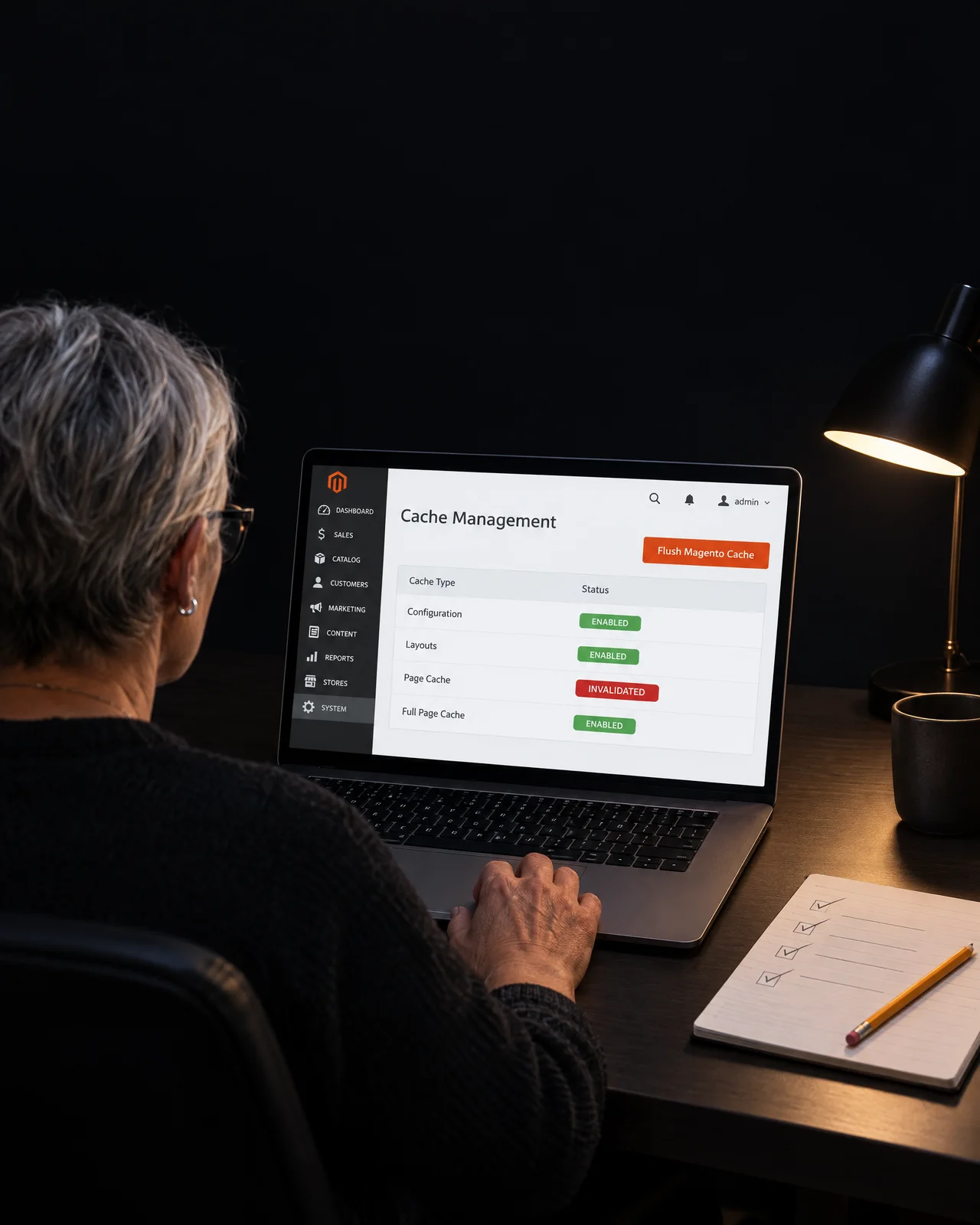
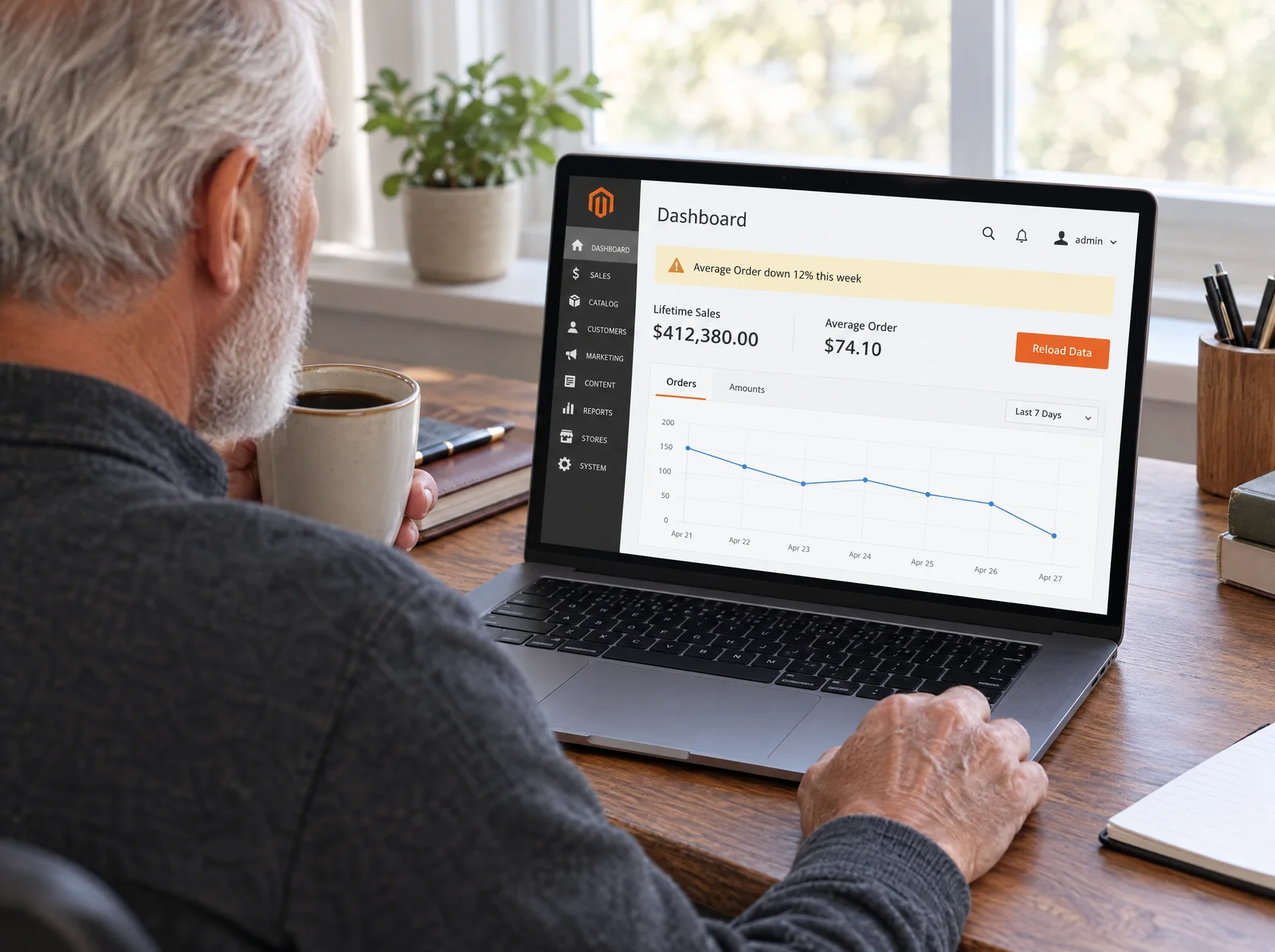
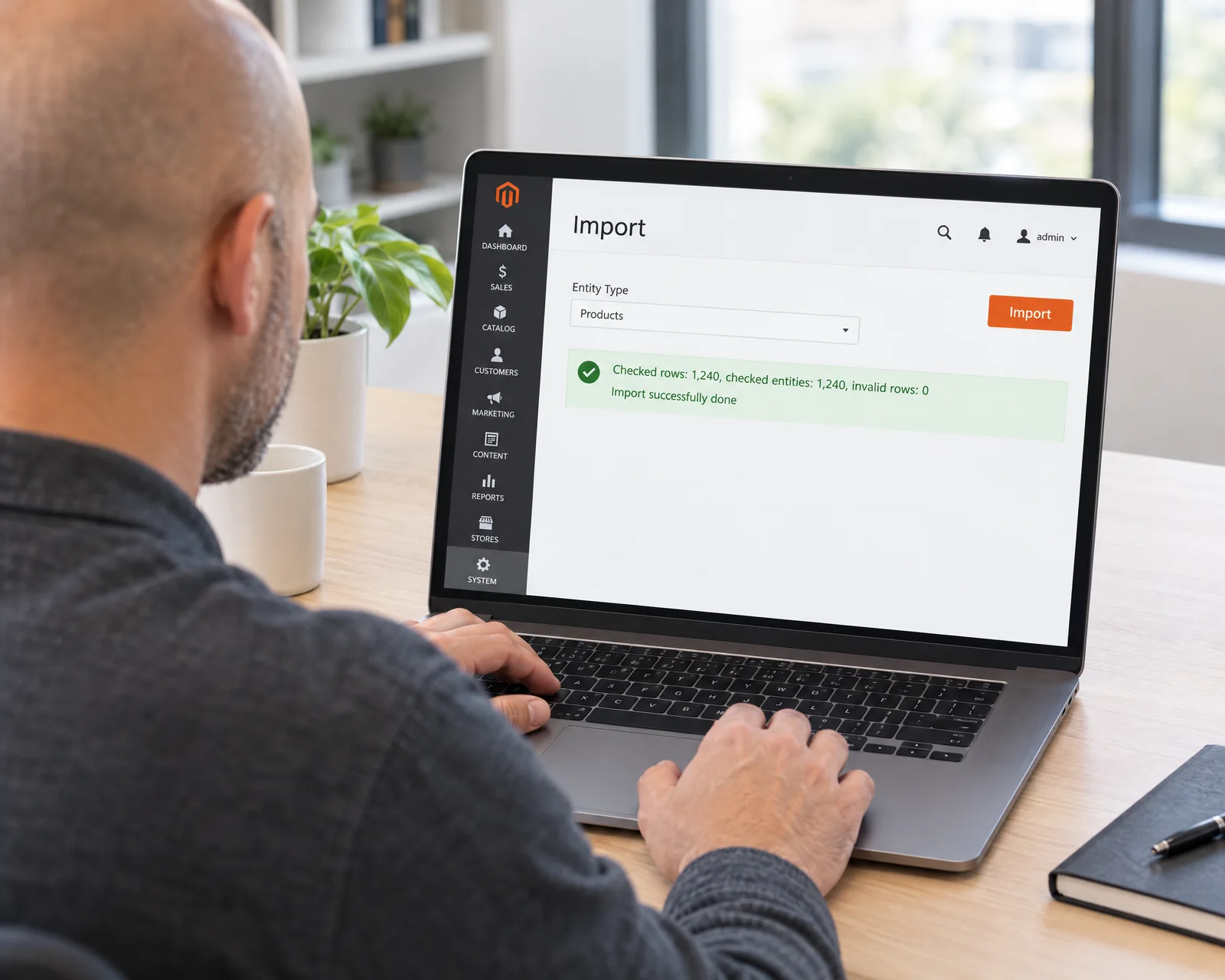
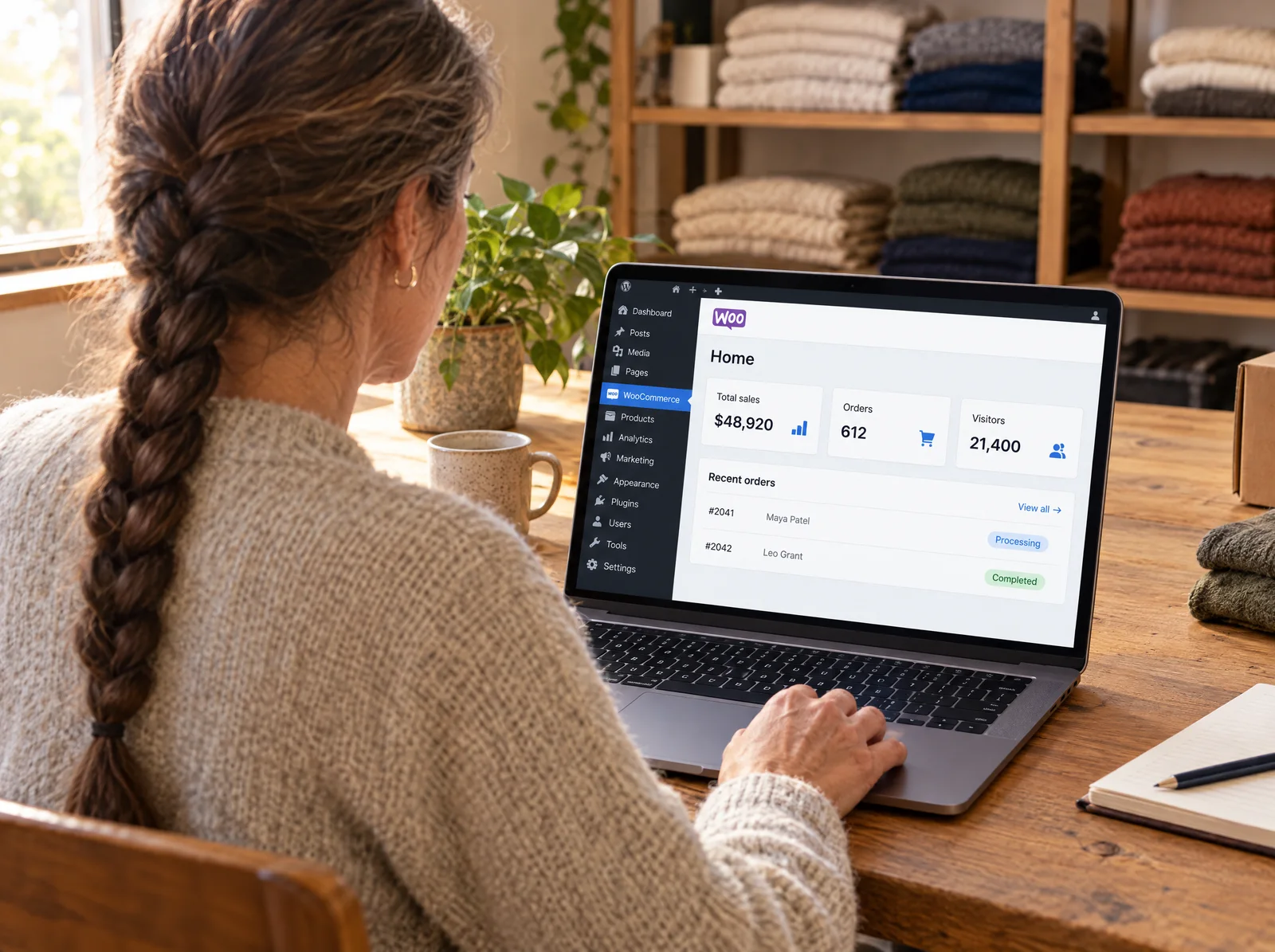
Get your WooCommerce to Adobe Commerce migration plan.
Redefine Innovations moves WooCommerce stores to Adobe Commerce for owners and ecommerce directors, with developers, ERP engineers and marketers on one team.
550+ projects in 25+ years. The plan is written for your store; you decide what happens next. Still deciding? See Adobe Commerce replatforming services.
Redefine Innovations
A single team for the whole move
Your plan shows what moves, what changes and what comes first, before any data moves.
Since 2001
25+
Years building ecommerce stores and business software.
Projects
550+
Projects delivered for shops and for companies that are growing.
Your team
1
Developers, ERP engineers and marketers share the WooCommerce-to-Magento move.
Redefine Innovations company figures. Nearest public shop build: Half Price Drapes. That project is outside Adobe Commerce. This work is planned by the same team. See all Adobe Commerce services.
Plan your move from WooCommerce: get your migration plan.
A WooCommerce to Magento migration moves your products, customers, orders, blog posts and URLs to Adobe Commerce (Magento), with redirects from every old link. Plugins are swapped for extensions, and links to other systems are rebuilt and tested before launch. Redefine Innovations plans and runs the move for growing stores, with developers, ERP engineers and marketers on one team.
WooCommerce keeps your store in WordPress: posts, pages, plugins and the shop share one site. Adobe Commerce works another way, so each part needs a plan.
So we map your data and links first. Then the new look and new features can follow.
This result is an estimate using your inputs, not a prediction: visitors x (new rate minus current rate) x average order value. Want more visitors to buy? See Adobe Commerce conversion optimization.
An engineering mindset for WooCommerce onto Adobe Commerce
Release plan for a WooCommerce to Adobe Commerce move.
One Redefine team handles a WooCommerce to Adobe Commerce move. The change lands in the WordPress catalog, and we judge it by Magento as the destination.
01·Our way: How we work
Success for a WooCommerce to Adobe Commerce move means moving Magento as the destination.
We call a WooCommerce to Adobe Commerce move done only after Magento as the destination moves.
Old way: Rather than the usual agency habit
A WooCommerce to Adobe Commerce move used to ship on opinion, with no check of Magento as the destination.
Marking a WooCommerce to Adobe Commerce move as sent used to be enough, even when Magento as the destination never moved.
02·Our way: How we work
Developers change the WordPress catalog while doing a WooCommerce to Adobe Commerce move.
Code for a WooCommerce to Adobe Commerce move is edited in the WordPress catalog.
Old way: Rather than the usual agency habit
The old habit stopped a WooCommerce to Adobe Commerce move before anyone touched the WordPress catalog.
During a WooCommerce to Adobe Commerce move, the WordPress catalog used to be left unchanged.
03·Our way: How we work
If Magento as the destination slips during a WooCommerce to Adobe Commerce move, an alert goes out that same week.
The alert for a WooCommerce to Adobe Commerce move names one owner and the next edit in the WordPress catalog.
Old way: Rather than the usual agency habit
Magento as the destination used to sit for a month before anyone reviewed a WooCommerce to Adobe Commerce move.
Orders moving through the WordPress catalog had already dropped before a WooCommerce to Adobe Commerce move was reviewed.
What moves
Everything your store runs on, moved and checked.
Products, customers, orders, content and links move in test runs first. Here is what happens to your data.
01 / Data
Move products, customers and orders
Products, variations, customers and order history move in test runs, and we count every record each time.
Test run, your store
Your store
ProductsMatched
CustomersMatched
OrdersMatched
Counted on both sides
02 / Links
Map every old URL
Every product, category, blog and page URL gets a 301 redirect to its new page, so old links still work.
Old URL
/product/merino-crew-sweater/
Redirect map
One 301 rule for every product, category, post and page
New page
Live
Old link
Retired
404 page
Avoided
Each old link lands on its new page
Your store
03 / Content
Bring over posts and pages
Blog posts, pages, titles and meta data move to Adobe Commerce, so your content keeps working.
Blog posts moved
Titles and meta data checked
Your store
04 / Check
Check every count
Counts are checked before and after each test run, and gaps get fixed before launch.
Data check
Your store, final test run
100%
records matched
Run 1Gaps fixed before launchRun 7
Test run, your store
Your store
ProductsMatched
CustomersMatched
OrdersMatched
Counted on both sides
Old URL
/product/merino-crew-sweater/
Redirect map
One 301 rule for every product, category, post and page
New page
Live
Old link
Retired
404 page
Avoided
Each old link lands on its new page
Your store
Blog posts moved
Titles and meta data checked
Your store
Data check
Your store, final test run
100%
records matched
Run 1Gaps fixed before launchRun 7
How Redefine works
TheREDEFINEMethod
Steps to move your store from WooCommerce to Adobe Commerce.
Five stages guide the move. A new design is not the first job: data, URLs and redirects need a map before the look changes.
Your products and customers map cleanly. Many old blog and product URLs have no new home yet, so the redirect map comes first.
Products100%
Customers90%
Plugins60%
URLs10%
How prepared each part of the shop is
Start with
Redirects
Priority
High
Order of work
Map
Move
Launch
How your WooCommerce to Adobe Commerce Migration Plan is laid out: the cover and the first finding, with what to do first.
Questions
Common questions about WooCommerce to Magento migration
Clear answers on a WooCommerce to Adobe Commerce move, before you ask for a plan.
REDEFINE Method
The REDEFINE Method, explained
For a WooCommerce to Adobe Commerce move, Redefine reads the WordPress catalog before any edit, then ranks by Magento as the destination, ships it, and proves Magento as the destination held.
Read the WordPress catalog, rank by Magento as the destination, deliver a WooCommerce to Adobe Commerce move, prove it, then improve it. For a WooCommerce move, it means mapping your data and URLs before anything changes. Read the REDEFINE Method
Cost
How much does the migration cost?
The cost depends on your catalog size, how much data you have, custom features and integrations.
Your migration plan gives a scoped estimate before any work starts.
Timing
How long will the migration take?
It depends on catalog size, custom features and how complex your integrations are. No launch date is promised up front.
Your plan sets out each phase and a launch window, so you can plan around it.
SEO
What happens to my SEO and URLs?
We build a redirect map for your products, categories, blog posts and pages, and we check titles and meta data.
Customers and order history move in test runs, and we count the records before and after each run.
Your plan sets how customer passwords are handled, and gaps are fixed before launch.
Plugins
How are plugins and integrations handled?
Each WordPress plugin is listed and matched with an Adobe Commerce extension or custom code. ERP, payment, shipping and email links are part of the plan.
Developers, ERP engineers and marketers from Redefine Innovations, led by one project owner.
The team works from one plan, so your questions have one place to go.
Start here
Ready to move your store forward?
Tell us about your WooCommerce store and Redefine writes a plan for the move to Adobe Commerce: what moves, what changes, how SEO is protected and what to do first. No obligation.
The written plan stays with you
Data, URLs, plugins and launch covered
25+ years in ecommerce
550+ projects delivered
Your WooCommerce to Adobe Commerce migration plan
Tell us where a WooCommerce to Adobe Commerce move is stuck.
1Send your store details
2A Redefine engineer reviews your store
3You receive the written plan
4A short call to walk through it and decide the next step