How much does a BigCommerce to Magento migration cost?
The price depends on the work in your written plan: your catalog, your integrations and the features you need.
You get a clear range once the project is fully scoped, before any work starts.
BigCommerce to Magento migration
Redefine Innovations moves BigCommerce stores to Adobe Commerce (Magento) as one team.
Your plan shows what moves and how SEO stays safe. 550+ projects delivered in 25+ years. Still choosing a platform? See Adobe Commerce Replatforming Services.

01BigCommerce catalog mapped

02Old URLs set as 301 redirects
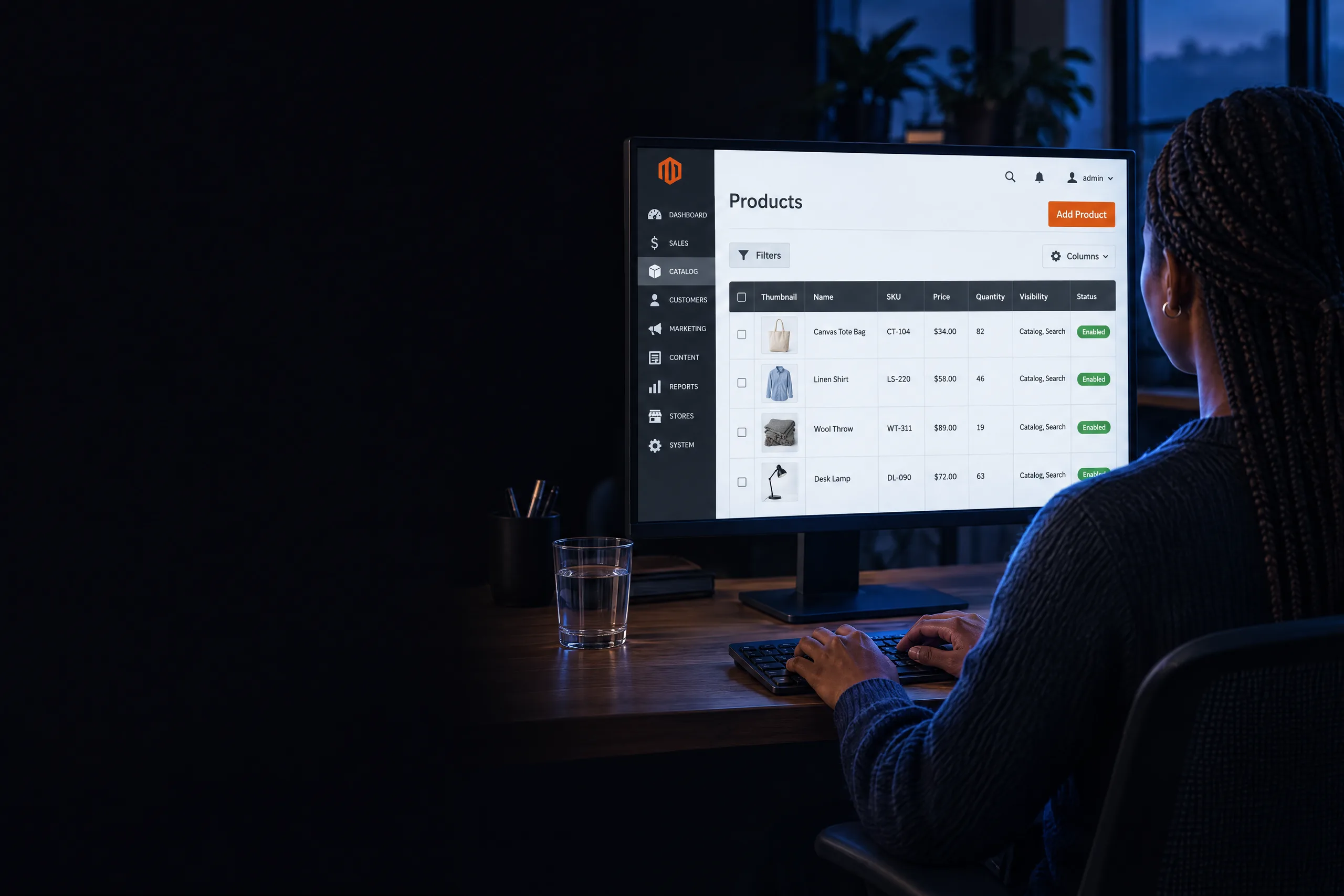
03Products checked on Adobe Commerce

04Live, first orders in
The team
One team plans and runs your move, from the first data map to the last check.
Company facts. See all Adobe Commerce services.
Closest published store build: Half Price Drapes. That project is not Adobe Commerce. The same team plans this work.
Request a written migration plan today.
Written for your store, no obligation.
Short answer
Updated
A BigCommerce to Magento migration moves your products, customers and orders to Adobe Commerce, which is built on Magento. Each old URL gets a 301 redirect to its new page, and apps are replaced with extensions or custom modules. Redefine Innovations plans and runs the move for teams that need deeper custom work, B2B tools or ERP links.
A move is more than copying data. Products, links, apps and price lists all have to work on the new store.
So we map your data and URLs first. Then we move, test and launch in the order that keeps your store selling.
BigCommerce to Adobe Commerce, part by part
What we map before we move
Moving from another platform? See Shopify to Adobe Commerce and WooCommerce to Adobe Commerce, or all Adobe Commerce services.
Tap a point to see how one BigCommerce product moves.

Variants
BigCommerce options and variants become one configurable product with child items.
Photos
Every product photo moves with its order and alt text, then we count them.
B2B prices
Wholesale prices move to customer group prices that match your ERP.
URL key
Each product keeps a clean URL key, and its old link gets a 301 redirect.
One of your products after the move, in the Adobe Commerce admin.
One team
Handoffs between vendors during a move add cost and risk. Redefine runs all four parts on one plan.
Get my migration planBefore
A migration agency moves the data, an Adobe Commerce developer builds the store, an ERP partner links your systems and a marketer guards search. Nobody owns the move.
Migration agency
Moves your data with its own plan
ERP partner
Links your systems on its own
SEO and marketing
Guards search on its own
Store developer
Tailors Adobe Commerce on its own
After
Redefine puts developers, ERP engineers and marketers on one migration plan with one owner.
Redefine Innovations
One team

Adobe Commerce Replatforming Services
Check that Adobe Commerce fits your business before you switch.
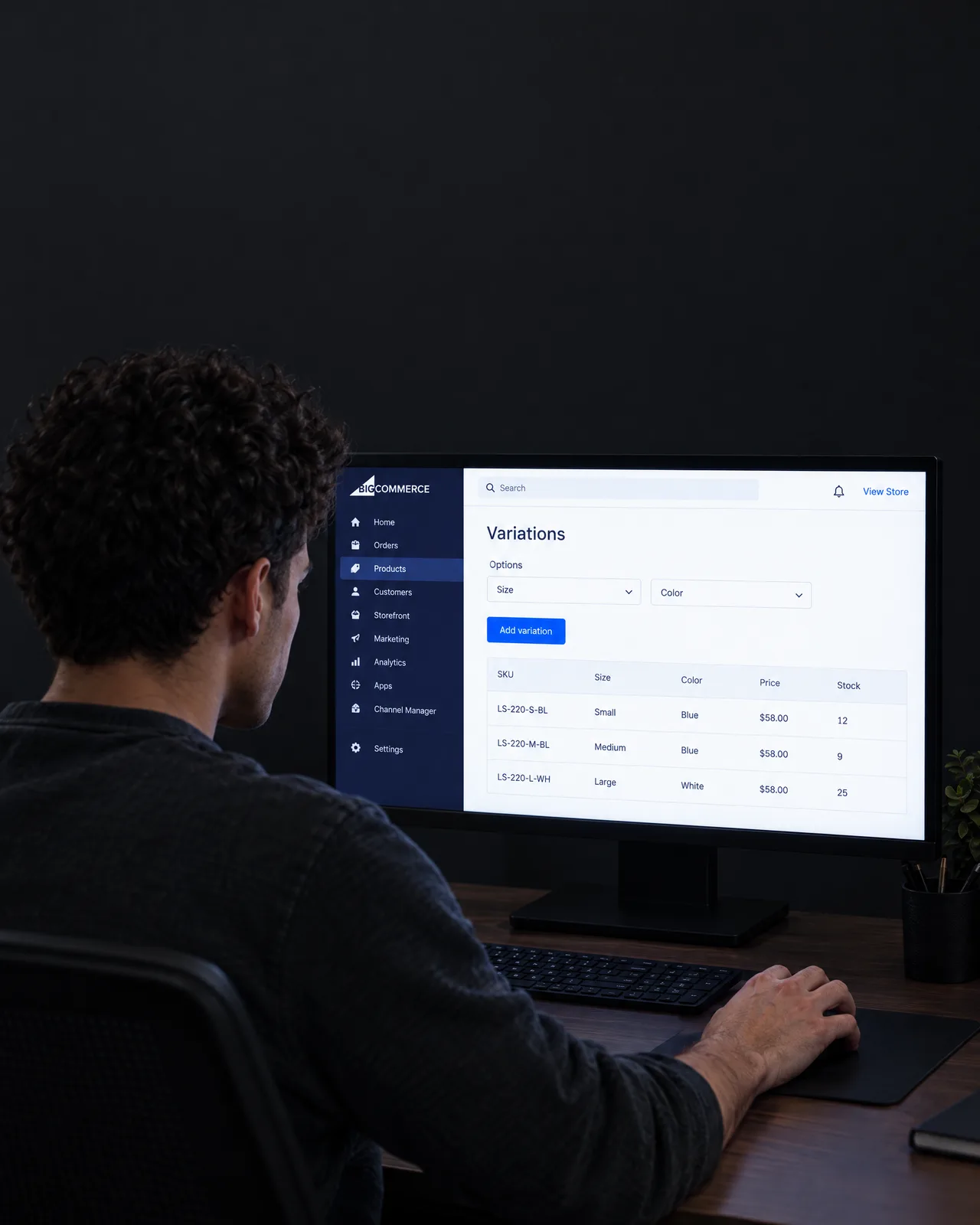
Adobe Commerce Development Services
Products, options and variants may need a new setup.
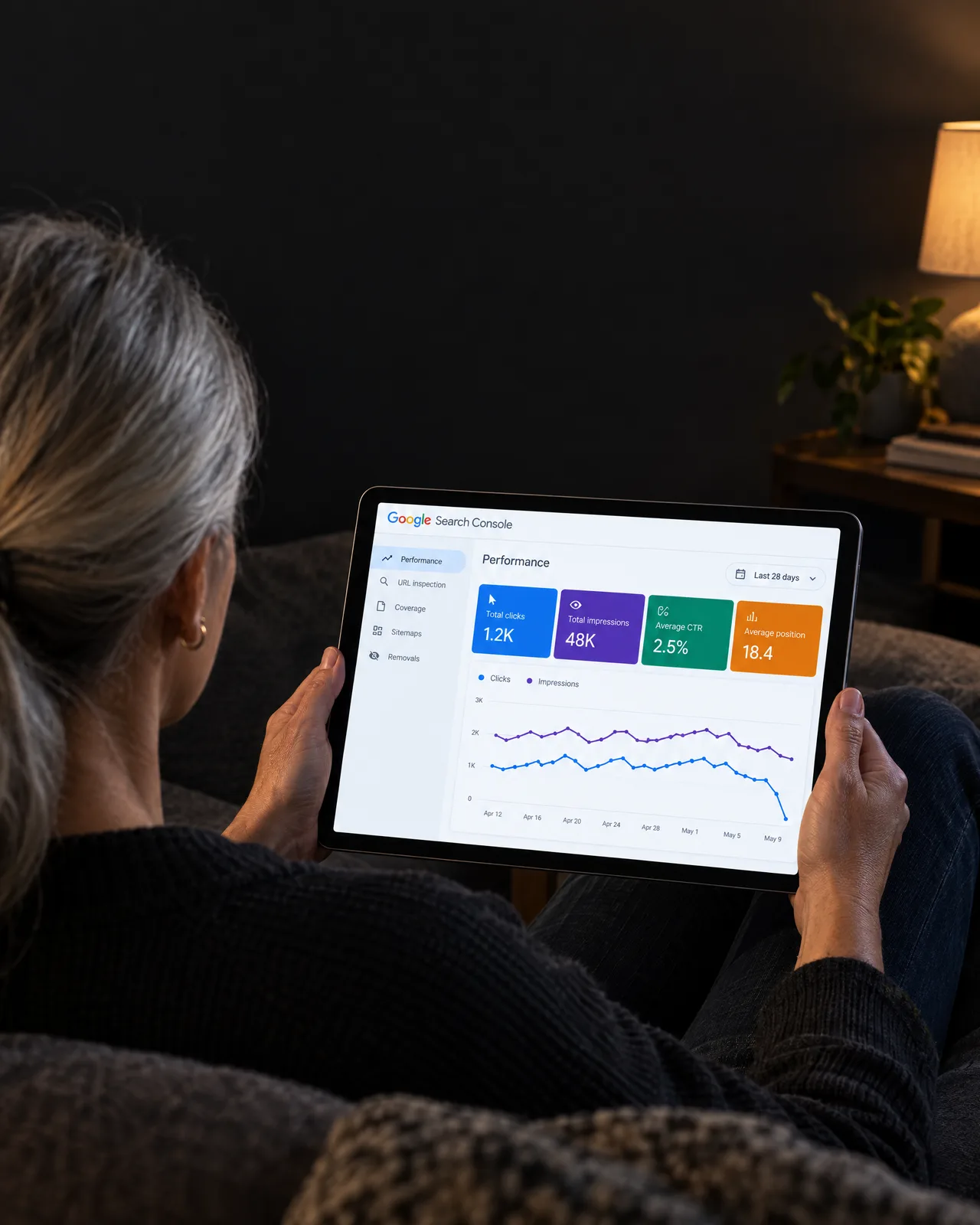
Adobe Commerce Store Audit Services
A full URL map and 301 redirects keep search traffic.
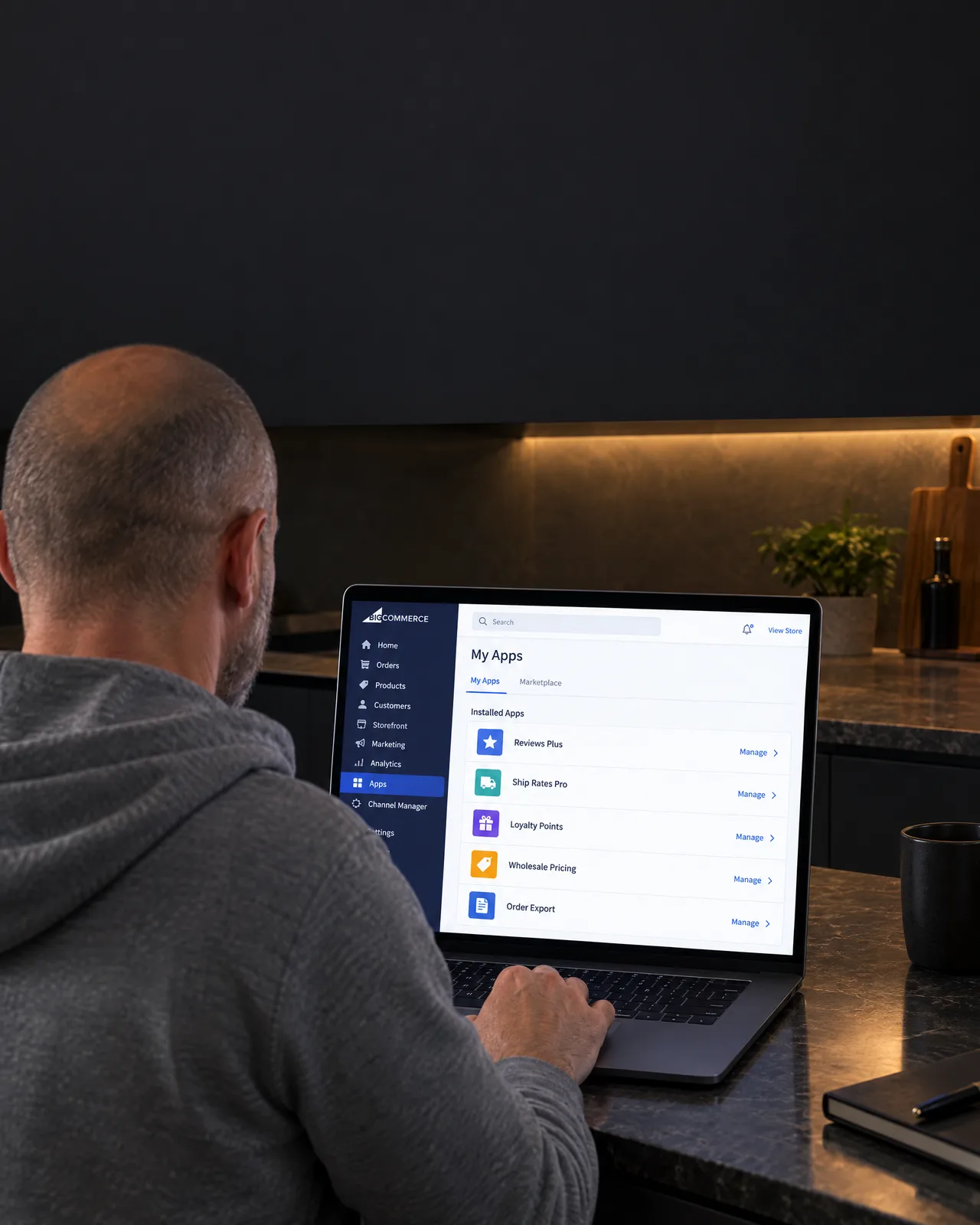
Adobe Commerce Consulting Services
Each BigCommerce app gets an extension or a custom module.

Revenue at risk calculator
See how much revenue a dip in conversions during the move could cost. Enter your own numbers to check.
Monthly revenue
Your estimate
Estimated revenue at risk
$33Kper month
$399K a year if the dip lasts.
Your plan shows how the move keeps sales safe.
This is an estimate from your own numbers, not a forecast: visitors x (rate today minus rate during a dip) x average order value.
One partner
Data, code, ERP links and SEO move on one plan, with one owner from the first map to the last check.
An engineering mindset for BigCommerce onto Adobe Commerce
Redefine Innovations is an engineering company that does marketing. Developers, ERP engineers and marketers work on one team, so a fix reaches your store's code, not just the ad account.

01 Our way: How we work
Every change is a test with a success measure.
Each task has a "done when" line, like every redirect passing or order counts matching.
Old way: Instead of the usual agency habit
Changes ship on opinion.
Work counts as done when it is sent.
02 Our way: How we work
Developers fix the store itself.
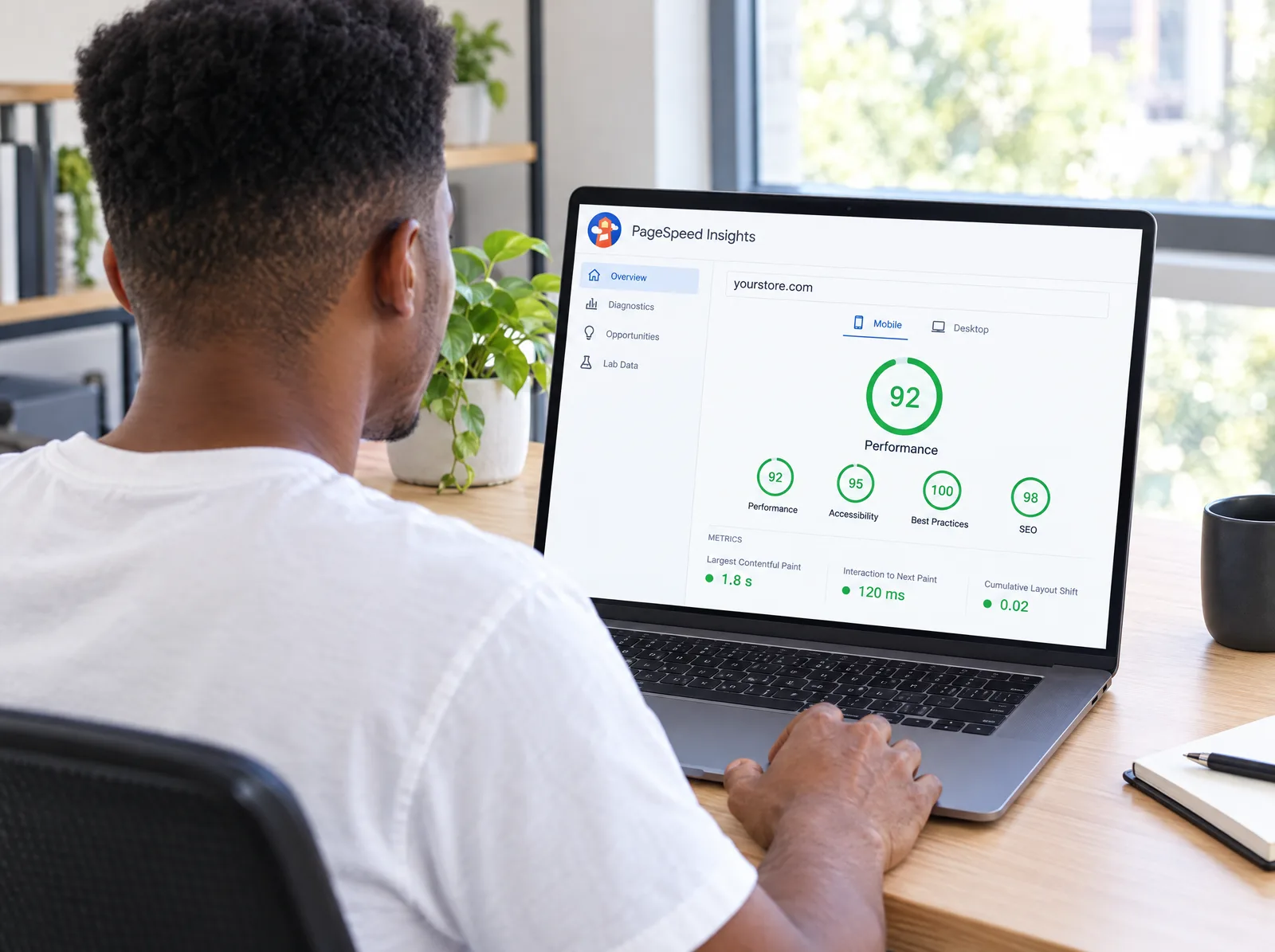
Speed, checkout and data checks get fixed on your new Adobe Commerce store.
Old way: Instead of the usual agency habit
Fixes stop at the ad account.
The store itself never changes.

03 Our way: How we work
Alerts fire the week a number drifts.
After launch, each alert comes with a planned response and one owner.
Old way: Instead of the usual agency habit
Problems wait for the monthly report.
By then, sales are already lost.
How Redefine works
Structured steps for migrating from BigCommerce to Adobe Commerce.
Redefine follows a dependable path from BigCommerce to Adobe Commerce. Each stage targets a known risk, so the move stays manageable.
A written migration plan for your store.
Why this approach matters
Start here
We analyze your BigCommerce catalog, customers and orders, and review apps, URLs, B2B setup and ERP links.
You receive Insight into your current setup
Choose what matters
We pick what must move first and log the rest. A full redesign waits until data, URLs and integrations move cleanly.
You receive A clear migration plan
Do the work
We build your Adobe Commerce store and move products, customers and orders. We set 301 redirects and add extensions or custom modules in place of apps.
You receive Your Adobe Commerce store set up
Check the result
We check data counts, test redirects and confirm checkout and orders work before and after cutover, which runs in a planned window.
You receive Launch checks with pass marks
Keep improving
After launch we watch search, speed and sales closely, and fix issues that come up.
You receive Ongoing performance checks
A roadmap, status updates, a clear checklist, risk notes and support guidelines.
Cutover checks
A move only counts when the numbers match. These four checks run before and after the cutover, each with one owner.

CheckProducts, customers, orders
CheckA 301 from each old URL
TestOrdersTestPaymentsTestEmails
After launchSearch, speed, sales
Each check has a pass mark you can see in your plan.
Your migration plan
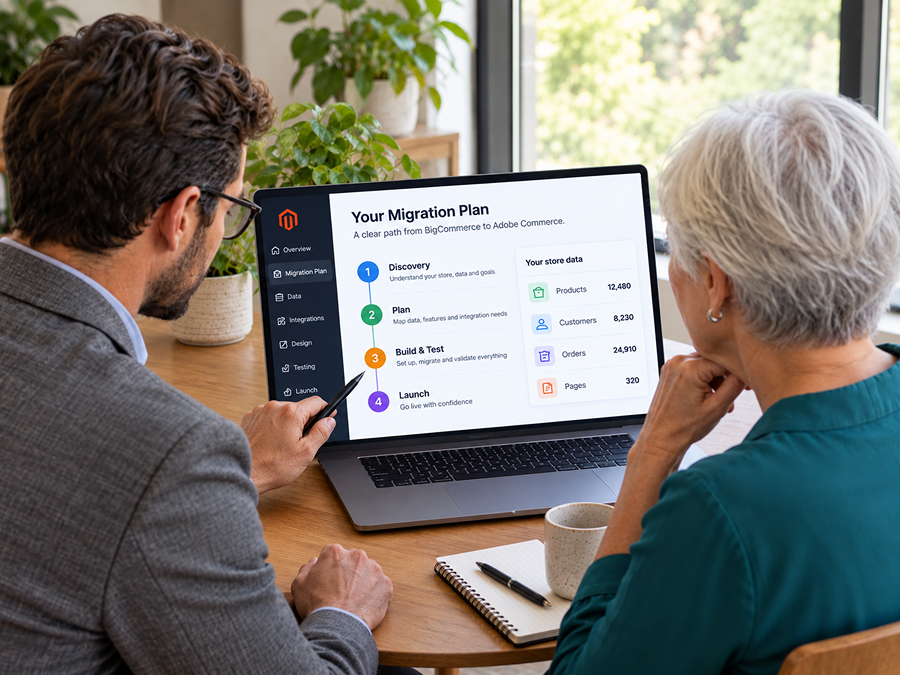
This plan shows how your store can move from BigCommerce to Adobe Commerce: what changes and what to do first. Redefine walks you through the plan on a call, and you decide the next step.
Redefine
Confidential
Prepared for: your store
BigCommerce to Adobe Commerce Migration Plan
Contents
BigCommerce to Adobe Commerce Migration Plan
Your store
First fix
Variants
Your products are ready to move. Options and variants need a new setup first, and old URLs need a 301 map.
How ready each part of your store is
Start with
URLs
Priority
High
Order of work
Map Move Launch
Questions
Clear answers before you ask for your plan.
The price depends on the work in your written plan: your catalog, your integrations and the features you need.
You get a clear range once the project is fully scoped, before any work starts.
It depends on your catalog size, the integrations you need and your B2B setup. Redefine confirms the timeline after these details are reviewed in your plan.
We map old URLs to new ones, set 301 redirects and check them after launch. Rankings and traffic can still change after a move, so we never promise them.
We watch search closely instead.
Order history and customer records are moved and checked against the old store. The password approach is agreed in your plan, and customers are told ahead of time if they need to reset a password.
We review every app you use and match it to an Adobe Commerce extension or a custom module.
Apps you no longer need are retired after we talk it through with your team.
The REDEFINE Method is Redefine Innovations' business-first framework for identifying business constraints, prioritizing improvements, delivering appropriate solutions, verifying outcomes, and sustaining improvements.
It has five stages: Diagnose, Prioritize, Deliver, Prove and Improve. For a BigCommerce move, it means mapping data and URLs first, testing before cutover and watching results after. Read the REDEFINE Method
Developers move the data and build the store. ERP engineers link systems and pricing. Marketers check search and tracking.
After launch, the same team watches search, speed and orders and fixes what drifts, with one owner per issue. For ongoing care, see Adobe Commerce Managed Services.
Start here
Share your details to get your migration plan. Our team is here to help you move from BigCommerce to Adobe Commerce. No obligation.
Tell us about your store and what feels stuck.