












Shopify to Magento migration

Receive a detailed migration plan for your move to Adobe Commerce

Redefine Innovations moves Shopify stores to Adobe Commerce for custom builds, B2B tools and ERP links.

550+ projects delivered in 25+ years. Still choosing? See Adobe Commerce replatforming services.

  1. An architect reviews the Shopify admin Products page before your move to Adobe Commerce

    01Shopify store reviewed

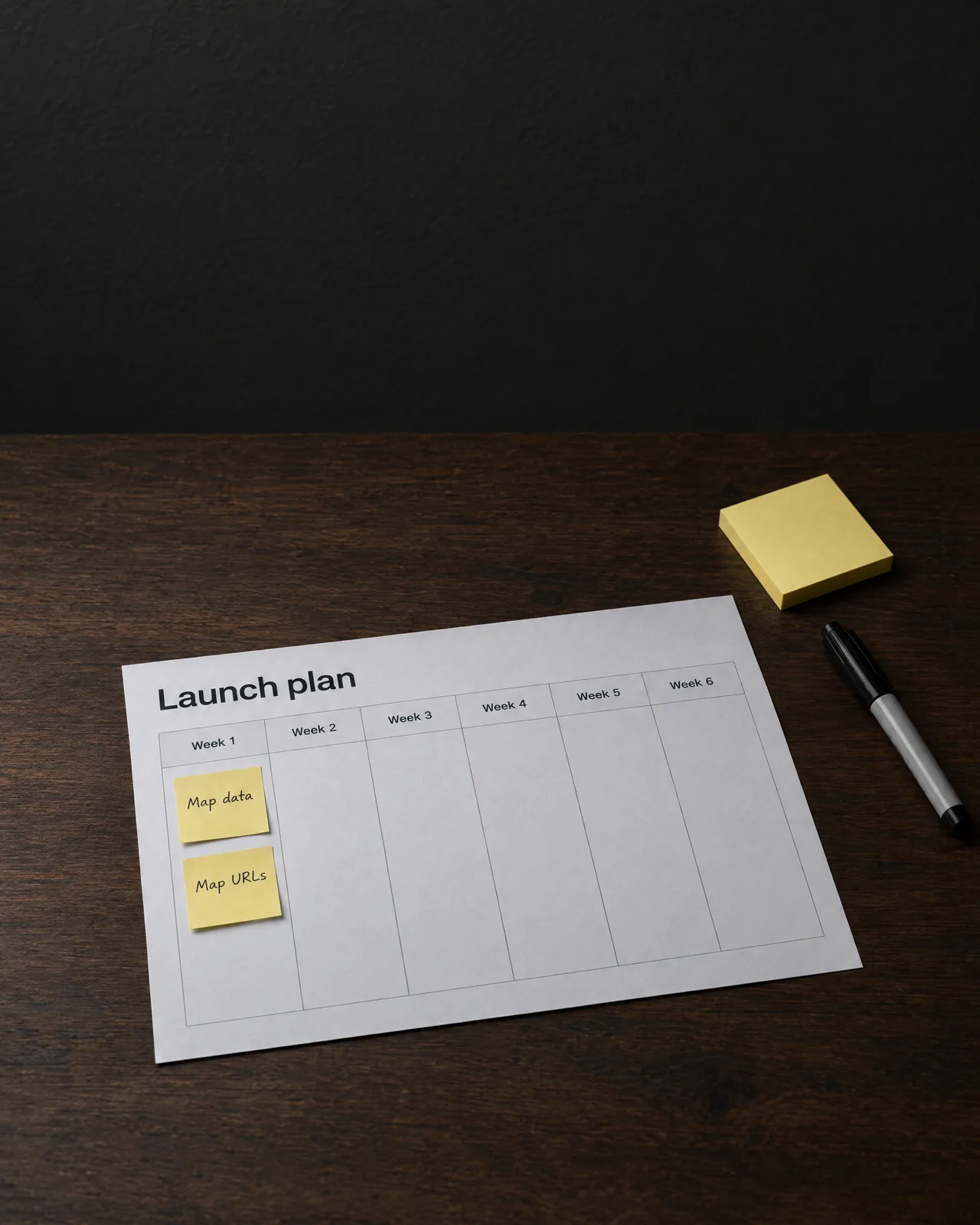
  2. An SEO lead and a data engineer map old Shopify links to new Adobe Commerce pages on a printed sheet

    02Data and links mapped

  3. A developer runs a test product import in the Adobe Commerce admin with no invalid rows

    03Test import passed

  4. A store owner and a migration lead watch the first orders arrive in the Adobe Commerce admin Orders grid

    04First orders on Adobe Commerce

Redefine Innovations

One team for your whole move

Your plan shows what moves, what changes and what to do first, before any work starts.

  • Since 2001
    25+
    Years building ecommerce stores and business software.
  • Projects
    550+
    Projects delivered for stores and growing companies.
  • Your team
    1
    Developers, ERP engineers and marketers share the Shopify-to-Magento move.

Redefine Innovations company figures. Closest published store build: Half Price Drapes. That project is not Adobe Commerce. The same team plans this work. See all Adobe Commerce services.

Plan your migration step by step: get your written migration plan.

Made for your store, no obligation.

Get my migration plan

Short answer

What is a Shopify to Magento migration?

Updated

A Shopify to Magento migration moves your online store from Shopify to Adobe Commerce, the paid version of Magento. Redefine Innovations helps ecommerce directors and CTOs make the move: we transfer products, customers and orders, map URLs and redirects, map Shopify apps to extensions or custom code, and reconnect your ERP and other systems.

A store move goes wrong when data, links or apps are left for last. Then sales and search traffic drop right after launch.

So we map them first. Then we build, test and launch, and we watch the numbers each week.

What a move covers

Your store, part by part

PartWhat we checkWhat we doLearn more
Catalog and customersProducts, variants, stock, customers and ordersWe move them in test runs, then check the countsStore audit services
Links and SEOEvery product, collection and page URLWe map each one and set 301 redirectsAdobe Commerce SEO services
Apps and ERPEach Shopify app and each system linkWe pick an extension, custom code or neither, then reconnect your ERPIntegration services

What we check before we start

  • [1] Products, variants and stock
  • [2] Customers and orders
  • [3] URLs and redirects
  • [4] Apps and integrations

Moving from another platform? See Adobe Commerce migration services, or all Adobe Commerce services.

Customize your business with Adobe Commerce.

Set prices per buyer, run more stores and link your ERP on one platform.

Get my migration plan
A wholesale manager checks a large B2B pallet order, the kind of order Adobe Commerce can price and route for you

One team

Four vendors become one team.

Developers, ERP engineers and marketers plan and run the move together, with one plan and one owner.

Get my migration plan

Before

A migration agency moves the data, a developer rebuilds apps, an ERP partner reconnects orders and stock, and a marketer maps URLs. Nobody owns the move.

  • Developer

    Own plan, own contact

  • ERP partner

    Own plan, own contact

  • Marketing, SEO

    Own plan, own contact

  • Migration agency

    Own plan, own contact

After

Redefine, one team: one plan for your whole move.

Redefine Innovations

One team

  • Apps and code
  • ERP links
  • URLs and SEO
  • Data

Revenue calculator

See your revenue difference after the move

Put in your own numbers to see what a better conversion rate on Adobe Commerce could be worth each month.

Your numbers

Monthly

35,000
1.4%
$190
1.9%

Monthly revenue

Your estimate

Current
$93K
Potential
$126K

Estimated revenue impact

$33Kper month

$399K a year from the same traffic.

Get my migration plan

Your plan shows what to do first.

This is a first estimate from your own numbers: visitors x (rate you aim for minus current rate) x average order value. Not a promise. Want more visitors to buy after launch? See Adobe Commerce conversion optimization.

Spot the problems before you move.

An engineering mindset for Shopify onto Adobe Commerce

Release plan for a Shopify to Adobe Commerce move.

One Redefine team handles a Shopify to Adobe Commerce move. The change lands in the Shopify catalog, and we judge it by Magento as the destination.

  1. A migration lead writes the done-when line for redirects on a glass board before the work starts

    01 Our way: How we work

    Success for a Shopify to Adobe Commerce move means moving Magento as the destination.

    We call a Shopify to Adobe Commerce move done only after Magento as the destination moves.

    Old way: Instead of the usual agency habit

    A Shopify to Adobe Commerce move used to ship on opinion, with no check of Magento as the destination.

    Marking a Shopify to Adobe Commerce move as sent used to be enough, even when Magento as the destination never moved.

  2. A developer sees a green Lighthouse performance score after fixing the store code

    02 Our way: How we work

    Developers change the Shopify catalog while doing a Shopify to Adobe Commerce move.

    Code for a Shopify to Adobe Commerce move is edited in the Shopify catalog.

    Old way: Instead of the usual agency habit

    The old habit stopped a Shopify to Adobe Commerce move before anyone touched the Shopify catalog.

    During a Shopify to Adobe Commerce move, the Shopify catalog used to be left unchanged.

  3. An SEO lead checks Google Search Console clicks the week after launch and spots a dip early

    03 Our way: How we work

    If Magento as the destination slips during a Shopify to Adobe Commerce move, an alert goes out that same week.

    The alert for a Shopify to Adobe Commerce move names one owner and the next edit in the Shopify catalog.

    Old way: Instead of the usual agency habit

    Magento as the destination used to sit for a month before anyone reviewed a Shopify to Adobe Commerce move.

    Orders moving through the Shopify catalog had already dropped before a Shopify to Adobe Commerce move was reviewed.

How Redefine works

TheREDEFINEMethod

How Redefine plans and runs your Shopify to Adobe Commerce move.

Five stages take you from your Shopify setup to a working Adobe Commerce store. Each stage is shaped around the needs of your business.

Get my migration plan

A written migration plan for your store, with no obligation.

Why this approach matters

  • Less risk in the move.
  • Your daily operations stay steady.
  • Room to grow later.
  1. Start here

    Step 1: Diagnose

    We review your Shopify store: products, variants, customers, orders, URLs, apps and integrations, so we know what Adobe Commerce must do for you.

    You receive An assessment of your store

  2. Choose what matters

    Step 2: Prioritize

    Redefine would not start with a full redesign, because products, customers, orders and redirects must be mapped before the look changes.

    You receive A priority roadmap

  3. Do the work

    Step 3: Deliver

    We build your Adobe Commerce store, move data in test runs, rebuild apps as extensions or custom code, and connect your ERP.

    You receive A working Adobe Commerce build

  4. Check the result

    Step 4: Prove

    We compare data counts, redirects, checkout and integrations against set targets before and after launch.

    You receive A validation report

  5. Keep improving

    Step 5: Improve

    After launch, we watch orders, search traffic and integrations each week. When a number drifts, the owner fixes it and logs the change.

    You receive A weekly watch list

What you receive

A written migration plan, a data and URL map, an app to extension map, a launch checklist and a post-launch watch list.

What moves, and how

Your catalog, your customers and your links, moved with care

We move products, customers and orders in test runs, and map every old URL to a 301 redirect before launch.

  1. A merchandiser checks your moved catalog in the Adobe Commerce admin Products grid

    Catalog check / your store

    Your store

    3 parts, 1 test run

    • ProductsMapped
    • Variants and optionsMapped
    • Images and stockMapped
    Adobe Commerce catalogTarget
    Your plan lists every product field and where it goes.

    01 Products and catalog

    Move every product, variant and image

    We map each product field from Shopify to Adobe Commerce, run test imports and compare the counts before launch.

    See Adobe Commerce store audit services


  2. A support lead checks moved customer accounts in the Adobe Commerce admin Customers grid

    Count check / after the test run

    Your store

    Records we check on both sides

    100%

    Customers, orders and history

    We count each record on Shopify and on Adobe Commerce.

    02 Customers and orders

    Bring your customers and order history

    We move customer accounts and past orders, then compare the counts on both sides. You get the numbers in writing.

  3. An SEO specialist checks 301 redirects from old Shopify links in the Adobe Commerce URL Rewrites grid

    Launch plan / store open

    Your store

    Your store keeps selling

    • Map every old URLBefore
    • Set 301 redirectsStaging
    • Test checkout and linksStaging
    • Switch and watch searchLaunch
    Your Shopify store stays open while we build and test.

    03 URLs and redirects

    Keep your links and search traffic

    We map product, collection and page URLs to new ones, set 301 redirects and check search traffic each week after launch.

    Get my migration plan

Your migration plan

See what your migration plan covers.

A written plan for your move from Shopify to Adobe Commerce: what moves, what changes, how SEO is protected and what to do first. A Redefine engineer walks your team through it.

Sections
5
First step
1
Phases
3
Get my migration plan

Redefine

Confidential

Prepared for: your store

Shopify to Adobe Commerce Migration Plan

Contents

  1. 01Products and catalog3
  2. 02Customers and orders7
  3. 03URLs and redirects for SEO12
  4. 04Apps mapped to extensions or code18
  5. 05ERP links and launch plan22

Shopify to Adobe Commerce Migration Plan

Your store

01 / 05

First step

Redirects

Your catalog and customers are ready to move. Your product links still need redirects, so they come first.

How ready each part of your store is

Start with

URLs

Priority

High

Order of work

URLs Build Launch

How your Shopify to Adobe Commerce Migration Plan is laid out: the cover and the first finding, with what to do first.

How much does a Shopify to Magento migration cost?

The cost depends on your catalog size, the apps to rebuild, your integrations and your B2B needs.

Your migration plan gives the price before any work starts. Adobe license fees are separate and set by Adobe.

How long does the migration take?

It depends on how much data you have, which apps you use and which systems must connect.

After we study your store, your plan gives the timeline.

How are URLs and SEO protected?

We map URLs and set 301 redirects for products, collections and pages, so old links keep working. Page titles and descriptions move too, and we check them around launch.

Nobody can promise rankings, since search results depend on many things outside our control. See Adobe Commerce SEO services

Will the store go down during the move?

Your Shopify store stays open while we build and test the new store. We plan the switch with you at a quiet time and keep downtime as low as we can.

What happens to our Shopify apps?

We check each app and choose an Adobe Commerce extension, custom code, or to retire it.

During discovery we find out what each app lets you export. See Adobe Commerce development services

What is the REDEFINE Method?

For a Shopify to Adobe Commerce move, Redefine reads the Shopify catalog before any edit, then ranks by Magento as the destination, ships it, and proves Magento as the destination held.

Read the Shopify catalog, rank by Magento as the destination, deliver a Shopify to Adobe Commerce move, prove it, then improve it. For a Shopify to Adobe Commerce migration, data, redirects and apps are mapped before design work starts. Read the REDEFINE Method

Who works on the migration, and what happens after launch?

Developers, ERP engineers and marketers work as one Redefine team with one migration owner. After launch, they watch orders, check redirects and test integrations, and the owner sends your team regular updates.

Start here

Ready to move to Adobe Commerce?

You tell us about your store and Redefine sends a written plan: what moves, what changes, how SEO is protected and what to do first. No obligation.

An ecommerce director reads the written Shopify to Adobe Commerce migration plan for her store
  • A written plan you keep
  • Data, links, apps and ERP covered
  • 25+ years in ecommerce
  • 550+ projects delivered

Get your Shopify to Adobe Commerce migration plan

Tell us where a Shopify to Adobe Commerce move is stuck.

  1. 1Send your store details
  2. 2We review your store and request
  3. 3A Redefine engineer asks a few questions on a short call
  4. 4You receive your written migration plan