











Magento CRM integration

Get a clear plan to connect Adobe Commerce and your CRM

Redefine Innovations connects Adobe Commerce (Magento) stores to Salesforce, HubSpot and Dynamics 365, with developers, ERP engineers and marketers on one team.

550+ projects in 25+ years. Only need a review? See Adobe Commerce integration audit.

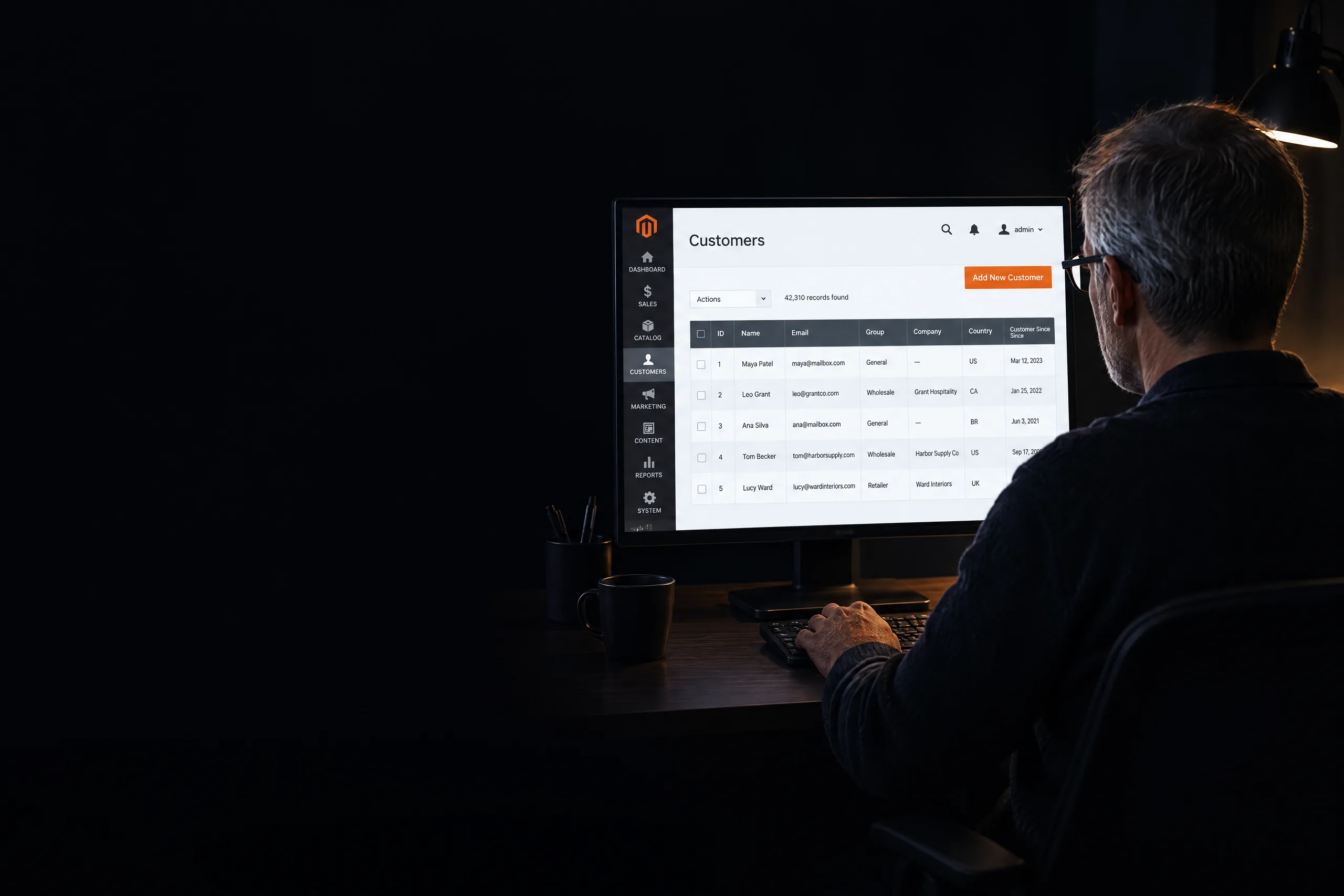
  1. Data engineer mapping customer and company fields in the Adobe Commerce admin Customers grid

    01Field owners mapped

  2. Sales operations lead merging a duplicate contact flagged by Salesforce on a contact record

    02Duplicates matched

  3. Marketer checking email consent and marketing status on a HubSpot contact record

    03Consent the same

  4. Account manager reading store orders on a Dynamics 365 Sales account record

    04Orders in your CRM

Redefine Innovations

One team for your store and CRM

Your plan shows which system owns each field before anything syncs.

  • Since 2001
    25+
    Years building ecommerce stores and business software.
  • Projects
    550+
    Projects delivered for stores and growing companies.
  • Your team
    1
    Team of developers, ERP engineers and marketers on your sync.

Redefine Innovations company figures. Closest published store build: Half Price Drapes. That project is not Adobe Commerce. The same team plans this work. See all Adobe Commerce services.

Get a written plan to connect Adobe Commerce and your CRM.

Written for your store, no obligation.

Get my CRM integration plan

Short answer

What is Adobe Commerce CRM integration?

Updated

Adobe Commerce CRM integration links your Adobe Commerce (Magento) store with a CRM such as Salesforce, HubSpot or Dynamics 365 Sales. Customers, B2B accounts, orders, quotes and marketing consent then match in both systems. Redefine Innovations plans and builds these links for sales, marketing and operations teams, with developers, ERP engineers and marketers on one team.

A sync goes wrong when two systems both think they own a field. Then records clash, and people stop trusting them.

So we name one owner for each field first. Then we build the sync and test it before it goes live.

What the sync covers

Your records, type by type

PartWhat we checkWhat we doLearn more
CustomersCustomers and B2B accountsWe match and merge duplicatesConsulting services
OrdersOrders and quotesWe sync them on a set scheduleDynamics 365 integration
ConsentEmail and SMS opt-insWe keep them the same in bothKlaviyo integration

What we check before we build

  • [1] Customer and account fields
  • [2] Orders and quotes
  • [3] Consent and lists
  • [4] Current syncs and errors

Links already running? See Adobe Commerce integration audit, or all Adobe Commerce services.

Sales and marketing work from the same data.

Your store and your CRM agree on every customer, so reps and marketers see the same facts.

See what we connect
Sales lead and marketing lead agreeing on one printed customer list at a meeting table

One team

Four vendors become one team.

A CRM sync often takes four vendors. The handoffs between them are where records break.

Get my CRM integration plan

Before

An agency plans it, a store developer writes code, a CRM consultant maps fields and a marketing team runs lists. Nobody owns the data.

  • Agency

    Plans it, but does not write code

  • Store developer

    Builds the store, not the CRM side

  • CRM consultant

    Maps fields, cannot change store code

  • Marketing team

    Runs lists, not the setup

After

Redefine, one team: one owner for store code, the CRM data map and campaigns.

Redefine Innovations

One team

  • Store code
  • Data map
  • Campaigns
  • Alerts

Revenue calculator

Estimate your revenue gap

Put in your own numbers to see what the same visitors could earn when your CRM sends the right message to the right buyer.

Your numbers

Monthly

35,000
1.4%
$190
1.9%

Monthly revenue

Your estimate

Current
$93K
Potential
$126K

Potential revenue gap

$33Kper month

$399K a year from the same traffic.

Get my CRM integration plan

Your plan shows what to do first.

This estimate comes from your own input: visitors x (rate with clean data minus current rate) x average order value. Not a promise. Want more visitors to buy now? See Adobe Commerce conversion optimization.

When your CRM and store fall out of sync.

An engineering mindset for Adobe Commerce CRM

We run growth the way engineers run software.

Redefine Innovations is an engineering company that does marketing. Developers, ERP engineers and marketers work as one team, so a fix reaches your store's code, not just the ad account.

  1. Engineer comparing store and CRM records on staging before the sync goes live

    01 Our way: How we work

    Each change to the sync is a test with a success number.

    We compare store and CRM records on staging, and each task has a "done when" line.

    Old way: Instead of the usual agency habit

    Changes ship on opinion.

    Work counts as done when it is sent.

  2. Developer writing the CRM sync module for your Adobe Commerce store in a code editor

    02 Our way: How we work

    Developers fix the store itself.

    Speed, checkout, tracking, ERP and CRM data get fixed in the code.

    Old way: Instead of the usual agency habit

    Fixes stop at the ad account.

    The store itself never changes.

  3. Integration owner reading failed CRM record alerts in the Adobe Commerce admin Notifications page

    03 Our way: How we work

    Alerts fire the week a number drifts.

    Failed CRM records raise an alert with a planned response and one owner.

    Old way: Instead of the usual agency habit

    Problems wait for the monthly report.

    By then, sales are already lost.

How Redefine works

TheREDEFINEMethod

How Redefine connects Adobe Commerce and your CRM.

A full two-way sync of every field is not the first job. Customer matching and consent rules come first, because a sync built on duplicates only spreads them faster.

Get my CRM integration plan

A written CRM integration plan for your store.

Why this approach matters

  • Cleaner customer data.
  • Fewer errors between teams.
  • Less time on exports.
  1. Start here

    Step 1: Diagnose

    We find which system owns each field, list the syncs you run today, and count duplicates and failed records.

    You receive A field map and current syncs

  2. Choose what matters

    Step 2: Prioritize

    We rank each data flow by business impact. Matching and consent rules come before a sync of every field.

    You receive A ranked list of data flows

  3. Do the work

    Step 3: Deliver

    We build with a native connector, middleware or custom code, whichever fits your records, and set the sync timing.

    You receive A working, tested sync

  4. Check the result

    Step 4: Prove

    On staging we compare records, matches and consent in both systems and fix gaps before launch.

    You receive A record match report

  5. Keep improving

    Step 5: Improve

    We watch failed records and alerts, and one owner adjusts field rules as your business changes.

    You receive An alert and fix log

What you receive

A field map, a ranked plan, the build choice, a staging test report and support after launch.

What we connect, and how

Customers, orders and consent that match in both systems

Customer, account, and order data often do not match between Adobe Commerce and the CRM. We map who owns each field, set duplicate matching and build the sync with error alerts.

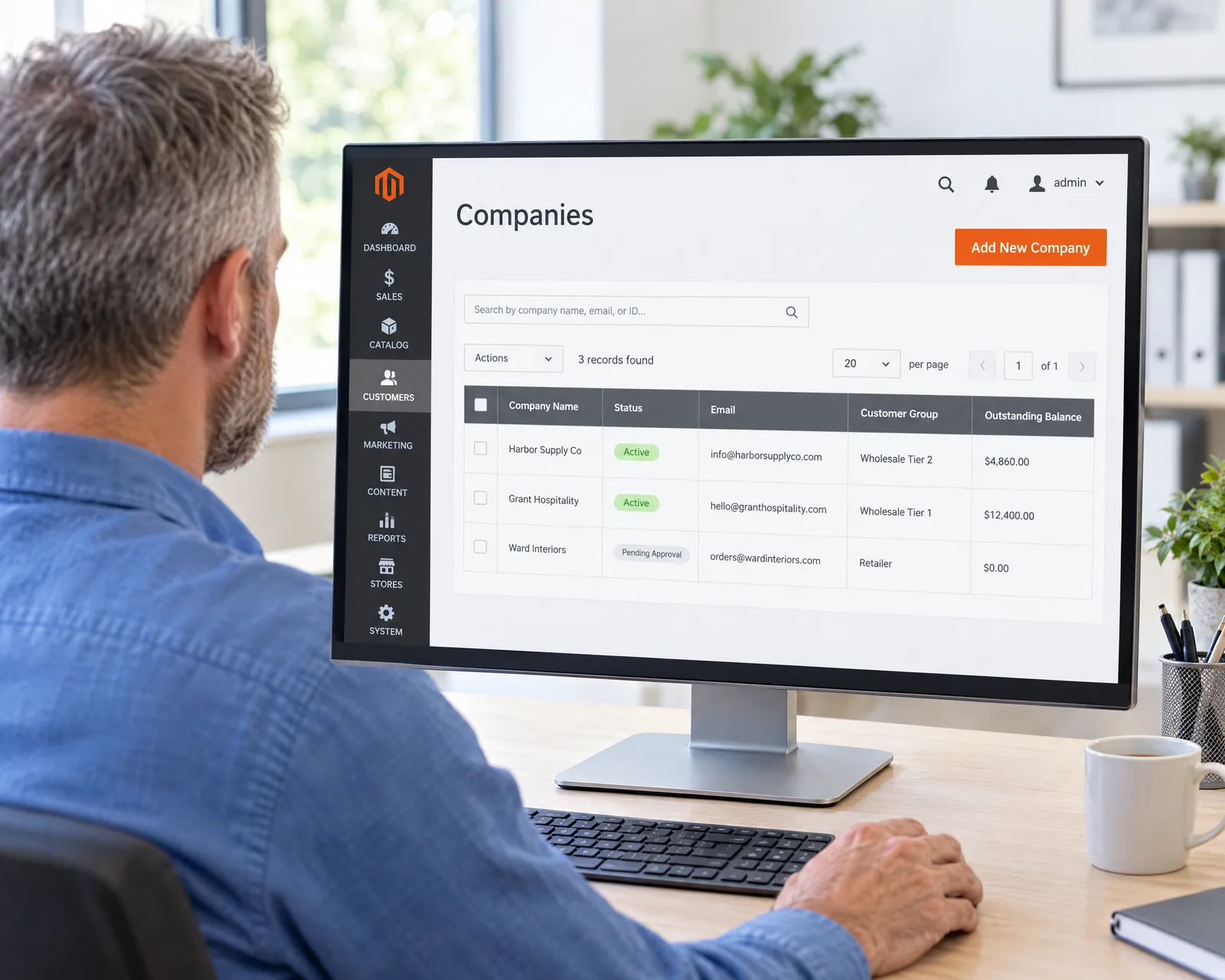
  1. B2B lead checking company accounts and credit in the Adobe Commerce admin Companies grid

    Field map / your store

    Your store

    3 fields, 1 owner each

    • EmailOwner set
    • Company nameOwner set
    • Credit limitOwner set
    One owner per fieldRule
    Your field map lists every field and which system owns it.

    01 Customers and B2B accounts

    One customer, one record

    We match customers and company accounts by email, company name and ID, merge duplicates and give each field one owner.

    See Adobe Commerce development services

  2. Account rep reading store orders and an open quote on a Salesforce account

    Record check / staging

    Your store

    Goal: store orders that reach your CRM

    100%

    Orders in the store and in the CRM

    We compare both sides on staging before launch.

    02 Orders and quotes

    Reps see what buyers order

    Orders, quotes and B2B company accounts flow to Salesforce, HubSpot or Dynamics 365 on a set schedule, in the direction your plan names. Sales reps see what each buyer ordered.

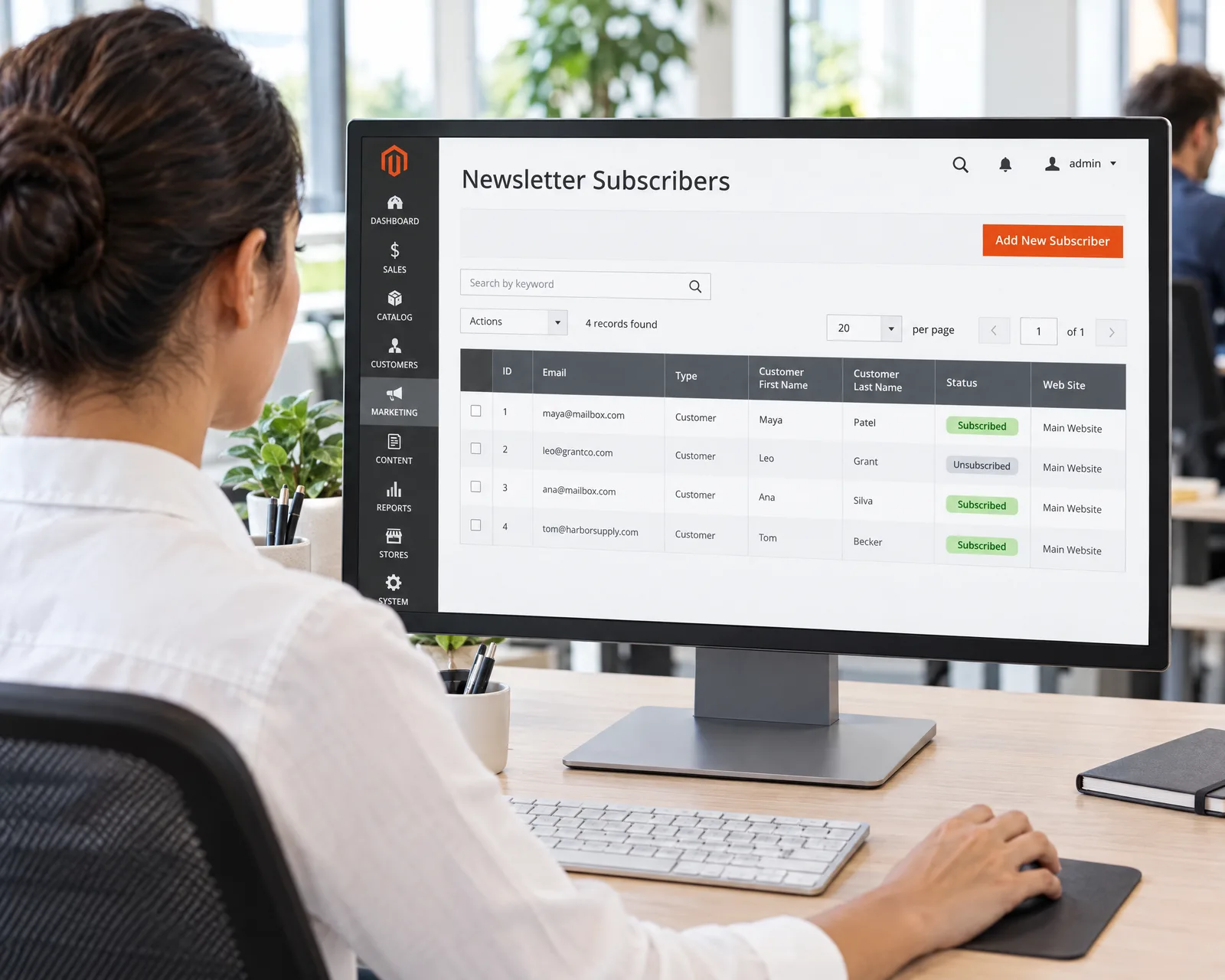
  3. Marketer checking subscribed and unsubscribed customers in the Adobe Commerce admin Newsletter Subscribers grid

    Sync rules / your store

    Your store

    Your sync rules

    • Match customers by emailRule
    • Merge duplicate accountsRule
    • Keep consent the sameStaging
    • Alert one owner on errorsLive
    Each failed record goes to one owner.

    03 Consent and alerts

    Opt-ins match, and errors get seen

    Email and SMS consent stays the same in the store, the CRM and Klaviyo. Failed records are logged, retried and sent to one owner as an alert.

    Get my CRM integration plan

Your CRM integration plan

See your CRM and Adobe Commerce sync plan.

A written plan for your store: which records move, which way, how often, who owns each field and what to build first. Then Redefine walks your team through it and gives you a scope.

Sections
5
First step
1
Record types
6
Get my CRM integration plan

Redefine

Confidential

Prepared for: your store

Adobe Commerce CRM Integration Plan

Contents

  1. 01Records to move and which way3
  2. 02Field owners in each system7
  3. 03Sync timing12
  4. 04Duplicate match rules18
  5. 05Error alerts, one owner22

Adobe Commerce CRM Integration Plan

Your store

01 / 05

First step

Matching

Your orders are ready to sync. Duplicate customers need match rules first, so matching comes first.

How ready each part of your store is

Start with

Matching

Priority

High

Order of work

Match Sync Alerts

How your Adobe Commerce CRM Integration Plan is laid out: the cover and the first step, with what to do first.

What does a Magento CRM integration cost?

The cost depends on how many records move, which way they move and the build choice: a native connector, middleware or custom code.

Your written plan lists these cost drivers. The price comes once we know your store.

How long does it take?

It depends on how much data needs to line up and how much custom work your records need.

Your plan gives the timeline once we study your store and your CRM.

Which CRMs can you connect?

Salesforce, HubSpot, Dynamics 365 Sales, Zoho and in-house systems with an API.

We pick a native connector, middleware or a custom build based on the records and the direction you need. See Adobe Commerce Dynamics 365 integration

How do you stop duplicate customers and accounts?

We match records by email, company name and ID numbers, then set merge rules.

Each field gets one system as its owner, so the two sides stop overwriting each other.

Will the integration put live orders at risk?

We build and test the sync on staging first. Failed records are logged, retried and sent to one owner as an alert.

No change is without risk, but this keeps live orders safe while the sync goes in. See Adobe Commerce integration audit

Who works on it and what happens after launch?

Developers, ERP engineers and marketers work on your sync as one team.

After launch, one owner reviews alerts and field rules with you.

What is the REDEFINE Method?

The REDEFINE Method is Redefine Innovations' business-first framework for identifying business constraints, prioritizing improvements, delivering appropriate solutions, verifying outcomes, and sustaining improvements.

It has five stages: Diagnose, Prioritize, Deliver, Prove and Improve. For a CRM integration, it means fixing field owners and matching rules before the sync goes live. Read the REDEFINE Method

Start here

Get your CRM and store to agree on customers and orders

You get a written CRM integration plan for your store. It shows what data moves, how often, and what to build first. No obligation.

Operations director reading your written CRM integration plan at her desk
  • A written plan you keep
  • Records, timing and owners covered
  • 25+ years in ecommerce
  • 550+ projects delivered

Request your CRM integration plan

Tell us about your store and what feels stuck.

  1. 1Send your store details
  2. 2We review your store and CRM
  3. 3You meet our integration team
  4. 4You get your CRM integration plan

See also Secure your store's migration proposal to Adobe Commerce.