How much does a Magento Klaviyo integration cost?
It depends on the connection type, the data volume and the number of flows.
Your plan lists the scope, the connection option and the first flows before any build is priced.
Magento Klaviyo integration
Redefine Innovations connects Adobe Commerce (Magento) stores to Klaviyo for email and SMS.
550+ projects delivered in 25+ years. Already connected? See Adobe Commerce integration audit.
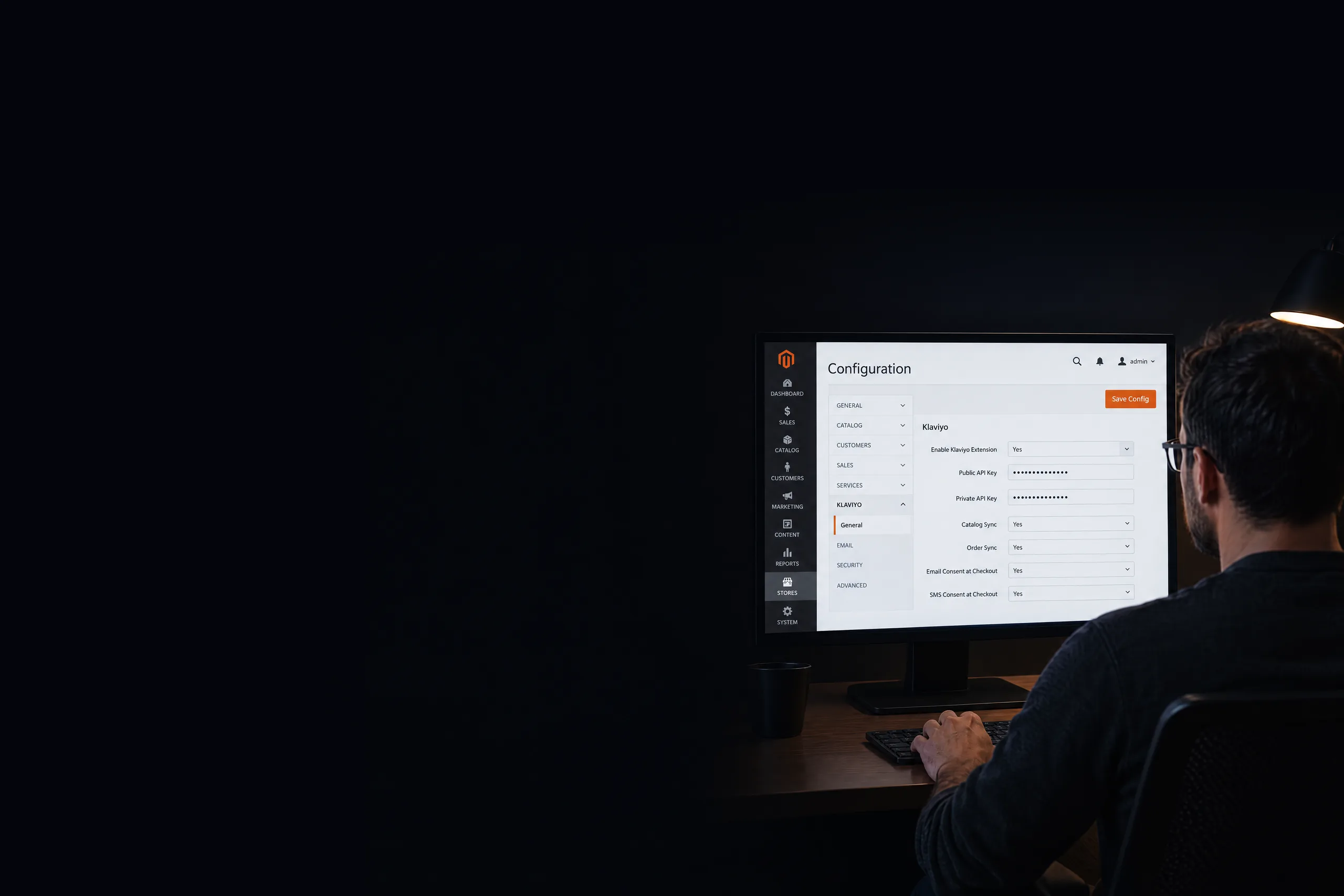
01Catalog and orders connected

02Profiles and consent mapped

03Four site events checked
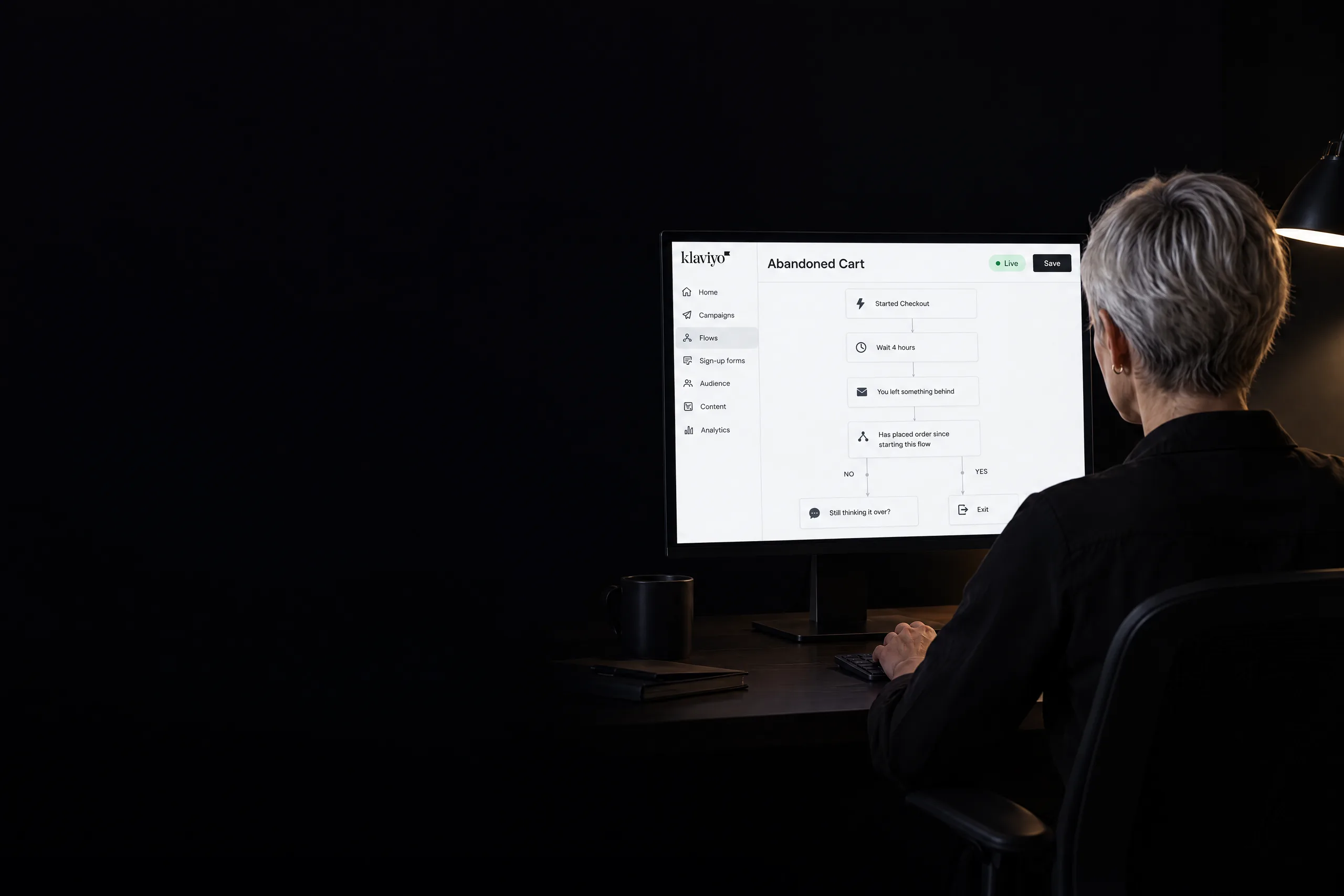
04Abandoned cart flow live
Redefine Innovations
Your plan shows the data, the events and the first flows before anything is built.
Redefine Innovations company figures. Closest published email build: Unbox the Dress. That project is Klaviyo on Shopify, not Adobe Commerce. The same team plans this work. See all Adobe Commerce services.
Get a Klaviyo integration plan for your Adobe Commerce store.
Written for your store, no obligation.
Short answer
Updated
A Magento Klaviyo integration links an Adobe Commerce store to Klaviyo. Catalog data, customer profiles, email and SMS consent, orders and key site events reach Klaviyo for flows. Events include Viewed Product, Added to Cart, Started Checkout and Placed Order. Redefine Innovations plans, builds and checks this link for ecommerce and marketing teams.
Most Klaviyo problems start in the store, not in the email. A missing event or a wrong price sends the wrong message.
So we check what reaches Klaviyo first. Then we fix the data before we build flows on it.
Your store data, part by part
What we check before we start
Orders and stock in Dynamics 365 too? See Adobe Commerce D365 integration, or all Adobe Commerce services.

Store data first
Right links mean right emails. The right product, the right price and the right shopper get the message.
See what we connectOne team
Split vendors can leave gaps between the store and Klaviyo.
Get my Klaviyo integration planBefore
An email agency writes flows but cannot fix store event code. A Magento developer fixes code but does not see flow results. A data vendor owns orders, not Klaviyo. A tracking contractor checks tags, not the full data path.
Email agency
Own plan, own contact
Magento developer
Own plan, own contact
Data vendor
Own plan, own contact
Tracking
Own plan, own contact
After
Redefine, one team: the store data, the Klaviyo link and the flows.
Redefine Innovations
One team
Checkout calculator
Put in your numbers. A working Started Checkout event and cart flow can try to win back some of these orders.
Monthly revenue
Your estimate
Order value you could win back
$33Kper month
$399K a year from the same traffic.
Your plan shows which flows to build first.
This is an estimate from your numbers, not a forecast or promise: sessions x (rate with flows minus rate now) x average order value. Need the cart flow built? See Klaviyo abandoned cart flow setup.

Adobe Commerce integration audit
Viewed Product or Added to Cart is missing or sent twice.


Adobe Commerce CRM integration services
The CRM and Klaviyo disagree, so segments are off.

An engineering mindset for Adobe Commerce Klaviyo
Redefine Innovations is an engineering company that does marketing. Developers, ERP engineers and marketers work as one team, so a fix reaches your store's code, not just the Klaviyo account.
01 Our way: How we work
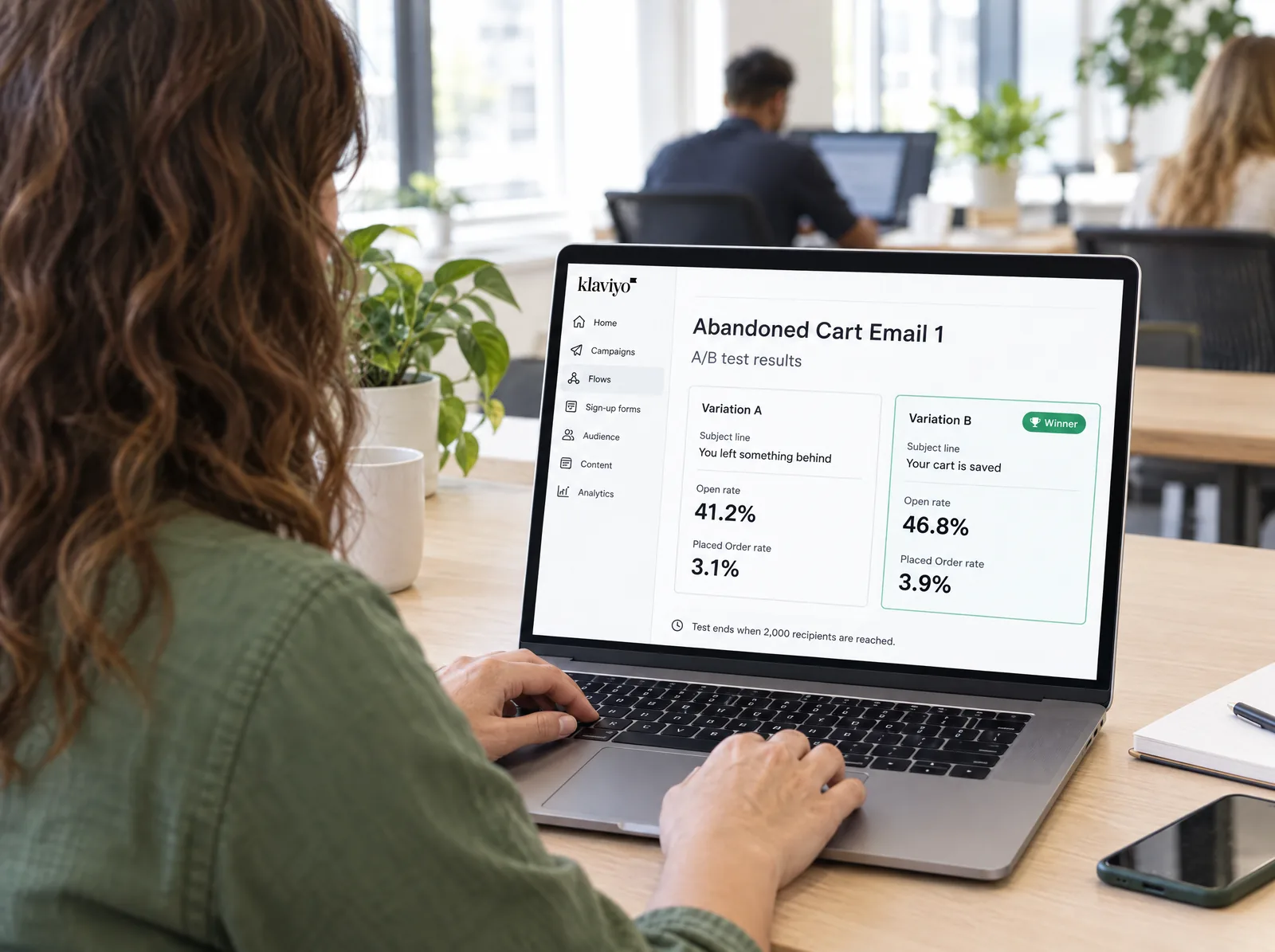
Each flow or event change is a test with a success number.
Every task has a "done when" line, such as Placed Order matches store orders.
Old way: Instead of the usual agency habit
Changes ship on opinion.
Work counts as done when it is sent.

02 Our way: How we work
Developers fix the store side.
Event code, checkout, tracking and ERP data get fixed in the store itself.
Old way: Instead of the usual agency habit
Fixes stop at the email tool.
The store code never changes.
03 Our way: How we work
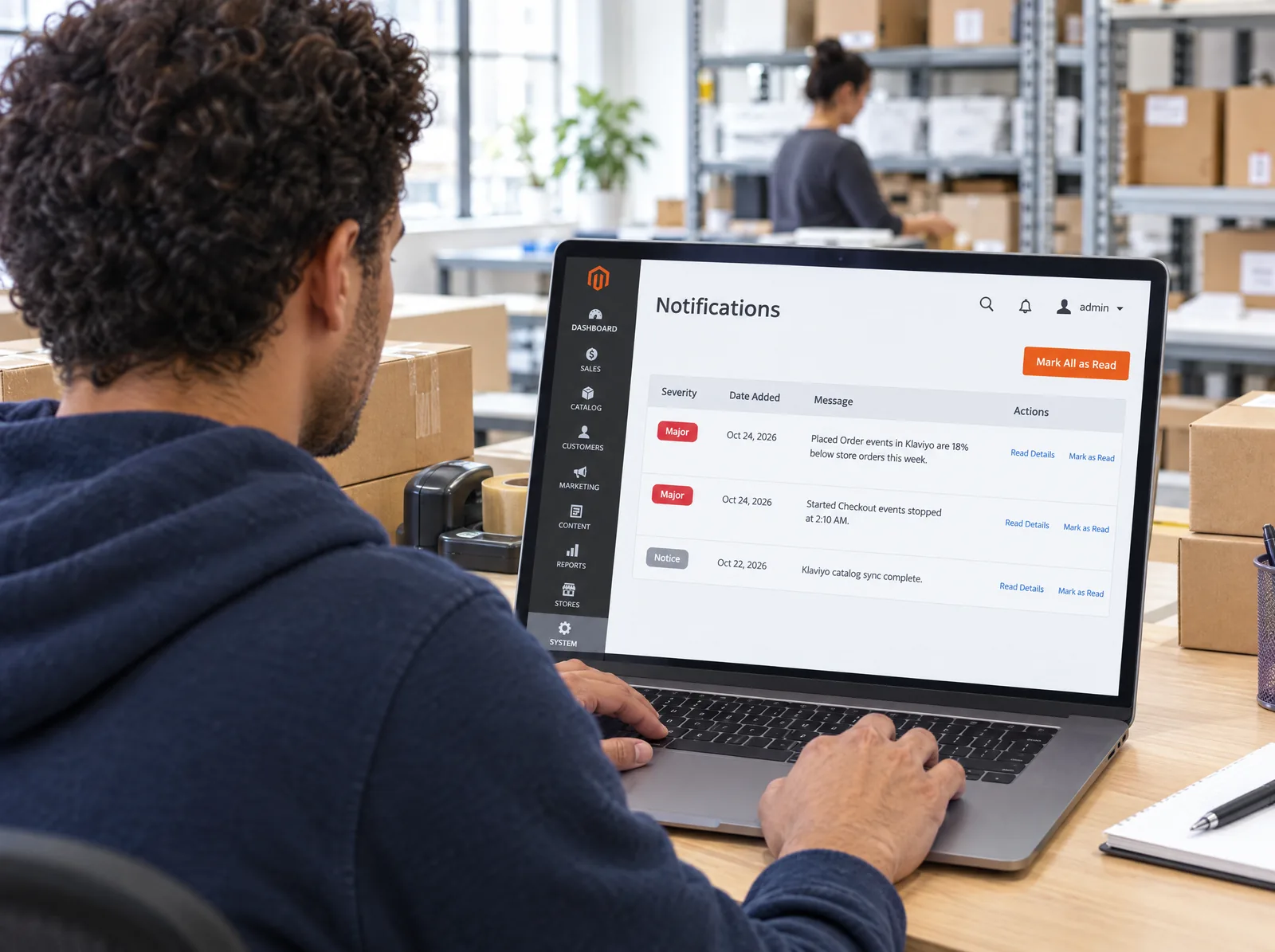
Alerts fire the week a sync fails.
Each alert comes with a planned response and one owner.
Old way: Instead of the usual agency habit
Problems wait for the monthly report.
By then, flows have sent the wrong emails.
How Redefine works
From integration plan to steady improvement with Klaviyo.
A big campaign calendar is not the first job. Placed Order and Started Checkout events get checked first, so every flow is built on store data you can trust.
A written Klaviyo integration plan for your store.
Why this approach matters
Start here
We review the catalog feed, profiles, consent fields and the four site events that reach Klaviyo now.
You receive An integration audit
Choose what matters
We rank the data flows and events by revenue risk. Placed Order and Started Checkout come before any campaign calendar.
You receive A ranked fix list
Do the work
We build with the native Klaviyo extension, a middleware tool or a custom server-side build. Catalog, profiles, consent, orders, refunds and shipments sync, with error logs and alerts.
You receive A tested connection
Check the result
We test events against store orders before flows go live, starting with the abandoned cart flow.
You receive A test report
Keep improving
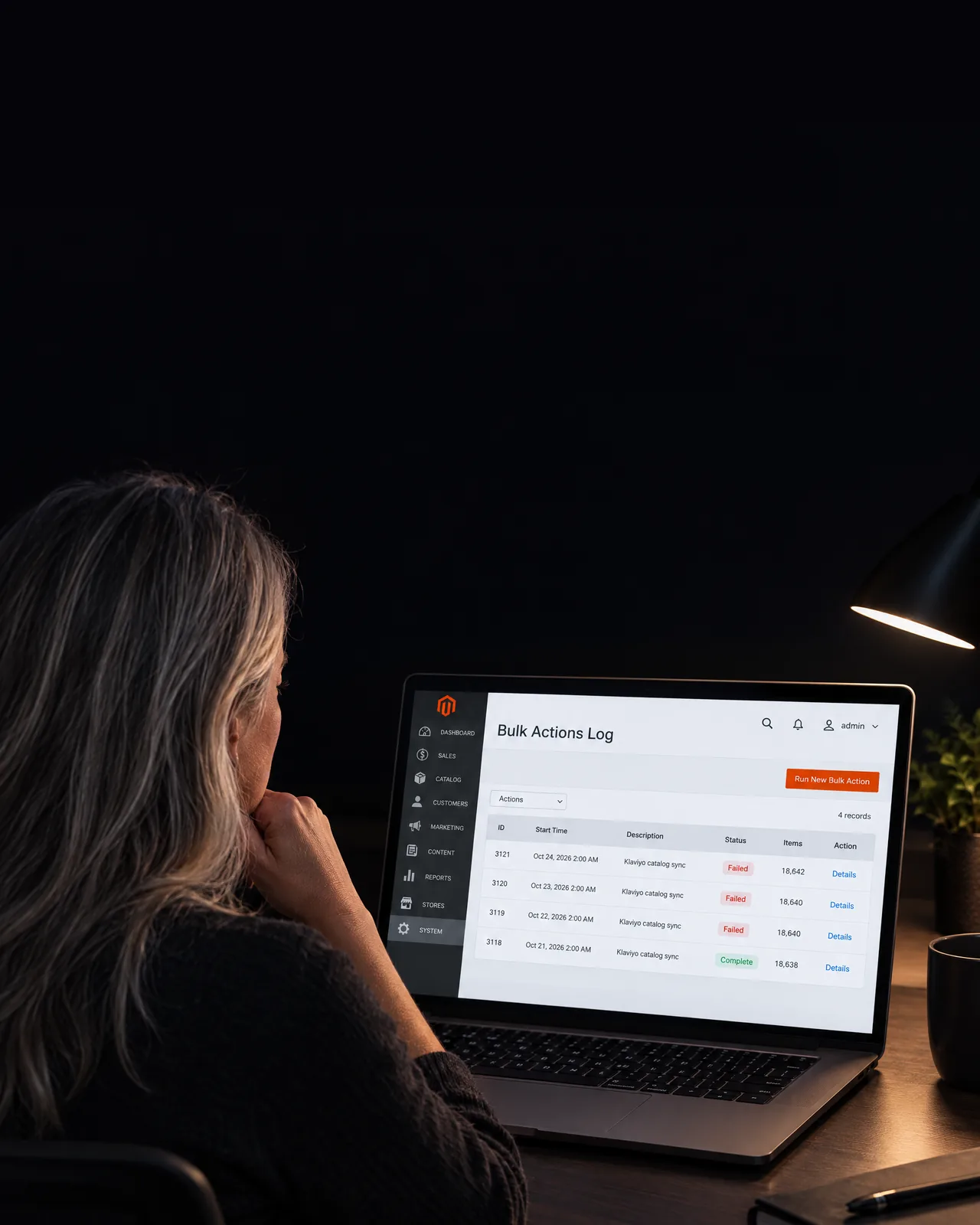
We watch sync errors and flow results and fix drift.
You receive An improvement roadmap
An integration plan, clear priorities, a working build, tested sync results and guidance for what comes next.
What we connect
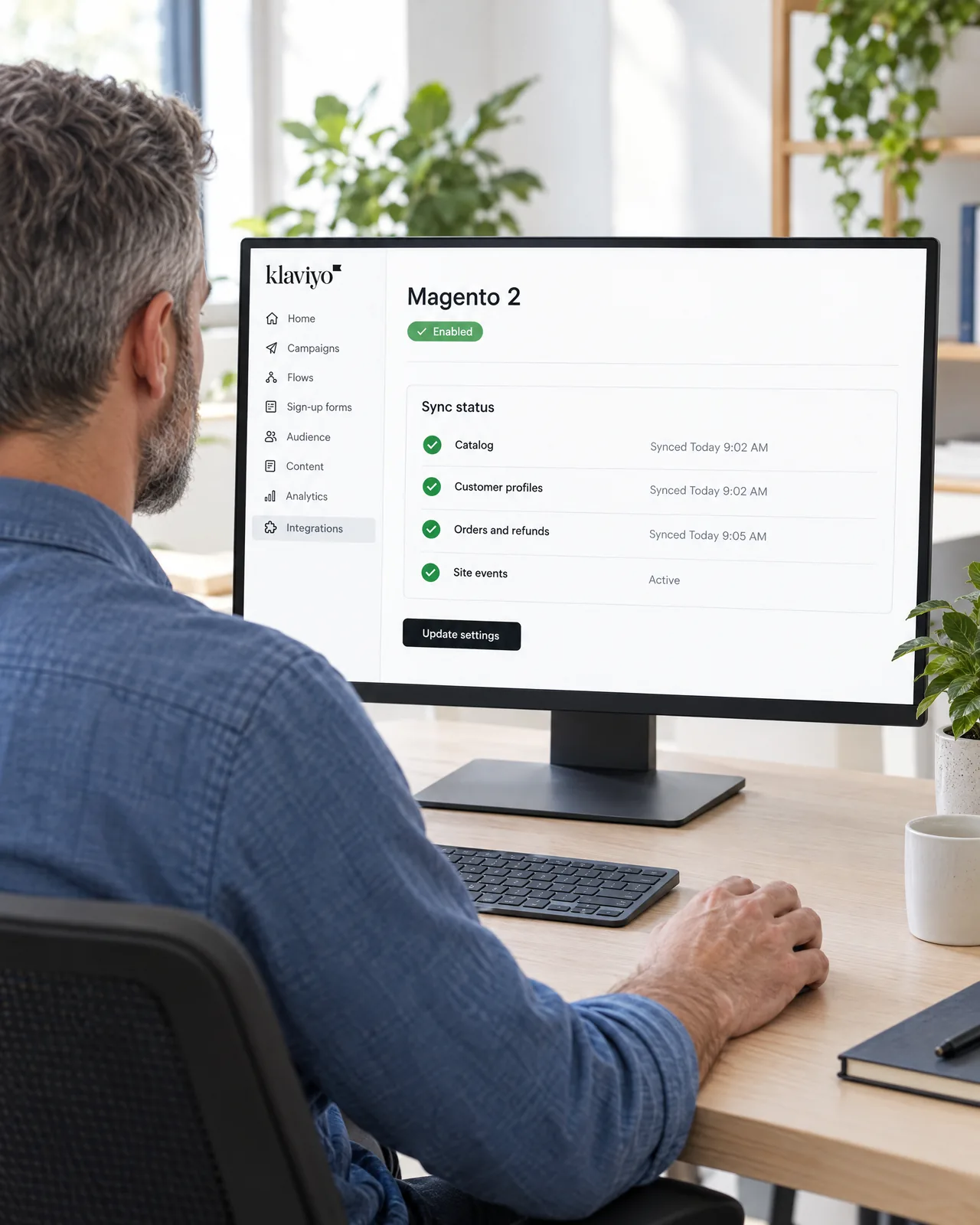
We map your catalog, profiles, consent and site events to Klaviyo and check each one against your store orders. Consent changes in Klaviyo can update the store too.
CheckedFeed matches the store
CheckedConsent maps both ways
OutEvent mapOutTest reportOutFirst flows
CheckedCounts match store orders
We use the native Klaviyo extension, a middleware tool or a custom server-side build, whichever fits your store. Your plan says which one and why.
Your Klaviyo plan
This plan is for your store. It shows what data and events to send, what to fix, and the first flows to build. Then a call walks you through it, and you choose the next step.
Redefine
Confidential
Prepared for: your store
Klaviyo Integration Plan
Contents
Klaviyo Integration Plan
Your store
First step
Site events
Your catalog feed is in good shape. Started Checkout is not reaching Klaviyo, so the event fix comes before the cart flow.
How ready each data path is
Start with
Events
Priority
High
Order of work
Events Cart flow Browse flow
Questions
Find clear answers here.
It depends on the connection type, the data volume and the number of flows.
Your plan lists the scope, the connection option and the first flows before any build is priced.
It depends on your store and the connection type, plus data clean-up, the number of events and flows, and testing on staging.
Your plan sets out the steps and the timeline once we know your store.
The native Klaviyo extension for Magento covers many stores well. Middleware or a custom server-side build helps with headless storefronts, ERP data or custom events.
Either way, catalog, profiles, consent, orders and events sync to Klaviyo with error logs and alerts. See Klaviyo integration services
Work is built and tested on a staging copy first, and events are checked against store orders before go-live.
Changes go live with a rollback plan. Some risk always exists, so Redefine plans the launch window with your team and watches the first syncs closely.
Redefine maps email and SMS consent fields from Adobe Commerce to Klaviyo and tests them in both directions.
Redefine does not give legal advice, so please check your consent rules with your legal team.
Developers, data engineers and marketers work together as one Redefine team.
After launch, Redefine watches sync errors and flow results, and alerts go to one named owner on the team. See Adobe Commerce managed services
The REDEFINE Method is Redefine Innovations' business-first framework for identifying business constraints, prioritizing improvements, delivering appropriate solutions, verifying outcomes, and sustaining improvements.
It has five stages: Diagnose, Prioritize, Deliver, Prove and Improve. For Klaviyo, it means checking store data and events before flows are built. Read the REDEFINE Method
Start here
Tell us about your store and Klaviyo setup. You get a written plan showing which data and events to send, what to fix, and which flows to build first. No obligation.

Tell us about your store and what feels stuck.