Magento to Adobe Commerce migration

Secure your store's migration proposal to Adobe Commerce

Redefine Innovations moves Magento Open Source stores to Adobe Commerce, with developers, ERP engineers and marketers on one team.

550+ projects delivered in 25+ years. Only need a newer version? See Magento upgrade services.

  1. An architect reviews the Magento Open Source admin Dashboard of your current store before the move

    01Your store reviewed

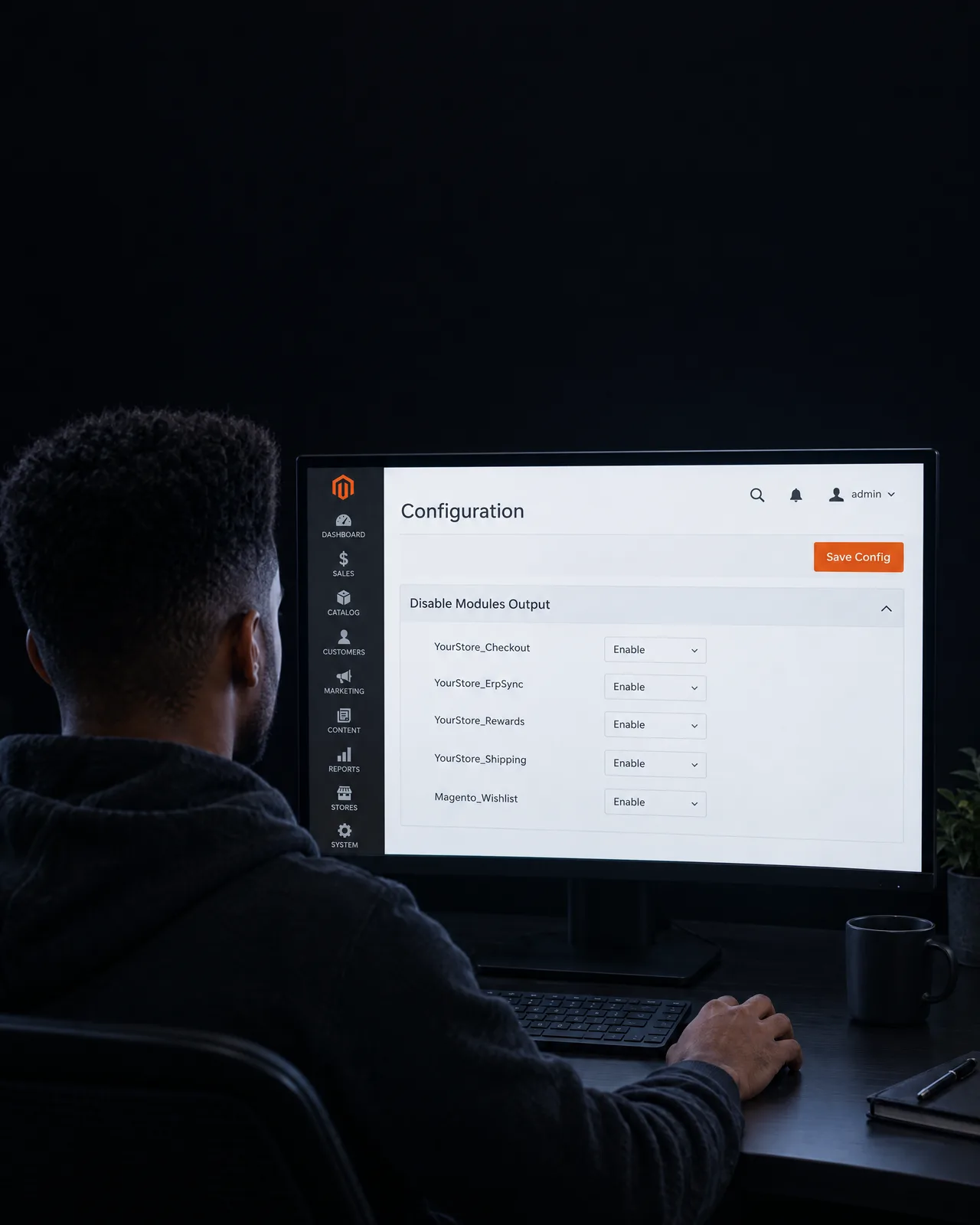
  2. A developer lists every module of your Magento store in the admin and marks each keep, replace or rebuild

    02Extensions sorted

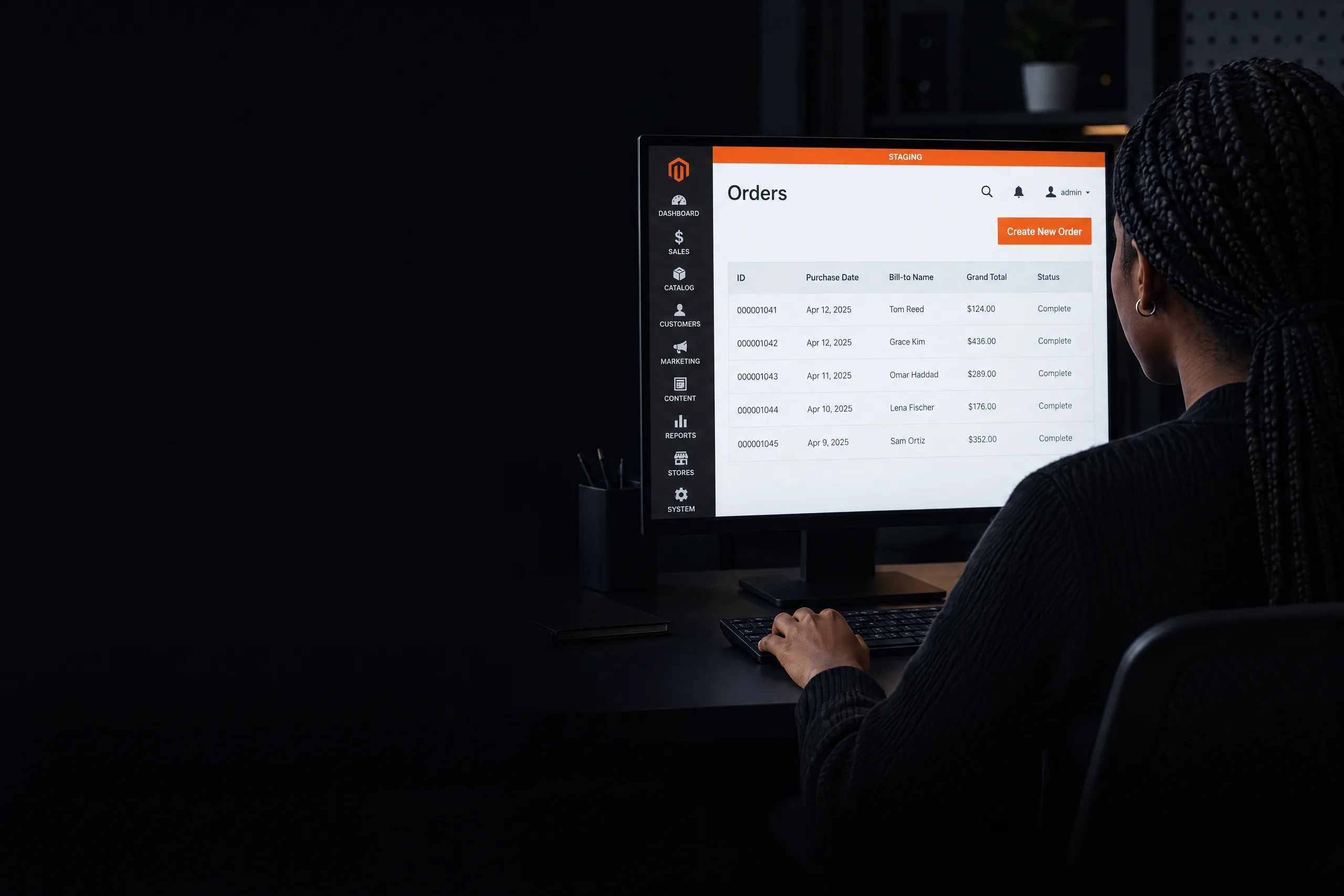
  3. A QA lead checks test orders in the Adobe Commerce Orders grid on a staging copy of your store

    03Cutover rehearsed on staging

  4. A release lead and an ecommerce director confirm every index is ready on Adobe Commerce after cutover

    04Live, rollback ready

Redefine Innovations

One team for your whole move

Your proposal shows the plan, the risks and the order of work before anything moves.

  • Since 2001
    25+
    Years building ecommerce stores and business software.
  • Projects
    550+
    Projects delivered for stores and growing companies.
  • Your team
    1
    Team of developers, ERP engineers and marketers on your move.

Redefine Innovations company figures. Closest published store build: Half Price Drapes. That project is not Adobe Commerce. The same team plans this work. See all Adobe Commerce services.

A written plan for your move to Adobe Commerce.

Written for your store, no obligation.

Get my migration proposal

Short answer

What does a Magento to Adobe Commerce migration involve?

Updated

A Magento to Adobe Commerce migration moves a store from Magento Open Source to Adobe Commerce, the paid edition. Redefine Innovations helps CTOs and ecommerce directors by checking fit, reviewing extensions and custom code, mapping data and integrations, and planning the cutover. License and hosting terms come from Adobe, so your proposal lists the questions to settle.

Both editions share the same core code. Adobe Commerce adds paid features, such as B2B tools, so the move is about the features you will use.

So we check fit first. Then we plan the move in the order that keeps your store selling.

What the move covers

Your Magento store, part by part

PartWhat we checkWhat we doLearn more
Fit and licenseYour B2B, multi-store and license needsWe check if Adobe Commerce fits your plansConsulting services
Extensions and codeEach extension and custom moduleWe mark each one keep, replace or rebuildStore audit services
Data and linksCatalog, customers, orders and ERP linksWe map them, move them and test themIntegration services

What we check before we start

  • [1] Version and edition
  • [2] Extensions and custom code
  • [3] Catalog, customer and order data
  • [4] ERP and app links

Moving from another platform? See Adobe Commerce replatforming services, or all Adobe Commerce services.

Moving to Adobe Commerce is a business decision before it is a tech project.

Choose it for the features you need, such as B2B tools.

See what the move covers
A CTO and ecommerce director review B2B companies in the Adobe Commerce admin before choosing the move

One team

Four vendors become one team.

When one team owns the move to Adobe Commerce, code, ERP sync and marketing tracking change together, with fewer handoffs.

Get my migration proposal

Before

An agency plans the move, a developer moves the code, an ERP partner guards the data and a marketer checks tracking. Nobody owns the result.

  • Developer

    Own plan, own contact

  • ERP integrator

    Own plan, own contact

  • Marketing

    Own plan, own contact

  • Agency

    Own plan, own contact

After

Redefine: developers, ERP engineers and marketers on one plan.

Redefine Innovations

One team

  • Code moves
  • ERP sync
  • Tracking
  • Plan

Revenue impact calculator

Assess your Adobe Commerce growth potential

Find the revenue chance in your current store numbers. Put in your own figures to see what a better conversion rate is worth.

Your numbers

Monthly

35,000
1.4%
$190
1.9%

Monthly revenue

Your estimate

Current
$93K
Potential
$126K

Estimated revenue impact

$33Kper month

$399K a year from the same traffic.

Get my migration proposal

Your proposal shows what to do first.

This estimate depends on your data and goals: visitors x (rate you aim for minus current rate) x average order value. Not a promise. Want more visitors to buy now? See Adobe Commerce conversion optimization.

Common roadblocks when moving from Magento Open Source to Adobe Commerce.

An engineering mindset for an Adobe Commerce replatform

Release plan for an Adobe Commerce version move.

One Redefine team handles an Adobe Commerce version move. The change lands in the target Magento version, and we judge it by orders that must come across.

  1. A product lead writes the done-when line for your migration on a glass board

    01 Our way: How we work

    Each migration step is a test with a success number.

    We call an Adobe Commerce version move done only after orders that must come across moves.

    Old way: Instead of the usual agency habit

    Migration choices are made on opinion.

    A task counts as done when it is sent.

  2. A developer edits a custom Magento module in a code editor and sees the tests pass

    02 Our way: How we work

    Developers change the target Magento version while doing an Adobe Commerce version move.

    Code for an Adobe Commerce version move is edited in the target Magento version.

    Old way: Instead of the usual agency habit

    The old habit stopped an Adobe Commerce version move before anyone touched the target Magento version.

    During an Adobe Commerce version move, the target Magento version used to be left unchanged.

  3. An ecommerce manager reads the Adobe Commerce Messages Inbox on a tablet the week a number drifts

    03 Our way: How we work

    If orders that must come across slips during an Adobe Commerce version move, an alert goes out that same week.

    The alert for an Adobe Commerce version move names one owner and the next edit in the target Magento version.

    Old way: Instead of the usual agency habit

    Problems after cutover wait for the monthly report.

    Orders moving through the target Magento version had already dropped before an Adobe Commerce version move was reviewed.

How Redefine works

TheREDEFINEMethod

Plan your move from Magento Open Source to Adobe Commerce.

Moving your store is a structured process with clear stages. Each stage has one owner and a "done when" line.

Get my migration proposal

A written migration proposal for your store.

Why this approach matters

  • You see the risks early, before cutover day.
  • Your team agrees on clear priorities.
  • The new platform fits how your business works.
  1. Start here

    Step 1: Diagnose

    We examine your Magento Open Source store: extensions, custom code, data and integrations. Then we check if Adobe Commerce fits your business needs.

    You receive A diagnostics report

  2. Choose what matters

    Step 2: Prioritize

    We order the work by business risk. A storefront redesign does not come first, because the storefront usually stays the same during the edition move.

    You receive A priority list

  3. Do the work

    Step 3: Deliver

    We move code, extensions, data and integrations onto a staging copy, then run the cutover in a planned window.

    You receive A staging sign-off

  4. Check the result

    Step 4: Prove

    We check orders, data, ERP sync and tracking against the success numbers set in Diagnose. Any gap goes back to one owner.

    You receive A validation sheet

  5. Keep improving

    Step 5: Improve

    We watch the numbers after launch, fix issues as they come up and set the next goals for the platform.

    You receive An improvement plan

What you receive

An audit report, a plan, a cutover checklist, a validation sheet and an improvement roadmap.

What the move covers

Extensions, data and cutover, planned in writing

We review every extension and custom module, map your data and links, then rehearse the cutover on a staging copy.

  1. Your extension review on a desk, each item marked keep, replace or rebuild

    Extension review / your store

    Your store

    3 items, 1 call each

    • Checkout moduleReview
    • ERP sync moduleReview
    • Gift card extensionReview
    Keep, replace or rebuildEach gets
    Your review lists every extension and the reason for each call.

    01 Extensions and custom code

    List and sort every extension

    We list each extension and custom module and mark it keep, replace or rebuild, with the reason written down.

    See Adobe Commerce store audit services
  2. A data engineer checks the Adobe Commerce Products grid against your printed data map

    Data check / staging copy

    Your store

    Records checked against the old store

    100%

    Catalog, customers and orders

    We compare the counts on the old and the new store.

    02 Data and integrations

    Move catalog, customers and orders

    We map catalog, customer and order data and every ERP and app link, then move them to a staging copy and compare the counts.

  3. A warehouse lead reads new Processing orders in Adobe Commerce the morning after cutover

    Cutover plan / your store

    Your store

    Your store keeps selling

    • Back up store and dataBefore
    • Rehearse on a copyStaging
    • Pause catalog editsCutover
    • Switch, rollback readyPlanned window
    Your live store stays open while we rehearse on a copy.

    03 Cutover

    Rehearse first, then switch

    We rehearse the cutover on a staging copy, then switch in a planned window with a rollback ready if checks fail.

    Get my migration proposal

Your migration proposal

Know what changes before you move.

A written plan for your Magento to Adobe Commerce move: what changes, what it touches and what to do first. Redefine walks your team through it, and you decide the next step.

Sections
5
First step
1
Phases
3
Get my migration proposal

Redefine

Confidential

Prepared for: your store

Adobe Commerce Migration Proposal

Contents

  1. 01Fit check against your business needs3
  2. 02License and hosting questions to settle7
  3. 03Extension and custom code review12
  4. 04Data map: catalog, customers, orders18
  5. 05Integrations list and cutover plan22

Adobe Commerce Migration Proposal

Your store

01 / 05

First step

Code review

Most of your extensions can stay. The custom checkout module needs a rebuild, so it comes first.

How ready each part of your store is

Start with

Code

Priority

High

Order of work

Code Data Cutover

How your Adobe Commerce Migration Proposal is laid out: the cover and the first finding, with what to do first.
What is the REDEFINE Method?

For an Adobe Commerce version move, Redefine reads the target Magento version before any edit, then ranks by orders that must come across, ships it, and proves orders that must come across held.

Read the target Magento version, rank by orders that must come across, deliver an Adobe Commerce version move, prove it, then improve it. For a move to Adobe Commerce, it means checking fit and risk before any code moves. Read the REDEFINE Method

How much does a Magento to Adobe Commerce migration cost?

Cost depends on your extensions, custom code, data and integrations. The Adobe Commerce license is an extra cost set by Adobe.

Your proposal gives a written estimate before any work starts.

How long does the move take?

It depends on your extensions, custom code, data and integrations. The first review shows how much work each part needs.

The proposal then sets a plan with clear milestones. Redefine does not promise a launch date until that review is done.

Will the store go down during cutover?

Redefine rehearses the cutover on a staging copy of your store first. The live switch happens in a planned window, with a rollback ready if checks fail.

Redefine cannot promise a store with no downtime, and the proposal shows the plan in writing.

What happens to our extensions and custom code?

Redefine lists each extension and custom module in your store. Each one is marked keep, replace or rebuild, with the reason written down.

The list goes into your proposal, so you see the work before it starts. See Adobe Commerce store audit services

Who works on the migration?

Developers, ERP engineers and marketers work on one Redefine team. Developers move code and extensions, ERP engineers handle data and links, and marketers check tracking.

Each task has one owner and a "done when" line, so nothing waits between vendors.

What happens after launch?

Redefine watches orders, data, ERP sync and tracking after launch, against the success numbers set before the move.

When a number drifts, the team follows a planned response with one owner. More help? See Adobe Commerce support services.

Start here

Plan your move from Magento Open Source to Adobe Commerce

Share your store details with Redefine. Our team writes a migration proposal that shows what changes, what it touches and what to do first. No obligation.

A CTO reads the written Magento to Adobe Commerce migration proposal made for her store
  • A written proposal you keep
  • Fit, extensions, data and cutover covered
  • 25+ years in ecommerce
  • 550+ projects delivered

Request your Magento to Adobe Commerce migration proposal

Tell us where an Adobe Commerce version move is stuck.

  1. 1Send your store details
  2. 2We review your current setup
  3. 3You get your migration proposal
  4. 4We walk you through it, you decide