What does Magento support cost?
The cost depends on the support setup, the size of your store and its extensions.
The health check shows which setup fits before you commit, so you know what you are paying for.
Magento support services
Redefine Innovations keeps Adobe Commerce (Magento) stores patched, fast and stable, with developers, ERP engineers and marketers on one engineering team.
25+ years, 550+ projects. A person reviews your Adobe Commerce store and writes your health check. Store down right now? Go to Adobe Commerce emergency support.

About us
Store code, hosting, ERP syncs and marketing are handled by one company, so an issue does not bounce between vendors.
Company figures. We do not show client results from other platforms on this page. All services: Adobe Commerce.
Closest published store build: Half Price Drapes. That project is not Adobe Commerce. The same team plans this work.
Get an Adobe Commerce store health check for your store.
Health check tailored for Adobe Commerce. No obligation.
Short answer
Updated
A Magento support services team keeps an Adobe Commerce (Magento) store running well. Redefine Innovations keeps patches and extensions up to date, fixes errors, gives emergency help, and works on speed, security and accessibility. Our developers, ERP engineers and marketers help ecommerce managers and IT leads keep the store fast and stable.
Support is not one job. A store can need care each month, fast help when it breaks, or terms in writing. The health check shows which kind your store needs first.
We check patches and errors first. Open risks come before new work.
Pick the one that fits your store
What your health check looks at
Ongoing care: Adobe Commerce managed services. Store down: Adobe Commerce emergency support. Terms in writing: Adobe Commerce SLA support plans.
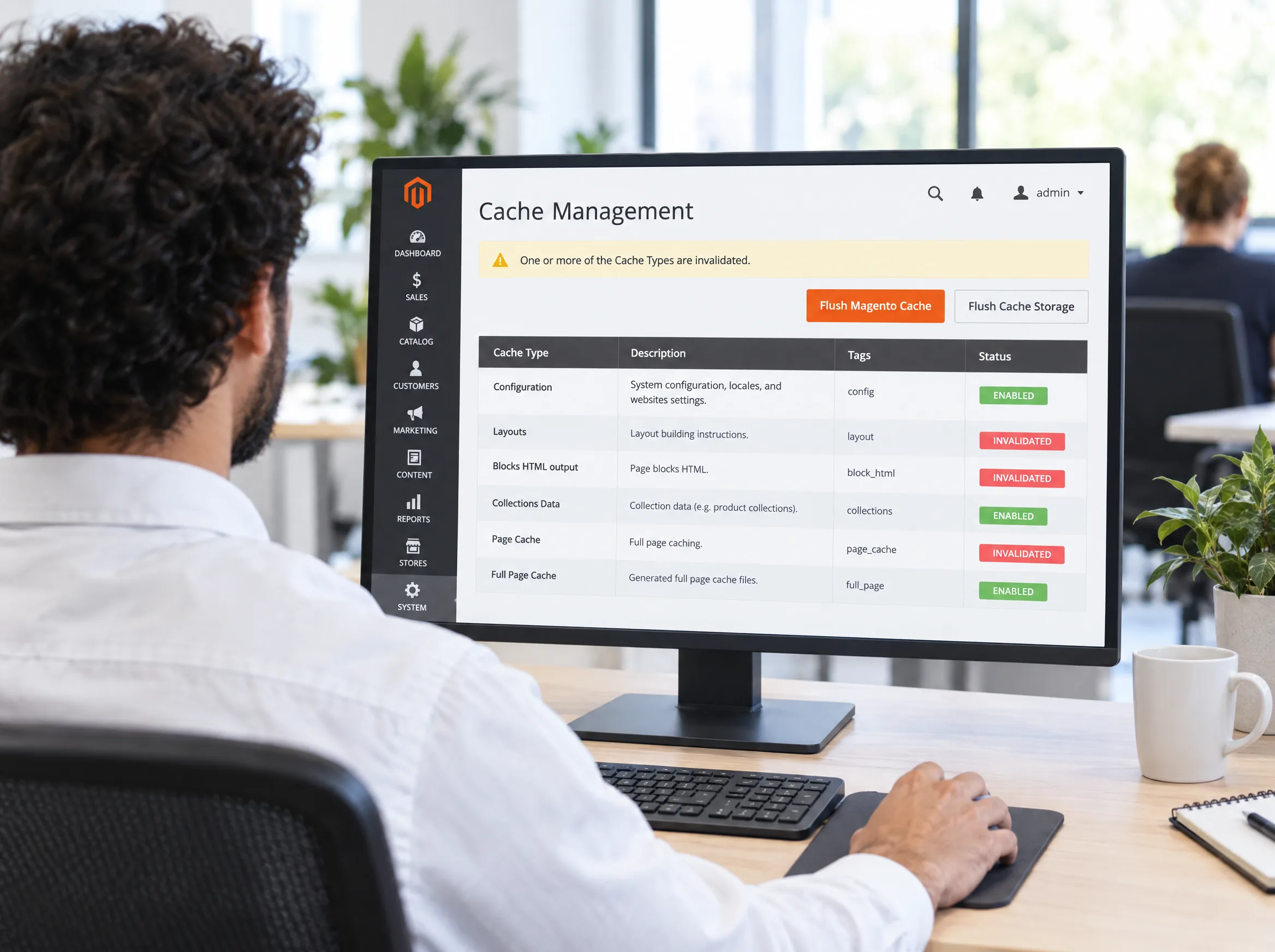
A cache or an index that breaks on Tuesday gets fixed on Tuesday, not after sales drop.
One team
Store support spread across an agency, a developer, an ERP partner and a marketing team causes chaos, with issues bouncing around.
Get my store health checkBefore
The agency waits for the developer to act. The developer sees code but not the bigger picture. The ERP partner looks only at sync problems. Marketing looks at ads, not tech issues. Nobody owns the result.
Agency
Own plan, own contact
Developer
Own plan, own contact
ERP partner
Own plan, own contact
Marketing
Own plan, own contact
After
Redefine, one engineering team: developers, ERP engineers and marketers share a queue, with one owner per issue.
Redefine Innovations
One team
Revenue calculator
Small errors and slow pages can cost you orders. Our support helps find and fix them.
Monthly revenue
Your estimate
Estimated monthly revenue at risk
$33Kper month
$399K a year from the same traffic.
Your health check shows where it comes from.
This is only an estimate from the numbers you enter: visitors x (rate after fixes minus current rate) x average order value. It is not a promise.

Adobe Commerce emergency support
Get urgent help and get back online.

Adobe Commerce managed services
Ongoing help for smooth operations.

Adobe Commerce performance optimization
Faster loading and a better shopping experience.


Adobe Commerce SLA support plans
Clear response terms for peace of mind.
An engineering mindset for Adobe Commerce support
Redefine Innovations is an engineering company that does marketing. Developers, ERP engineers and marketers work on one team, so a fix reaches the store's code, not just the ad account.

01 Our way: How we work
Every change is a test with a success number.
Each task also has a "done when" line, so you know when it is finished.
Old way: Instead of the usual agency habit
Changes ship on opinion.
Work counts as done when it is sent.

02 Our way: How we work
Developers fix the store itself.
Speed, checkout, tracking and ERP data get fixed in the code.
Old way: Instead of the usual agency habit
Fixes stop at the ad account.
The store itself never changes.

03 Our way: How we work
Alerts fire the week a number drifts.
Each alert comes with a planned response and one owner.
Old way: Instead of the usual agency habit
Problems wait for the monthly report.
By then, sales are already lost.
How Redefine works
How Redefine runs Magento support.
We start with what your store needs, then fix things in order of risk. We would not start a redesign or new features while patches and checkout errors are still open.
A written health check for your store. No obligation.
Why this approach matters
Start here
We read the store's patch level, check extensions, review error logs, and look at speed and security setup.
You receive A full store health report
Choose what matters
We rank fixes by risk and cost to the business. Open patches and checkout errors come first.
You receive A ranked list of fixes
Do the work
Developers, ERP engineers and marketers fix, patch and test each change on a staging copy before release.
You receive Changes tested on staging
Check the result
We check each fix against its "done when" line and the numbers agreed at the start.
You receive Written test results
Keep improving
We watch alerts, review your support setup often, and move the store to the right plan over time.
You receive Plan change advice
Regular progress updates, a clear list of next steps, written fixes with results, and ongoing support advice.
How to choose

Find issues first
A store audit finds and ranks the problems first.

Shopping barriers
We remove barriers in menus, forms and checkout.
See Adobe Commerce accessibility services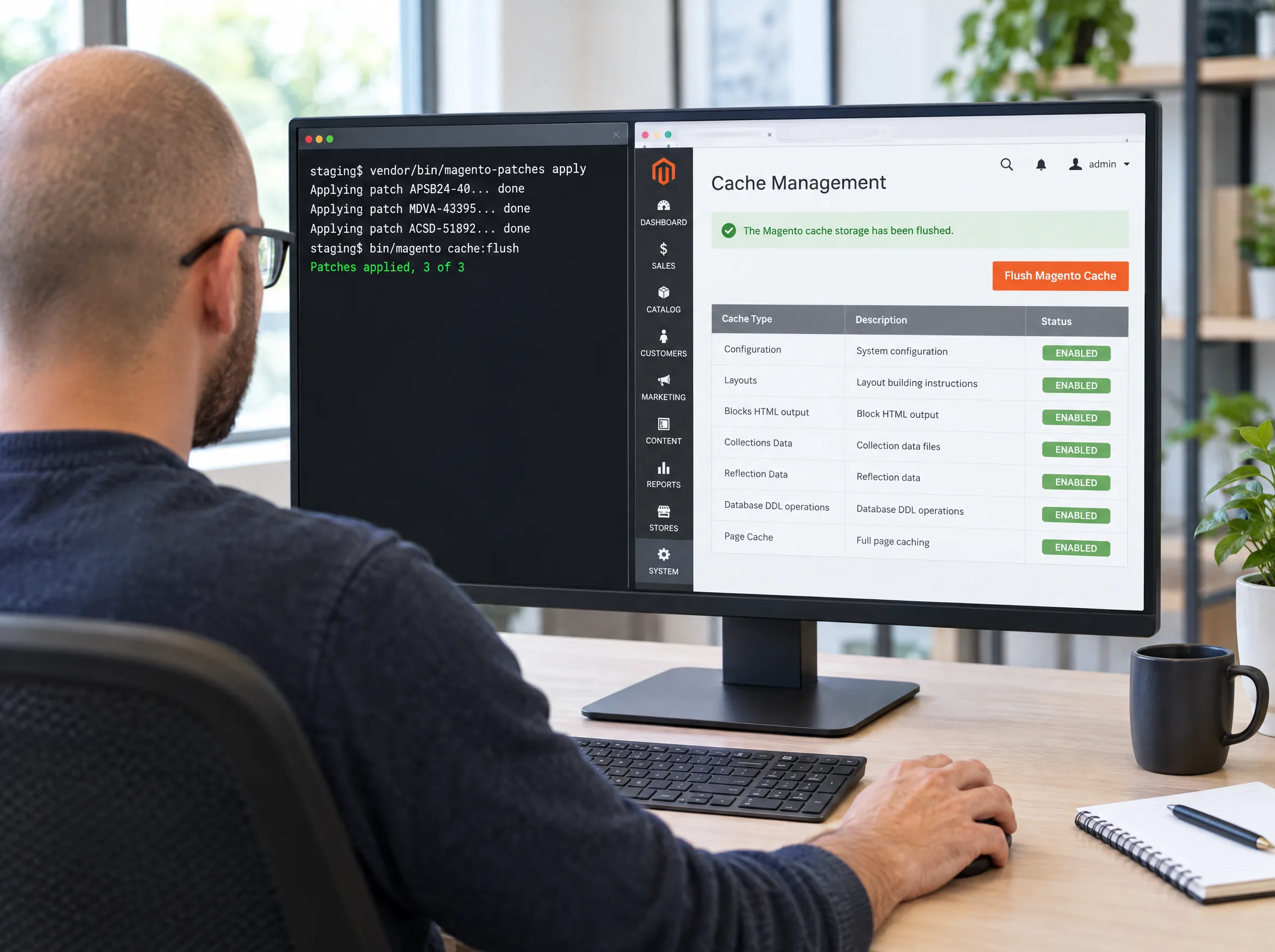
Patches behind
We plan the upgrade and test each patch first.
See Magento upgrade servicesAll support services: managed services, emergency support, SLA support plans, store audit, speed, accessibility, security.
Your store health check
Our team reviews your store and writes a clear report on how it is doing. Then we walk through the findings with you and help you pick the next step. No pressure.
Redefine
Confidential
Prepared for: your store
Store Health Check
Contents
Store Health Check
Your store
Fix first
Patches
Two security patches are open and one extension clashes with checkout, so those come first.
Where your store needs work
Start with
Patches
Priority
High
Order of work
Patches Extensions Support plan
Questions
One place for clear support answers.
The cost depends on the support setup, the size of your store and its extensions.
The health check shows which setup fits before you commit, so you know what you are paying for.
Response terms depend on your plan. Emergency support is for a store that is down now.
SLA support plans put agreed terms in writing. See Adobe Commerce SLA support plans
Managed services is ongoing care each month. Emergency support is help when something breaks.
Many stores start with a store audit to decide. See Adobe Commerce store audit services
Any change has some risk. Redefine tests on a staging copy first, keeps a rollback plan, and releases at a planned time.
This keeps your live store stable while the work is done.
Yes. The health check lists your extensions and integrations and flags conflicts, and the team works on them. ERP engineers handle ERP syncs.
You see which extensions need work before you pick a plan.
A Redefine team of developers, ERP engineers and marketers works on your store, with one owner per issue.
You always know who is fixing what.
The REDEFINE Method is Redefine Innovations' business-first framework for identifying business constraints, prioritizing improvements, delivering appropriate solutions, verifying outcomes, and sustaining improvements.
It has five stages: Diagnose, Prioritize, Deliver, Prove and Improve. Read the REDEFINE Method
Your Adobe Commerce store health check
Tell us about your store. A member of the Redefine Innovations team reviews it and shows you which support fits. No obligation.

Tell us about your store and what feels stuck. We read every request.