Your servers stay live. Your data moves safely. Your team spends 3 to 5 hours a week.
We move on-premises workloads to AWS, Azure, and GCP. Every migration runs with a governed landing zone, a zero-downtime cutover, and a tested rollback plan. Compliance is scoped in week 1, not after you go live.
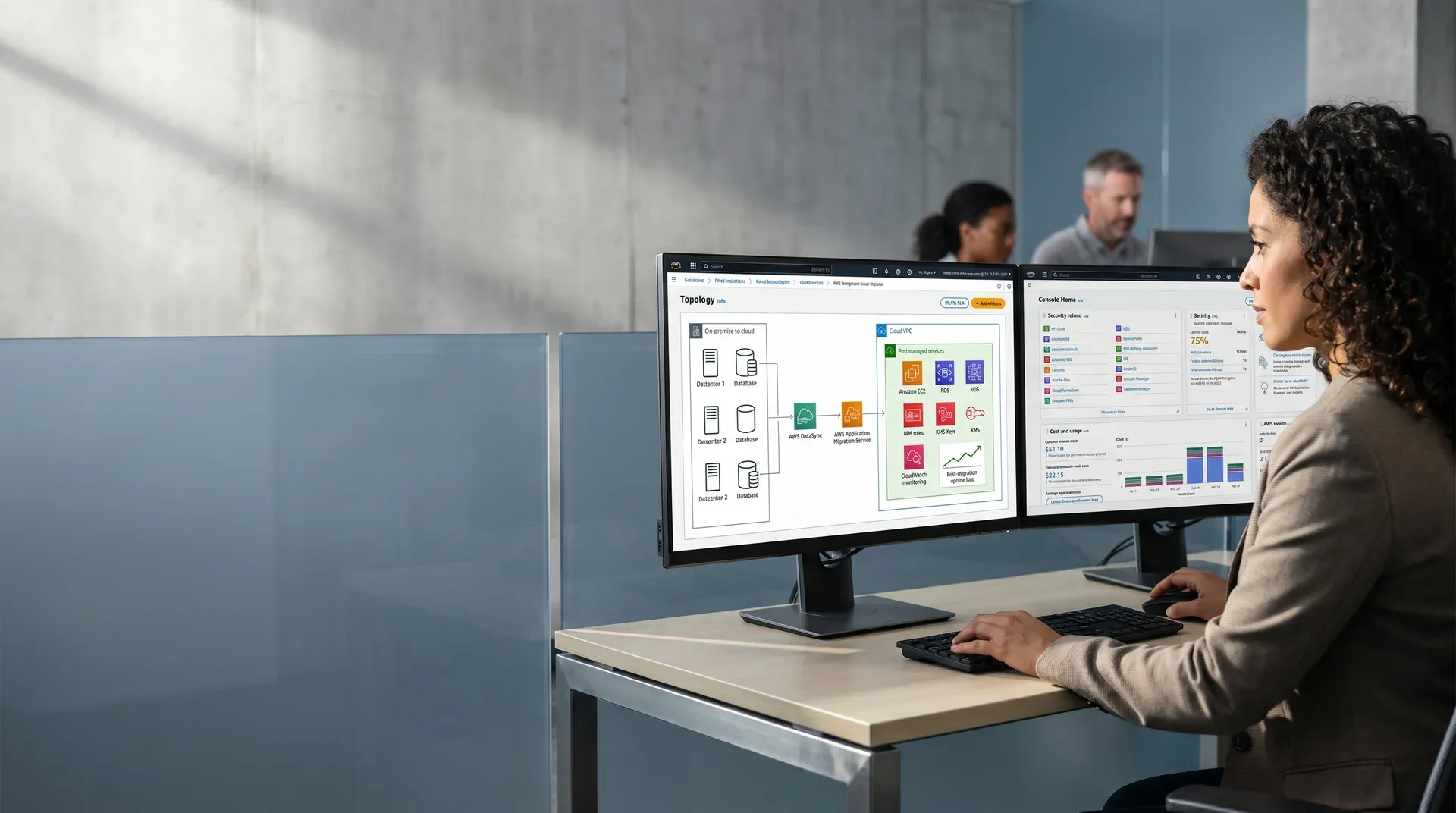
On-premises infrastructure does not get cheaper. It compounds. Every year you stay adds hardware debt, staffing overhead, and compliance risk.
See what staying on-premises costs you versus moving to cloud.
Move the sliders to match your environment. The calculator compares your 3-year on-premises total cost against cloud, and shows your savings at your specific scale.
Four phases. Every workload assessed, moved, and validated before the next one leaves the ground.

Migration readiness assessment
Most migrations fail because teams skip this step. We spend two weeks documenting every workload: what it depends on, what data it handles, what compliance rules apply, and how it performs today. No workload moves without a defined target architecture. This is what prevents the surprises that stall migrations after they start.
Cloud landing zone architecture
Before we move a single workload, we build the governed cloud environment it will land in. Account structure, network layout, access policies, security controls, and cost tracking are all defined in advance. When workloads arrive, they enter a controlled environment, not an empty bucket. Built with Terraform or Bicep, every configuration is reproducible and auditable.
Workload migration and cutover
We move workloads in the order defined during the assessment. Stateless applications go first. Databases and stateful services follow once their dependencies are established in the cloud. Each workload runs live on both environments before traffic shifts. We test the rollback plan for every workload before production traffic moves. You always have a way back.
Stabilization, optimization, and handover
We stay for 30 days after go-live. That time goes to monitoring, cost tuning, performance review, and right-sizing your reserved capacity. When the engagement closes, your team receives a full runbook, the complete Terraform or Bicep codebase, architecture documentation, and alerting playbooks. You leave with everything you need to run what we built.
A regulated FinTech cut compliance audit prep time by 72% after migrating to Google Cloud Platform.

This client ran financial services software on aging on-premises hardware. Two problems made growth impossible. First, the infrastructure could not scale to meet demand. Second, every compliance audit cycle consumed weeks of engineering time in manual evidence collection, access log reviews, and documentation exports.
- Compliance evidence gathered manually every audit cycle
- No network isolation between production and non-production environments
- On-premises capacity blocked planned product expansion
We built a governed Google Cloud Platform landing zone before any workload moved. Network isolation, access control policies, encryption at rest and in transit, and automated audit logging were designed into the architecture from day one. Workloads and databases migrated with zero downtime. The new environment automated the evidence collection that used to require weeks of manual work.
Six practices every Redefine cloud migration includes that most partners treat as optional or extra.
What IT leaders and CTOs ask us before starting a cloud migration.
A migration of 10 to 30 workloads typically takes 8 to 16 weeks. The timeline depends on workload complexity, compliance requirements, and integration points. We scope the timeline during the 2-week assessment, before quoting. You do not receive a quote until we understand exactly what we are moving. Use the ROI calculator above to see what remaining on-premises costs you while you wait.
No. Your on-premises systems stay live throughout the migration. We build and validate the cloud environment in parallel. Traffic shifts to the cloud only after the new environment passes testing. Before any production traffic moves, we test and document the rollback plan. If anything goes wrong, you cut back in minutes.
Compliance scope comes first, in week 1. We design the cloud landing zone around your compliance framework before any workload moves. Access controls, network isolation, data encryption, and audit logging are built into the architecture from the start. Compliance is never a retrofit.
We migrate to AWS, Azure, and Google Cloud Platform. Platform selection happens during the assessment, based on your workloads, compliance obligations, vendor agreements, and your team's existing expertise. We do not recommend a platform based on what we know best. We recommend the right one for your environment.
A cloud landing zone is a governed cloud environment built before any workload arrives. It defines your account structure, network design, access policies, security controls, and cost tracking. Without one, workloads enter an uncontrolled environment. That creates security gaps and cost overruns that grow harder to fix as the migration scales. We build the landing zone before workload one moves.
Tell us about your on-premises environment. We will tell you what moving it takes.
No commitment. No pitch. We respond within two business days.
You submit a brief. We call within 48 hours. Your migration readiness report is ready in 3 days. Sprint 1 starts in week 2.