From Dynamics GP, NAV, or AX 2012 to Business Central. Live in 14 weeks
Fixed-price statement of work. Named senior consultant. Move from Dynamics GP, NAV, or AX 2012 to a fully supported, cloud-capable system. Zero average change orders across 47 engagements.
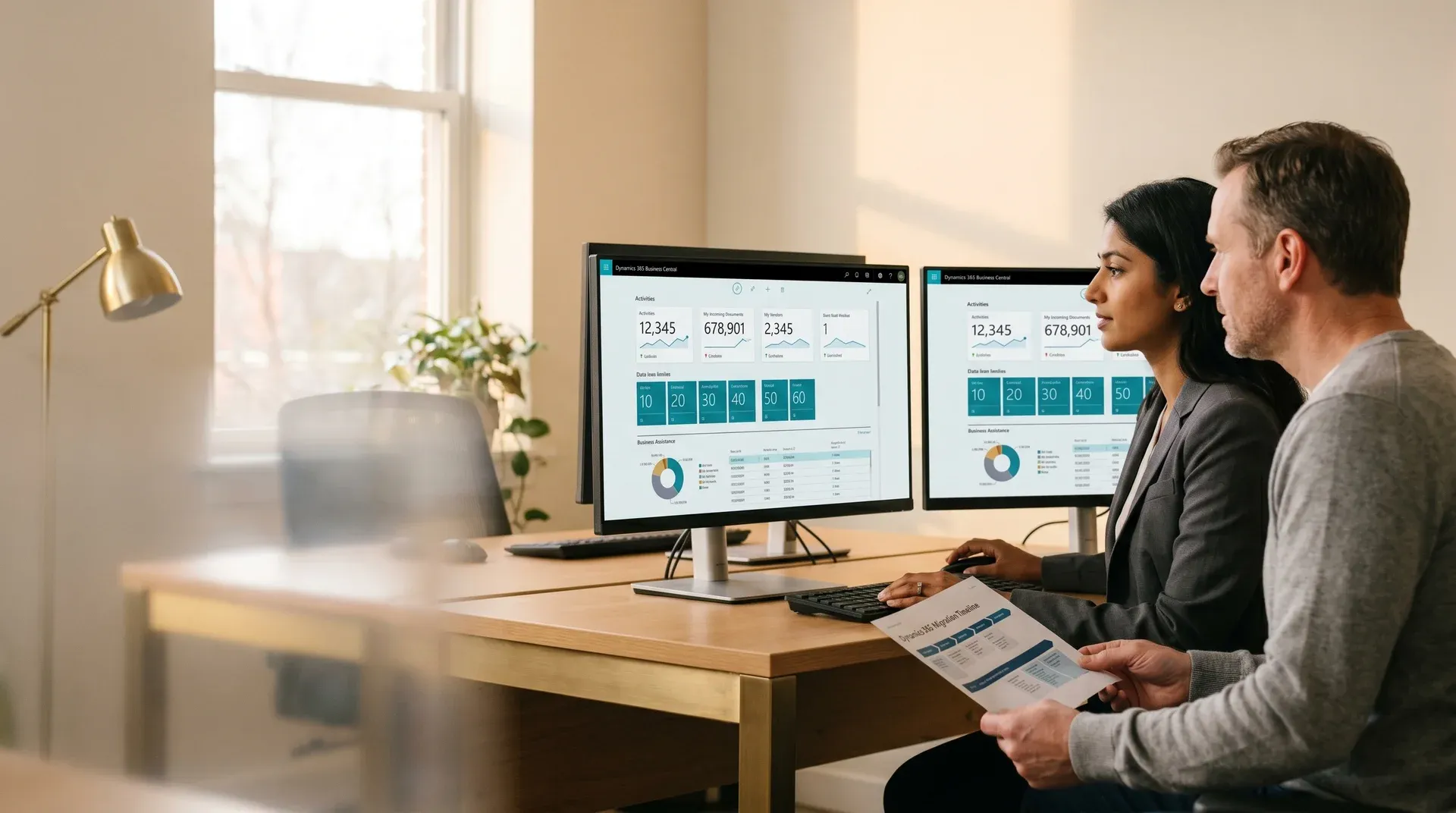
The cost of staying on legacy ERP compounds every quarter.
End-of-support is the headline. The operational cost of staying on a legacy system starts long before the final patch date.
End-of-support exposure
Dynamics GP 18.x receives product updates, tax updates, and technical support until 31 December 2029, and security updates until 30 April 2031. Versions GP 2018 R2 and earlier follow the Fixed Lifecycle Policy and several are already out of support. Microsoft stopped selling new GP subscription licences on 1 April 2026.
Source: Microsoft Dynamics GP lifecycle documentation. Verified August 2026.
Missed release wave features
Business Central ships two release waves per year: April and October. Each wave delivers new capabilities in manufacturing, supply chain, and financial management. Legacy ERP users accumulate a growing capability gap every six months.
Growing customization debt
Every year on a legacy version adds cost to the eventual upgrade. Reports written in legacy C/AL compound. organizations that delay five years pay more than double the upgrade cost of those that move within two years.
Return on investment of acting now
Across 47 delivered engagements, average year-one operational saving is $180,000. Payback period averages 8 months from go-live. Three-year return on investment averages 3.4 times. Real numbers from signed engagements.
- Month-end close takes 5 to 7 days with manual spreadsheet steps
- Compliance team asking about unpatched security vulnerabilities
- customizations block every software update attempt
- Growth outpacing what the system can reliably handle
- Month-end close runs in 1.5 days on automated workflows
- Microsoft-managed security patches on every release wave
- Application language extensions update automatically with each release wave
- Manufacturing, distribution, and project accounting built in
From discovery audit to live on Business Central in 14 weeks.
Every phase has a named deliverable and an acceptance criterion. If we miss a deadline for reasons in our control, we keep working at no extra charge until you are live.
customization audit, data volume analysis, integration inventory, and go-live risk scoring. Output: fixed-price upgrade statement of work.
Target environment provisioned. Migration plan agreed. Cutover date locked. Code conversion backlog confirmed.
C/AL or legacy code converted to AL extensions. Integrations rebuilt. Two trial data migrations with reconciliation reports.
End-to-end process testing. User acceptance testing with key users. Signed user acceptance sign-off before go-live is authorized.
Production cutover. 30-day hypercare. Priority 1 response within 2 hours. First month-end close supported by the same named consultant.
"If we introduce scope not documented in this statement of work, we absorb the cost. If we miss the agreed go-live date due to factors within our control, we continue work at no additional charge until you are live."
Every starting point. One destination.
We scope each upgrade path individually. Data volumes, customization depth, integration dependencies, and compliance requirements all vary by source system.
Dynamics GP to Business Central
The most common upgrade path. GP and Business Central share significant functional overlap in accounts payable, accounts receivable, general ledger, and basic inventory, making this path predictable to scope. Microsoft ended GP mainstream support on January 1, 2026. Extended support runs through December 31, 2029.
- Chart of accounts mapping included
- Smartlist-equivalent reports rebuilt in Business Central
- Third-party add-ons reviewed: keep, rebuild, or replace
- Two trial data migrations with reconciliation
Dynamics NAV to Business Central
Business Central is the direct successor to NAV. The functional model is familiar, but customizations written in C/AL must be converted to AL extensions. NAV 2016 and earlier are end of life. NAV 2017 extended support ends 12 January 2027 and NAV 2018 ends 12 January 2028, with no new features on either.
- Full C/AL to AL extension conversion
- customization audit: keep, rebuild, or replace
- Upgrade-safe extensions, cloud-compatible from day one
- Integration review: keep, reconfigure, or rebuild
Dynamics AX 2012 to Dynamics 365 Finance
AX 2012 R3 left mainstream support on 13 October 2021 and extended support on 11 January 2023, so it is now fully out of support. Dynamics 365 Finance and Operations runs cloud-native with continuous updates. The data model, customization framework, and integration layer all change significantly. Enterprise engagements support phased rollout by legal entity.
- Multi-entity phased rollout available
- X++ code analysis and conversion scoping
- MB-300 and MB-500 certified consultant team
- Lifecycle Services managed deployment
Business Central On-Premises to Cloud
Customers running Business Central on-premises (v14 through v21) benefit from moving to the cloud: automatic twice-yearly release waves, Microsoft-managed infrastructure, and lower total cost of ownership. Extensions must pass AppSource compliance review before the move.
- Extension compliance review and rearchitect
- On-premises connectors moved to cloud
- Version-by-version gap analysis to current wave
- Zero-downtime cutover planning
Four situations where we move fastest.

- You are running out-of-support ERPYou need a credible timeline and a partner who has done this transition before.
- A previous upgrade stalled or failedYou need an honest assessment of what went wrong and a realistic path to go-live.
- Growth is outpacing your legacy systemMonth-end takes a week. Reports require manual spreadsheet assembly. You need to move.
- An acquisition requires system consolidationTwo separate ERP instances need to merge into one Business Central tenant.
Upgrades delivered. Results measured.
The transition from NAV 2015 to Business Central required full refactoring of customised C/AL code into AL extensions and integration with a third-party invoicing system supporting the Catalan language, all while maintaining business continuity.
ERP upgraded to Business Central with full C/AL to AL conversion. Microsoft Integration Runtime migrated data from on-premises SQL Server to the cloud. Automated testing introduced for customised transactions. A .NET-based integration connected the invoicing system via application programming interface.
Improved system performance and reduced manual errors across core processes. Automated testing saved measurable time on each deployment cycle. Regional language and invoicing compliance maintained throughout.
Full C/AL to AL conversion delivered on a fixed-price statement of work with zero change orders and business continuity maintained throughout.
ERP upgrade resolves transaction volume bottlenecks
Legacy NAV 2009 R2 struggled with increasing transaction volumes, slow performance, frequent errors, and reporting delays. It lacked support for updated compliance requirements including goods and services tax.
Productivity increased measurably with reduced report processing times. Enhanced compliance tools simplified regulatory goods and services tax reporting. The system handles higher transaction volumes to support continued growth.
Legacy ERP replaced with scalable Business Central on Azure
Functional and scalability limitations constrained business operations. Legacy architecture increased operational risk and made it difficult to meet evolving compliance and reporting requirements.
Improved operational scalability and compliance readiness. Unified finance, sales, and customer data on a single modern ERP platform. Reduced dependency on legacy processes.
What your dynamics 365 upgrade partner commits to on every upgrade.
Four things define how we deliver. Each one is written into the statement of work, not promised in a sales call.
Fixed-price statement of work only
One scoped price agreed before any work begins. No time and materials. No open-ended hourly billing. The price you sign is the price you pay.
Named dynamics 365 upgrade services consultant throughout
The senior consultant who scopes your upgrade is the same person who delivers it and supports your first month-end close. No handoff to a junior team after signing.
Zero average change orders
Across 47 engagements the average change order value is $0. Scoping discipline in the two-week discovery phase is the reason there are no surprises after you sign.
Dynamics 365 upgrade consultant rescue capability
When a previous upgrade stalled or failed, we assess what went wrong and chart a realistic path to go-live. Rescue work is a core capability, not an exception.
Common questions about Dynamics 365 upgrades.
What comes before and after the upgrade
Free 30-minute call. Leave with a realistic upgrade plan.
Tell us your current system, version, user count, and the two or three things that slow your team down today. We will tell you which upgrade path applies, a ballpark cost range, and the earliest realistic go-live date.
- Upgrade path confirmed in the callWe identify the right target platform and confirm source version compatibility.
- Cost range established before you leaveA realistic range based on your system, user count, and customization level. No vague "it depends."
- Go-live date scopedThe earliest realistic go-live date given your readiness and our current availability.
The discovery call is free, and our dynamics 365 upgrade services partner credits the full $4,500 paid discovery fee toward your upgrade statement of work when you sign. Set against an average year-one operational saving of $180,000, the assessment pays for itself in the first month after go-live.
We respond within one business day to confirm a time.
Brief received.
We will review your current system and send a scoped fixed-price proposal within 3 business days.