






Dynamics 365 implementation

Dynamics 365 implementation that fits your business.

Redefine Innovations sets up Dynamics 365 around the way your team works, from the first plan to go-live.

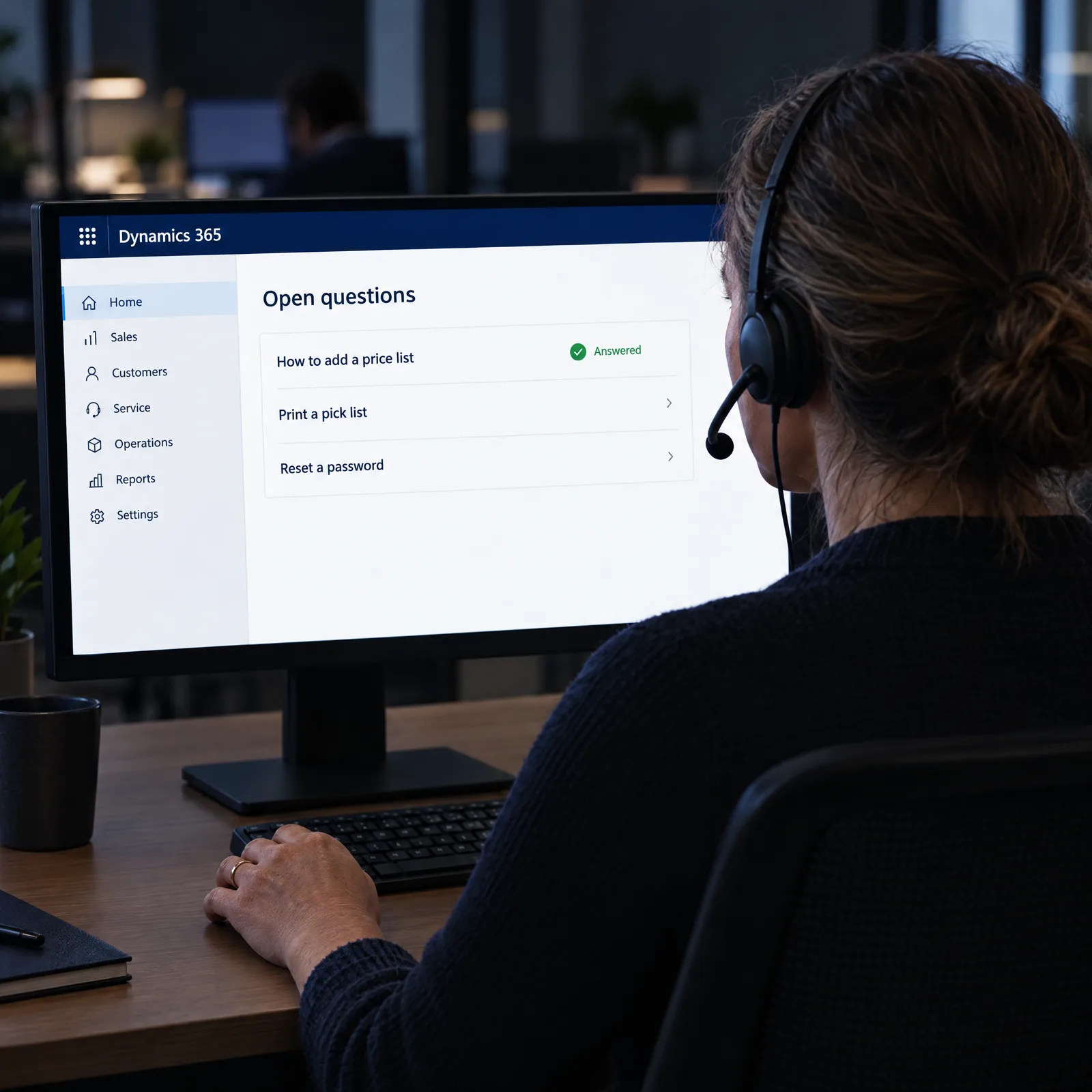
A Redefine consultant reads your answers and writes your plan.

Half Price Drapes: stock counts went from about 82% right to 99.2% on the systems we built. See the case study.

An operations lead and a Redefine consultant checking a new Dynamics 365 setup on a laptop

A new system only helps if your team uses it. We set it up around your work, not the other way round.

Proof

Results from our Dynamics 365 clients

A good setup shows up in real numbers. These come from clients who run Dynamics 365 with us. Numbers from each client case study.

Half Price Drapes stock accuracy
From ~82% to 99.2%
Read the case study
Parsons Kellogg manual report time
-58%
Read the case study
Parsons Kellogg stock accuracy
99.0%
Read the case study
Half Price Drapes yearly sales
$70M+
Read the case study

Ready to set up Dynamics 365?

Receive your Scoped Plan from a Redefine consultant.

Receive Your Scoped Plan

Short answer

What is Dynamics 365 implementation?

Updated

Dynamics 365 implementation is the work to set up Microsoft Dynamics 365 for your business. Redefine Innovations guides you through each step: plan, fit check, design, setup, data move, tests, training and go-live. It is for operations, finance and IT leads who are moving off old systems or spreadsheets.

Many rollouts add custom code too soon. That makes each update harder and costs more over time.

So we use the standard Dynamics 365 features first. We add custom work only where your business really needs it.

Three ways we help with Dynamics 365

Pick by where you are now

WayWhat you getBest whenWhere it stops
ImplementationYou are new to Dynamics 365A system set up, tested and liveIt sets up a new system
ConsultingYou are not sure what to do firstA ranked plan for your systemIt plans the work; the build is a next step
OptimizationYour system is live but slow to useChanges that make it work betterIt improves a live system

What we look at first

  • [1] How your team works today, step by step
  • [2] The old systems and sheets you use now
  • [3] The data you need to bring across
  • [4] The tools Dynamics 365 must link with

Not sure where to start? See Dynamics 365 consulting. Need to move data? See Dynamics 365 data migration.

Start with a clear plan and stay in control.

We shape Dynamics 365 around the way your team works, one step at a time.

Team mapping their order steps with paper cards on a wall before the Dynamics 365 setup

Before and after

Many vendors. One Dynamics 365 team.

Apart

Each part of the project has its own vendor.

  • Setup

    Own vendor

  • Data

    Own vendor

  • Training

    Own vendor

  • Support

    Own vendor

  • Links

    Own vendor

No shared plan
Vendors you manage

5

Together

One team. One plan. One contact.

  • Setup

    Same plan

  • Data

    Same plan

  • Training

    Same plan

  • Support

    Same plan

  • Links

    Same plan

  • Go-live

    Same plan

One Redefine team
Team you talk to

1

Cost calculator

What does your old system cost you?

Use your own numbers. See what manual work and rework could cost each month.

Your numbers

Monthly

2,000
70.0%
$40
90.0%

Value per month

Your estimate

Now
$56K
With Dynamics 365
$72K

Value you may be missing

$16Kper month

$192K a year if nothing changes.

Receive Your Scoped Plan

This is an estimate from your own numbers, not a promise.

Estimate: tasks a month x (no rework on Dynamics 365 minus no rework now) x value of one task. Not a promise.

Dynamics 365 rollout problems, solved.

  • Consultant and finance lead agreeing Dynamics 365 setup choices on a printed sheet

    Clear setupHard to set up?

    Our consultants answer your setup questions

    Each choice is made with your team and written down.

  • Data expert matching record counts between the old system and Dynamics 365

    Safe dataData to move?

    We move your data and check every count

    Your records arrive clean and match the old system.

  • Manager listing which teams need which Dynamics 365 licenses on a printed sheet

    Right licensesLicenses unclear?

    We match licenses to the people who use them

    You pay for what your team really needs.

  • Support lead answering a user question in Dynamics 365 after go-live

    Steady helpHelp after go-live?

    We look after the system once it is live

    Your team has one place to go for help.

An engineering mindset for a Dynamics 365 implementation

We run growth the way engineers run software.

Redefine is an engineering company that does marketing. Developers, Dynamics 365 engineers and business experts work as one team, so each part of your rollout fits the rest.

  1. Engineer writing a setup goal and its test result on a whiteboard next to a task card

    01 Our way: How we work

    Every change is a test with a success number.

    Data and tests guide each setup choice.

    Old way: Instead of the usual agency habit

    Changes rely on guessing.

    Nobody can say if a choice was right.

  2. Engineer fixing a customer data rule at the source in Dynamics 365 before go-live

    02 Our way: How we work

    Engineers fix the system and the data.

    Problems get fixed at the source before go-live.

    Old way: Instead of the usual agency habit

    Fixes stop at the surface.

    The same problem shows up after launch.

  3. Key user ticking off a printed test script for one process before go-live

    03 Our way: How we work

    Each goal has a clear "done when" line.

    You know when each part is really finished.

    Old way: Instead of the usual agency habit

    Work counts as done when it is sent.

    Gaps show up when your team starts using it.

How Redefine works

TheREDEFINEMethod

Use what Dynamics 365 does well before you build anything new.

Using standard Dynamics 365 features first keeps updates easy. We plan each step around your business needs, so the system does real work from day one.

Receive Your Scoped Plan

Get a clear plan for your rollout.

Why this approach matters

  • Clear goals at every step.
  • Your time and budget go further.
  • The setup fits your real needs.
  1. Start here

    Step 1: Diagnose

    We look at how your business works today and find the gaps the system must fill.

    You receive A full business review

  2. Choose what matters

    Step 2: Prioritize

    We pick what to set up first and what can wait, so each step comes at the right time.

    You receive A step by step plan

  3. Do the work

    Step 3: Deliver

    We set up each part of Dynamics 365 for your needs and test that it works.

    You receive A system set up for you

  4. Check the result

    Step 4: Prove

    Your users test each process before go-live. Business results are checked on their own after launch.

    You receive A test and goal check

  5. Keep improving

    Step 5: Improve

    After a short period of extra help, you get notes and a list of next steps. Ongoing help is a separate choice.

    You receive Next step ideas

What you receive

A written plan, a system set up and tested, and one team to call.

Case study / Dynamics 365, ERP and store

One linked system for a fast growing store

Dynamics 365 and ERP

Half Price Drapes

A large online drapes store that sells on its own site and on many marketplaces.

Yearly sales
$70M+
The old Half Price Drapes store, before the move to one linked ERP and a new store
The old Half Price Drapes store, where the work started.

The problem

Stock, orders and customer data sat in separate systems. Stock counts were often wrong, and choices were slow.

What we did

We moved the store and linked every system to one ERP, with live reports for the team.

  • ERP links
  • Live reports
  • Channel data
  • Store move

The result

  • Stock counts right, up from about 82% to 99.2%
  • One view of stock and orders on every channel
  • Over $70M in yearly sales

We did this for Half Price Drapes. The same team will plan your Dynamics 365 rollout.

ERP, Dynamics 365 and store project. Numbers from the Half Price Drapes case study.

Your scoped plan

See what your Scoped Plan covers.

This is the written plan a Redefine consultant sends after looking at how your business works. It shows what to set up first.

Sections
5
Steps
1
Data
First
Receive Your Scoped Plan

Redefine

Confidential

Prepared for: your business

Scoped Plan

Contents

  1. 01How you work today3
  2. 02What Dynamics 365 must do7
  3. 03What to set up first12
  4. 04Data to move18
  5. 05How we test and go live22

Scoped Plan

Your business

01 / 05

First thing to set up

Order to cash

Your team types orders into a sheet, then into billing. Setting this up first ends the double work.

Orders typed twice

Effort to start

Medium

Priority

High

Do it in this order

Set up orders Move data Train team

How your Scoped Plan is laid out: the cover and page 3.

What is the REDEFINE Method?

The REDEFINE Method is Redefine Innovations' business-first framework for identifying business constraints, prioritizing improvements, delivering appropriate solutions, verifying outcomes, and sustaining improvements.

It has five stages: Diagnose, Prioritize, Deliver, Prove and Improve. Read the REDEFINE Method

How long does Dynamics 365 implementation take?

It depends on how many teams and steps the system must cover.

We agree the time with you in the written scope before work starts.

How is implementation different from optimization?

Implementation sets up a new system. Optimization improves a system you already use.

Each service covers its own part, so you do not pay twice. See Dynamics 365 optimization

What will the project cost?

The cost depends on your needs, the tools to link and the data to move.

You get a written price in your plan, so there are no surprise costs.

How does training fit in?

Training is part of every rollout.

We get your team ready to use the new system from the first day.

How are go-live and the first weeks handled?

Go-live is the day your team starts using the system.

For the first weeks after, we stay close and fix issues as they come up.

Scoped plan

Begin with your Scoped Dynamics 365 Plan

Start your Dynamics 365 rollout with a clear plan made for your needs.

Finance lead reading a printed Dynamics 365 rollout plan at a standing desk by a window
  • A person reads every request
  • A written, step by step plan
  • 25+ years building business systems
  • 550+ projects delivered

Your Scoped Plan

Tell us how you work today and what you want Dynamics 365 to do. A short note is fine.

  1. 1We read your answers
  2. 2We talk about your goals
  3. 3You get your Scoped Plan
  4. 4We review it with you