




BigCommerce emergency support

Get urgent help when your BigCommerce store breaks.

Redefine Innovations fixes urgent BigCommerce store problems.

Ongoing care? See BigCommerce support and maintenance.

No upfront commitment. Sleek Shop: 71% fewer oversells after our sync build.

Proof

Results from BigCommerce stores we work on

Three real results from our BigCommerce case studies. These were build projects, not emergency fixes. The same developers answer urgent calls.

  • Sleek Shop
    71%
    Fewer oversells after we built its stock and order sync on BigCommerce.
  • Peekawhoo
    99.1%
    Stock accuracy after we linked its shop till to its BigCommerce store.
  • Off Grid Knives
    $3.8M
    In sales a year on BigCommerce, up from $1M.

Sources: our case studies for Sleek Shop, Peekawhoo and Off Grid Knives.

Store broken? Get an Emergency Fix Report.

Tell us what broke. Get the cause and the fix plan.

Get urgent help

Short answer

What is BigCommerce emergency support?

Updated

BigCommerce emergency support is fast help when a live store breaks and costs sales. Redefine Innovations fixes urgent BigCommerce problems such as checkout and payment errors, theme breaks after an update, and app or feed failures. A developer finds the cause, sends a fix plan and an estimate, and you approve the fix before it goes live.

When a store breaks, it is easy to guess and change many things at once. That can make it worse. So we find the cause first, then fix what stops orders.

After the fix, we place test orders and check payments, so you know the store works again.

Three ways to get a broken store fixed

Not sure which? Start here

ChoiceBest whenWhat you getWhere it stops
Emergency supportSomething broke today and costs salesThe cause, a fix plan and the fixOne urgent problem, not ongoing care
Bug fixesSmaller bugs that can wait a few daysBugs fixed in order of impactNot for a store that is down now
Store rescueThe store is badly broken or half builtA recovery or rebuild planTakes longer than one fix

What we check first

  • [1] Checkout and payments
  • [2] Recent theme and app changes
  • [3] Feeds and integrations
  • [4] Orders since the problem began

Not urgent? See BigCommerce bug fixes services. Deeper damage? See BigCommerce store rescue services, or all BigCommerce services.

When the store stops

Every moment your store is down costs you sales you cannot get back.

Shoppers do not wait. They buy somewhere else. So we find the cause fast and fix what stops orders first.

See how we fix it
An empty packing station with unfilled order bins while the store is down

Four vendors become one team.

In a crisis, four vendors point at each other. At Redefine, one team owns the store, the code, the ERP link and the campaigns.

  • Who fixes it

    Four roles. One team.

    1. Agency
    2. Developer
    3. ERP
    4. Marketing
    5. One team
  • 1

    team of developers, ERP engineers and marketers.

  • A developer, an ERP engineer and a marketer solve one store problem at one desk

    The team

    Code, ERP and campaigns, fixed at one desk.

  • Why it matters

    One point of contact, exact code fixes, working system links and campaigns that match the fix.

  • Where to start

    Start with what broke.

    See common problems

Revenue calculator

Discover your store's revenue gap

See what a broken checkout or page can cost each month, and what a fast fix could save. Use your own numbers.

Your numbers

Monthly

35,000
1.4%
$190
1.9%

Monthly revenue

Your estimate

Current
$93K
Potential
$126K

Estimated revenue gap

$33Kper month

$399K a year from the same traffic.

Get urgent help

Results are estimates, based on your input.

Estimate: visitors x (working rate minus broken rate) x average order value. Not a promise.

What breaks, and who fixes it

  1. Problem 1 of 4

    Store down

    Your site will not load.

    We check DNS, apps and recent changes, then bring the storefront back.

    BigCommerce store rescue services
    A store owner sees a This site cannot be reached page instead of the storefront
  2. Problem 2 of 4

    Checkout and payments

    Orders will not go through.

    We trace the checkout or payment error, fix it and prove it with test orders.

    BigCommerce bug fixes services
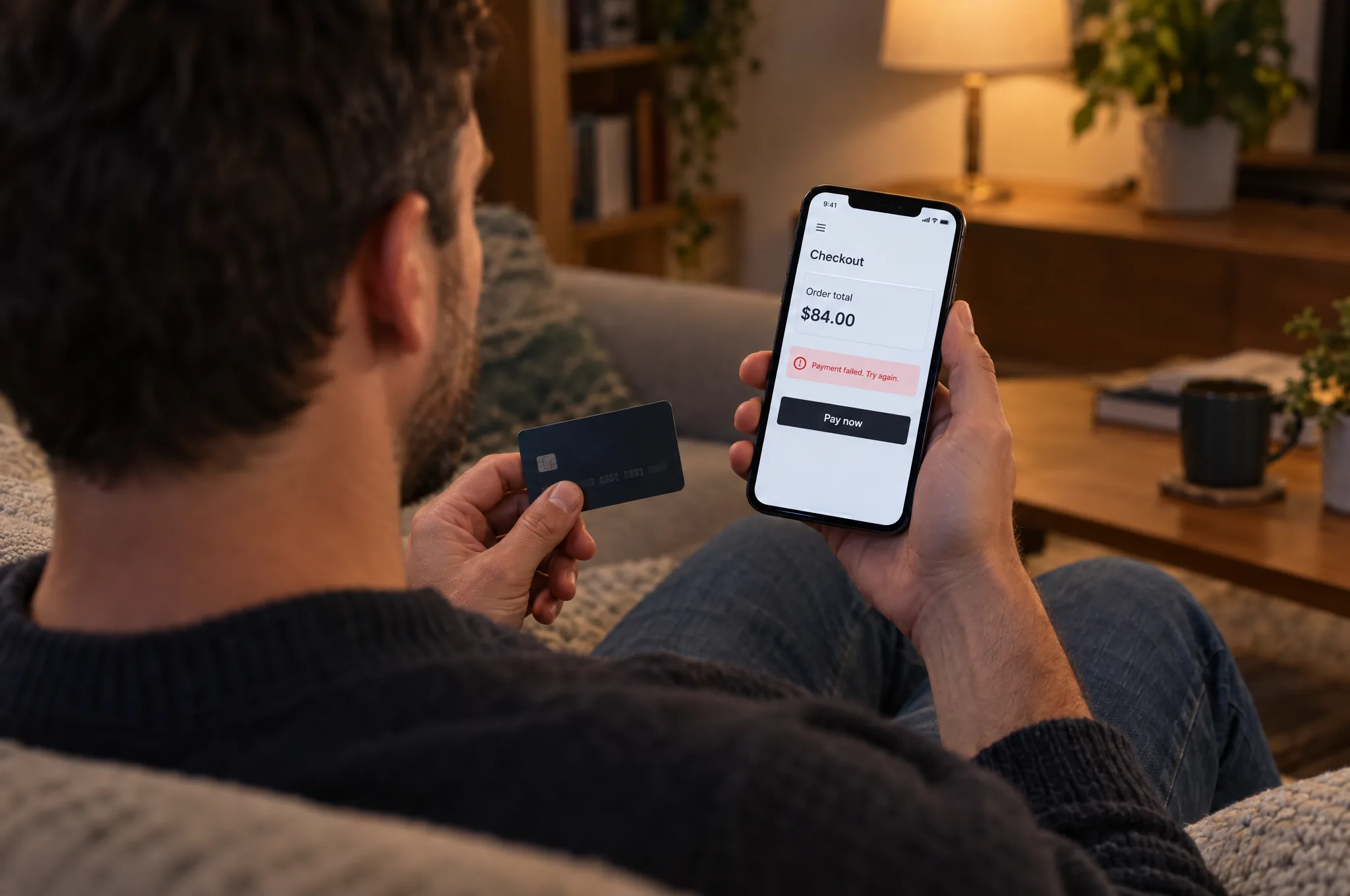
    A shopper on a phone gets a payment failed message at checkout
  3. Problem 3 of 4

    Theme broke after an update

    Pages look wrong.

    We find the change or script that broke the layout and fix the theme.

    BigCommerce theme development
    A designer finds a broken store layout on a monitor after a theme update
  4. Problem 4 of 4

    Integration failure

    A feed or app stopped.

    We find where the sync breaks and get data moving again.

    BigCommerce integration services
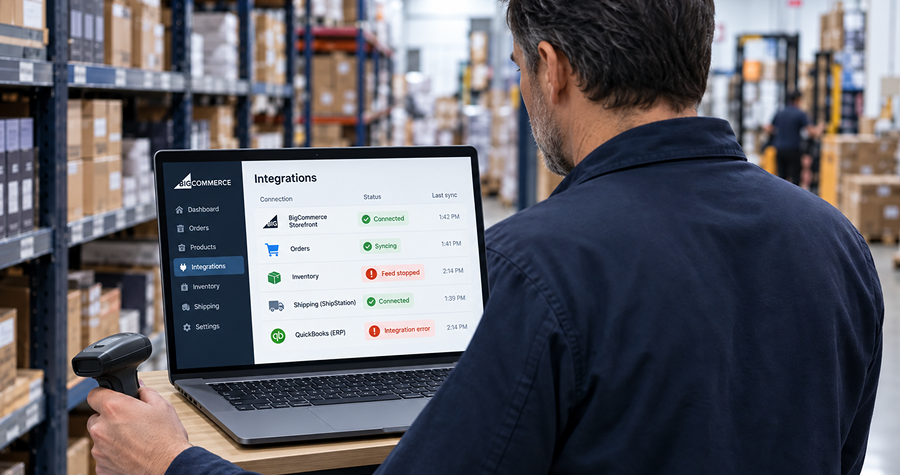
    A warehouse lead checks a sync failed alert between the store and the stock system

An engineering mindset for BigCommerce emergency support

We run growth the way engineers run software.

Redefine Innovations is an engineering company that does marketing. Developers, ERP engineers and marketers work as one team, so a fix reaches the store's code, not just the ad account.

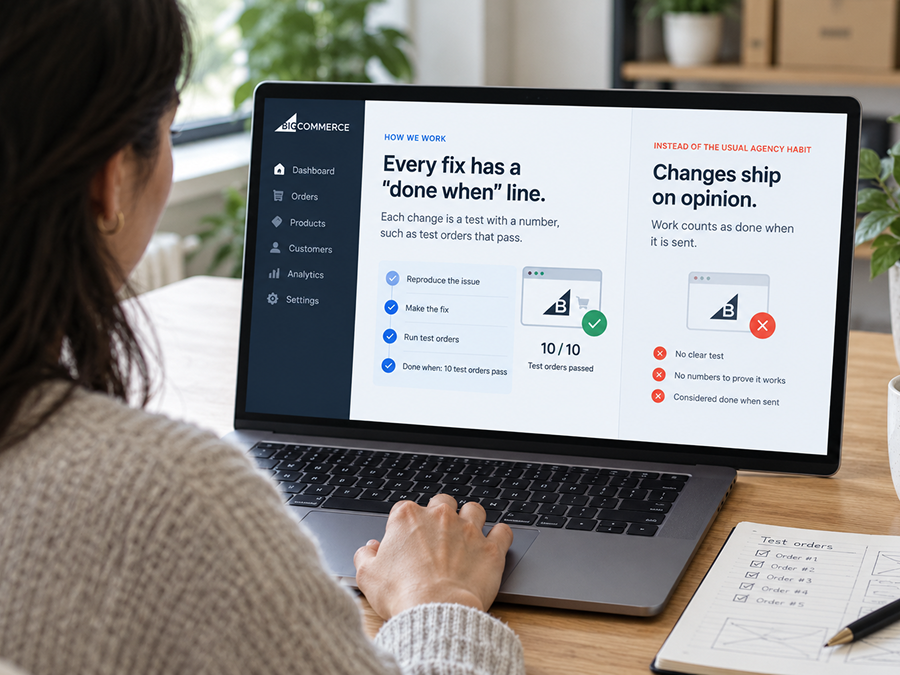
  1. A developer writes a done when line on a printed fix ticket before starting work

    01 Our way: How we work

    Every fix has a "done when" line.

    Each change is a test with a number, such as test orders that pass.

    Old way: Instead of the usual agency habit

    Changes ship on opinion.

    Work counts as done when it is sent.

  2. A developer fixes checkout code while a second monitor shows test orders passing

    02 Our way: How we work

    Developers fix the store itself.

    Speed, checkout, tracking and ERP data, not only the ads.

    Old way: Instead of the usual agency habit

    Fixes stop at the ad account.

    The real fault in the store stays.

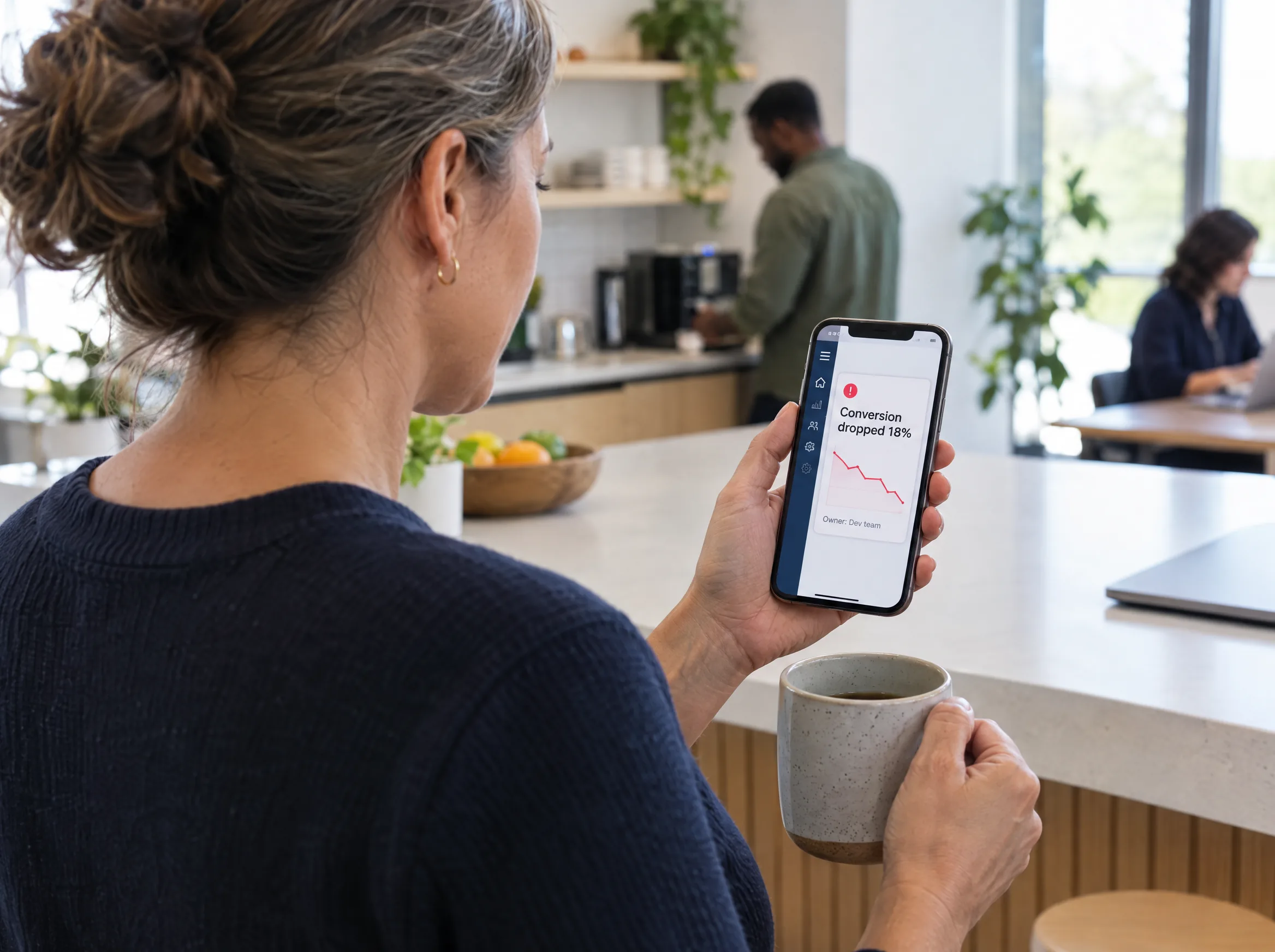
  3. An operations lead gets an alert on a phone the week a number drifts

    03 Our way: How we work

    Alerts fire the week a number drifts.

    Each alert comes with a planned fix and one owner.

    Old way: Instead of the usual agency habit

    Problems wait for the monthly report.

    By then, sales are already lost.

How Redefine works

TheREDEFINEMethod

Urgent BigCommerce fixes that keep your business running.

In an emergency, the first fix is the one that brings orders back. A theme redesign can wait while checkout or payments are failing.

Get urgent help

No upfront commitment. You see the cause and the plan first.

Why this approach matters

  • Effort goes to what matters most in the crisis.
  • Fixes target the problems that stop sales.
  • You see each step of the recovery.
  1. Start here

    Step 1: Diagnose

    We find what is causing the problem and what it does to orders. What hurts revenue now comes first.

    You receive A problem and impact note

  2. Choose what matters

    Step 2: Prioritize

    We pick the fixes that bring the store back. We would not start a theme redesign while checkout or payments are failing.

    You receive A ranked fix list

  3. Do the work

    Step 3: Deliver

    Developers make the fix. You approve it before it goes live, so you stay in control of your live store.

    You receive Fixes, approved by you

  4. Check the result

    Step 4: Prove

    We check that checkout, payments and orders work again, with test orders.

    You receive A short check report

  5. Keep improving

    Step 5: Improve

    We plan steps that stop the same problem from coming back.

    You receive A prevention plan

What you receive

A cause and fix plan, an estimate before work starts, your approval before changes go live, and a summary of what changed.

Case study

How CCTV Security Pros got its sales tracked again

CCTV Security Pros sells security camera systems on BigCommerce. This was a tracking, store and ads project, not an emergency fix. It shows how our team finds a hidden fault and proves the fix.

CCTV Security Pros

Security camera systems · BigCommerce · online

The problem

Sales were growing, but most sales could not be traced to where they came from.

  • AOnly about 15% of sales were tracked to a source.
  • BAd spend and store changes were guesses.

What you get

Emergency Fix Report.

Prepared for: your store. Open each part to see what it covers.

Cause and impact

What broke, and what it costs you.

A developer checks your store and writes down the cause in plain words.

3 parts

  • Impact on orders

    What the problem does to sales today.

  • Key fix priorities

    What to fix first, and why.

  • Integration points checked

    Apps, feeds and ERP links that touch the problem.

Fix plan and next steps

An estimate first, your approval next.

You see the plan and the cost before any work starts.

2 parts

  • Developer action plan

    Each fix, with a written estimate.

  • Ways to prevent it

    Steps that stop it coming back.

Get urgent help

After the report, you decide the next step with your developer.

A store owner reads a printed Emergency Fix Report made for her store

Prepared for: your store

Report

Emergency Fix Report

Store
Your BigCommerce store
Issue
What broke and why
Covers
Cause, fix plan, estimate and checks
Next step
You approve the fix before it goes live.
What your report looks likeMade for your store

How much will it cost to fix my store?

It depends on the problem and how hard the fix is. You get a written estimate before any work starts.

The work stays inside the estimate you approve. Any change is agreed with you first.

How fast will someone look at my issue?

We confirm we got your request and set its urgency. Then a BigCommerce developer looks at what broke and replies with the cause and the fix plan.

The aim is to cut downtime and keep your store steady.

Will the fix affect my live store?

First we agree how store access will work. Where we can, changes are tested before they go live, and you approve the fix.

Can you handle app and theme conflicts?

Yes. Our BigCommerce developers fix problems with apps, scripts and themes, and check that checkout still works after.

See BigCommerce app development

Who will work on my issue?

A BigCommerce developer leads the fix. ERP engineers and marketers help when the problem touches their part of the store.

Hire a BigCommerce developer

What happens after the fix?

We check the fix worked and send you a short note on what changed. For ongoing care after that, you can move to BigCommerce support and maintenance.

See BigCommerce support and maintenance

What is the REDEFINE Method?

The REDEFINE Method is Redefine Innovations' business-first framework for identifying business constraints, prioritizing improvements, delivering appropriate solutions, verifying outcomes, and sustaining improvements.

It has five stages: Diagnose, Prioritize, Deliver, Prove and Improve. Read the REDEFINE Method

Get urgent help

Fix your BigCommerce store emergency now.

Tell us what broke. A BigCommerce developer finds the cause and sends your Emergency Fix Report with the fix plan. No upfront commitment.

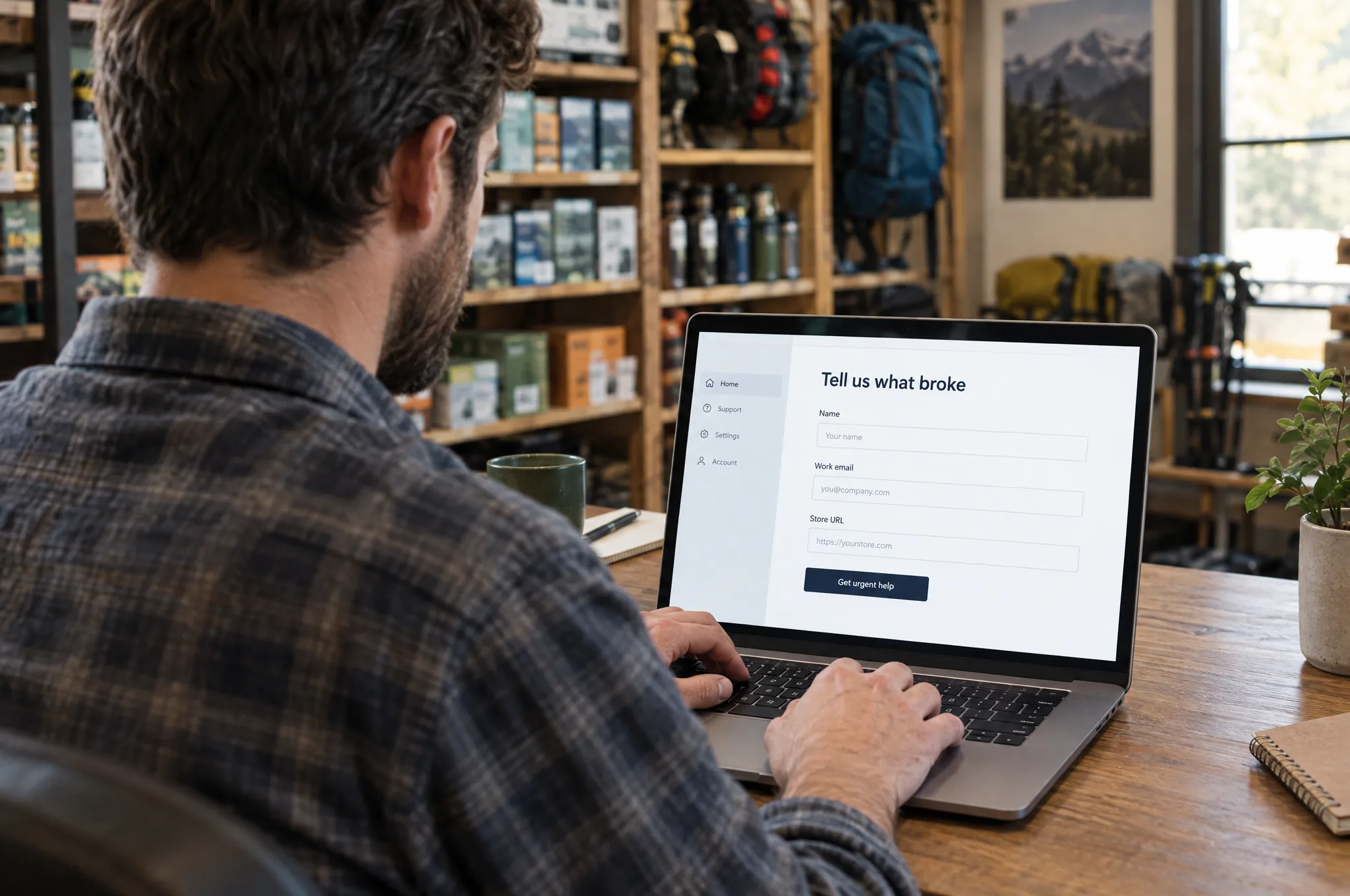
A store owner tells Redefine what broke on a short form on his laptop
  • The cause, in plain words
  • A fix plan and estimate
  • 25+ years in ecommerce
  • 550+ projects delivered

Tell us what broke

Share your store link and what you see. We use it to start your Emergency Fix Report.

  1. 1Send what broke
  2. 2We confirm your request
  3. 3A developer finds the cause
  4. 4We agree the fix plan with you