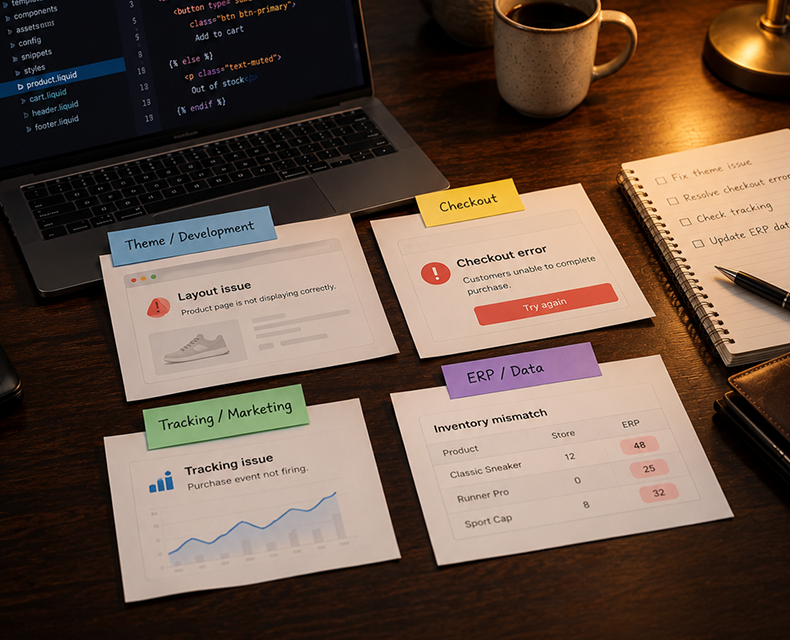
Before Four vendors
Four lists, no owner
An agency plans, a developer fixes, an ERP partner syncs data and a marketer runs ads. Bugs fall between them.
- A1Agency and developer split the work
- A2ERP partner and marketer wait their turn
BigCommerce bug fixes
Redefine Innovations fixes BigCommerce theme, app, checkout and tracking bugs with one team of developers, ERP engineers and marketers.
Triage before any fix work. Peekawhoo: conversion rose from 2.2% to 3.0% on the store we built. See the case study.
Store down? Visit BigCommerce emergency support.

Results
Three real results from our BigCommerce case studies. They came from build work, not a bug fix project.
Sources: our case studies for CCTV Security Pros, Peekawhoo and Sleek Shop.
Send your issue list for a written bug triage.
Cause, fix and effort for each bug, before any work starts.
Short answer
Updated
A BigCommerce bug fix service finds, fixes and tests the faults that slow a store or cost sales. Redefine Innovations fixes BigCommerce theme glitches, broken mobile layouts, app conflicts, tracking and tag errors, search and filter faults, and checkout warnings for ecommerce managers. Each issue is triaged, fixed on a staging copy, tested and written down.
Most stores keep a long list of small bugs. Each one looks minor, so the list grows for months while sales slip.
A written triage ranks the list by impact. The worst bugs get fixed first, and nothing is guessed.
Pick by how urgent the problem is
What we look at first
Store down right now? See BigCommerce emergency support. For ongoing care, see BigCommerce support and maintenance.
One team
Developers, ERP engineers and marketers fix your store together.

Before Four vendors
An agency plans, a developer fixes, an ERP partner syncs data and a marketer runs ads. Bugs fall between them.
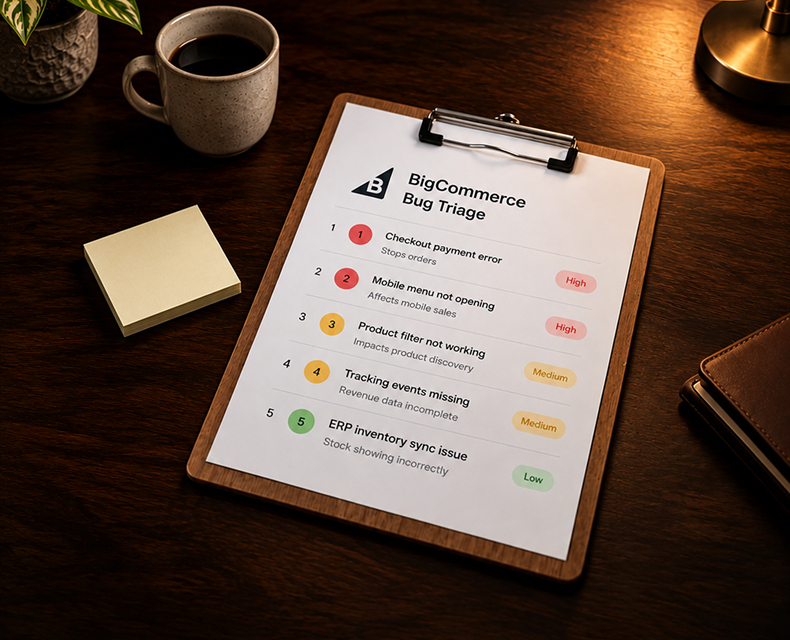
After One Redefine team
One team works from your triage list, so a fix reaches the theme, the checkout, the tags and the ERP data.
Each bug gets a cause, a fix and a test. You see each one cleared, in order.
RedefinenowCheckout warning clearedPayment step tested on phones and desktop
RedefinenowPurchase tag fixedEach order now reports once in analytics
RedefinenowMobile menu repairedTested on a staging copy, then released
Revenue gap calculator
See how unfixed BigCommerce issues can affect your sales. Put in your own store numbers.
Monthly revenue
Your estimate
Potential revenue gap
$33Kper month
$399K a year from the same traffic.
Your bug triage shows which fixes come first.
This is an estimate from your own numbers, not a forecast: visitors x (rate after fixes minus current rate) x average order value.
Pick a problem to see what breaks and what we do about it.
Search and filters show the wrong products
Search and filter glitches lose sales. We trace the fault in the product data or the theme, then test the results.
Deeper work: BigCommerce store optimization services

Theme glitches break your store's look
Glitches in your theme can hurt your brand. We fix broken templates and mobile layouts on a copy of your theme first.
Deeper work: BigCommerce theme development

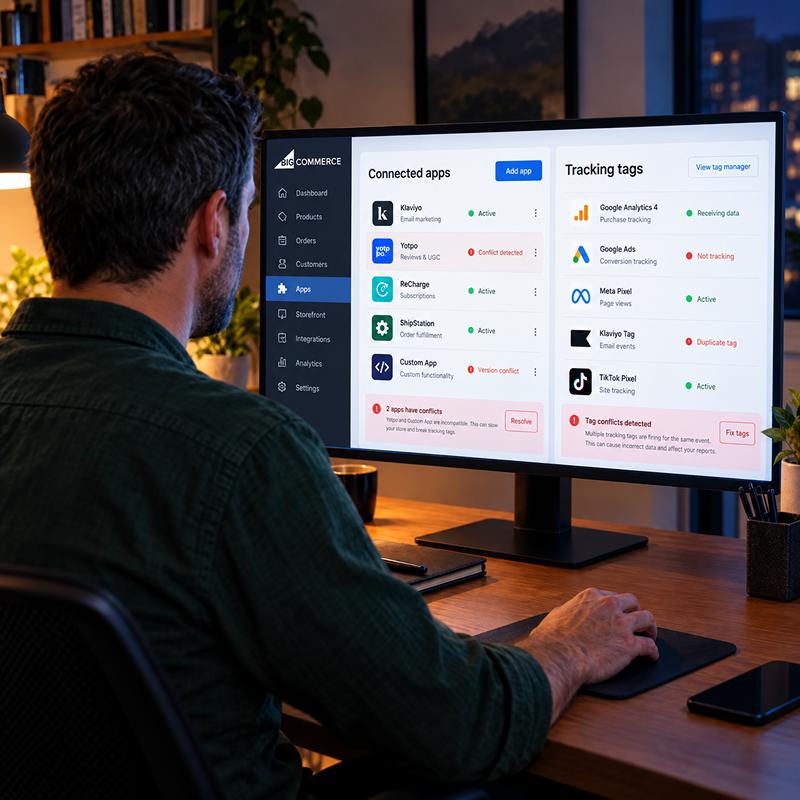
Apps and tags do not work well together
App conflicts slow your store, and wrong tags mess up your data. We find the clash and fix the tag.
Deeper work: BigCommerce app development and BigCommerce integration services
Bugs cause trouble at checkout
Errors at checkout can mean lost sales. We repeat the error, fix the cause and test each payment path.
Deeper work: BigCommerce support and maintenance

Bug triage / Your store
Every issue you send lands on one board. Select a bug to see its cause, the fix and the effort before any work starts.
Your bug triage board
Your store
BUG-01 · Checkout
Payment warning on phones
HighImpact
Fix order · 1st of 5
Priority1st of 5
BUG-02 · Tracking
Purchase tag fires twice
HighImpact
Fix order · 2nd of 5
Priority2nd of 5
BUG-03 · Search
Filters show the wrong sizes
MediumImpact
Fix order · 3rd of 5
Priority3rd of 5
BUG-04 · Apps
Review app slows product pages
MediumImpact
Fix order · 4th of 5
Priority4th of 5
BUG-05 · Theme
Mobile menu will not close
LowImpact
Fix order · 5th of 5
Priority5th of 5
An engineering mindset for BigCommerce bug fixes

One team, one test
Redefine Innovations is an engineering company that does marketing, so a fix reaches the store code, not just the ad account.
Changes ship on opinion, fixes stop at the ad account, and problems wait for the monthly report.
Each fix ships with a test and a success check, on a staging copy first.
Every bug has a "done when" line
Developers fix the theme, checkout, tracking and ERP data
Alerts fire the week a number drifts, with one owner
How Redefine works
Triage, fix and document your BigCommerce bugs.
Each fix ties to a business goal. Redefine would not start a cosmetic theme tweak while a checkout warning or a broken tracking tag is still live.
A written triage for your store, before any fix work.
Why this approach matters
Start here
We gather the details of each bug and repeat it, from theme glitches to checkout warnings, to find the root cause.
You receive A root cause for each bug
Choose what matters
We rank each issue by its impact on sales and shoppers and by the effort to fix it.
You receive A ranked fix list
Do the work
We fix each bug on a staging copy, from simple errors to app conflicts.
You receive Tested fixes on staging
Check the result
We test each fix before it goes live, then check it again on the live store.
You receive A written QA summary
Keep improving
We log what caused each bug, so the same faults do not come back.
You receive An insight log
A detailed triage, a fix order, tested fixes and written QA notes.
Case study
The challenge, what we built and the result. This was a store build, not a bug fix project.
Personalized kids gifts · BigCommerce · store and shop
Peekawhoo needed an online store that could sell personalized kids gifts and stay in step with its physical shop.
We built a custom BigCommerce store with a monogram tool, tuned it for speed and search, and linked it to the POS system.
Conversion rose from 2.2% to 3.0%, inventory accuracy reached 99.1%, and operating costs fell by 26%.
Source: the Peekawhoo case study.
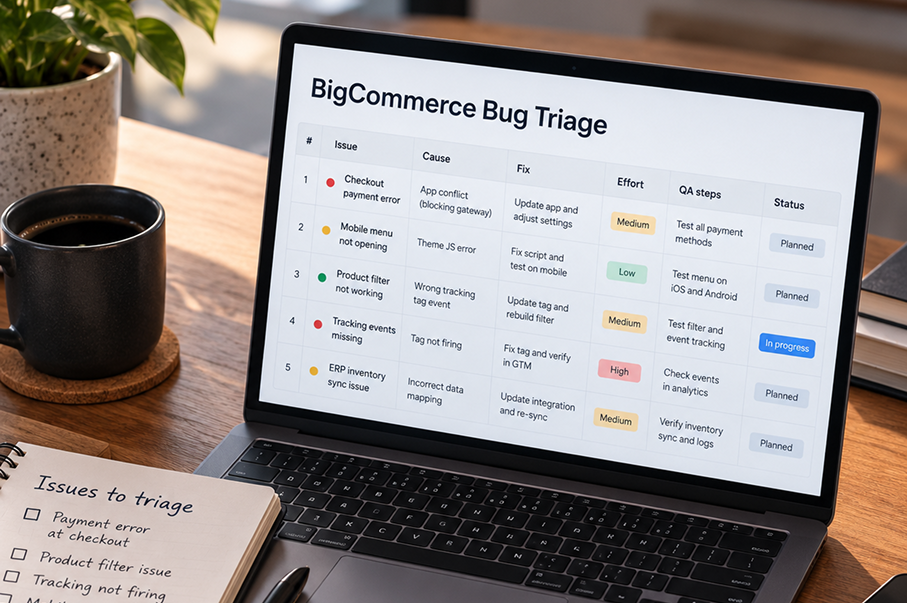
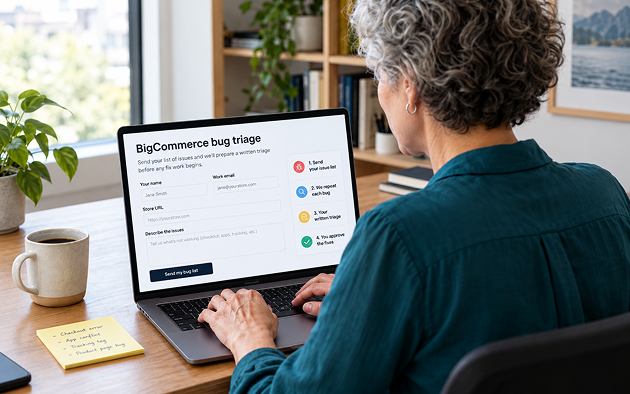
Your BigCommerce Bug Triage
Send your issue list. Your written triage, prepared for your store, gives the cause, the fix, the effort and the QA steps for each bug, in the order we would fix them.
Step 1
Send your issue list
Step 2
We repeat each bug
Step 3
Your written triage
Step 4
You approve the fixes
Questions
Clear answers before you ask for your bug triage.
Each bug gets a written note with its cause, the fix and the effort. We rank the list by its impact on your sales and your shoppers.
The most harmful bugs get fixed first.
If your store is down or losing orders, contact our emergency team first. The rest of your list stays in triage order.
Yes. Fixes are built and tested on a staging copy of your store first. You review and approve each fix before it goes live.
Each change is written down, so you keep a clear record.
We find which app or script clashes with your theme, then fix the conflict so both work together.
Need a custom app instead? See BigCommerce app development
BigCommerce developers fix and test each bug. ERP engineers and marketers help with order data and tracking issues.
One team, no handoff to another vendor, and one lead who sends you updates.
Each bug is scoped in the triage before work begins. You get an estimate to approve before any fix starts.
Nothing is fixed without your OK.
The REDEFINE Method is Redefine Innovations' business-first framework for identifying business constraints, prioritizing improvements, delivering appropriate solutions, verifying outcomes, and sustaining improvements.
It has five stages: Diagnose, Prioritize, Deliver, Prove and Improve. Read the REDEFINE Method
Your bug triage
Send your list of issues and let us guide your store back on track. You get a written triage before any fix work begins.
Tell us about your store and what feels stuck. We read every request.