A Power BI audit that finds every leak, slowdown, and risk in your estate
A scored, line-by-line audit of your reports, models, gateways, and workspaces. You get a fix plan ranked by return on investment, the exact Data Analysis Expressions and refresh issues to fix first, and a clean baseline you can hand to any partner or your own team.
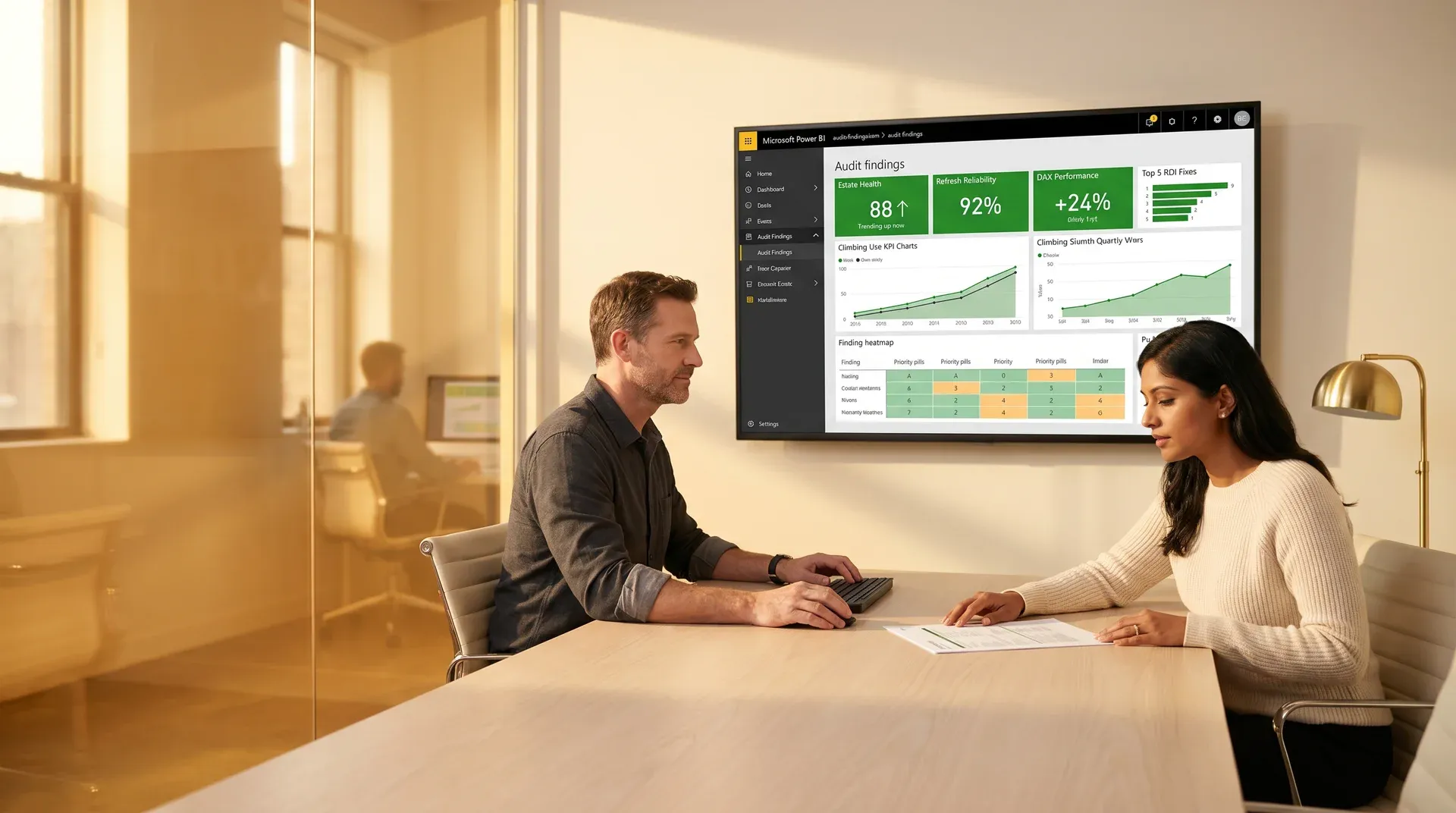
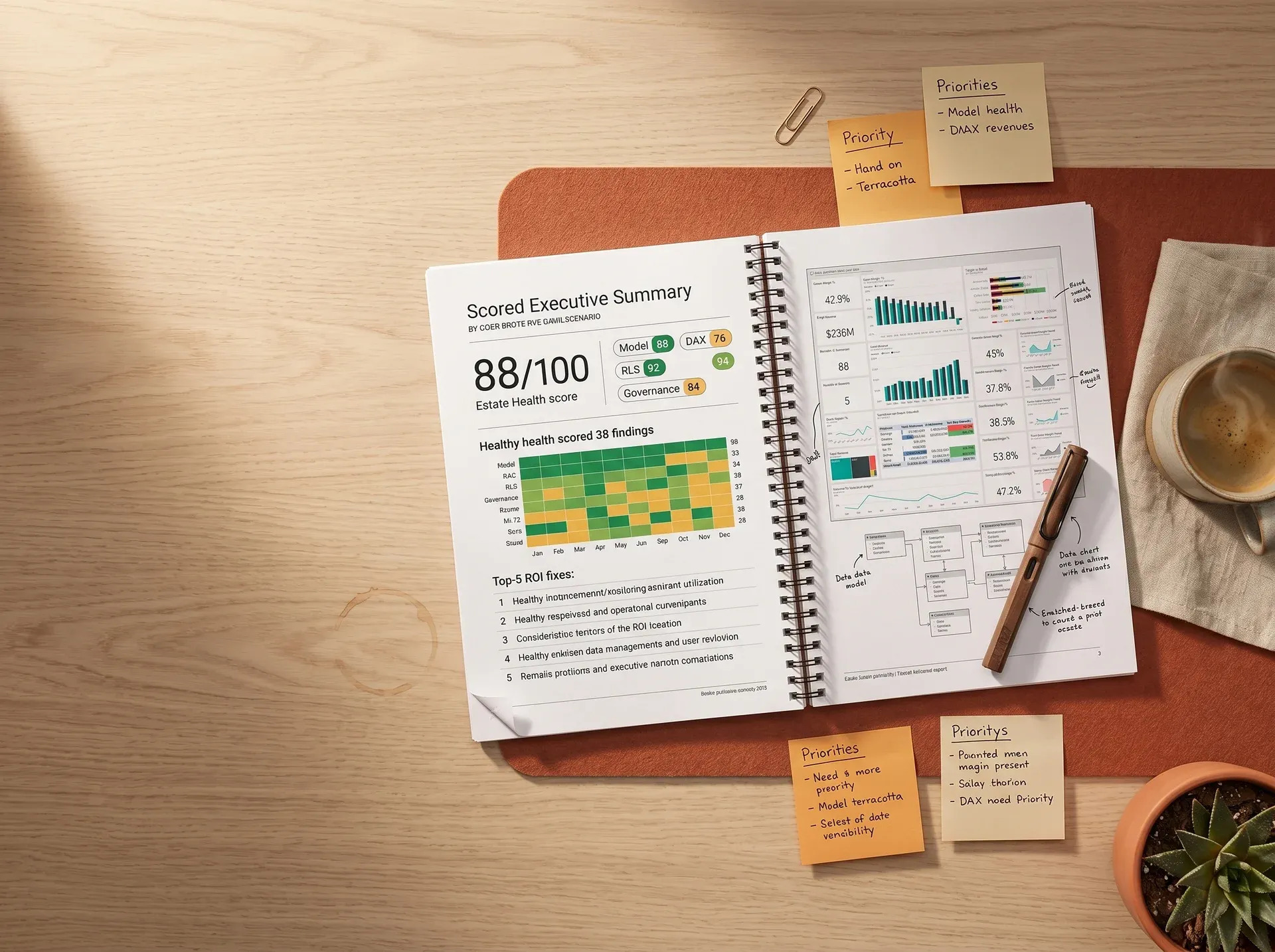
A sample of the scored health card every audit produces. Real estate data shown to the client only.
The numbers no one wants to put on a slide
Power BI estates do not fail on day one. They drift. A model that ran in 4 seconds now runs in 40. A workspace that had 6 reports now has 90, and no one knows which 3 the chief financial officer actually opens. The audit names every drift in writing.
We had 92 reports in the workspace, three of them were trusted by the board, and nobody could tell us which ones the other 89 were copied from.
Chief financial officer, mid-market manufacturer · week 1 of audit kickoff

14 of them critical, the rest scored by return on investment
From bloated Data Analysis Expressions, unused columns, broken folding
Same key performance indicator, three answers, no one knows which is true
Per-user Pro seats assigned to people who never log in
- Reports rebuilt twice because nobody documented the original Data Analysis Expressions intent
- Refreshes failing at 6am, information technology team firefighting before the 9am executive review
- Premium capacity scaled up to mask a bad data model
- Gateway running on a server nobody owns, password in a notes file
- We tag every report, name the owner, and log the last opened date.
- Refresh failures down 70%, alerting routed to a real inbox
- Capacity right-sized, often one tier lower without performance loss
- Gateway, service principal, and tenant settings documented for handover
Power BI assessment services: 10-point readiness check in 30 seconds
The auto-demo ticks each control on a loop so you can see what an audit covers. Click any row to toggle it yourself, score below updates live, and any row you click pauses the auto-advance for that session.
Demo running · ticking the next control every 4 seconds. Click any row to toggle and pause.
No commitment. No pitch. Scored report in 10 working days.
Six tracks. One scored report. Every finding ranked by return on investment.
Each track is run by a senior Power BI engineer with at least one Microsoft certification on the table. Two engineers cross-check every finding before the report ships. You receive the raw evidence, the scored summary, and the ranked fix plan.
Refresh schedule, gateway, and dataflow audit
Every dataset, every refresh, every gateway connection. We map the source-to-report path, time each refresh, and find the steps you can fold back into the source for a 60 to 80 percent speed gain.
- Refresh duration history pulled per dataset, last 30 days
- Query folding analysis on every Power Query step
- Gateway server health, patch level, recovery plan documented
- Incremental refresh opportunities flagged with effort estimate
Model and Data Analysis Expressions Power BI optimization audit
Every measure, every calculated column, every relationship. We benchmark each one against the storage engine and the formula engine, and rewrite the top 20 percent that drive 80 percent of slow visuals.
- Data Analysis Expressions Studio trace on every report page
- VertiPaq analyzer used to find table bloat
- Star schema audit with explicit fix recommendations
- Rewritten Data Analysis Expressions delivered with before-after timing
Workspace, row-level security, and Power BI governance audit
Workspace structure, row-level security, tenant settings, sensitivity labels. We test row-level security as every named role, not just open the model, and we name every tenant setting that breaks your data governance policy.
- Workspace tiering: dev, test, prod with deployment pipeline check
- Row-level security tested live as each named role, results in writing
- Tenant settings scored against Microsoft governance baseline
- Sensitivity label and export policy review
Licensing efficiency and capacity right-sizing
Pro, Premium Per User, Premium per User, Premium capacity. We map every seat to a real user, every capacity to real workload, and we name the seats and tiers you can drop without losing a single working report.
- Per-user activity log pulled from the admin portal
- Capacity peak load analysis across 30 days
- Tier-down recommendation with dollar saving named
- Dormant-seat reclaim policy delivered as part of the report
Report catalog, duplication, and retirement plan
Every report tagged with owner, last-opened date, audience, and source measure. Duplicate reports are flagged and we deliver a retirement plan you can take to the business with confidence.
- Workspace-by-workspace inventory delivered as a Power BI report
- Duplicate key performance indicator detection across reports
- Dormant report list with last-opened date stamps
- Retirement plan signed off by the business owner per report
Adoption, persona fit, and value realisation
A dashboard nobody opens has no return on investment. We measure adoption per persona, name the dashboards that miss their audience, and ship a prioritised redesign list that closes the adoption gap.
- Activity log by persona, last 90 days
- Persona-fit score per dashboard
- Redesign list ranked by audience size and decision value
- One executive interview per persona to validate the signal
A scored audit report, a ranked fix plan, and the evidence behind every finding
- 38-point scored report
- Ranked fix plan with effort and return on investment
- Raw evidence pack (traces, screenshots, logs)
- Rewritten Data Analysis Expressions for the top 5 measures
- Workspace and tenant settings checklist
- Licensing reclaim plan with dollar savings
- Adoption baseline by persona
- Executive read-out session (90 minutes)
One audit. $1,200 a month off the bill. Faster decisions for the board.
An enterprise marine manufacturer ran multiple enterprise resource planning systems into Power BI on top of an expensive data warehouse. The audit found the bill, the bottleneck, and the security gap in 10 working days.
Power BI audit, enterprise resource planning reporting, and cost optimization for an enterprise marine manufacturer
Manufactures and sells marine equipment across multiple business units with disconnected sales and purchasing enterprise resource planning systems feeding a single Power BI reporting estate.
An expensive data warehouse setup running well below its capacity, no row-level security on executive reports, and a Power BI semantic model carrying the cost of three duplicated key performance indicators. Executives could not get a clean, timely answer to a single revenue question without a finance analyst re-running it.
A right-sized data warehouse design, a consolidated Power BI semantic layer with standardised metrics, and row-level security tested per role for executive and operational reporting.
“The audit paid for itself in the first month. We dropped a tier on the warehouse and the board has not noticed a single slower report.”
Director of Finance Systems, Marine manufacturing enterprise


Three numbers the audit always moves first
Across 140 audits, these three are where the money is. The audit is scoped against your numbers, not generic averages, and the report names the dollar value of every fix.
Priority-1 to A4, or Priority-2 to Priority-1, when peak load sits below 40 percent. Audit names the tier and the date you can switch.
Query folding restored, calculated columns moved to measures, incremental refresh introduced where appropriate.
Dormant accounts, double-licensed contractors, and admin seats held by people who left months ago.
Audit fee is fixed and named before the engagement. Return on investment from the first month, every time we have run this.
Book Audit Scoping CallThe audit other partners do not want to write
Most audits stop at the model. A real audit looks at the bill, the people, and the decisions the dashboard exists to support. Here is what we do that most partner audits skip.
Fixed-scope, fixed-fee audit
Named price before the audit starts. No mid-engagement scope creep, no time-and-materials surprise.
Two-engineer review on every finding
Senior plus principal cross-check before any line reaches your report. Mistakes stop at our desk, not yours.
Vendor-neutral findings
We are not selling you a build at the end of the audit. The fix plan can be run by your team, another partner, or us. Your choice.
Dollar value on every recommendation
Each finding scored by effort and return on investment. You see the dollar number before you see the fix. Chief financial officers sign faster.
Adoption, not just architecture
We measure who opens what. The audit names the reports nobody uses and the personas they were never built for.
Executive read-out included
A 90-minute session with your chief financial officer and information technology lead. We translate every finding into a business decision they can sign.
Where the audit usually leads next
The audit is vendor-neutral. The fix plan is yours to run with whichever team makes sense. Here is what clients most often pick up after the scored report lands.
Power BI health check
A lighter, faster version of the audit. 3-day diagnostic for teams that want a triage before a full scored audit.
Explore health check →Power BI consulting services
Strategy and roadmap built on the audit findings. Where to invest, what to retire, what to consolidate next quarter.
See consulting →Power BI implementation services
When the audit finds the model needs a rebuild, this is the team that delivers the new semantic layer and the migration.
See implementation →Power BI development services
Sprint-based delivery for the reports, measures, and dashboards the audit flagged for redesign.
See development →Power BI Operations Services
Named lead, service level agreement response, monthly retainer. Keep the audit baseline clean every month after the fix plan lands.
See Operations Services →Power BI audit pricing
Fixed-fee audit bands by estate size. See the tier that fits your workspace, dataset, and user count.
See audit pricing →Audits we run most often
The audit applies to every Power BI estate. These cluster pages dig into the industry and use-case specifics our clients ask for first.
Pages from a real scored audit
Sanitised excerpts from audits we have shipped. The full report runs 40 to 80 pages depending on estate size, with the evidence pack delivered as a Power BI report on top.
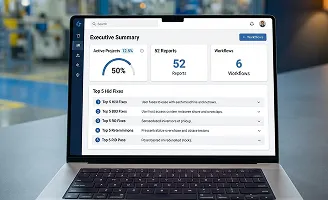
Scored estate health, top 5 return on investment fixes
Manufacturing client · 92 reports across 6 workspaces

Before-after Data Analysis Expressions with timing evidence
Software as a service client · executive growth dashboard
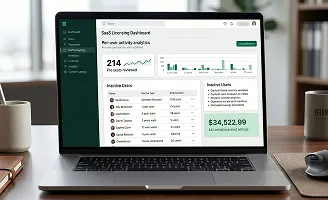
Per-user activity, dollar saving named
Retail client · 214 Pro seats reviewed
More samples available on request. Request samples and we will share audit excerpts from estates similar to yours.
The things every chief financial officer asks first
Real questions from real scoping calls. If your question is not here, the brief form below has a free-text box and we answer every one in writing within 48 hours.
10 working days from kickoff to scored report for a typical mid-market estate (under 100 reports, under 20 datasets). Larger estates run 15 to 20 working days. The scoping call sets the exact number before the engagement starts.
We work with whatever access your security policy allows. Tenant admin access lets us pull the deepest evidence, but we also run audits against Power BI file exports, screen-shared sessions, and read-only roles. The scoping call agrees the access model in writing.
No. The smallest estate we have audited had 8 reports and one Premium Per User license. The audit pays for itself the moment you find a license to drop, a refresh to fix, or a dashboard the board does not trust. The health check is a lighter option for very small estates.
No. The audit is vendor-neutral by design. The scored report is yours and the fix plan can be run by your internal team, another partner, or us. Roughly half of our audits result in zero follow-on services from Redefine, and we still recommend the audit when that is the right answer.
Fixed-fee bands by estate size. The scoping call names the band you are in and the fee is fixed before you sign. We publish the band ranges on the audit pricing page and the line items behind the fee are spelled out on the proposal.
2 to 3 hours per week across the engagement. One kickoff call, async access provisioning, a mid-audit checkpoint, an executive interview per persona, and a 90-minute read-out. We handle the analysis, the writing, and the evidence pack.
Yes. The audit covers classic Power BI, Premium capacity, Premium Per User, Fabric capacity, OneLake, and the new direct-lake semantic model. If your estate spans both classic Premium and Fabric, the audit names the right migration path before you spend on either.
Tell us about your estate. We will come back in 48 hours.
No commitment. No pitch. Just an honest Power BI audit read-out of your estate.
Call within 48 hours · scoped proposal in 3 business days · audit kickoff in 5
Thanks. We will review your situation and send a scoped audit proposal within 3 business days. If there is a faster route (a 3-day health check, or no engagement at all), we will tell you that instead.