What files can buyers send?
Any file type you allow. There are fields for files, logos and signatures.
Logo files go to proofing on their own. See online form builder
Document collection workflows
Redefine Suite collects logos, tax certificates, signatures and applications through forms on every store. Each file lands on the right account, quote or order. The agent tells you what is missing.
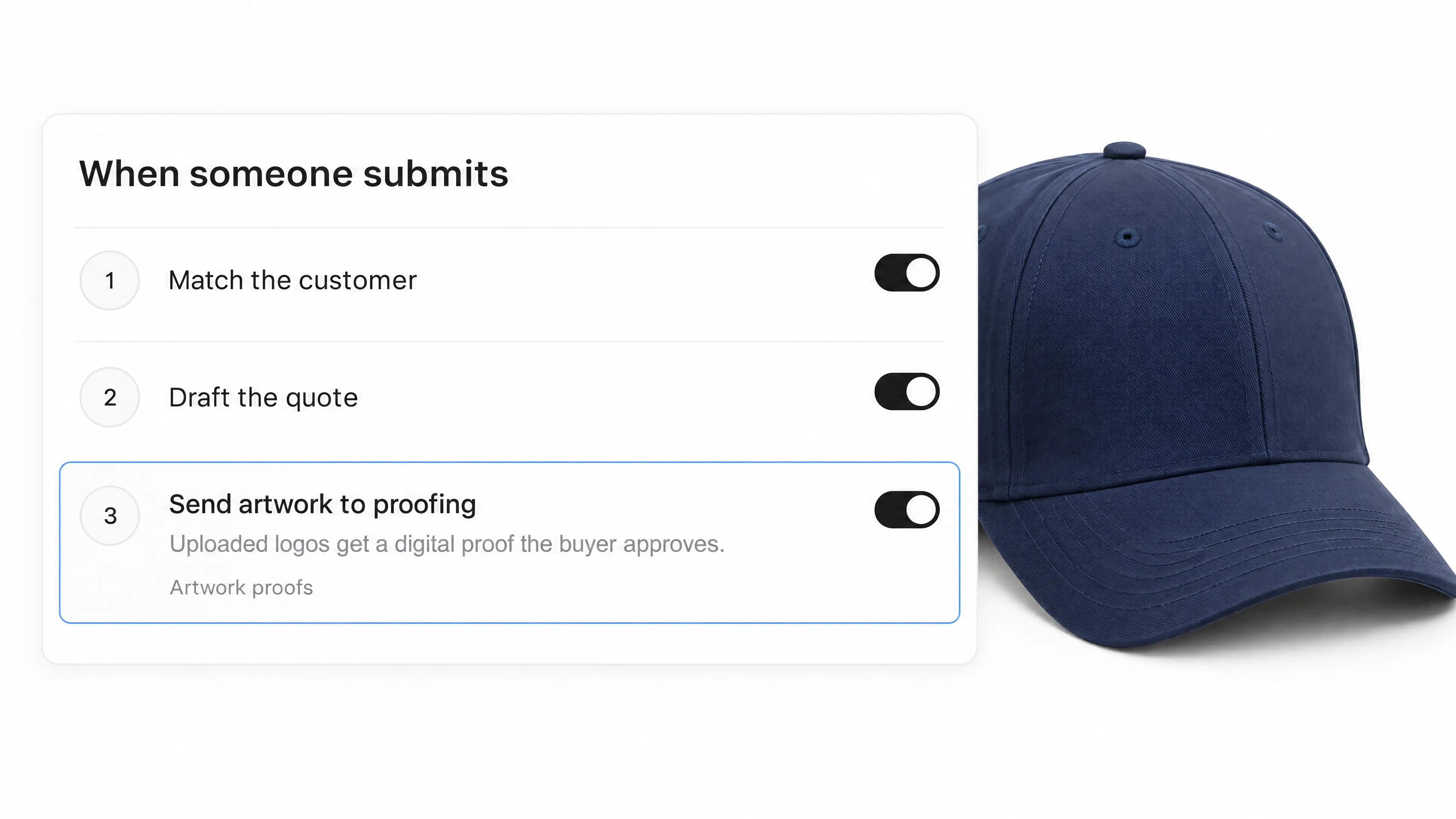
See your file and form steps set up in one admin.
A demo built around your own forms and stores.
Short answer
Updated
A document collection workflow is a set way to ask for files, forms and signatures, check them and save them in the right place. Redefine Suite by Redefine Innovations does this with forms on every store that save each file to the account, quote or order it belongs to.
Most teams ask for files by email. A logo sits in one inbox and a tax certificate in another. Nobody sees a certificate run out, so an order waits or tax is charged by mistake.
Redefine Suite puts file, logo and signature fields in your forms. Each answer is saved to its own record, and each account shows what is missing.
Three ways to collect documents
What each submission keeps
See all of Redefine Suite.
Where files get stuck
A logo step that makes buyers quit, a certificate nobody renews, a file sent by email. Here is how each one goes without a plan, and with Redefine Suite.
1 of 3
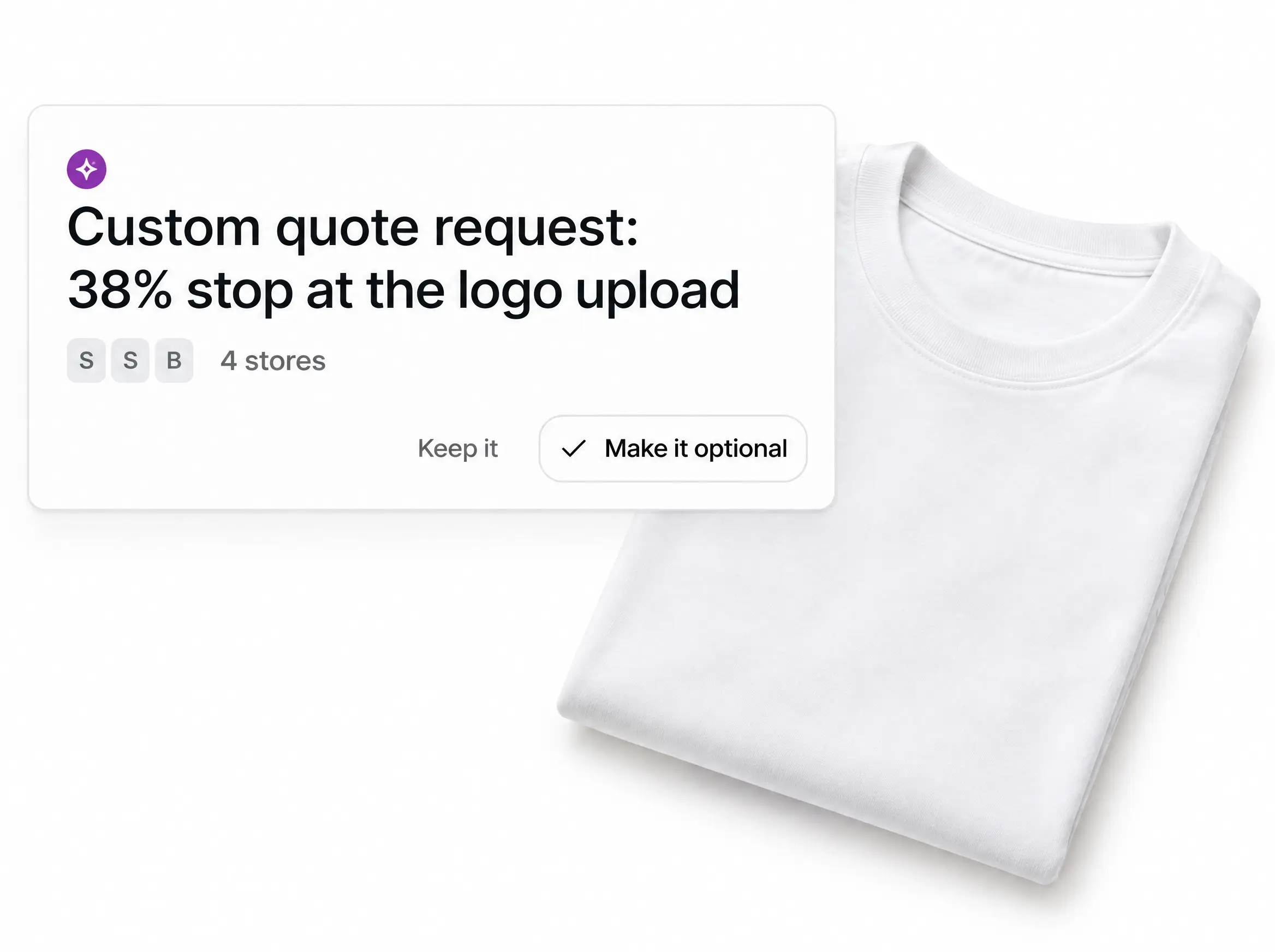
The agent watches every live form. When 38% stop at the logo upload, it suggests you make the logo optional and ask for it later.
Instead of: Buyers give up. A required file on a phone ends the form.
2 of 3
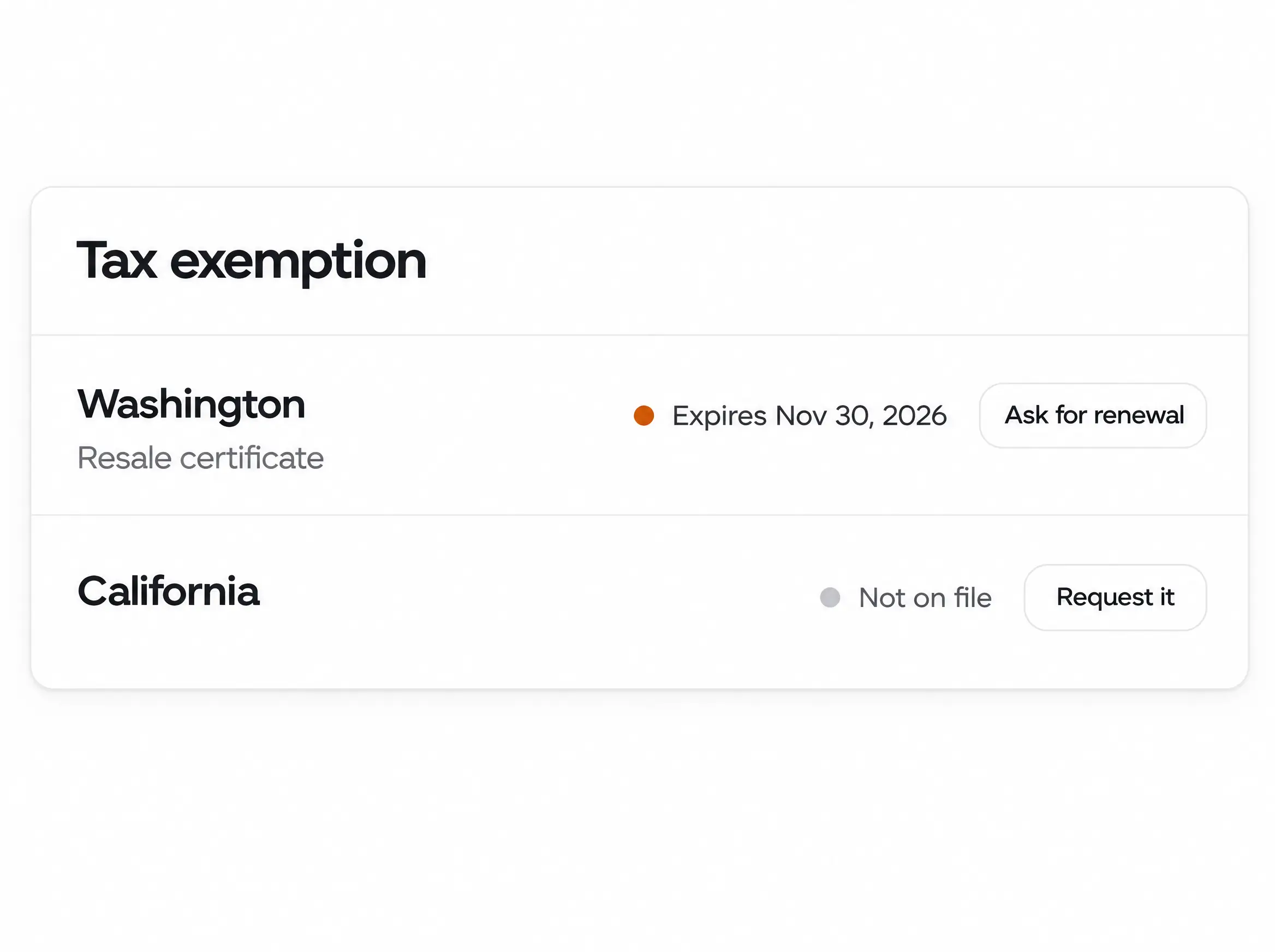
Each account lists its tax certificates and when they end. Press Ask for renewal, or Request it when one is not on file.
Instead of: Certificates run out. Nobody sees the date until an order is taxed.
3 of 3
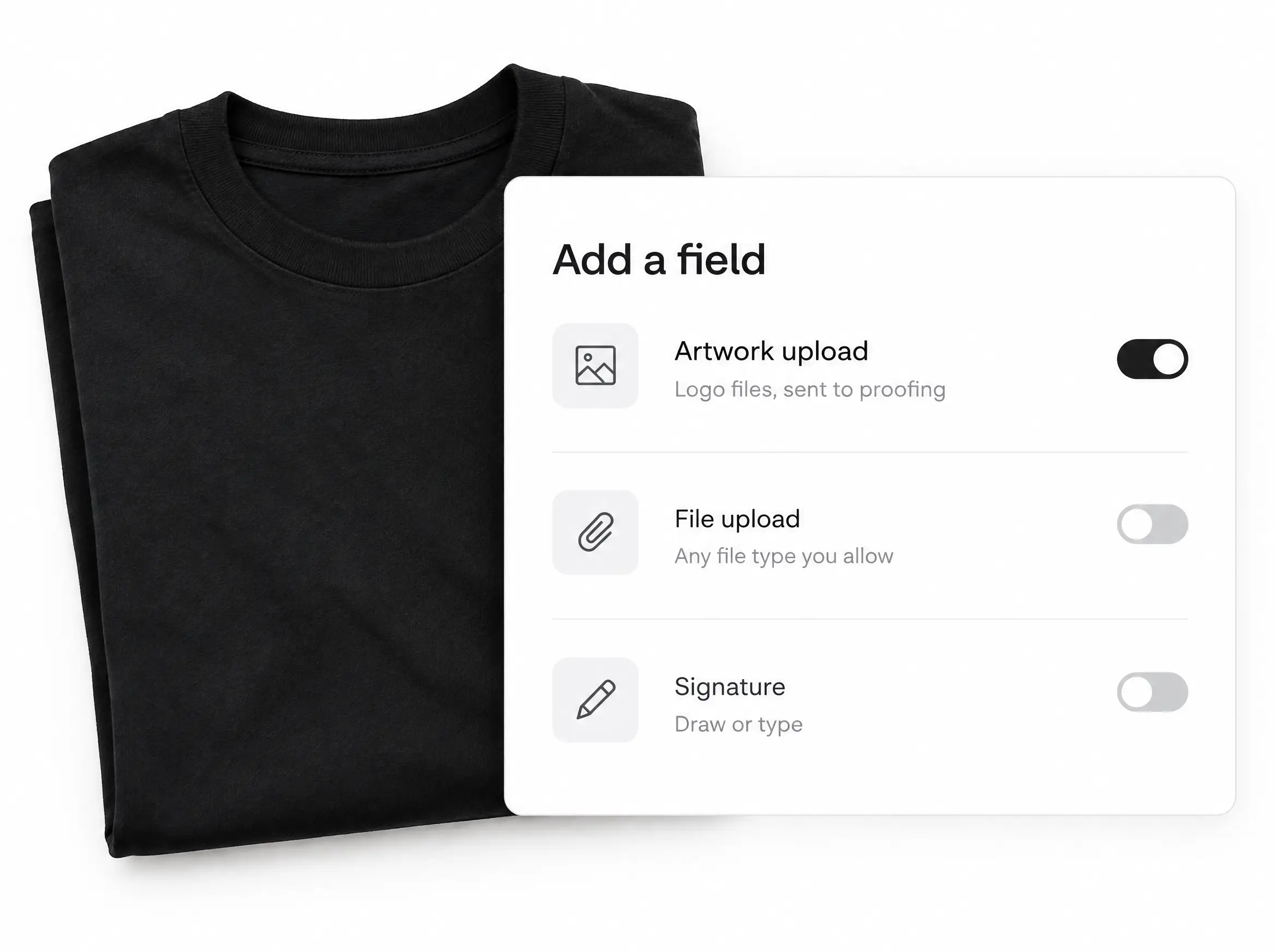
Add artwork upload, file upload and signature fields. Logo files go straight to proofing.
Instead of: Files come by email. Someone saves each one by hand, if they find it.
One list of forms
Quote requests, artwork uploads and credit applications for every store sit in one list. See what each form creates, how many came in and which ones need you.
See submission management
Certificates on file
Tax certificates live on the account, with the state and the end date. They apply on every store and go to Business Central with each invoice.See forms and workflow software

Applications
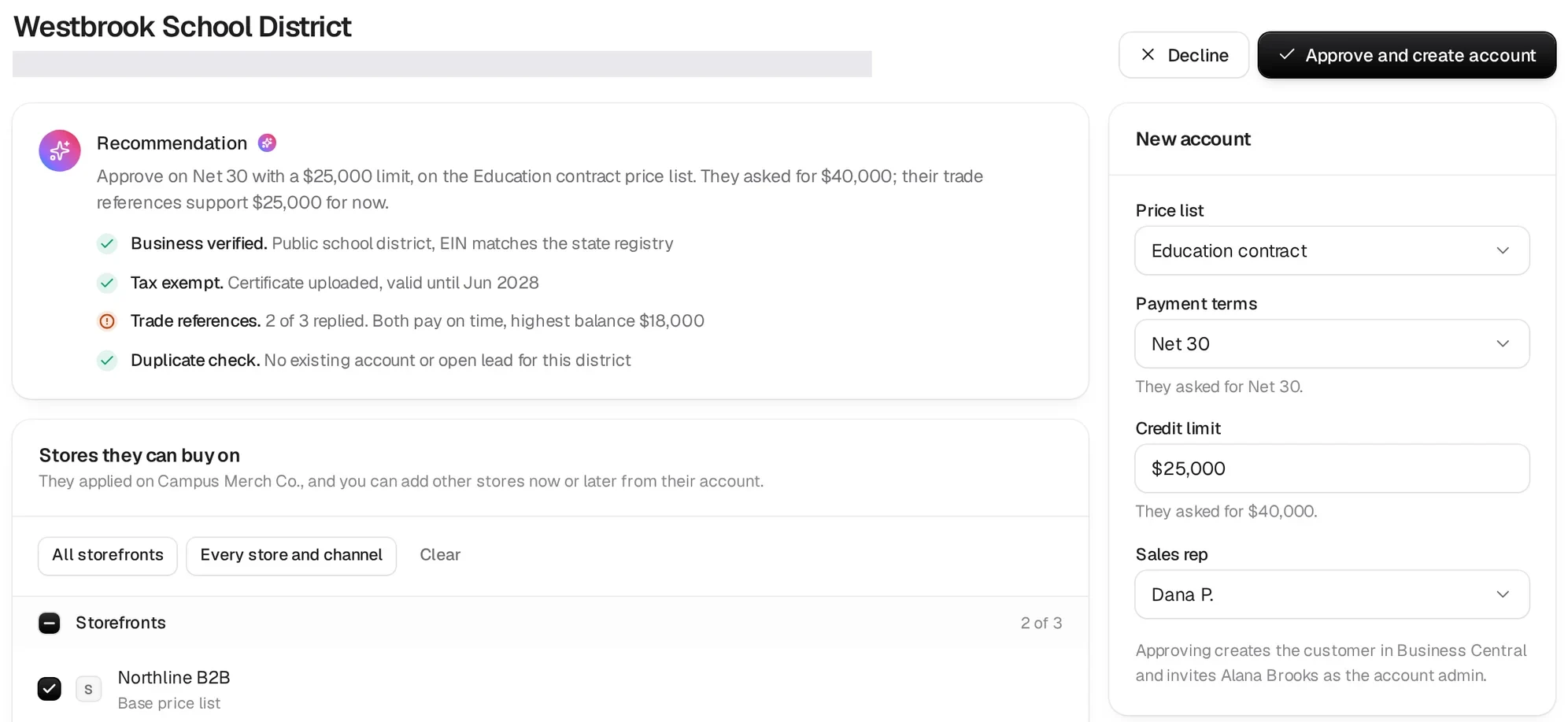
When a company applies for terms, the agent checks the business, the tax certificate and trade references. You see one suggestion. Approve it, and the account is made in Business Central.
More ways to collect
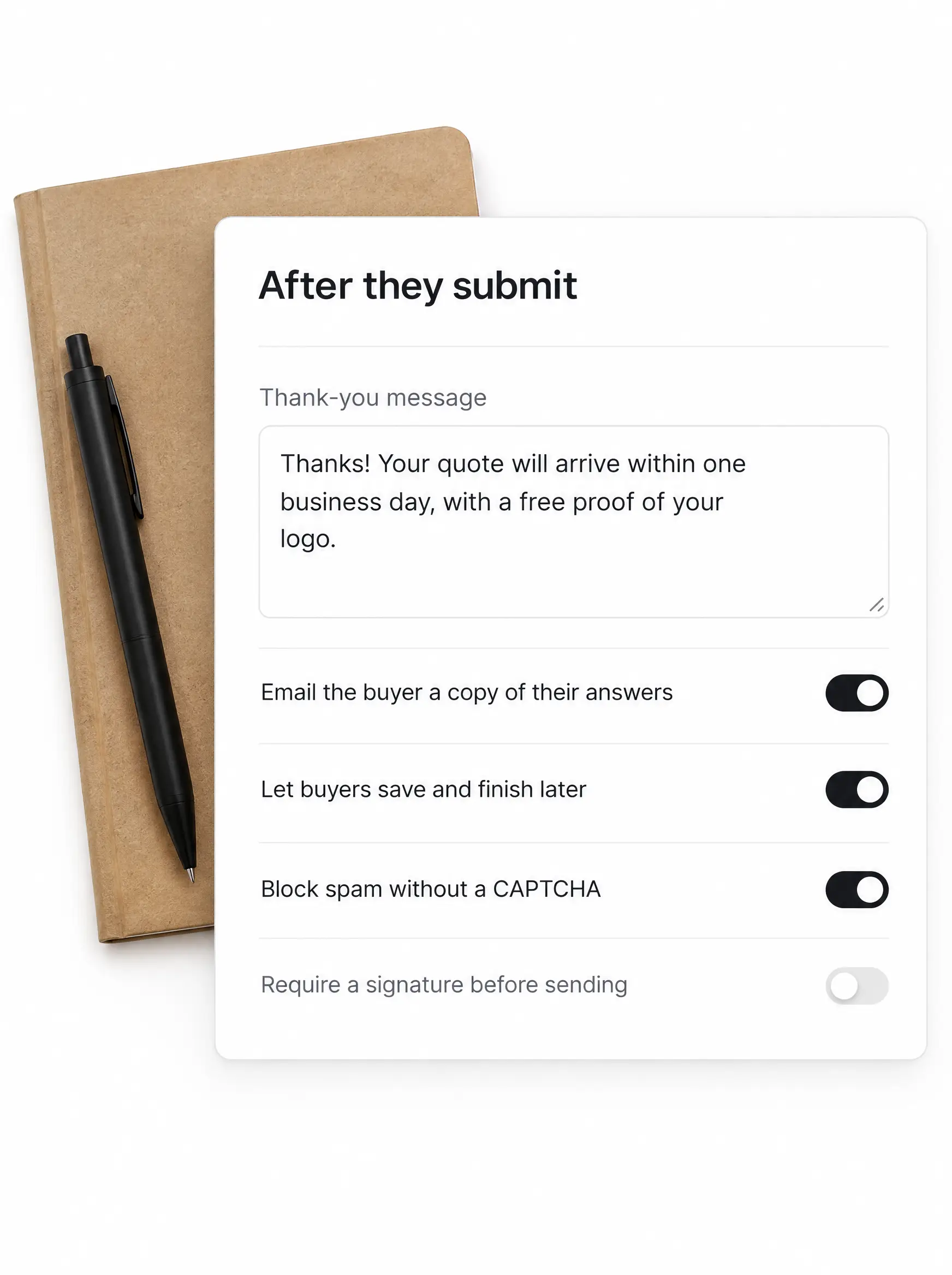
Buyers save and come back when they find the file. They get a copy of what they sent.
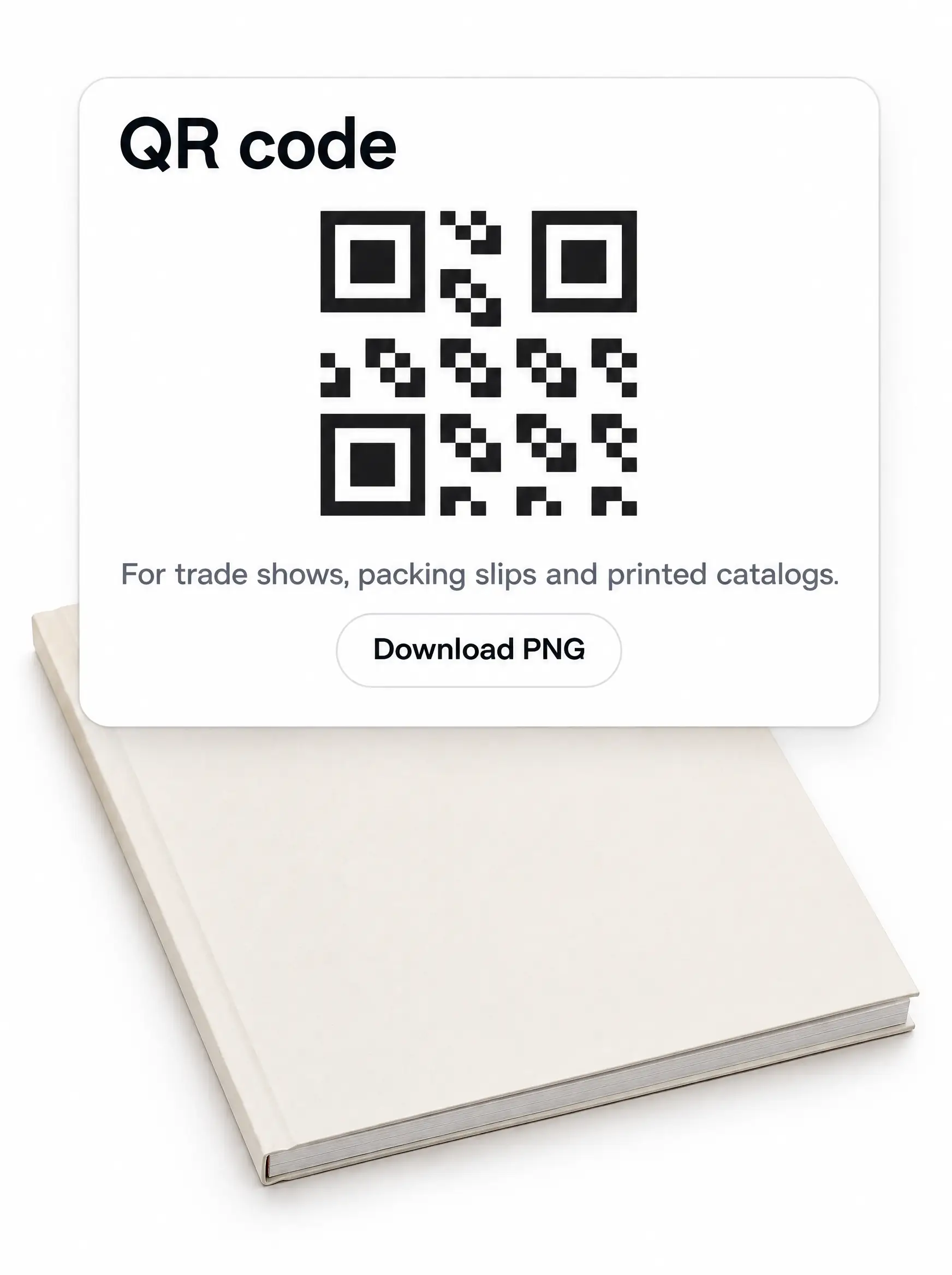
Put a QR code on catalogs, packing slips and trade show stands. Scans are tracked on their own.
See workflow routing
A logo goes to artwork proofs. A PO number goes to Business Central.
See approval workflow softwareQuestions
Any file type you allow. There are fields for files, logos and signatures.
Logo files go to proofing on their own. See online form builder
Each account lists its certificates by state, with the end date.
Press Ask for renewal before one runs out, or Request it when one is missing. See forms and workflow software
Yes. Turn on Require a signature before sending, or add a signature field.
Buyers draw or type it. See approval workflow software
Buyers can save and finish later.
The agent also shows where people stop on each form and suggests a fix. See submission management
You set where each answer is saved, like the account, the quote or artwork proofs.
A PO number can go to Business Central. See workflow routing
Yes. Put one form on any mix of stores and pop-ups.
Each store can send it to its own team. See all of Redefine Suite
Book a demo
In the demo, we build one of your forms with file and signature fields and show where each file lands. A demo built around your own forms and stores. You can also use the demo booking page.

Tell us how you collect files today. We set up the demo around it.