Android app design built for android. not ported from iOS.
72% of smartphones run Android. Most apps that fail on Google Play were designed for iPhone first. We build Android app interfaces from scratch on Material You. Your design ships with the right navigation, the right gestures, and a Jetpack Compose handoff your dev team can use immediately.
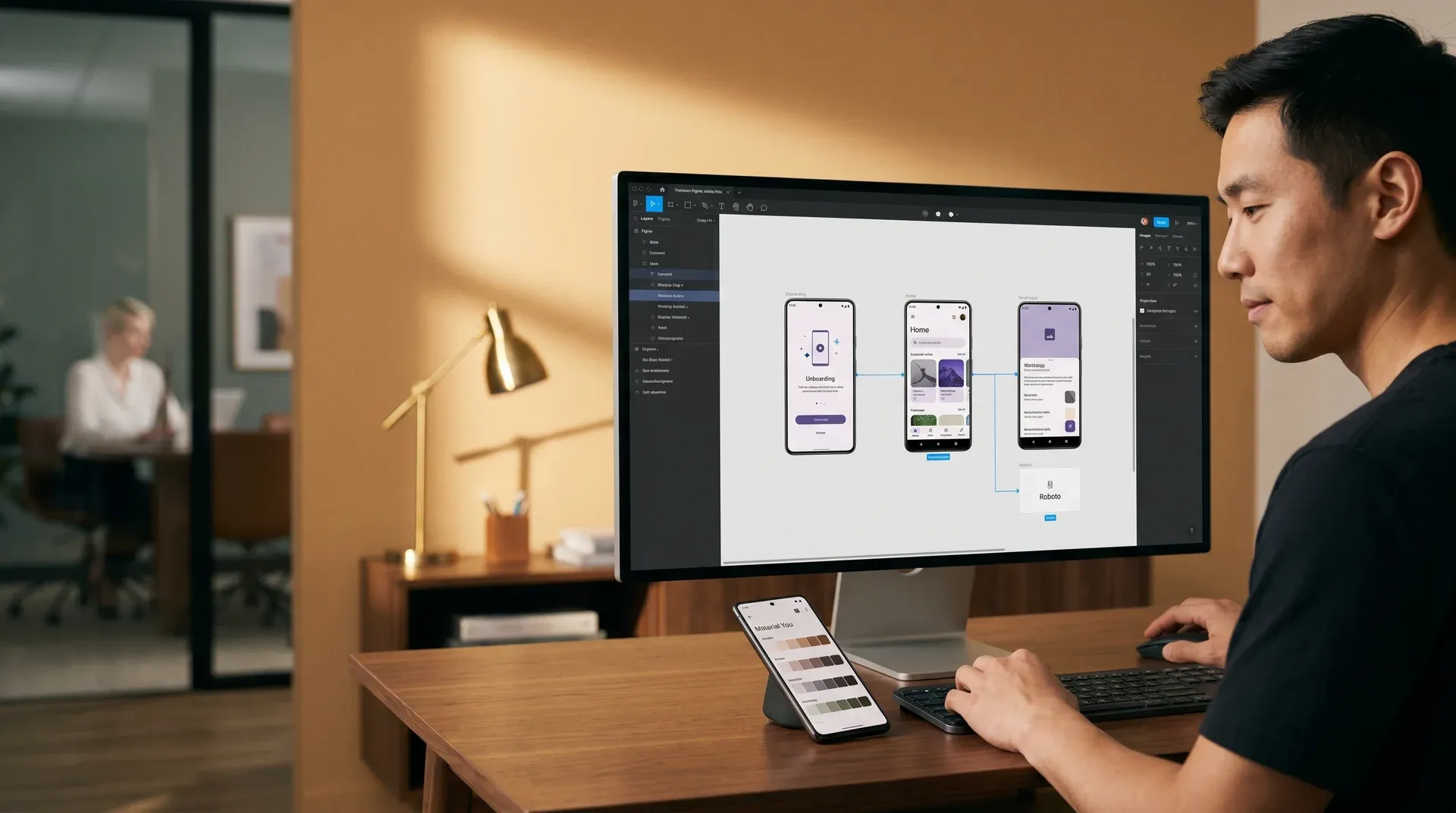
Most Android apps fail because they started as an iPhone design.
Android's share of global smartphones
Users who uninstall after one bad session
When most Android uninstalls happen
Android devices your app must work on
"Most app uninstalls happen in the first 72 hours. Bad navigation is the reason. Android users expect system back, not bottom-tab switching copied from iOS."
Redefine Android UX research, based on 20+ native mobile design projects
iOS tab navigation breaks Android's back stack. Users get confused and leave.
Generic design systems break Material 3 dynamic color. Your app looks wrong on Android 12 and newer.
Design files without Compose annotations add weeks to development. Developers guess. Build quality drops.

Five design disciplines. One sprint. Every screen ready to build.
Click any capability to see exactly what ships in your handoff. All five areas are included in one engagement, not sold separately.
Material You Design System
Color roles, tokens, and dynamic theming
Android Navigation Design
Back stack, bottom bar, gesture nav
Component Library
32 M3 components, all states included
Accessibility and TalkBack
WCAG AA compliant, screen reader ready
Jetpack Compose Handoff
Developers build from specs. No guessing.
Primary
On Primary
Secondary
Container
Tertiary
Surface
Success
State
Warning
State
Error
Container
Bottom Navigation Bar
3 to 5 destinations, persistent access
Navigation Drawer
Secondary or app-wide access
Top App Bar
Screen title and contextual actions
Android system back handled correctly. Back stack mapped per user flow. No dead ends, no unexpected navigation exits. All gesture navigation supported.
Buttons
FAB
Chips
Cards
Booking button
contentDescription: "Book a lesson, double-tap to activate"
Navigation tab: Home
stateDescription: "Tab 1 of 4, selected"
Image: instructor photo
Missing: contentDescription for decorative images
Your Compose team gets annotated specs, not a Figma file to interpret. They see every dp value, every state, every animation timing. Zero back-and-forth.
Every Android design project ships with the same baseline. Here is what that covers.
Android devices your app needs to work on
Material You as the design foundation, not an add-on
From brief to Jetpack Compose handoff
Design tokens: color, type, shape, and motion
Accessibility built in. TalkBack audit on every screen.
Phone, tablet, foldable, TV, and WearOS layouts
Scope is fixed before Sprint 1 starts. You get a line-by-line proposal. No commitment required.
Pricing depends on your screen count, user roles, and device targets.
One design system. Every Android layer mapped to code.
We map Material 3 tokens at every level: color, typography, shape, and motion. Select a category to see exactly how each token travels from Figma to Jetpack Compose.
What we design in Figma
Primary color seed
Tonal palettes
Auto-generated M3 tones 0 to 100
Type scale
Roboto, 13 M3 styles (Display to Label)
Display Large
57sp / Regular / -0.25 tracking
Title Medium
16sp / Medium / 0.15 tracking
Body Medium
14sp / Regular / 0.25 tracking
Corner family
5 M3 shape tokens (None to Full)
Shape Small
4dp — chips, inputs, tags
Shape Medium
12dp — cards, list tiles
Shape Extra Large
28dp — bottom sheets, dialogs
Duration scale
Short, medium, long (50ms to 700ms)
Duration Short 2
100ms — icon state, ripples
Duration Medium 2
300ms — screen transitions
Easing Emphasized
cubic-bezier(0.2, 0, 0, 1)
The token structure
color.primary
Maps to M3 primary color role
color.primary.container
Background for primary components
color.on-primary
Text on primary color surfaces
typography.display.large
57sp Roboto Regular, -0.25 LS
typography.title.medium
16sp Medium — app bar titles
typography.body.medium
14sp Regular — default body copy
typography.label.small
11sp Medium — buttons, tabs
shape.extraSmall
CornerExtraSmall(0.dp)
shape.small
CornerSmall(4.dp)
shape.medium
CornerMedium(12.dp)
shape.extraLarge
CornerExtraLarge(28.dp)
motion.duration.short1
50ms — micro feedback
motion.duration.short2
100ms — control state
motion.duration.medium2
300ms — shared axis
motion.easing.emphasized
FastOutSlowInEasing
What your dev team builds in Compose
MaterialTheme.colorScheme
.primary
.primaryContainer
.onPrimary
MaterialTheme.typography
.displayLarge
.titleMedium
.bodyMedium
.labelSmall
MaterialTheme.shapes
.extraSmall // 0.dp
.small // 4.dp
.medium //
12.dp
.extraLarge // 28.dp
RoundedCornerShape
RoundedCornerShape(
MaterialTheme.shapes.medium)
animate*AsState
tween(50, easing=
FastOutSlowInEasing)
AnimatedContent
tween(300) +
togetherWith(exit)
A wellness brand built Android-first, launched in 6 weeks.

Android-native from Sprint 1.
A wellness brand launching with mindfulness tools, guided programs, and direct-to-consumer supplements. 73% of their audience uses Android as their primary phone.
No design system. No Android precedent. Every screen needed native Material You behavior or their Android-majority customers would uninstall on day one.
Week 1
CompleteBrand audit and Android-first research
Android user behavior analysis, competitive audit of 5 wellness apps, 3 persona definitions, Material You seed color selection
Weeks 1 to 2
CompleteUser experience architecture and navigation model
18 screens mapped, bottom nav pattern selected, onboarding flow designed, Android back stack behavior defined for all flows
Weeks 2 to 4
CompleteMaterial You design system built
94 design tokens, 32 components, dark mode with M3 dynamic theming, TalkBack accessibility audit across all screens
Week 5
CompleteClickable prototype and user testing
Android prototype tested on 3 device sizes (compact, medium, expanded), feedback incorporated, all edge cases resolved
Week 6
DeliveredJetpack Compose handoff complete
120 annotated Figma frames, 94 JSON tokens, motion specs, spacing grid. Development team shipped the first build with no design interpretation questions. Zero clarification calls after handoff.
Here is what most Android design firms miss. Here is what Redefine delivers.
| Capability | Typical design partner | Redefine |
|---|---|---|
| Material You (M3) native design system | Adapted from generic mobile templates | Full M3 implementation, color roles, tonal
palettes |
| Android navigation architecture (back stack) | iOS bottom-tab pattern applied without Android back
stack design | Android-native navigation with gesture and predictive
back support |
| Foldable and large-screen layouts | Phone-only layouts, not tested on foldable or
tablet | Adaptive layouts for compact, medium, and expanded
window classes |
| Jetpack Compose-ready annotations | Generic Figma export, developer interprets
specifications | Composable names, dp values, state variants all
annotated |
| TalkBack accessibility audit | WCAG color check only, no TalkBack screen-reader
testing | Every screen audited with TalkBack flow, content
descriptions, focus order |
| Dark mode and dynamic theming | Manual dark-mode color overrides, not M3 dynamic
theming | M3 tonal palettes, wallpaper-driven dynamic color,
both modes designed |
| Prototype delivery format | Static screens or PDF deck for review | Clickable Figma prototype testable on real Android
device every sprint |
Looking at other design services for your Android project?
Common questions about our Android app design service
Android and iOS have different navigation paradigms, interaction patterns, component libraries, and platform guidelines. Android uses Material Design 3 (Material You) with system back gestures, predictive back navigation, bottom navigation bars, and Jetpack Compose as the native user interface framework. iOS uses SwiftUI and UIKit with tab bars, push navigation, and iOS-specific sheet behaviors. Applying iOS patterns to Android users creates a disorienting experience. Redefine designs for each platform natively, not by adapting one to the other.
Yes. Every Redefine Android engagement covers Android's three window size classes: compact (phones in portrait), medium (foldables unfolded or large phones in landscape), and expanded (tablets). Layouts adapt responsively across all three. Foldable-specific behaviors (multi-pane layouts, hinge awareness, resizing) are designed and annotated in the handoff. The scope covers the form factors relevant to your audience, confirmed at kickoff.
A Jetpack Compose-ready handoff includes: Figma frames annotated with dp values and 8dp spacing grid, design tokens exported as JSON (color, typography, shape, motion) matching MaterialTheme token names, Composable names documented per component matching the Figma component name, all interaction states (default, pressed, focused, disabled, error) designed and annotated, motion specifications (duration and easing using M3 motion values), and accessibility notes (contentDescription, stateDescription, touch target sizes). Your Android team builds straight from the handoff. No interpretation sessions. No back-and-forth emails.
A standard Android app design engagement covering a core user journey (onboarding, main task flow, key conversion screen, settings) completes in 6 weeks: discovery and research in week 1, user experience architecture in weeks 1 to 2, Material You design system in weeks 2 to 4, prototype and testing in weeks 4 to 5, and Jetpack Compose handoff in week 6. Scope and timeline are fixed in the proposal before Sprint 1 starts. Hard launch deadlines are incorporated into the sprint sequence. Specify yours in the brief.
Yes. Our mobile app ui ux design services engagement covers both platforms in one sprint cycle: a platform-agnostic design system is built first, then platform-specific implementations are derived for Android (Material You, Jetpack Compose) and iOS (SwiftUI, Human Interface Guidelines). You get two handoff packages from one engagement. One brief. One sprint. Two platforms. See mobile app design services for the full dual-platform scope, or brief Android-only and scope iOS as a follow-on.
Pricing depends on screen count, user roles, and device targets. Most engagements are scoped as fixed-price projects after a discovery call. Request a proposal to get a line-by-line estimate for your app.
This service works well for some projects. Not all. Here is how to tell.
- You are building a native Android app, React Native app, or Flutter app where Android comes first
- Your current Android app has poor ratings, high uninstalls, or navigation that your users complain about
- Your dev team builds with Jetpack Compose and can work from annotated Figma files
- Most of your users are on Android. This is common in B2B field tools, fintech, and emerging market products.
- You need the code built too. We deliver Figma files and design tokens. Not production code.
- You want to skip Material You and use a fully custom visual system not based on M3
- Your only target is Android TV or WearOS. These are separate specialty engagements.
Not sure where you land? Tell us your project and we will give you a direct answer.
Ask us directly →Tell us your brief. See Sprint 1 wireframes in 7 days.
No commitment. No pitch. Fill in the form and you get a line-by-line proposal in 3 business days.
- 1
Fill in the form with your app idea, platform, and target users
- 2
We call within 48 hours to understand your project before scoping anything
- 3
You receive a fixed-price proposal, line by line, in 3 business days
- 4
Sprint 1 Android wireframes arrive within 7 days of your sign-off

7-day Sprint 1
Wireframes in your first week
Material You from day one
No iOS-first compromise
Compose-ready files
Your dev team builds immediately
Proposal in 3 days
Zero commitment to get one
Tell us about your Android project
No commitment required · Proposal in 3 days · Sprint 1 in 7 days