Refresh fixed in 15 minutes. Not Monday morning. That is a Power BI SLA from Redefine.
A tiered Power BI SLA with named on-call engineers, written response times, and round-the-clock cover for capacity, gateway, and refresh incidents. Your CFO opens the report at 7am. We finish fixing it at 6:55am.
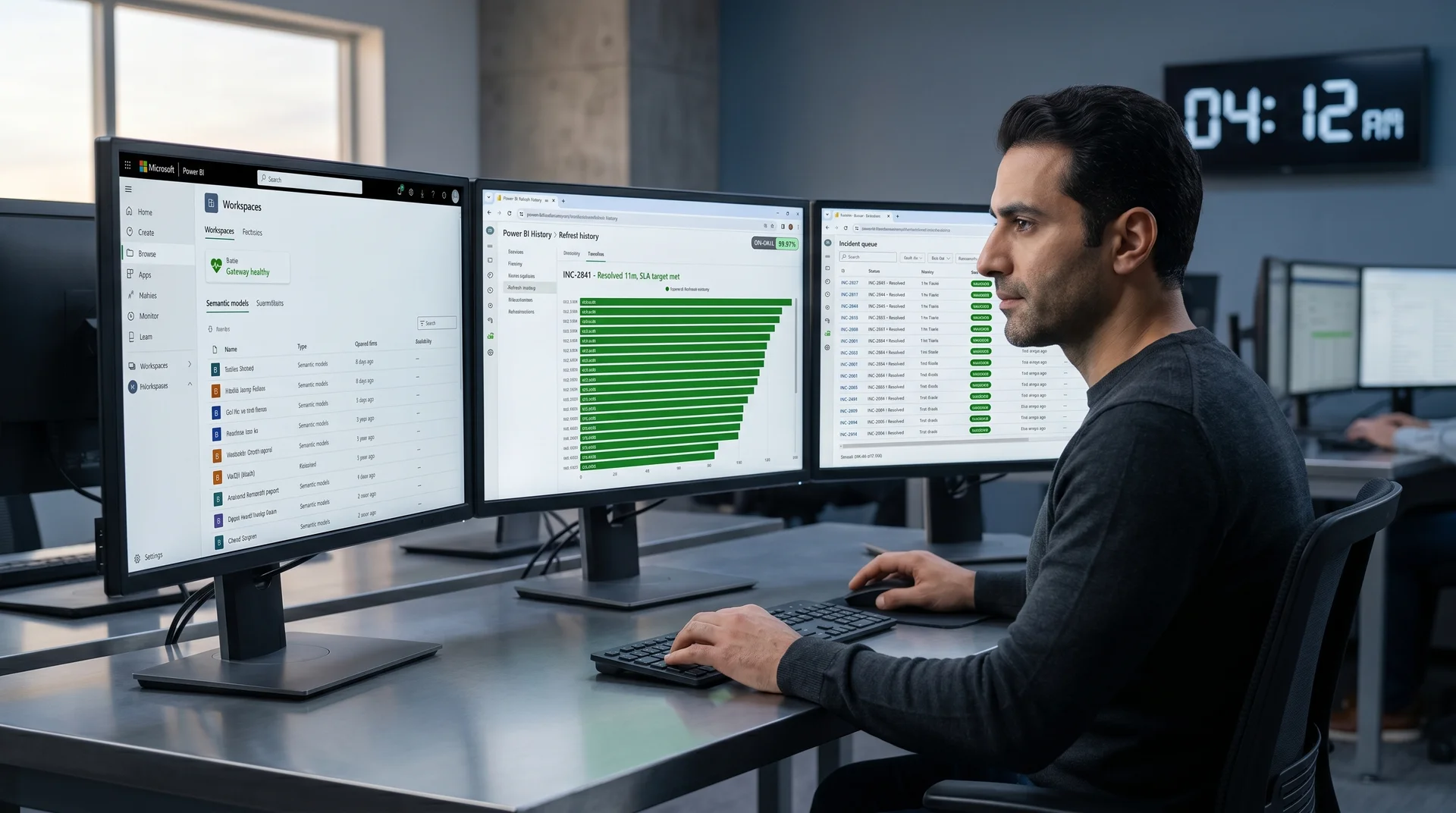
Without a written SLA, "Power BI is down" becomes an all-day fire drill.
Most Power BI environments are supported by whoever built the report last. When that person is on holiday or has left the business, the CFO has nowhere to escalate. An SLA solves the escalation gap, the response gap, and the accountability gap in one document.

Slack ping at 6:48 AM, nobody answers until 9:30
The CFO opens the board pack. Revenue card shows yesterday's number. The finance analyst pings the BI lead. The BI lead is on a flight. Three hours later the gateway is restarted. Three hours of executive time burned.
Ticket auto-paged at 6:48, engineer on call by 6:50
Refresh failure triggers an alert into our pager. On Platinum, an engineer acknowledges in under 15 minutes, restarts the gateway, retriggers the dataset, and posts the fix to your Slack before the CFO has finished her coffee.
No response time, no priority, no accountability
Your current partner replies "we'll look at it tomorrow" for a P1. There is no contract clause that says they must respond faster than tomorrow, because there is no contract clause about response at all.
Response, resolution, and credit on every priority level
P1 response time, P1 resolution target, P2 and P3 targets, monthly uptime commitment, service credits if we miss. All four priority levels, all four service tiers, written into the contract.
One person knows the data model and they are leaving
The Power BI environment lives in one developer's head. They leave, get sick, change companies. The CFO learns this on the morning a refresh breaks. There is no backup, no documentation, no runbook.
A pod of engineers, runbooks, and recorded knowledge
Onboarding produces an environment runbook, a list of named contacts, and a recorded walkthrough of every dataset. Three engineers on the pod know your model. Two are always available.
Pick the response tier that matches what your board expects.
Every tier includes named on-call engineers, monthly uptime targets, service credits, and a quarterly review. The difference between tiers is response time, coverage hours, included engineering bank, and escalation depth. Each tier highlights every 4 seconds. Click a column to lock it.
Value calculation: 8 executives × $350 per hour × 3 hours per incident × 2.3 incidents per month = $19,320 in stalled executive time each month. Bronze SLA covers that exposure for $2,400 per month.
All tiers include onboarding runbook, named contacts, capacity monitoring, and a service credit clause for missed SLAs. Annual contracts only.
Submit your incident profile → scoping call within 24 hours → draft SLA in 5 business days → live on-call from day one.
The full Power BI SLA support scope, in numbers.
Here is what arrives the day your SLA starts.
Page environment runbook
Documented gateway topology, capacity allocation, dataset map, refresh schedule, and recovery procedure. Delivered before day one of the SLA.
Named engineers per pod
Three Power BI engineers know your environment by name. Two are always on call. No "whoever is free" rotation. The same faces every quarter.
P1 response on Platinum
Pager triggers, engineer acknowledges, triage starts. A P1 incident gets an engineer acknowledging and triaging within 15 minutes, day or night.
Engineering hours per month
Platinum tier banks 60 hours of engineering work each month for change requests, DAX tuning, model upgrades, and new report builds. Unused hours roll one month.
Hours of cover per day
Gold and Platinum cover the full 24-hour clock, every day of the year. The pager wakes someone in the right time zone, not in your office on a flight.
Uptime commitment
Platinum commits to 99.95% monthly uptime, measured against gateway and dataset availability. Miss the number, receive a service credit. No arguments.

Code, data, and tenancy all remain yours.
Your Power BI tenant, capacity, workspaces, gateways, and PBIX files all live in your environment. We work inside your Microsoft tenancy. If you leave, you keep everything, with a 30-day handover.
How a logistics CFO stopped losing Mondays to refresh failures.

Acuity Logistics moves freight for retail brands across the United Kingdom and EU. The CFO runs a Monday board meeting from a Power BI revenue and margin pack.
The gateway failed on average twice a month, always on a Sunday refresh. Mondays opened with the CFO chasing an analyst, the analyst chasing the BI lead, and the board pack two hours late.
Platinum SLA caught the next two gateway failures before 6am. Engineer paged at 04:12 and 03:48, refresh re-triggered before the CFO opened her laptop. Six months of clean Mondays.

"I used to lose the first two hours of every Monday to a refresh argument. Since Platinum started, the pager runs before I'm awake. The board pack is just there at 7am. That is the only outcome I cared about."
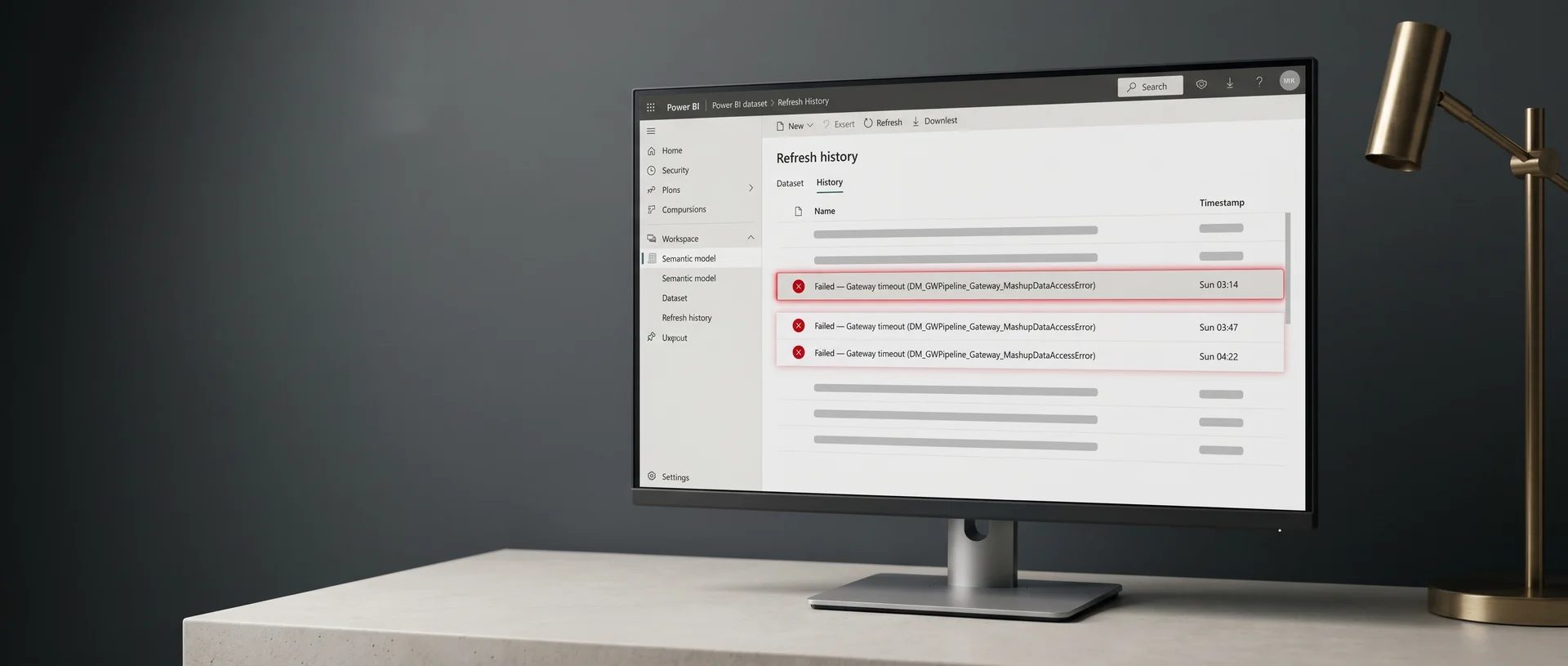
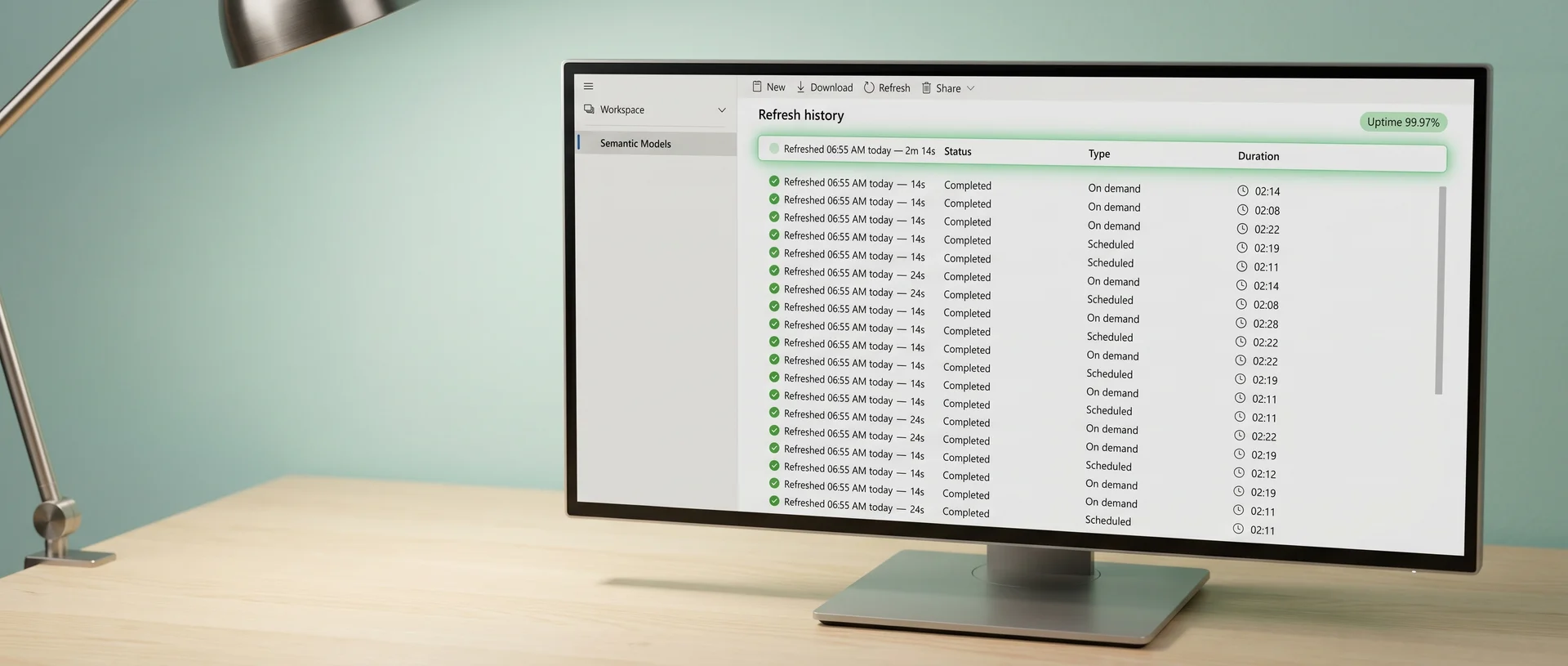
Three things to expect from a Power BI support company that others rarely put in writing.
We commit to a resolution target, not just a response target.
Other implementation partners typically promise to respond to a P1 within a window. Responding is acknowledging a ticket. We commit to resolving the P1 within a contractually defined time. Platinum tier: 2 hours, 24x7, with service credits if we miss. Resolution is the only number a CFO cares about.
A named pod of three engineers, not a help-desk roulette.
Most support contracts route tickets to whoever opens the queue. That works for password resets. It fails for a refresh failure that needs someone who already knows your capacity, your gateway topology, and your DAX patterns. We assign three engineers to your environment. Two are on call at all times. The same three names every quarter.
Service credits if we miss, written into the SLA from day one.
If we miss the uptime number, you get a service credit. If we miss a P1 resolution by more than 50%, you get a service credit. If we change a named engineer without notice, you get a service credit. The credit clause is in the SLA, signed at contract start. We have paid out twice in three years. Every other implementation partner you have used has paid out zero, because no one writes a credit clause.
"If Redefine fails to meet the monthly uptime target, Customer shall receive a service credit equal to 10% of the monthly fee for each 0.1 percentage point below target, up to a maximum of 50% of the monthly fee."

A 4-hour delay on a Monday board pack burns roughly
Eight executives at a board table. Decisions deferred. The next month's plan delayed by a week. A Platinum SLA pays for itself the first time it stops one Monday from going sideways.
What CFOs ask before signing the SLA.
Yes. Most teams start on Silver for the first quarter while we onboard and learn the environment. The CFO upgrades to Gold or Platinum when the next high-stakes reporting cycle is approaching. Upgrades take effect on the first of the next month, no contract rewrite required.
A P1 is any incident where a board, executive, or revenue-critical Power BI report is unavailable, showing wrong numbers, or failing to refresh. The SLA lists ten named P1 datasets per customer. Anything on that list, at any time of day, triggers the P1 response clock.
No. The SLA covers the environment, not the developers. Your in-house team continues to build reports. We cover the gateway, capacity, refresh schedule, on-call response, and the named P1 datasets. Many customers run their own delivery and use our SLA only for cover.
Each tier includes a monthly bank of engineering hours used for change requests, model tuning, DAX optimisation, new report builds, and capacity adjustments. Unused hours roll one calendar month, then expire. Hours are reported on the monthly statement with a line-by-line breakdown.
A service credit is calculated against the monthly fee based on the size of the miss. Credit is applied automatically on the next invoice. If we miss the same SLA two consecutive months, you have a contractual right to terminate without notice and a free 60-day handover.
Yes. The P1 list is reviewed quarterly. New executive dashboards can be added when they go live. Old reports can be downgraded when they retire. Each change is logged in writing and takes effect immediately on countersignature.
12 months minimum. Most renew annually. There is no penalty to renew on a higher tier, and there is a written exit clause if we breach the SLA two months running.
An honest fit check before you ask for a quote.
A good fit if you
- Run a Power BI environment that drives weekly executive or board decisions.
- Have at least 5 Power BI Premium capacities, or one P1 SKU and several Pro workspaces.
- Have lost more than two days a year to refresh, gateway, or DAX failures.
- Have nobody named as on-call for Power BI outside of working hours.
- Need a written contract, not a verbal best-efforts promise.
Not a fit if you
- Run Power BI Free or Pro only with one user opening a report occasionally.
- Need only ad-hoc fixes when something breaks, with no monthly retainer.
- Want us to also write the strategy for your wider data platform.
- Need on-premise SQL Server Reporting Services support, not Power BI.
- Cannot commit to a 12-month minimum term.
Not sure? Tell us your situation and we'll be straight with you. The 15-minute SLA scoping call is free, and if the answer is "you don't need an SLA yet", we will tell you that and recommend an audit instead, or point you to a Power BI rescue partner if a one-off fix is all you need.
Sibling pages from the support hub.
Tell us what's at stake.
A 30-minute call. We map your P1 datasets, refresh schedule, gateway topology, and incident history. By the end of this power bi sla support consulting call you know which tier fits, what it costs, and whether you need an audit before the SLA.
No commitment. No pitch.
Brief received. We will review your incident profile and send a scoped SLA draft within 5 business days. If your Power BI is currently down, reply to the confirmation email with "URGENT" and we will start a rescue call inside 24 hours.