Redefine Suite / Identity and security

Login security for every store and portal.

Decide who can sign in and how. See every sign-in. Lock out wrong guesses, sign out a lost laptop, and hear about it first.

See who signs in to your stores.

A demo set up with your own team, stores and buyer portals.

Book a personalized demo

Short answer

What is login security?

Updated

Login security is the set of rules that decide who can sign in, how they prove it is them, and what happens when someone guesses wrong. In Redefine Suite by Redefine Innovations, you set two-step sign-in or Microsoft Entra ID, lock out wrong tries, see every sign-in for a year, and sign out any session at once.

One stolen password can open your orders, prices and customer list. Account takeover protection starts at the sign-in page: strong rules, a second step, and a lock after wrong tries.

The same lockout rules guard the admin and every buyer portal, so staff, buyers and dealers are all covered.

How the options compare

Three ways to guard a sign-in

OptionHow it worksWhat you getSee also
Redefine SuiteRules, a second step and a lock, set in one placeYou see every sign-in and can end any sessionGovernance, security and compliance
Password onlyEach person picks a passwordOne guessed password opens the doorAccess and permissions
Shared loginsOne sign-in used by a whole teamNo one knows who did whatAudit and traceability

What you control

  • [1] Two-step sign-in or Microsoft Entra ID
  • [2] Password rules and staff email addresses
  • [3] Lockout after wrong passwords or codes
  • [4] Every sign-in and every open session

Part of Governance, security and compliance in Redefine Suite.

Proof from a secure build

29+ care locations. One secure CMS.

Saratoga Hospital, healthcare

Custom CMS build

Redefine built Saratoga Hospital one secure CMS for every website. This was custom CMS work, not Redefine Suite. Read the Saratoga Hospital case study

The challenge

Updates were slow and done by hand across many sites. Control was spread out, and that was a real risk.

The solution

One central dashboard. Each edit checks the editor's role and the input against OWASP ASVS rules, and a log shows who changed what.

CMS / after go-live

Saratoga Hospital case study

Less time to update content
62%
Faster page loads
41%

Where staff edit the sites

Many separate sites

One secure CMS
Drawn to show the move to one secure dashboard. Figures from the Saratoga Hospital case study.

What keeps owners up

Most break-ins start at the sign-in page.

Most trouble does not start with a clever hack. It starts with a guessed password, an old login nobody shut, or a big change made in a hurry by the wrong person. Here is what each one looks like on a normal week, what it costs you, and what the Suite does about it.

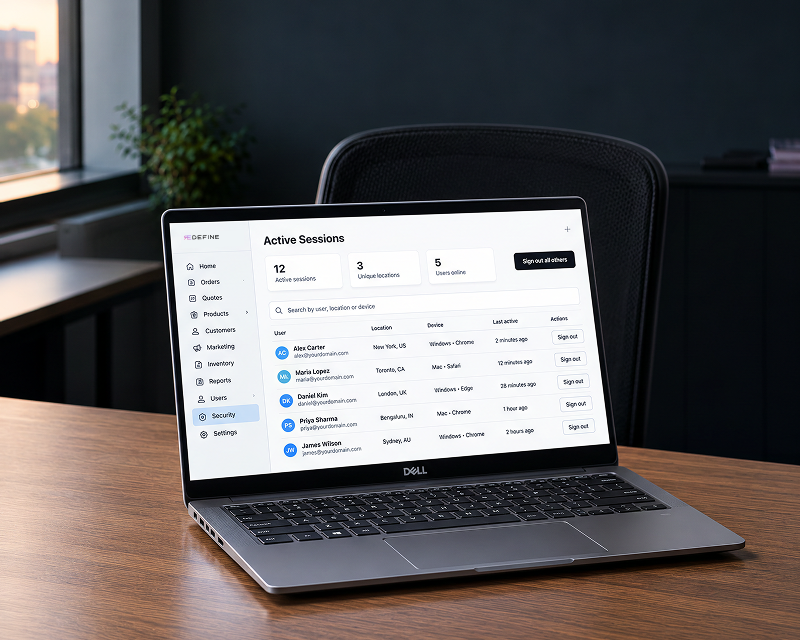
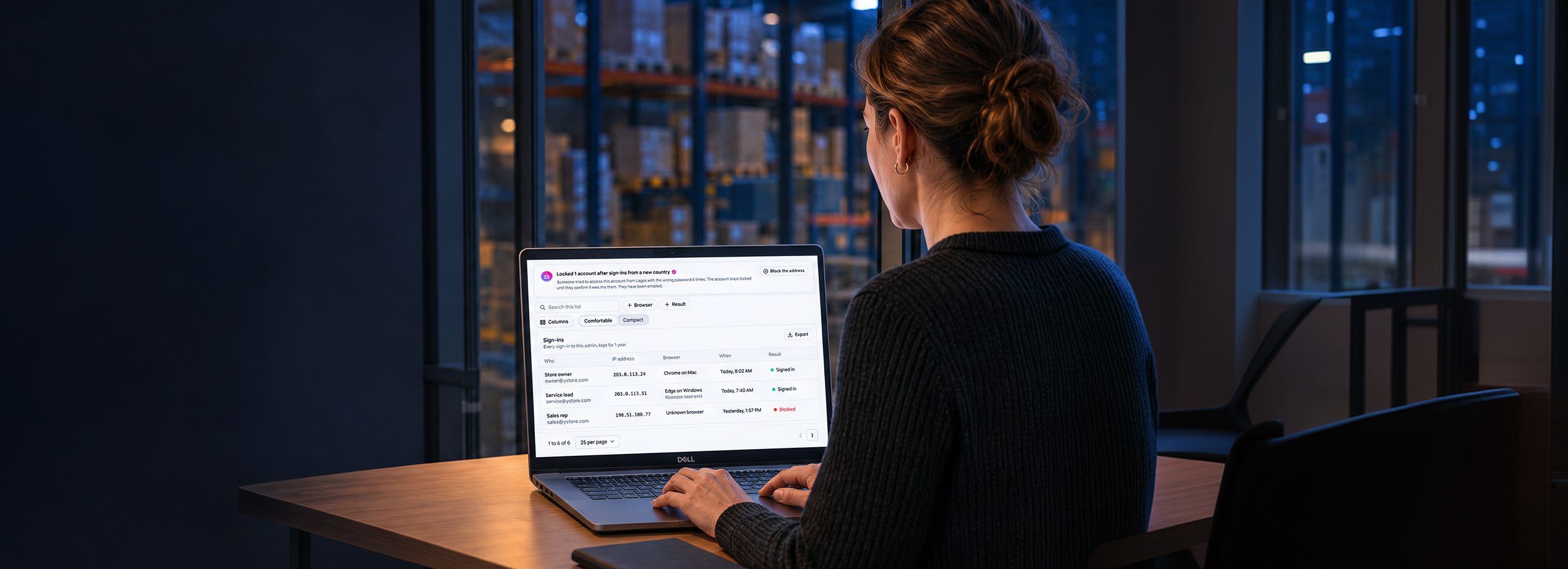
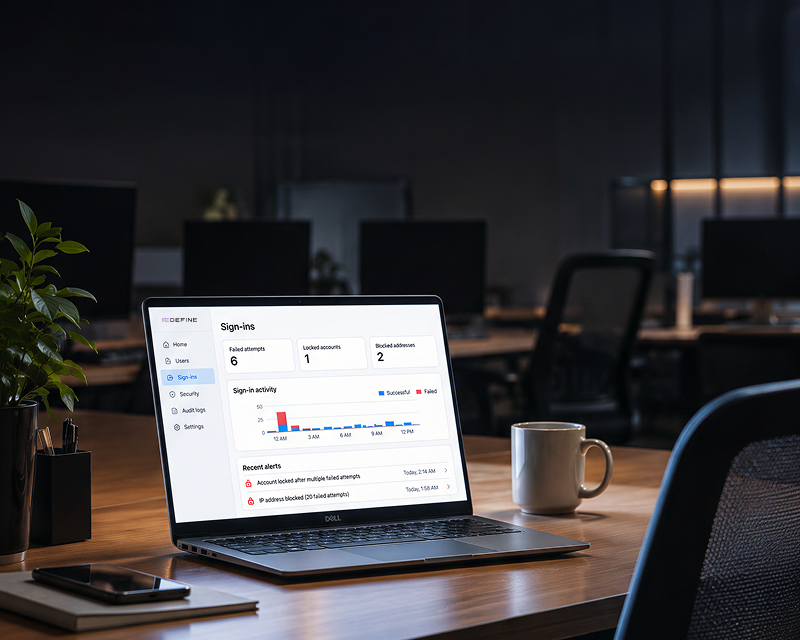
A quiet office at night with one laptop left open on a desk

The worry

Someone tried six passwords on one account last night.

Sign-ins

What happens

Bots try common passwords on many accounts at once, often at night when no one is watching. They only need one weak password, on the admin or on a buyer portal, to get in.

What it costs

A stolen account can place orders, change prices and read your whole customer list. Then you spend days finding out what was touched.

What the Suite does

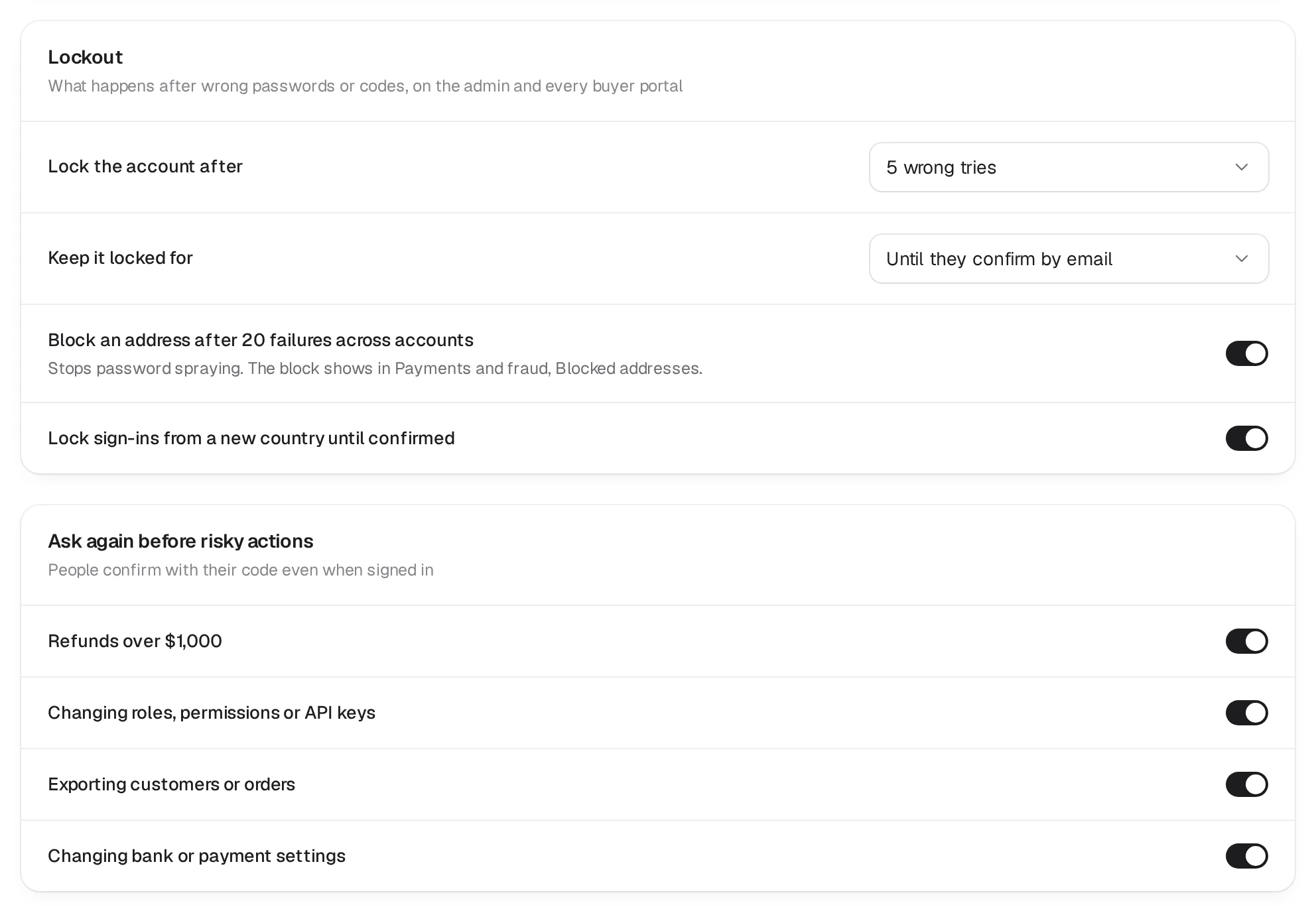
Lock the account after 5 wrong tries, and keep it locked until the person confirms by email. Block an address after 20 failures across accounts. That stops password spraying.

See it

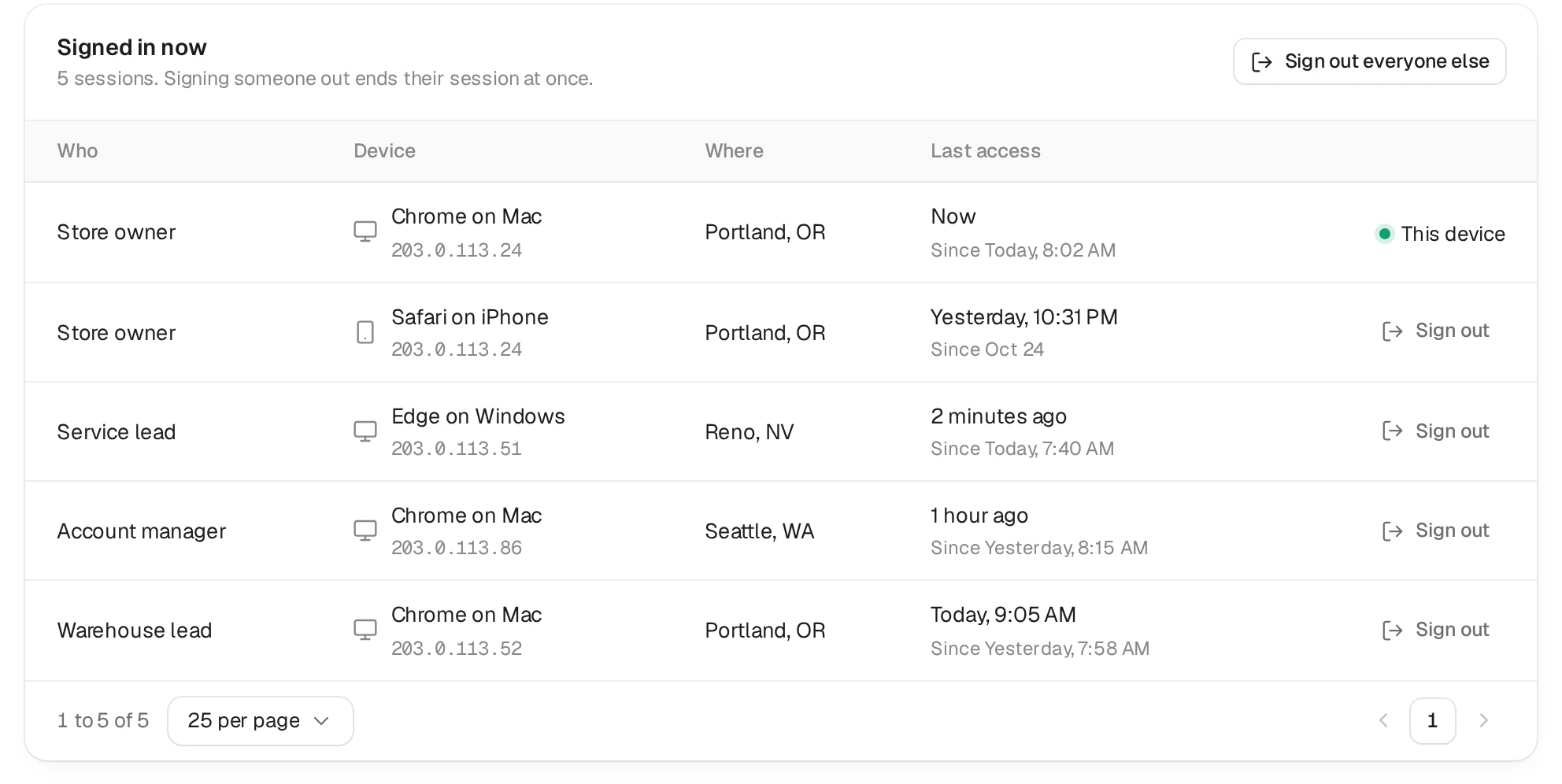
Every sign-in, every session, in one place.

Pick a view to see the real screen. It all lives under Settings, Security.

View 01

Who signed in, and how?

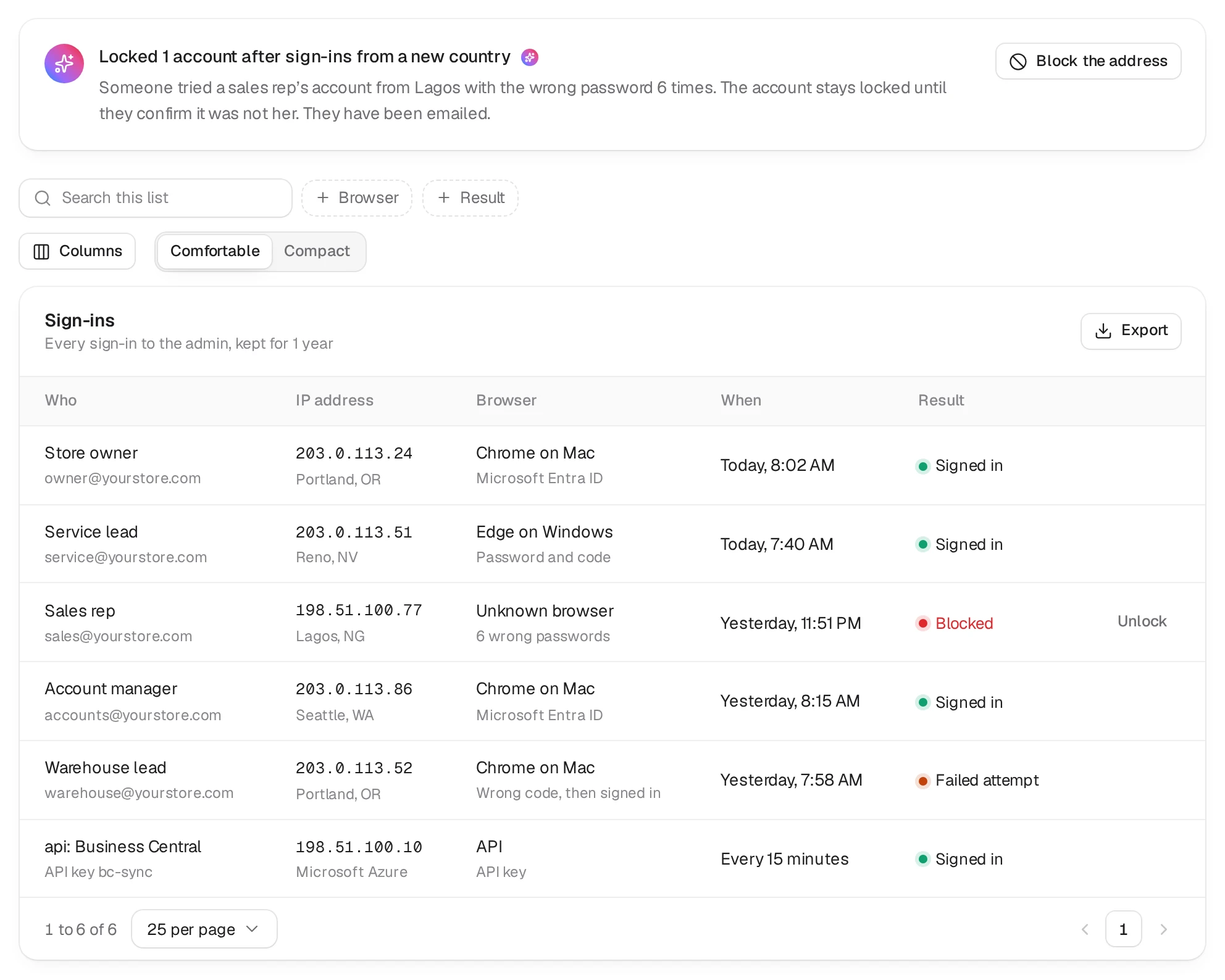
Every sign-in to the admin is kept for a year: who it was, from what address, which browser, how they signed in and if it worked. Odd ones stand out fast.

  • A blocked account shows the reason and an Unlock button.
  • A wrong code shows as a failed try.
  • API keys show up too, like an ERP sync.
Kept
1 year
Export
Any time
See audit and traceability
Redefine Suite Login activity: every sign-in with the person, IP address, browser, sign-in method, time and result,

Ways to sign in

Pick how people prove it is them.

You can mix them. Staff on Microsoft Entra ID, buyers on a password and a code.

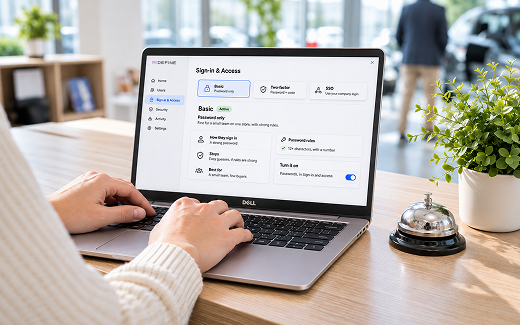
  1. Hands type a password on a laptop at a front desk

    01 Basic

    Password only

    Fine for a small team on one store, with strong rules.

    12+characters, with a number

    How they sign in
    A strong password
    Stops
    Easy guesses, if rules are strong
    Best for
    A small team, few buyers
    Turn it on
    Passwords, in Sign-in and access
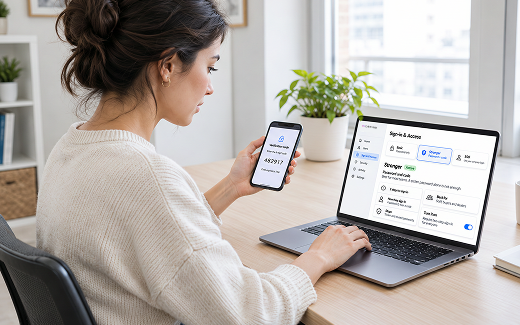
  2. A person holds a phone with a sign-in code next to a laptop

    02 Stronger

    Password and code

    Best for most teams. A stolen password alone is not enough.

    2steps to sign in

    How they sign in
    A password, then a code
    Stops
    Stolen and reused passwords
    Best for
    Staff, buyers and dealers
    Turn it on
    Require two-step sign-in for everyone
  3. A new hire signs in with a work account on day one

    03 Work account

    Microsoft Entra ID

    Best when your staff already sign in to Microsoft for work.

    1work sign-in

    How they sign in
    Their Microsoft work account
    Stops
    Old logins after someone leaves
    Best for
    Staff in your Microsoft tenant
    Turn it on
    Sign in with Microsoft Entra ID

Password rules apply to anyone not on Microsoft Entra ID.

Hear about it first.

Admins get an email and a note in the admin. The security agent lists each alert until someone marks it handled.

RedefinenowAn account was locked6 wrong passwords from a new country

Can I make two-step sign-in a must for everyone?

Yes. Turn on Require two-step sign-in for everyone. People enter their password, then a code. A change to this setting also raises a security alert.

Who can change it is set in roles. See access and permissions

Can staff sign in with Microsoft Entra ID?

Yes. People in your Microsoft tenant sign in with their work account. Password rules then apply only to people who do not use Entra ID.

Settings for the whole admin live in one place. See environment and admin controls

What account lockout policy can I set?

You pick the rules. Lock an account after a few wrong tries, like 5, until the person confirms by email. Block an address after 20 failures across accounts.

It covers the admin and every buyer portal. See governance controls

Can I see and export login activity?

Yes. Every sign-in is kept for one year with who, address, browser, method and result. Export it any time, and unlock a blocked account from the same list.

Changes inside the admin are in the audit log. See audit and traceability

Can I limit sign-ins to our office?

Yes. Add your IP addresses to Only allow these IP addresses. Leave it blank to allow any. You can also lock sign-ins from a new country until confirmed.

Data and privacy rules sit on their own page. See compliance and privacy

When is it not worth it?

If one person runs one small store with no buyer portal, strong passwords may be enough. It pays off when many staff, buyers and dealers sign in.

In the demo, we set it up for your own team. See all governance and security

Book a demo

See your own sign-in rules at work.

Tell us who signs in today: staff, buyers, dealers. In the demo, we set your sign-in rules, lock a test account and show the alert. A demo set up with your own team, stores and buyer portals. You can also use the demo booking page.

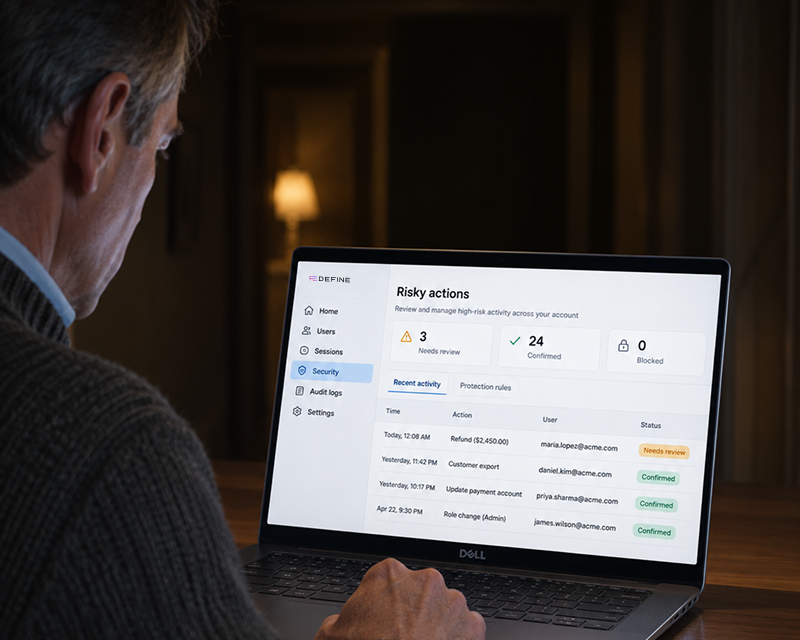
An IT lead and an operations manager set up sign-in rules together at a desk
  • Built on your own team
  • Your stores and portals
  • Your own rules
  • 550+ projects delivered

Book a personalized demo

Tell us which problem worries you most. We set up the demo around it.

  1. 1We confirm your request
  2. 2A short call about your sign-ins
  3. 3Your personalized demo
  4. 4You decide what comes next