HubSpot Salesforce integration that gives every rep and marketer the same live data.
Custom HubSpot Salesforce integration services that sync contacts, deals, and campaign attribution between both platforms in real time. Your marketing and sales teams work from the same records. No exports. No conflicting data.
integration projects delivered · connecting CRM and marketing platforms for sales and marketing teams
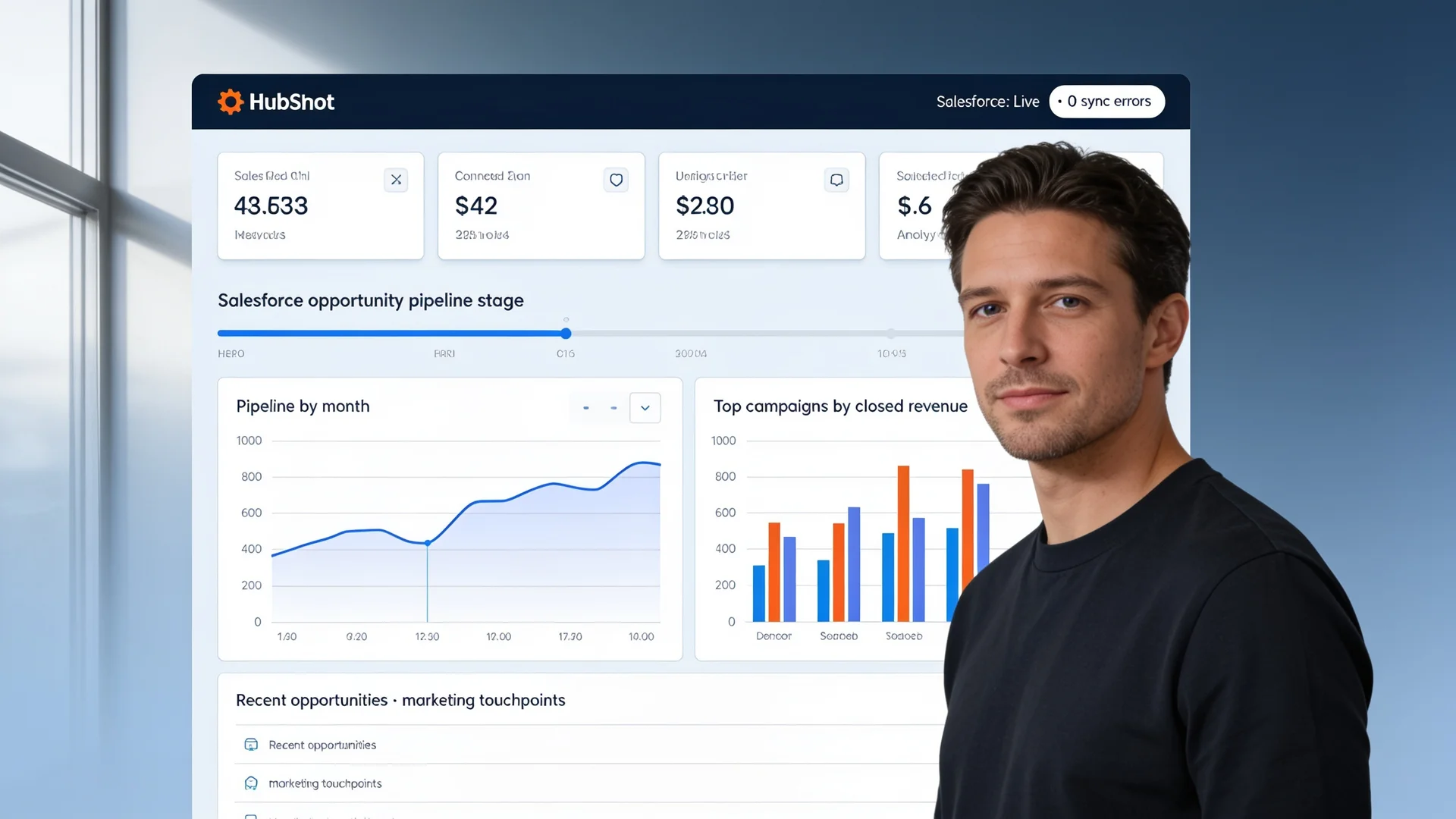
Hero · Revenue team reviewing unified HubSpot and Salesforce dashboard after integration

Two platforms, two versions of every contact. Your teams are selling against each other.
Your marketing team optimizes for leads that sales already closed. Your sales team ignores leads that marketing paid to generate. Nobody agrees on what the pipeline is worth. That is what happens when HubSpot and Salesforce data lives in separate systems with no real-time sync.
Signs HubSpot and Salesforce are out of sync
Marketing emails go to contacts already closed as won or lost in Salesforce
HubSpot does not know what happened in Salesforce after the lead was handed off, so it keeps nurturing the wrong people.
Duplicate contact records accumulate across both platforms with conflicting data
Sales reps see three versions of the same person. None of them agree on job title, company, or last activity.
Marketing cannot report on revenue because campaign attribution stops at the handoff
HubSpot knows which campaign sourced the lead. Salesforce knows the deal closed. Neither platform connects the two.
Sales reps manually copy contact data between systems, introducing errors with every transfer
Every minute a rep spends copying data is a minute not spent on the next conversation.
8 field conflicts detected · HubSpot and Salesforce out of sync
Last sync attempted 14 hours ago · 3 records failed · manual review required
HubSpot: lifecycle stage = Lead · Salesforce: opportunity stage = Closed Won · no sync
3 records across both platforms · conflicting email addresses · company name mismatch
HubSpot: email campaign open = 14 times · Salesforce contact: no activity log · attribution lost
312 contacts receiving marketing emails after Salesforce closed as Churned
One view of every contact, campaign, and deal, across both platforms in real time
After a custom HubSpot Salesforce integration, your marketing team sees deal outcomes. Your sales team sees campaign touchpoints. All in real time, with no manual exports.
MQLs This Month
847
+23% from Salesforce closed data
Pipeline Sourced
$2.1M
Revenue attributed from HubSpot campaigns
Contact Sync Health
99.8%
All records in sync with Salesforce
Suppressed Contacts
1,204
Closed Won/Lost removed from emails
Top campaigns by closed revenue · Salesforce attribution pulled live
Open Pipeline
$3.8M
+14% from last quarter
Marketing Touchpoints
8.4
Avg per open opportunity from HubSpot
Lead Response Time
4 min
Down from 47 min pre-integration
Data Sync Errors
0
All records current · 0 conflicts
Recent opportunities · HubSpot campaign data pulled into each Salesforce record
First touch: Q4 Webinar · last touch: pricing page visit 2 days ago
First touch: SEO organic · last touch: email sequence day 4 opened yesterday
Closed Revenue (YTD)
$4.2M
100% campaign-attributed via integration
Marketing-Sourced Revenue
68%
Up from 0% visibility pre-integration
Avg Touches to Close
11.2
Across all Salesforce closed-won deals
Revenue by first-touch HubSpot channel
Six outcomes the native connector cannot give your team
Custom HubSpot Salesforce integration consulting builds sync logic around your sales stages, custom objects, and attribution model. Not the generic field mappings the native connector assumes.
Bidirectional contact sync with deduplication built in from day one
Contacts in both platforms stay current. Deduplication rules run before the first sync, so duplicate records never pile up. Your team starts clean and stays clean.
Full closed-loop revenue attribution from HubSpot campaign to Salesforce deal
Marketing sees which campaigns generated revenue. Custom field mapping connects every HubSpot campaign to the Salesforce deal record. Attribution stops breaking at the handoff.
Real-time lifecycle stage sync so marketing stops emailing closed accounts
When Salesforce closes a deal, HubSpot knows within seconds. Your marketing team never sends a nurture email to a won or churned account again.
Custom object mapping for deals, products, and properties unique to your business
The native connector only maps standard fields. Custom HubSpot Salesforce integration handles your proprietary deal stages, custom contact properties, and product line objects.
Structured error handling and conflict resolution for every sync event
Every failed sync surfaces immediately with full context. Conflict resolution rules define which platform wins for each field, so nothing is overwritten by accident.
Full documentation and monitoring your team owns at handoff
Runbooks ship with every integration. They cover field mapping, sync frequency, error thresholds, and monitoring setup. Your team runs and maintains it without us.
From a fragmented pipeline to a unified CRM with real-time analytics
A U.S.-based promotional products distributor needed a CRM to manage leads, pipeline, and prospect interactions alongside their existing ERP. Manual lead management and disconnected data across sales and operations cut productivity and pipeline visibility.
Pain before CRM integration
- No system to manage incoming leads and prospect interactions, creating dropped follow-ups and missed pipeline
- Sales and enterprise resource planning data completely disconnected, requiring manual bridging between teams
- No analytics visibility across the sales pipeline or marketing touch-points leading to closed business
Results after go-live
Pipeline visibility across CRM and ERP
Manual transfers between sales and operations
Modules linking pipeline, ERP, and analytics
Case Study · Unified CRM and ERP dashboard with real-time analytics
We built and integrated a CRM with the existing ERP to manage accounts, contacts, opportunities, and quotes. The deployment included automated call handling, analytics dashboards, chatbot lead capture, and Outlook integration for activity tracking. Sales got full pipeline visibility. Operations got real-time access to sales data.
The native connector syncs fields. Custom integration syncs your business logic.
A custom HubSpot Salesforce integration starts with a data audit. We map what lives where, how it conflicts, and what each team needs. The field mapping comes after that, not before it.
Differentiation · HubSpot Salesforce integration data mapping review session

What a native connector gives you
What a custom HubSpot Salesforce integration gives you
Common questions before starting a HubSpot Salesforce integration
A properly built HubSpot Salesforce integration syncs contact and lead records bidirectionally between platforms, maps HubSpot lifecycle stages to Salesforce opportunity stages, passes marketing attribution data from HubSpot campaigns into Salesforce opportunity records, syncs deal close dates and values back to HubSpot for revenue reporting, and keeps custom fields aligned so neither platform holds stale or conflicting data. The sync rules, field mappings, and conflict resolution logic are all customized to match how your sales and marketing teams actually work.
The native HubSpot Salesforce connector works for simple one-directional syncs but breaks down when you have custom objects, complex field mappings, multi-touch attribution requirements, or business logic that differs between your sales and marketing processes. Custom HubSpot Salesforce integration gives you full control over what syncs, when it syncs, how conflicts are resolved, and how custom objects in both platforms are mapped to each other. It also gives you structured error handling and monitoring so you know immediately when a sync fails rather than discovering it days later when a sales rep notices a missing contact.
Duplicate record creation is the most common failure mode in HubSpot Salesforce integrations. A custom integration avoids this by establishing a deterministic deduplication strategy before any sync runs: defining which platform is the system of record for each data type, setting matching rules based on email address and domain, and building merge logic for records that already exist in both systems. We audit your existing data before go-live to identify and resolve duplicates before the integration runs its first sync.
A standard HubSpot Salesforce integration covering contact sync, deal stage mapping, and marketing attribution typically goes live in four to six weeks. More complex custom HubSpot Salesforce integration projects involving custom objects, multi-touch revenue attribution, or integration with a third system run six to ten weeks. We publish a line-by-line delivery timeline before work begins so your sales and marketing teams can plan their data hygiene and workflow changes around each milestone.
Before the integration goes live, we run a data audit across both platforms to identify conflicts, duplicates, and field mismatches. We then define a migration and deduplication plan, run the initial historical sync in a test environment, and validate the output before switching on the live connection. Existing records in both platforms are preserved. The integration does not delete or overwrite records without explicit conflict resolution rules that your team has reviewed and approved.
Tell us what HubSpot and Salesforce need to share. We'll scope the integration.
Scoped before work starts. Line-by-line pricing. No commitment to receive a proposal.
Response in 48 hours
A CRM integration specialist reviews every brief
Proposal in 3 days
Line-by-line scope with field mapping plan and timeline
200+ integrations delivered
Including CRM, marketing, and sales platforms
Full code ownership
Your integration, your runbooks, no dependency
Brief received
We'll review your HubSpot and Salesforce setup and send a scoped integration proposal within 3 business days.