Your ERP, CRM, and ecommerce data, live in Power BI. Finally.
Power BI is already in your Microsoft stack. Your data is not. We connect Dynamics 365, Shopify, your warehouse, and every other source to live Power BI dashboards. No more manual exports. No more Monday morning spreadsheet assembly.
Send your brief -> call in 48 hours -> scoped proposal in 3 days -> first dashboard live 14 days after sign-off

Your team makes decisions on data that is already days old.
Every department has a report. No report is current. Someone is always exporting, combining, and formatting data before leadership can decide.

How much does manual reporting cost your team per year?
Set the sliders to match your reporting team. See how much time and money you recover each year by replacing manual exports with live Power BI dashboards.
No commitment. No pitch. Call within 48 hours.
From your source systems to live Power BI dashboards in five steps.
Map every source to every metric
We audit each system -- ERP, CRM, ecommerce, WMS -- and map which fields drive which metrics. You sign off on the architecture before the build starts.
Live API connectors for each system
Built for your specific ERP version and field structure, so data flows correctly from day one. Incremental refresh by default. No full-dataset pulls that slow your production system.
One semantic model, all sources
A single Power BI dataset combines your ERP, CRM, and ecommerce data. Metrics defined once. Consistent across every report and dashboard.
Dashboards for your actual decisions
Finance view, ops view, executive summary. Built for the decisions each team makes, not generic templates. Row-level security configured per role.
Day 14, live in production
Production deployment, refresh schedules, row-level security, and team training. Full PBIX and documentation delivered. Your engineers can extend it independently.
Every data source your Power BI dashboards need.
From disconnected Shopify and ERP data to one Power BI source of truth. $70M in annual revenue.
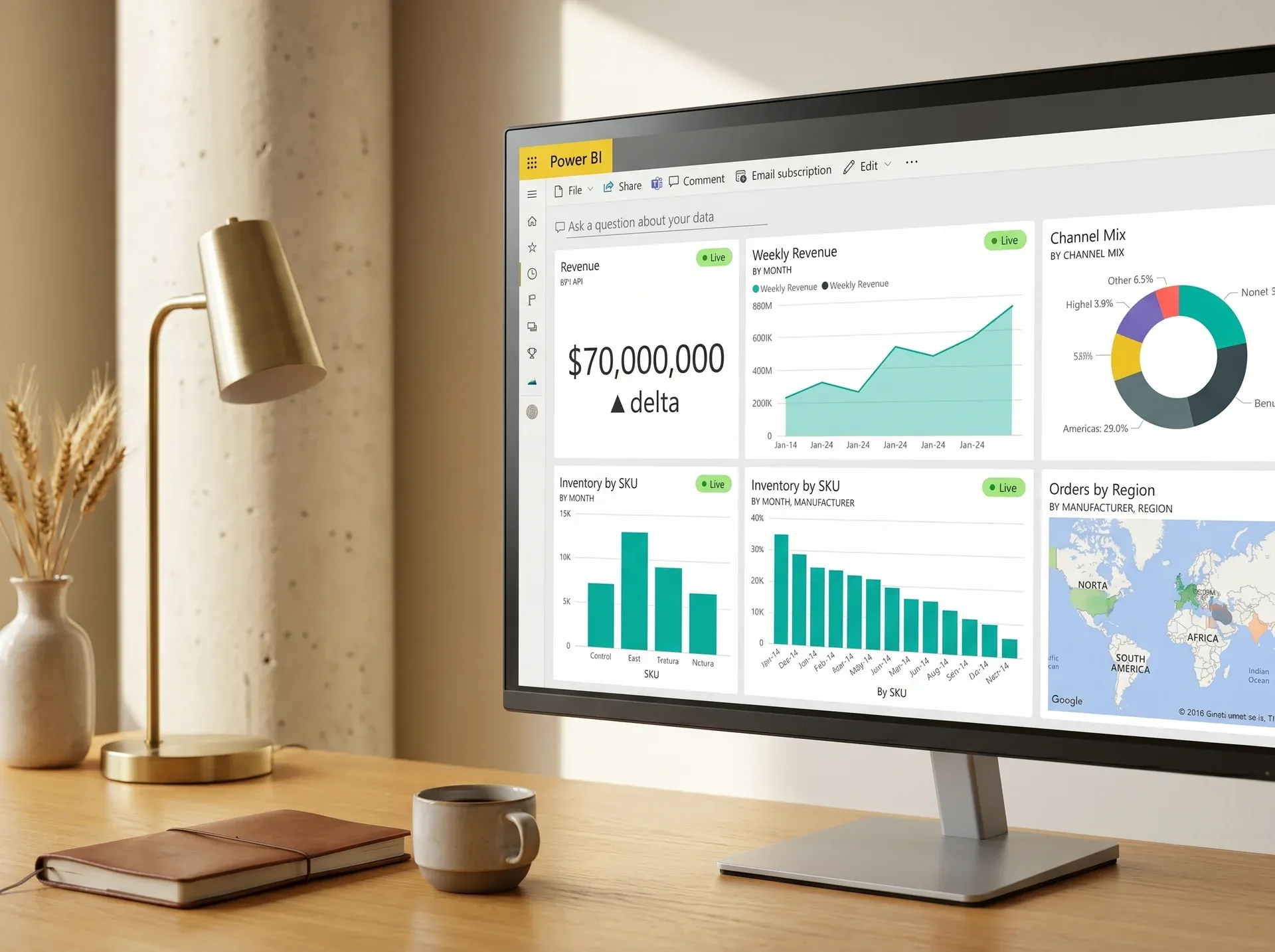
Why your Power BI integration needs more than a connector template.
We design the data model before the dashboard build, not after
Generic Power BI connector tools skip the data model step. They import raw tables and leave your team to figure out relationships. We design the semantic model first. Every metric defined, every relationship mapped, every dimension correct before a single visual is built. Dashboards that load correctly and stay correct as your data scales.
Incremental refresh built so your ERP stays fast
Other integrations do full-dataset imports on every refresh. That means millions of ERP rows pulled at once, slowing your production system and hitting API rate limits. We design refresh strategies for your specific system: incremental refresh, change-data-capture for high-volume tables, and scheduled windows that respect your ERP peak hours. Performance is a requirement, not an afterthought.
Row-level security that maps to your actual organizational chart
Most Power BI connector guides leave row-level security as a manual post-launch task. We configure it as part of the build. Sales managers see their territory. Regional leads see their region. Executives see everything. Security defined before go-live. Configured against your Entra ID or Active Directory structure, not a placeholder example.
You receive the PBIX file, dataset definition, and full refresh documentation
At go-live you receive the complete deliverables package: PBIX source files, Power Query M scripts, DAX measure library, dataset schema documentation, refresh configuration guide, and a runbook for extending any dashboard. Your internal team or any future partner can maintain, extend, and troubleshoot without coming back to us. No lock-in. Everything yours on day one.
What buyers ask before starting a Power BI integration project.
Yes. You need Power BI Pro (for sharing dashboards) or Power BI Premium (for larger datasets and more frequent refresh). We do not resell Microsoft licenses, but we advise on the right tier for your use case before the proposal stage.
Power BI's built-in connectors connect to generic endpoints. They do not understand your ERP's custom fields, your CRM's territory structure, or how your Shopify stores map to your ERP product hierarchy. A custom integration creates the translation between your data structure and what Power BI needs to calculate your metrics correctly. The result is dashboards that show your actual business numbers, not raw imported tables.
Refresh frequency depends on your license tier and data volume. Power BI Pro supports up to 8 refreshes per day; Power BI Premium supports up to 48. We configure the right schedule for each dataset based on how time-sensitive that data is, financial data refreshing every 3 hours, sales pipeline refreshing every 30 minutes if supported. We also design incremental refresh for large tables so only new records are pulled, not the full dataset, which keeps refresh times fast.
We build Power BI integrations against your ERP's API layer, not against internal database tables. This means an ERP version upgrade typically only requires updating the connector's API endpoint version, not rebuilding the data model or dashboards. We document the API versions our connectors target in the delivery documentation so your team can plan ahead for any required updates when you upgrade.
A single-source integration -- say, Power BI connected to Dynamics 365 ERP with a standard dashboard set -- typically goes live in 14 days. Multi-source projects connecting ERP, CRM, and ecommerce with a full executive dashboard suite typically run 3 to 5 weeks. We commit to a specific go-live date per milestone in the proposal.
Get a scoped Power BI proposal in 3 days.
No commitment. No pitch. Tell us which systems need to connect to Power BI. We will send a line-by-line proposal with data model, connector, and dashboard scope.
Scoped before work starts · line-by-line pricing · no commitment to receive a proposal
Submit brief → call within 48 hours → scoped proposal in 3 days → Sprint 1 within 1 week of sign-off
We will review your Power BI integration requirements and send a scoped proposal within 3 business days. Expect a call within 48 hours.
Call within 48 hours → scoped proposal in 3 days → no commitment required
Your data, live in Power BI. Done in 14 days.
Tell us your data sources. We will send a scoped proposal with your connector architecture, data model design, and dashboard scope. No commitment. No pitch.
No commitment. No pitch. Call within 48 hours.
