Connect Google Analytics to Power BI and Report on What Actually Drives Revenue
Power bi and google analytics integration services designed for marketing and analytics teams who need to integrate power bi with google analytics and stop reporting in disconnected tools. Pull GA4 sessions, conversions, and channel data into a governed semantic model. Combine it with your Shopify, Salesforce, or ERP data in one dashboard, scoped in writing before a line of code is written.
Submit your brief → call within 48 hours → scoped proposal in 3 days → Sprint 1 within 1 week of sign-off
Hero · Marketing analyst presenting Power BI GA4 dashboard to team

Modern marketing office, natural light, wide shot from the side, no direct eye-contact · 1200 × 630
Google Analytics shows you traffic. It cannot show you why traffic becomes revenue.
When you integrate power bi with google analytics, you stop switching between tabs and start answering the questions GA4 cannot: which channel drives the customers who stay, buy again, and refer others.
Staying in GA4 alone
- No way to join session data to actual revenue from your Shopify, Salesforce, or ERP system
- Data sampling above 500k sessions distorts conversion rate and attribution numbers silently
- GA4 retains raw event data for 14 months maximum, making year-over-year comparison difficult
- No row-level security, meaning every user who can see the GA4 property sees all the data
- Reports built in Looker Studio cannot be maintained by your Power BI team and sit outside your governance standards
After google analytics reporting in power bi
- GA4 sessions, events, and conversions joined to order revenue, customer lifetime value, and return rates in one model
- Data stored in your own warehouse with no sampling, unlimited retention, and full row-level security
- Channel attribution, ad spend, and revenue all in the same semantic model alongside your Shopify and CRM data
- Role-based access so your paid media team sees their data, your organic team sees theirs, and leadership sees everything
- Power bi google analytics dashboards maintained by your Power BI team inside the same governance standards as all other reports
GA4 data alongside your revenue data in one governed Power BI workspace
This is what google analytics power bi integration looks like when the semantic model is built correctly: every metric sourced from GA4, linked to actual revenue outcomes from your commerce or CRM platform.
Sessions (30d)
284,917
+18.4% versus prior period
Conversion Rate
3.7%
+0.4pp versus prior period
Revenue from GA channels
$482,300
+22.1% versus prior period
New customer rate
61.2%
from Shopify orders
Channel attribution (GA4 joined to Shopify revenue)
Goal completions by event type (GA4)
GA4 events linked to Shopify order IDs via client session bridge. No sampling. Full retention.
Two integration paths for Google Analytics data in Power BI
The right architecture for power bi google analytics connector consulting depends on your data volumes, refresh frequency, and whether you need to blend GA4 data with other sources. We recommend one in writing before any build begins.
Native GA4 Connector
Fastest to deploy- Deploys in days, no infrastructure required
- Suitable for up to approximately 500k sessions per refresh window
- Scheduled refresh up to 8 times daily on Pro, 48 times daily on Premium
- Subject to GA4 API quotas and 14-month raw data retention limit
Pipeline via Data Warehouse
Enterprise scale- No sampling, unlimited retention, full row-level security control
- Join GA4 data to Shopify, Salesforce, ad platforms, or ERP in one semantic model
- Near-real-time refresh under one hour via streaming pipeline
- GA4 BigQuery export integrated natively, no third-party extract tools required
Connector Architecture · Analyst configuring GA4 to Power BI data pipeline
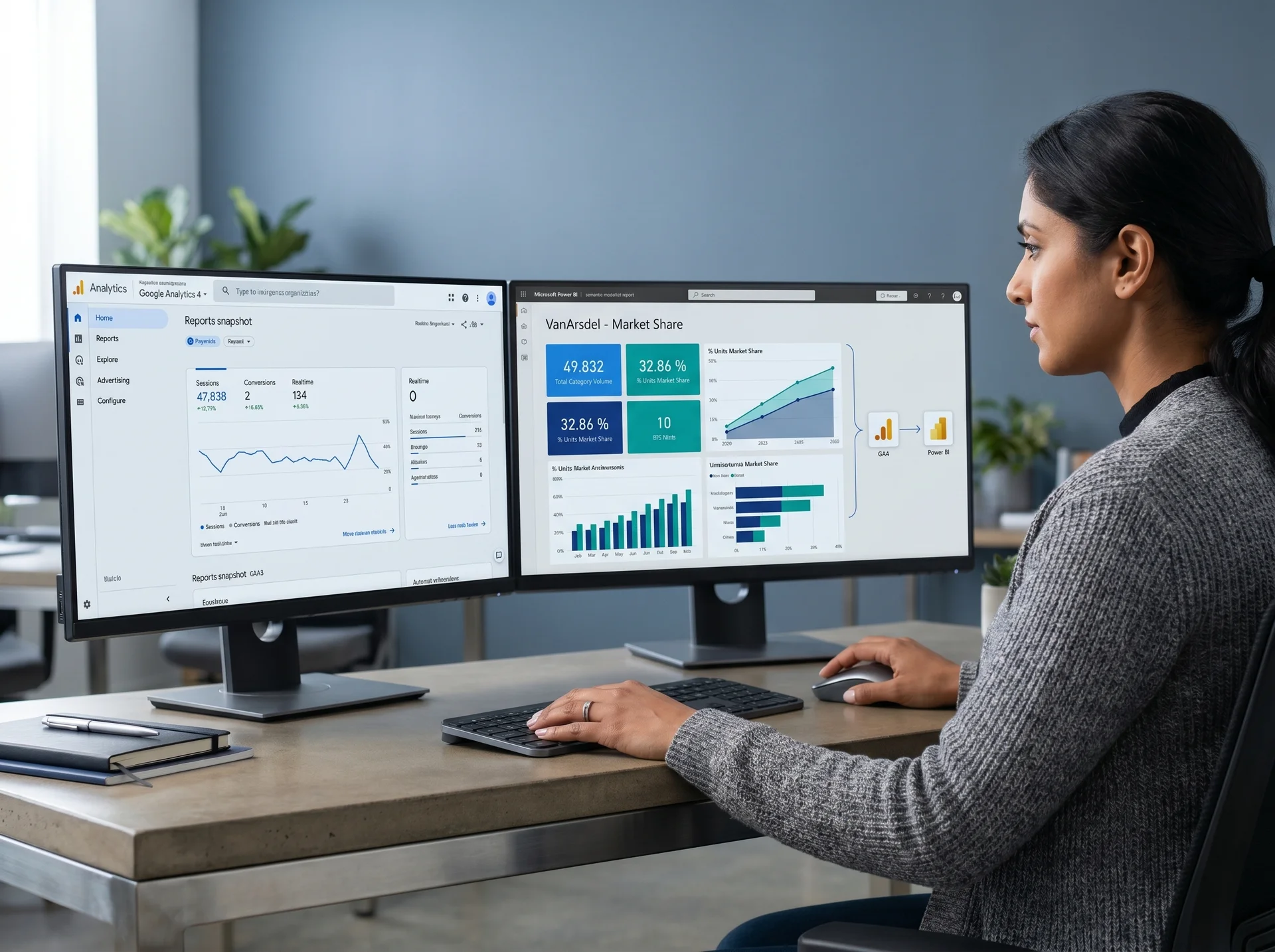
Over-the-shoulder, two monitors, focused natural desk light · 720 × 540
Every channel visible in one place, every metric owned by your team
Power bi and google analytics integration services that deliver a governed semantic model your team can maintain and extend without returning to an outside partner.
GA4 Property Audit
We audit your GA4 property before scoping: events configuration, custom dimensions, conversion definitions, data streams, and BigQuery export status. You know exactly what is in the source before we design the semantic model.
Architecture Decision and Pipeline Build
Native connector or data warehouse pipeline: we document the recommended architecture with tradeoffs, build the pipeline, and configure refresh scheduling before any report development begins.
Semantic Model with Governed DAX
GA4 dimensions and metrics mapped to a documented DAX measure library. Sessions, conversions, bounce rate, goal completions, and channel attribution are consistent across every Power BI report in your workspace.
Cross-Source Joins
GA4 session and event data joined to your Shopify orders, Salesforce opportunities, HubSpot contacts, or ERP revenue data in one semantic model. Channel attribution linked to actual revenue, not just conversion events.
Row-Level Security and Workspace Governance
Paid media, organic, and leadership roles each see the data their responsibilities require. Workspace naming standards, refresh alerts, and an admin runbook delivered at go-live.
Power BI Google Analytics Dashboards
Channel overview, campaign performance, conversion funnel, and audience segment reports built in Power BI. Validated against GA4 source numbers before delivery. Full template ownership transferred to your team.
Integrate other platforms alongside Google Analytics?
Power BI connected to Shopify, Toast POS, and analytics data, producing $70k in additional revenue in the first month
Narragansett Beer operated on disconnected systems across point-of-sale, Shopify, and customer data platforms. There was no unified view of performance, no way to connect marketing spend to revenue outcomes, and no single source of truth for decision-making.
POS, Shopify, and customer data in separate systems with no visibility into which channels drove the highest-value customers
Marketing decisions made without knowing whether paid search or organic traffic produced customers who actually returned and reordered
Power BI was integrated with Toast point-of-sale, Shopify, and analytics platforms to centralize data and provide real-time reporting, predictive insights, and trend forecasting across all sales and marketing channels.
Advanced customer segmentation and predictive analytics were configured to support targeted marketing and reduce dependence on manual analysis across multiple disconnected dashboards.
Additional revenue in the first month after integration go-live
Of monthly revenue attributed to analytics-driven email marketing channel
Case Study · Power BI multi-source analytics dashboard on marketing office monitor
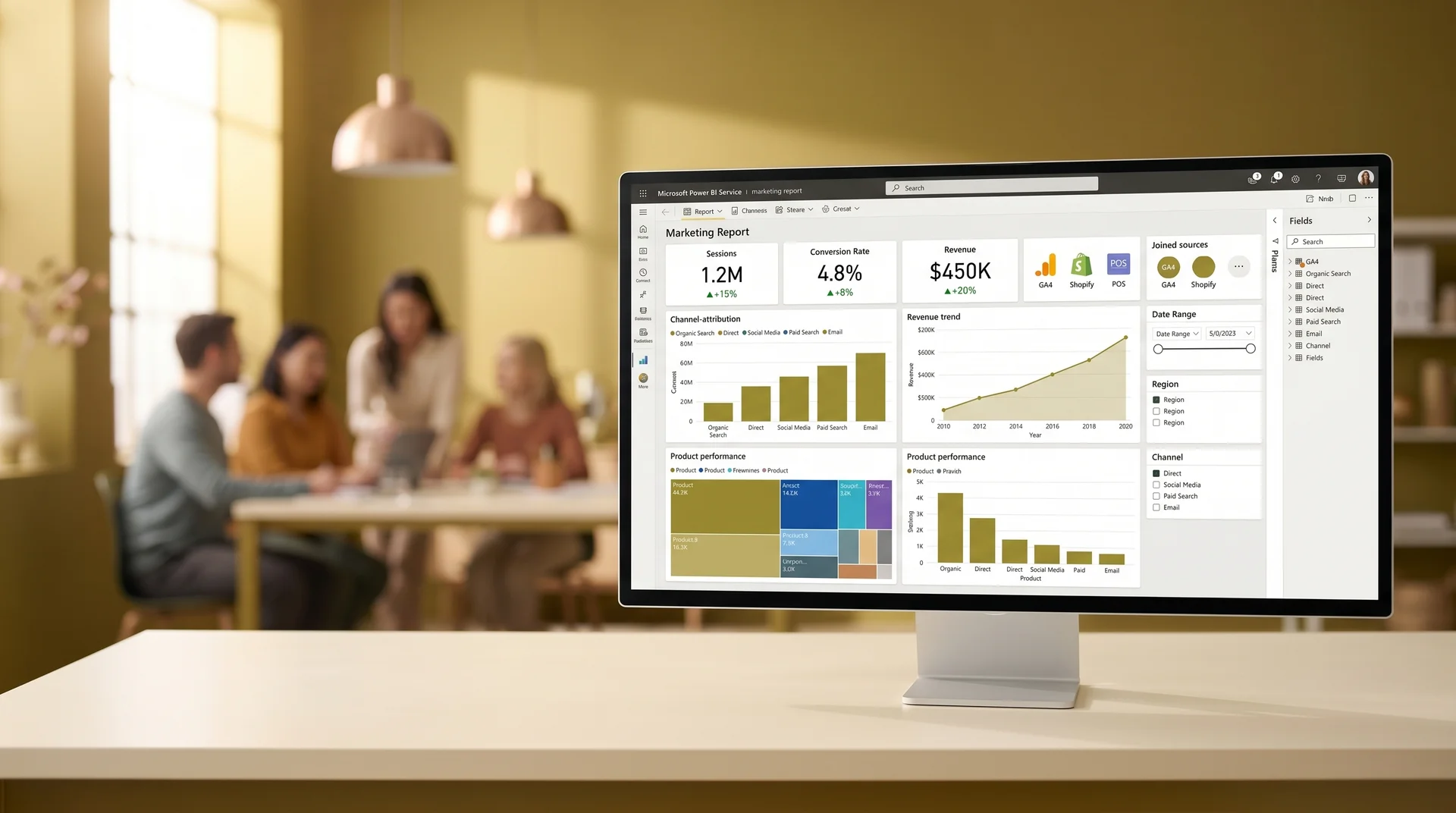
Power BI analytics dashboard on marketing office monitor, wide angle, warm light · 960 × 540
Explore Power BI implementation servicesCommon problems with GA4 Power BI integrations that were not scoped properly
Google analytics power bi integration projects that start without an audit of the GA4 property and a documented architecture recommendation produce dashboards that look right but produce unreliable numbers.
Sampled Data Producing Wrong Conversion Rates
The native GA4 API samples data above certain query thresholds. If the integration is not designed around this constraint, dashboards show conversion rates and channel attribution numbers that differ from what GA4 reports directly. We account for sampling behavior in the architecture recommendation.
GA4 Events Not Configured for Reporting
Power BI can only report on events that exist in GA4 and are marked as conversions. If key events such as purchase, add_to_cart, or form_submit are not properly configured in your GA4 property, the dashboard will be built on incomplete source data. We audit event configuration in Phase 1.
Broken Refresh from OAuth Token Expiry
The native GA4 connector authenticates via a personal OAuth token. When the user's Google account password changes or the token expires, scheduled refresh silently fails. We configure a service account credential for all production integrations to eliminate this failure mode.
Mismatched Metrics When Joining GA4 to Commerce Data
GA4 tracks sessions by device and browser; your Shopify or CRM system tracks customers by account. Joining these without a designed session bridge produces inflated or incomplete revenue attribution. We design the join logic before any DAX is written.
14-Month Retention Cliff
GA4 retains raw event data for 14 months maximum. Organizations that rely on the native connector without exporting to BigQuery lose year-over-year comparison data permanently once the retention window closes. We document this risk and the BigQuery export path in the scoped proposal.
Dimension and Metric API Quota Hits
The GA4 Data API enforces daily quotas per property. Reports requesting more than 10 dimensions or pulling too many date ranges concurrently will hit quota limits and return partial data. Query design is part of the semantic model build, not an afterthought when refresh begins failing.
What separates a governed integration from one that breaks after ninety days
Most power bi google analytics connector consulting projects produce a dashboard that works at launch and stops refreshing within three months. The difference is always in how the architecture was designed and whether the failure modes were accounted for before the build started.
How this engagement works
GA4 property audit and event configuration review before the architecture is designed. We know exactly what is in the source before we recommend an approach.
Architecture recommendation documented in writing with tradeoffs, sampling mitigation, refresh strategy, and credential configuration before any development starts.
Service account authentication configured on every production integration. No broken refreshes from a developer's personal OAuth token expiring on a Friday.
Full DAX library, data flow documentation, and workspace governance guide delivered at project close. Your team can maintain and extend the integration independently.
How this typically goes elsewhere
Connect the native GA4 connector using a developer's personal Google account credentials. Refresh works until the token expires or the account password changes.
Build the report without auditing the GA4 event configuration. Launch with purchase events missing because they were not marked as conversions in GA4.
Deliver the dashboard without documentation. Your team cannot modify a dimension mapping or update a DAX measure without bringing the original developer back.
Frequently asked questions about google analytics reporting in power bi
Yes. Power BI Desktop includes a native Google Analytics 4 connector that authenticates via OAuth and pulls session, event, and conversion data from your GA4 property. However, the native connector has query limits and data freshness constraints. For enterprise volumes or mixed-source dashboards that combine Google Analytics data with CRM, ERP, or advertising platform data, a custom data pipeline through a data warehouse typically delivers better performance and more reliable refresh scheduling.
Universal Analytics (GA3) has been sunset by Google. All integrations now connect to GA4, which uses an event-based data model instead of the session-based model used by Universal Analytics. GA4 data structures in Power BI require different dimension and metric mappings. If your reports were originally built on Universal Analytics data, they need to be rebuilt using the GA4 event schema before they will produce accurate numbers in Power BI.
The native Google Analytics connector in Power BI Service supports scheduled refresh up to 8 times per day on Power BI Pro and up to 48 times per day on Premium. For near-real-time analytics, a pipeline through a data warehouse such as BigQuery can reduce latency to under one hour. Refresh frequency strategy is included in your scoped integration proposal.
Yes. Combining Google Analytics data with Shopify, Salesforce, HubSpot, or any other source in a single Power BI semantic model is one of the primary reasons organizations pursue this integration. The approach depends on your data volumes and refresh requirements: the native multi-source model works well at smaller volumes, while a centralized data warehouse delivers better performance and governance at scale.
The scoping process starts with an audit of your GA4 property, the other data sources you want to combine, your required metrics and dimensions, refresh frequency needs, and your existing Power BI workspace setup. You receive a written proposal with an architecture recommendation, phase milestones, effort estimate, and governance recommendations before any development work begins.
Is this power bi and google analytics integration services engagement right for your organization?
Good fit for teams that
- Have an active GA4 property and want to see GA4 data alongside revenue or CRM data in Power BI
- Already use Power BI for other reporting and want google analytics reporting in power bi alongside it
- Need channel attribution tied to actual revenue, not just GA4 conversion events
- Want role-based access so different teams see only their channel or campaign data
Not a fit if you
- Need a GA4 setup or tracking implementation before the Power BI integration can be built
- Want to replace your existing GA4 reporting entirely rather than complement it with Power BI governance
- Are evaluating whether to move to GA4 from Universal Analytics and have not yet migrated your property
Not sure? Tell us your setup and we will give you a direct answer on the right starting point.
Get a scoped proposal for your GA4 Power BI integration
Submit your brief and receive a written architecture recommendation, phase milestones, effort estimate, and governance plan within three business days. Scoped before work starts, no commitment required.
What do you need?
Call within 48 hours · proposal in 3 days · Sprint 1 within 1 week of sign-off
Brief received
We will review your GA4 and Power BI setup and send a scoped architecture proposal within 3 business days.
Response within 48 hours of brief submission
Written scoped proposal in 3 business days
60 plus projects completed across Power BI and analytics
Full code ownership transferred at project close
Pre-footer · Team reviewing combined GA4 and revenue Power BI reports

Your GA4 data and your revenue data belong in the same dashboard.
No commitment. No pitch. A written architecture recommendation and integration scope in three business days so you know exactly what it costs to integrate power bi with google analytics, what is included, and when it goes live.
Your team's time investment is typically 2 to 3 hours per week. One sprint review, async feedback on dashboard layouts, and a final sign-off. We handle the architecture and build.