Company store management, one admin
Run company store management from one place: schedule open and close dates, control budgets, separate admin and buyer roles, and connect every store to your product information management system, pricing engine, and order management system. Stop managing stores in isolation.

Stores that cannot talk to each other cost you margin
- Each store lives in its own silo with separate product catalogs, pricing rules, and order records
- Open and close dates are managed manually in spreadsheets, causing late orders and missed windows
- Admin roles are shared or undefined, creating audit risks and incorrect order access
- Reporting requires manual exports from each store and painful consolidation in spreadsheets
- Launching a new store means rebuilding everything from scratch every time
- All stores share one product information management system, one pricing engine, and one order management system. Products, prices, and orders are always in sync
- Open and close dates are scheduled in advance. Stores open and close automatically with zero manual effort
- Admin and buyer roles are separated per store with granular permission controls and full audit trails
- Program-level reporting shows orders, revenue, and budgets across every store from one dashboard
- Duplicate an existing store in minutes. Launch a new program in hours instead of days
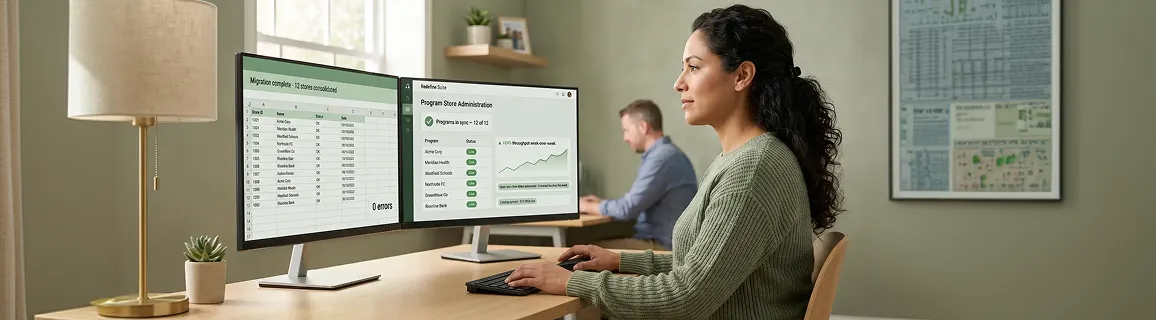
From zero stores to live program in 10 days
Your first program store goes live in under two weeks. Every subsequent store launches faster because your catalog, pricing rules, and program store management templates are already in place.
Map your existing product catalog to the program store module. Products, variants, and pricing rules sync automatically.
Set open and close dates, budget caps, and allowed product sets per store. Stores open and close without manual intervention.
Define admin and buyer roles per store. Program managers see everything; buyers see only their allowed products and balance.
Program-level dashboards go live showing orders, revenue, and budget consumption across all stores in real time.
Sarah M. / Program Manager
All stores • Full visibility • Can export orders
James R. / Store Buyer
This store only • Own orders only • Budget: $500
Ops Team / Read Only
All stores • View orders • No exports
0
Total orders
$0
Revenue
0 stores
Active
Store program software to run programs at scale
Six core capabilities for company store management that work together across every store your team manages.
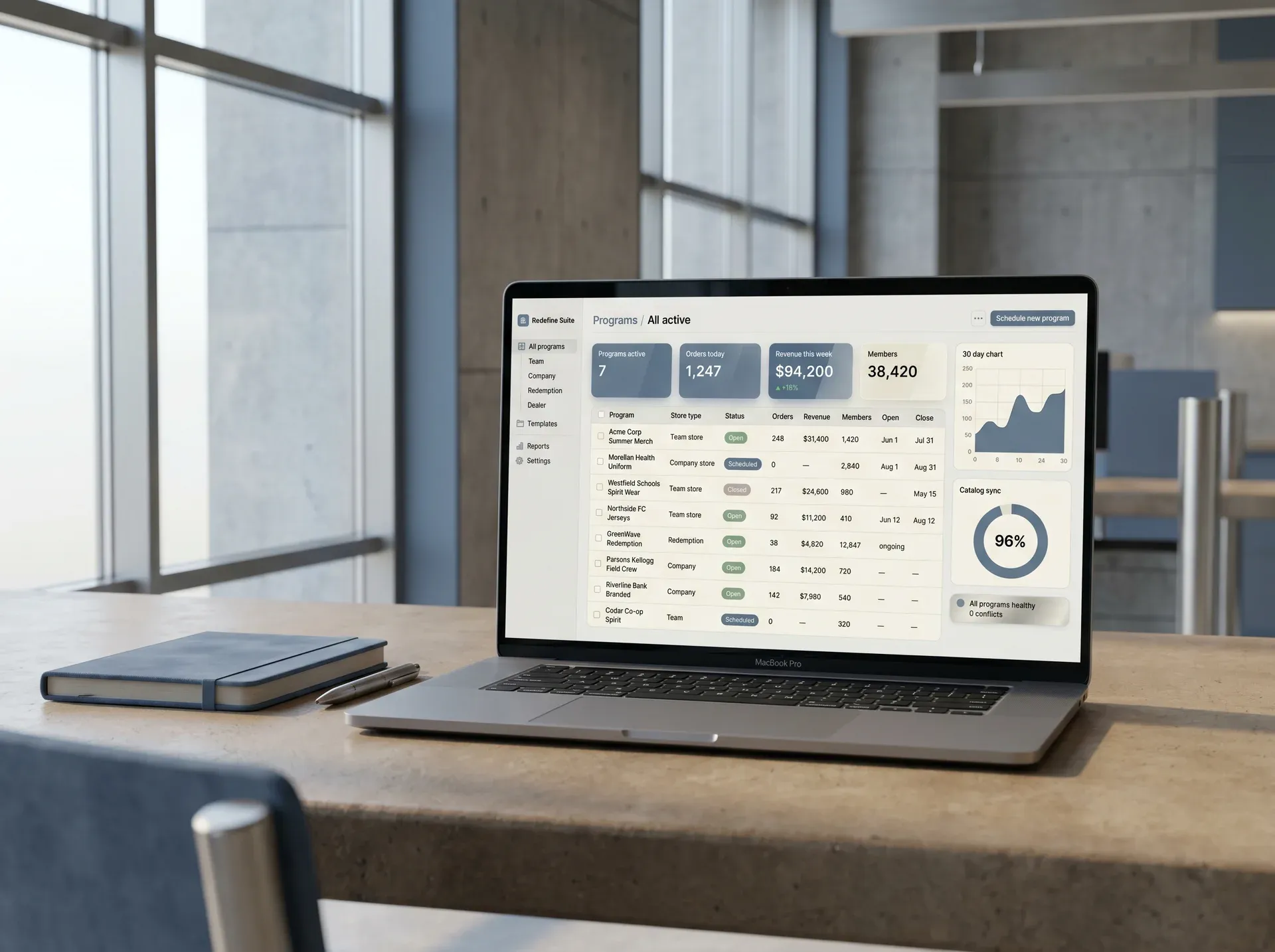
Multi-store program store management
Run company store admin for every team store, company store, and redemption store from a single panel. One login, every program, zero context switching.
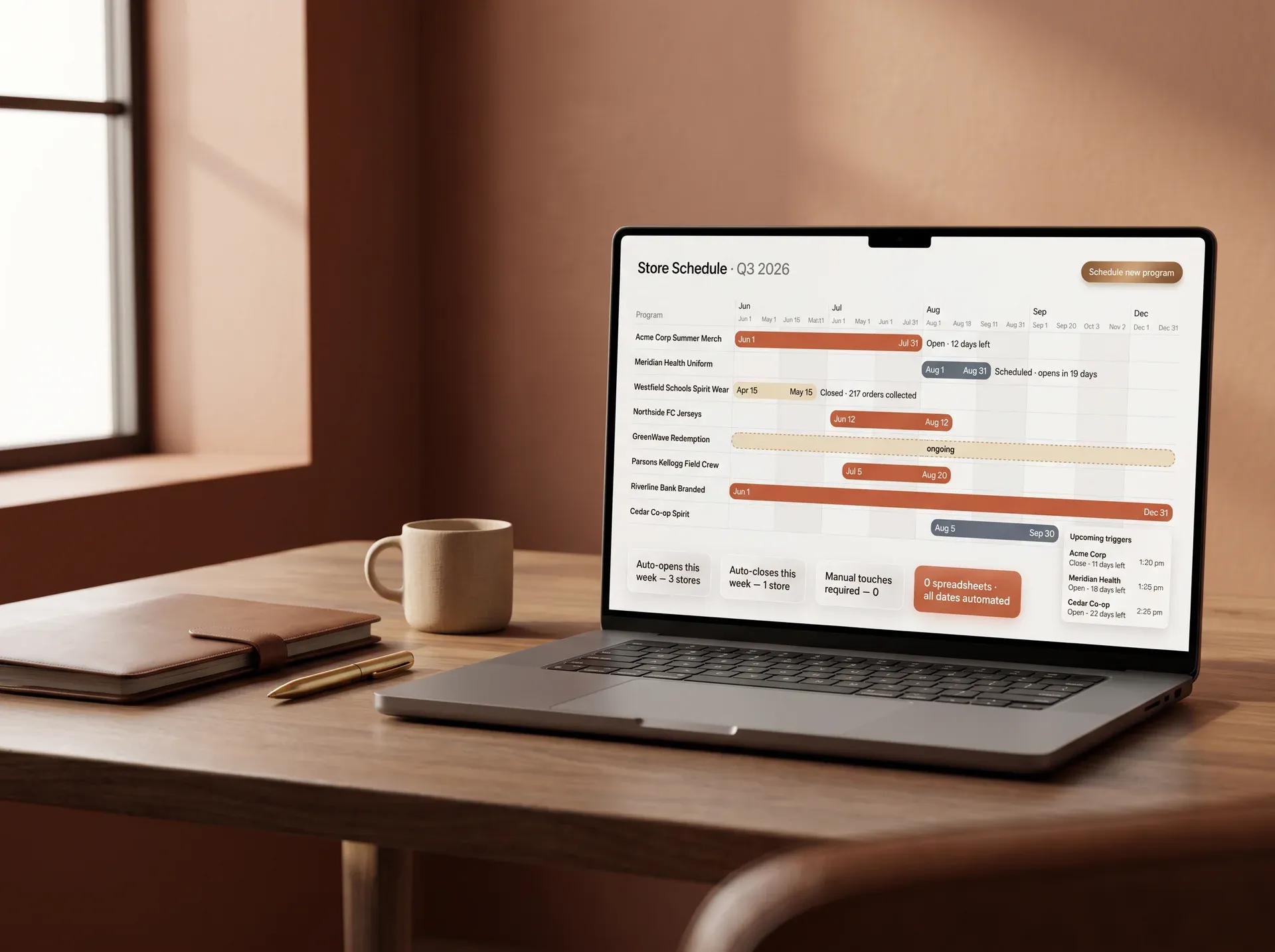
Open and close date scheduling
Set exact open and close dates per store. Stores activate and deactivate automatically at the scheduled time, no manual step required.
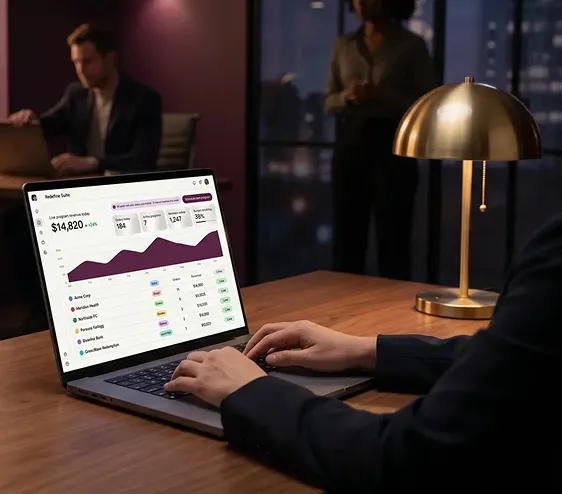
Program-level reporting
View orders, revenue, and budget consumption across every store in real time. Export by program, by store, or by date range without spreadsheets.
Store duplication and template reuse
Clone an existing store in minutes. Products, configuration, roles, and design carry over. New programs launch faster every time you run one.
A store that previously took 3 days to configure now launches in under 2 hours using duplication.
Admin and buyer role separation
Program managers control all stores. Buyers see only their store, their products, and their balance. Granular permissions per store with a full audit trail.
Separation of duty reduces order errors and compliance risk in multi-team program environments.
Commission and margin per program
Set commission rates and margin targets per program or per store. Track profitability in real time across every account you run.
Margin visibility by program lets account managers catch underperforming stores before they erode quarterly targets.
Program stores share the same product information management system, pricing engine, and order management system as the rest of your business
Other program store tools maintain isolated product catalogs. Inventory, pricing, and orders do not sync to the business. Redefine's program stores are built on the same data layer as your business-to-business commerce, marketplace channels, and order operations. One product record. One price. One order record. Everywhere.
See how platform unification worksProduct Information Management
1 product record
Pricing
1 pricing engine
Order Management System
1 order record
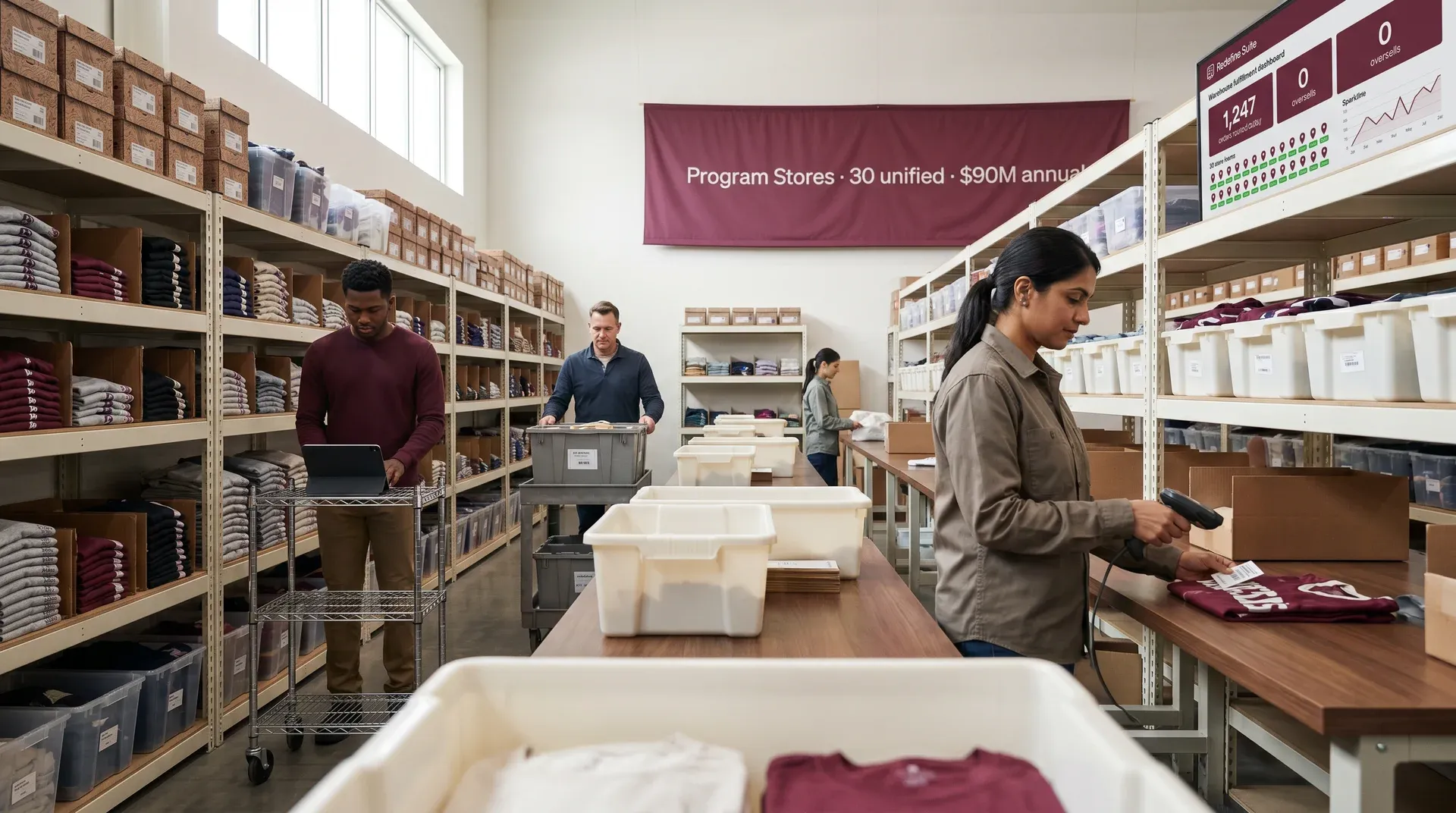
From $14M to $120M running 30+ stores from one platform
Client
Parsons Kellogg
Promotional apparel and branded merchandiseMajor provider of promotional products, corporate apparel, and branded merchandise operating a large multi-store ecommerce footprint.
The problem
30+ stores with no unified visibility. Manual processes across warehouse operations. Fragmented integrations slowed decision-making and constrained scalability across one million-plus inventory items.
The solution
Unified product information management and custom ecommerce architecture connecting all storefronts. Dynamics 365 enterprise resource planning integration for automated financial transactions. Power BI dashboards for real-time visibility across stores and warehouse operations.
The result
Annual revenue, up from $14M
30+
Stores unified
1M+
Stock keeping units managed
What other program store software tools leave out
Other tools in this category do stores well but fall short on the company store admin depth that growing programs actually require.
| Capability | Typical program store tool | Redefine |
|---|---|---|
| Multi-store admin from one panel | ||
| Store open and close date scheduling | ||
| Unified product information management catalog across stores | ||
| Shared pricing engine across business-to-business and program stores | ||
| Orders sync to central order management system in real time | ||
| Budget controls and commission management | ||
| Program-level cross-store analytics | ||
| Artwork proofing and approval workflow |
Questions before you book a walkthrough
A standard storefront is always-on and open to the public. Program stores are configured events: they open on a schedule, serve a specific group of buyers, enforce budget and role rules, and close automatically when the window ends. Program store management covers setup, scheduling, role assignment, reporting, and connecting those stores to the rest of your product and order data.
Yes. Each store is configured with its own allowed product set drawn from the central product information management catalog. Buyers in one store see only the products assigned to that program. Changes to a product in the product information management system propagate to all stores using that product without manual updates per store.
Yes. Orders from every program store route into the central order management system alongside your business-to-business and direct commerce orders. Warehouse, fulfillment, and reporting teams see one order queue, not separate systems per store type.
First-time store setup across the full onboarding runs in under 10 days. Subsequent stores using the duplication and template feature launch in hours.
Yes. Budget caps are configured per buyer or per buyer group at the store level. Buyers see their remaining balance as they shop. When the budget is exhausted the system prevents additional orders without requiring manual admin intervention.
See a program store walkthrough
Submit your brief and we will show you how company store management works on your catalog, your store types, and your order flow. No commitment. No pitch.

Submit Your Brief
Call within 48 hours → proposal in 3 days → Sprint 1 within 1 week of sign-off
Brief received
We will review your program store situation and send a scoped proposal within 3 business days.
Stop rebuilding stores. Start scaling programs.
Every program store your team launches should be faster than the last. With unified company store management, shared catalog, and automatic scheduling, it is.
No commitment. No pitch. We review your program and show you what fits.
Submit brief → call within 48 hours → scoped proposal in 3 days → Sprint 1 within 1 week of sign-off