

PWA development services

Get a written plan for a web app people can install.

Redefine Innovations builds progressive web apps that install on the home screen and work offline. One team of designers and developers does the work, for product, digital and ecommerce leaders.

On The Hash: 38% higher day-7 retention after Redefine redesigned the app experience. See the case study.

Need native iOS and Android apps in the app stores? See mobile app development.

Your web app / PWA plan

Draft

Your PWA, step by step

  • 1. Fast core screensOne codebase, phone and desktopNow
  • 2. Offline and installSaved screens, home screen iconNext
  • 3. Back end and APIsFresh data, push where allowedThen

Start here

Screen map

Pick the screens users need most, then make them fast.

See the full plan

Prepared for: your project

Results

An app experience people come back to

Redefine redesigned the On The Hash app with user research and A/B tests. These are its results.

  • On The Hash
    +38%
    Higher day-7 retention after the redesign.
  • On The Hash
    +46%
    Higher feature engagement after the redesign.
  • On The Hash
    4.7
    App rating out of 5 after the redesign.

Source: the On The Hash case study.

Get a custom PWA plan for your product.

Read the plan, then decide your next step.

Get my PWA plan
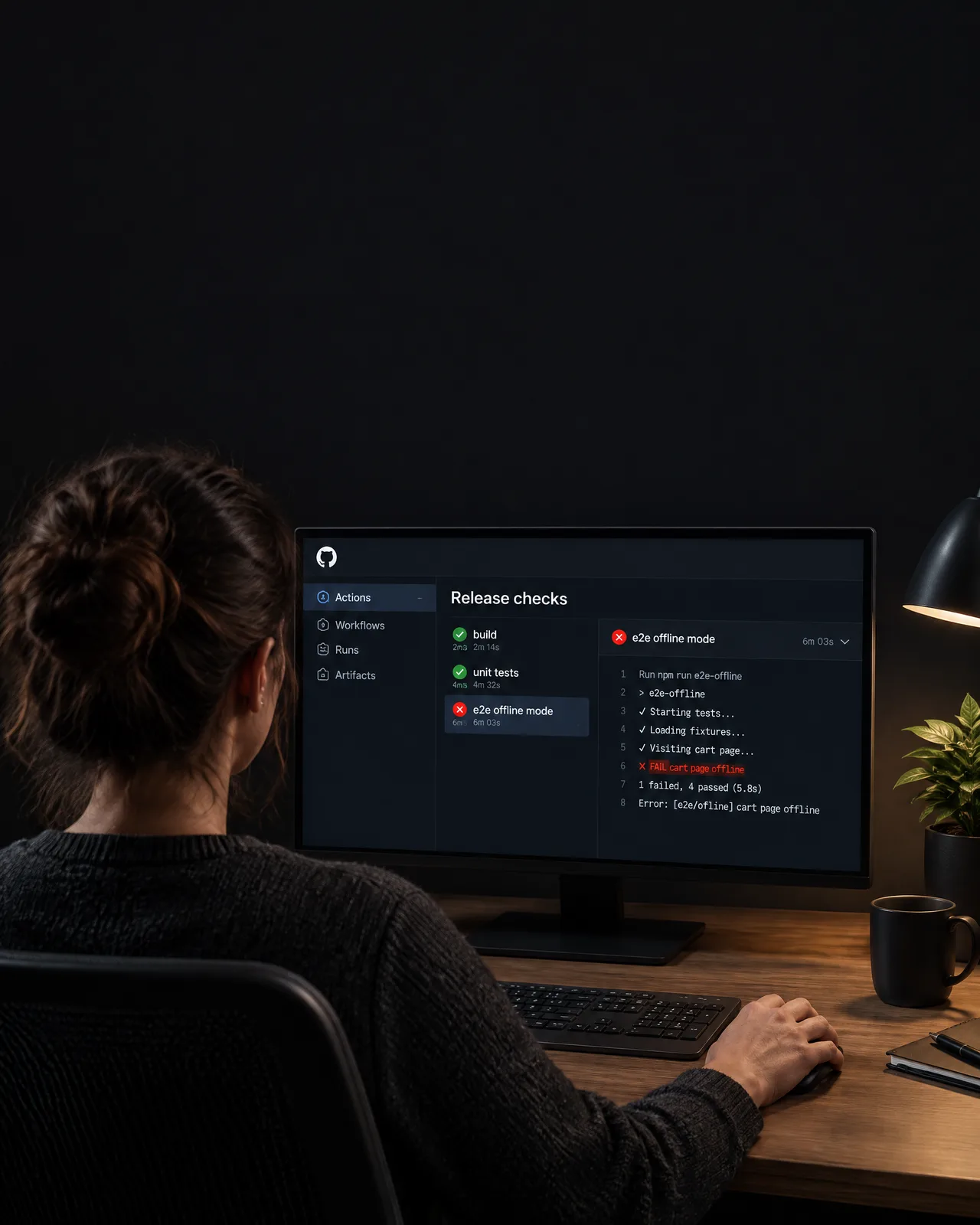
Commuter on a train using an installed web app on a phone with an offline banner and saved orders
Works offlineSaved screens still open with no signal

Progressive web apps

A single codebase powers your app-like web experience.

One build runs on phones and desktops. People install it from the browser and keep using key screens offline.

See web application development

Short answer

What is progressive web app development?

Updated

Progressive web app development builds a website that works like an app. People can install it on their home screen and open key screens offline. One codebase runs on phones and desktops. Redefine Innovations designs and builds progressive web apps for product, digital and ecommerce leaders.

A plain mobile site needs a signal and a browser tab. A PWA adds a home screen icon, fast loads and saved screens.

Push alerts work where the browser allows them. Your plan lists what works on which phones and browsers.

How it compares

PWA, cross platform or native

Way to buildCodeBest whenLearn more
Progressive web appOne web codebase for phone and desktopInstall and offline, no app storeWeb application development
Cross platform appOne codebase for iOS and AndroidYou need the app storesCross platform app development
Fully nativeTwo codebases, Swift and KotlinDeep phone featuresMobile app development

What we look at before we choose

  • [1] Your users and their devices
  • [2] The screens users need most
  • [3] Your back end and APIs today
  • [4] The browsers you must support

See all development services.

One team

Four vendors become one team.

A PWA project often needs four vendors who hand work to each other.

Get my PWA plan

Before

Designs may miss your goals, front end work is uneven, releases sit outside the build team and data does not flow. Nobody owns the result.

  • Design agency

    May miss your goals

  • Contract front end developers

    Uneven code and speed

  • Cloud or hosting contractor

    Releases sit outside

  • Back end or API partner

    Data may not flow

After

Redefine, one team: design, front end, back end and release work sit with one team and one owner.

Redefine Innovations

One team

  • Design
  • Front end
  • Back end
  • Release

Common PWA project problems.

Duplicate work calculator

Calculate the cost of duplicate work

Find out what it costs to keep separate web and app versions.

Your inputs

Your numbers

5 people
4 hours/week
$75/hour

This is an estimate from your own numbers, not a promised saving: people x hours x 52 x cost.

Result

Hours a year doing the same work twice
1,040
Hours a year one codebase could save
728
Estimated yearly cost of duplicate work
$78,000

An engineering mindset for software delivery

We build software the way engineers run software.

Redefine Innovations is an engineering company. Designers, front end and back end developers, and DevOps work on one team. A fix reaches the PWA, the back end and the release pipeline, not just one screen.

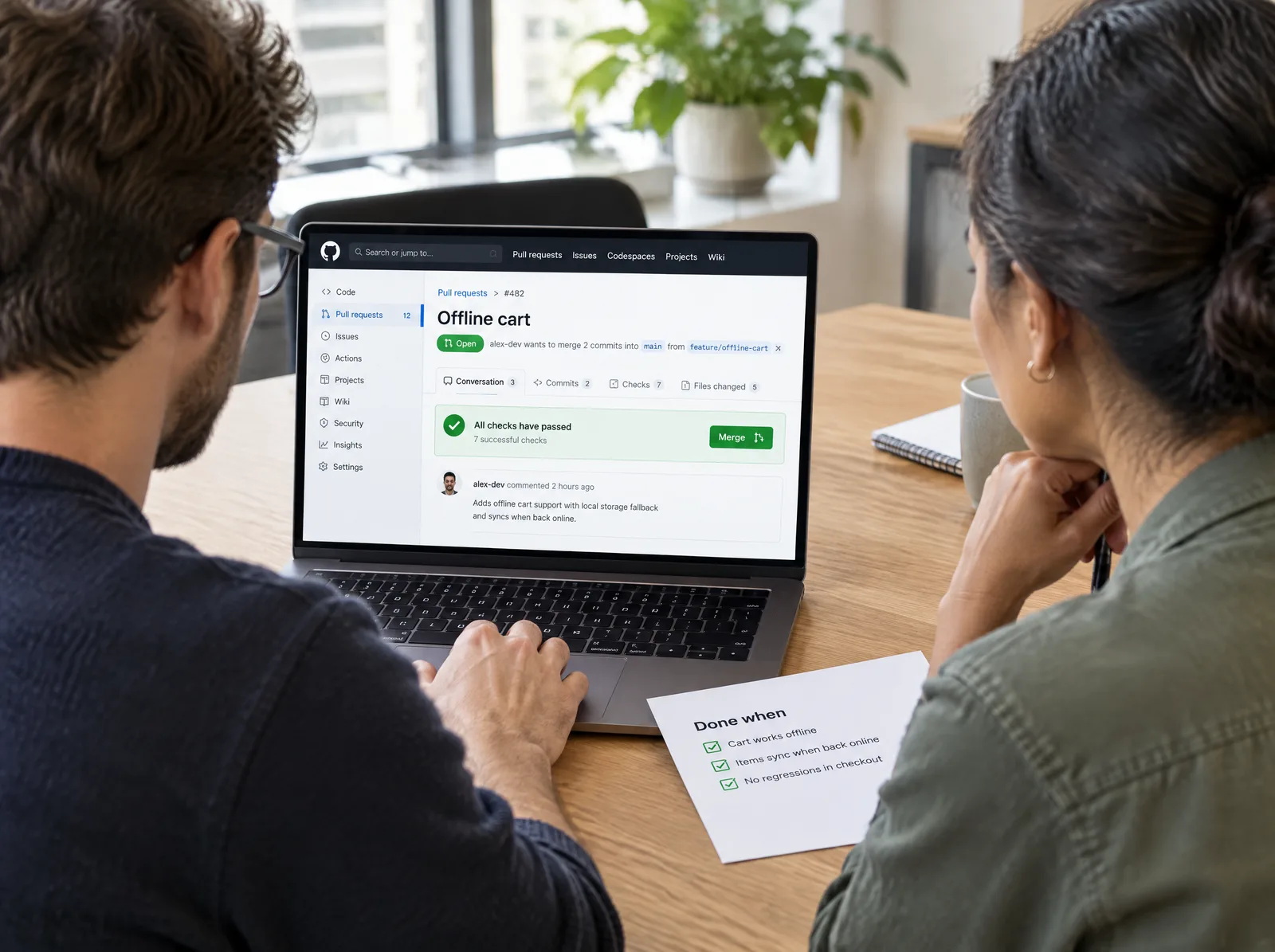
  1. Product owner and developer checking a GitHub pull request against a printed done-when list

    01 Our way: How we work

    Every release has a "done when" line.

    We check each release against the line we set first.

    Old way: Instead of the usual vendor habit

    Features ship on opinion.

    Nobody can say if a release helped.

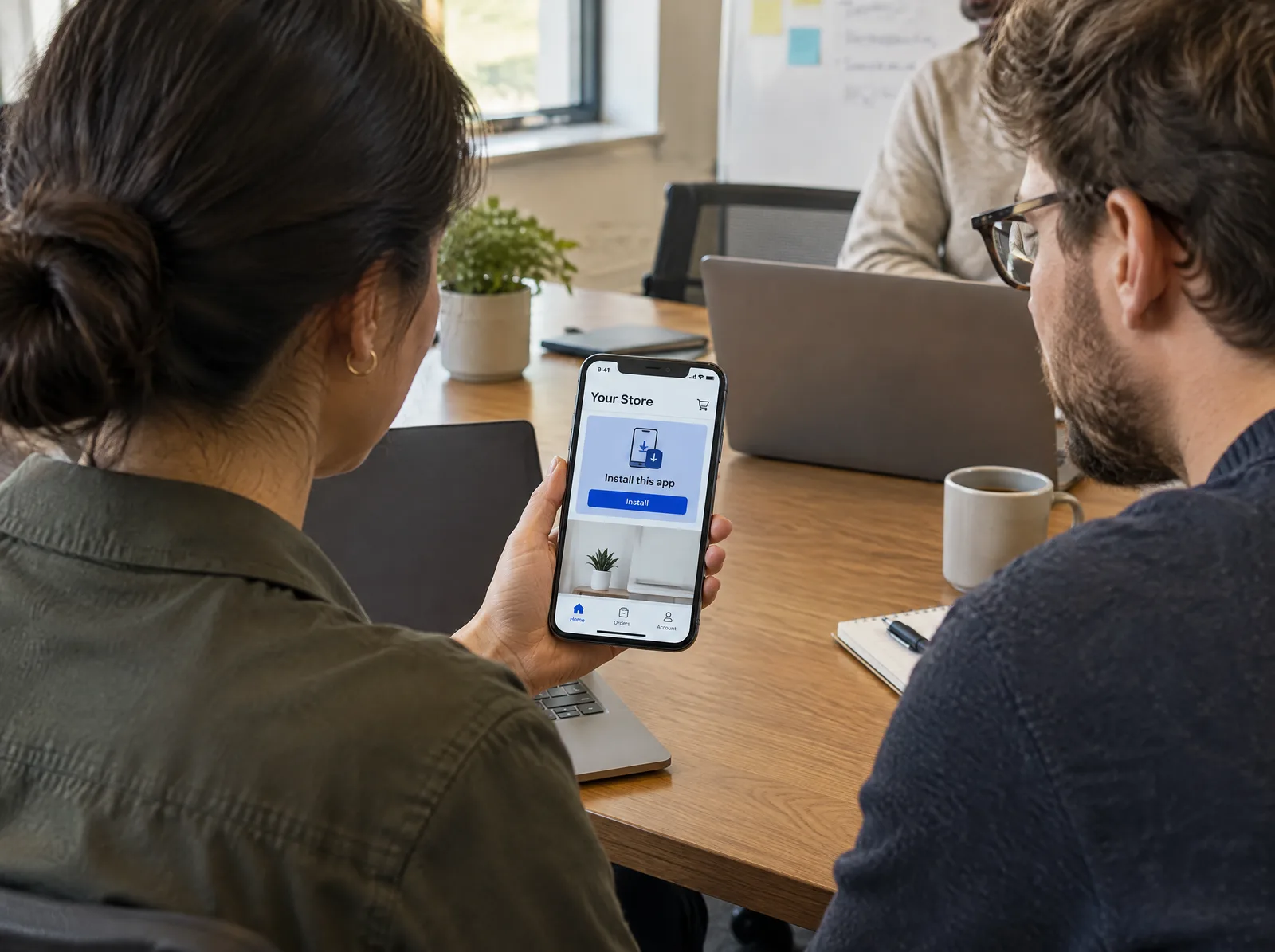
  2. Product leader trying the sprint build of the web app on a phone in a review meeting

    02 Our way: How we work

    Working demos on real phones and desktops.

    You try the PWA on real devices every sprint.

    Old way: Instead of the usual vendor habit

    Status reports instead of demos.

    You see the PWA only near launch.

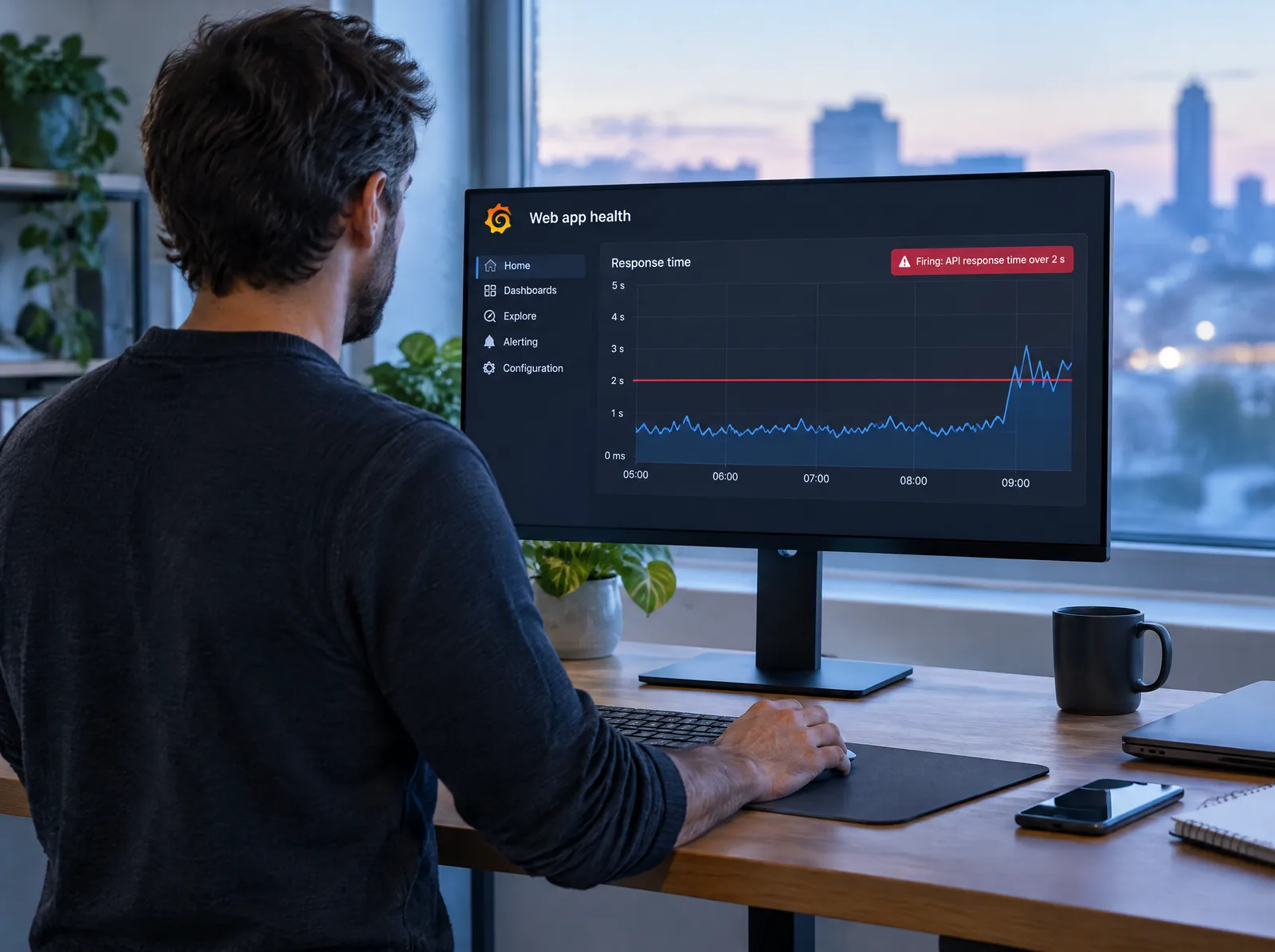
  3. Engineer reading a Grafana alert about slow API response time on a monitor

    03 Our way: How we work

    Tests and alerts catch problems first.

    After launch, one owner watches the PWA and plans the fix.

    Old way: Instead of the usual vendor habit

    Users find the problems.

    The team hands off at launch.

How Redefine works

TheREDEFINEMethod

How Redefine plans and builds your PWA.

Each step ties the PWA to a business goal. Redefine will not add push alerts first, before the core screens load fast and work offline.

Get my PWA plan

A written plan for your progressive web app.

Why this approach matters

  • The work ties to your business goals.
  • The screens users need come first.
  • User feedback can change the plan fast.
  1. Start here

    Step 1: Diagnose

    We look at your users, their devices and your current systems, and decide what the PWA will replace.

    You receive A constraints analysis

  2. Choose what matters

    Step 2: Prioritize

    We pick the screens users need most. Core screens load fast and work offline before push alerts.

    You receive A priority roadmap

  3. Do the work

    Step 3: Deliver

    We build offline saving and home screen install, add push alerts where the browser allows, and connect your back end and APIs.

    You receive A working PWA

  4. Check the result

    Step 4: Prove

    We test on real phones and desktops and check each task against its done-when line.

    You receive Validation reports

  5. Keep improving

    Step 5: Improve

    After launch, one owner watches the PWA and plans updates.

    You receive An update plan

What you receive

A constraints analysis, a priority roadmap, validation reports and an update plan.

Before and after / On The Hash

Clear app screens keep people coming back

A PWA only works if people use it. On The Hash tested two home screens with users, and the one with a single clear next step won. We test every PWA the same way, before it ships. Drag the handle to compare the two screens.

Version A

A

Every option at once

Version B

B

One clear next step

Version A and Version B of the On The Hash app home screen, from its A/B test. On The Hash is a mobile app; the same research and tests go into every PWA we build.Read the On The Hash case study

Case study / App experience and design system

How On The Hash made its app easy enough to stay

On The Hash is a mobile app that teaches fans the game, one call at a time.
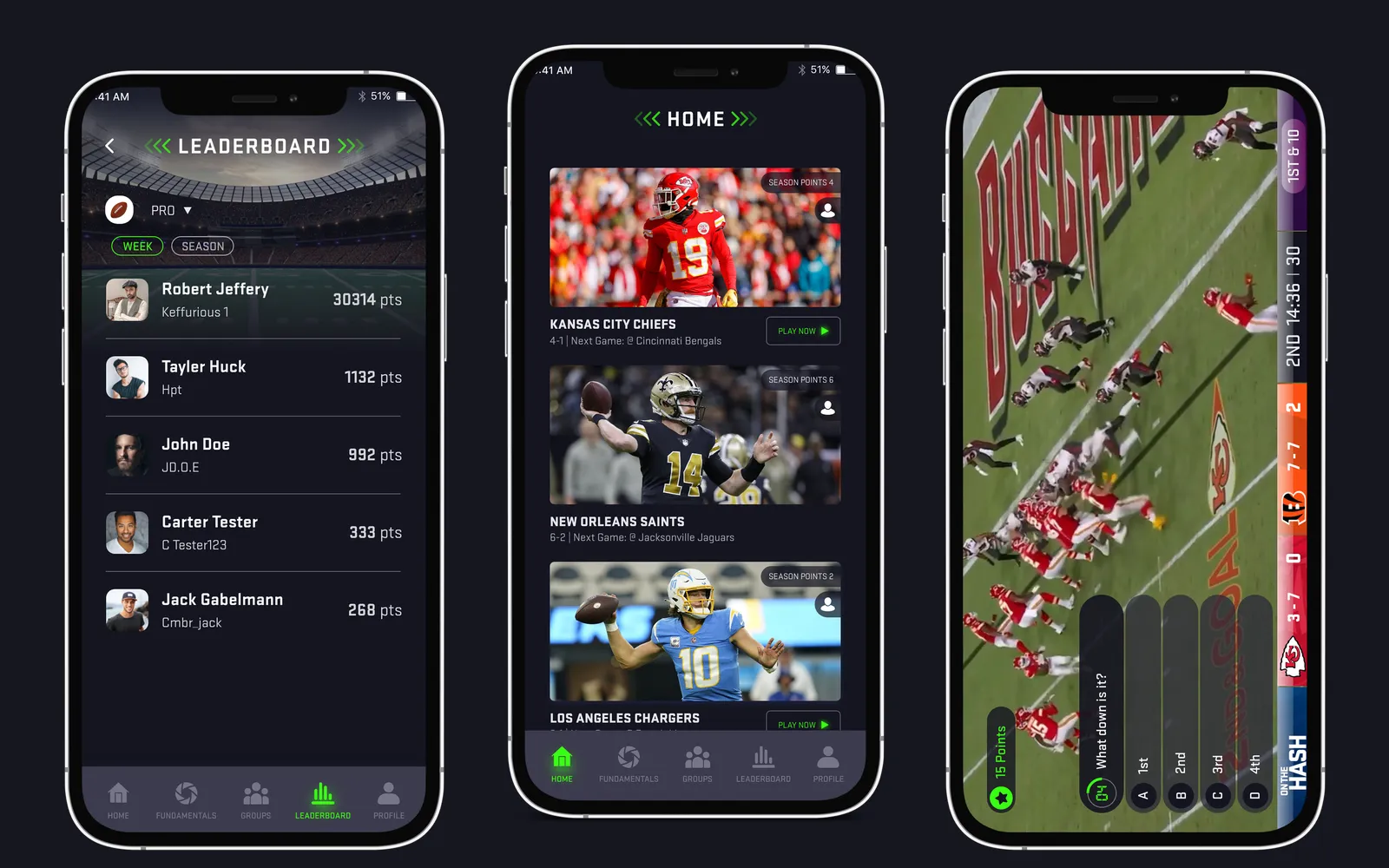
On The Hash app Leaderboard, Home and Play screens on three phones
  1. 01

    Problem

    The app had to look new and still feel easy to use on every screen.

  2. 02

    Diagnosis

    Each big design choice needed proof from users, not taste.

  3. 03

    Solution and result

    Redefine ran user research, usability and A/B tests, redesigned the app and its admin, and built one shared design system.

Higher feature engagement
46%
App rating out of 5
4.7
Day-7 retention higher
+38%

Research, tests and one design system: the same steps shape every PWA we plan.

Read the On The Hash case study

Your progressive web app plan

Know what to build first.

A written plan made for your project. Read it, ask questions, and decide whether to build with Redefine.

Sections
5
First build
1
Parts in the plan
6
Get my PWA plan

Redefine

Confidential

Prepared for: your project

Progressive Web App Plan

Contents

  1. 01Features to build first3
  2. 02What the PWA replaces7
  3. 03Offline, install and push plan12
  4. 04Back end and API needs18
  5. 05A cost estimate22

Progressive Web App Plan

Your web app

01 / 05

First build

Core screens

Your home, product and account screens come first. Make them fast and offline, then add push alerts.

Parts of your plan, ready or next

Start with

Screens

Priority

High

Order of work

Core screens Offline and install Push alerts

How your Progressive Web App Plan is laid out: the cover and the first build.

How much do PWA development services cost?

The cost depends on the features, offline needs, your back end and APIs, and the design.

Your written plan gives a cost estimate before any paid work starts.

How long does it take to build a progressive web app?

The time depends on the size of the project and its features.

Your plan gives a timeline once the scope is clear.

PWA vs native app: which should we build?

Pick a PWA for an app-like experience in the browser from one codebase. Pick native for deep phone features or a place in the app stores.

Redefine tells you honestly which one fits. See mobile app development

Do offline, install and push alerts work on every phone?

It depends on the browser and the phone. Key screens can work offline and install where the browser allows. Push alerts depend on the platform.

Your plan lists what works on which browsers and devices.

How does a PWA connect to our current system?

We review your APIs and back end and plan each link. If needed, we build or change APIs. We test every link before launch.

Need new APIs? See API development services

Who works on the PWA, and what happens after launch?

Designers, front end and back end developers, and DevOps, led by one owner. After launch, that owner watches the PWA, fixes issues and plans updates.

You choose your support level after launch. See QA and test automation services

What is the REDEFINE Method?

The REDEFINE Method is Redefine Innovations' business-first framework for identifying business constraints, prioritizing improvements, delivering appropriate solutions, verifying outcomes, and sustaining improvements.

It has five stages: Diagnose, Prioritize, Deliver, Prove and Improve. For a PWA, it picks the screens to build first and sets how success is measured. Read the REDEFINE Method

Start here

Start planning your PWA today

Tell us about your product. Redefine Innovations sends a written plan with the features, what the PWA replaces and a cost estimate. No obligation.

Product leader reading a printed Your Progressive Web App Plan at a desk
  • A written plan you keep
  • Features, offline plan and a cost estimate
  • 25+ years building software
  • 550+ projects delivered

Your progressive web app plan

Tell us about your product and what you need.

  1. 1Send the form
  2. 2We contact you
  3. 3We talk about your needs
  4. 4You get your PWA plan