




Dynamics 365 managed services

Your Dynamics 365, cared for every month.

Redefine Innovations provides Dynamics 365 managed services and runs your updates, checks and admin work, so your team can focus on the business.

A Redefine lead reads your answers and writes your review.

Half Price Drapes: inventory went from about 82% to 99.2% accurate on Dynamics 365. See the case study.

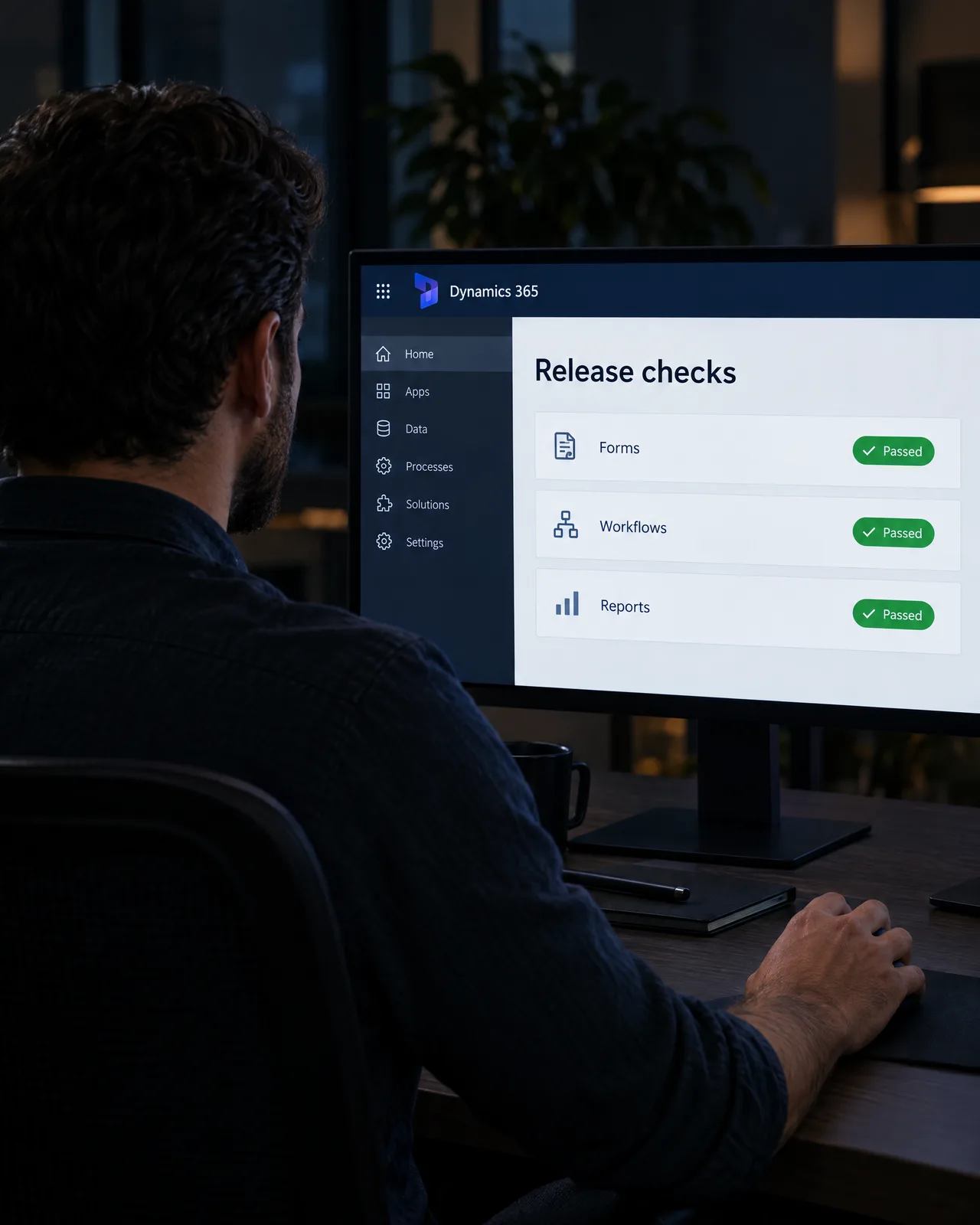
A Redefine systems lead checking a Dynamics 365 release test on a laptop late in the evening

Most support tickets start with a change nobody tested. We test each Microsoft release before your users see it.

Proof

Results from our Dynamics 365 work

A system runs well when its data is right. These are real results from Dynamics 365 work our team did. These were build and data projects, not managed services plans.

Half Price Drapes inventory accuracy
From ~82% to 99.2%
Read the case study
Parsons Kellogg reporting time
-58%
Read the case study
Parsons Kellogg inventory accuracy
99.0%
Read the case study
Projects delivered
550+
Read the case study

Tired of looking after Dynamics 365 alone?

Get a Managed Services Review from a Redefine lead.

Get a Managed Services Review

Short answer

What are Dynamics 365 managed services?

Updated

Dynamics 365 managed services keep your Microsoft Dynamics 365 system running well each month. Redefine Innovations handles updates, checks how the system runs, helps your users and does admin work in an agreed scope. You focus on your business, and your system stays steady.

Many teams look after Dynamics 365 on top of their real jobs. Updates wait, small problems grow and users find their own workarounds.

We take on that care each month. We test each Microsoft release first, so fewer problems ever reach your users.

Three ways we help with Dynamics 365

Pick by what you need now

WayWhat you getBest whenWhere it stops
Managed servicesYou want ongoing careUpdates, checks and admin each monthIt works in an agreed scope
SupportSomething is broken nowFixes for errors, users and linksIt fixes problems; it does not run the system
OptimizationThe system works but is slowA plan to make it faster and simplerIt tunes the system; new builds are quoted

What we look at first

  • [1] How your system runs today
  • [2] Updates that are waiting
  • [3] What your users ask for most
  • [4] Admin work that eats your time

Need a fix now? See Dynamics 365 support or Dynamics 365 optimization.

Steady systems

Focus on what matters. Not upkeep.

We look after your Dynamics 365 each month. Your team gets its time back for the work that grows your business.

See how we work
Business team planning growth at a wall chart while their system is cared for

Before and after

Many jobs. One care team.

Apart

Each job falls to a different person.

  • Updates

    Done when there is time

  • Checks

    Done when there is time

  • Users

    Done when there is time

  • Admin

    Done when there is time

  • Reports

    Done when there is time

No one owns the system
Jobs your team juggles

5

Together

One team cares for it each month.

  • Updates

    Done each month

  • Checks

    Done each month

  • Users

    Done each month

  • Admin

    Done each month

  • Reports

    Done each month

  • Releases

    Done each month

One care team
Team you call

1

Downtime cost calculator

What does an unmanaged system cost?

Use your own numbers. See what downtime and stuck work could cost you each month.

Your numbers

Monthly

20
10.0%
$1,500
60.0%

Value per month

Your estimate

Avoided now
$3K
Avoided with care
$18K

Value you may be missing

$15Kper month

$180K a year if nothing changes.

Get a Managed Services Review

This is an estimate from your own numbers, not a promise.

Estimate: down hours x (share avoided with care minus share avoided now) x lost sales per hour. Not a promise.

Your Dynamics 365 problems, handled.

An engineering mindset for managed Dynamics 365

We run growth the way engineers run software.

Redefine is an engineering company that does marketing. Developers, Dynamics 365 and ERP engineers, data experts and business consultants work as one team, so the care reaches your system and your data.

  1. Engineer writing a task goal and its result on a whiteboard

    01 Our way: How we work

    Every change is a test with a success number.

    Each task also has a "done when" line, so you know when it is finished.

    Old way: Instead of the usual agency habit

    Changes ship on opinion.

    Work counts as done when it is sent.

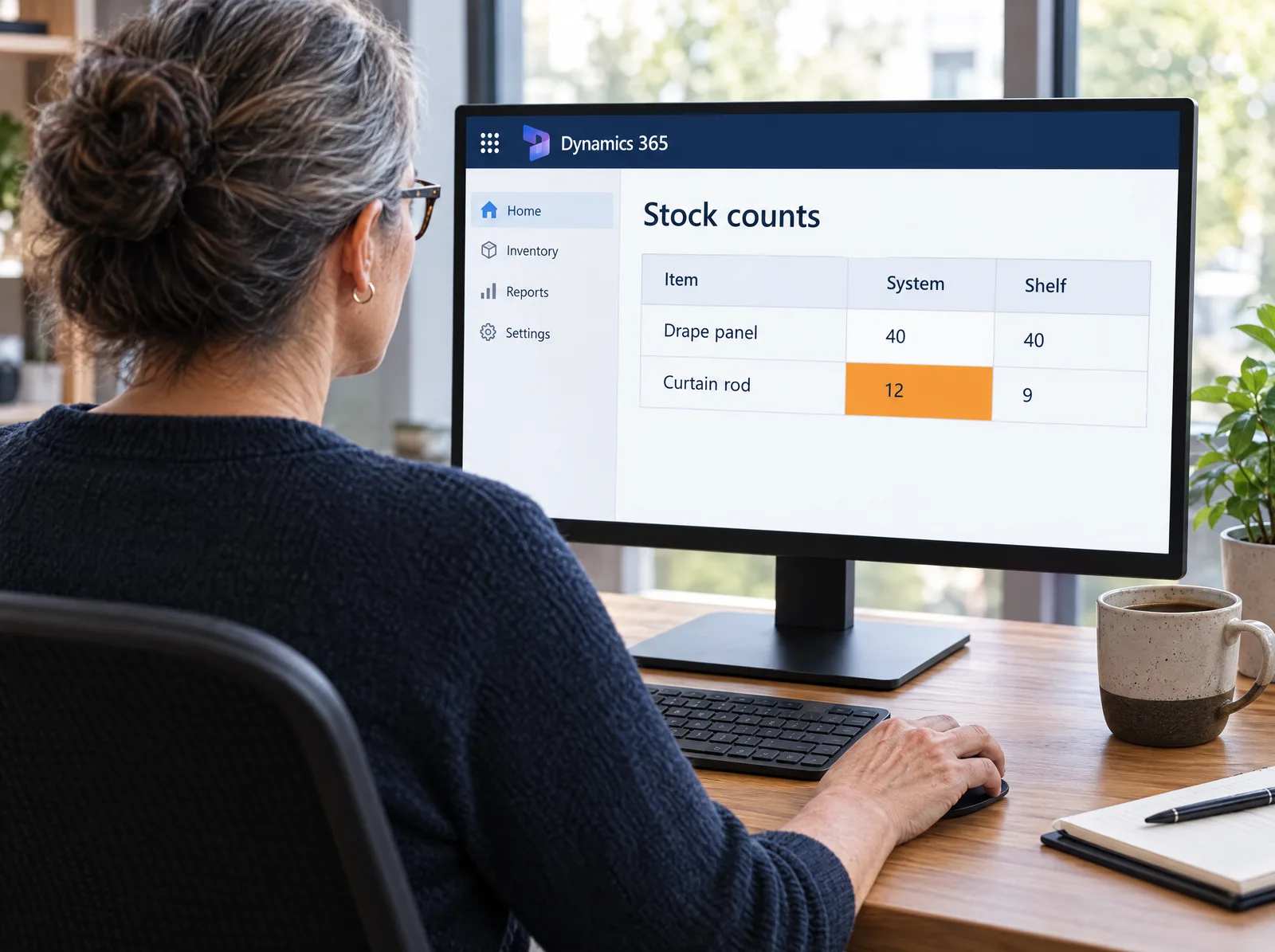
  2. Data expert fixing wrong stock counts at the source in Dynamics 365

    02 Our way: How we work

    We fix the system and the data under it.

    Problems get fixed at the cause, so they do not come back.

    Old way: Instead of the usual agency habit

    Fixes stop at the surface.

    The same problem comes back next month.

  3. Operations lead reading a phone alert that names one owner

    03 Our way: How we work

    Alerts fire the week a number drifts.

    Each alert comes with a planned response and one owner.

    Old way: Instead of the usual agency habit

    Problems wait for the monthly report.

    By then, users have worked around it.

How Redefine works

TheREDEFINEMethod

Test each release before it reaches your users.

Many support tickets start with an update nobody tested. So we test each Microsoft release first, and we pick small, steady changes over big ones.

Get a Managed Services Review

Your review starts with a look at your system.

Why this approach matters

  • We find what works and what does not, fast.
  • Work goes where it helps most.
  • Changes match your business goals.
  1. Start here

    Step 1: Diagnose

    We look at how your Dynamics 365 runs and find what works well and what needs care.

    You receive A system health report

  2. Choose what matters

    Step 2: Prioritize

    We pick the changes that help most. Small steps come first, and we skip work you do not need now.

    You receive An action plan

  3. Do the work

    Step 3: Deliver

    We make the agreed changes and run updates without stopping your daily work.

    You receive Monthly work reports

  4. Check the result

    Step 4: Prove

    We check each change against its "done when" line, apart from your business numbers.

    You receive Checks on each change

  5. Keep improving

    Step 5: Improve

    We review your system each month and suggest what to do next.

    You receive Ideas to improve

What you receive

A clear care plan, monthly reports and one team to call.

Case study / Store and marketplaces on Dynamics 365

Right stock data for a busy seller

Dynamics 365 and ecommerce

Half Price Drapes

A curtain and drape seller with its own store and 18+ marketplaces, run on Dynamics 365.

Yearly revenue
$70M+
Tall rust drapes on sunny windows in a bright living room
Half Price Drapes sells its drapes on its own store and 18+ marketplaces.

The problem

Stock data was only about 82% right across the store and marketplaces.

What we did

We linked the store and marketplaces to Dynamics 365 and cleaned the stock data.

  • Dynamics 365
  • Clean stock data
  • Marketplace links
  • Store move

The result

  • Inventory 99.2% accurate, up from about 82%
  • Own store plus 18+ marketplaces
  • Grew to over $70M a year

We did this for Half Price Drapes. It was a build and data project, not a managed services plan. The same team cares for your Dynamics 365.

Dynamics 365 build and data project. We did this for Half Price Drapes, not a managed services plan.

Your review

See what your review covers.

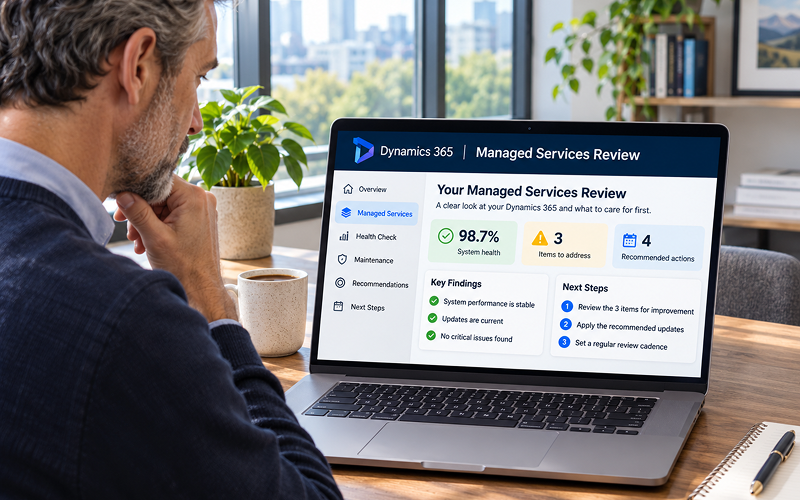
This is the written review a Redefine lead sends after looking at your system. It shows how it runs and what to do first.

Sections
5
Health
1
Next steps
First
Get a Managed Services Review

Redefine

Confidential

Prepared for: your business

Managed Services Review

Contents

  1. 01Your system today3
  2. 02How it runs7
  3. 03What needs care12
  4. 04Steps we suggest18
  5. 05How it fits your goals22

Managed Services Review

Your business

01 / 05

Top thing to fix

Updates

Three Microsoft releases are waiting. Two custom fields may break when they go in.

Updates waiting

Effort to fix

Low

Priority

High

Do it in this order

Test release Fix fields Update

How your Managed Services Review is laid out: the cover and page 3.

What is the REDEFINE Method?

The REDEFINE Method is Redefine Innovations' business-first framework for identifying business constraints, prioritizing improvements, delivering appropriate solutions, verifying outcomes, and sustaining improvements.

It has five stages: Diagnose, Prioritize, Deliver, Prove and Improve. Read the REDEFINE Method

What do Dynamics 365 managed services include?

Checks on how the system runs, updates, small changes, admin work and help for your users.

We work in an agreed scope and send regular reports.

How is this different from Dynamics 365 support?

Managed services care for your system each month. Support fixes problems as they come up.

Both keep your system steady, in different ways. See Dynamics 365 support

How do you set the price?

The price depends on the scope we agree after your review, how big your system is and what it needs.

You get a written price before any work starts.

How long does it take to start?

It depends on your system and how it runs today. Your review shows the first steps.

We plan the start with you, so the move is smooth.

How often do you send reports?

Each month. The report shows how the system ran and what we did.

Big changes or needs are called out at the top.

Can the scope change over time?

Yes. As your needs change, we review the scope with you.

We change it only with your OK.

Managed services review

Request your Managed Services Review

We look at your Dynamics 365 and show you what to care for first, step by step.

Business owner reading a printed Managed Services Review in a bright office
  • A person reads every request
  • A written review
  • 25+ years building business systems
  • 550+ projects delivered

Your Managed Services Review

Tell us what takes your team the most time in Dynamics 365. A short note is fine.

  1. 1You fill out the form
  2. 2We look at your setup
  3. 3You get your review
  4. 4You choose the next step