
Old way
Instead of the usual agency habit
Changes ship on opinion.
Nobody can say if a fix worked.
01 How we work
Every change is tested against a success number.
You see the result in your own refresh numbers.
Power BI refresh monitoring
Stay on top of Power BI scheduled refresh. No old data surprises. Built for BI managers and IT teams.

Every failed refresh shows its cause. The right owner gets one clear alert.
Parsons Kellogg: reports went live in Power BI and manual reporting time fell 58%. See the case study.
Need the whole tenant? See Tenant health or Capacity monitor.
Proof
See success through numbers. One is a client result; two are our track record as a Microsoft Solutions Partner.
Source: our case study for Parsons Kellogg.
Keep data fresh. Manage refresh problems fast.
A call about your refreshes. No obligation.
Short answer
Updated
A refresh watchdog is a tool that Redefine Innovations builds for your BI and IT teams. It tracks your Power BI scheduled refreshes and finds failures, slowdowns and outdated refreshes. It shows the cause, like gateway problems or expired credentials. Built in Power BI, it helps keep your data fresh and reliable.
Most teams learn of a failed refresh when a user spots old numbers. A watchdog finds it first. It checks every scheduled refresh and shows the cause, so your team can fix it fast.
Access is checked first. Gateway problems and expired credentials stop most refreshes, so we look at them before report visuals.
Pick by what you need to know
What your watchdog tracks
Want the whole tenant? See Tenant health.
A watchdog finds failed refreshes before your users do, and shows the cause.

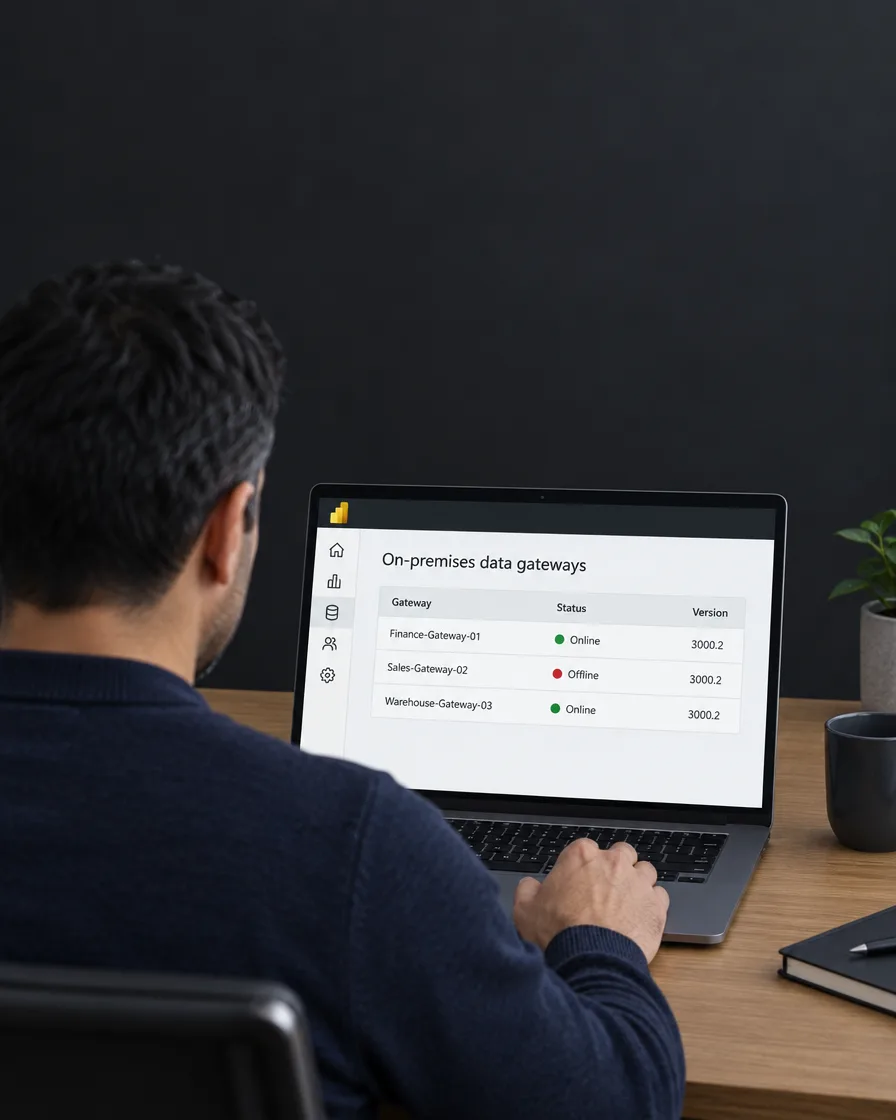
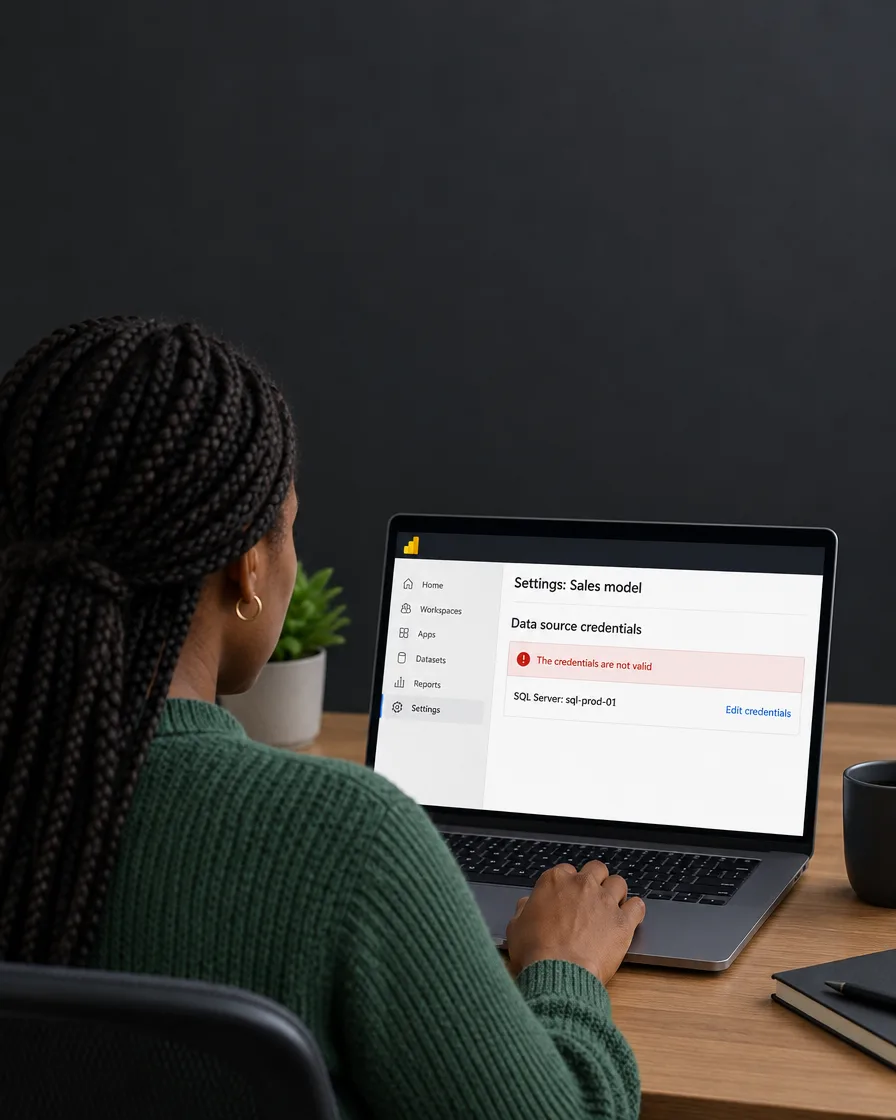
Why refreshes fail
Stay ahead by knowing these key issues in Power BI refresh. Each failure is silent on its own. Nobody sees it until a report looks old.
Stops your data refresh.
No access to your data.
Blocks your processes.
Breaks your data connection.



Stale report calculator
Use your data to see the cost of stale reports. Set your own numbers to see what fresh reports are worth each month.
Monthly value of fresh reports
Your estimate
Loss you may recover
$5Kper month
$54K a year from the same reports.
Book a call to see your recovery steps.
Estimate: reports x (fresh with a watchdog minus fresh today) x loss per stale report. Not a forecast. Your own data decides.
An engineering mindset for reporting
Redefine Innovations means expert Power BI developers and data engineers working together. They fix the cause, not only the report.
Old way
Instead of the usual agency habit
Changes ship on opinion.
Nobody can say if a fix worked.
01 How we work
You see the result in your own refresh numbers.
Old way
Instead of the usual agency habit
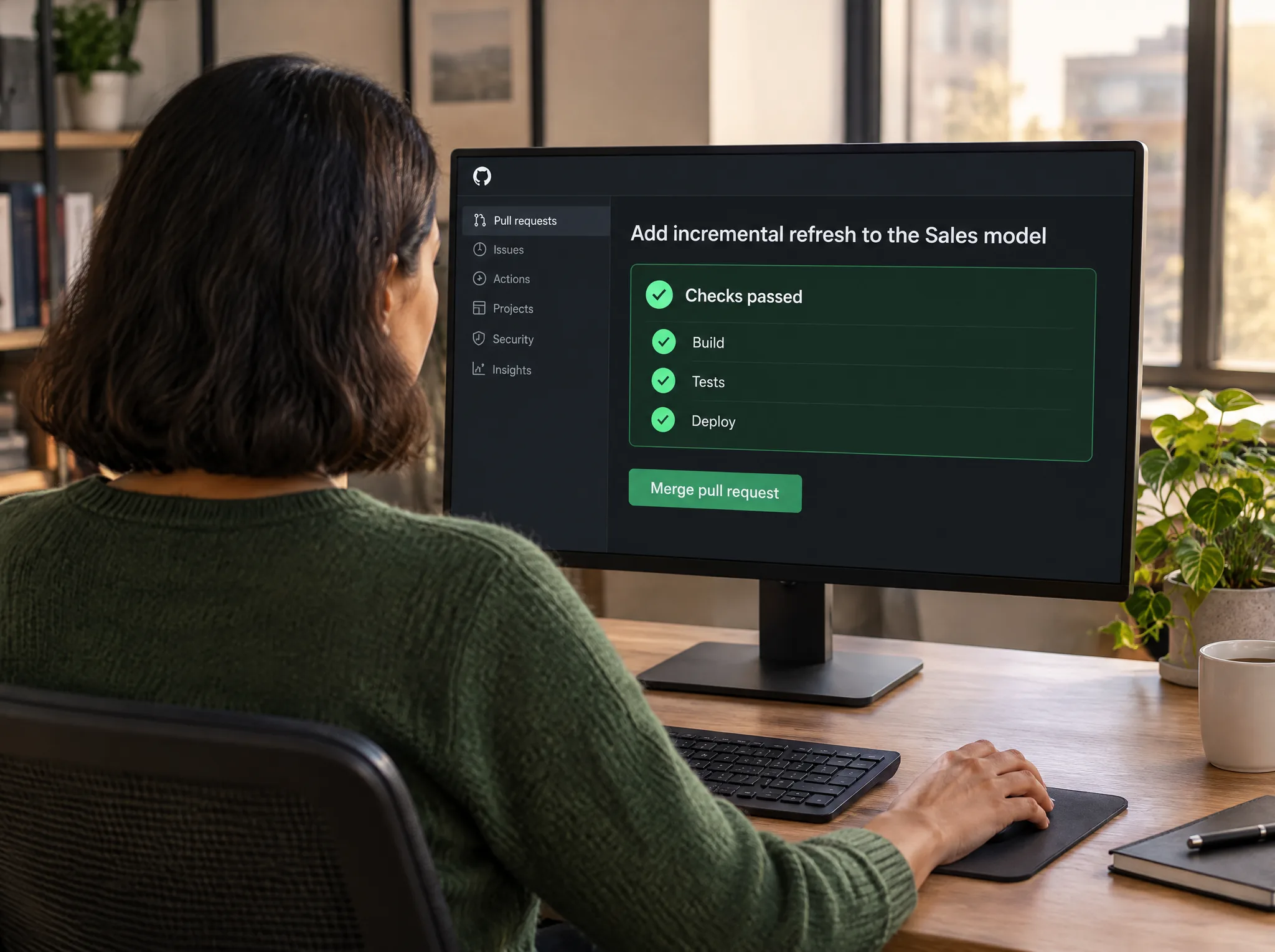
Fixes stop at the visual.
The refresh fails again next week.
02 How we work
The cause is fixed, not only the visual.

Old way
Instead of the usual agency habit
Done when sent.
Nobody checks if it worked.
03 How we work
You know when each fix is finished.

Old way
Instead of the usual agency habit
Problems appear in the monthly review.
By then, the damage is done.
04 How we work
Each alert has a planned response and one owner.
How Redefine works
Find the cause behind every failed refresh.
Redefine uses a business-first approach to solve your data challenges. Refresh failures often come from expired credentials, not broken reports. So we check access first. We fix report visuals later, because visuals are often not the root cause.
A call about your refreshes.
Why this approach matters
Start here
We find your data refresh issues.
You receive An issue report
Choose what matters
We decide the key problem areas.
You receive A priority list
Do the work
We put the solutions in place.
You receive Improvements made
Check the result
We check that the fixes worked.
You receive A performance check
Keep improving
We plan the next improvements.
You receive A written list of next steps
A report of the issues, an improvement plan and insights on solving refresh failures.
Case study / Power BI reporting
Parsons Kellogg sells promotional products and corporate apparel.

Reports took hands-on work to build, so they took time.
Diagnosis
Teams needed reports they could trust without that hand work.
Our team put the reports live in Power BI. Fresh data keeps reports like these trusted.
A watchdog keeps your reports fresh, so they stay trusted.
Your report
See key data with our refresh watchdog report. It shows the cause of each failure and who owns the fix.
Redefine
Confidential
Prepared for: your team
Refresh Watchdog Report
Contents
Refresh Watchdog Report
Your team
Scheduled refresh view
Gateway
Most refreshes run on time. The failures cluster around one gateway. Fix it first.
Where refreshes fail
Fix first
Gateway
Priority
High
Fix in this order
Gateway Credentials Alerts
Questions
Clear answers before you call.
The REDEFINE Method is Redefine Innovations' business-first framework for identifying business constraints, prioritizing improvements, delivering appropriate solutions, verifying outcomes, and sustaining improvements.
It has five stages: Diagnose, Prioritize, Deliver, Prove and Improve. Read the REDEFINE Method
Redefine sets this up with your team. Causes can be many. Check for expired credentials or network issues.
The watchdog shows the cause with each failure.
Redefine sets this up with your team. Alerts can be sent by email or by dashboard notice.
Each alert goes to one named owner.
Redefine sets this up with your team. Some setups may need a gateway. We discuss what is best for your team.
Redefine sets this up with your team. It sees refresh data but not report content.
Built-in emails are generic. Redefine builds a solution with detailed causes and action steps.
Your discovery call
Fill out the form to see how we can help. Get control over your Power BI refreshes.

Tell us what feels stuck. A person reads every request.
See also Bring Your Azure Synapse Data into Power BI, Connect BigQuery to Power BI, and See your budget and actual gap..