
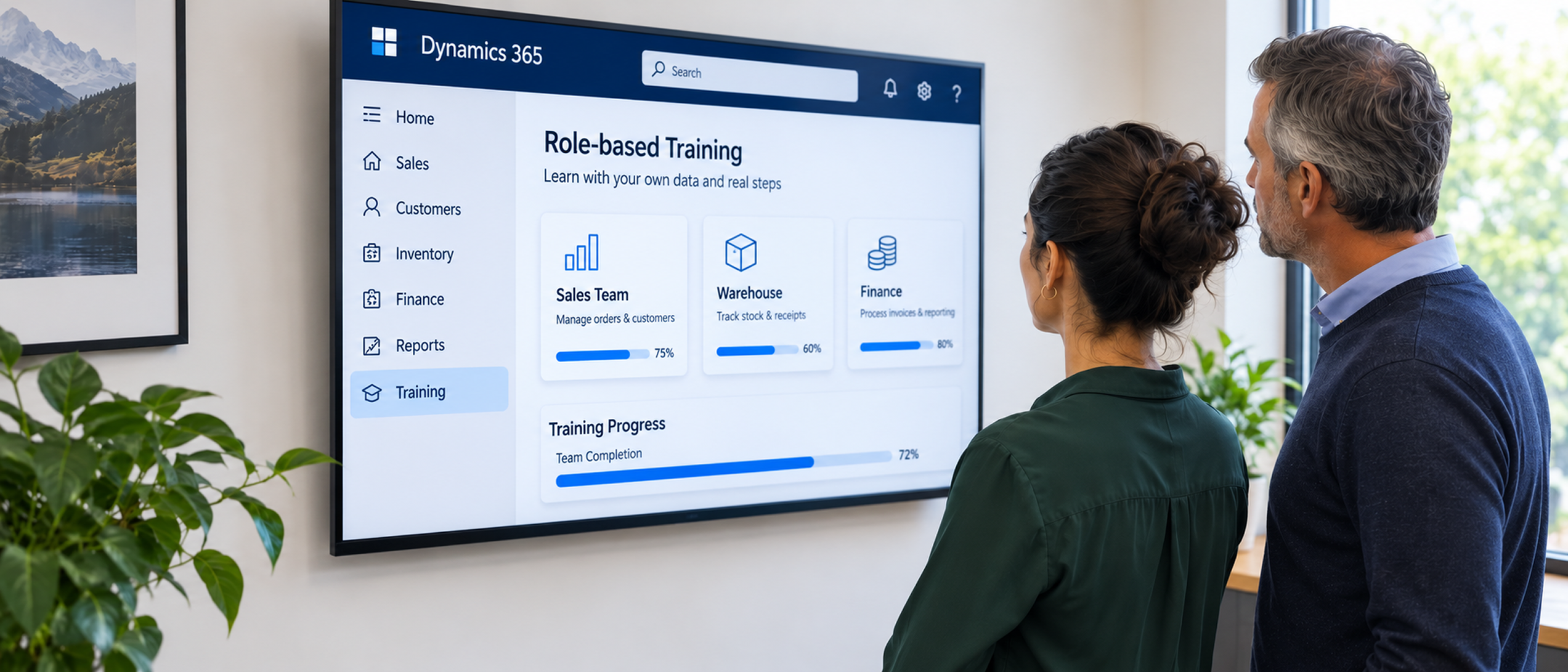
Dynamics 365 training

Help your team use Dynamics 365 with confidence.

Redefine Innovations provides Dynamics 365 training and trains each role on your own steps and your own data, so people get work done and ask for less help.

Half Price Drapes: stock accuracy rose from about 82% to 99.2% on Dynamics 365. See the case study.

A Redefine trainer walking a small team through printed guides for their own Dynamics 365 tasks at a bright table

Proof

Results from Dynamics 365 work

Training pays off when people trust the system. These are real results from Dynamics 365 systems our team worked on. These were Dynamics 365 data and reporting projects, not training programs.

Half Price Drapes stock accuracy
From about 82% to 99.2%
Read the case study
Parsons Kellogg report time
-58%
Read the case study
Imtra sync steps
~85%
Read the case study
Redefine projects
550+
Read the case study

Team stuck in Dynamics 365?

Get a Training Plan from a Redefine consultant.

Get Your Training Plan

Short answer

What is Dynamics 365 training?

Updated

Dynamics 365 training teaches your people to use Microsoft Dynamics 365 in their daily work. Redefine Innovations builds sessions for each role, from end users to power users and admins. We use your own steps and your own data, so your team learns the tasks it really does and needs less help.

Most teams get a short demo at go-live and then guess. Habits form, steps get skipped and help requests pile up.

So we start with the work, not the menus. Each role learns its own tasks first.

Three ways to get more from Dynamics 365

Pick by where you are now

WayWhat you getBest whenWhere it stops
TrainingPeople do not use the system wellEach role knows its own stepsIt teaches the system; it does not change the setup
Health checkYou are not sure what is wrongA scored report and a fix listIt finds the problems; fixes come next
SupportThings break and need fixingFast fixes from one teamIt fixes issues; it does not teach your team

What we look at first

  • [1] Each role and the tasks it does
  • [2] Where people get stuck today
  • [3] Features you paid for but do not use
  • [4] Who will teach new staff later

Moving to a new version too? See Dynamics 365 upgrade or Dynamics 365 support.

Real skills

Training that sticks with your team.

People learn on the screens they use, with the records they know. So the skills last after we leave.

See how we work
Two colleagues writing a training map of roles and tasks on a whiteboard

Before and after

Four helpers. One training plan.

Scattered

Training comes from many places, and none of it matches.

  • Vendor videos

    Kept apart

  • Old notes

    Kept apart

  • One expert

    Kept apart

  • Help desk

    Kept apart

  • Guesswork

    Kept apart

No shared way
Sources to piece together

5

Trained

One plan, built for each role in Dynamics 365.

  • Sales

    Taught and checked

  • Finance

    Taught and checked

  • Warehouse

    Taught and checked

  • Service

    Taught and checked

  • Admins

    Taught and checked

  • Trainers

    Taught and checked

Dynamics 365
Way of working

1

Skills gap calculator

What is a skills gap costing you?

Use your own numbers. See what fewer mistakes and help requests could save each month.

Your numbers

Monthly

5,000
85.0%
$8
95.0%

Cost of redone tasks per month

Your estimate

Right now
$34K
After training
$38K

Spent fixing mistakes

$4Kper month

$48K a year if nothing changes.

Get Your Training Plan

This is an estimate from your own numbers, not a promise.

Estimate: tasks a month x (share right after training minus share right now) x cost to fix one. Not a promise.

Three training problems that cost you

Tap a card to see the problem, then what we do.

An engineering mindset for Dynamics 365 training

We run growth the way engineers run software.

Redefine is an engineering company. Developers, Dynamics 365 and ERP engineers, data experts and business consultants sit on one team, so your training is built by people who know how your system really works.

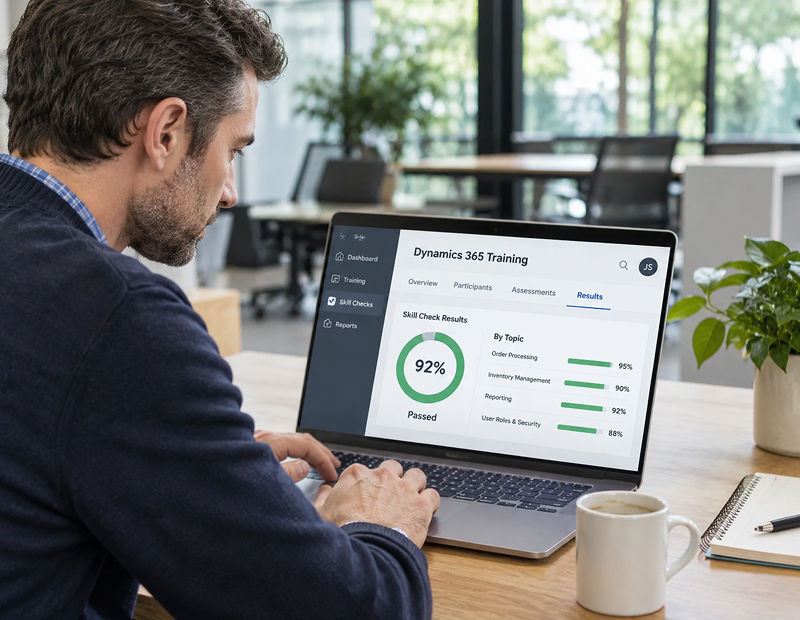
  1. Trainer marking a printed skill check sheet after a Dynamics 365 session

    01 Our way: How we work

    Every change is a test with a success number.

    Each session has a skill check, so we know it worked.

    Old way: Instead of the usual agency habit

    Training is done when it is sent.

    Nobody checks what people learned.

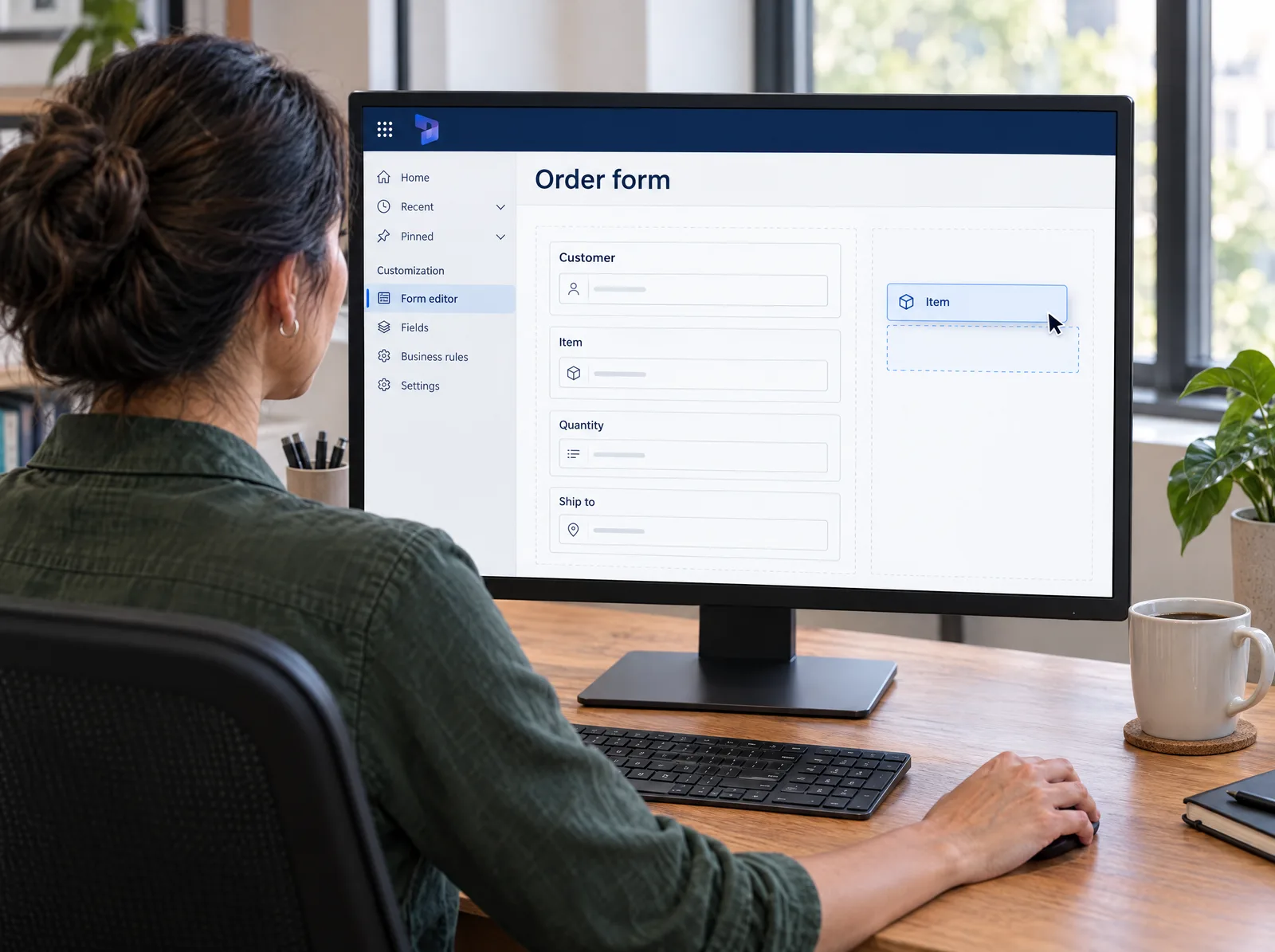
  2. Engineer simplifying a Dynamics 365 form so a hard step takes fewer clicks

    02 Our way: How we work

    We fix the cause, not just the symptom.

    If a step is hard because of the setup, our engineers tell you and help fix it.

    Old way: Instead of the usual agency habit

    Fixes stop at the surface.

    The same questions come back.

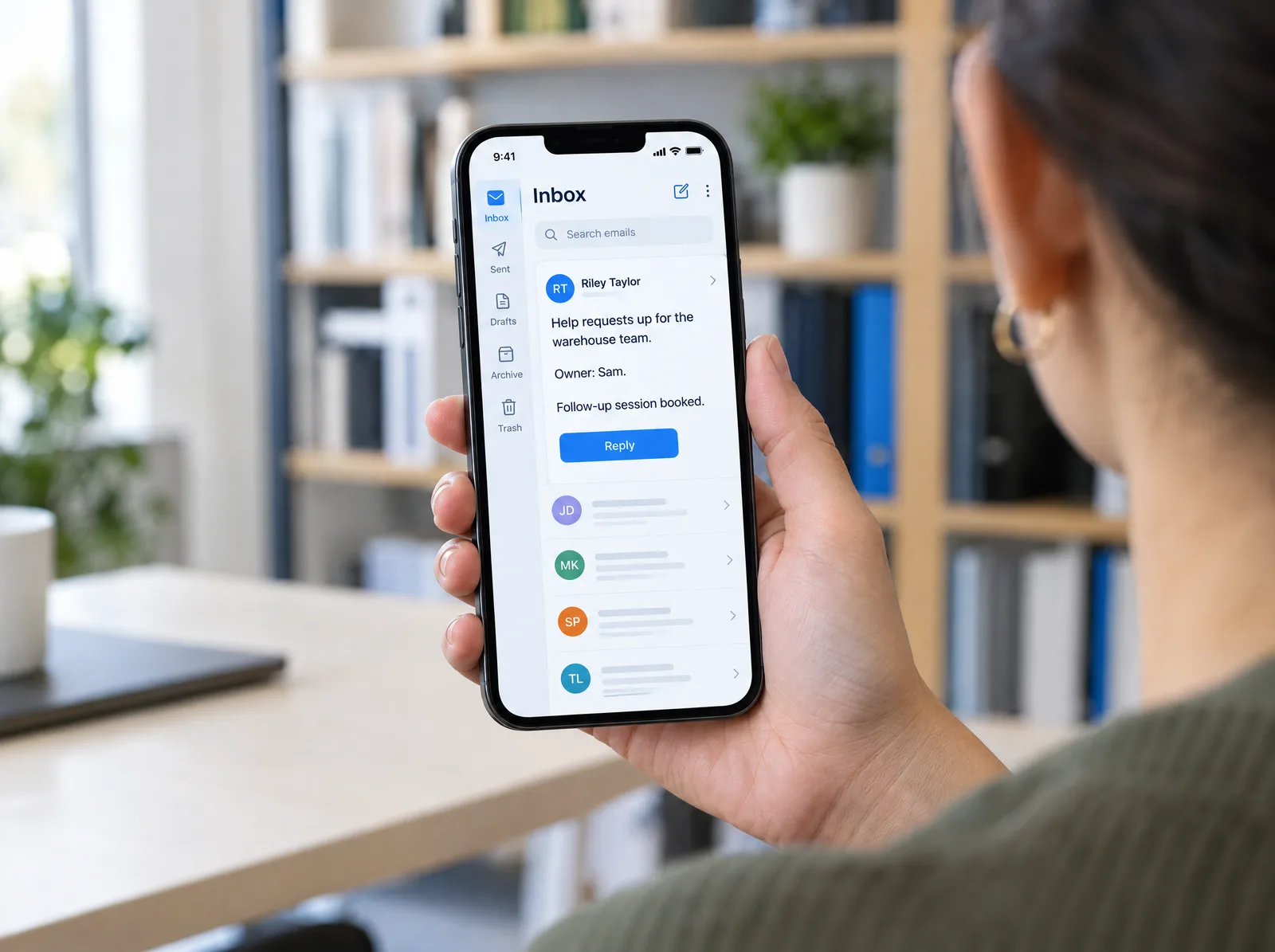
  3. Manager reading an alert on a phone that help requests rose for one team and names one owner

    03 Our way: How we work

    Alerts fire the week a number drifts.

    We watch help requests after training and follow up where they rise.

    Old way: Instead of the usual agency habit

    Problems wait for the monthly report.

    Users stay stuck for weeks.

How Redefine works

TheREDEFINEMethod

Find the gaps, teach what matters, check that it worked.

We do not teach every menu. We find what each role needs, teach that first, and check that people can do it.

Get Your Training Plan

Tell us where your team gets stuck. We look before we teach.

Why this approach matters

  • Real skills for real tasks.
  • Faster use of the system.
  • Fewer help requests.
  1. Start here

    Step 1: Diagnose

    We find the skill gaps for each role and see where people get stuck.

    You receive A skills review

  2. Choose what matters

    Step 2: Prioritize

    We pick the tasks that matter most and skip what does not help.

    You receive A training map by role

  3. Do the work

    Step 3: Deliver

    Our trainers lead sessions on your own screens, steps and data.

    You receive Role-based sessions

  4. Check the result

    Step 4: Prove

    We check what people learned, apart from any business numbers.

    You receive A skill check report

  5. Keep improving

    Step 5: Improve

    We suggest next steps and help your own people teach new staff.

    You receive Advice for what comes next

What you receive

A Training Plan made for your roles, your steps and your team.

Case study / Business Central data

Imtra

Imtra sells more than 13,000 marine and industrial items. Its stock runs on Dynamics 365 Business Central.

A white boat bow with a steel anchor and chain on a teak deck over clear blue water
  1. 01

    Problem

    Staff kept stock from 4 sources by hand.

  2. 02

    Diagnosis

    People spent their time on copy work, not on the tasks that mattered.

  3. 03

    Solution and result

    We joined the sources into one import and automated the push to Business Central.

Manual ERP sync steps
~85%
Stock sources kept by hand 4
1

We did this for Imtra. It was a Business Central data project, not a training program. The same team builds your training.
Your plan

See what your Training Plan covers.

This is the written plan a Redefine consultant sends after looking at your team. It shows who learns what, when and how we check it.

Sections
5
Roles mapped
1
Sessions
First
Get Your Training Plan

Redefine

Confidential

Prepared for: your business

Training Plan

Contents

  1. 01Your roles and tasks3
  2. 02Skill gaps by role7
  3. 03Session plan12
  4. 04Quick guides18
  5. 05How we check the skills22

Training Plan

Your business

01 / 05

Top gap

Order entry

Your sales team enters orders in more steps than it needs. Some steps get skipped, so orders need fixing later.

Roles that need this first

Priority

High

Priority

High

Teach it in this order

Show the steps Practice on your data Skill check

How your Training Plan is laid out: the cover and page 3.

What is the REDEFINE Method?

The REDEFINE Method is Redefine Innovations' business-first framework for identifying business constraints, prioritizing improvements, delivering appropriate solutions, verifying outcomes, and sustaining improvements.

It has five stages: Diagnose, Prioritize, Deliver, Prove and Improve. Read the REDEFINE Method

How is training made for each role?

We start with a review of each role and the tasks it does. Then we match sessions to those tasks.

People practice real work, not theory.

How much does Dynamics 365 training cost?

The price depends on how many roles and people need training.

You get a written proposal with every cost before work starts.

How long does training take?

It depends on how much your team needs to learn.

After the review, you get a schedule that fits around your team.

How do you know the training worked?

Each session ends with a skill check. We also watch help requests after training.

Where gaps stay, we follow up with short guides: See Dynamics 365 support

How is this different from Microsoft certification?

Certification teaches the product in general. We teach your own steps on your own system.

The goal is a team that can do its work, not a test score.

Can our own people train others after this?

Yes. We can train your own trainers, so skills stay with your team.

They get guides and session notes to reuse with new staff. See Dynamics 365 partner

Training plan

Get your Training Plan

Know who needs what, and how we check it worked. Tell us where your team gets stuck today.

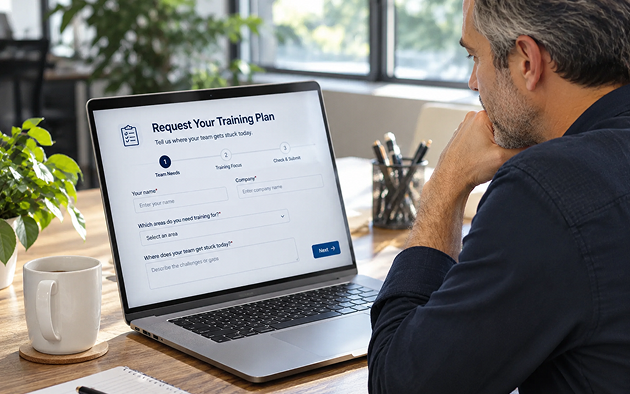
Operations lead reading a printed Dynamics 365 Training Plan by a sunny window
  • A person reads every request
  • A written plan
  • 25+ years building business systems
  • 550+ projects delivered

Your Training Plan

Tell us which teams use Dynamics 365 and where they get stuck. A short note is fine.

  1. 1We read your answers
  2. 2We review your team
  3. 3You get your plan
  4. 4You choose the next step