



Power BI staff augmentation

Add Power BI engineers to your team with a capacity plan.

Redefine Innovations adds Power BI engineers to your team. They work in your tenant and Git repository. Want named people? See hire Power BI developers.

Parsons Kellogg cut manual report time by 58% with Power BI. Read how

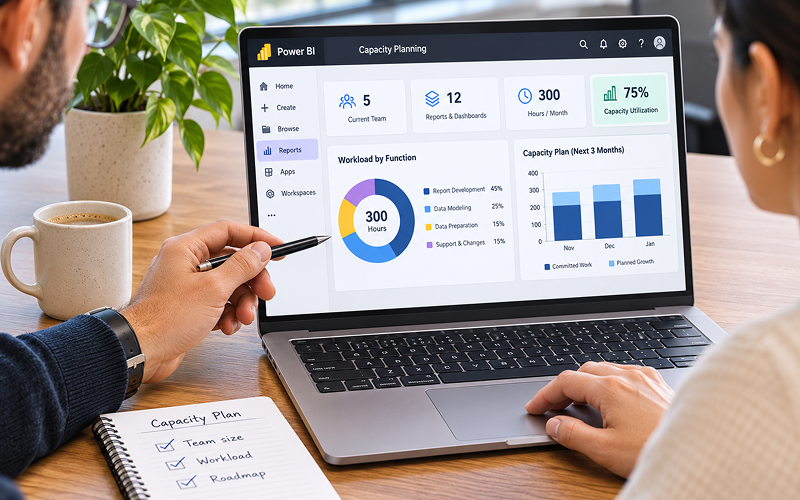
Engineer working beside a client analyst, the Power BI workspace on screen synced to the team Git repository

Results

What our engineers have done

Two company facts and one Power BI result from a client case study. Each number has a source.

  • Redefine Innovations
    550+
    Projects delivered by our developers, data engineers and marketers.
  • Parsons Kellogg
    -58%
    Less manual report time once reports went live in Power BI.
  • Redefine Innovations
    25+
    Years of building and fixing business systems for our clients.

Sources: Redefine company record and the Parsons Kellogg case study.

Get your Power BI Capacity Plan from one call.

The roles and hours your team needs.

Book A Capacity Call

Short answer

What is Power BI staff augmentation?

Updated

Power BI staff augmentation means you add Power BI engineers to your own team for as long as you need them. Redefine Innovations adds engineers who work in your Power BI tenant and Git repository on DAX, semantic models, reports and Fabric. Your team keeps control of the work, and the engineers follow your plan.

Most Power BI teams are not short on ideas. They are short on hours and skills. Reports wait, models get messy, and a refresh that fails can sit for days. Adding engineers to the team you have is often faster than hiring.

We look at your backlog and your team first. Then we plan the roles and hours that close the gap.

Three ways to get Power BI help

Pick by how you want to work

WayBest whenWhat you getWhere it stops
Staff augmentationYour team needs more hours nowEngineers who work in your tenantYou run the work each week
Hire a developerYou want to pick one named personA shortlist, then one hireOne person, one set of skills
Managed serviceYou want someone to run itOngoing fixes and supportLess new building

What we ask about first

  • [1] Your Power BI backlog
  • [2] The skills your team has now
  • [3] Your tenant and Git setup
  • [4] The hours and dates you need

Want one named person or ongoing support instead? See hire Power BI developers or Power BI managed services.

Add Power BI skills when the work piles up.

Our engineers join your team, use your tools and take on the work you pick.

Team lead welcoming an added Power BI engineer at a spare desk on his first day with the team

One team

Four vendors become one team

Extra Power BI help often comes from four places: a recruiter, freelancers, a BI firm and offshore staff.

Book A Capacity Call

Before

Each one works its own way. When a report breaks, no one owns the fix.

  • Recruiting agency

    Slow to fill a seat

  • Freelance experts

    Come and go

  • BI firm

    Big plans, few hands

  • Offshore staff

    Far from your day

After

Redefine engineers join your team, with one plan and one contact.

Redefine Innovations

One team

  • DAX and models
  • Reports
  • Fabric and data
  • Refresh fixes

Cost of waiting

What does a short team cost you?

When your team is short, Power BI work slips or turns into overtime. Use your own numbers to see the cost.

Your numbers

Per month

160
10.0%
$75
50.0%

Cost of slipped work each month

Your estimate

With added help
$1K
Today
$6K

Cost you could cut

$5Kper month

$58K a year in slipped work.

Book A Capacity Call

This is an estimate from your own numbers, not a promise.

Estimate: hours x (share that slips today minus share with help) x cost of one hour. Not a promise.

Three signs your Power BI team is short

Tap a card to see the problem, then the fix.

Parsons Kellogg / stock accuracy

99.0%

Stock accuracy

up from about 85%

Source: Parsons Kellogg case study. Stock accuracy before and after the work.

Parsons Kellogg put its reports in Power BI.

Reports went live in Power BI. Manual report time fell 58%, and stock accuracy reached 99.0%. This was a full build by our team, not staff augmentation. The same engineers join Power BI teams.

-58%

Less manual report time

$120M+

Sales a year, up from under $14M

Read the Parsons Kellogg story

An engineering mindset for Power BI teams

We run growth the way engineers run software.

Redefine is an engineering company that does marketing. Developers, ERP engineers and marketers sit on one team, so a fix reaches the system, not just the slide deck.

  1. Reviewer checking a GitHub pull request for Power BI model files where both checks have passed

    01 Our way: How we work

    Every change is a test with a success number.

    Each model change goes through review and checks before it ships.

    Old way: Instead of the usual contractor habit

    Changes ship on opinion.

    No one checks the change before users see it.

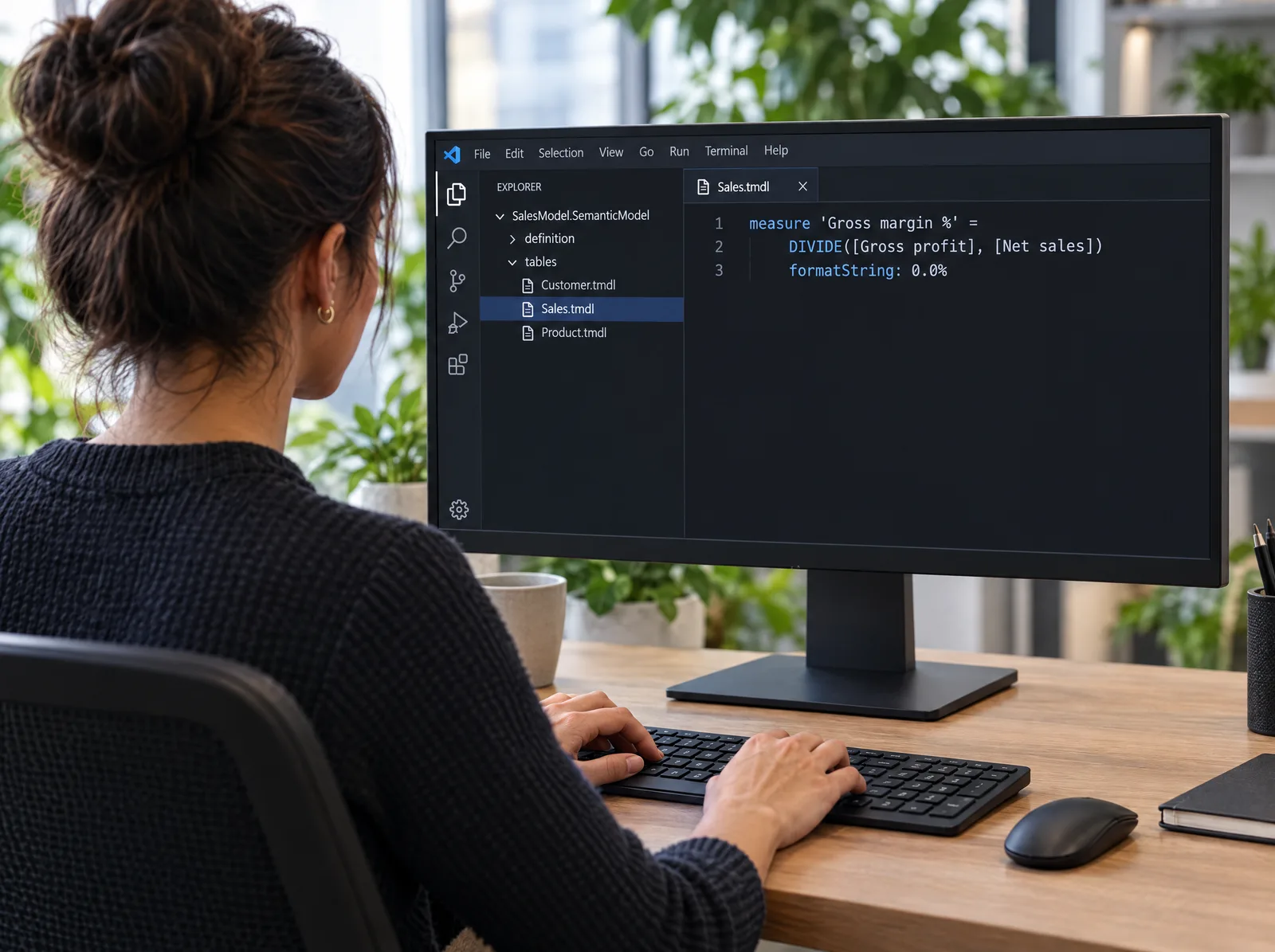
  2. Engineer editing a Power BI semantic model measure in a TMDL file in Visual Studio Code

    02 Our way: How we work

    Our engineers build and fix the system.

    They fix measures and models at the source, in your files.

    Old way: Instead of the usual contractor habit

    Advice stops at a slide deck.

    The report itself never changes.

  3. Team lead reading a Jira issue raised when a Power BI number drifted, with one owner and a planned fix

    03 Our way: How we work

    Alerts fire the week a number drifts.

    Each alert becomes one ticket, with a plan and one owner.

    Old way: Instead of the usual contractor habit

    Problems wait for the monthly report.

    By then, the choice was made on bad data.

How Redefine works

TheREDEFINEMethod

Find the roles your team needs first, then add the help that matters most.

We do not just send people. We look at your backlog and your team first, add the roles that move your work most, and then check that the help made a difference.

Book A Capacity Call

Start with a capacity call and your Power BI Capacity Plan.

Why this approach matters

  • Added hours go to the work that matters most.
  • Each role ties back to a business goal.
  • Your Power BI team can grow or shrink as needs change.
  1. Start here

    Step 1: Diagnose

    We look at your Power BI backlog, your team and your refresh problems to find the roles you need.

    You receive A needs check

  2. Choose what matters

    Step 2: Prioritize

    We rank the roles by what they do for your deadlines and reports, so the most useful help starts first.

    You receive A ranked role plan

  3. Do the work

    Step 3: Deliver

    Engineers join your team and work in your tenant and Git repository on DAX, models and reports.

    You receive Engineers at work in your team

  4. Check the result

    Step 4: Prove

    We check what the added help changed, like work shipped and refreshes on time, against the goal we set.

    You receive Results against the goal

  5. Keep improving

    Step 5: Improve

    We add or drop hours as your work changes, and plan the next step with you.

    You receive An updated capacity plan

What you receive

Defined roles, how they fit your way of working, and the steps to bring them in.

Who does what

Your team leads. Our engineers build.

You keep control of the work. Our engineers add hands and skills where your team needs them.

Client BI lead placing the week's three Power BI priorities as numbered sticky notes beside a notebook

Your team · sets the plan

You choose the work

Your lead picks what matters each week and signs off on each change. Your data, your tenant and your Git repository stay yours, and your people have the last word on every report.

  • Weekly priorities
  • Sign-off
  • Access
Redefine engineer building a margin by region report page in Power BI Desktop from a home office

Redefine engineers · do the build

We add the hands

Our engineers take tasks from your backlog. They write DAX, build models and reports, and fix refresh problems. They write notes as they go, so your team can keep the work running later. They join your calls and work in your tools.

  • DAX and models
  • Reports
  • Notes and handover

How it starts

From call to steady work

First we talk about your work. Then you get your capacity plan with roles and hours. Engineers start on the plan, and we check in with you each week to add or drop hours.

Capacity callSteady work
Step 1Step 4
  1. Call

    Talk about your work

  2. Plan

    Roles and hours

  3. Start

    Engineers join

  4. Weekly check

    Add or drop hours

You can change the plan as your work changes. Need a set build instead of extra hands? See Power BI report development or semantic model development.

Your Power BI Capacity Plan

See the roles and hours before anyone starts.

One capacity call gives you a written plan for your team. It shows the roles you need, the hours for each, and how they fit your work.

Sections
5
Roles
3
Plan
4steps
Book A Capacity Call

Redefine

Confidential

Prepared for: your team

Power BI Capacity Plan

Contents

  1. 01Capacity check3
  2. 02Roles you need7
  3. 03Hours for each role12
  4. 04How they join your team18
  5. 05Start and check-in plan22

Power BI Capacity Plan

Your team

01 / 05

Top need

Model work

Model and DAX work is the biggest wait, so the plan starts with a DAX engineer and a model builder.

Hours each week, by role

Hours

50 h

Start

You pick

Next steps

Call Plan Start

How your Power BI Capacity Plan is laid out: the cover and page 3.

What is the REDEFINE Method?

The REDEFINE Method is Redefine Innovations' business-first framework for identifying business constraints, prioritizing improvements, delivering appropriate solutions, verifying outcomes, and sustaining improvements.

It has five stages: Diagnose, Prioritize, Deliver, Prove and Improve. Read the REDEFINE Method

How fast can Power BI engineers start?

It depends on the work and the roles you need. We agree on a start date after the capacity call.

Then your engineers get access and start on the plan.

What if an engineer or the skills we need change?

Tell us. We plan a smooth handover, so work in your tenant and Git repository stays on track.

The capacity plan shows who owns each task, so a new engineer can pick it up.

Who owns the finished work?

You do. The work is built in your own tenant and Git repository.

Reports, models and DAX stay with your team, with notes for each one.

How is pricing set?

Pricing depends on the roles and how long you need them. We set it after the capacity call.

You pay for the skills and hours your work needs.

Can we add or drop hours later?

Yes. You can add hours when the work piles up and drop them when it slows.

We change the plan with you. See Power BI dashboard development

What happens on the capacity call?

We talk about your work, your backlog and your team.

Then you get your Power BI Capacity Plan with roles, hours and next steps.

How do you keep the work quality high?

Every change goes through review and checks before it ships, and each task has a goal.

We check results with you each week and fix what is off. See Power BI DAX optimization

Power BI Capacity Plan

Plan your Power BI team growth

Tell us about your Power BI work. A Redefine Power BI lead reads it, sets up a capacity call and sends your Power BI Capacity Plan.

Team lead marking her printed Power BI capacity plan, with roles and hours per week for her team
  • A Power BI lead reads every brief
  • A written capacity plan
  • 25+ years of systems work
  • 550+ projects delivered

Your Power BI Capacity Plan

Tell us what your Power BI team is short on. A link to a report helps.

  1. 1You send your brief
  2. 2A Power BI lead reads it
  3. 3We set up a capacity call
  4. 4You get your capacity plan