How much does WooCommerce Amazon integration cost?
The cost depends on the size of your catalog, your order volume, your fulfillment method, and your chosen build option.
We provide a scoped estimate in our plan.
Guide to WooCommerce Amazon integration
Redefine Innovations connects WooCommerce stores with Amazon Seller Central for owners and operations leads, syncing products, stock, orders, and tracking, with developers, ERP engineers, and marketers on one team.

Amazon Integration Services is the page for connecting Amazon with other platforms, while this page covers WooCommerce stores.
Experience
Redefine Innovations puts developers, ERP engineers and marketers on one team, so your sync is planned, built and watched together.
Closest published Amazon build: Off Grid Knives. That store is BigCommerce, not WooCommerce. Amazon now brings 22% of its revenue.
Get your WooCommerce to Amazon plan
A written plan for what data moves, how often, and what to build first.
Short answer
Updated
Redefine Innovations links WooCommerce and Amazon Seller Central. Products, prices, and stock move from WooCommerce to Amazon. Orders return to WooCommerce. Shipment tracking goes back to Amazon. Returns match up too. You choose FBA or merchant fulfillment. Failed syncs are logged, flagged, and retried, with one owner. It is for owners and operations leads of WooCommerce brands.
When four vendors each handle one piece, a sync error falls between them and can sit unfixed. One Redefine team plans, builds and watches the whole sync together, so the stock in WooCommerce and the stock on Amazon stay the same.
Stock and orders usually come first. Extras like returns automation come after, in the order your written plan sets.
Pick by how simple your needs are
What moves between the two
Method: Redefine WooCommerce and Amazon integration plan.
One shared record
Products, prices and stock move from WooCommerce to Amazon Seller Central. Orders and returns come back, so both sides show the same numbers.
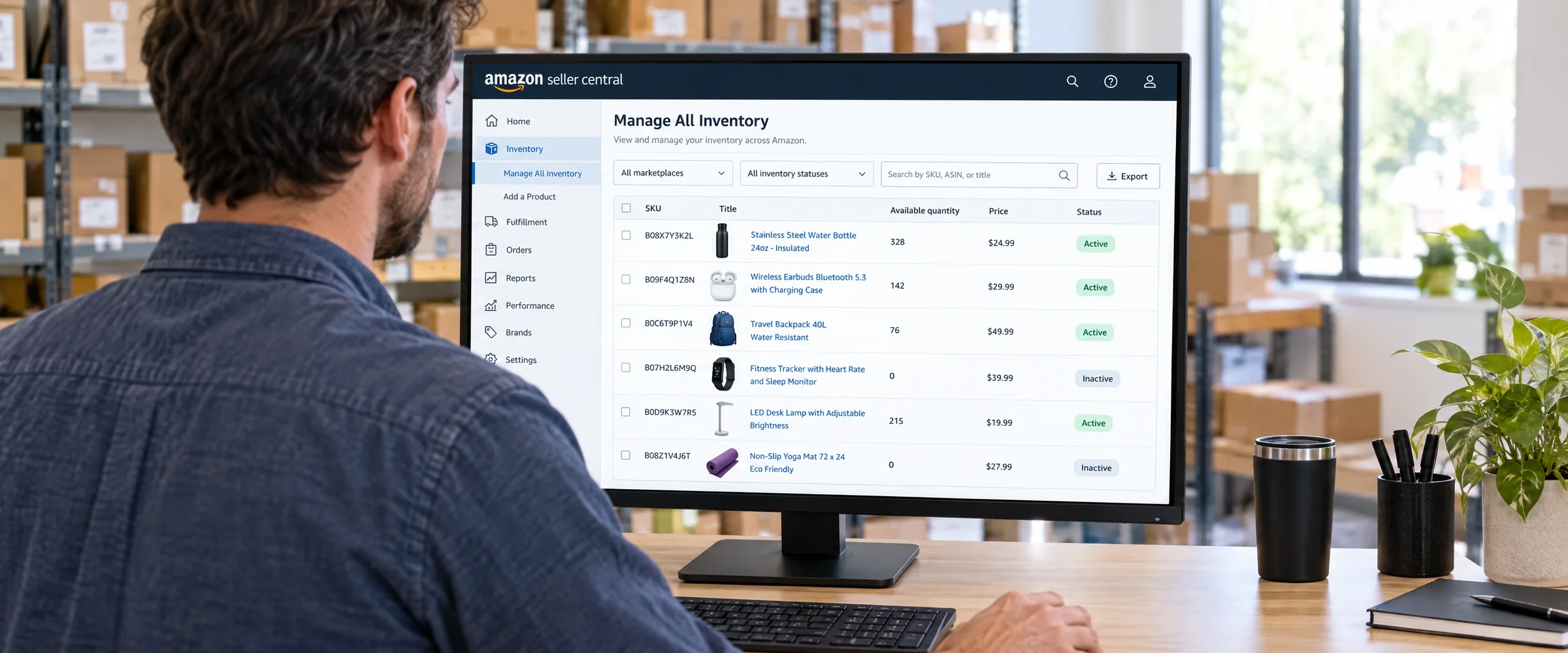
One stock and order record
One team
When four vendors each handle one piece, a sync error falls between them and can sit unfixed.
Get my integration planBefore
Each vendor handles one piece. Nobody owns the whole sync.
Amazon agency
Runs listings and ads, does not touch the store code
WooCommerce developer
Knows the store, not Amazon rules
Connector or plugin vendor
Sells the tool, not the setup or the fixes
ERP partner
Sees stock and orders, not the marketplace
After
One Redefine team: developers, ERP engineers and marketers plan, build and watch the whole sync together.
Redefine Innovations
One team
Amazon revenue gap
Enter your Amazon numbers to see a rough monthly revenue gap. This gap shows sales lost when stock runs out or listings go inactive because the sync between WooCommerce and Amazon breaks.
Monthly revenue
Estimate from your numbers
Revenue gap
$24Kper month
$288K a year from the same sessions.
Your plan shows what data moves and what to build first.
Estimate: sessions x (target minus current unit session percentage) x average order value. Results come from your numbers. They are not a promise.

Where syncs break
This can lead to missed sales and upset buyers. Five breaks show up most.
Explore Amazon servicesBreaks
Each has a fix.
When the same item sells on both platforms, stock can run out and you may have to cancel orders.
ReadInventory Synchronization Integration ServicesTyping merchant orders into WooCommerce by hand takes time and can cause errors.
ReadAmazon FBM Integration servicesWhen prices and details change on WooCommerce, Amazon listings can stay old.
ReadAmazon Catalog Management ServicesFBA stock counts may not match the store, so unshippable items show as in stock.
ReadAmazon FBA Integration servicesTracking and returns do not flow back to Amazon, so late shipments and return issues build up.
ReadAmazon Seller Account Management ServicesHow Redefine works
How Redefine connects WooCommerce and Amazon, step by step
A broken sync is rarely one bug. Stock, orders, prices and tracking each take their own path from WooCommerce to Amazon, and a plugin can hide the real fault. So we map the whole path first, then pick a connector, middleware or a custom build.
A written plan for what data moves, how often, and what to build first.
Why this approach matters
Start here
We trace how products, stock, orders, tracking and returns move now from WooCommerce to Amazon and any ERP, and find where each one breaks.
You receive A clear flow map
Choose what matters
We rank fixes by impact and risk, then pick a connector, middleware or custom build. We would not start a full custom build when a connector covers stock and orders.
You receive A key fix list
Do the work
We build the chosen connector or sync, test it on a few items, add middleware, custom code and ERP links where needed, then go live in steps.
You receive A working, tested sync
Check the result
We check the sync logs for what worked, then count orders and stock against the success numbers we set in Diagnose.
You receive A success record
Keep improving
We watch alerts and fix failed syncs with one owner. Failed syncs are logged, flagged and retried, and we tune how often data syncs.
You receive Alerts and an error log
A data flow map, a ranked fix list, a build option choice, a tested sync, and an alert and error log setup.
An engineering mindset for Amazon and WooCommerce
Redefine Innovations is an engineering company that does marketing. Developers, ERP engineers and marketers work on one team, so a fix reaches the WooCommerce store, the sync and the systems behind it, not just the ad account.
Typical agency habit
Changes ship on opinion
A change goes live because someone likes it, with no number to check it against.
Fixes stop at the ad account
The store, the sync and the ERP stay as they were.
Done when sent
A task is finished when it is sent, not when it works.
Problems wait for the monthly report
Nobody sees a failed sync or an oversell until the report arrives.
Engineering habit
Every change is a test
Each change has a success number and is tested on a few products first.
Fixes reach the source
Developers fix the WooCommerce store, the sync rules, the ERP data and the order flow at the source.
Every task has a "done when" line
Work is finished when its check passes, not when it is sent.
Alerts, not monthly surprises
Alerts fire the week failed syncs or oversells rise, with a planned response and one owner.

Your plan
The plan shows what data moves between WooCommerce and Amazon, how often, and what to build first. Redefine then walks you through it on a short call, and you decide the next step.
Redefine
Confidential
Prepared for: your store
WooCommerce and Amazon integration plan
Contents
WooCommerce and Amazon integration plan
Your store
Build option
Your pick
Use a connector for simple needs. Middleware suits an ERP or many sales channels. A custom build fits when rules get complex.
Data paths between WooCommerce and Amazon
Fulfillment
FBA or merchant
Failed syncs
Retried
What to build first
Stock Orders Returns
Questions
The cost depends on the size of your catalog, your order volume, your fulfillment method, and your chosen build option.
We provide a scoped estimate in our plan.
The time it takes can vary based on your build choice and how tidy your data is.
We follow a written plan that sets work order, with stock and orders usually first, and extras like returns automation after.
Start with testing on a few products. Run old and new systems side by side when possible. Go live in steps.
We log, flag, and retry failed syncs. While risks exist, we manage them carefully.
Use a connector for simple needs. Middleware suits an ERP or many sales channels. A custom build fits when rules get complex.
The plan explains each option's trade-offs in cost and upkeep to guide you.
Our team of developers, ERP engineers, and marketers works with you.
Developers handle the sync setup. ERP engineers map stock and order data. Marketers check Amazon listings. A named owner oversees any sync issues. You give the team access to WooCommerce and Seller Central.
We watch sync alerts and logs closely. A named owner fixes failed syncs and you receive short health reports.
Syncs adjust with your catalog. Ongoing support details are set in the written scope.
The REDEFINE Method is Redefine Innovations' business-first framework for identifying business constraints, prioritizing improvements, delivering appropriate solutions, verifying outcomes, and sustaining improvements.
It has five stages: Diagnose, Prioritize, Deliver, Prove and Improve. For WooCommerce and Amazon sync, it means finding data break points, fixing stock and orders first, and checking each fix with set targets. Read the REDEFINE Method
Your integration plan
Tell us about your store and where the sync breaks. Redefine sends a written plan with what data moves, how often, and what to build first.

Add your store URL and pick what feels stuck. A note is optional.