








Shopify app development

Run smoothly with custom Shopify apps

Redefine Innovations creates custom Shopify apps that automate tasks and connect systems for ecommerce leaders.

Eyeglasses123 grew to $6M a year. We built its custom order system.

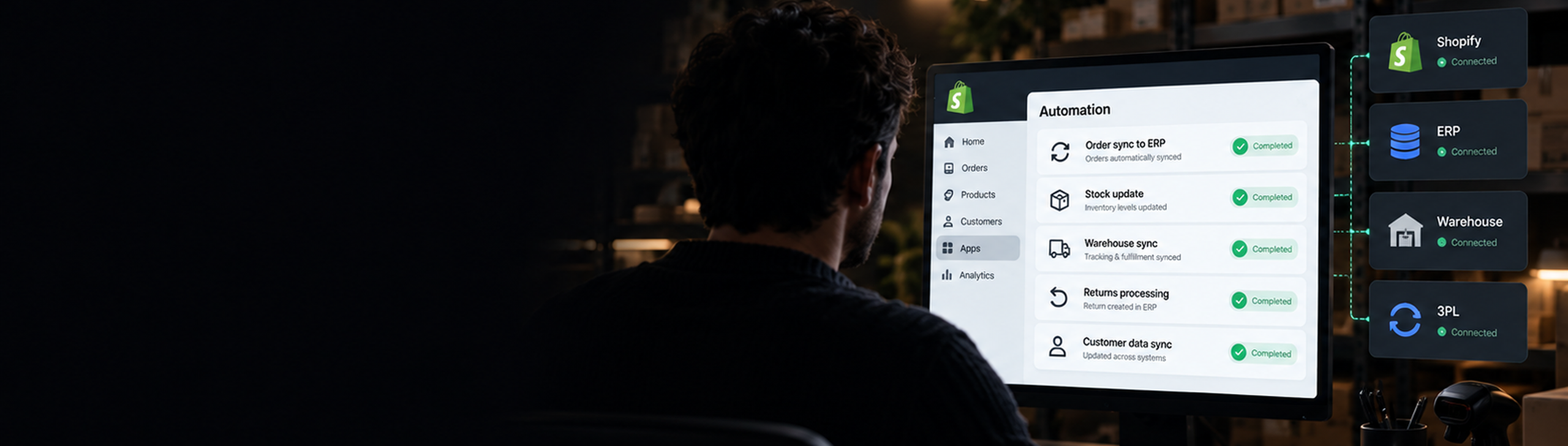
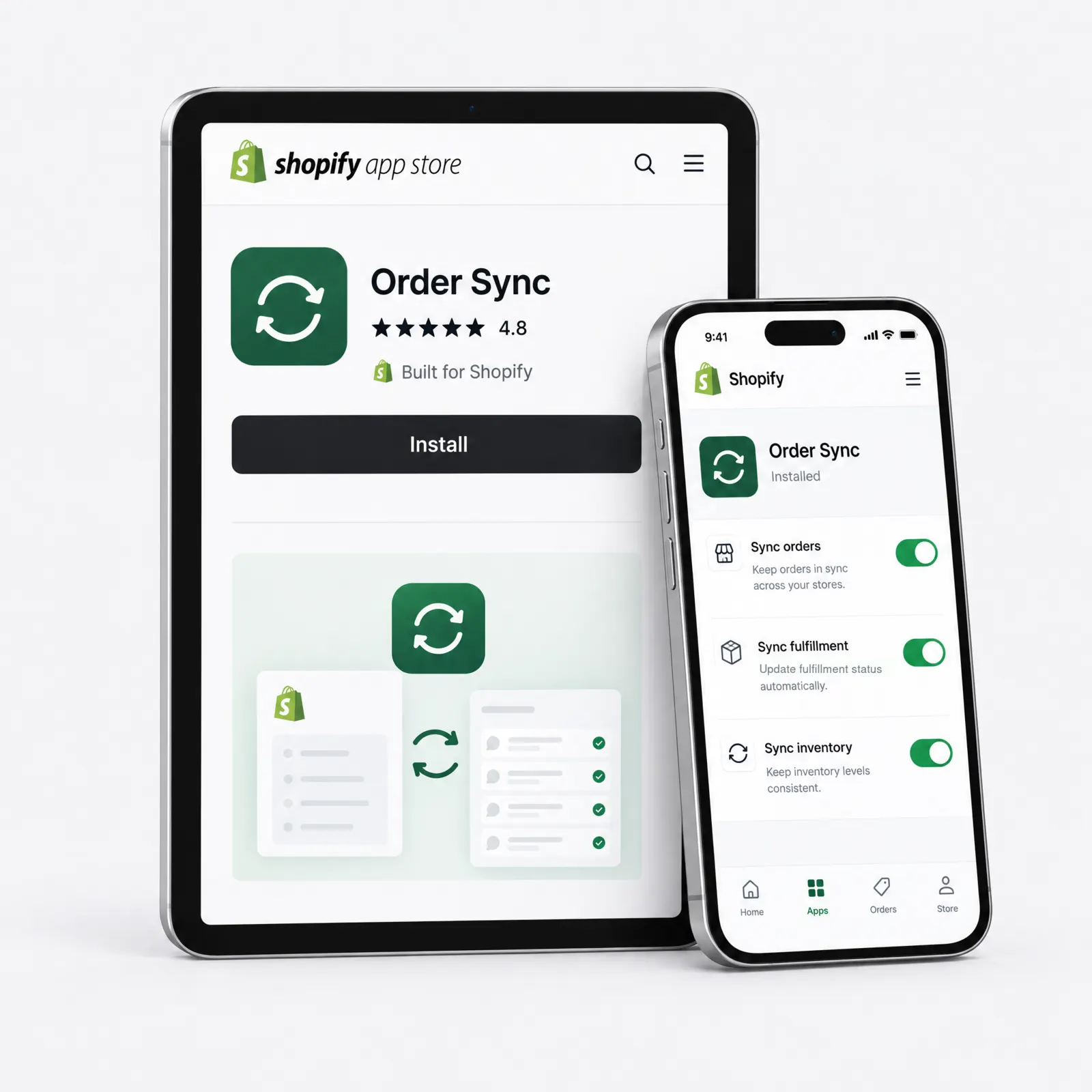
  1. Shopify admin showing a custom Order Sync app sending orders to the ERP

    01Tasks run on their own

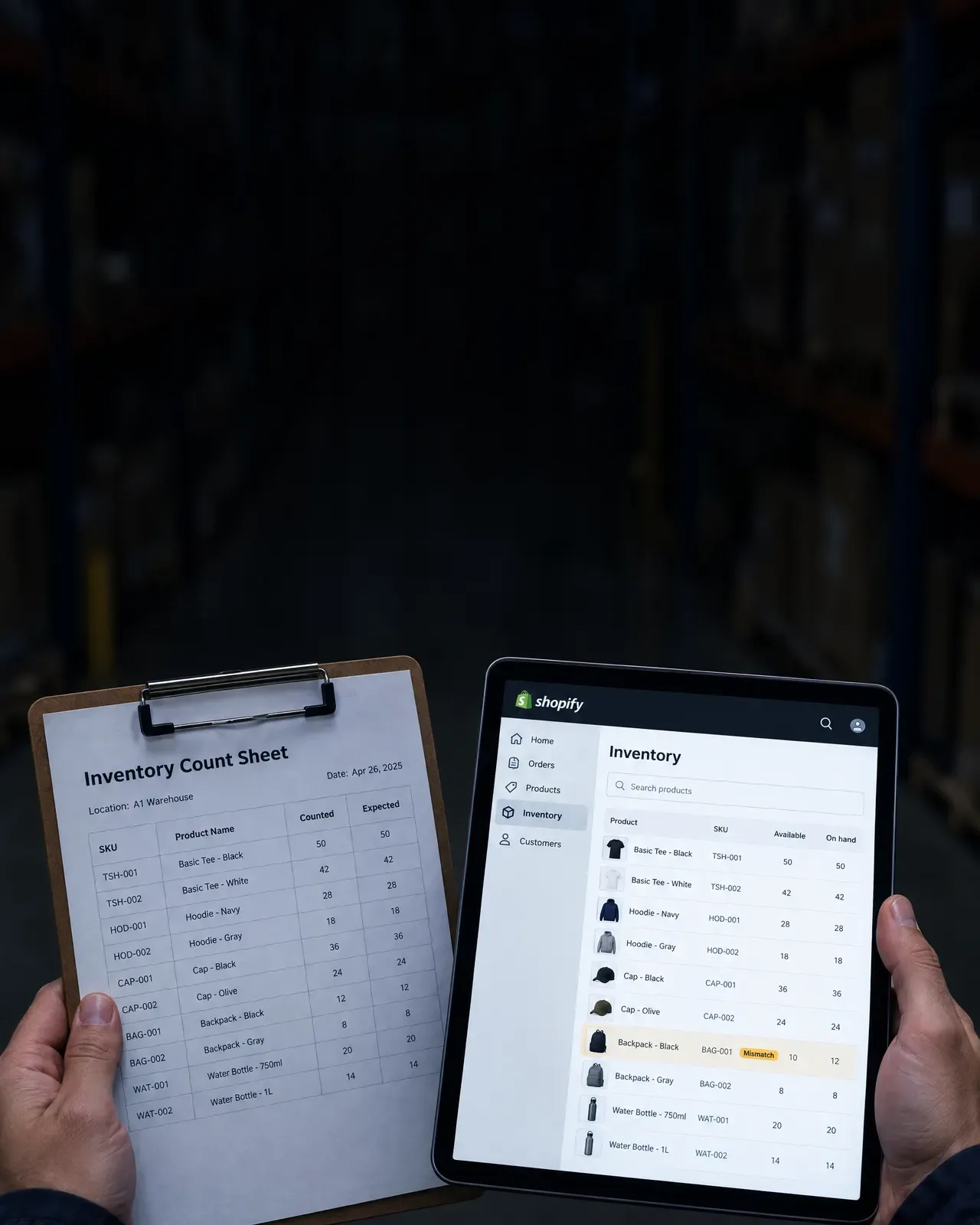
  2. Warehouse worker scanning a shelf bin, with stock synced to the Shopify store

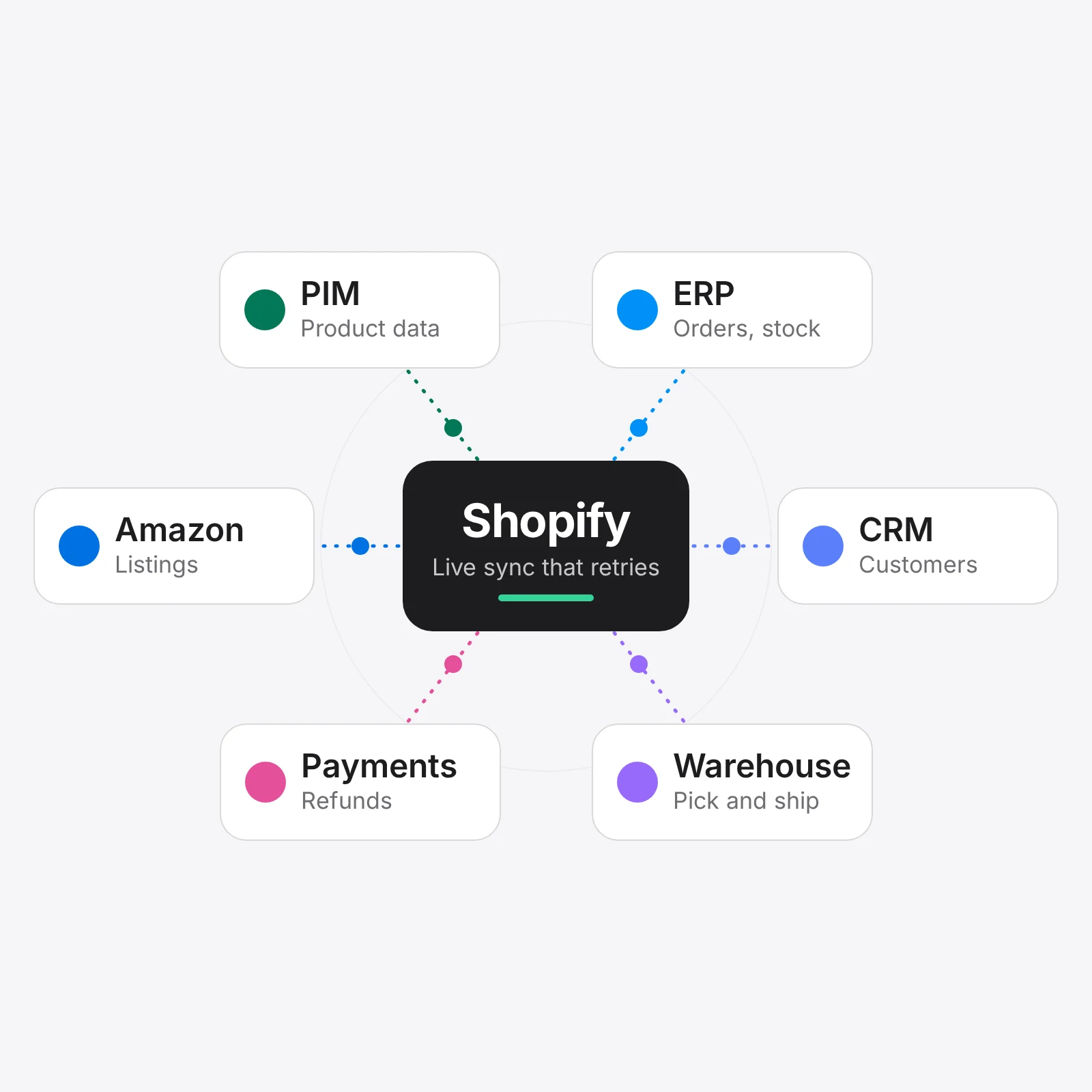
    02Linked to your ERP

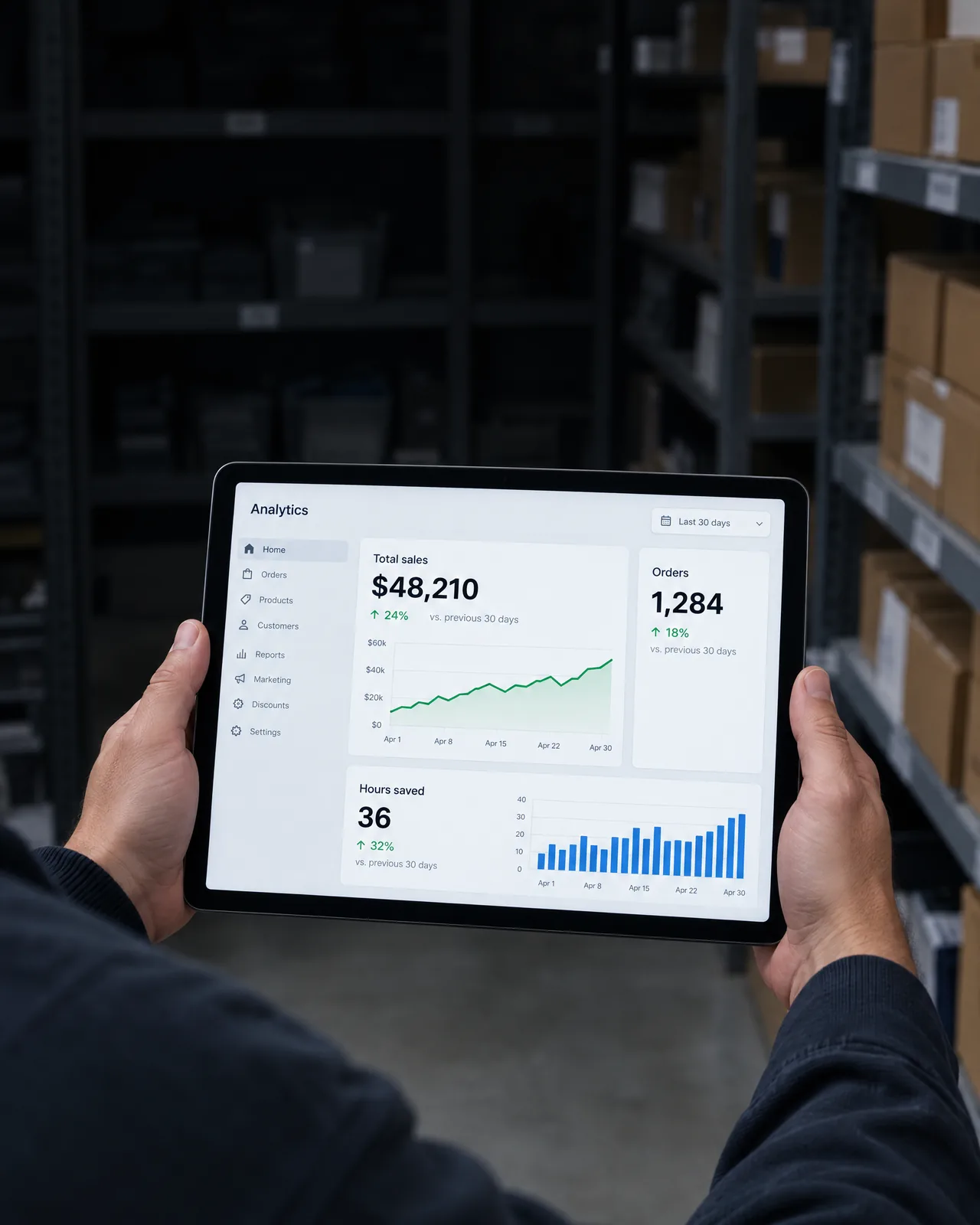
  3. Developer testing a custom Shopify app on a preview store before launch

    03Tested before it goes live

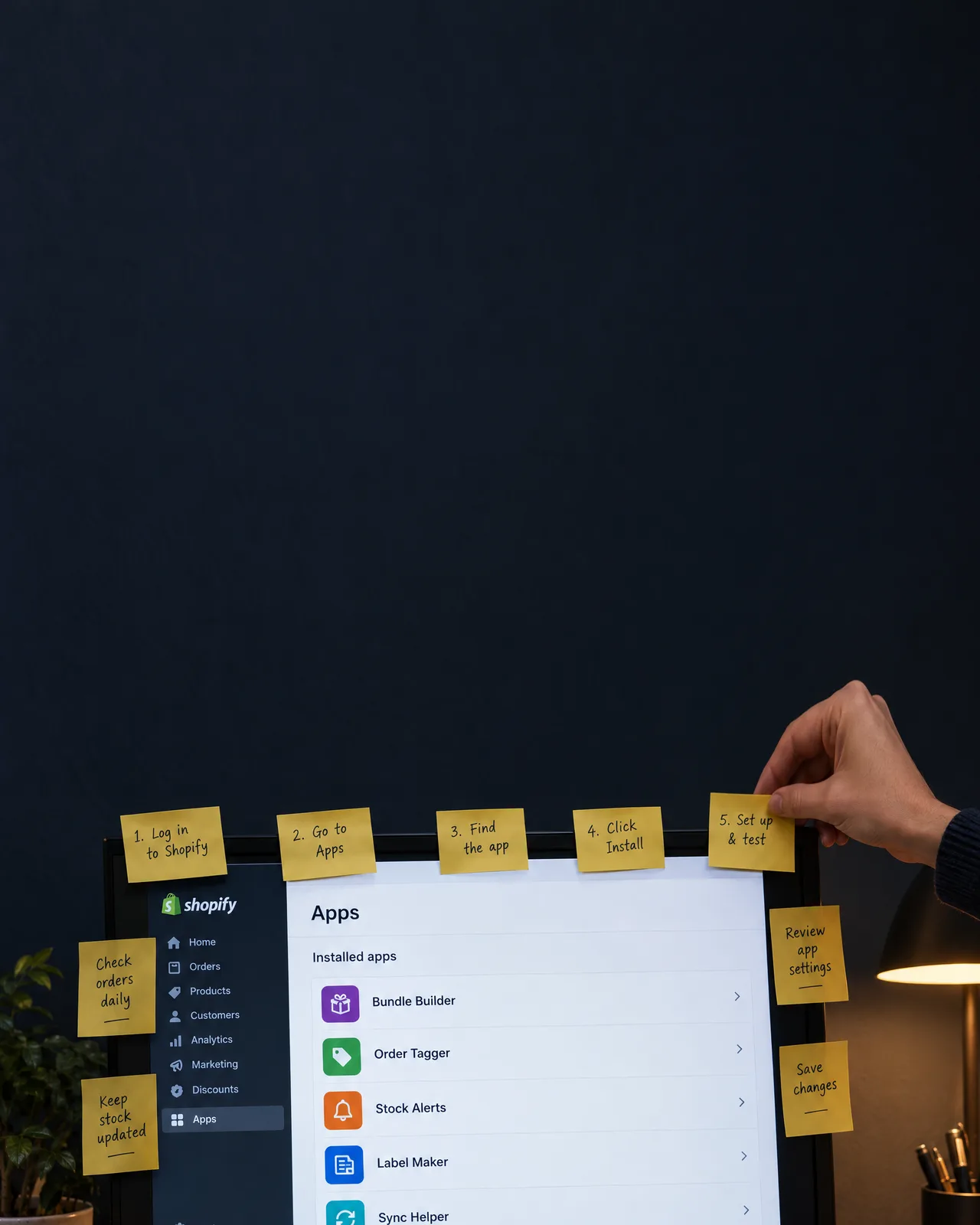
  4. Store owner checking a custom app that runs inside the Shopify admin Home screen

    04Runs in your Shopify admin

Proof

Shopify app development data

Review client stats from app development work.

  • Eyeglasses123
    $6M
    A year in sales after our order system and stock sync. Read the story
  • Half Price Drapes
    $70M+
    A year in sales, with store tools linked to Dynamics 365. Read the story
  • Narragansett Beer
    $70K+
    New sales in the first month, with Shopify and Power BI linked. Read the story

Discover your Shopify App Scope.

Get a clear plan for your custom Shopify app.

Get your app scope

Who runs your store?

Does your Shopify store run its tasks, or do you?

Three apps do one job. Fees stack up, pages slow, and your team still works by hand. One custom app does it your way.

Store worker at a packing bench with Shopify orders open on a laptop
  • Orders
  • Stock
  • Returns

One custom app

Short answer

What is Shopify app development?

Updated

Shopify app development is building apps that add to what a Shopify store can do. A Shopify app development company builds apps that do manual tasks, fit how your team works, and link data across systems. Redefine Innovations builds these apps for store owners and scopes each one before any code is written.

Most stores add an app for each problem. Soon three apps do one job.

A custom app does the job once, your way.

How it compares to other options

Built for how your store works

WhoWhat they doWhat you getWhere it stops
RedefineScopes, builds and supports your appA scope, an app and supportWhen the app runs your task
App Store appSells one tool to many storesA tool for a monthly feeAt the end of its feature list
Theme agencyBuilds the look of the storeA theme and new pagesAt the store front

Four signs you need a custom app

  • [1] Three apps doing one job
  • [2] App fees that keep stacking up
  • [3] Tasks done by hand each day
  • [4] Pages slowed by app scripts

We look at all four in your Shopify App Scope.

One team, start to finish

Four vendors become one team

Make split vendors a thing of the past. Redefine is one team, with 25+ years and 550+ projects behind it.

Get your app scope

Before

Four firms each own a part. Nobody owns the result.

  • Shopify store agency

    Out of sync with custom needs

  • App developer

    Lacks store context

  • ERP or integration vendor

    Disconnects remain

  • Marketing agency

    No combined insights

After

Custom apps with system insights in one.

Redefine Innovations

One team

  • Store
  • Apps
  • Integration
  • Marketing

Overcome common store problems with custom apps

Cost of hand work

What is the real cost of not automating your store?

See how slow, hand-run tasks could cost your business. Set your numbers to see the hours.

Your inputs

Your numbers

3 people
10 hours/week

Formula: people x hours x 52. Assumes an app takes back 70 percent. Not a forecast.

Result

Hours a year spent on tasks by hand
1,560
Hours a year an app could take back
1,092

Every kind of Shopify app, built in-house

Pick a type to see what it does and what it replaces.

Shopify private app development

Built only for your store. It runs the work that eats your team's day.

  • Order routing
  • Stock sync
  • Staff tools

Replaces: three apps doing one job

Barcode scan at a packing bench next to a tablet showing a custom Order Sync app inside Shopify admin

An engineering mindset for Shopify apps

At Redefine, change is based on data

Redefine is an engineering company that also does consulting and marketing. Developers, expert engineers and marketers work on one team.

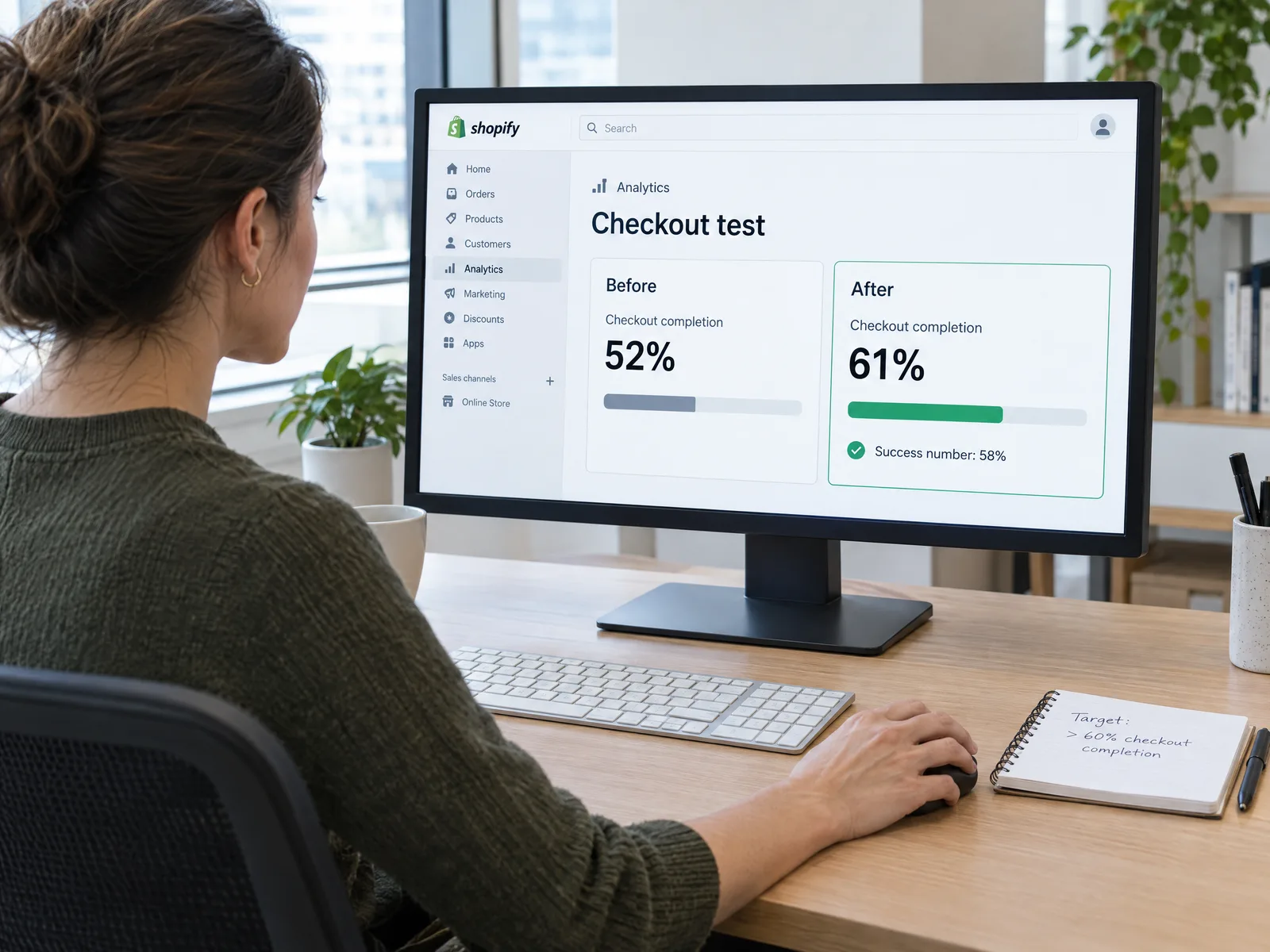
  1. Analyst at a monitor showing a Shopify checkout test with before and after numbers and its success number

    01 Our way: How we work

    Every change is a test with a success number.

    You see the before and after.

    Old way: Instead of what most firms do

    Changes ship on opinion.

    No one checks.

  2. Two developers fixing store code together

    02 Our way: How we work

    Our developers fix the system, code and data.

    The fix reaches the real cause.

    Old way: Instead of what most firms do

    Fixes stop at the report or ad account.

    The cause stays in the system.

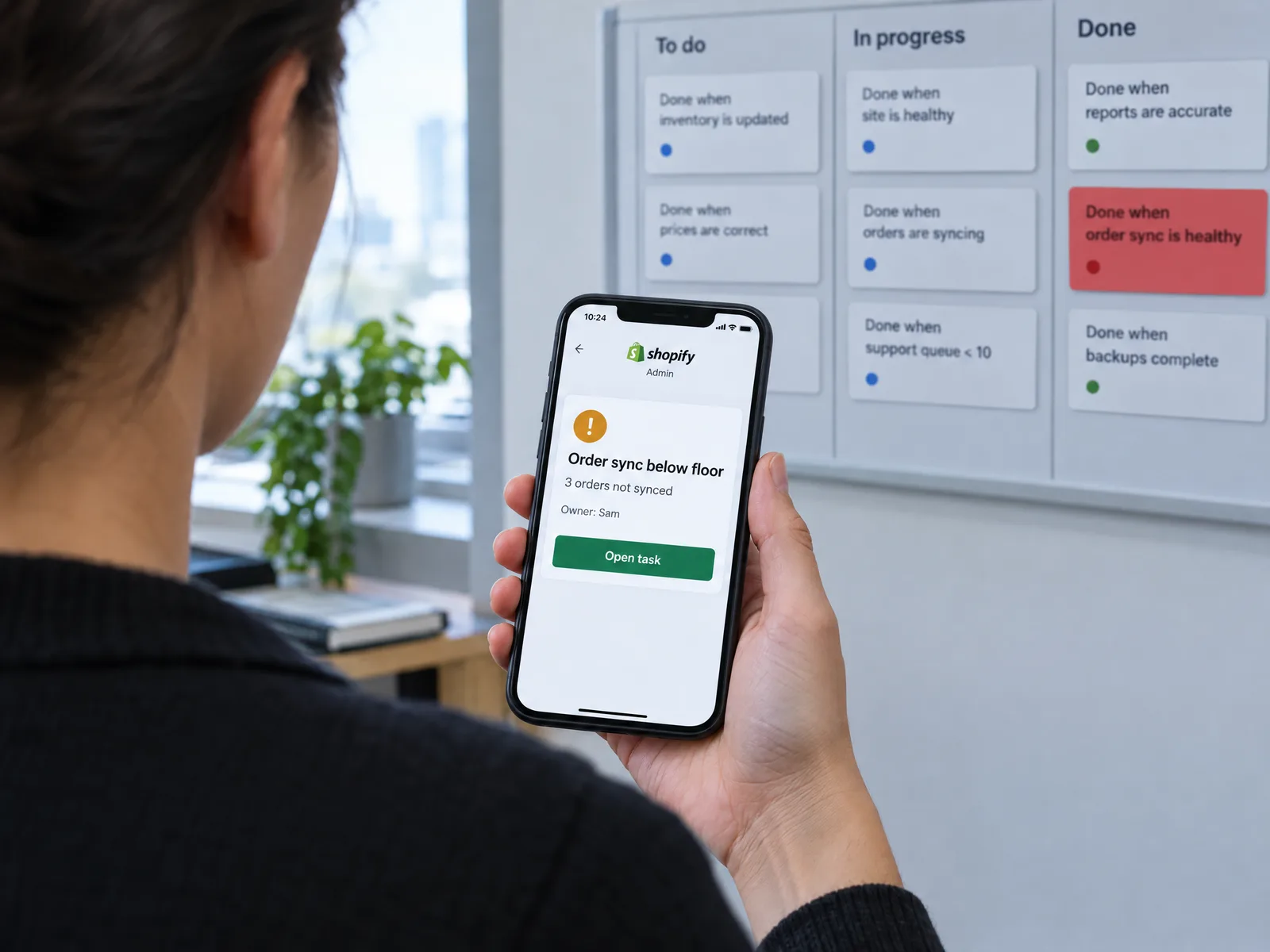
  3. Over-the-shoulder view of a phone with a Shopify alert naming one owner, in front of a board of done-when task cards

    03 Our way: How we work

    Every task has a done-when line.

    Alerts fire when a number drifts, with one owner.

    Old way: Instead of what most firms do

    Done when the work is sent.

    Problems wait for the monthly report.

How Redefine works

TheREDEFINEMethod

Build the app your store needs, not one that adds more work.

Many stores buy app after app. Each one adds fees, slows pages and keeps its own data. Before we write code, we check if a setting, a Shopify Function or an app you own can do the job.

Get your app scope

A written app scope. No commitment to go ahead.

Why this approach matters

  • Pay for code only where a store app can't do the job.
  • Keep orders, stock and returns in sync across your systems.
  • Know the app works before your team relies on it.
  1. Start here

    Step 1: Diagnose

    We map the task your team does by hand, the apps you pay for, and the systems the data must reach.

    You receive A map of tasks, apps and data

  2. Choose what matters

    Step 2: Prioritize

    We rank each need by hours saved, cost and risk. If a store app or a Shopify setting fits, we say so and skip the build.

    You receive Build or skip, with reasons

  3. Do the work

    Step 3: Deliver

    We build on the Admin API, webhooks and Shopify Functions, on a test store first, with code review and logs.

    You receive A tested app on a test store

  4. Check the result

    Step 4: Prove

    We run real orders, returns and stock moves through the app and check each one lands right in your ERP.

    You receive Real orders checked in your ERP

  5. Keep improving

    Step 5: Improve

    You get docs and a hand-off. For apps we support, we update them before Shopify retires old API versions.

    You receive App docs and a hand-off

What you receive

A written app scope, a tested app, and a record of what it does with your data.

Case study / Shopify ecommerce

Eyeglasses123

Sells branded sunglasses and eyeglasses on Shopify and Amazon.

The Eyeglasses123 store home page with a sunglasses banner, free shipping and returns, and brand links
  1. 01

    Problem

    Stock drifted between channels, so frames sold twice. Orders and returns were done by hand.

  2. 02

    What Redefine did

    We built a custom order system, live stock sync, returns that run on their own and restock alerts.

  3. 03

    Result

    Sales grew to $6M a year.

Annual revenue
$6M
Sales channels on one stock count
2
Custom systems built
4

The fix was not one more app. It was one linked system for orders and stock.
From the Eyeglasses123 case study

Read the Eyeglasses123 story

Your Shopify App Scope

Get your Shopify App Scope before you commit

Get a clear, written app scope before any work starts.

  • Scope document: what your app should do.
  • Private or public pick: which fits your needs.
  • Integration map: how your systems connect.
Get your app scope

Redefine

Confidential

Prepared for: your store

Shopify App Scope

Contents

  1. 01App purpose3
  2. 02Workflow map7
  3. 03Private or public12
  4. 04Integration map18
  5. 05Next steps22

Shopify App Scope

Your store

02 / 05

Recommended app

Private app

Orders reach the ERP by hand.

Hours by hand each week

Biggest task

Order entry

Priority

High

Recommended order

Order sync Stock sync Returns

Preview of your report. Cover and page 2 of your Shopify App Scope.

What does Shopify app development include?

It covers apps that run and improve store tasks.

We scope, build, link and support each app.

What is the REDEFINE Method?

The REDEFINE Method is Redefine Innovations' business-first framework for identifying business constraints, prioritizing improvements, delivering appropriate solutions, verifying outcomes, and sustaining improvements.

It has five stages: Diagnose, Prioritize, Deliver, Prove and Improve. Read the REDEFINE Method

What is the Shopify App Scope?

It is a written plan for your app.

It covers what it does, private or public, links and next steps.

What is the difference between a private and a public Shopify app?

A private app is built for one store.

A public app is on the Shopify App Store for many stores.

How does Redefine differ from a firm that only delivers code?

Redefine is an engineering company, not only a code shop.

The team that builds your app also links it, checks the results and supports it.

Which systems can a Shopify app connect to?

ERP, CRM, warehouse and business intelligence systems.

Also Amazon, PIM, payment and Klaviyo, when they have an API. We have linked stores to Dynamics 365. More on Shopify integrations

How is the work scoped?

All work is scoped before it starts.

You see the plan before any code.

What happens when Shopify changes its API?

Shopify changes its API a few times a year.

For apps we support, we update before old versions stop.

Shopify App Scope

Start with a Shopify App Scope, no strings attached

Get a written app scope that shows what your project could do. No commitment.

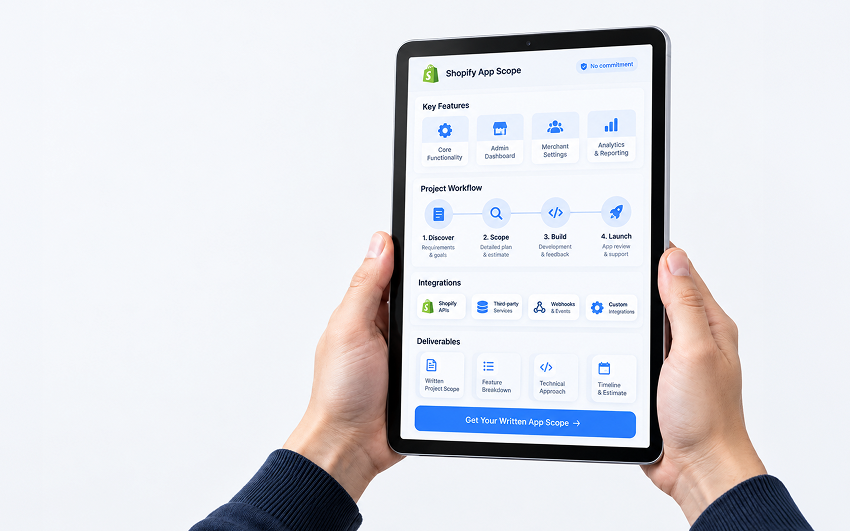
Hands holding a tablet with your Shopify app scope and next-step plan
  • Read by the team that builds
  • A written app scope
  • A plan for next steps
  • No commitment to go ahead

Request your Shopify App Scope

Tell us what your app should do.

  1. 1Your form goes to Redefine
  2. 2Redefine follows up about your scope
  3. 3You get your written app scope
  4. 4The work is scoped before it starts