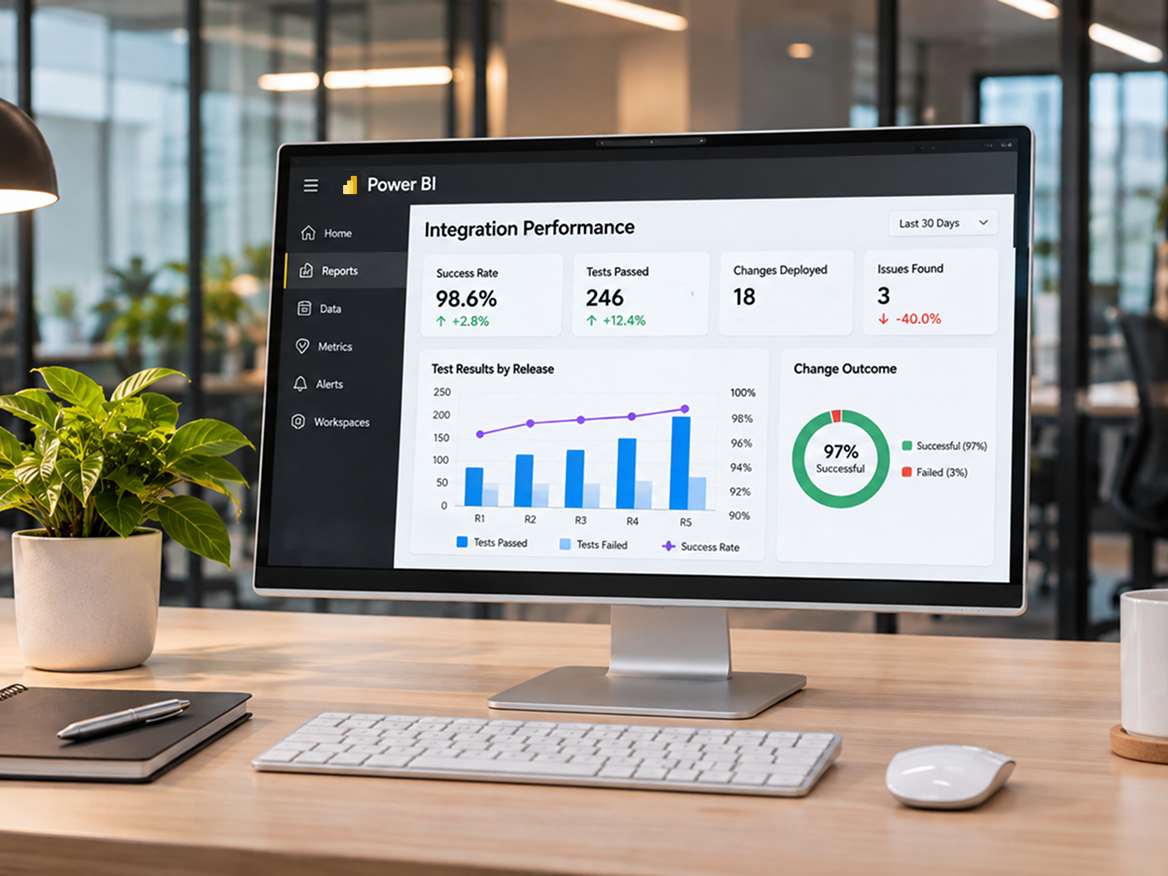
01 How we work
Every change is tested against a success number.
You see what each change is worth.
Old way: Instead of the usual agency habit
Changes ship on opinion.
Nobody can say what is true.
Salesforce integration
For sales leaders, revenue operations leaders and BI managers. Bring your Salesforce data into one governed Power BI model.
Parsons Kellogg: manual reporting time fell 58% after reports went live in Power BI. See the case study.
Need more than Salesforce? See our Power BI integrations.

Proof
See success through numbers. Two are our track record; one is a client result.
Redefine is a Microsoft Solutions Partner. Source for 58%: Parsons Kellogg case study.
Make Salesforce and Power BI work together.
A quick call sets the project direction.
Short answer
Updated
Salesforce integration connects your Salesforce data with a Power BI model. It is for sales leaders, revenue operations leaders and BI managers who need one governed setup.
Your leads, accounts, opportunities and custom fields map into that model. Redefine Innovations sets up the connections and builds the reports in Power BI, then checks that the numbers match.
Checks come first. Your team compares each report on both tools, and we run old and new side by side until you sign off.
Pick by what your team needs
What we list first
Need more than Salesforce? See our Power BI integrations.
Your leads, accounts, opportunities and custom fields map into one model.

Salesforce integration
Bring your Salesforce data into one clear model. Each piece moves in step with the others.
Redefine maps these into a single model.
Organized in your Power BI model.
Defined so everyone reads them the same way.
Mapped into one model in Power BI.
Salesforce report calculator
Use your own numbers to see what is in scope.
Cost of hours saved
Your estimate
Hours cost saved
$5Kper month
$56K a year from the same hours.
Your call shows where it sits.
Estimate: hours x (share automated after minus share today) x cost of one hour. Not a forecast. Your license cost is not counted. Your real data gives the real cost.

Power BI dashboard development
Unify report definitions. One model feeds every page.

Power BI semantic model development
Clear up field meanings. Everyone reads them the same way.

Align the data model. One set of data feeds every page.


Define clear access rules. Each person sees only their own rows.
An engineering mindset for reporting
An engineering mindset for reporting. Redefine uses a step-by-step method to check each part of your integration.
01 How we work
You see what each change is worth.
Old way: Instead of the usual agency habit
Changes ship on opinion.
Nobody can say what is true.
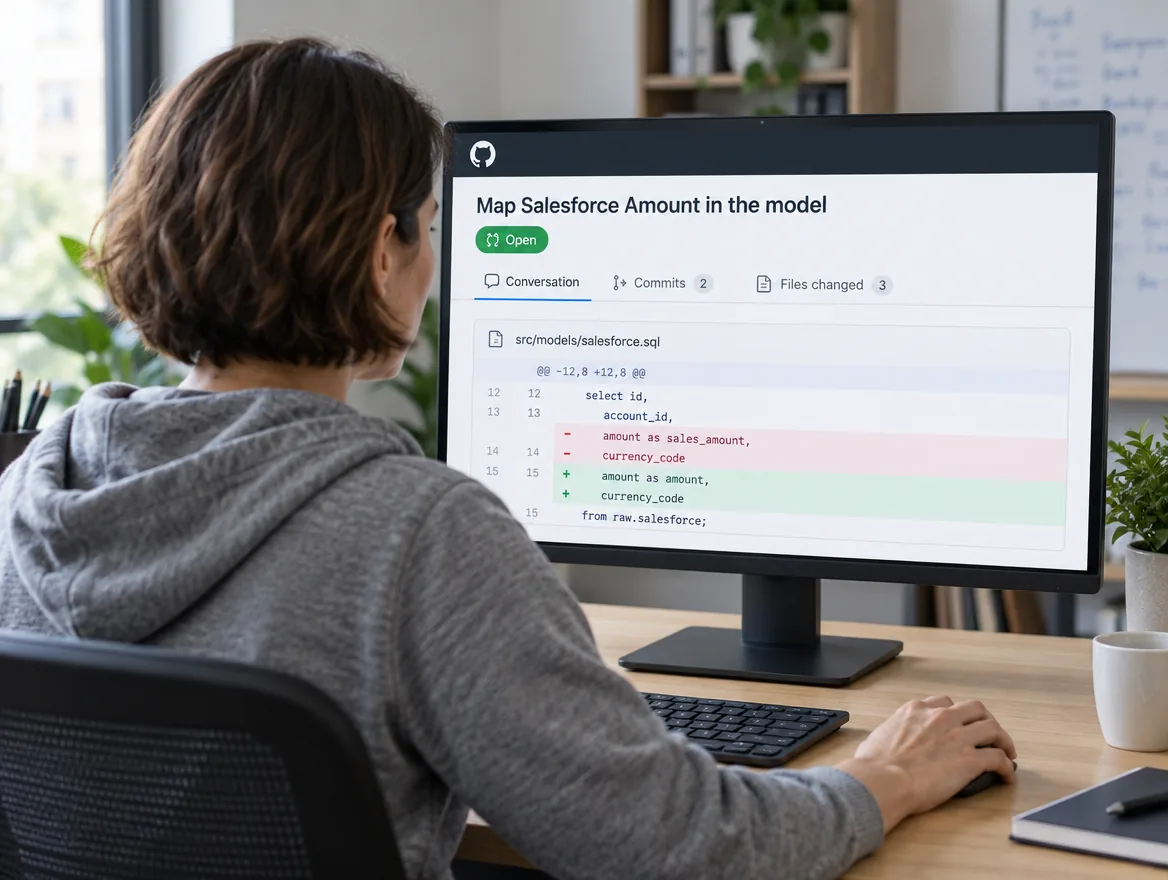
02 How we work
The fix reaches the data, not only the chart.
Old way: Instead of the usual agency habit
Fixes stop at the visual.
The numbers underneath stay wrong.
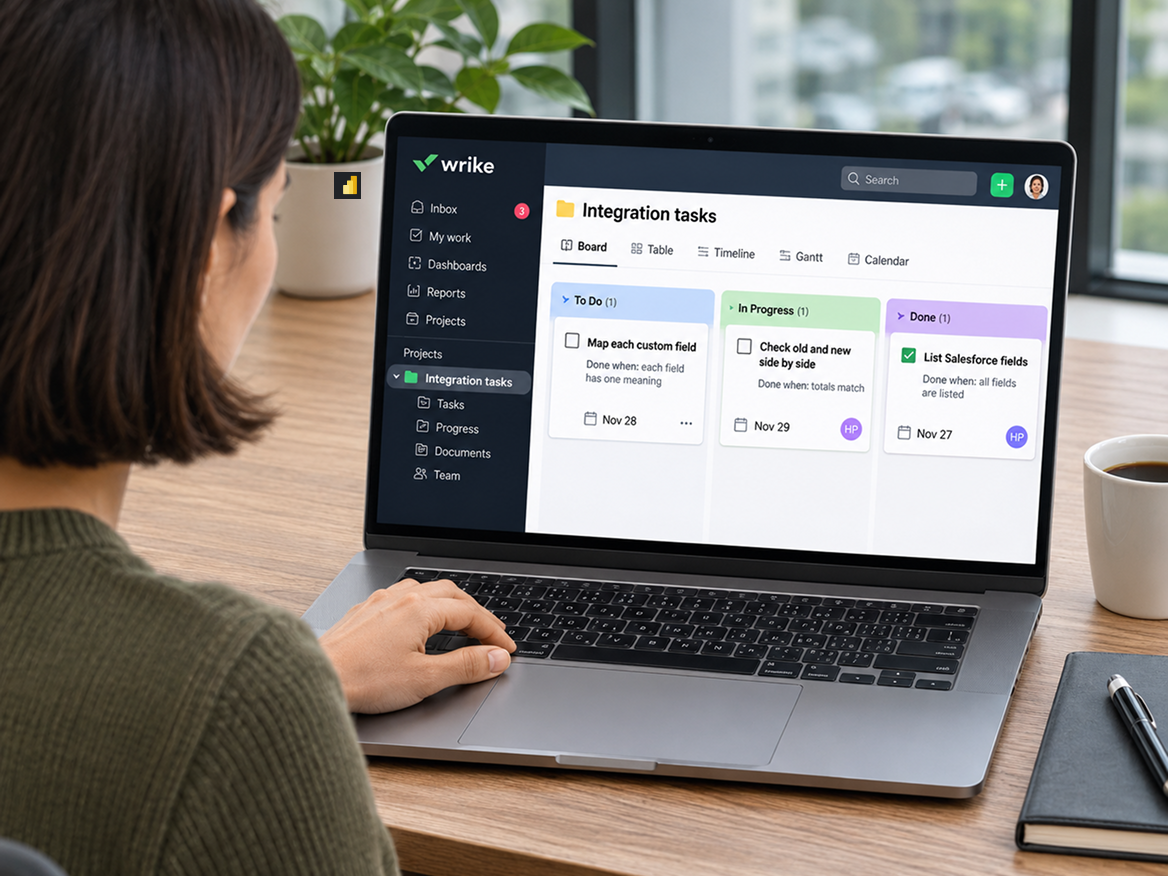
03 How we work
You know when each task is finished.
Old way: Instead of the usual agency habit
Done when sent.
Nobody checks if it worked.

04 How we work
Each alert has a planned response and one owner.
Old way: Instead of the usual agency habit
Problems appear in the monthly review.
By then, the chance is gone.
How Redefine works
Your team gets a complete view of Salesforce data.
We connect your Salesforce data in clear steps. Your current reports stay available. Each step ends with something your team can check.
A quick call sets the project direction.
Why this approach matters
Start here
Start here. We inventory your Salesforce fields.
You receive A field list
Choose what matters
Choose what matters. We align objects and reports.
You receive A priority map
Do the work
Do the work. We build the Power BI connections.
You receive A working model
Check the result
Check the result. We review numbers side by side.
You receive Team sign-off
Keep improving
Keep improving. We suggest next best actions.
You receive A written list of next steps
One governed model, a field map and clear access rules.
Redefine would not jump into building without planning.
Case study / Reporting moved to Power BI
Sells promotional products and corporate apparel. Runs on Microsoft Dynamics 365.

Reporting took many manual hours.
Diagnosis
The team needed reports on live data they could trust, from stock to the warehouse.
Reports went live in Power BI. Manual work fell and the warehouse moved faster.
The same steps shape your Salesforce integration.
Your Salesforce integration pack
The key views for your data. Five parts take you from field list to team handover.
Redefine
Confidential
Prepared for: your team
Integration Pack
Contents
Integration Pack
Your company
What you have
Object and field inventory
What matters in sales: every object and field is listed with its owner, so nothing is missed.
Items by area
Items listed
28
Move first
Leads
Check in this order
Leads Accounts Fields
Questions
Clear answers before you book your call.
The REDEFINE Method is Redefine Innovations' business-first framework for identifying business constraints, prioritizing improvements, delivering appropriate solutions, verifying outcomes, and sustaining improvements.
It has five stages: Diagnose, Prioritize, Deliver, Prove and Improve. Read the REDEFINE Method
Salesforce integration links your Salesforce data to Power BI.
Your leads, accounts, opportunities and custom fields map into one model.
Custom fields are mapped and defined in your Power BI model.
Each field gets one clear meaning, so everyone reads it the same way. See semantic model development
Reports are checked side by side until your team signs off.
We list every report first, so nothing is missed.
A governed model keeps every report on the same definitions.
One place for numbers helps teams agree. See Power BI integrations
Access by role is set with your team and confirmed on the call.
A role access map shows who sees what. See Row-Level Security coverage
Your discovery call
Start by telling us what feels stuck.

Tell us what feels stuck. A person reads every request.