What can a routing rule look at?
A rule can read any answer on the form, the store it came from and what the system knows about the buyer, like their account.
It can then show, hide, fill or route. See the online form builder
Workflow routing
Redefine Suite reads each form answer and request, then sends it to the right team by store, value and account. The agent does the routine ones and asks you about the rest.
See your own requests routed in one admin.
A demo built on your own forms, stores and teams.
Short answer
Updated
Workflow routing sends each form answer, request or quote to the right person or team, based on rules. Redefine Suite by Redefine Innovations routes by store, answer, order value, account and department from one admin, and asks a person when something does not fit.
In many teams, requests land in one shared email inbox. Someone reads each one and sends it on by hand. Big quotes skip the manager, and odd requests sit with no owner for days.
Redefine Suite reads each request as it comes in. It finds the account, picks the owner and tells them. You see who has what in one inbox.
Three ways to handle incoming requests
What a rule can route by
See all of Redefine Suite.
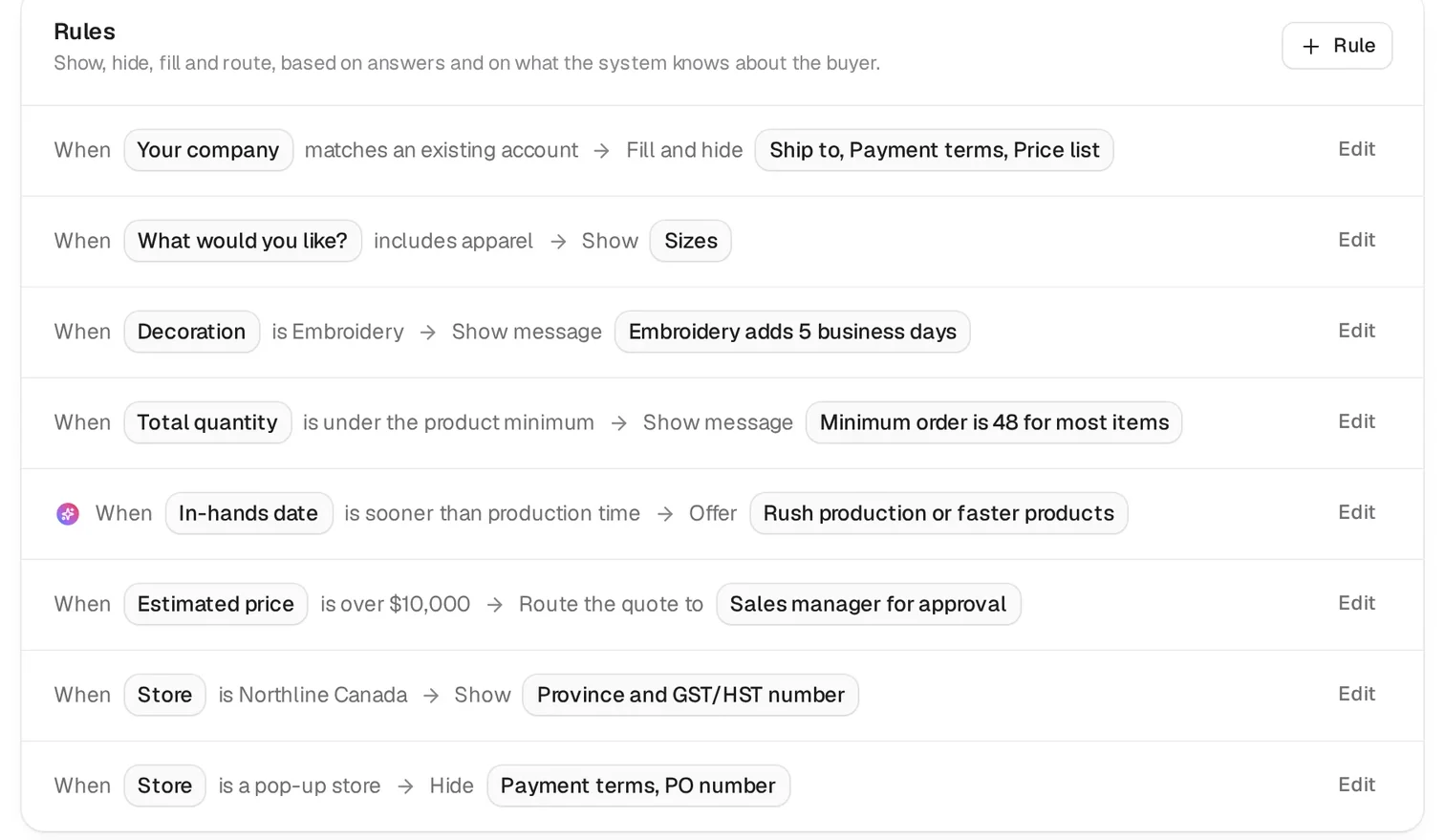
This is a real screen. Tap a point to see what each rule does.
Known buyers
When the company matches an account, the form fills in ship to, terms and price list, and hides those questions.
Tell them early
Pick embroidery, and the buyer sees right away that it adds 5 business days.
Big quotes go up
Over $10,000, the quote goes to the sales manager to approve before it is sent.
By store
On a pop-up store, the form hides payment terms and the PO number.
How it works
You set the rules once. Each new request finds its owner, and the odd ones come to you with clear choices. Here is what happens to a quote request from the moment a buyer sends it.
01 / Store
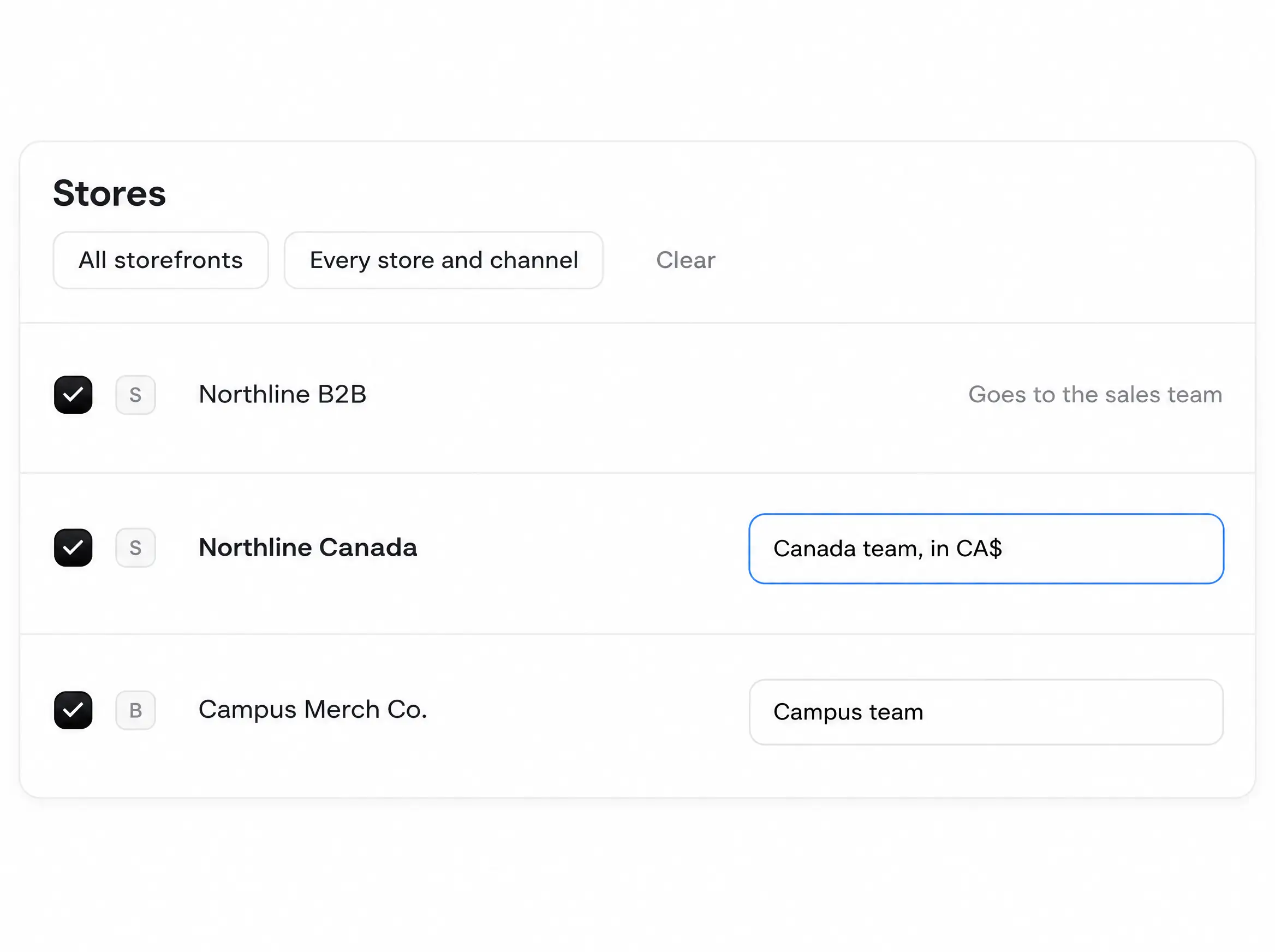
One form can live on many stores. Each store can send its answers to its own team, like a Canada team that quotes in CA$. The rest go to the sales team unless you change it.
02 / Value
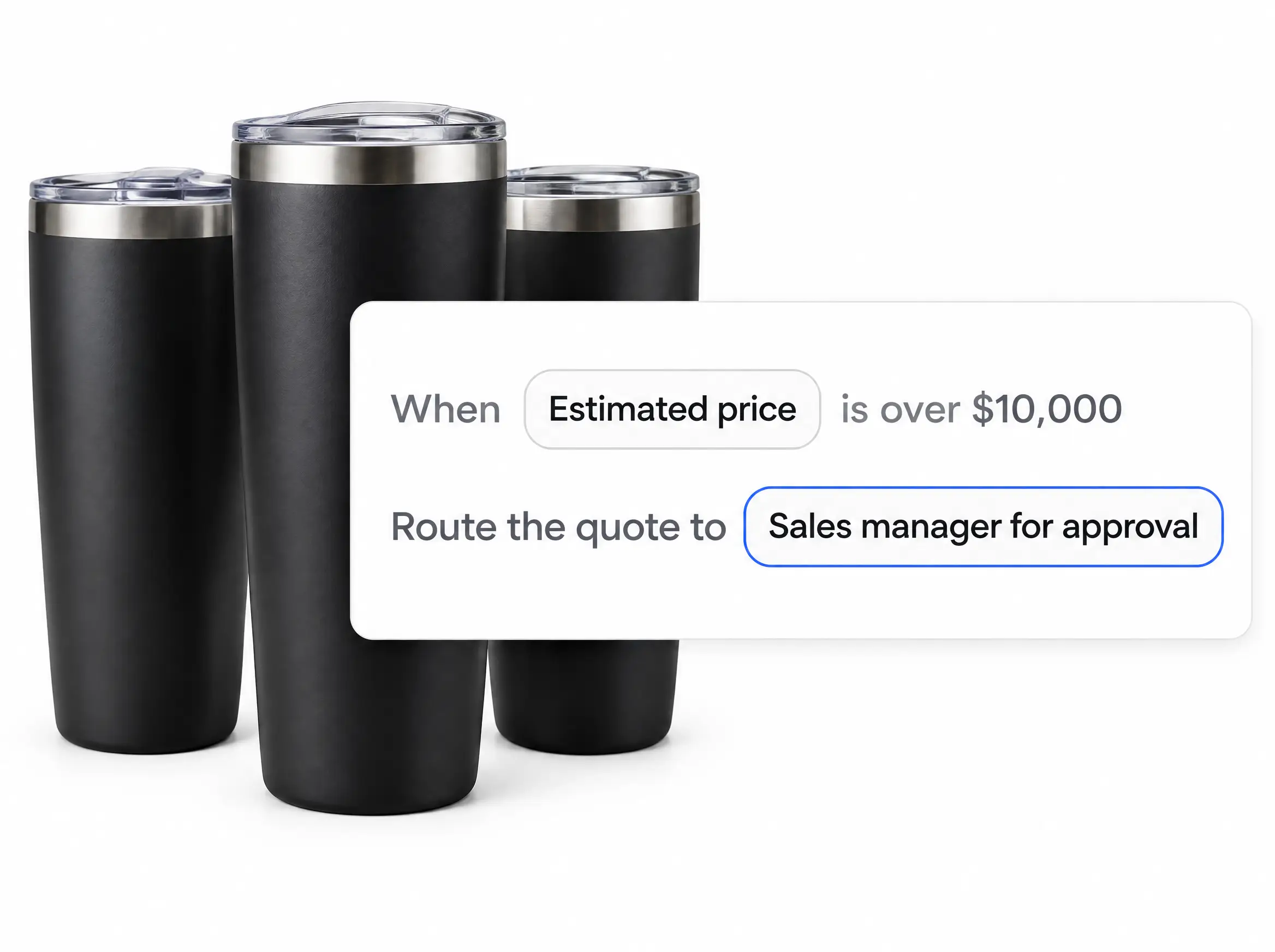
A rule reads the estimated price. Over $10,000, the quote goes to the sales manager to approve. Smaller ones go straight to the rep, so they are not held up.
03 / Account
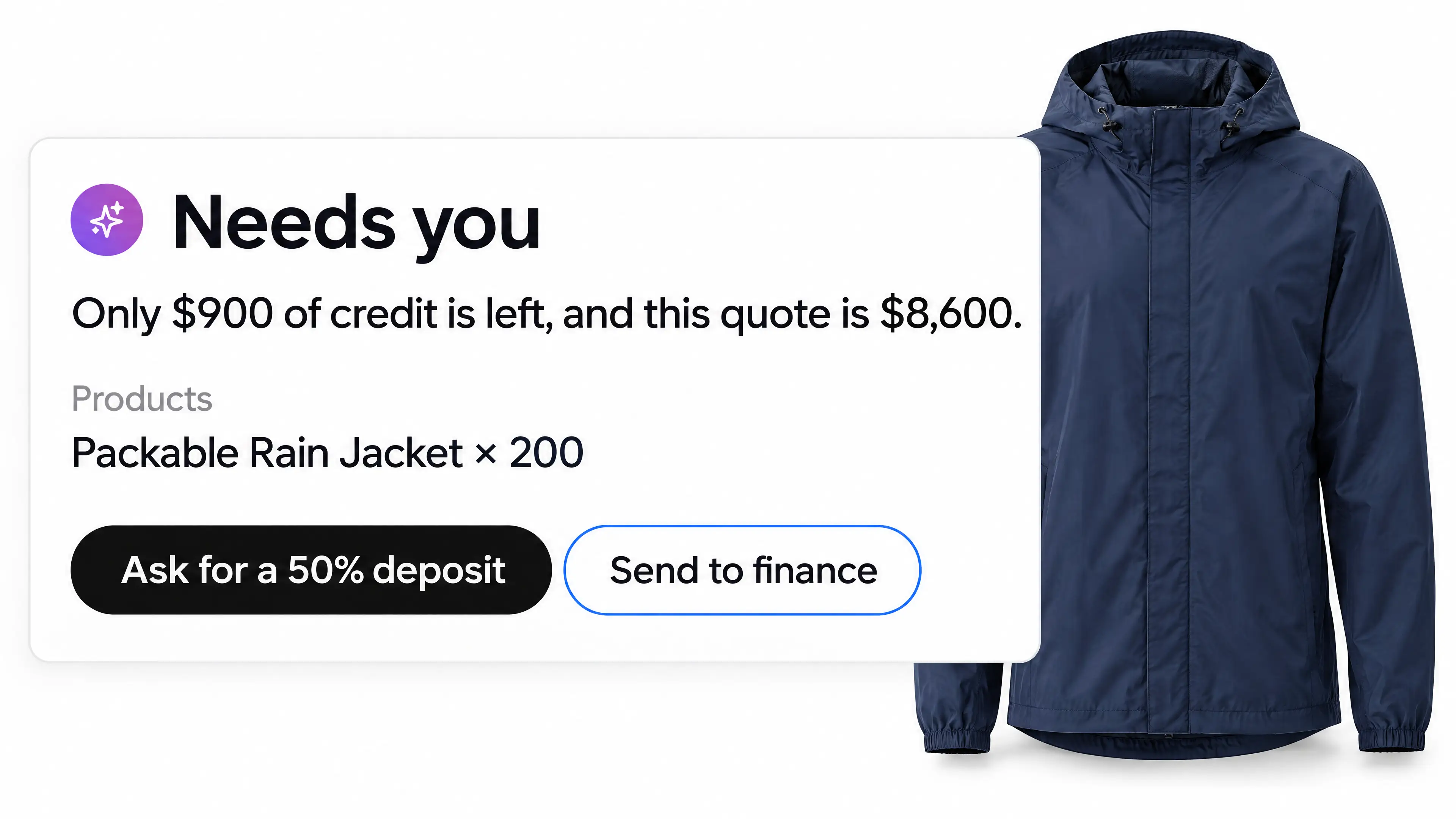
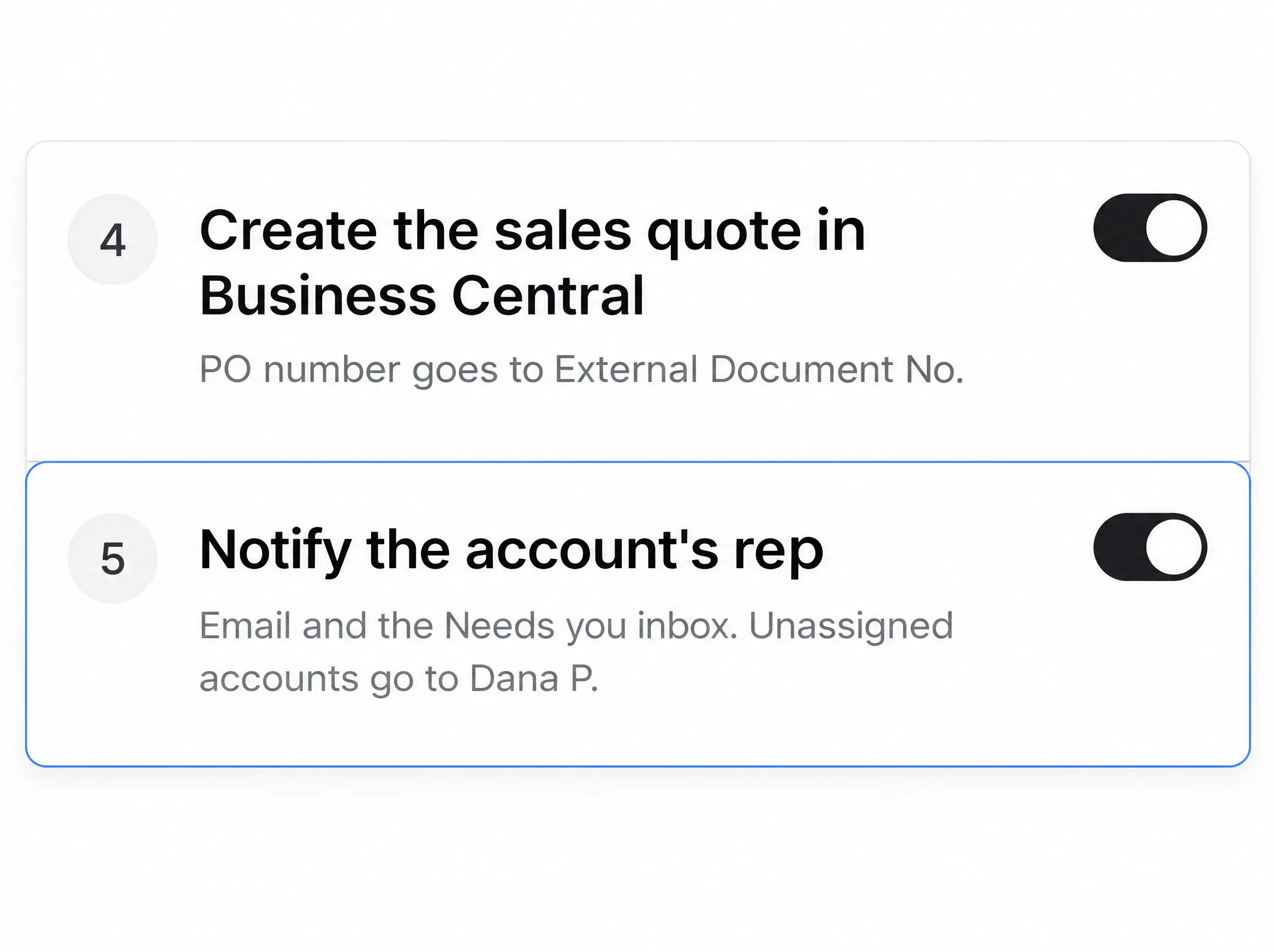
The form finds the account and drafts the quote. Then it tells that account's rep by email and in the Needs you inbox. If no rep owns the account, it goes to one person you pick.
04 / Team
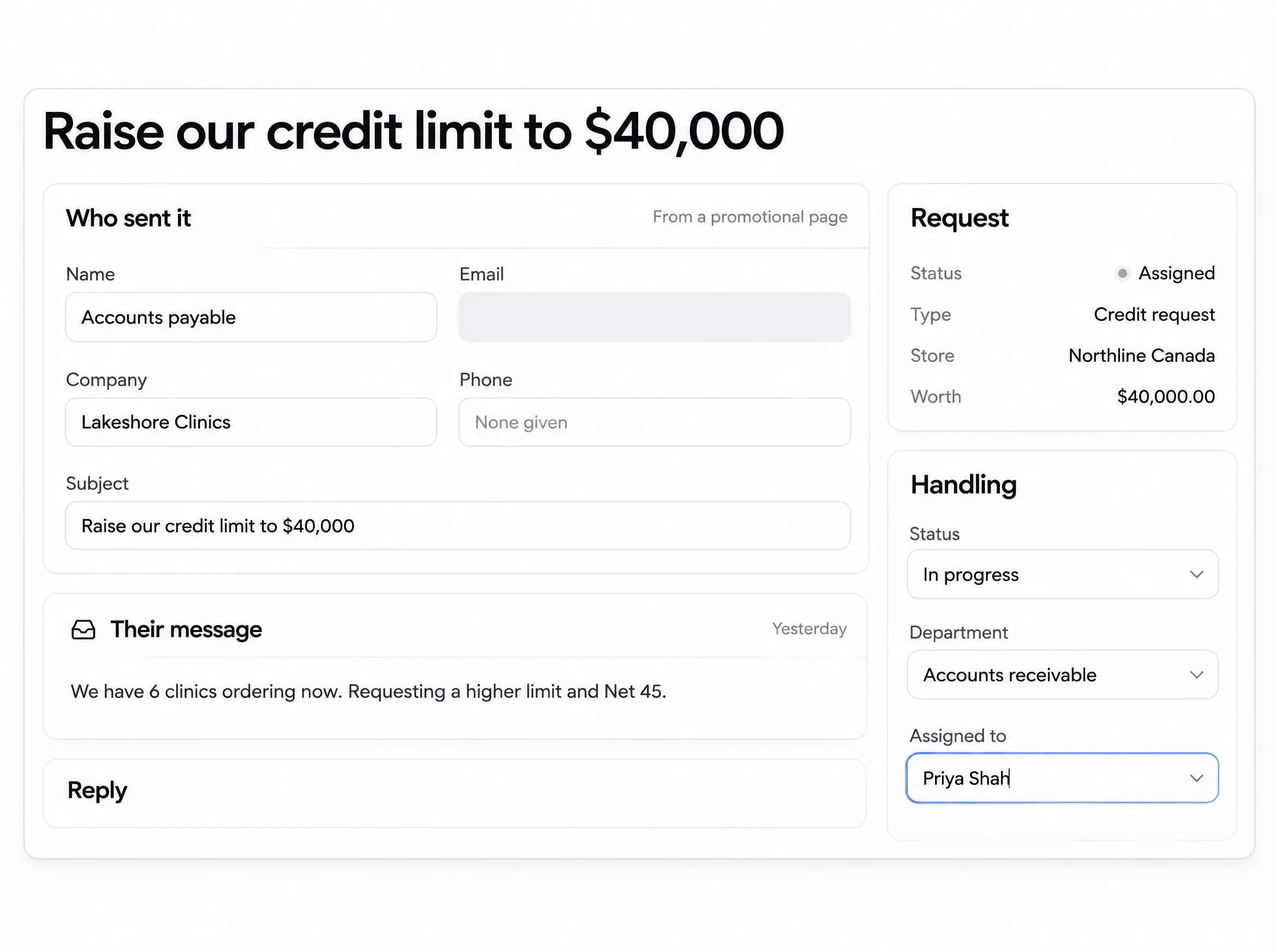
Credit asks, quote requests and catalog requests land in one inbox. The agent sets the team and the owner, like a credit ask to accounts receivable. You can see each move and undo it.

One inbox
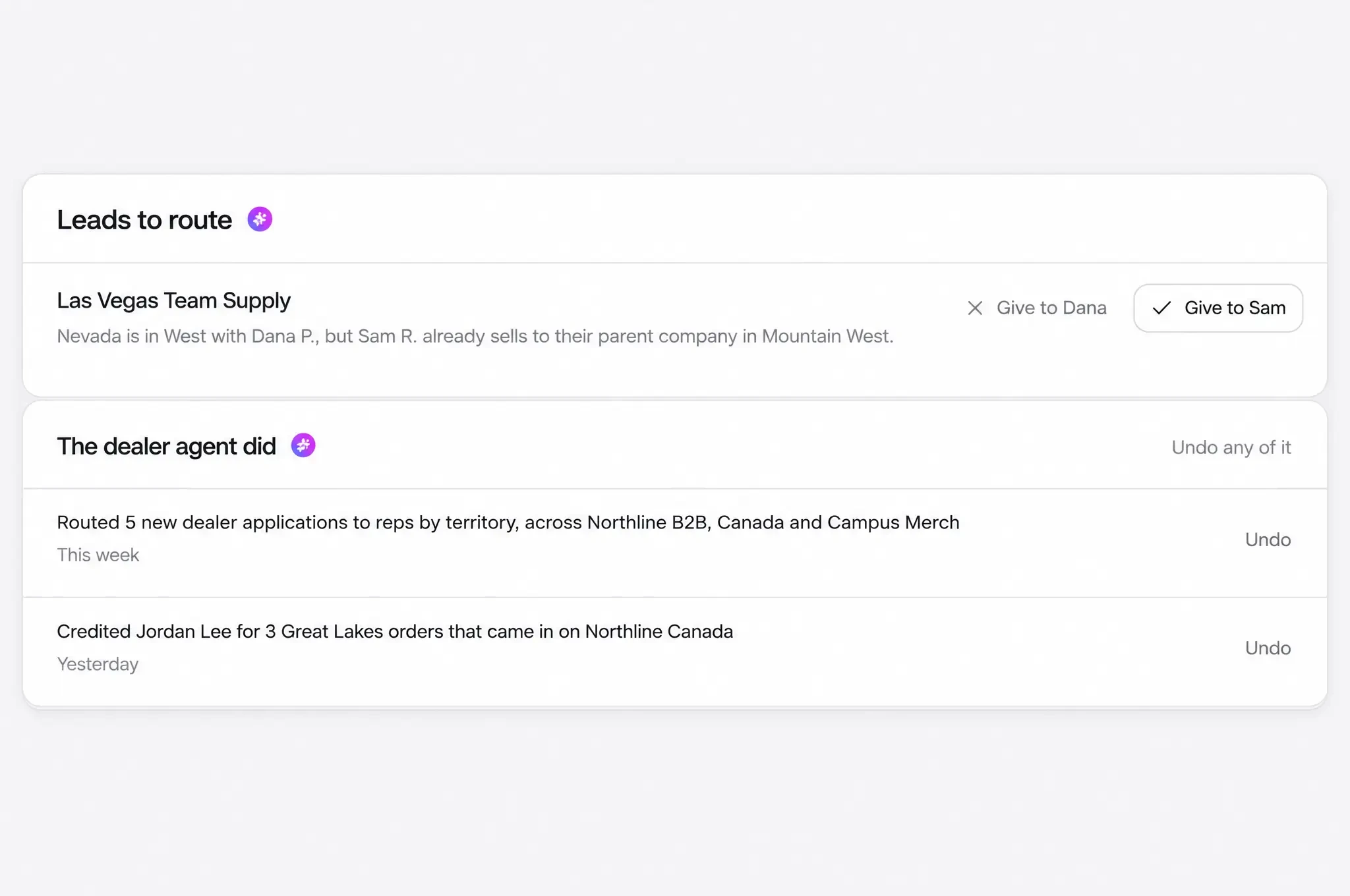
Each request shows who has it and what it is worth. The agent lists what it routed, and you can undo any of it in one click.
See submission managementMore ways to route
Leads by area
A new dealer lead goes to the rep for its area. When it fits two reps, you pick one with a tap.
Answers in the right place
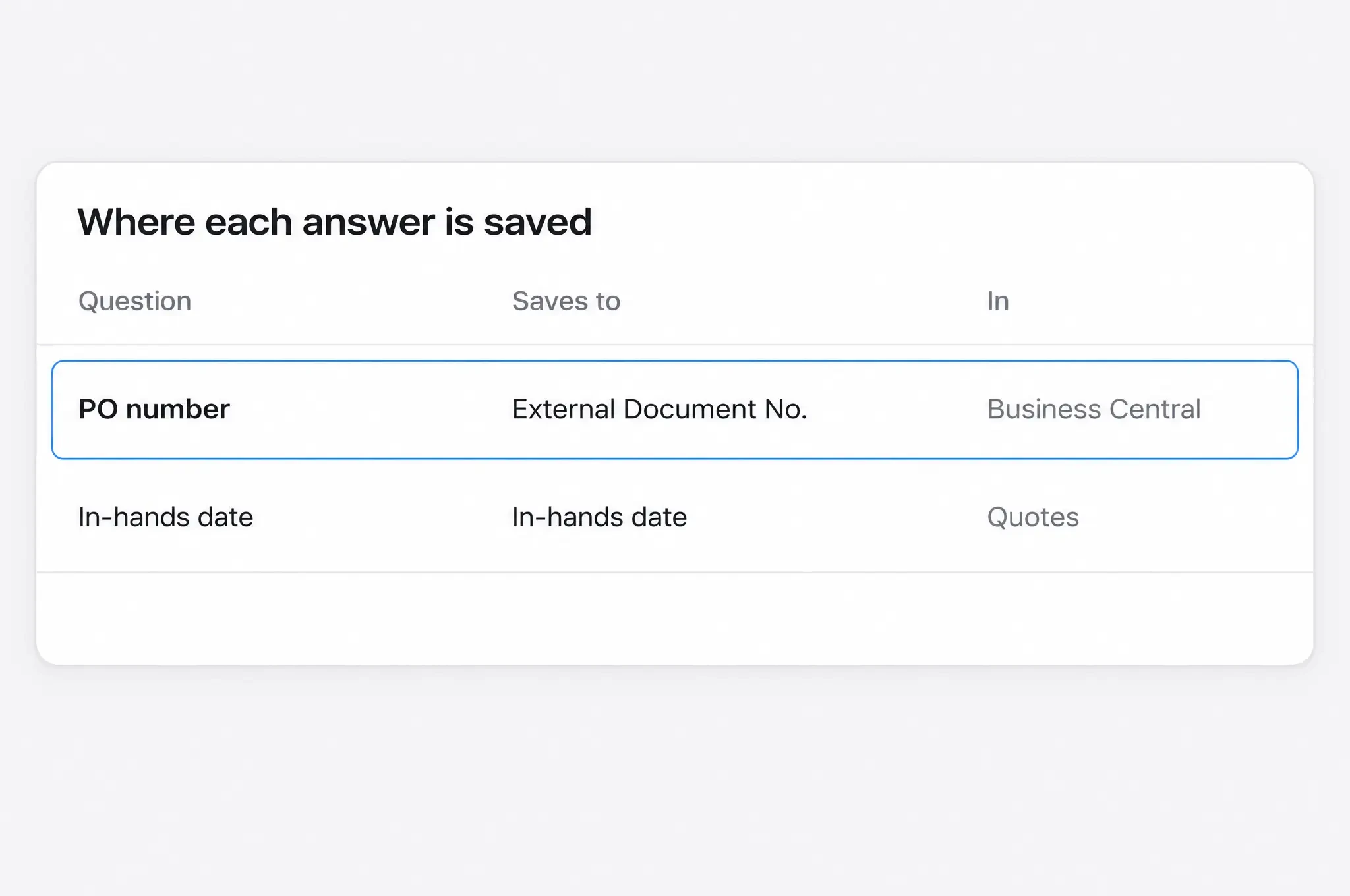
Each answer is saved where it belongs. The PO number goes straight to Business Central.
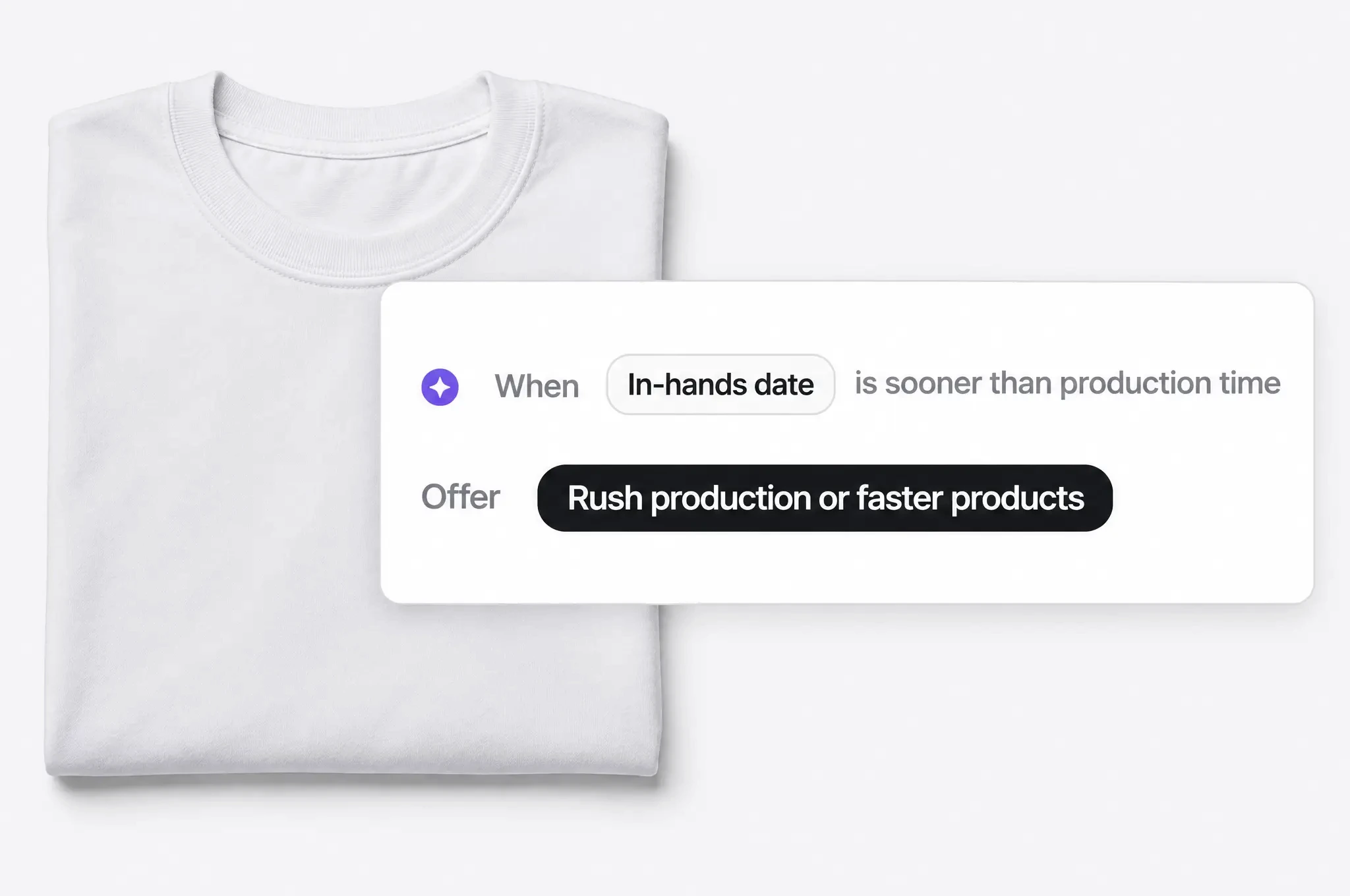
Rush when time is short
If the in-hands date is too soon, the form offers rush production or faster products.
Questions
A rule can read any answer on the form, the store it came from and what the system knows about the buyer, like their account.
It can then show, hide, fill or route. See the online form builder
Yes. A rule can send any quote over an amount you set to the sales manager to approve.
Each company account can also have its own approvers. See approval workflow software
You pick one person as the fallback. Requests for accounts with no rep go to them.
Nothing sits without an owner. See submission management
It sorts requests, drafts replies and routes them to the right rep. When something does not fit, it asks you with clear choices.
You can undo what it did. See AI and automation
A logo goes to artwork proofing, and the buyer approves a digital proof.
Each file stays with its request. See document collection workflows
Yes. Each store on a form can keep the main team or send answers to its own team.
A pop-up store can also hide fields it does not need. See forms and workflow software
Book a demo
In the demo, we take one of your forms and set who gets each answer, by store, value and account. A demo built on your own forms, stores and teams. You can also use the demo booking page.

Tell us how requests reach your team today. We set up the demo around it.