




NetSuite to Business Central

Move from NetSuite to Business Central with care.

Redefine Innovations moves your records and steps from NetSuite to Dynamics 365 Business Central, one tested step at a time.

A Redefine consultant reads your answers and writes your plan.

Half Price Drapes: stock counts went from about 82% right to 99.2% once its data was fixed. See the case study.

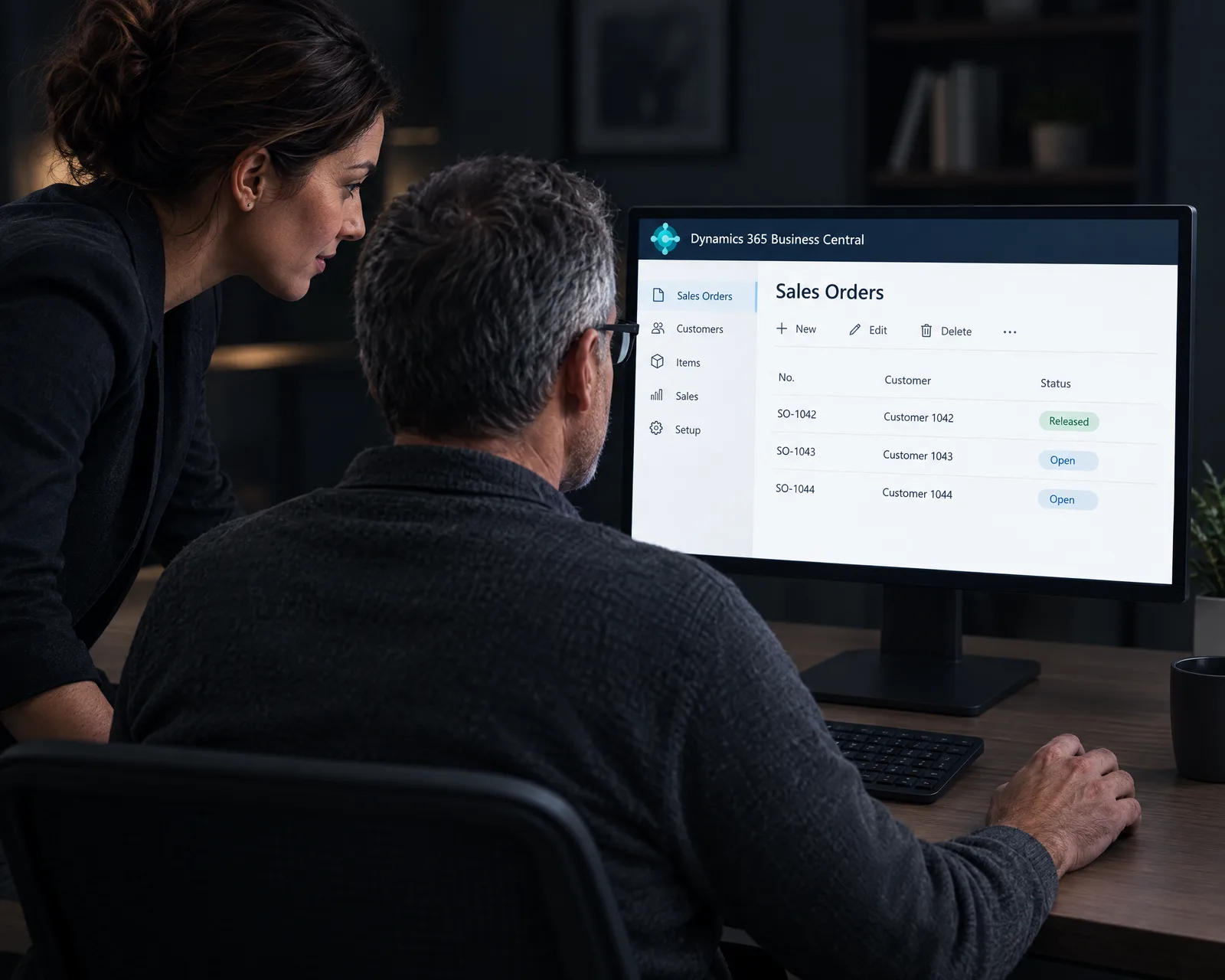
A finance lead and a Redefine consultant checking moved records in Dynamics 365 Business Central on a laptop at night

A move is only done when the numbers match. We check your balances before you go live.

Proof

Results from our Dynamics 365 clients

A move only pays off when your data is clean. These numbers come from Dynamics 365 and Business Central work our team did.

  • Half Price Drapes
    99.2%
    Stock counts right, up from about 82%.
  • Imtra
    ~85%
    Hand sync steps to Business Central now run on their own.
  • Parsons Kellogg
    -58%
    Less time on reports done by hand.

These were Dynamics 365 and Business Central data projects, not NetSuite moves. Sources: Half Price Drapes, Imtra, Parsons Kellogg.

Leaving NetSuite?

Get a NetSuite to BC Migration Plan from a Redefine consultant.

Get a NetSuite to BC Migration Plan

Short answer

What is a NetSuite to Business Central migration?

Updated

A NetSuite to Business Central migration moves your company data and daily steps from Oracle NetSuite to Microsoft Dynamics 365 Business Central. Redefine Innovations maps your records, rebuilds the scripts you still need as Business Central extensions, runs test loads and trains your team, so your balances match on day one.

NetSuite firms often run on custom scripts and saved searches. Many of them do a job Business Central already does.

So we sort them first. We rebuild only what you still need, and we set up the rest the standard Business Central way.

Which path fits your business

Pick by what you need now

WayBest whenWhat you getWhere it stops
Move to Business CentralYou want Microsoft 365 and Power BI in one placeYour data moved, checked and liveWe plan each step with you
Stay on NetSuiteNetSuite still does what you needNo move, so no new setupWe will tell you if this is the better choice
Business Central plus FinanceYou run many companies with complex booksA plan that may add Dynamics 365 FinanceWe check this in your plan

What we look at first

  • [1] Your NetSuite records and how clean they are
  • [2] The scripts and saved searches you still use
  • [3] How your subsidiaries become companies
  • [4] The reports your finance team reads

New to Business Central? See Business Central implementation. Moving data from more than one system? See Dynamics 365 data migration.

Your move

Your move from NetSuite to Business Central starts here.

Our team plans each step with you, so you always know what moves next and why.

See how we work
A small team mapping the steps of a move to Business Central with paper cards on a wall

One team

Four kinds of help. One team.

A NetSuite move often needs four kinds of experts. Each one only sees one part.

Get a NetSuite to BC Migration Plan

Before

Each one hands off to the next. Nobody owns the whole move.

  • Data mapper

    Maps your records

  • Process advisor

    Lines up your steps

  • Developer

    Rebuilds your scripts

  • Trainer

    Teaches your team

After

One Redefine team does all four, with one plan and one contact.

Redefine Innovations

One team

  • Data
  • Steps
  • Scripts
  • Training

Cost calculator

What does fixing bad data cost you each month?

Use your own numbers. See what fixing entries costs you now.

Your numbers

Monthly

1,500
75.0%
$25
90.0%

Value per month

Your estimate

Now
$28K
After a clean move
$34K

Cost you may be carrying

$6Kper month

$68K a year if nothing changes.

Get a NetSuite to BC Migration Plan

This is an estimate from your own numbers, not a promise.

Estimate: entries x (right after the move minus right now) x cost to fix one. Not a promise.

NetSuite move problems we solve

An engineering mindset for NetSuite to Business Central

We run growth the way engineers run software.

Redefine is an engineering company. Developers, Dynamics 365 engineers, data experts and business consultants work as one team, so your records, scripts and reports move together.

  1. Engineer writing a test load goal and its result on a whiteboard

    01 Our way: How we work

    Every change is a test with a clear goal.

    Each test load is checked against your NetSuite balances.

    Old way: Instead of the usual agency habit

    Changes ship on opinion.

    Nobody can say if the move worked.

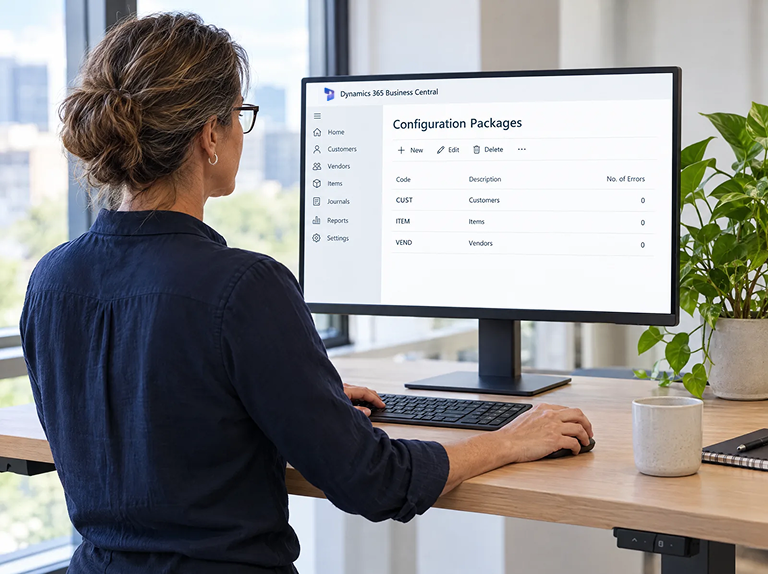
  2. Data engineer checking record packages with zero errors in Dynamics 365 Business Central

    02 Our way: How we work

    Engineers fix the system and the data.

    Bad records get fixed before they move, not after.

    Old way: Instead of the usual agency habit

    Fixes stop at the surface.

    Old errors move into the new system.

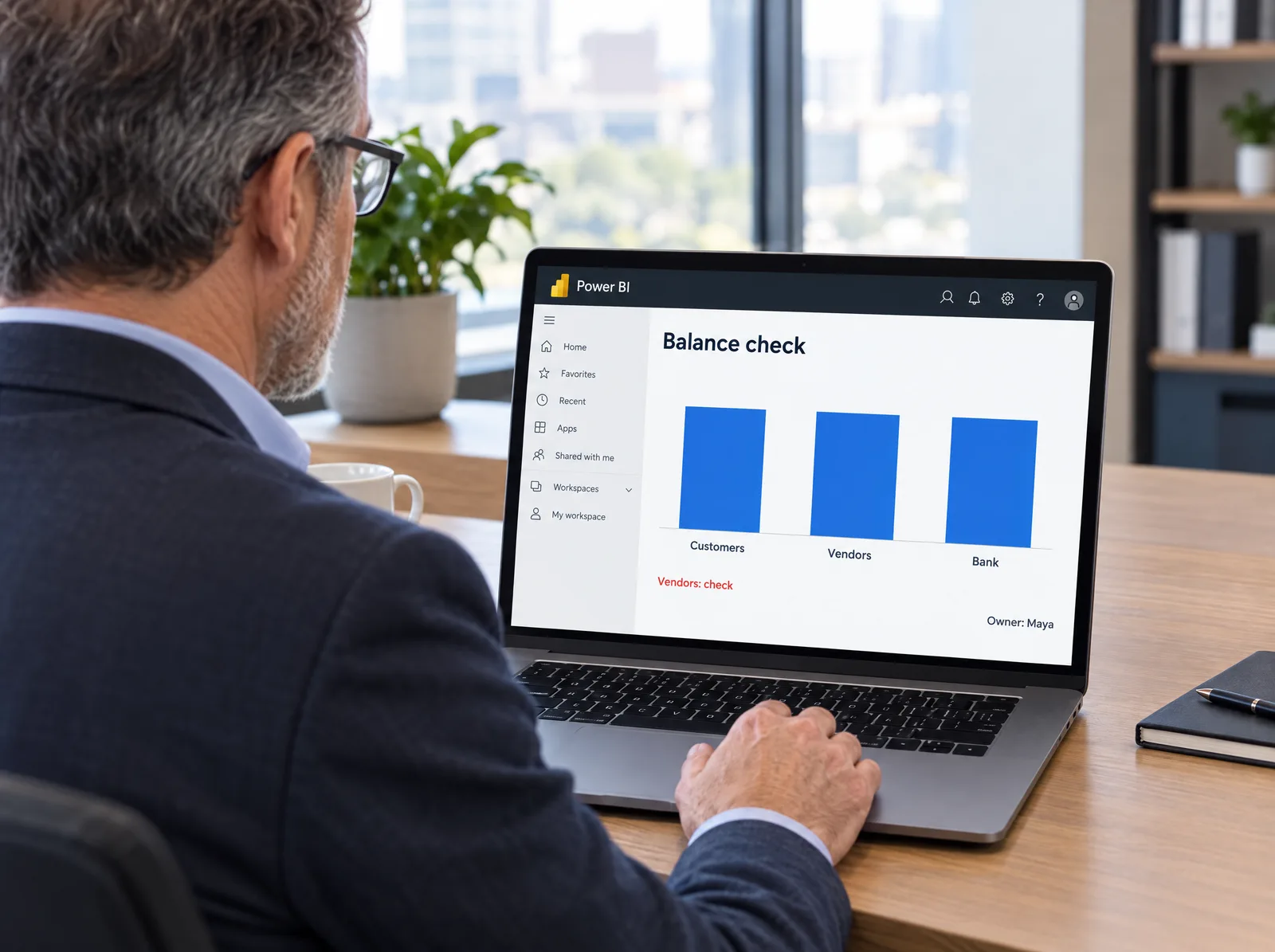
  3. Finance lead reading a Power BI balance check report that names one owner

    03 Our way: How we work

    Alerts fire the week a number drifts, with one owner.

    Someone sees a balance gap the week it starts.

    Old way: Instead of the usual agency habit

    Problems show up in the monthly report.

    By then the books are already wrong.

How Redefine works

TheREDEFINEMethod

Move only what you need, and check every balance before you go live.

NetSuite subsidiaries often become separate companies in Business Central. That changes how your reports add up, so we plan it first.

Why this approach matters

  • Less disruption.
  • Data that moves right.
  • Time spent where it counts.
  1. Start here

    Step 1: Diagnose

    We look at your NetSuite setup and find the steps and records that need work before the move.

    You receive A full look at your setup

  2. Choose what matters

    Step 2: Prioritize

    We pick which records, scripts and saved searches are worth moving. We do not rebuild a script when Business Central already does the job.

    You receive A ranked list of records

  3. Do the work

    Step 3: Deliver

    We map records, run test loads and rebuild key saved searches as Business Central reports. Your key users test each step in a safe copy first.

    You receive Your data moved and tested

  4. Check the result

    Step 4: Prove

    We check balances and open items against NetSuite before go-live. Business results are checked on their own after launch.

    You receive A balance check report

  5. Keep improving

    Step 5: Improve

    We hand over notes and a short list of next steps. More help is your choice, through support or managed services.

    You receive Ideas for what is next

What you receive

A full plan for your move from NetSuite to Business Central.

Case study / Dynamics 365 data

Clean data, one set of numbers

Dynamics 365 data

Half Price Drapes

A large online drapes store that sells on its own site and on many marketplaces.

Stock accuracy
99.2%
A finance lead and an analyst checking a test load in Dynamics 365 Business Central
A finance lead checking a test load in Business Central.

The problem

Stock and orders sat in separate systems, and stock counts were often wrong.

What we did

We cleaned the stock data and linked the store and its systems to Dynamics 365, with checks on every count.

  • Data cleanup
  • System links
  • Stock checks
  • Live reports

The result

  • Stock accuracy rose from about 82% to 99.2%
  • Yearly revenue passed $70M
  • One set of stock numbers for the team

We did this for Half Price Drapes. It was a Dynamics 365 data project, not a NetSuite move. The same team plans your move to Business Central.

Dynamics 365 data project for Half Price Drapes. Numbers from the Half Price Drapes case study.

Your migration plan

See what your Migration Plan covers.

This is the written plan a Redefine consultant sends after looking at your NetSuite setup. It shows what moves, what changes and in what order.

Sections
5
Records
1
Steps
Order
Get a NetSuite to BC Migration Plan

Redefine

Confidential

Prepared for: your business

Migration Plan

Contents

  1. 01Your NetSuite today3
  2. 02Records to move7
  3. 03Scripts and searches12
  4. 04How we test18
  5. 05Training plan22

Migration Plan

Your business

01 / 05

First step

Clean records first

Some customer and item records are out of date. Cleaning them before the move means you start with records you trust.

Records to fix

Effort to fix

Medium

Priority

High

Do it in this order

Clean records Test load Check balances

How your Migration Plan is laid out: the cover and page 3.

What is the REDEFINE Method?

The REDEFINE Method is Redefine Innovations' business-first framework for identifying business constraints, prioritizing improvements, delivering appropriate solutions, verifying outcomes, and sustaining improvements.

It has five stages: Diagnose, Prioritize, Deliver, Prove and Improve. Read the REDEFINE Method

How long does a NetSuite to Business Central move take?

It depends on your records, your scripts and how many companies you run. Your Migration Plan comes first, then we agree the time with you in writing before work starts.

How is this different from other Dynamics 365 services?

This service is only about moving from NetSuite to Business Central: records, scripts, searches and steps.

If you are new to Business Central and have no system to move from, a setup project may fit better. See Business Central implementation

What will the move cost?

Cost depends on your records, your scripts and the work you need. The Migration Plan shows your needs first, so the price in your plan is clear before you agree.

Check your Business Central license cost

How does the data move work?

We map your customer, item and money records, then run test loads in a safe copy.

NetSuite subsidiaries usually become separate companies in Business Central. Your finance team checks each test load before the final move. See Dynamics 365 data migration

What training is part of it?

We teach your team on your own steps and your own data. Short hands-on sessions help each person do their daily work in Business Central with confidence.

See Dynamics 365 training

What happens after go-live?

We check that the system runs as agreed and fix what is left. Help after that is a separate support or managed services plan with its own terms.

See Dynamics 365 support

Migration plan

Get a NetSuite to BC Migration Plan

Start your move with a clear plan. Our team looks at your NetSuite setup and lays out each step, so nothing is missed.

Finance lead reading a printed NetSuite to Business Central migration plan by a window
  • A person reads every request
  • A written migration plan
  • 25+ years building business systems
  • 550+ projects delivered

Your Migration Plan

Tell us what you run in NetSuite today and what you want Business Central to do. A short note is fine.

  1. 1You fill out the form
  2. 2Our team reviews it
  3. 3We set up a planning call
  4. 4You get your plan