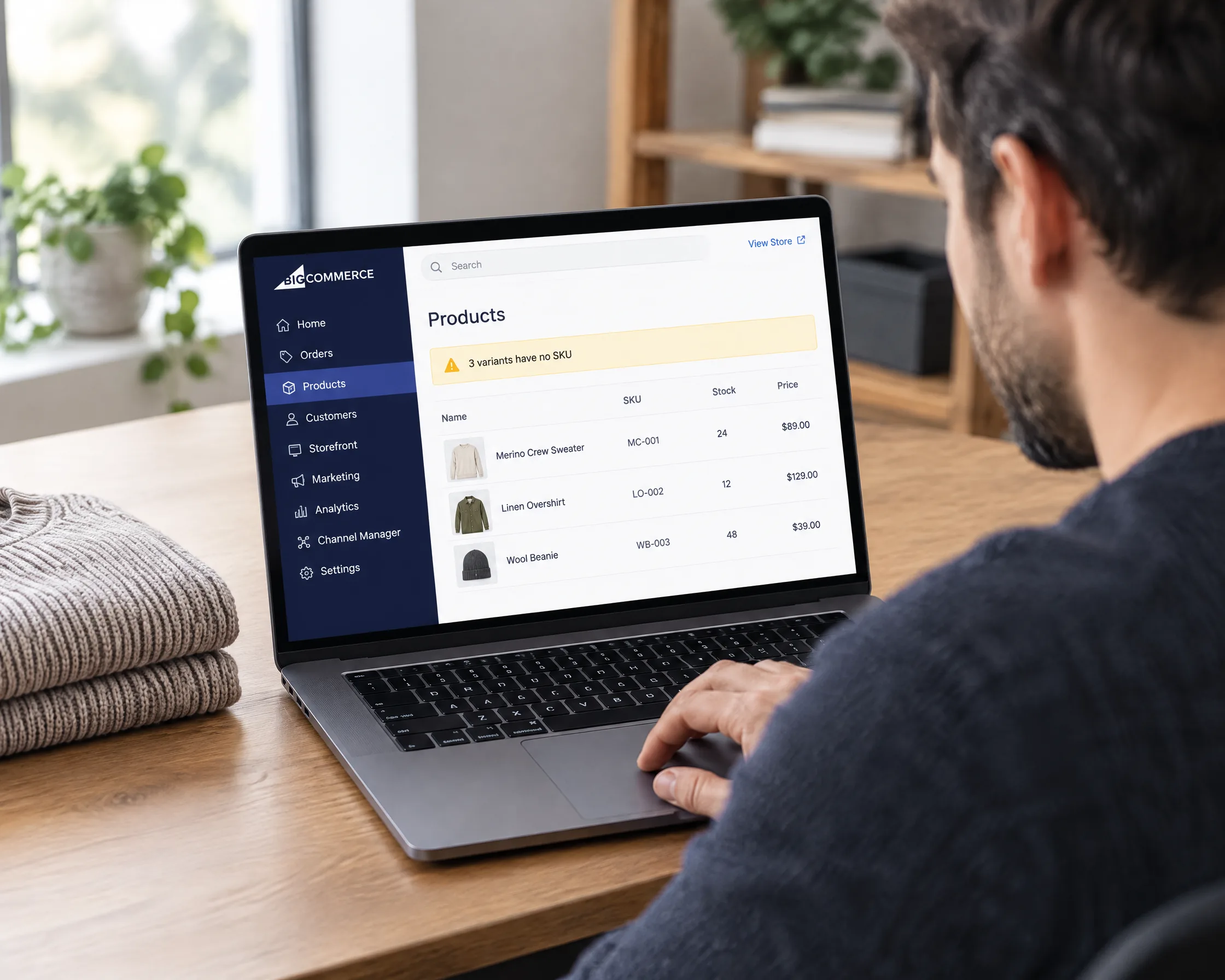


BigCommerce PIM integration

Get your BigCommerce PIM integration plan.

Redefine Innovations connects BigCommerce stores to Akeneo, Salsify, Pimcore or your own PIM.

Sleek Shop on BigCommerce: 92% of orders automated. Case study. No obligation.

BigCommerce results

When data flows, teams stop retyping.

Results from BigCommerce stores we joined to their other systems.

  • A packer seals orders that the store and its systems handled without retyping

    Your store

    Every product right on every channel.

  • Orders automated

    92%

    Up from about 15%. Sleek Shop.

  • Inventory accuracy

    99.1%

    Peekawhoo, with one shared stock record.

  • Operating costs

    -26%

    Peekawhoo, after the POS link.

  • Yearly revenue on BigCommerce

Sources: Sleek Shop and Peekawhoo case studies. These were order, stock and POS links, not PIM projects. The same team builds PIM links.

Get a plan to sync your PIM and BigCommerce.

Field maps, sync timing, what first. No obligation.

Get my PIM integration plan

Short answer

What is BigCommerce PIM integration?

Updated

BigCommerce PIM integration links your store to a product information system such as Akeneo, Salsify, Pimcore, inRiver or Plytix. Redefine Innovations plans and builds it for catalog and ecommerce teams. Products, variants, images, attributes and categories then flow from the PIM to each BigCommerce storefront on a set schedule, with checks, retries and alerts.

Without a sync, staff copy product data into BigCommerce by hand. Sizes go missing, photos land on the wrong color, and each storefront shows a different name. A good sync makes the PIM the one home for product data.

We test every flow in a sandbox store first. Live products change only after the tests pass.

Three ways to connect your PIM and BigCommerce

Your plan says which fits

WayBest whenWhat you getWatch for
Connector appSimple products and one storefrontA fast start with set field mapsMany options or custom fields
MiddlewareMany systems share the same productsRules, retries and logs in one placeA monthly fee for the tool
Custom buildMany storefronts or your own data rulesFull control of each field and ruleMore work when the PIM changes

What your plan covers

  • [1] Products, variants and options
  • [2] Images and videos
  • [3] Attributes and custom fields
  • [4] Categories and storefronts

Catalog cleanup first? See BigCommerce catalog management. Other systems too? See BigCommerce integration services or all BigCommerce services.

Four vendors become one team

Four vendors, or one team?

A PIM link touches your store, your product data and your marketing. One team should own all of it.

Three colleagues pass printed product sheets between teams by hand

Four vendors · four handoffs

Data passed by hand

An agency makes the store look great but misses how product data connects. A developer fixes code but not the field map. A PIM partner sets up the PIM but not your store needs. Marketing runs campaigns on product data that comes late.

  • Agency
  • Developer
  • PIM partner
  • Marketing
A developer, a data engineer and a marketer map one product data flow together

Redefine · one team

One team owns the link

Developers, data engineers and marketers plan and build your BigCommerce PIM link together. One owner watches the sync, so a fix reaches the store code, the field map and the product pages at once.

  • Developers
  • Data engineers
  • Marketers

What moves

The data your store gets

We map each field once. Then it syncs on a set schedule. Bad records stop at a check, and failed records go to a retry queue with an alert.

FromTo
Your PIMBigCommerce
  1. Products

    Names, copy and brands

  2. Variants

    Sizes, colors and SKUs

  3. Images

    One set per variant

  4. Categories

    Per storefront

We start with products and variants, because every image, filter and storefront depends on them. Then we add the next flow, one at a time, and check each one before it goes live.

A clean BigCommerce PIM integration ends catalog chaos.

Pick a data type to see how it moves from your PIM to BigCommerce.

Your storeBigCommerce

Products

One product record, written once in the PIM.

Names, copy, brands and custom fields reach BigCommerce, so nobody copies them by hand.

Bad product data cost

What is bad product data costing you?

Missing sizes, wrong photos and thin details cost sales. Use this calculator to estimate the gap from your own numbers.

Your numbers

Monthly

35,000
1.4%
$190
1.9%

Monthly revenue

Your estimate

Current
$93K
Potential
$126K

Estimated monthly revenue gap

$33Kper month

$399K a year from the same traffic.

Get my PIM integration plan

The result is an estimate from your own numbers, not a promise.

Estimate: visitors x (rate with clean data minus current rate) x average order value. Not a forecast.

Common problems

Fix the product data gaps that cost sales.

Stock and orders too? See BigCommerce ERP integration, or BigCommerce API development.

An engineering mindset for ecommerce growth

We run growth the way engineers run software.

Redefine Innovations is an engineering company that does marketing.

Agency habits and engineering habits
Where it showsTypical agency habitEngineering habit
ChangesShip on opinionEach change is a test with a success number
FixesStop at the ad accountDevelopers fix the store and its product data
DoneDone when sentEvery task has a done when line
ProblemsWait for the monthly reportAlerts fire the week a sync drifts, with one owner

Same habits on every PIM sync.

Case study / BigCommerce data

Sleek Shop

One record behind every channel.

Sleek Shop sold on many platforms. Staff kept stock and sales data in step by hand.

Hair color bottles on a salon counter as a stylist works, from the Sleek Shop case study

Result

Orders automated

Before

about 15%

After

92%

Source: Sleek Shop case study.

  1. 01 / Problem

    Data lived in many places.

    Marketplaces, dropship partners and the store each kept their own records.

  2. 02 / Diagnosis

    Stock was the gap.

    Stock did not match across channels, so items oversold.

  3. 03 / Action

    Join every system to BigCommerce.

    One BigCommerce hub for orders, stock and suppliers.

  4. 04 / Result

    92% of orders automated.

    71% fewer oversells, and over $30 million a year.

Read the Sleek Shop case study

This was an order and stock build on BigCommerce, not a PIM project. The same team builds PIM links.

Your PIM integration plan

Know what data moves, and when.

Open each part to see what your BigCommerce PIM Integration Plan covers.

What syncs and how often

Every product field, mapped on both sides.

We map each field in your PIM and BigCommerce before any build starts, so data lands in the right place.

3 parts

  • Field map

    Products, variants, images, custom fields and categories, field by field.

  • Sync timing

    How often each flow runs, from right away to nightly.

  • PIM fit check

    How your PIM and its API fit with BigCommerce.

What to build first

Fixes in order, with a budget view.

Products and variants come first. The plan says if a connector app or a custom build fits you.

2 parts

  • Priority fixes

    The order of work, with the scope of each step.

  • Budget overview

    A cost range for the build you choose.

Get my PIM integration plan

After the plan, we talk it through with you. No obligation.

An operations director reads a printed BigCommerce PIM integration plan

Prepared for: your store

Plan

BigCommerce PIM Integration Plan

Systems
Your PIM and BigCommerce
Sync first
Products and variants
Covers
Field map, timing, fixes, budget and PIM fit
Next step
We walk through it with you, then you decide.
What your plan looks likeMade for your store and PIM

How Redefine works

TheREDEFINEMethod

BigCommerce PIM integration, built in the right order.

We would not start by pushing the whole catalog. Variants and SKUs must map cleanly before images, copy and channel data move, so the roadmap puts the fixes that block sales first.

Get my PIM integration plan

A written plan for your store and PIM. No obligation.

Why this approach matters

  • Fewer manual edits and product errors.
  • Product pages your buyers can trust.
  • Spend goes to the fixes that matter most.
  1. Start here

    Step 1: Diagnose

    We review how your PIM and BigCommerce share product data today, and find the gaps in variants, images, fields and storefronts.

    You receive A gap analysis report

  2. Choose what matters

    Step 2: Prioritize

    We rank the fixes by business value. Products and variants come first; images, copy and channel data follow once they map.

    You receive A priority roadmap

  3. Do the work

    Step 3: Deliver

    We build the sync flow by flow, with a connector app, middleware or a custom build, as the roadmap sets out.

    You receive Your PIM sync, built

  4. Check the result

    Step 4: Prove

    We test each flow in a sandbox store, then confirm products land right and the agreed numbers are met.

    You receive Success metrics

  5. Keep improving

    Step 5: Improve

    After go-live we watch the sync, fix what drifts and add new fields as your catalog grows.

    You receive An ongoing improvement plan

What you receive

A gap analysis report, a priority roadmap, a detailed PIM integration plan, a success metrics list and an ongoing improvement plan.

How much does BigCommerce PIM integration cost?

Cost depends on your PIM, how many products and variants you have, how many storefronts you run and how many custom fields you keep. A connector app suits simple needs. Custom work fits complex ones.

Your PIM integration plan gives a cost range for the build you choose.

Which PIMs does Redefine connect to BigCommerce?

We connect BigCommerce to Akeneo, Salsify, Pimcore, inRiver, Plytix and custom PIMs. We map the fields on both sides before the build starts.

Need a PIM first? See product information management

How are variants, options and custom fields handled?

Each size, color and option gets its own SKU in BigCommerce. Extra details go to custom fields or metafields, set in the field map.

Your plan lists any field that will not fit and what to do about it.

How are product images kept in sync?

Images move with their product and land on the right variant. Changed photos replace old ones, so the store does not fill up with copies.

Alt text can sync from the PIM too.

Can one PIM feed many BigCommerce storefronts?

Yes. Each storefront can get its own names, categories and products from the same PIM record.

Running more than one store? See BigCommerce multi-storefront development

Is there risk to the live store?

We test in a sandbox store before live products change. The sync respects BigCommerce API limits, and deletes are checked before they run.

A rollback plan is ready, and go-live happens at a quiet time.

What happens after go-live?

Monitoring and alerts watch the sync. Each failed record goes to one owner who fixes it.

Regular checks confirm the PIM and the store match. See BigCommerce support and maintenance

What is the REDEFINE Method?

The REDEFINE Method is Redefine Innovations' business-first framework for identifying business constraints, prioritizing improvements, delivering appropriate solutions, verifying outcomes, and sustaining improvements.

It has five stages: Diagnose, Prioritize, Deliver, Prove and Improve. Read the REDEFINE Method

Start here

Ready to connect your PIM to BigCommerce?

If your PIM and store data do not match, we can help. Your plan shows what data moves, how often, and what to fix first. No obligation.

An ecommerce manager and a product data lead sketch how product data should flow to the store
  • A written plan you keep
  • What moves, how often, what first
  • 25+ years in ecommerce
  • 550+ projects delivered

Request your PIM integration plan

Tell us about your store and your PIM. We will confirm by email and start your plan.

  1. 1Send your store details
  2. 2We review your store, PIM and field map
  3. 3You get your written PIM integration plan
  4. 4We walk through it, and you choose the next step