


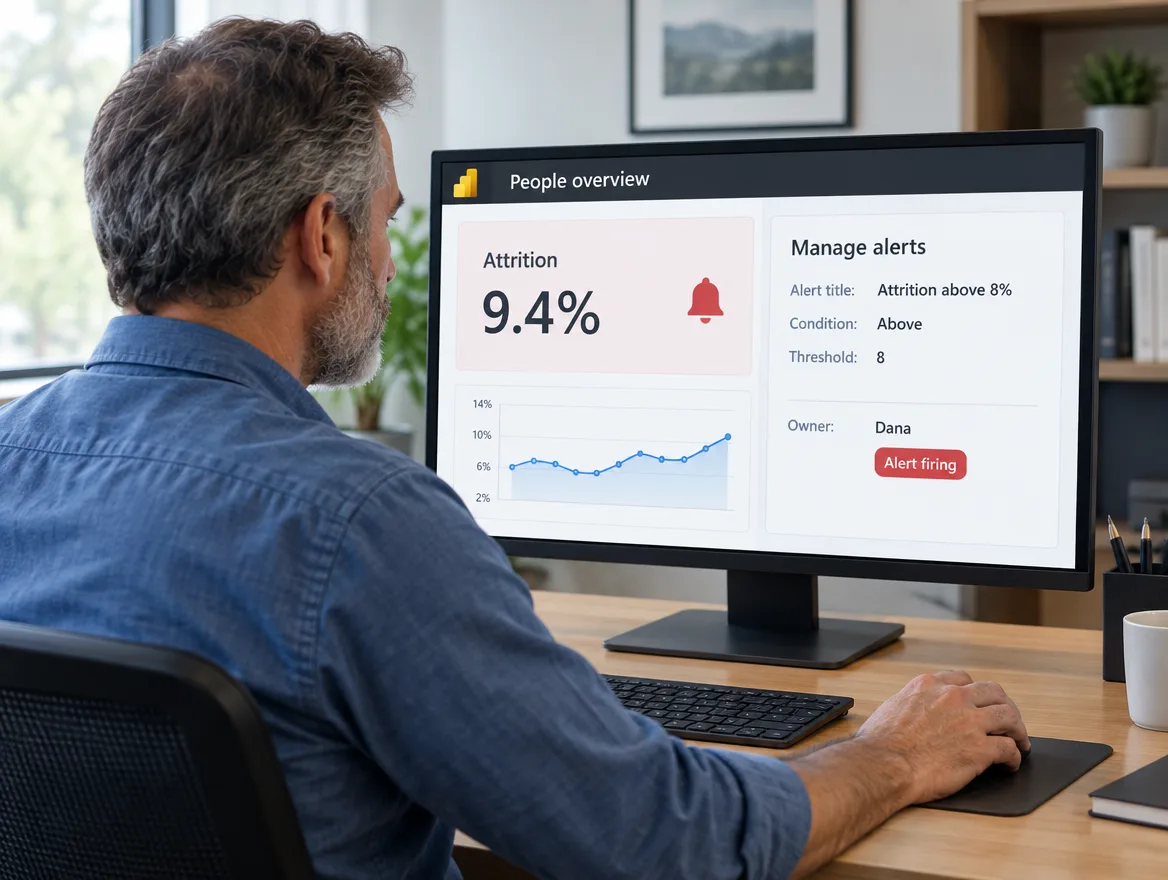
Know Your Team Numbers. Power BI for HR and finance teams

Know Your Team Numbers

See who stays and who goes. Use our data skills to see changes quick. Make smart choices with your team.

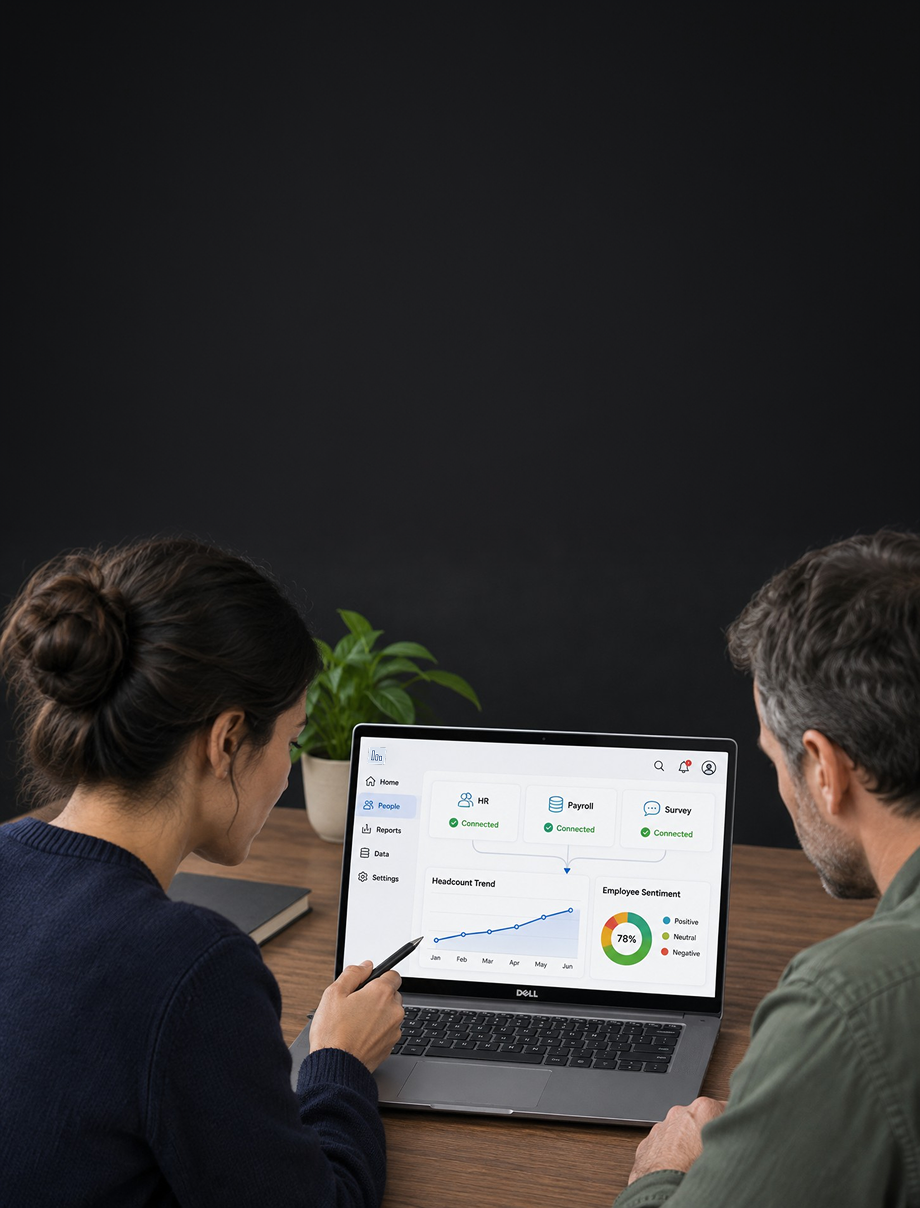
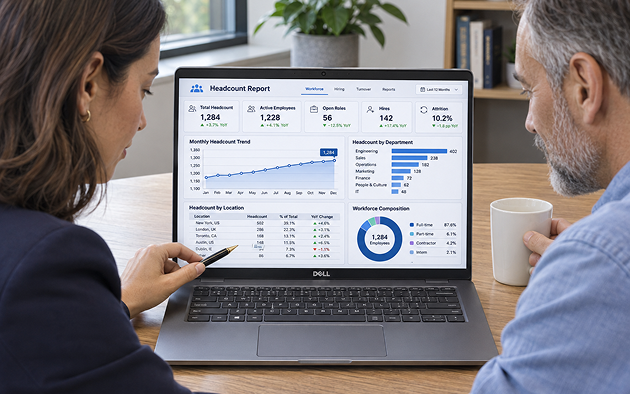
HR leader and finance lead reading a Power BI headcount and attrition report on a laptop

Built for HR leaders and CFOs who plan around people numbers. Redefine builds it with you, from your HR, payroll and survey data.

Parsons Kellogg: manual reporting time fell 58% after its reports went live in Power BI. See the case study.

Part of our Power BI services. We explore your needs with no commitment.

Proof

Why teams trust Redefine

Our track record, in three facts. It is the base your headcount report is built on.

  • Redefine Innovations
    550+
    Projects delivered for business teams.
  • Redefine Innovations
    25+
    Years building for business teams.
  • Partner status
    Microsoft
    Microsoft Solutions Partner.

Facts from Redefine Innovations project records.

Know your team from the inside out

We explore your needs with no commitment.

Book a Discovery Call

Short answer

What is a headcount and attrition report?

Updated

A headcount and attrition report shows staff numbers, joiners, leavers and turnover by team. It is for HR leaders and CFOs. It helps you track how your team changes. Redefine Innovations builds it in Power BI, so you see clear numbers over time and plan with them.

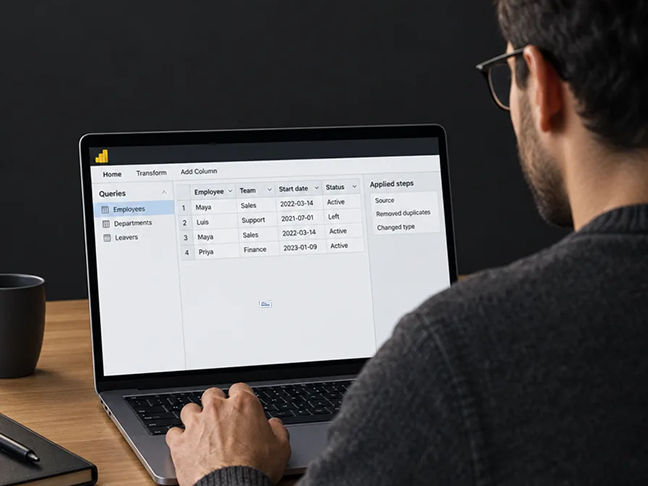
Many teams keep people data in four places. A report joins them. You see staff numbers and turnover in one place, so changes are plain to see.

Data is checked first. We confirm the totals match your HR system before anyone relies on the numbers.

How it compares to other ways to track staff numbers

Pick by what you need

MethodWhat it showsWhat you getBest when
Power BI headcount reportStaff numbers, joiners, leavers and turnover by teamHeadcount and attrition in one viewYou need one trusted view of your team
SpreadsheetNumbers you type or paste inA file you update by handYour team is small and rarely changes
HR system reportData from one HR system onlyA report without pay or survey dataAll your people data lives in one system

Data behind your tracker

  • [1] Your HR system data
  • [2] Your payroll data
  • [3] Your staff survey answers
  • [4] Your time tracking records

Want the build details? See Power BI dashboard development.

Know your people to grow your business

See joiners, leavers and turnover by team in one place. Plan with numbers your whole team trusts.

Turnover cost calculator

See what turnover costs you.

Use your numbers to see what turnover costs you. The gap is what you would save if more staff stayed.

Your numbers

Monthly

400
99.4%
$12,000
99.7%

Team at replace cost

Your estimate

Current
$4.8M
Potential
$4.8M

Turnover cost you may avoid

$14Ka month

$173K a year at your team size.

Book a Discovery Call

Then we find where it comes from.

Estimate: staff x (target stay rate minus stay rate today) x cost to replace one person. Not a forecast.

Your data

Four sources become one clear view

Bring data together for an easy look at your team.

  • 01 / Hiring

    HR systems

    Find hiring data.

  • 02 / Pay

    Payroll

    Get pay details.

  • 03 / Staff

    Employee feedback and time tracking

    See what staff say. Know work hours.

[One report] Headcount, joiners, leavers and turnoverOne report for key people numbers.

Tackle every challenge with smart data solutions.

An engineering mindset for reporting

We build reporting the way engineers build software.

Our developers, data engineers and analysts work together. Fixes reach deep into the data model and your people data feeds.

Analyst pinning a printed change card with a goal line to a cork board

How we work · 1 of 4

Every change is tested against a success number.

You see what each change is worth. Old way: changes ship on opinion. Nobody can say what worked.

How Redefine works

TheREDEFINEMethod

Redefine turns your people data into clear insights.

It helps you understand team dynamics, improves your planning and aids better decisions. HR leaders and CFOs get clear numbers they can use.

Book a Discovery Call

We explore your needs with no commitment.

Why this approach matters

  • You understand team dynamics.
  • Your planning improves.
  • You decide with better facts.
  1. Start here

    Step 1: Diagnose

    We find the key issues in your people data.

    You receive An assessment

  2. Choose what matters

    Step 2: Prioritize

    We choose the focus areas with you.

    You receive A plan

  3. Do the work

    Step 3: Deliver

    We build tailored solutions on your data.

    You receive A Power BI report

  4. Check the result

    Step 4: Prove

    We set success measures and check them.

    You receive A summary

  5. Keep improving

    Step 5: Improve

    We keep updating as your needs change.

    You receive A written list of next steps

What you receive

A detailed report, insights into workforce trends and clear visuals.

Expert insight: measuring attrition well reveals trends that can inform positive change. We would not start without understanding your specific needs.

Case study / Power BI reports

Real success stories in reporting

Parsons Kellogg sells promotional products and corporate apparel. We tell the story with trusted data.

Operations manager and analyst reading a Power BI reporting hours report on a large monitor
  1. 01

    Problem

    Reports were built by hand and took many manual hours.

  2. 02

    Diagnosis

    Manual work stood between the team and the numbers they needed.

  3. 03

    Solution and result

    Reports went live in Power BI, and the warehouse moved faster.

Manual reporting time
58%
Inventory accuracy reached
99.0%
Reports in Power BI now
Live

Your report starts the same way: your data, checked.
Your report

Peek Into Your Data

Here is what your report will look like. Five clear views, and each one answers a question your team asks.

Views
5
Sources
4
Teams
All
Book a Discovery Call

Redefine

Confidential

Prepared for: your team

Headcount Report

Contents

  1. 01Headcount over Time3
  2. 02Attrition Insights7
  3. 03Turnover by Department12
  4. 04Employee Tenure18
  5. 05Joiners and Leavers Balance22

Headcount Report

Your team

01 / 05

Headcount over Time

Staff

Track team size changes. Joiners and leavers show up side by side, so you can act early.

Joiners and leavers, by team

Look first

Leavers

Priority

High

Read in this order

Headcount Attrition Departments

How your headcount report is laid out: the cover and the first view.

What is the REDEFINE Method?

The REDEFINE Method is Redefine Innovations' business-first framework for identifying business constraints, prioritizing improvements, delivering appropriate solutions, verifying outcomes, and sustaining improvements.

It has five stages: Diagnose, Prioritize, Deliver, Prove and Improve. Read the REDEFINE Method

What is attrition?

Attrition is when staff leave a company over time.

Your report counts it by team, so you see where people leave.

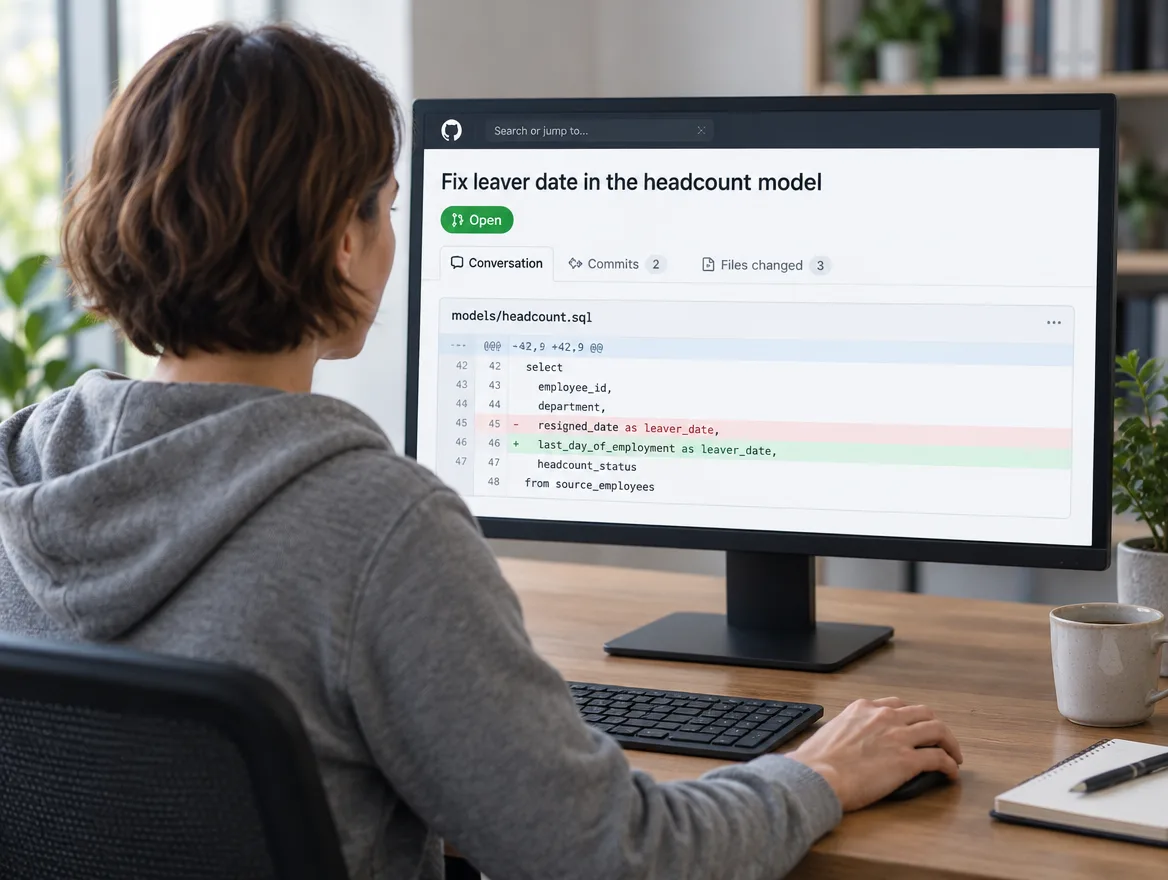
How do we agree who counts as a leaver?

This is set with your team before we start.

It is confirmed on the discovery call, so every number uses the same rule.

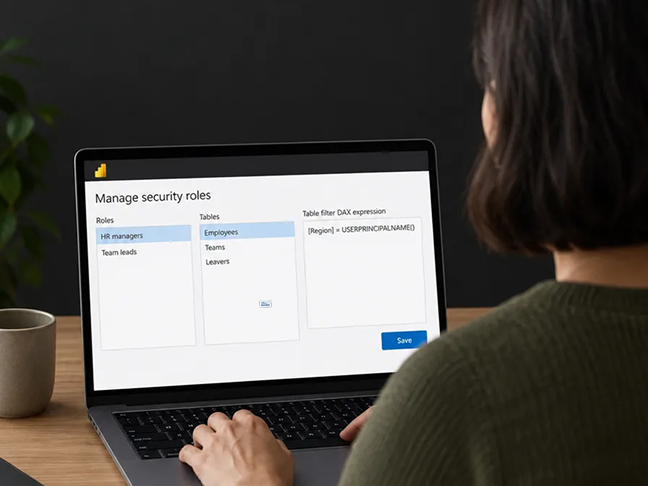
Who can see employee-level data?

It is set with your team, confirmed on the discovery call.

Each person sees only what you allow. See Row-Level Security coverage

Which teams does the report cover?

Your team decides, confirmed on the call.

We set the teams up the way your company is organized.

How do we agree how often the report is refreshed?

Your team decides with Redefine, confirmed on the call.

You pick what fits how your team works, and we set it up for you. See Power BI integrations

Your headcount report

Get Started Now

Tell us who you are and how we can help. We explore your needs with no commitment.

HR leader and analyst marking the first step on a printed three step plan titled Your headcount report plan
  • No commitment to start
  • A plan tailored to you
  • 550+ projects delivered
  • 25+ years building for business teams

Book your Discovery Call

Tell us what feels stuck. A person reads every request.

  1. 1We reach out to plan the call
  2. 2We talk about your needs
  3. 3We plan how to set it up