What can the agent read?
Spec sheets, line sheets and product photos, as PDF, Excel, CSV or image files. You can also paste a supplier or product page link.
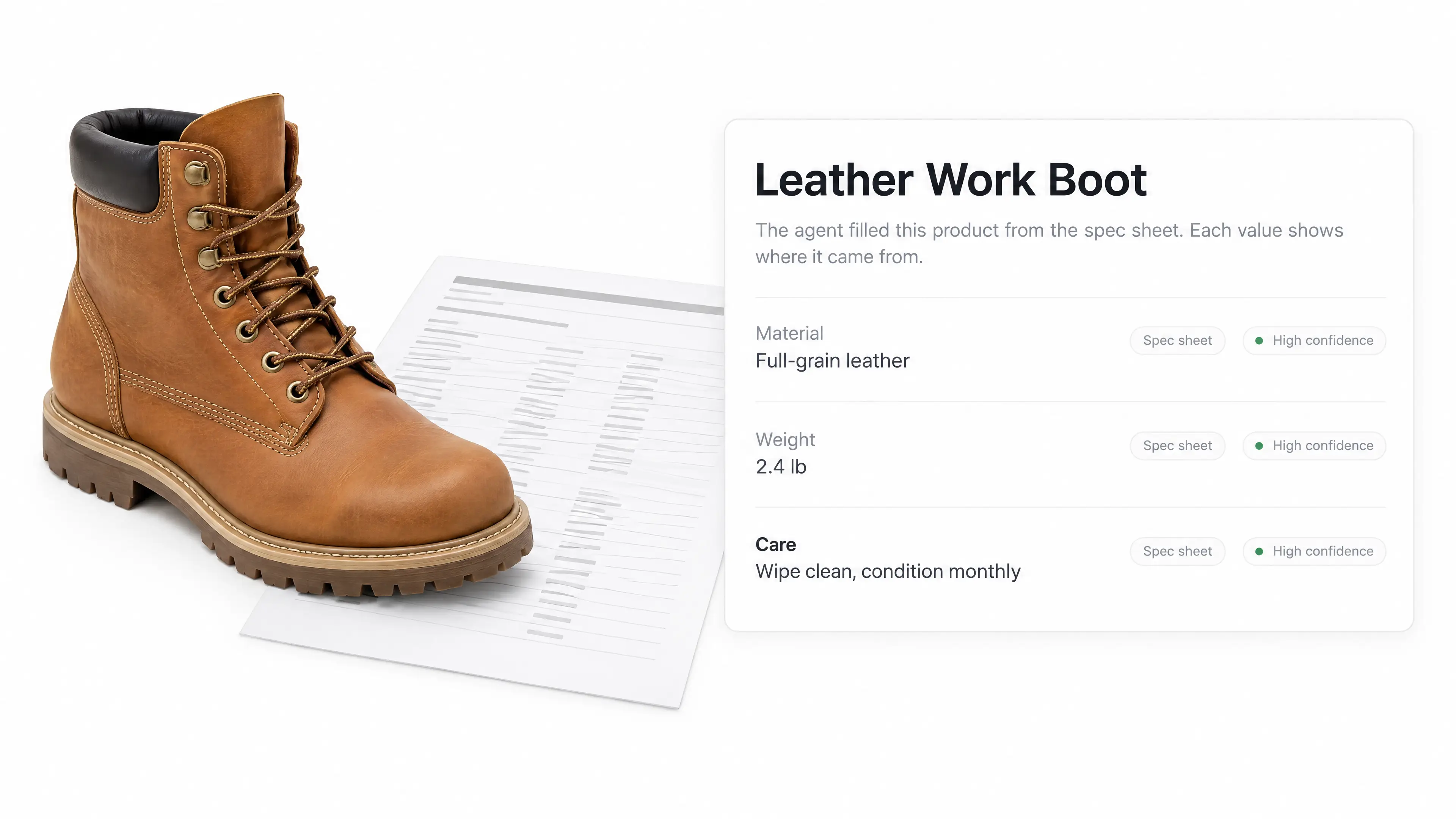
It fills the product and shows where each value came from. See bulk product data operations
Product data enrichment
Drop in a spec sheet, a photo or a supplier link. The catalog agent fills in the product and shows where each value came from. You say yes before it goes live.
See your own products filled in.
A demo built on your own products and supplier files.
Short answer
Updated
Product data enrichment is the work of filling in what a product record is missing, like specs, descriptions, images, alt text and SEO, so it is ready to sell. Redefine Suite by Redefine Innovations does it with a catalog agent that reads your supplier files, fills each field with its source, and waits for your yes.
Supplier files are often thin. A name, a SKU and a price come in, but specs, photos and good copy do not. Each store and marketplace also wants its own fields, so gaps block a launch.
Redefine Suite scores each product against your own rules. The agent fills the gaps, and a person checks the work before anything goes live.
Three ways to fill product data
What the agent reads
See all of Redefine Suite.
Gaps in your catalog
Missing fields, slow copy and products that go live half done. Here is how three common jobs run by hand, and how they run in Redefine Suite.
01 Our way: With Redefine Suite
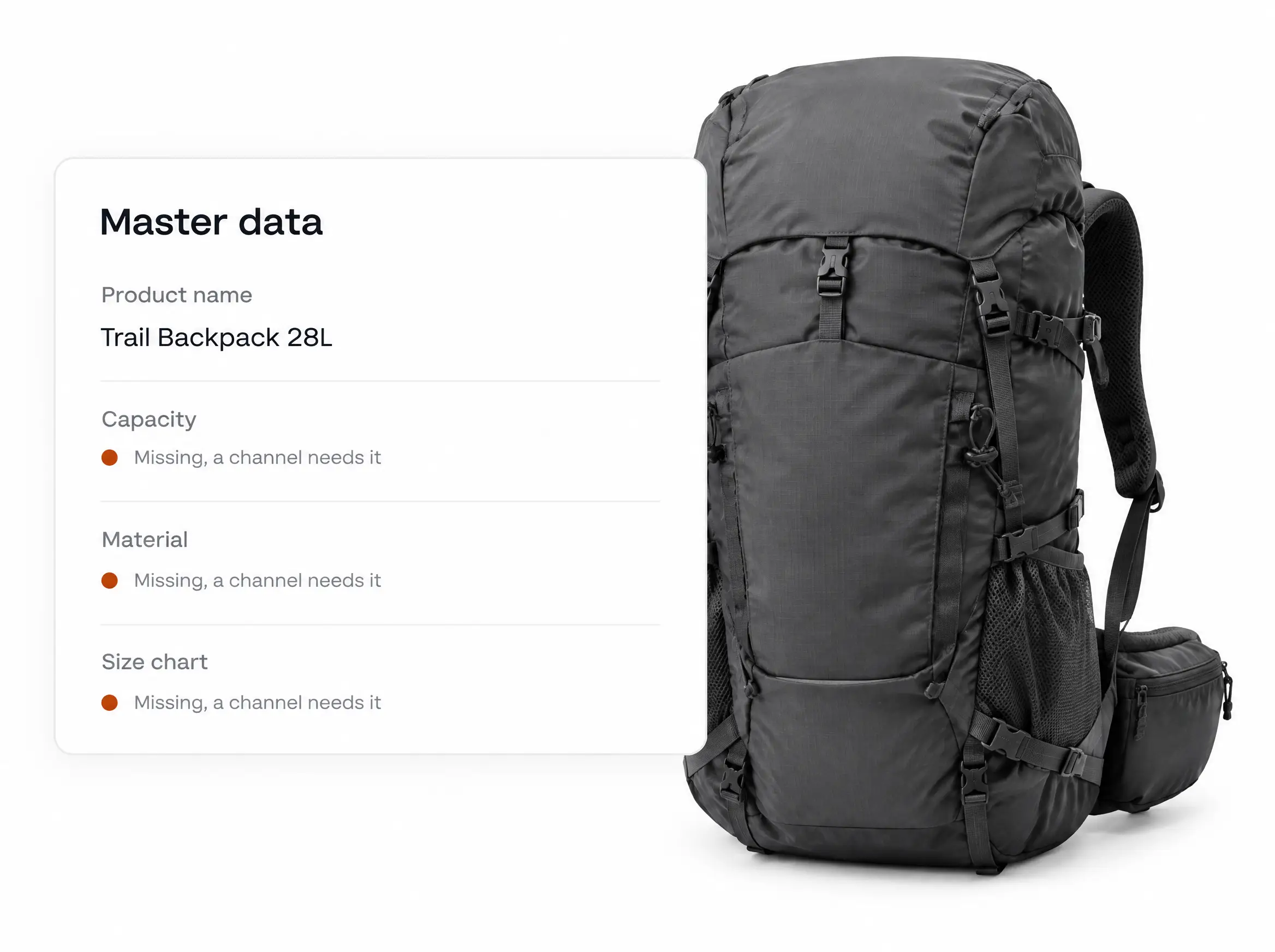
See what each channel is missing.
The master product shows the fields each store or marketplace needs, and flags the ones that are blank. Missing and changed values stand out on every channel.
Old way: Instead of
Finding gaps after launch.
A listing fails, then someone looks.
02 Our way: With Redefine Suite
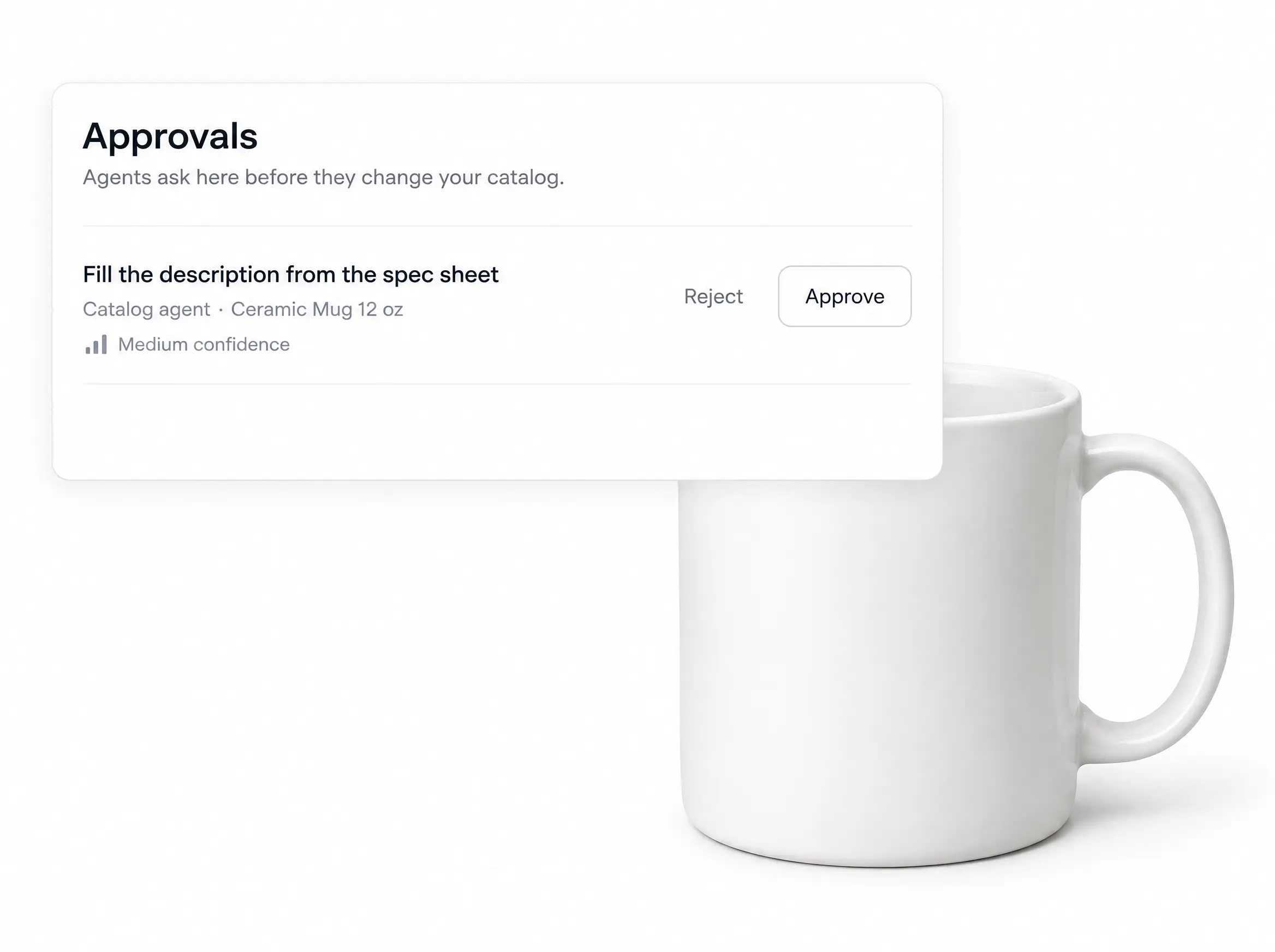
The agent fills it in for you.
It reads the supplier files and fills specs, copy, alt text and SEO. Each value shows its source and confidence until a person confirms it.
Old way: Instead of
Typing specs by hand.
One product at a time, from PDFs.
03 Our way: With Redefine Suite
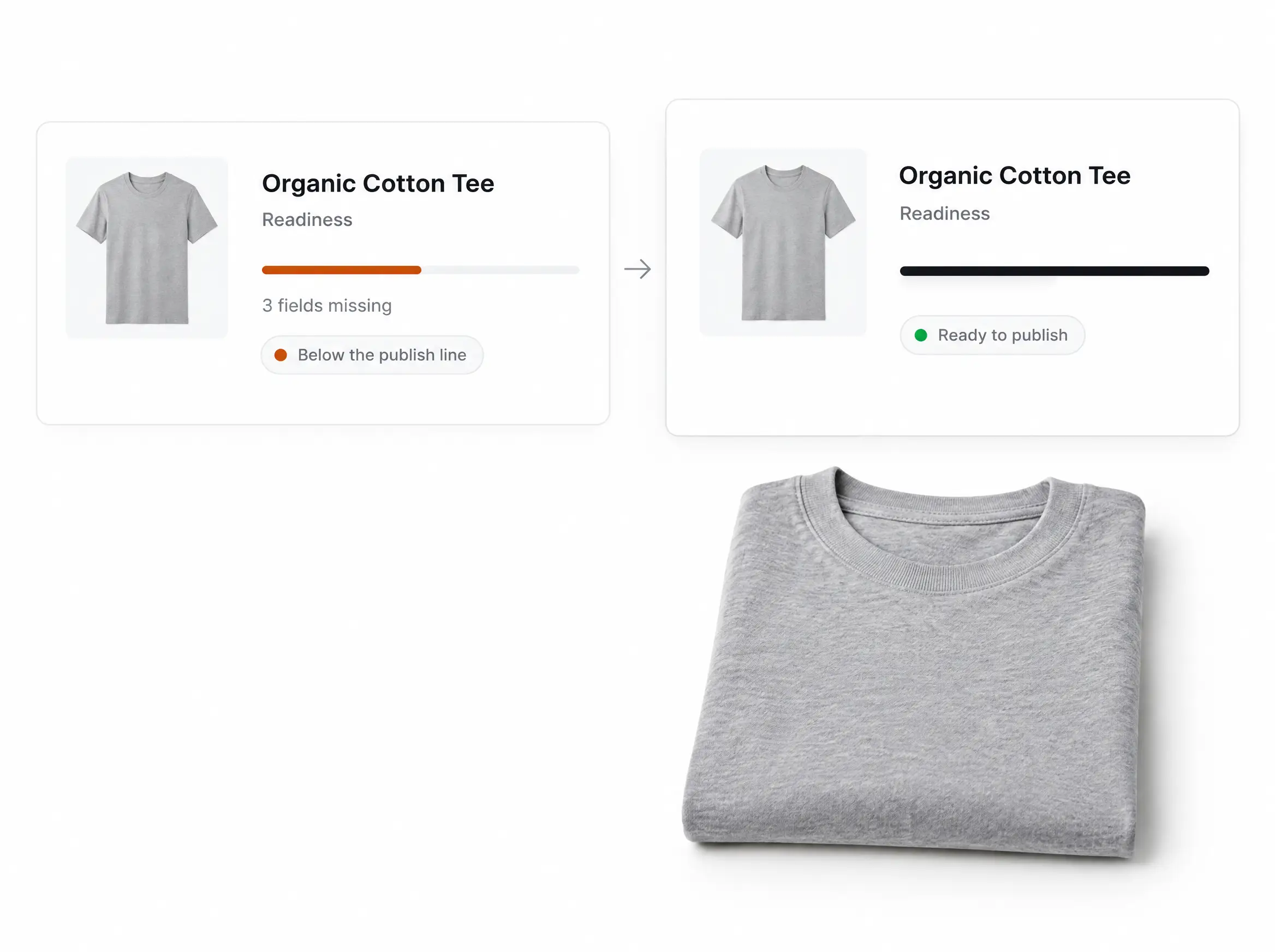
Only ready products go live.
You set the score a product must reach. Products below it stay off the store until the gaps are filled.
Old way: Instead of
Publishing half done products.
Blank fields reach your buyers.
You stay in charge
The agent fills missing data, writes alt text, translates and cleans up categories. It all lands in Approvals, where you approve one at a time or in bulk. Prices and new channels always wait for you.
See validation and governance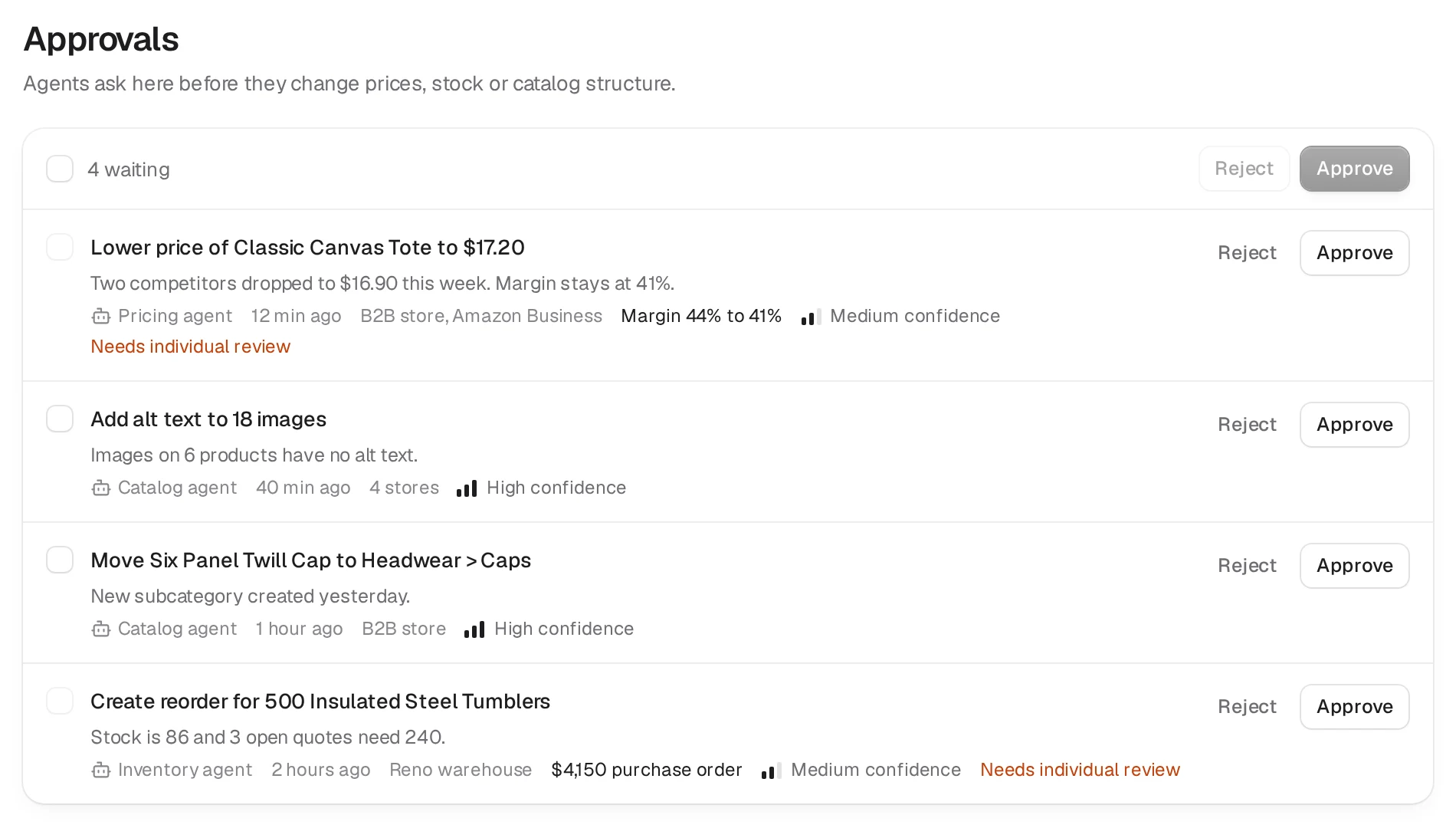
Product enrichment
Product content enrichment works best with clear rules. These three parts tell the agent what good looks like, fill the photos with words, and show which supplier holds you back.
Pick the checks a product must pass before it can sell, like specs, images and SEO, and how much each one counts. Set the score it needs to publish, for each store and channel. The agent then knows what to fill first.
See product content management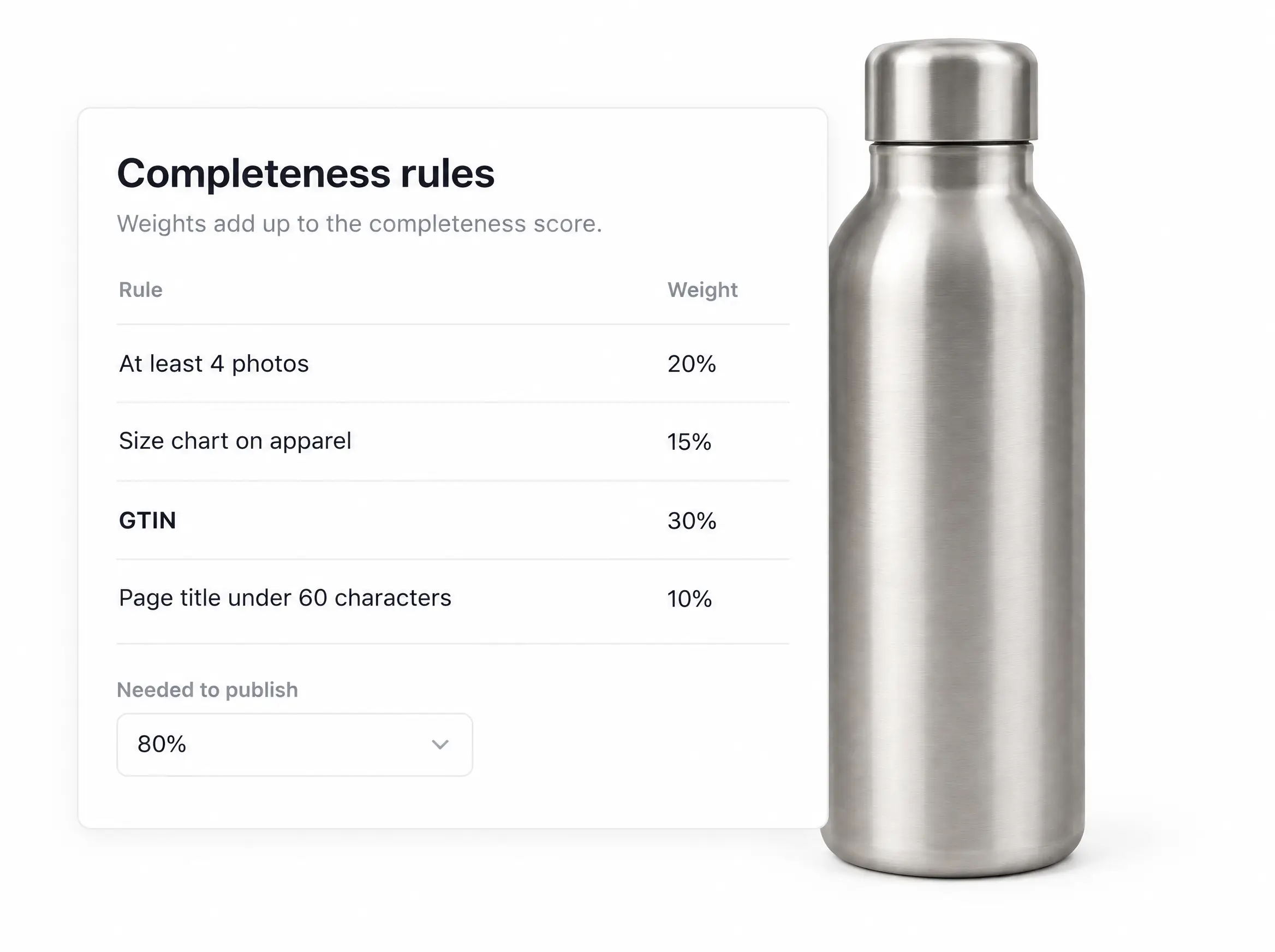
The agent writes alt text and titles for your images, videos and files. You check them in bulk, and they stay with the product on every channel. Buyers who use screen readers get a real picture of the product too.

The ready to sell report tracks products by brand and supplier. It says who is behind and why, like a feed that sends no UPC for new colors. You know who to call, and what to ask for, before a launch slips.
See syndication readiness
Client story

Built by Redefine
Redefine built the platform for this marine and industrial products company, with 24 brands on one catalog. Read the IMTRA story The linked story documents 85%..
Product and stock data came from 4 sources, put together by hand.
One import now brings it all into one place, tied to Business Central.
Items in the catalog: 13,000+
Brands on one catalog: 24
Data sources: 4 by hand to 1 import

More markets
The agent can translate product copy too. Each translation waits in Approvals with the rest, so a person checks it before buyers see it.
See product localizationQuestions
Spec sheets, line sheets and product photos, as PDF, Excel, CSV or image files. You can also paste a supplier or product page link.
It fills the product and shows where each value came from. See bulk product data operations
You choose. With the default setting, every change waits for a person in Approvals.
Prices, identifiers and new channels always wait for you. See validation and governance
Each value the agent fills shows its source and confidence until someone confirms it.
The product page also logs what the agent changed, and you can undo it. See AI product data enrichment
Not if you set a readiness score. Products below it can not publish to that store or channel.
Each check gets its own weight in the score. See syndication readiness
No. You fill the master product, and each channel gets its own version from it.
The fields each channel needs show as missing right on the master. See taxonomy and classification
Specs and attributes, short and long descriptions, alt text, SEO, categories and translations.
Images, videos and documents live with the product. See product content management
Book a demo
Send us one supplier file you work with today. In the demo, we show the agent filling a product from it, the rules that score it, and the review before it goes live. A demo built on your own products and supplier files. You can also use the demo booking page.

Tell us which product data job takes your team the most time. We set up the demo around it.