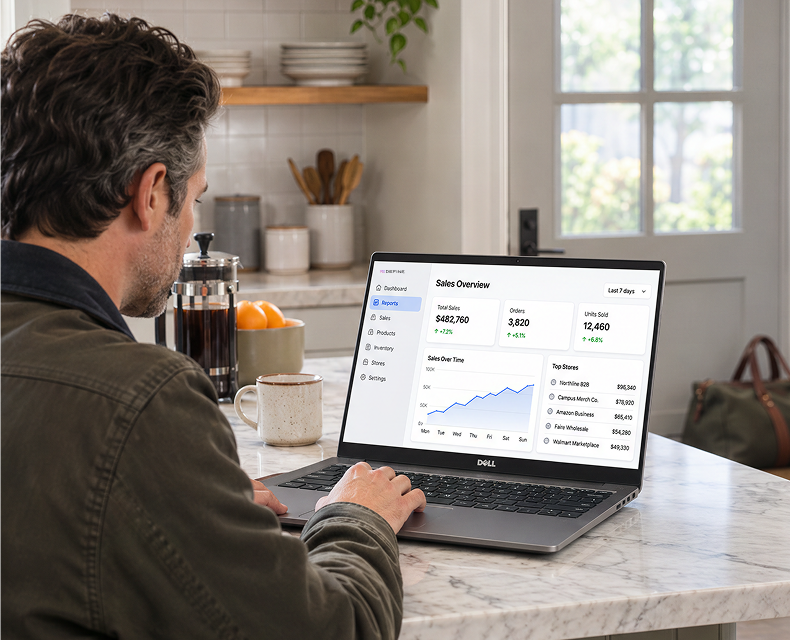
Report 01 Mondays 8 AM
Leaders
Best sellers from every store, ready before the first meeting.
- A1Sales by store
- A2Compare two periods
Redefine Suite / Scheduled reports and alerts
Automated reporting for every store. Pick a report, say how often and who gets it. It lands in their inbox with a short note on top, and you hear when something breaks.
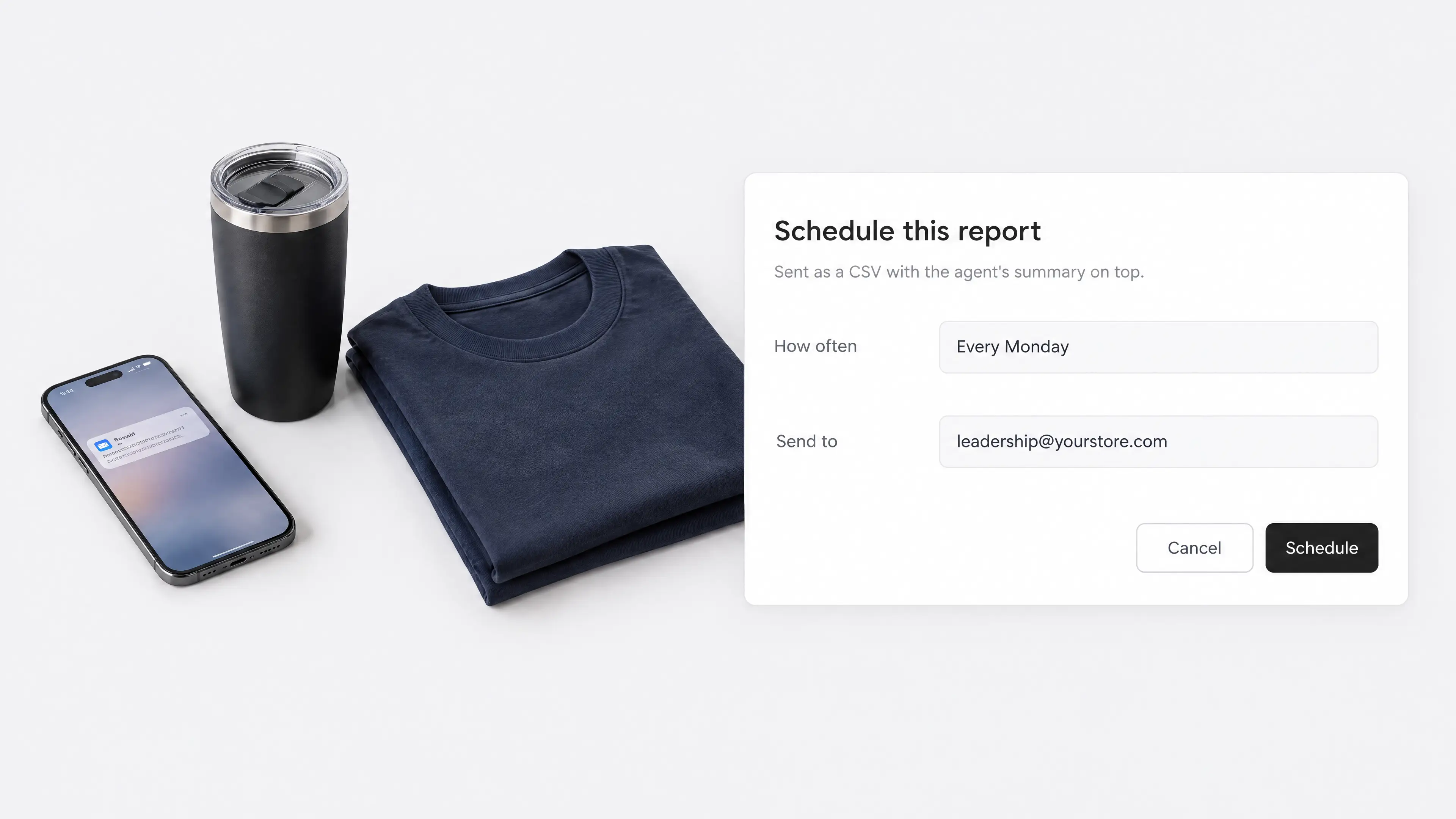
See your Monday report before Monday.
A demo built on your own reports, people and schedule.
Short answer
Updated
Automated reporting sends the reports you need on a schedule, so nobody has to build them by hand. In Redefine Suite by Redefine Innovations, you pick any report or saved question, choose how often and who gets it, and it arrives as a CSV with the reporting agent's summary on top.
Many teams still build the same report every week. Someone exports from each store, adds it up, and sends it late. Scheduled reports do that job for you, and alerts tell you the moment a sync stops or an agent needs your OK.
Every scheduled report reads the same orders and stock your team works in, so the Monday numbers match the admin.
Three ways to get the weekly numbers
What a scheduled report holds
Part of Analytics and reporting in Redefine Suite.
Proof from an automation project
JWE Inc sells on Shopify and several Uniform Market stores, and ships through SEKO Warehouse. Redefine made Business Central the one record and automated the manual work. This was Business Central integration work, not Redefine Suite. Read the JWE Inc case study.
Stock, orders and customers sat in 3 systems, each with its own version of the truth.
The team spent its days on exports and spreadsheet checks.
Orders, invoices and stock updates were typed again in each system.
Now a low stock alert goes to purchasing on its own.
11/11 touchpoints
Every manual touchpoint automated at go-live, and 3 sources of truth became 1.
Case study
Stage 1 of 4
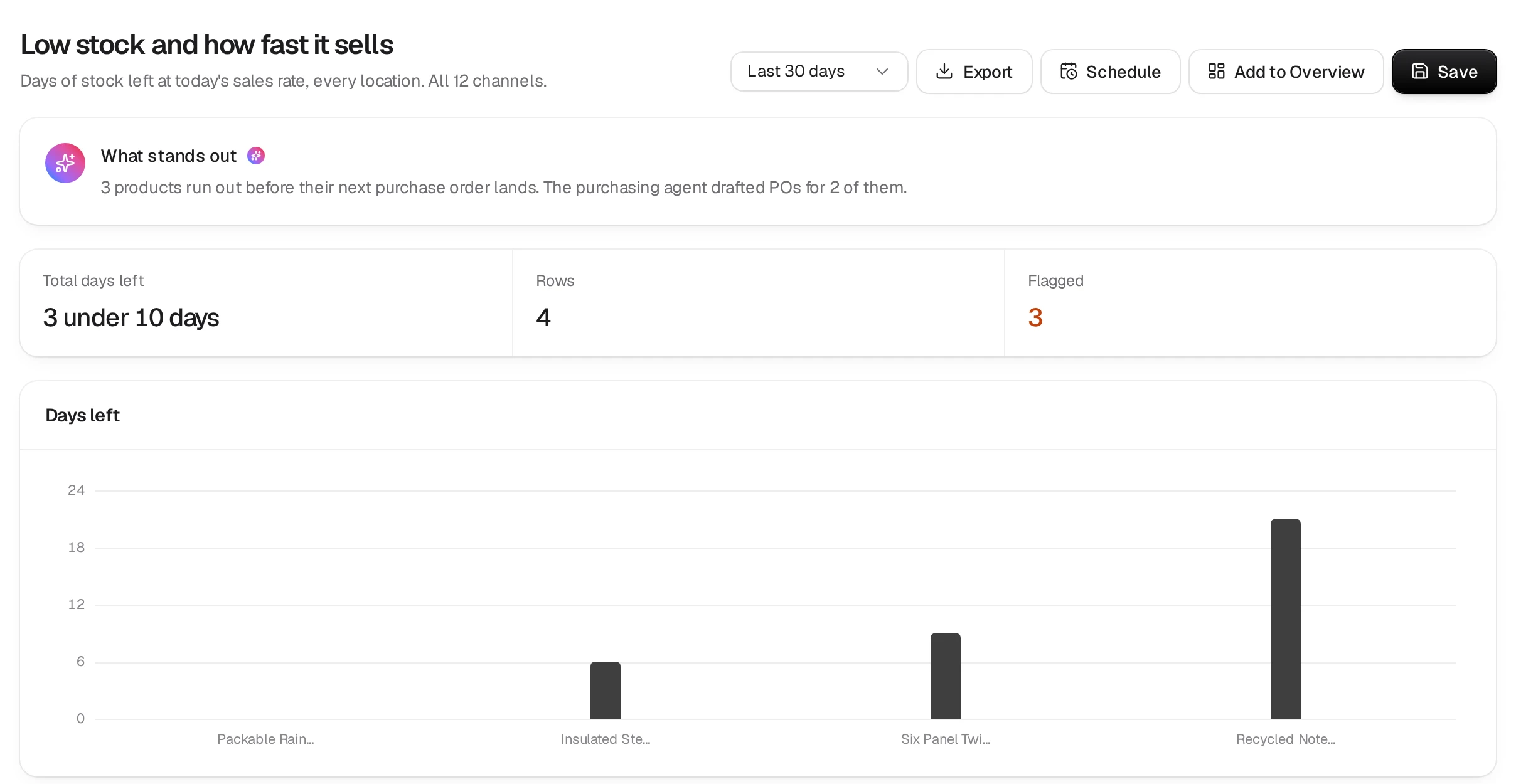
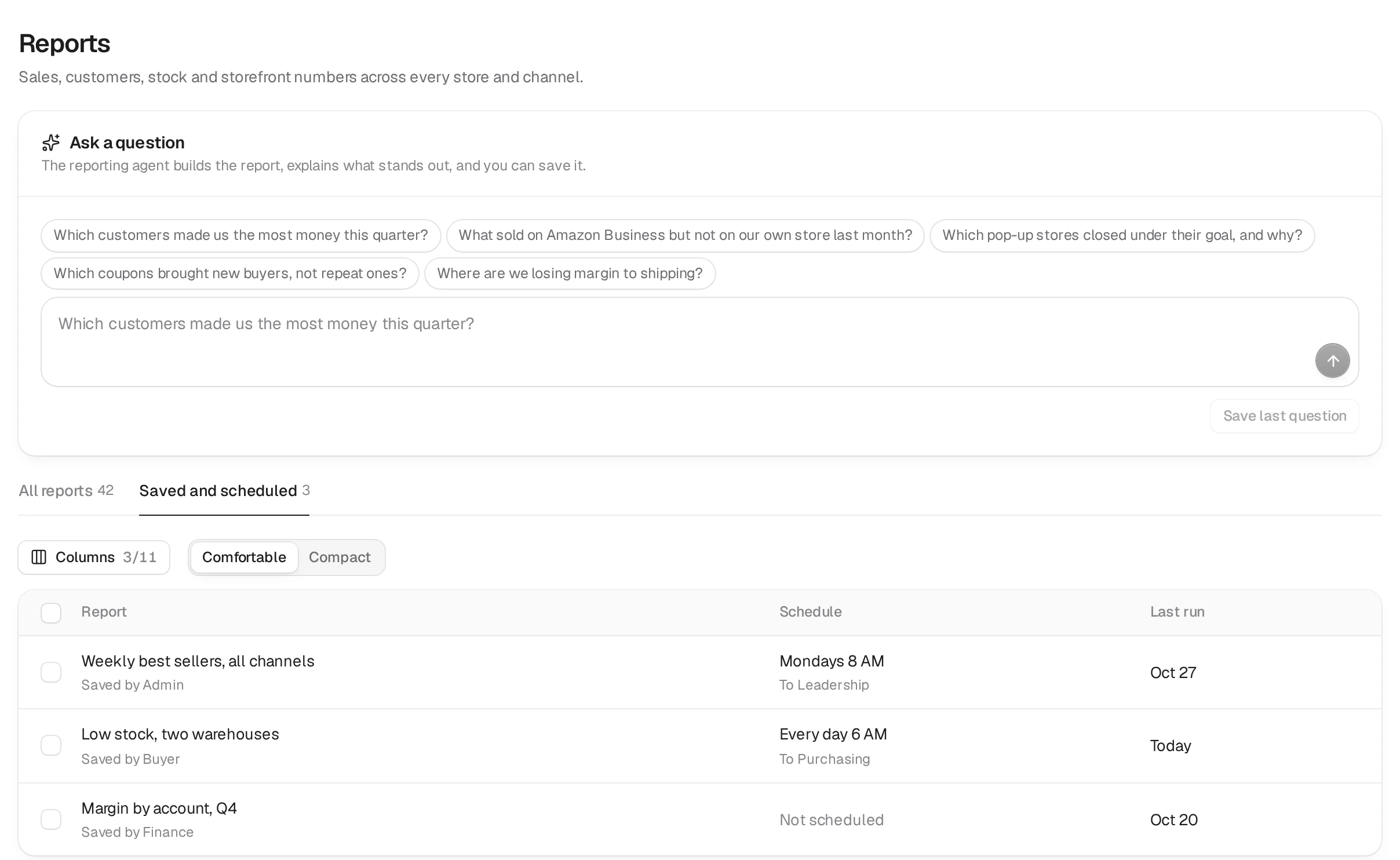
Open any report.
Use one of the 42 built-in reports or a question you saved. Press Schedule to open the report scheduler.
Stage 2 of 4
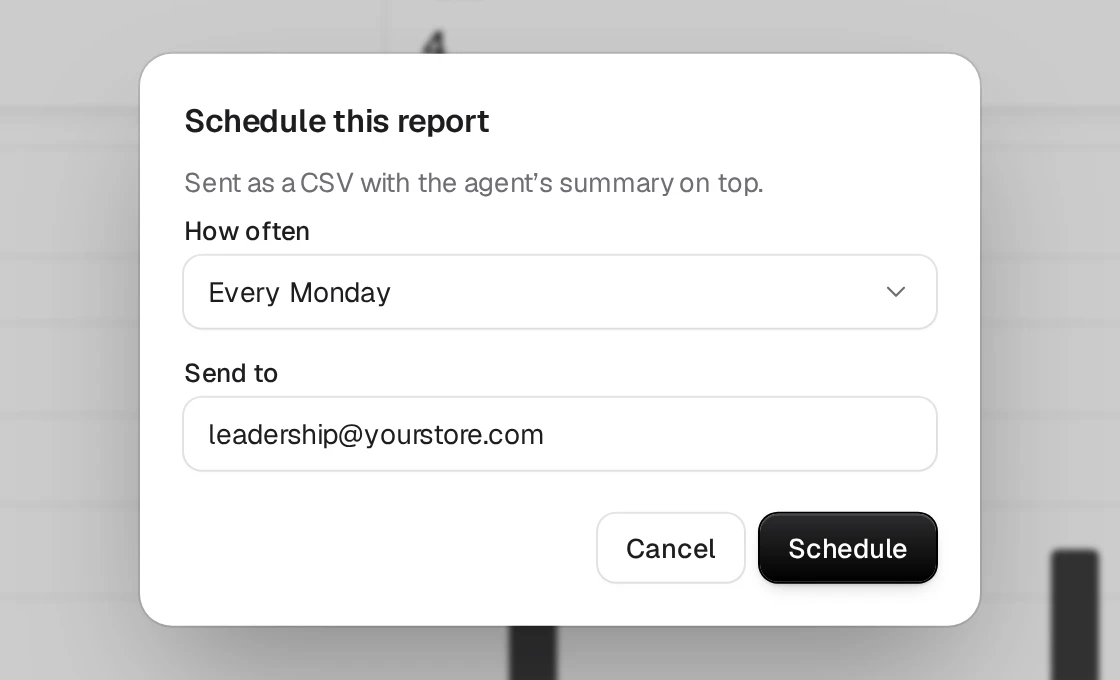
Pick the day and time.
Every Monday or every day. Times follow your workspace time zone, so 8 AM means 8 AM where you work.
Stage 3 of 4
Pick who gets it.
Add the people who need it. Leaders, purchasing and finance can each get their own report.
Stage 4 of 4
A note comes first.
Each run is a CSV with the reporting agent's summary on top. The saved list shows its last run.

Pick what emails you: an agent asks for your OK, a customer answers a quote, or a store link stops syncing.
RedefinenowA store stopped syncingReconnect it in Settings before orders back up
RedefinenowAn agent asks for approvalThe pricing agent waits for your OK
RedefinenowYour daily summaryOne email at 8 AM with yesterday's changes
Who gets what
Each report has its own people and its own time.

Report 01 Mondays 8 AM
Best sellers from every store, ready before the first meeting.
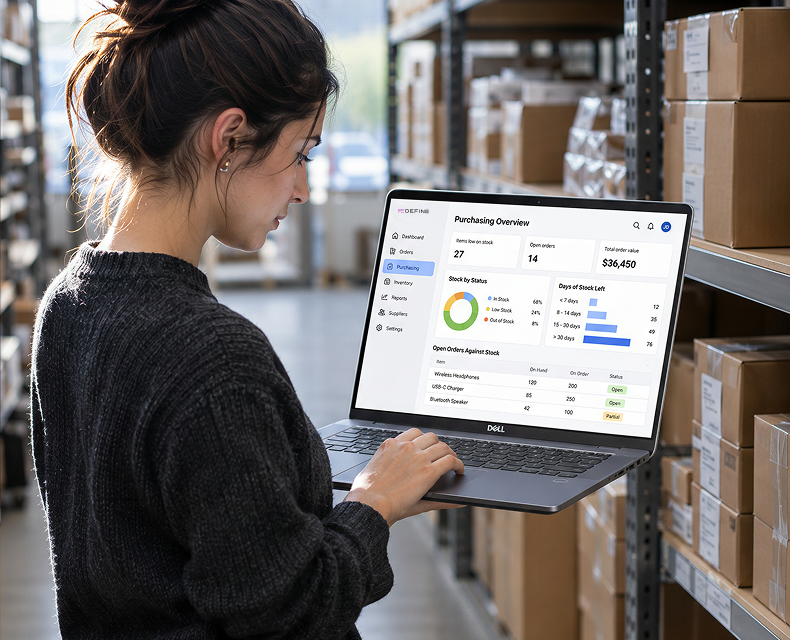
Report 02 Every day 6 AM
Low stock and how fast it sells, before shelves run dry.
Why schedule it
Pulling numbers from each store and adding them up takes hours, every week.

Questions
Open any report and press Schedule. Pick how often, like every Monday, and who it goes to. It then shows in your Saved and scheduled list.
A question you saved can be scheduled too. See AI-native commerce analytics
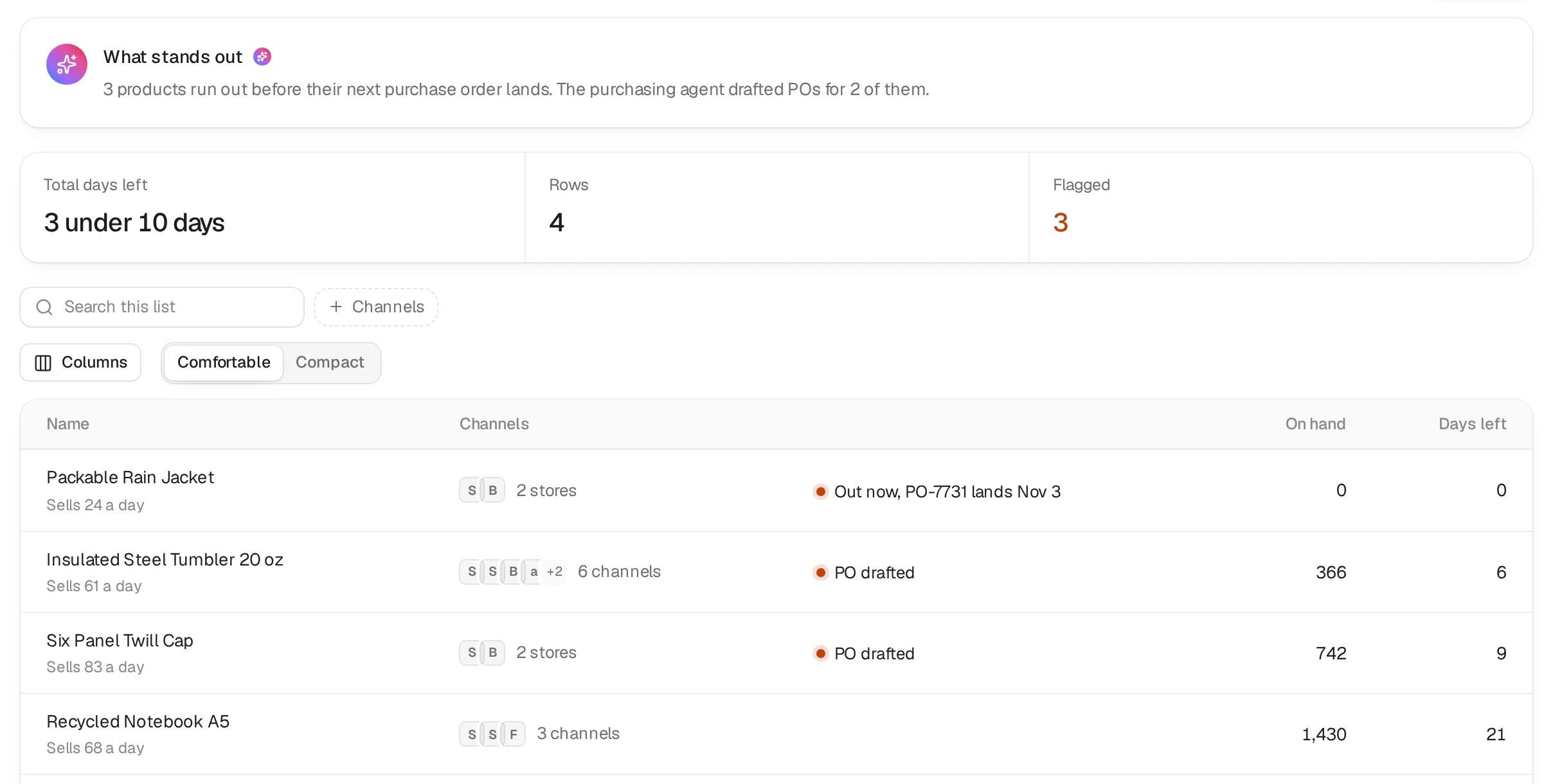
It is sent as a CSV with the reporting agent's summary on top. The summary says what stands out, like products that run out before their next order lands.
The same note opens every report in the admin. See AI commerce reporting
In Notifications you pick: an agent asks for approval, a customer accepts or declines a quote, or a store link stops syncing. A daily summary at 8 AM lists yesterday's changes.
Store and channel links are set up in channel sync. See channel sync
Yes. The security agent raises alerts, like an account locked after wrong passwords. Setting changes show up too. Each alert stays open until someone marks it handled.
Leaders see the rest of the business on their own Home. See executive dashboards
Yes. Schedule the low stock report to run every day. It shows days of stock left at today's sales rate, and the note names what runs out first.
More stock reports sit on the operations page. See operations reporting
If one person reads one store's numbers in a simple dashboard, you may not need it. It pays off when many people need different reports from many stores and channels.
In the demo, we schedule your own reports. See all analytics and reporting
Book a demo
Tell us which reports your team builds by hand today and who reads them. In the demo, we load your stores, schedule those reports and show the note on top. A demo built on your own reports, people and schedule. You can also use the demo booking page.

Tell us which problem costs you the most. We set up the demo around it.