


Dynamics GP end of life

Keep Dynamics GP safe, then move on your terms.

Redefine Innovations runs the Dynamics GP rescue program and fixes urgent GP problems first, checks your backups and year-end steps, then plans your move to Business Central.

A Redefine consultant reads your answers and writes your plan.

Imtra on Business Central: About 85% of the hand sync steps now run on their own. See our case studies.

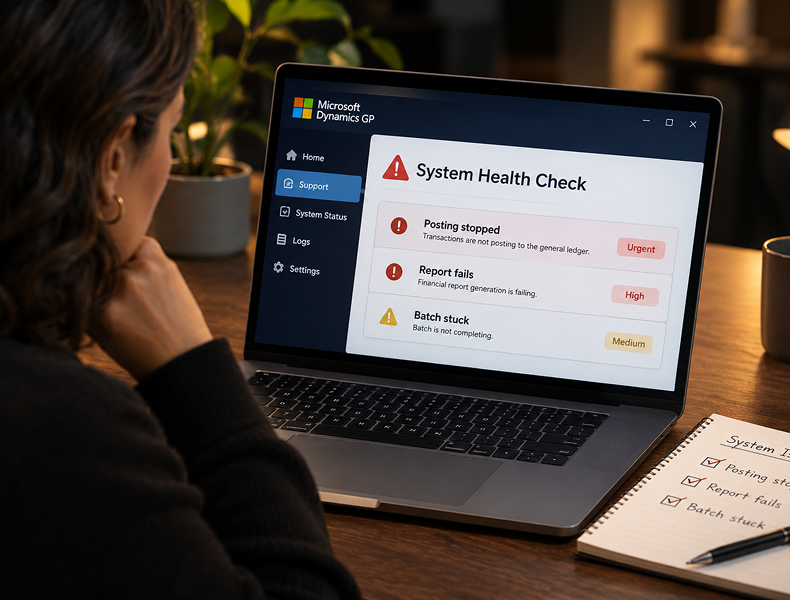
An IT lead and a Redefine consultant checking a printed GP rescue checklist late at night

GP still runs your books today. We keep it steady while you plan what comes next.

Proof

Results from our Dynamics 365 clients

Steady systems start with clean data. These numbers come from Dynamics 365 work our team did. These were Dynamics 365 data and reporting projects, not GP rescues.

Imtra hand sync steps automated
~85%
Read the case study
Half Price Drapes stock accuracy
From ~82% to 99.2%
Read the case study
Parsons Kellogg report time
-58%
Read the case study
Redefine projects
550+
Read the case study

Still on Dynamics GP?

Start with a GP Rescue Plan from a Redefine consultant.

Get Your GP Rescue Plan

Short answer

What should you do about Dynamics GP end of life?

Updated

Dynamics GP end of life means GP will stop getting help from Microsoft, so you need a plan. Redefine Innovations first makes GP safe: we check your backups, your year-end steps and any urgent errors. Then we plan your move to Dynamics 365 Business Central, so you switch when you are ready, not in a rush.

Many firms have run GP for years. Over time it gathers old add-ons, custom reports and steps only one person knows.

A rescue fixes what could hurt you now. The move is then planned with time to spare, not done in a panic.

What a rescue covers

Three parts, in this order

WayWhat you getBest whenWhere it stops
Make GP safeBackups or year-end feel riskyTested backups and clear year-end stepsYour books stay safe today
Fix urgent problemsErrors stop daily workThe worst errors fixed firstYour team keeps working
Plan the moveYou know GP will not lastA step plan to Business CentralYou move when you are ready

What we check first

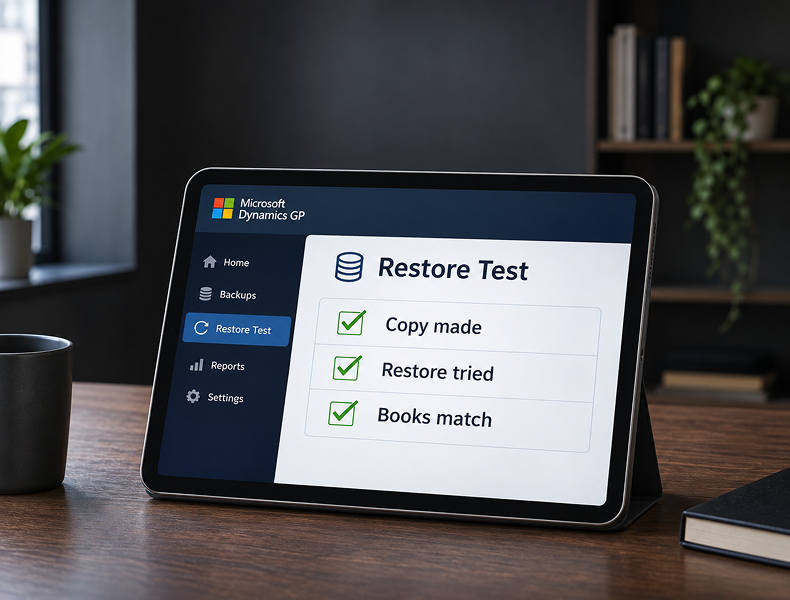
  • [1] Your backups and how you restore them
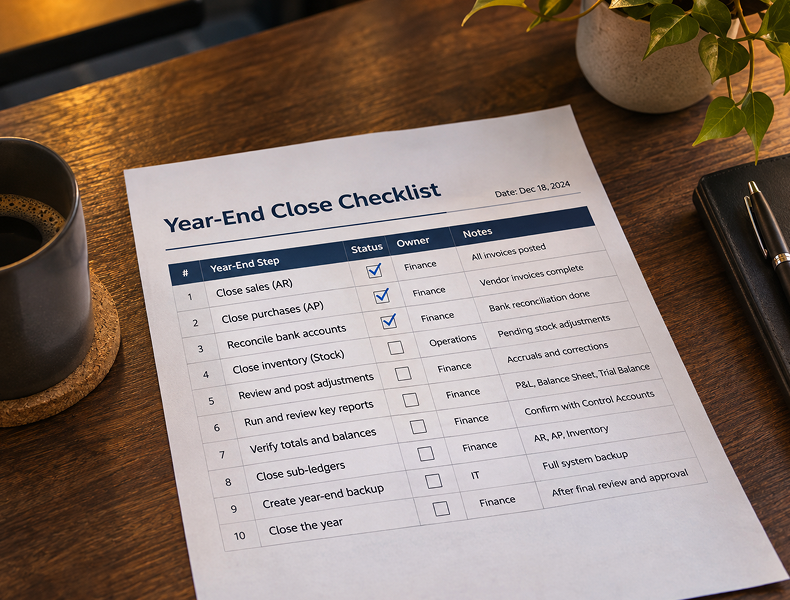
  • [2] Your year-end and close steps
  • [3] Errors your team sees each week
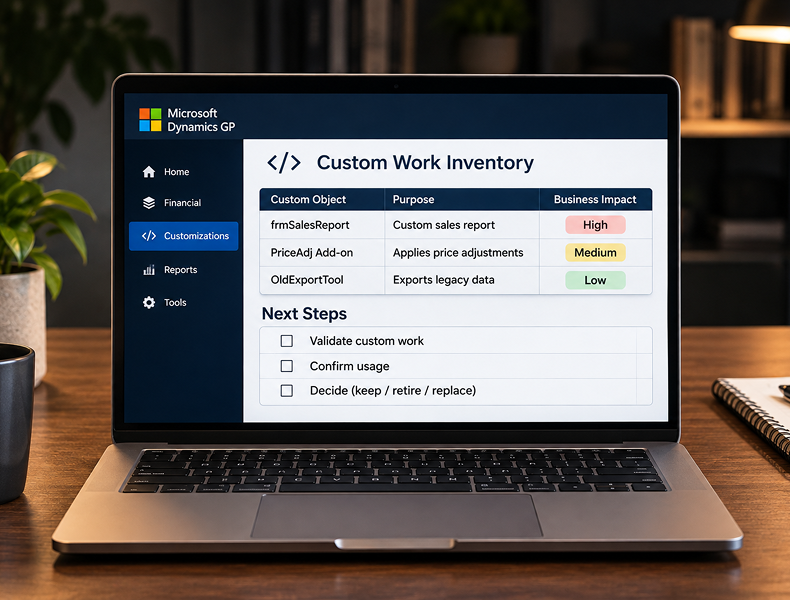
  • [4] Custom reports and add-ons

Ready to move now? See GP to Business Central migration. Want a quick start? See the Business Central data migration fast track.

Get GP steady, then plan the move with time to spare.

A rushed move puts your books at risk. We make GP safe first, so each next step is calm and clear.

A small team laying out the steps of a GP rescue with paper cards on a wall

Before and after

Four roles. One GP team.

Apart

A GP rescue often needs many different helpers.

  • GP fixes

    Own helper

  • Backups

    Own helper

  • Data

    Own helper

  • Move

    Own helper

  • Training

    Own helper

No shared plan
Helpers you manage

5

Together

One team. One plan. One contact.

  • GP fixes

    Same plan

  • Backups

    Same plan

  • Data

    Same plan

  • Move

    Same plan

  • Training

    Same plan

  • Support

    Same plan

One Redefine team
Team you talk to

1

Cost calculator

What does staying on GP cost you?

Use your own numbers. See what work done around GP problems could cost each month.

Your numbers

Monthly

2,000
70.0%
$20
90.0%

Value per month

Your estimate

Now
$28K
After the rescue
$36K

Cost you may be carrying

$8Kper month

$96K a year if nothing changes.

Get Your GP Rescue Plan

This a Dynamics GP rescue figure uses only the numbers you enter. It is not a promise.

Estimate: tasks a month x (no workaround after minus no workaround now) x cost of one workaround. Not a promise.

GP problems we fix first

An engineering mindset for a Dynamics GP rescue

Release plan for a Dynamics GP rescue.

Redefine is an engineering company. Developers, Dynamics 365 and ERP engineers, data experts and business consultants work as one team on your GP rescue, so fixes, data and the move plan fit together.

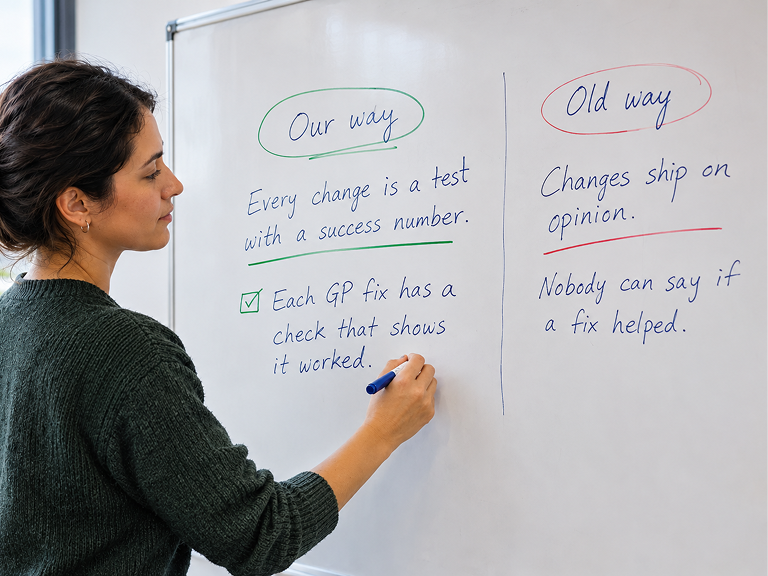
  1. Engineer writing a GP fix goal and its test result on a whiteboard

    01 Our way: How we work

    Success for a Dynamics GP rescue means moving the urgent fixes.

    Each GP fix has a check that shows it worked.

    Old way: Instead of the usual agency habit

    A Dynamics GP rescue used to ship on opinion, with no check of the urgent fixes.

    Nobody can say if a fix helped.

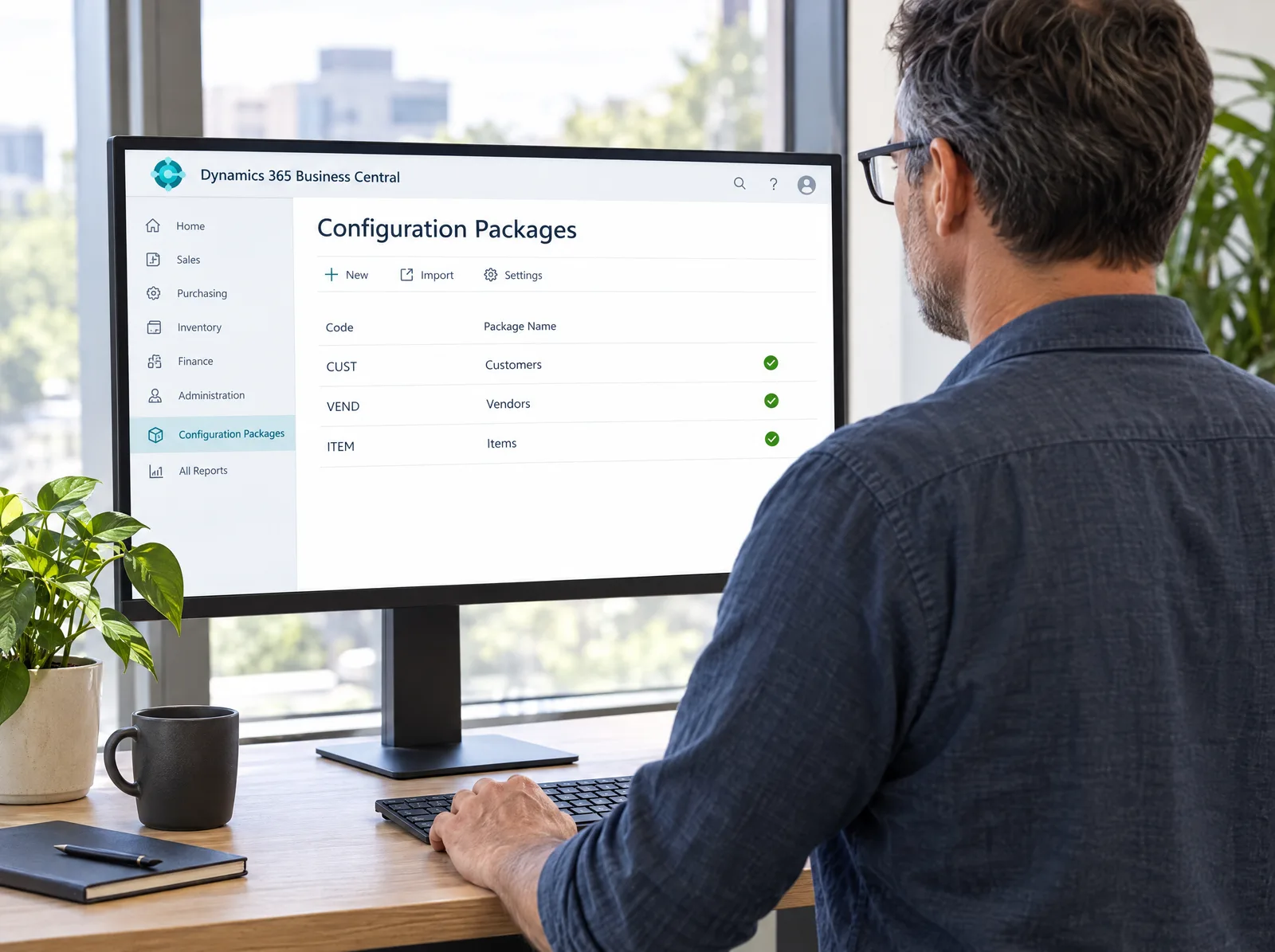
  2. Data engineer preparing a configuration package in Dynamics 365 Business Central for the data move

    02 Our way: How we work

    Engineers fix the system and the data.

    Bad records get fixed at the source, not hidden.

    Old way: Instead of the usual agency habit

    Fixes stop at the surface.

    The same error comes back next month.

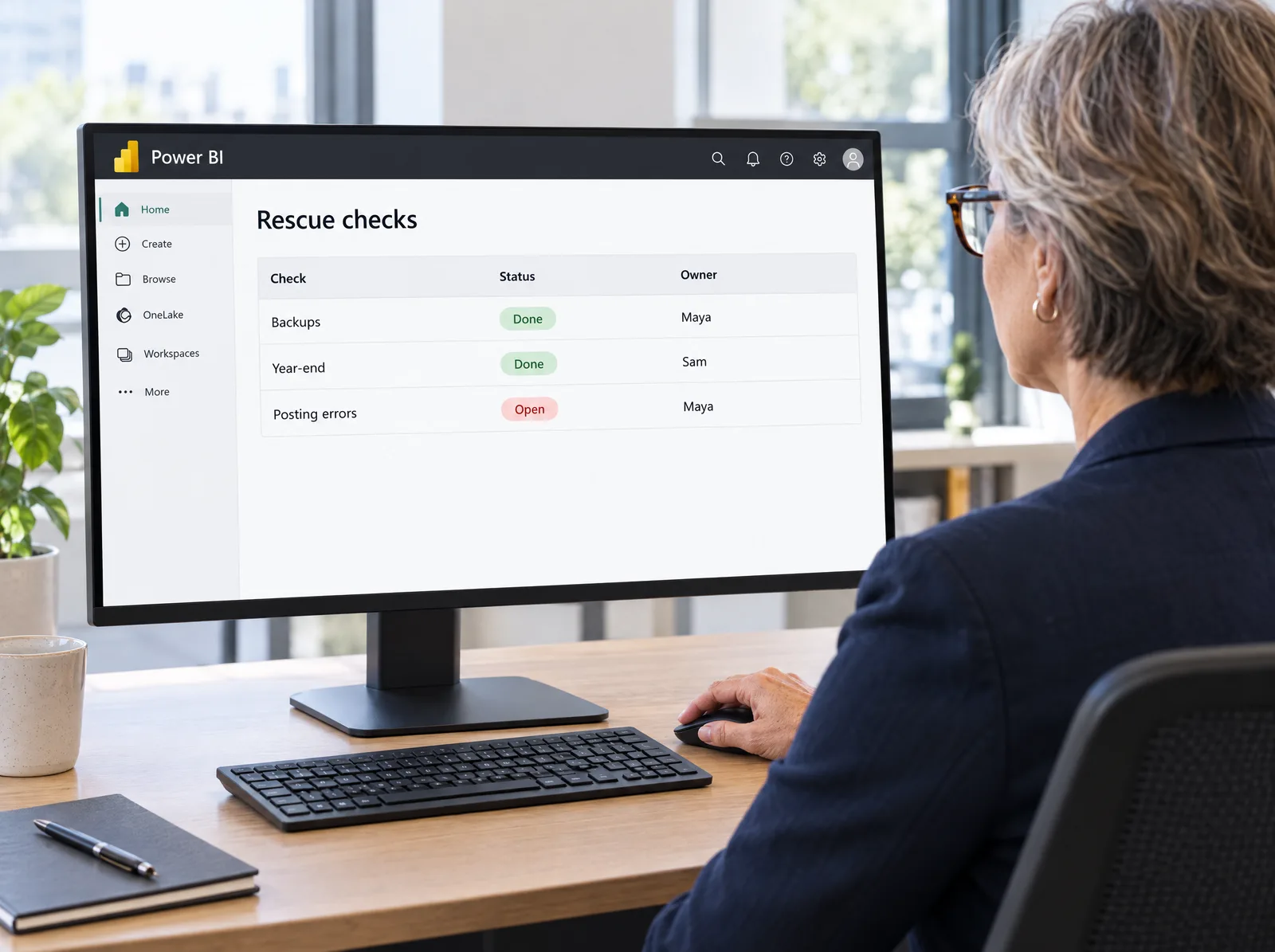
  3. Finance lead reading a Power BI rescue check report that names one owner for each check

    03 Our way: How we work

    Alerts fire the week a number drifts, with one owner.

    Someone sees a problem the week it starts.

    Old way: Instead of the usual agency habit

    Problems show up in the monthly report.

    By then the books are already off.

How Redefine works

TheREDEFINEMethod

Make GP safe now, then move to Business Central when you are ready.

A rescue starts with what could hurt you today: backups, year-end steps and urgent errors. The move plan comes after.

Get Your GP Rescue Plan

Your plan comes first. The work is scoped from it.

Why this approach matters

  • Less risk of downtime.
  • Data you can trust.
  • Clear choices.
  1. Start here

    Step 1: Diagnose

    We check your GP setup, your backups, your year-end steps and the errors your team sees, and fix what is urgent.

    You receive A GP stability report

  2. Choose what matters

    Step 2: Prioritize

    We pick the fixes that matter most and skip small jobs that add little value.

    You receive A ranked fix list

  3. Do the work

    Step 3: Deliver

    We do the agreed fixes and get your data ready for Business Central, with as little disruption as we can.

    You receive Fixes done and tested

  4. Check the result

    Step 4: Prove

    We check the GP fixes and the move plan were done as agreed. Business results are checked on their own.

    You receive A delivery check

  5. Keep improving

    Step 5: Improve

    After the rescue we hand over a list of next steps for the move. More help is your choice, never added by default.

    You receive A move roadmap

What you receive

A GP Rescue Plan: GP made safe, and a clear path to Business Central.

Case study / Business Central stock data

Imtra

From four hand-kept lists to one feed.

This was a Business Central stock data project, not a GP rescue. It shows how we clean and steady data.

A stock lead in a warehouse office posting an item journal in Dynamics 365 Business Central on a laptop

Result

Stock sources kept by hand

Before

4

After

1

Source: Redefine case studies.

  1. 01 / Problem

    Stock came from 4 places.

    Each list was kept by hand and they did not match.

  2. 02 / Diagnosis

    The data was the problem.

    Nobody had one true count to trust.

  3. 03 / Action

    One import, pushed on its own.

    We joined the sources and set up an automated push into Business Central.

  4. 04 / Result

    About 85% of hand steps gone.

    Most hand sync steps to Business Central now run on their own.

We did this for Imtra. It was a Business Central stock data project, not a GP rescue. The same team steadies your GP and plans your move.

Your GP rescue plan

See what your GP Rescue Plan covers.

This is the written plan a Redefine consultant sends after checking your GP system. It shows what to fix now and how to move next.

Sections
5
Risks
1
Fixes
First
Get Your GP Rescue Plan

Redefine

Confidential

Prepared for: your business

GP Rescue Plan

Contents

  1. 01Your GP system today3
  2. 02Backups and restore test7
  3. 03Year-end steps12
  4. 04Urgent fixes18
  5. 05Move roadmap22

GP Rescue Plan

Your business

01 / 05

First risk to fix

Backups not tested

Your backups run each night, but nobody has tried a restore. We test one first, so you know your data is safe.

Steps checked

Effort to fix

Low

Priority

High

Do it in this order

Test backups Fix urgent errors Plan the move

How your GP Rescue Plan is laid out: the cover and page 3.

What is the REDEFINE Method?

For a Dynamics GP rescue, Redefine reads the aging GP system before any edit, then ranks by the urgent fixes, ships it, and proves the urgent fixes held.

Read the aging GP system, rank by the urgent fixes, deliver a Dynamics GP rescue, prove it, then improve it. Read the REDEFINE Method
How long does a GP rescue take?

It depends on how many problems we find and how big your GP setup is.

We check your system first, then agree the time with you in writing before work starts.

How is this different from a straight move?

Many teams skip right to the move. We make GP safe first, so a rushed switch does not put your books at risk.

Our team knows GP and Business Central, so the fixes and the move plan fit together. See GP to Business Central migration

How do you keep our data safe?

We test your backups first, then check and clean the data before anything moves.

Each fix is written down, so your team sees what changed. See Dynamics 365 data migration

Can you help with custom reports and add-ons?

Yes. We list each custom report and add-on, what it does and whether you still need it.

Your plan says which ones move to Business Central and which ones can go.

What does a GP rescue cost?

Cost depends on your GP setup, your custom work and how much help you want.

Your GP Rescue Plan shows your needs first, so the price in your proposal is clear. Estimate your first-year cost

What help do you give after the rescue?

You get a list of next steps for the move. Ongoing help is your choice.

If you want it, our support or managed services teams can take over. See Dynamics 365 support

GP rescue plan

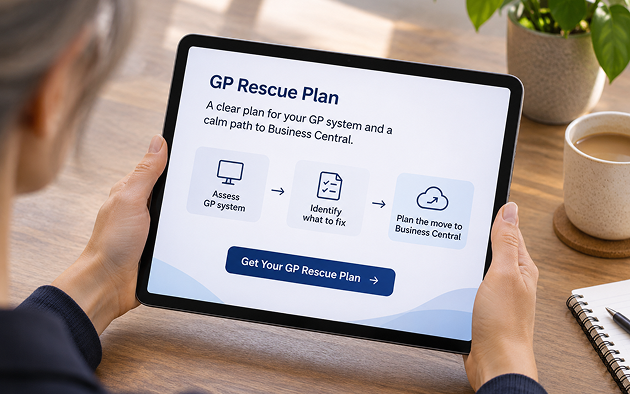
Get a clear plan for your GP system

Start with a GP Rescue Plan. Our team checks your GP system and maps a calm path to Business Central.

Business owner reading a printed GP rescue plan at a standing desk by a window
  • A person reads every request
  • A written GP rescue plan
  • 25+ years building business systems
  • 550+ projects delivered

Your GP Rescue Plan

Tell us how you use GP today and what worries you most. A short note is fine.

  1. 1You fill out the form
  2. 2Our team reviews it
  3. 3We check your GP system
  4. 4You get your plan