



BigCommerce Salesforce integration

See every store order inside Salesforce.

We connect BigCommerce to Salesforce. Customers, B2B accounts, orders and cases sync, so sales and service see one record.

Peekawhoo on BigCommerce: 99.1% inventory accuracy once store and stock data shared one record. See the case study. No obligation.

Using another CRM? See BigCommerce CRM integration.

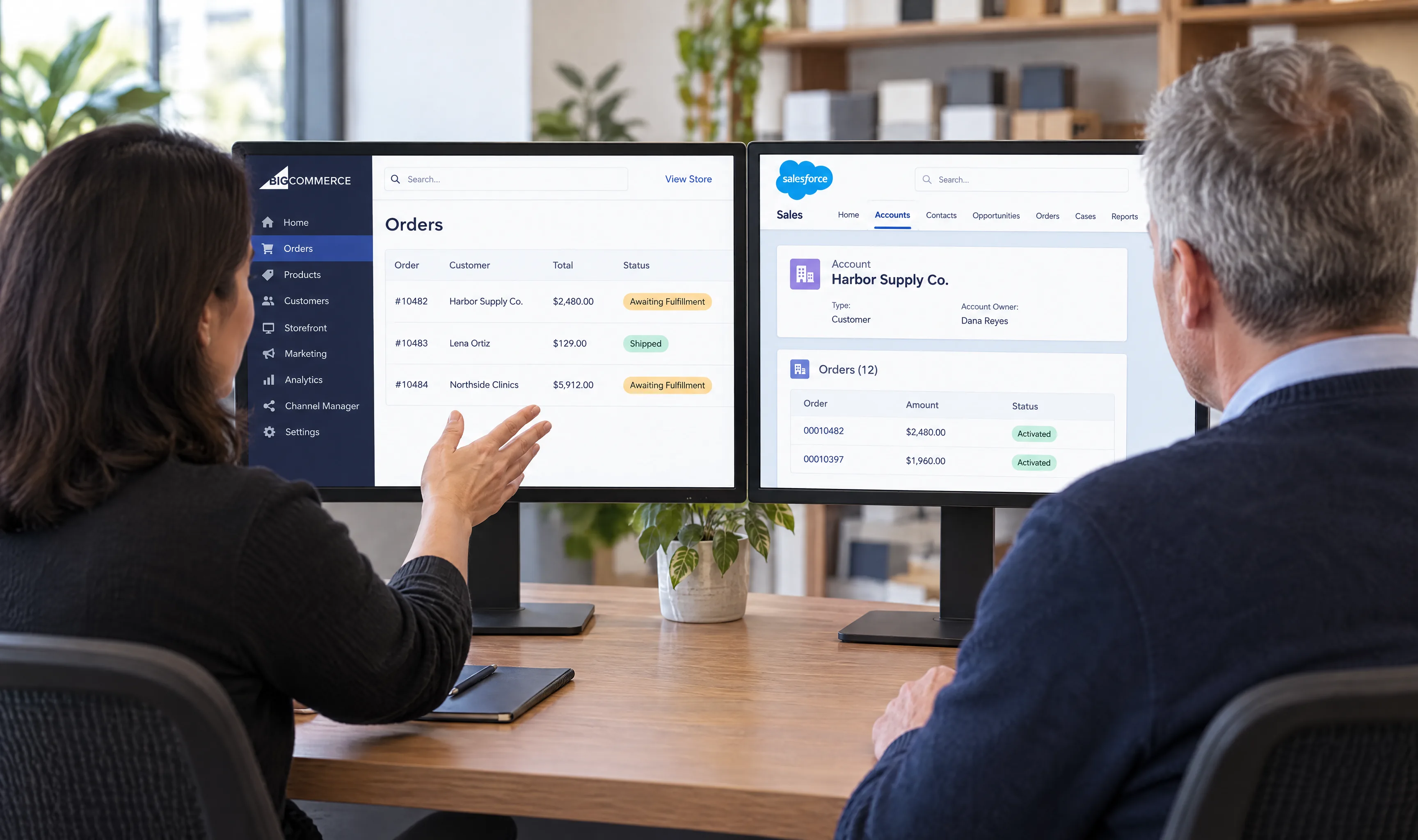
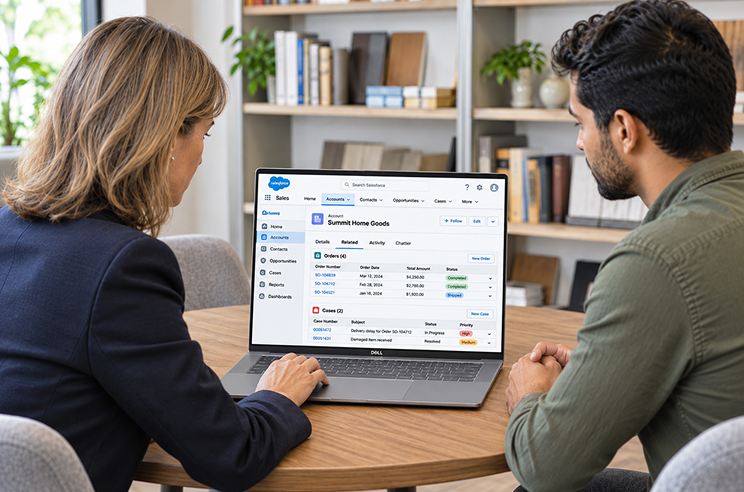
An operations lead and a sales manager compare a BigCommerce order list with the same customer account in Salesforce

Results

When store data moves on its own, teams stop retyping.

Three real results from our BigCommerce case studies. These were stock, POS and order links, not Salesforce builds. The same team builds Salesforce syncs.

  • Peekawhoo
    99.1%
    Inventory accuracy once the store and the shop counter shared stock and customer data.
  • Peekawhoo
    -26%
    Lower operating costs after the same link went live.
  • Sleek Shop
    92%
    Of orders now run on their own, up from about 15%.

Sources: our case studies for Peekawhoo and Sleek Shop.

Get a Salesforce integration plan for your store.

Field map, sync rules, build order. No obligation.

Get my Salesforce integration plan

Short answer

What is BigCommerce Salesforce integration?

Updated

BigCommerce Salesforce integration links your online store to Salesforce Sales Cloud and Service Cloud. Redefine Innovations plans and builds it for B2B and retail stores on BigCommerce. Shoppers become contacts, companies become accounts, and orders, quotes and cases show on the right record, so sales and service teams see what each customer bought.

Without a sync, staff copy orders into Salesforce by hand. The same shopper shows up twice, reps call without the order history, and reports disagree. A good sync gives each customer one record and keeps it current.

We test every flow in a Salesforce sandbox first. Live records change only after the tests pass.

Three ways to connect BigCommerce and Salesforce

Your plan says which fits

WayBest whenWhat you getWatch for
Connector appContacts and orders only, one storeA fast start with set field mapsB2B accounts or custom fields
MiddlewareMany systems share the same recordsRules, retries and logs in one placeA monthly fee for the tool
Custom buildB2B buyers, quotes or your own rulesFull control of each field and ruleMore work when Salesforce changes

What your plan covers

  • [1] Shoppers, contacts and duplicates
  • [2] B2B companies and accounts
  • [3] Orders, quotes and price lists
  • [4] Cases and service history

Other systems too? See BigCommerce integration services or all BigCommerce services.

What moves between BigCommerce and Salesforce

Pick a record type to see what syncs, and which way it goes.

Shoppers and contacts

Each new shopper becomes a Salesforce contact, matched by email so nobody gets a second record.

  • Match by email
  • Guest orders linked
  • Opt-in kept

Direction: BigCommerce to Salesforce

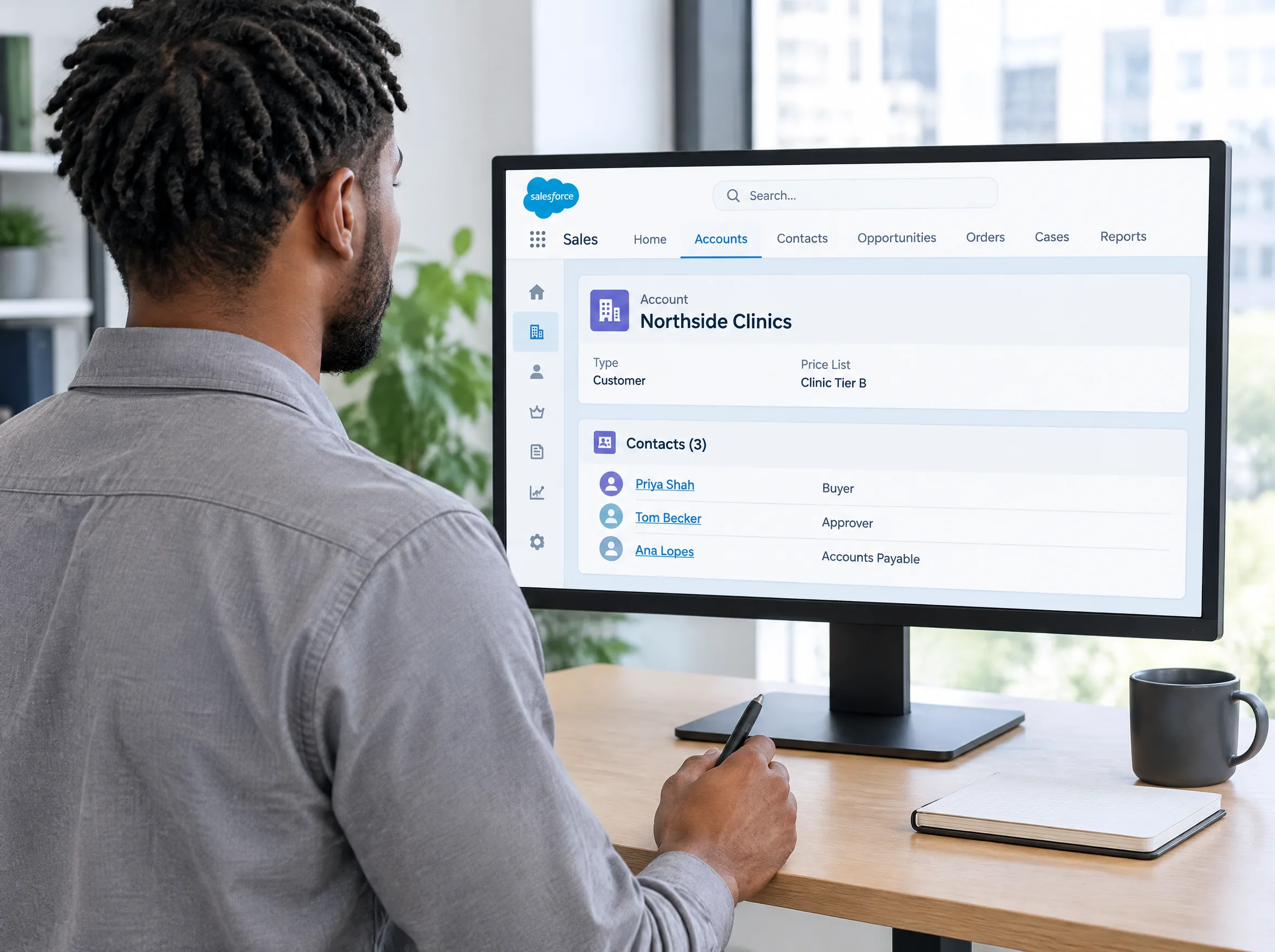
Salesforce contact record for a BigCommerce shopper, with her store orders listed on it

One team

Four vendors become one team.

Get one plan for your store and Salesforce: the store code, the sync, the records and the reports, with one point of contact.

Get my Salesforce integration plan

Before

A store developer, a Salesforce admin, a connector vendor and a report builder each own one piece. When a record breaks, nobody owns the fix.

  • Store developer

    Own plan, own contact

  • Salesforce admin

    Own plan, own contact

  • Connector vendor

    Own plan, own contact

  • Report builder

    Own plan, own contact

After

Redefine, one team: one plan for your store, the sync and Salesforce.

Redefine Innovations

One team

  • Store code
  • Salesforce records
  • The sync
  • Reports

Four problems a Salesforce sync fixes.

  1. Problem 1 of 4

    Duplicate contacts

    One shopper, one record.

    Each order checks for a match by email first, so reps stop merging copies by hand.

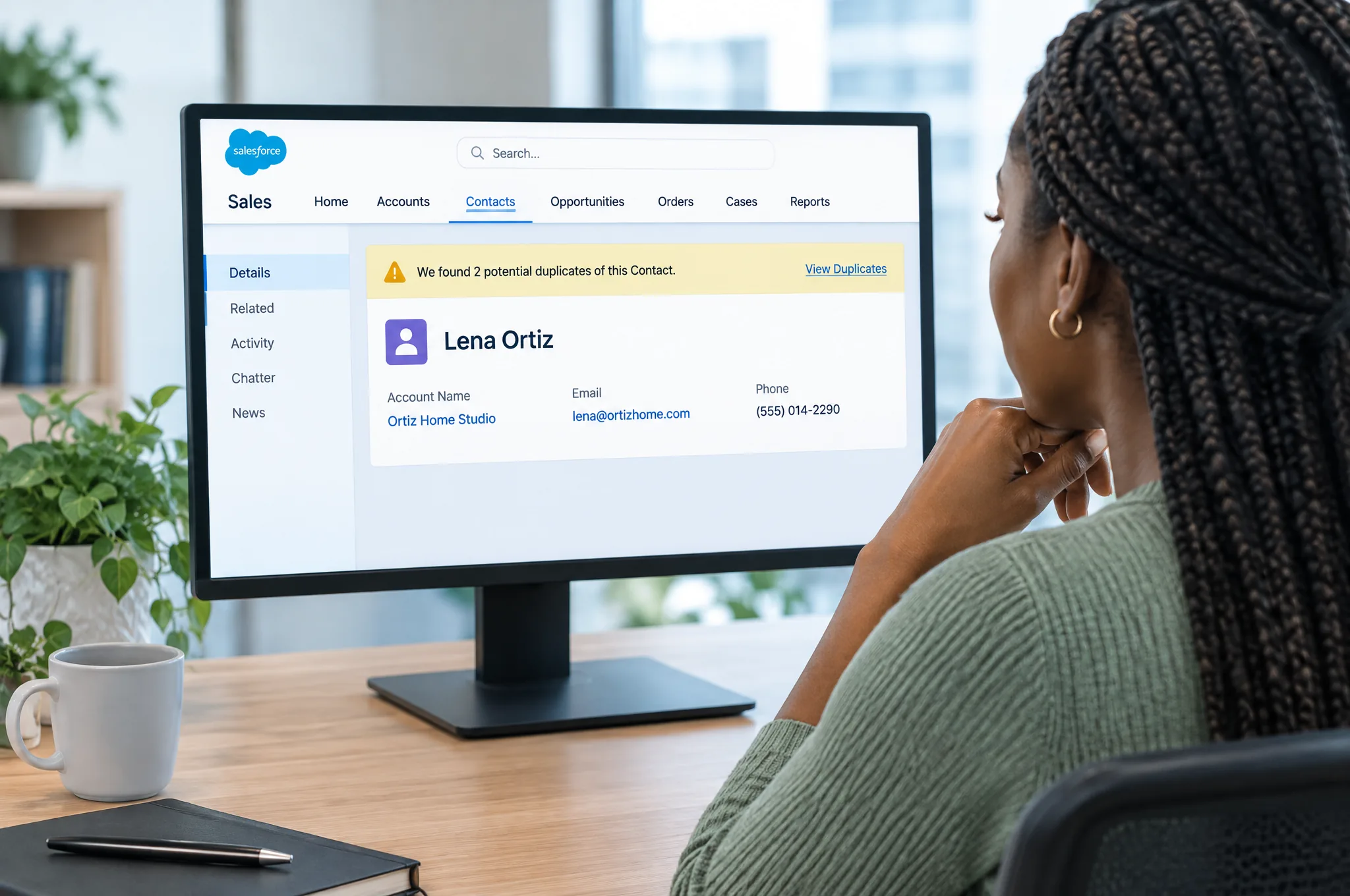
    Salesforce contact record with a warning that two duplicate contacts exist for the same shopper
  2. Problem 2 of 4

    Orders typed twice

    No more copy and paste.

    Paid orders reach Salesforce on their own, with items, totals and status.

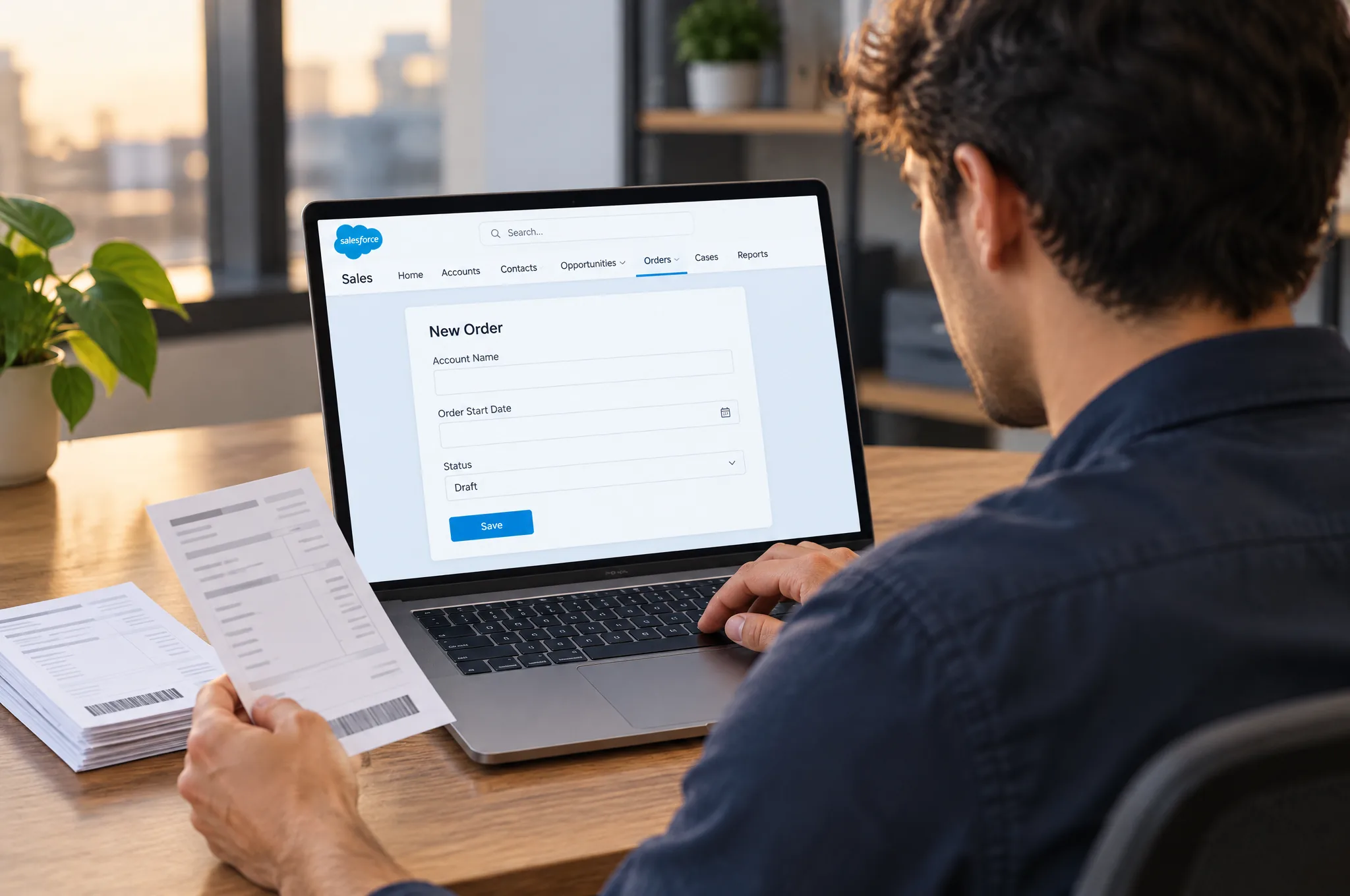
    A staff member retypes a store order into the Salesforce new order form by hand
  3. Problem 3 of 4

    Calls without history

    Reps see what was bought.

    Before a call, reps open the account and see every store order and open case.

    A sales rep searches a binder of printed sheets for a client order history during a meeting
  4. Problem 4 of 4

    Prices that do not match

    One price list for each buyer.

    B2B price lists and approved quotes line up in the store and in Salesforce.

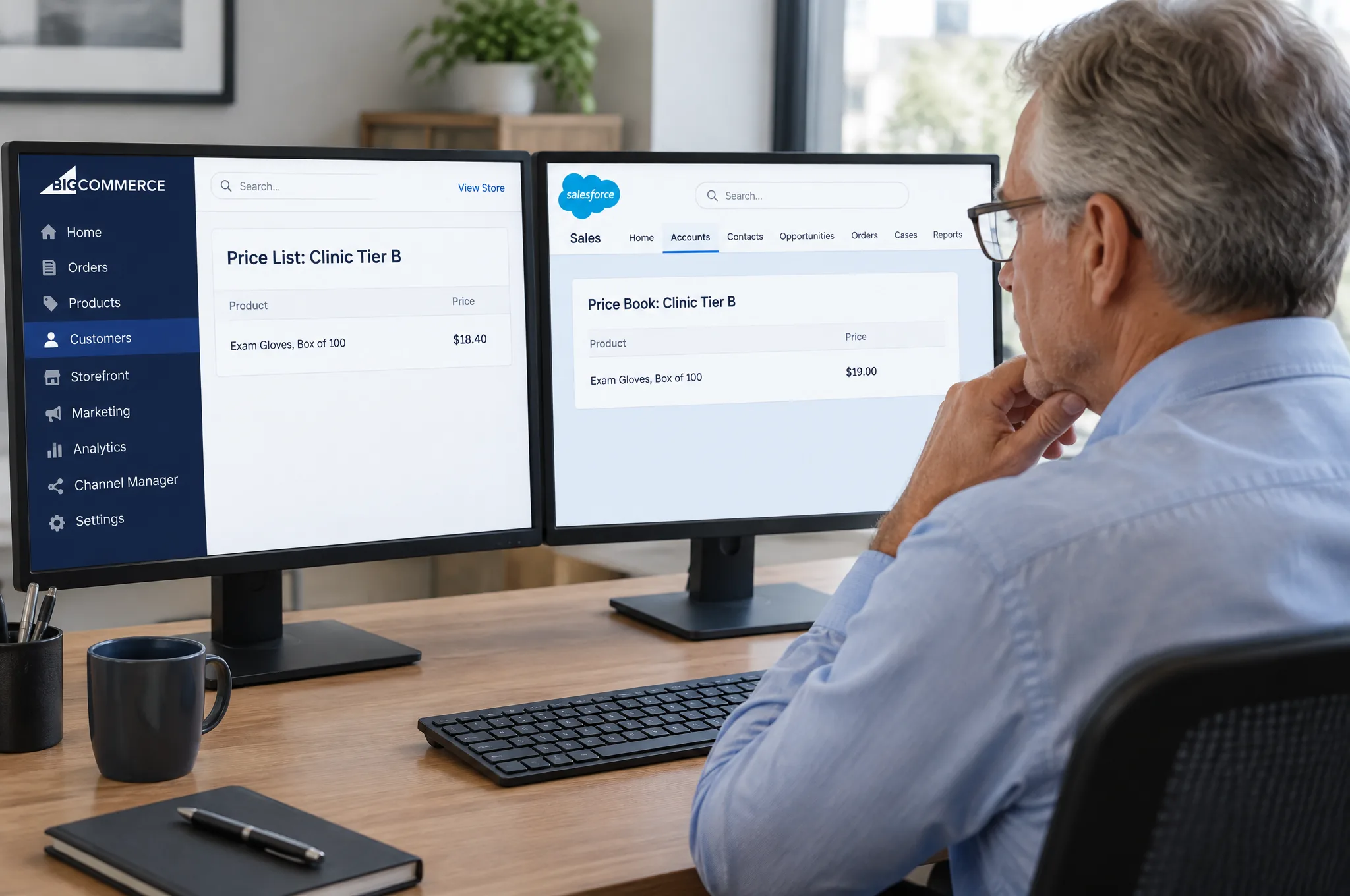
    The same glove price shows $18.40 in BigCommerce and $19.00 in Salesforce

Cost of manual entry

Find what retyping orders costs you

See what copying BigCommerce orders into Salesforce by hand costs your team. Set your own numbers.

Your store

Your numbers

2,000
3 min
$30

Estimate: orders x minutes per order / 60 x hourly cost. Based on your numbers. Not a forecast.

Monthly cost of manual entry

$3,000

Staff time spent copying orders that a sync could move for you.

Hours of entry a month

100

Your year

Your numbers

  • Cost a year$36,000
  • Hours a year1,200
Get my Salesforce integration plan

An engineering mindset for ecommerce growth

We run growth the way engineers run software.

Redefine Innovations is an engineering company that does marketing. Developers, ERP engineers and marketers work on one team, so a fix reaches the store's code and data, not just the ad account.

  1. Two colleagues draw a goal line on a whiteboard chart before a sync rule goes live

    01 Our way: How Redefine works

    Every change is a test with a success number.

    Each sync rule has a number that shows it works.

    Old way: Instead of the typical agency habit

    Changes ship on opinion.

    No one checks if a change worked.

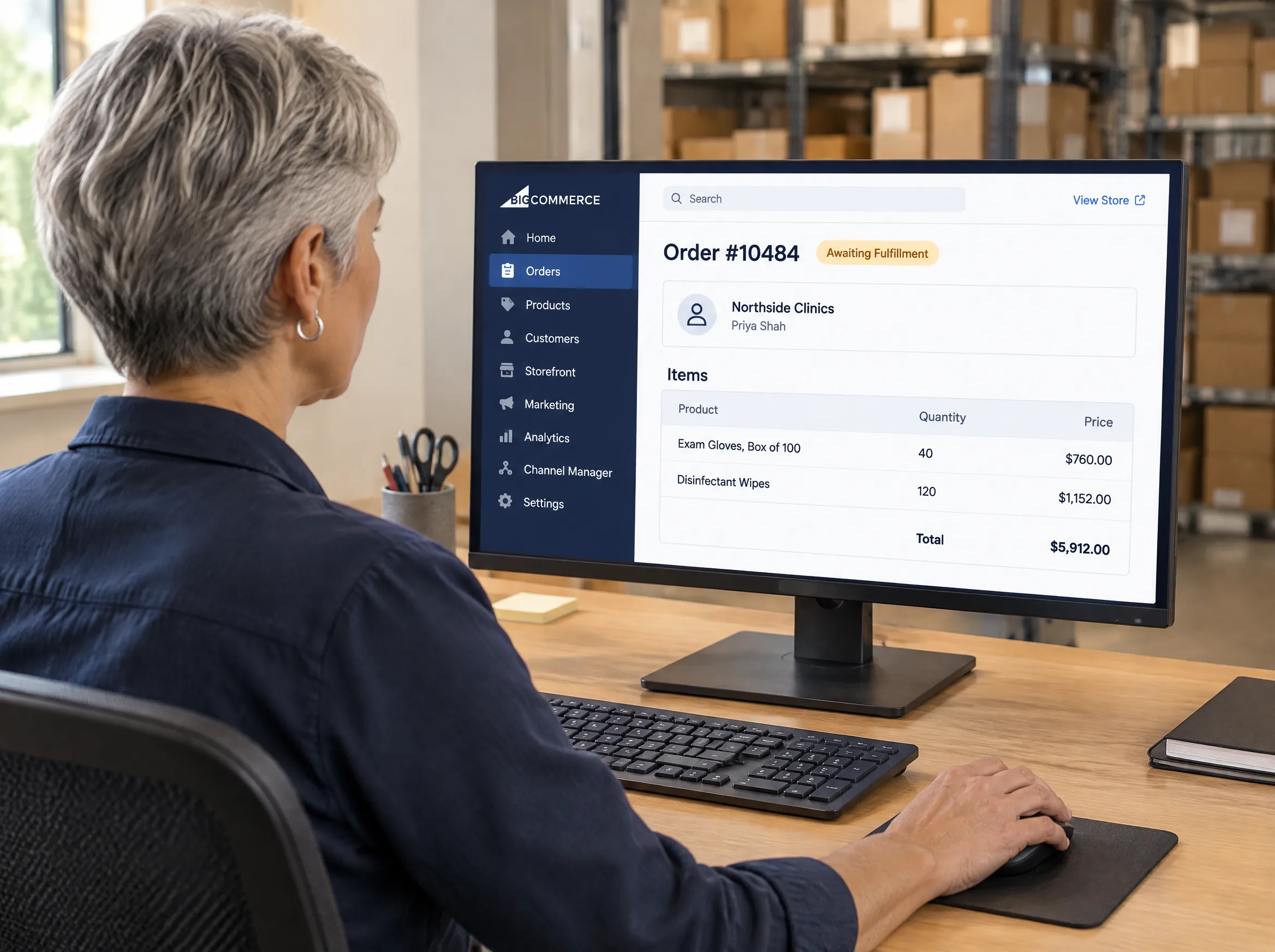
  2. A developer writes the order sync code with the BigCommerce Orders page open beside it

    02 Our way: How Redefine works

    Developers fix the store and its data.

    Speed, checkout, tracking and ERP data, not just ads.

    Old way: Instead of the typical agency habit

    Fixes stop at the ad account.

    The store and its data stay broken.

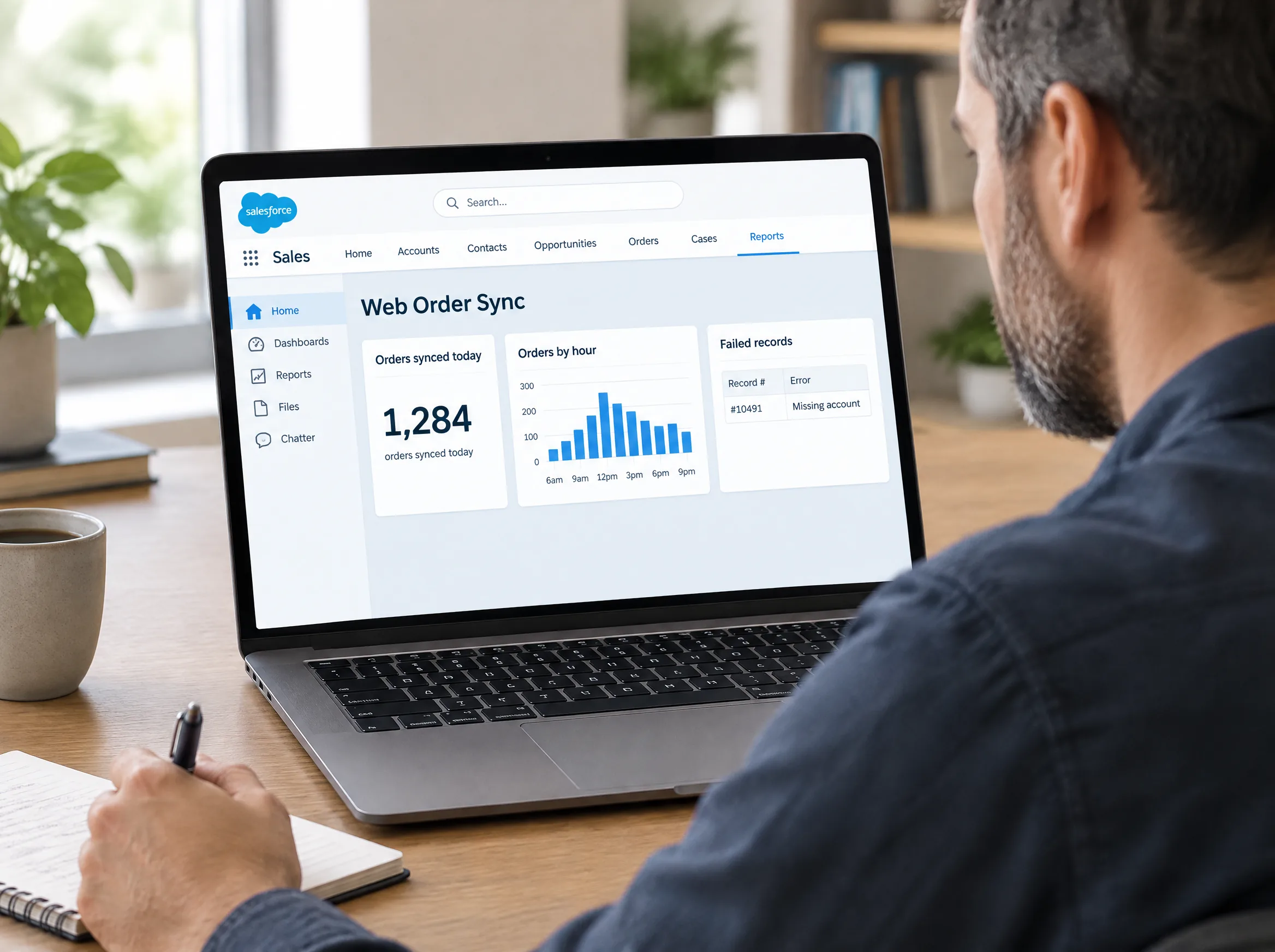
  3. Salesforce dashboard that tracks synced web orders and the one failed record to fix

    03 Our way: How Redefine works

    Every task has a done when line.

    Alerts fire the week a number drifts, with one owner and a plan.

    Old way: Instead of the typical agency habit

    Done when sent.

    Problems wait for the monthly report.

How Redefine works

TheREDEFINEMethod

BigCommerce Salesforce integration, built in the right order.

We would not start by pushing every order into Salesforce. Contacts and accounts must match cleanly first, or each order lands on a duplicate, so the roadmap fixes customer matching before orders, quotes and cases move.

Get my Salesforce integration plan

A written plan for your store and Salesforce. No obligation.

Why this approach matters

  • Fewer duplicate records and typing errors.
  • Sales and service see the full customer story.
  • Spend goes to the fixes that matter most.
  1. Start here

    Step 1: Diagnose

    We review how BigCommerce and Salesforce share customers, accounts and orders today, and find duplicates, gaps and manual steps.

    You receive A gap analysis report

  2. Choose what matters

    Step 2: Prioritize

    We rank the fixes by business value. Contact and account matching come first; orders, quotes and cases follow.

    You receive A priority roadmap

  3. Do the work

    Step 3: Deliver

    We build the sync flow by flow, with a connector app, middleware or a custom build, as the roadmap sets out.

    You receive Your Salesforce sync, built

  4. Check the result

    Step 4: Prove

    We test each flow in a Salesforce sandbox, then confirm records land right and the agreed numbers are met.

    You receive Success metrics

  5. Keep improving

    Step 5: Improve

    After go-live we watch the sync, fix what drifts and add new fields as your sales process grows.

    You receive An ongoing improvement plan

What you receive

A gap analysis report, a priority roadmap, a detailed Salesforce integration plan, a success metrics list and an ongoing improvement plan.

Case study / BigCommerce data link

Peekawhoo

Sells baby blankets with custom monograms on BigCommerce. This was a store and shop counter (POS) link, not Salesforce. The same team builds both.

A mother rocks her baby in a soft blue Peekawhoo blanket in a calm nursery, from the Peekawhoo case study
  1. 01

    Problem

    Store stock and shop counter stock were kept apart, so counts drifted and customer details lived in two places.

  2. 02

    What Redefine did

    We linked the store to the shop counter system, so stock and customer data live in one place.

  3. 03

    Result

    Inventory accuracy reached 99.1% and operating costs fell 26%.

Conversion rate
3.0%
Inventory accuracy with one record
99.1%
Operating costs after the link
-26%

Read the Peekawhoo case study

Source: Peekawhoo case study, redefineinnovations.com.

Your integration plan

Know what syncs, and in what order.

A written plan for your store. It maps each field, sets the match and sync rules, and puts the build in order.

Sections
5
Systems
2
Field map
1

Redefine

Confidential

Prepared for: your store

BigCommerce Salesforce Integration Plan

Contents

  1. 01Contacts and duplicates3
  2. 02B2B accounts7
  3. 03Orders and price lists12
  4. 04Quotes and cases18
  5. 05Connector, middleware or custom22

BigCommerce Salesforce Integration Plan

Your store

01 / 05

Sync first

Contacts

Store orders reach BigCommerce but not the Salesforce account. Match contacts first, then move orders.

Share of fields mapped

Build next

Orders

Priority

High

Recommended sequence

Contacts Orders Cases

How your BigCommerce Salesforce Integration Plan is laid out: the cover and the field map page.
Get my Salesforce integration plan

Then you review the plan with our team and choose the next step. No obligation.

How much does BigCommerce Salesforce integration cost?

Cost depends on how many records sync, which Salesforce clouds you use, whether you sell B2B, and how many custom fields you keep. A connector app suits simple needs. Custom work fits complex ones.

Your Salesforce integration plan gives a cost range for the build you choose.

Which records can sync between BigCommerce and Salesforce?

Shoppers and contacts, B2B companies and accounts, orders, products and price lists, quotes and service cases. Your plan says which way each one moves.

Using HubSpot with Salesforce too? See HubSpot Salesforce integration

How do you stop duplicate contacts?

Each shopper is matched by email before a new contact is made. Guest orders join the right contact, and Salesforce duplicate rules stay on.

Your plan lists the match rules for contacts and accounts.

Does it work with BigCommerce B2B Edition?

Yes. Companies, buyers and approvers line up with Salesforce accounts and contacts, and price lists stay matched to each account.

Building a B2B store too? See BigCommerce B2B development

How fast do records sync?

New orders and contacts can sync within minutes using BigCommerce webhooks. Large loads run in batches so Salesforce API limits are not hit.

Your plan sets the timing for each flow.

Is there risk to the live store or Salesforce?

We test in a Salesforce sandbox before live records change. Deletes are checked before they run, and a rollback plan is ready.

Go-live happens at a quiet time.

What happens after go-live?

Monitoring and alerts watch the sync. Each failed record goes to one owner who fixes it.

Regular checks confirm the store and Salesforce match. See BigCommerce support and maintenance

What is the REDEFINE Method?

The REDEFINE Method is Redefine Innovations' business-first framework for identifying business constraints, prioritizing improvements, delivering appropriate solutions, verifying outcomes, and sustaining improvements.

It has five stages: Diagnose, Prioritize, Deliver, Prove and Improve. Read the REDEFINE Method

Start here

Ready to see store orders in Salesforce?

If your store and Salesforce do not match, we can help. Your plan shows what syncs, which way, how often, and what to fix first. No obligation.

A sales director and an ecommerce manager read their BigCommerce Salesforce integration plan
  • A written plan you keep
  • What syncs, which way, what first
  • 25+ years in ecommerce
  • 550+ projects delivered

Request your Salesforce integration plan

Tell us about your store and your Salesforce setup. We will confirm by email and start your plan.

  1. 1Send your store details
  2. 2We review your store, Salesforce and field map
  3. 3You get your written Salesforce integration plan
  4. 4We walk through it, and you choose the next step