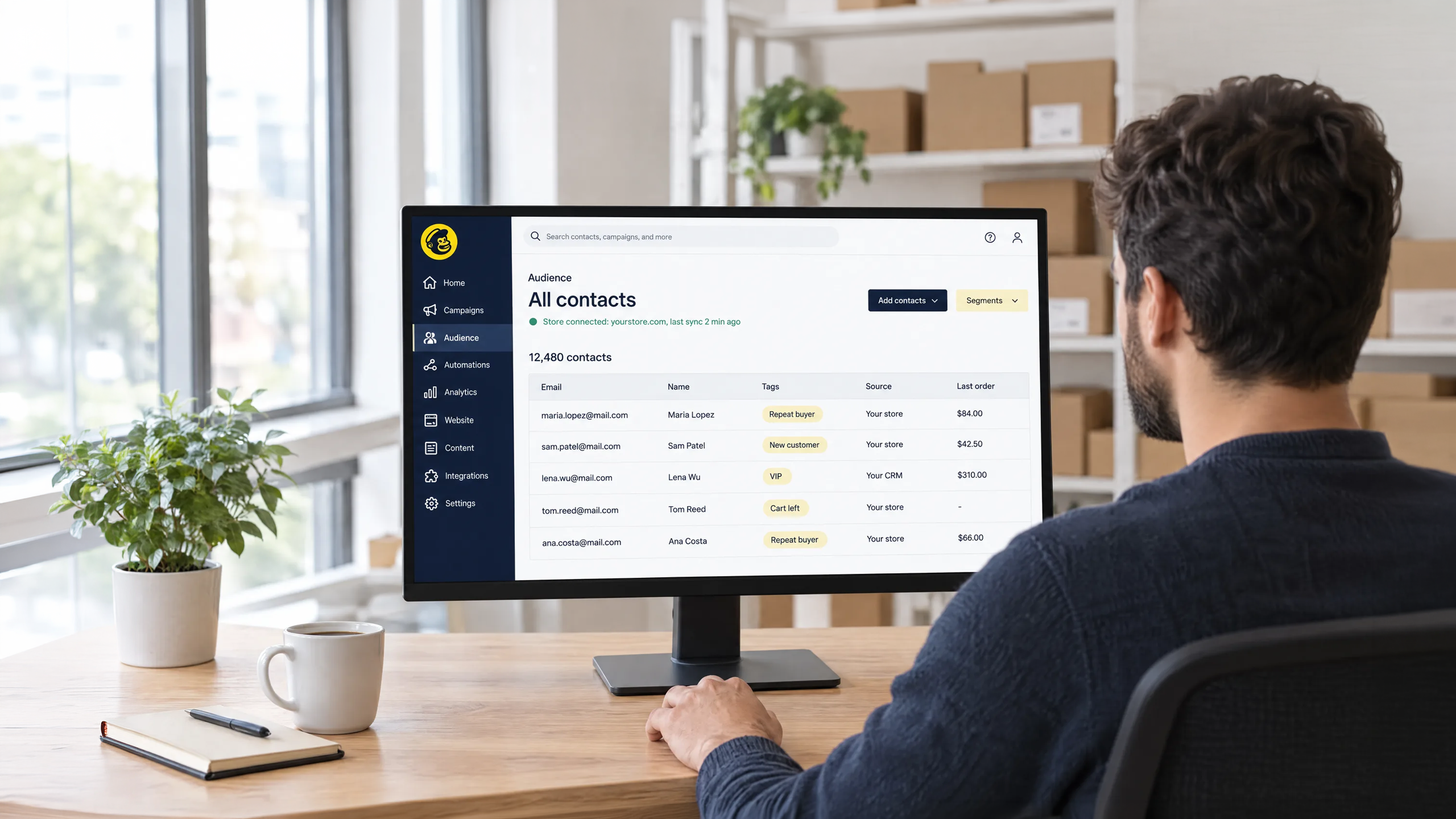
Mailchimp integration connects your store and CRM to Mailchimp, so contacts, orders, carts and events reach your audience, tags and automations on their own. Redefine Innovations maps and builds this sync for ecommerce and marketing teams, using the Mailchimp API, webhooks, a native connector or middleware. We test it with real records before go-live.
Mailchimp can only send what your store and CRM give it. When the data is late or wrong, segments go stale and emails reach the wrong people.
So we map the data first, then build the sync, then check that the counts in Mailchimp match the source.
A store developer, a CRM admin, an email agency and a middleware contractor each hold one part. Data gets lost between them.
Store developer
Owns the store, not the sync
CRM admin
Owns the CRM fields only
Email agency
Sends emails, not data
Middleware contractor
Runs a connector, no plan
After
One Redefine team: developers, CRM engineers and marketers own the Mailchimp connection together.
Redefine Innovations
One team
Store
CRM
Email
Sync
An engineering mindset for Mailchimp integration
We run growth the way engineers run software.
Redefine Innovations is an engineering company that does marketing. Developers, ERP engineers and marketers work on one team, so a fix reaches the system, not just the slide deck.
01·Our way: How we work
Every field change is a test with a number.
Each mapping change has a success number, such as contacts matched, and a "done when" line: audience counts match the source.
Old way: Instead of the usual agency habit
Field mapping changes on opinion.
Done means switched on.
02·Our way: How we work
Engineers build and fix the sync.
The sync between your store, your CRM and Mailchimp is built, tested and fixed by the team that planned it.
Old way: Instead of the usual agency habit
Advice stops at a list of apps.
You are left to wire the connectors yourself.
03·Our way: How we work
Alerts fire the week a sync fails.
A failed sync or a count that drifts raises an alert, with a planned response and one owner.
Old way: Instead of the usual agency habit
Missing contacts wait for the monthly report.
By then, the emails have already gone out.
Cost of delay
How many hours go to moving lists by hand?
Each week you wait, the exports, tags and fixes keep eating hours. Enter your own numbers to see how many.
A written Mailchimp integration plan for your systems.
Why this approach matters
The root of sync problems is found first.
The data that matters most to the business moves first.
The sync keeps up as your store and CRM change.
Start here
1
Step 1: Diagnose
We review your store, CRM and Mailchimp account: contacts, orders, carts, events, tags and merge fields. We mark where the sync breaks.
You receive A clear diagnostic report
Choose what matters
2
Step 2: Prioritize
We rank the data and automations that matter most, such as order segments and cart reminders. Lower-value fixes wait for a later round.
You receive A ranked priority plan
Do the work
3
Step 3: Deliver
We map fields, merge fields and tags. Then we build the sync with the method confirmed in scoping: Mailchimp Marketing API, webhooks, a native connector or middleware.
You receive A working integration
Check the result
4
Step 4: Prove
We run test syncs with real records and confirm that audience counts match the source system before go-live.
You receive Verified data counts
Keep improving
5
Step 5: Improve
We set alerts for failed syncs, name one owner, and adjust the sync as your store or CRM changes.
You receive An ongoing improvement plan
What you receive
A diagnostic report, a ranked priority plan, a working integration setup and an ongoing improvement plan.
Case study / Store integration
Drs. Berne
Drs. Berne is a whole health brand that sells products and events on its website, its Shopify store and Amazon.
01
Problem
Products lived in more than one place, so the same product work was done more than once.
02
Diagnosis
Events and Amazon had to join in without breaking the journey, so every system had to read the same data.
03
Solution and result
Redefine Innovations made Shopify the hub and connected the WordPress site, event booking and Amazon to it.
Less catalog admin
~50%
Channels on 1 catalog
3
Mobile usability score with faster pages
+38%
This was a store integration project, not a Mailchimp project. The same team maps your data and connects it to Mailchimp.
Redefine shows how your store, CRM and Mailchimp fit together, written for your systems. It sets what moves first, how, and what we still need to confirm. Then you choose who builds it.
Your contacts reach Mailchimp, but orders and carts do not. So the order sync comes first.
Contacts100%
Tags90%
Carts40%
Orders0%
Your data that reaches Mailchimp today
Start with
Orders
Priority
High
Order of work
Orders
Carts
Automations
How your Mailchimp Integration Plan is laid out: the cover and the first sync.
Questions
Answers before you connect Mailchimp
Clear answers before you ask for your plan.
REDEFINE Method
What is the REDEFINE Method?
The REDEFINE Method is Redefine Innovations' business-first framework for identifying business constraints, prioritizing improvements, delivering appropriate solutions, verifying outcomes, and sustaining improvements.
It has five stages: Diagnose, Prioritize, Deliver, Prove and Improve. For a Mailchimp integration, we diagnose your data first, then test the sync and set alerts. Read the REDEFINE Method
Your account
Will my existing Mailchimp account and audiences be used?
Yes. We work inside your account and audiences, so you do not start over. Your campaigns and automations keep running while the new sync is built and tested.
Any audience cleanup is agreed in the plan first. We review your tags and merge fields in the Diagnose step.
Past orders
Can past orders be imported into Mailchimp?
Yes, when the plan includes it. We map order fields, tags and events first, then test the import on a small set of orders.
Then you can build win-back and repeat-buyer segments from past purchases.
Failed syncs
What if a sync fails?
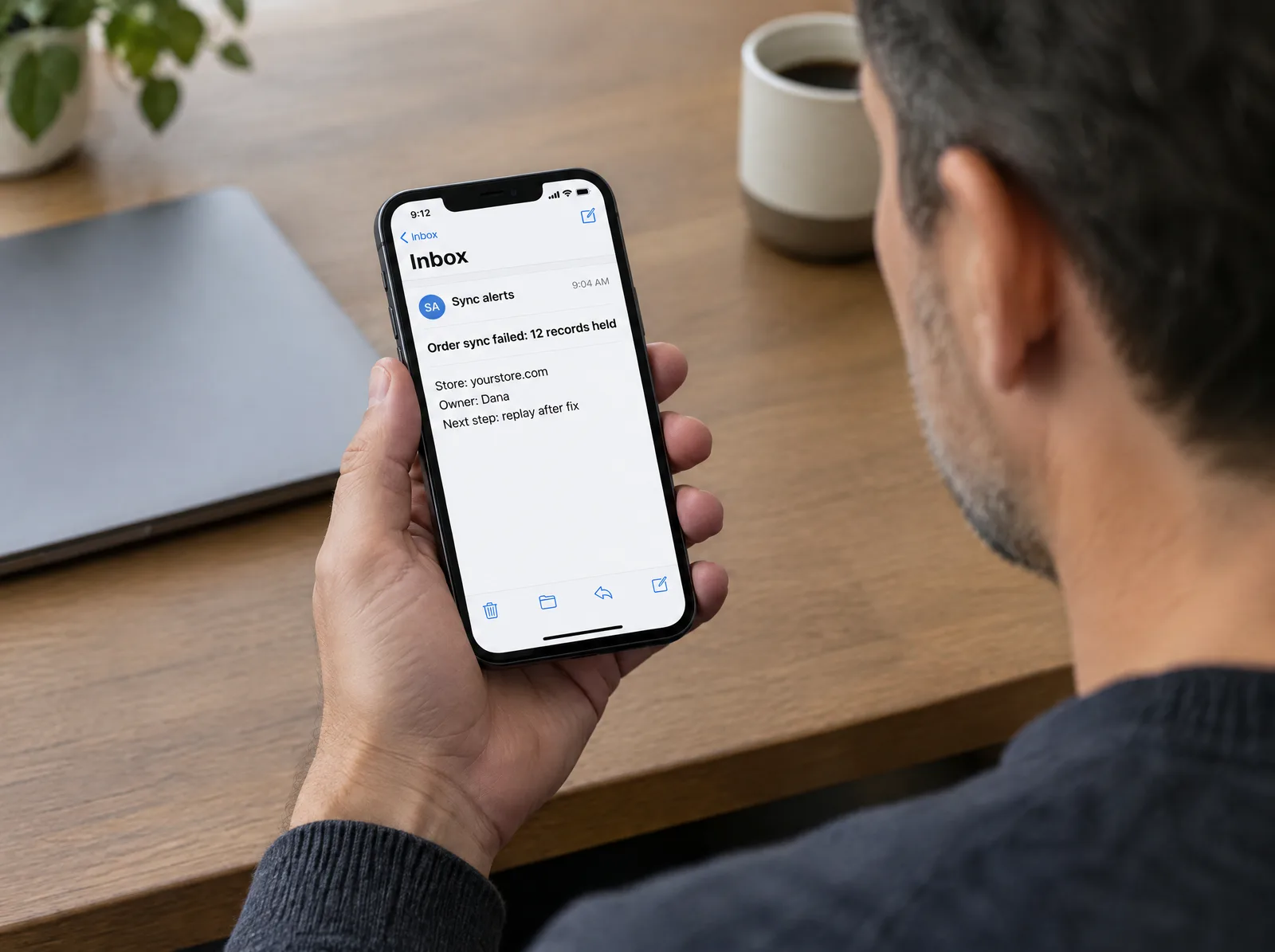
Failed syncs are retried. If the problem stays, an alert goes to a named owner, and held records are sent again once the cause is fixed.
Error logs show which records failed and why, so we fix the cause in the source system. See API integration services
Cost
What does Mailchimp integration cost?
It depends on your systems, data volume, connection method and automations. The price is set after the Diagnose step.
Your integration plan lists the price for the agreed scope before work starts. You can start with the most important connection.
Timing
How long does a Mailchimp integration take?
It depends on scope: how many systems, how much data cleanup, and whether automations are included.
Your plan shows milestones for mapping, testing and go-live.
Scope
Does the project include Mailchimp automations or only the data connection?
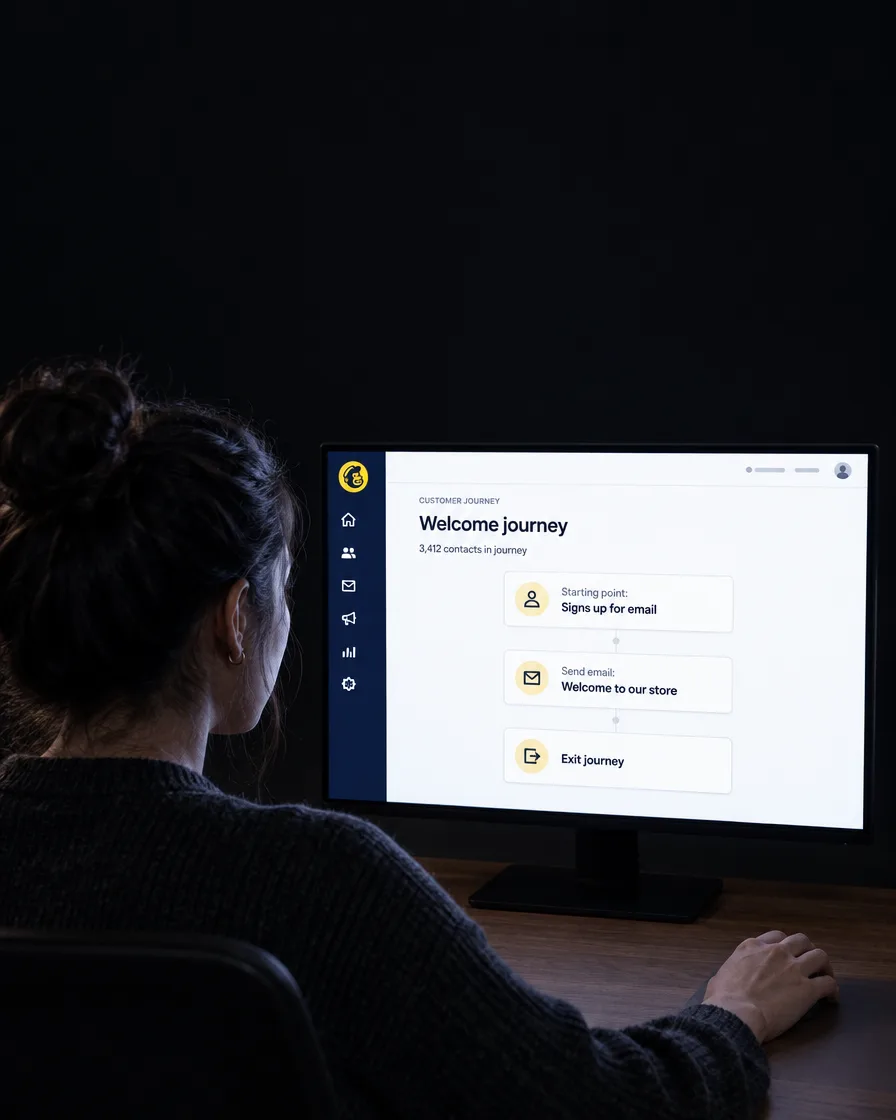
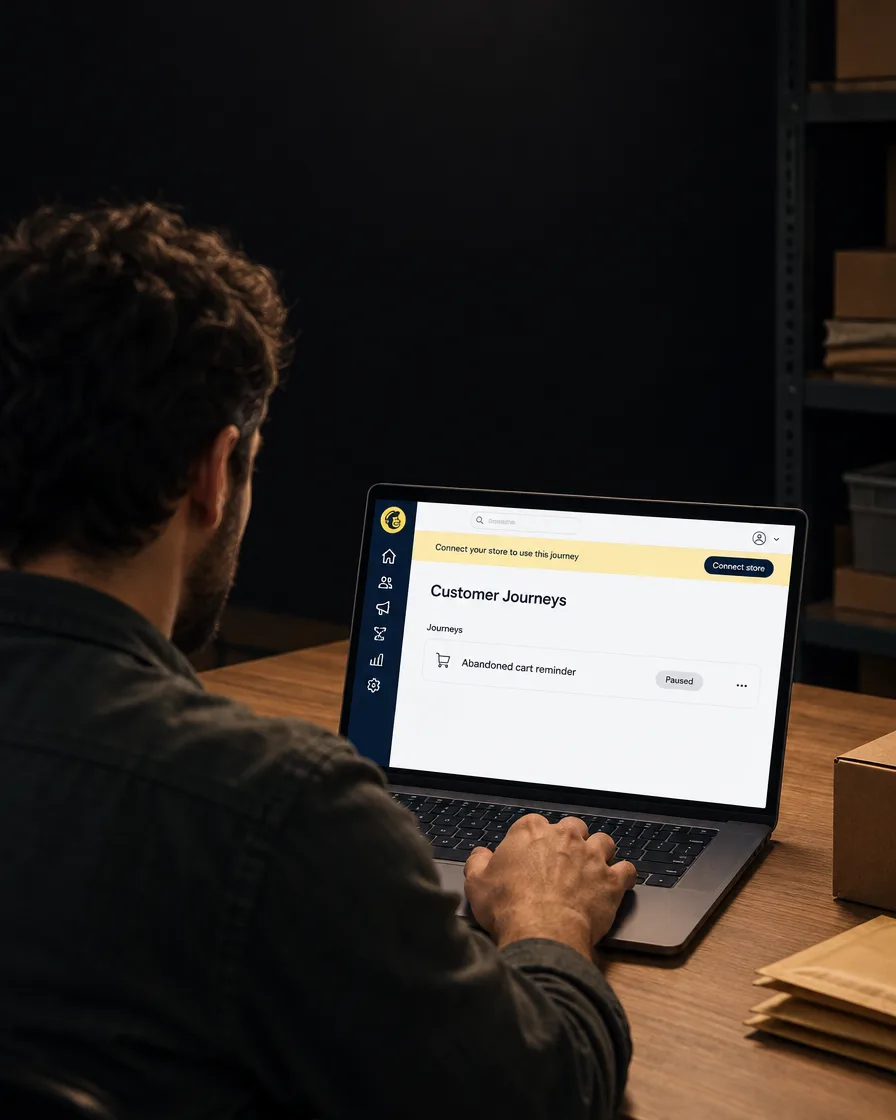
Either. The plan says if the scope is only the data link or also automations such as cart reminders, thank you, win-back and welcome emails.
We build automations once contact and order data is reliable, because automations act on whatever data they get. See Mailchimp email marketing agency
Systems
Which systems can Mailchimp connect to?
Stores such as Shopify, WooCommerce and BigCommerce. CRMs such as Salesforce, HubSpot and Zoho CRM. Accounting tools such as QuickBooks. Custom or in-house systems can connect when they share their data.