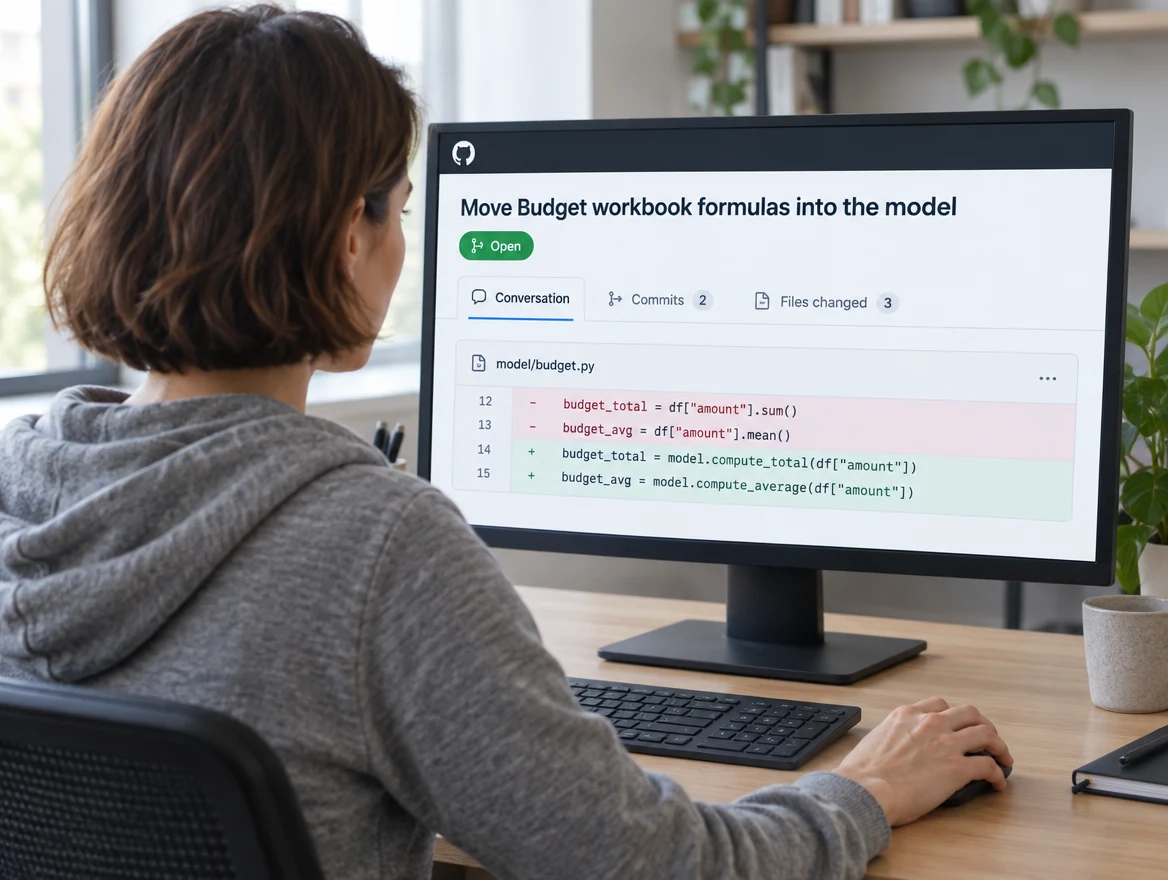
02 How we work
Engineers fix the data model, refresh and security.
The fix reaches the data, not only the chart.
- Old wayFixes stop at the visual.
- The numbers underneath stay wrong.
Excel integration with Power BI
Bring your Excel workbooks into one governed Power BI model. Redefine maps, builds and connects it for finance, ops and BI leaders.
Parsons Kellogg: manual reporting time fell 58% after reports went live in Power BI. See the case study.
Connecting more tools? See our Power BI integrations.

Proof
See success through numbers. Two are our track record; one is a client result.
Redefine is a Microsoft Solutions Partner. Source for 58%: Parsons Kellogg case study.
Discover seamless Excel and Power BI links
A quick call sets the project direction.
Short answer
Updated
Excel integration is a way to organize your data. It helps finance, operations and BI leaders see key numbers clearly. Your workbooks become one model in Power BI. You can compare data and build reports. Redefine Innovations makes sure everything is set up and working well.
Many teams run on Excel workbooks. Each file has its own sheets, formulas and editors. Copies travel by email. One Power BI model puts the data in one place. Every report counts the same way.
The check comes first. Your team checks each report against its workbook. The numbers must match before anyone relies on them.
Pick by what your team needs
What we list first
Need more Power BI connections? See our Power BI integrations.
We check each workbook against its Power BI report, so every number agrees.

Excel to Power BI
Bring the scattered pieces of Excel into one clear Power BI model. Each piece moves in step with the others.
Result: one governed Power BI model.
Workbooks / Sheets / Formulas / Email files
Workbooks, sheets, formulas and email attachments each live apart. Nobody sees the whole.
Mapped together
Linked into one model
Built to run in Power BI
Replaced by data flows


Power BI dashboard development
Map each formula so anyone can read it.

Cut the copy and paste with a clear data flow.


Set managed access for each sheet and person.
Workbook upkeep calculator
Use your own numbers to see how integration helps. See what upkeep costs when more workbooks are linked.
Upkeep cost avoided
Your estimate
Extra upkeep cost avoided
$6Kper month
$72K a year from the same workbooks.
Your call shows where it hides.
Estimate: workbooks x (share linked after minus share linked today) x upkeep cost per workbook. Not a forecast. Your real data gives the real cost.
An engineering mindset for reporting
Redefine works with precision, testing changes and ensuring clear results. Static workbooks become live reports you can click through.
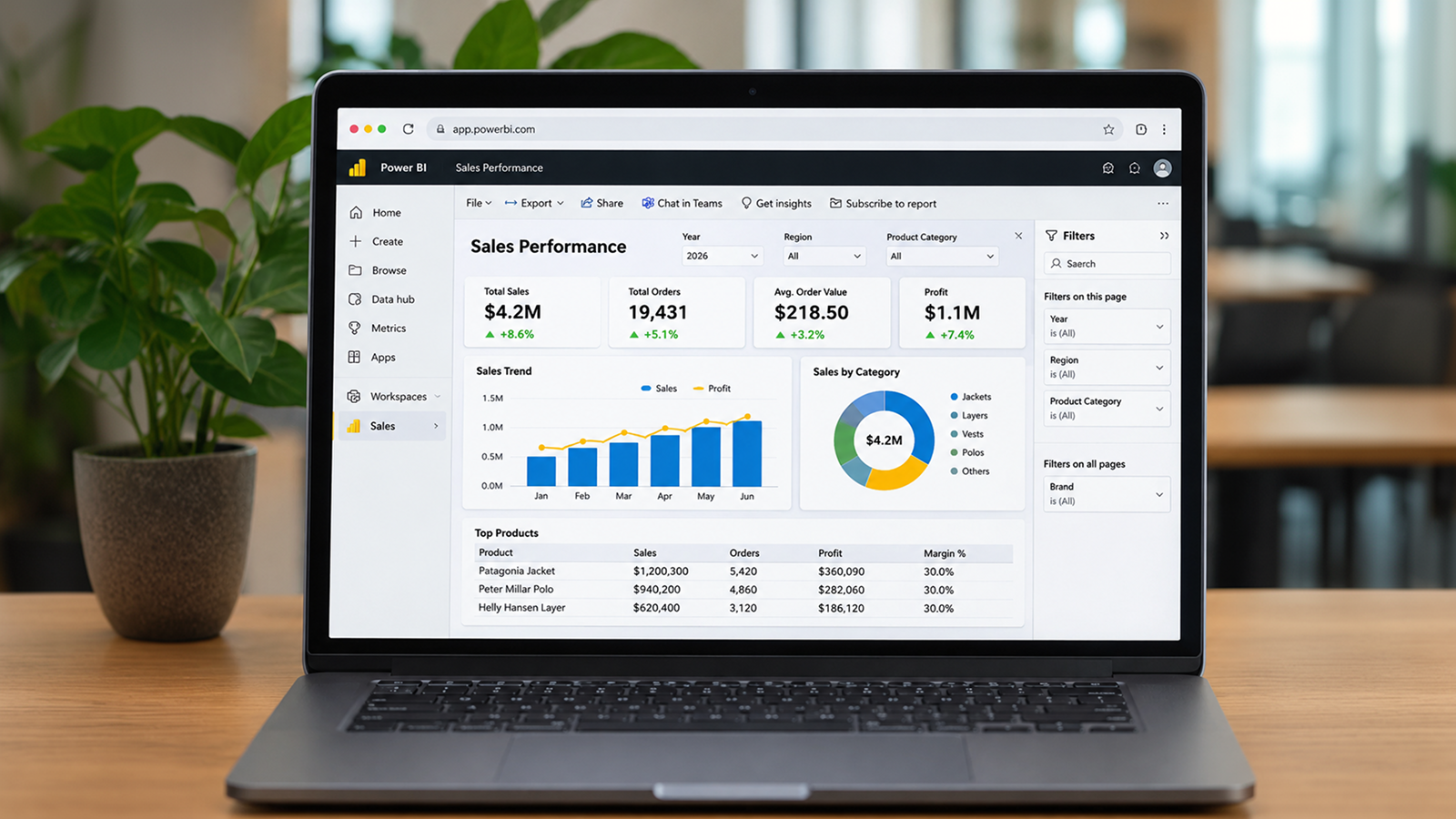
02 How we work
The fix reaches the data, not only the chart.

03 How we work
You know when each task is finished.
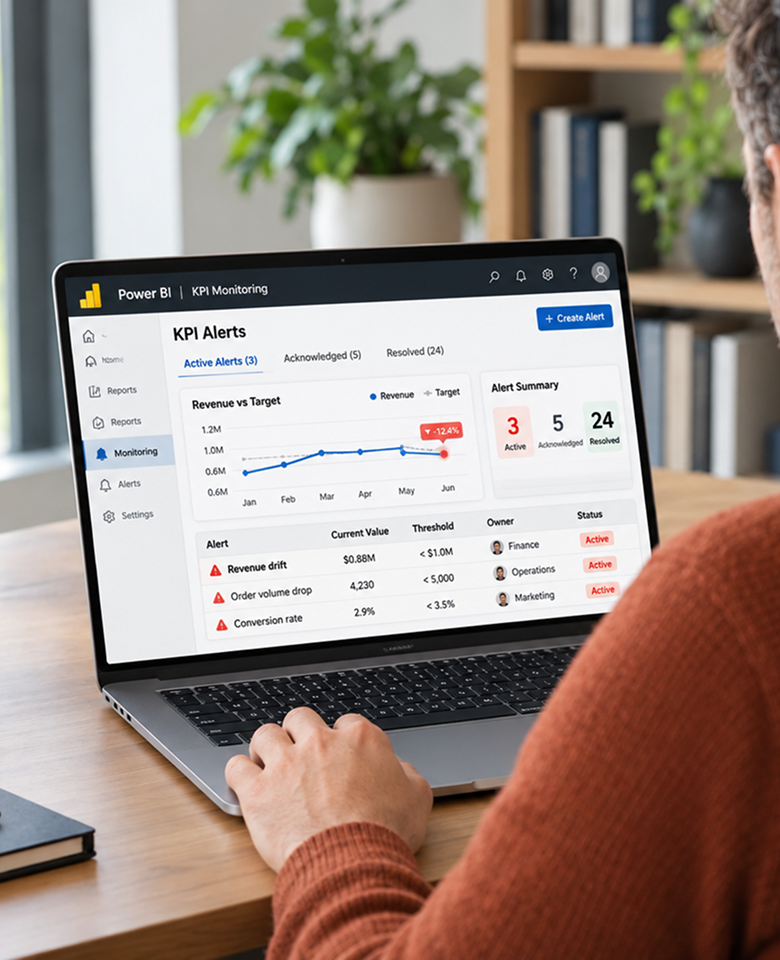
04 How we work
Each alert has a planned response and one owner.
How Redefine works
We connect your Excel to Power BI with care.
Redefine connects your Excel files to Power BI in clear steps. What stays in Excel is set with your team.
A quick call sets the project direction.
Why this approach matters
Start here
Start here. We scan your Excel files.
You receive A list of sheets
Choose what matters
Choose what matters. We identify key tables.
You receive A value map
Do the work
Do the work. We build the reports.
You receive A model and workspace
Check the result
Check the result. We compare old and new.
You receive Report match confirmation
Keep improving
Keep improving. We review feedback.
You receive A written list of next steps
Spreadsheet scans, updated reports and data clarity.
We never skip checking your workbook maps. Power BI needs thoughtful integration to keep your numbers right.
Case study / Proven reporting results
Sells promotional products and corporate apparel. Runs on Microsoft Dynamics 365.
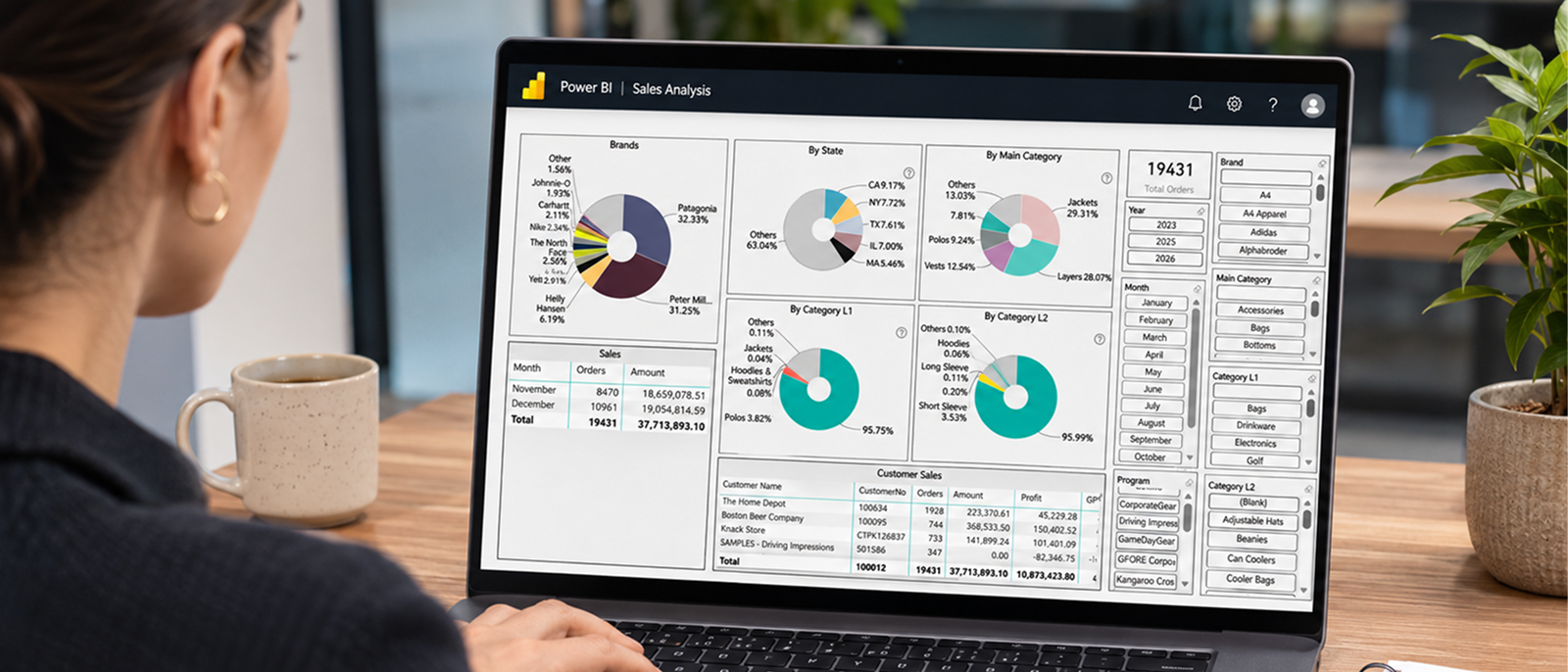
Reporting took many manual hours.
Diagnosis
The team needed reports on live data they could trust, from stock to the warehouse.
Reports went live in Power BI. Manual work fell and the warehouse moved faster.
The same steps shape how your Excel files connect.
Your integration pack
Discover what each part does. Five parts take you from workbook list to team handover.
Redefine
Confidential
Prepared for: your team
Integration Pack
Contents
Integration Pack
Your company
What you have
Workbook inventory
Every Excel workbook is listed with its owner, sheets and links. Nothing is missed.
Workbooks by team
Workbooks listed
33
Move first
Sales
Check in this order
Sales Finance Warehouse
Questions
Clear answers before you book your call.
The REDEFINE Method is Redefine Innovations' business-first framework for identifying business constraints, prioritizing improvements, delivering appropriate solutions, verifying outcomes, and sustaining improvements.
It has five stages: Diagnose, Prioritize, Deliver, Prove and Improve. Read the REDEFINE Method
It connects workbooks to one Power BI model for clear reporting.
Your team gets the data from all workbooks in one governed Power BI model. See Power BI integrations
Workbooks are inventoried and mapped; what stays in Excel is set with your team and confirmed on the call.
We list each workbook and each sheet first. You see the map before we build.
Redefine maps them and builds connections for Power BI use.
We list each formula, then rebuild it to run in Power BI. Your team checks the results against Excel. See dashboard development
Training is set with your team and confirmed on the call.
Tell us who edits your workbooks today. We plan around them.
Update frequency is set with your team and confirmed on the call.
We list how each file updates today. Then we set the new plan with you. Alerts tell you when a run fails. See the refresh watchdog
Your discovery call
Share your thoughts to begin.
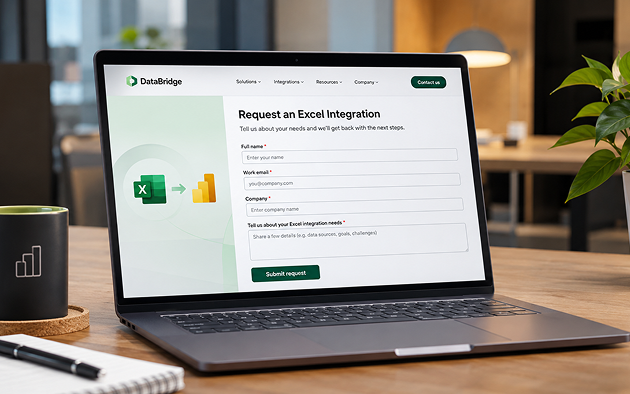
Tell us what feels stuck. A person reads every request.