Who is AI catalog intelligence for?
Brands, distributors and B2B sellers with hundreds or thousands of products on more than one store or marketplace.
It helps most when no one can say which products are ready to sell. See AI and automation
Redefine Suite and your catalog AI catalog intelligence
Your catalog scores every product for every store and channel. It shows what each one is missing and what to fix first.
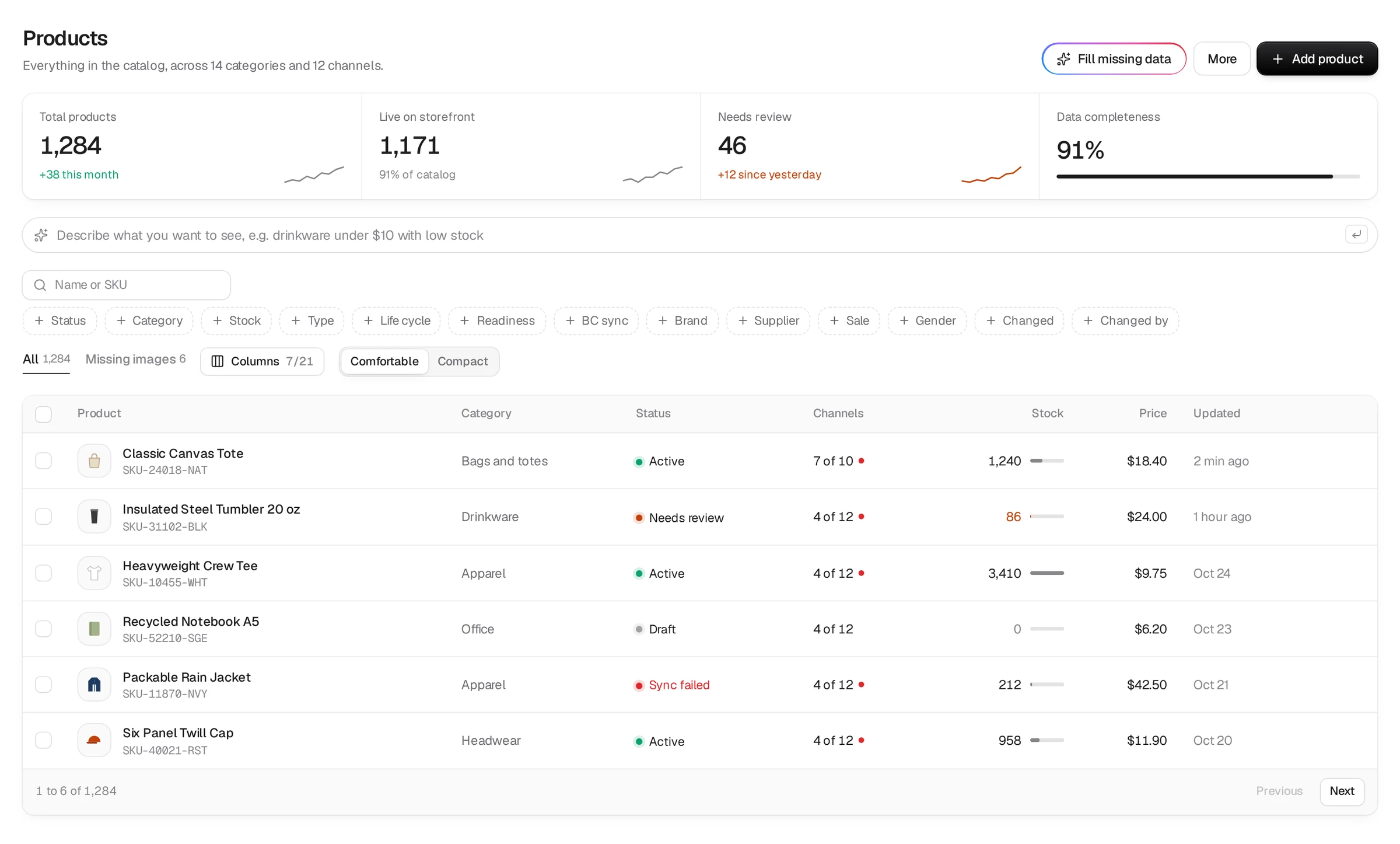
See your own products scored in Redefine Suite.
A demo that scores a set of your own products.
Short answer
Updated
AI catalog intelligence checks every product in your catalog and tells you which ones are not ready to sell, on which store or channel, and why. Redefine Suite by Redefine Innovations scores each product against rules each store sets, ranks the fixes and lets an agent do the safe ones.
A product can look done in one place and still fail on a marketplace. Each channel wants its own fields, photos and category. Most teams find out when a listing is rejected.
In Redefine Suite, the catalog checks itself. You see the gaps first, then fix the ones that hold back the most products.
Three ways to check product data quality
What the catalog checks
Part of AI and automation in Redefine Suite.
Catalog health
Every product is scored in one view. Then the one gap that blocks the most products is named first.
Your catalog / all stores and channels
Your numbers
Completeness rules
What to fix
Fix this first
Those products cannot go live on marketplaces until the UPC is added. Fix the feed once and they all pass.
Every store and channel reads the same master, so one fix clears the gap everywhere.
What runs on each product
1
list of what to fix, ranked by how many products it frees.

Missing for a channel
Why it matters
You find gaps before a marketplace rejects the listing, not after.
Where to start
Store and email work, not Redefine Suite AI. Read the Corporate Gear story.
Certified and partnered
Product readiness
Out of 100. Each store sets its bar.
Score your own productsSee it on your data
Ready to sell reports count by product, brand or supplier. A short note says what stands out, like a feed with no UPC for new colors.
Active
Products live now
Missing
UPC or GTIN gaps
Not ready
What blocks them
Ready
Products that can sell

Flagged on its own
Each one shows up on the product and in the reports. You see the reason, not just a score.
01
Fields a store or marketplace needs show as missing right on the master product.
Removes Listing rejections you find too late
02
When the master changes after a channel got its own value, that value is flagged for a look.
Removes Old values left on one channel
03
When the facts point two ways, the agent stops and asks. It does not guess.
Flags Unclear products only, with the reason
At 90% sure or more, the agent applies the category. Below that, it asks you and says why.
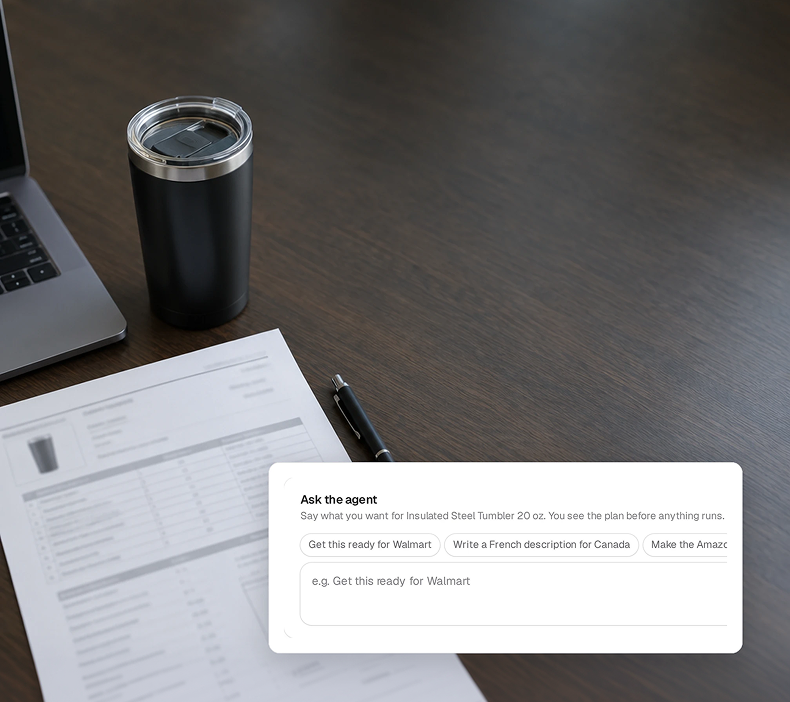
Fill the gaps from supplier files.

Every channel tree, with a reason for each pick.

Raise each sales score, fix by fix.

Readiness by product, brand and supplier.
Questions
Brands, distributors and B2B sellers with hundreds or thousands of products on more than one store or marketplace.
It helps most when no one can say which products are ready to sell. See AI and automation
Each store or marketplace has completeness rules, like at least 4 photos or a GTIN. Each rule has a weight. The weights add up to the score.
A store can hold back products below its readiness bar. See data validation
Yes, and the catalog shows it. Each channel version says Ready or how many fields are missing.
Missing fields show right on the master product. See AI marketplace assistance
Reports count ready products by product, brand or supplier and say what stands out. Sales score fixes are ranked by the points they add.
Start with the gap that blocks the most products. See listing optimization
Only the safe ones, and only at the level you set. Ask first means every change waits. Low risk lets content, categories and fixes go live, while prices and barcodes wait.
You can undo any change. See agentic commerce AI
It shows a confidence for each pick. At 90% or more it applies the pick. Below that, it asks you and says why.
You can change the 90% setting. See category mapping
Reports tell you what is wrong. Catalog intelligence also ranks the fixes and lets the agent do the safe ones.
Both read the same master product. See AI-native analytics
From your supplier files and your master product. The agent only uses facts from the master or a supplier document.
It never makes up sizes, materials or claims. See AI product data enrichment
Book a demo
In the demo, we load a set of your own products into Redefine Suite. You see each score, what each product is missing and what to fix first. You can also use the demo booking page.

Tell us where you sell. We set up the demo around your stores and channels.