Can each buyer see their own prices?
Yes. Customers get their contract or tier price, and everyone else gets the base list. Quantity breaks apply on top, on every store that uses them.
Each price list says who gets it. See customer-specific pricing
Redefine Suite / AI personalisation engine
Redefine Suite sets up each company once, with its own prices, products and terms. AI agents then spot reorders and offers that fit, and wait for your OK.
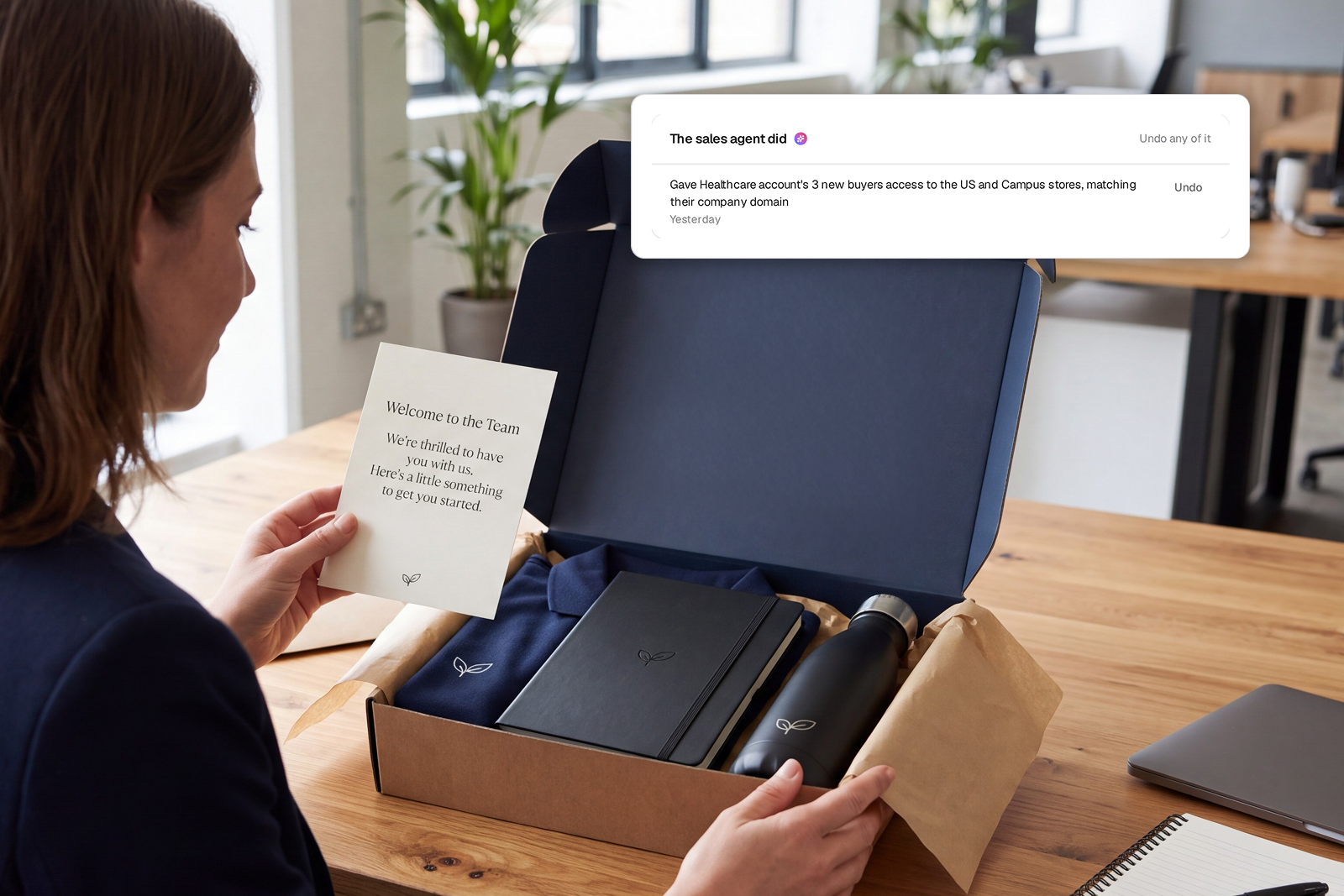
Contract accounts, school stores, dealers and new companies each get their own prices, products and offers. Agents suggest the next reorder or offer. Nothing changes until a person says yes.
See what each of your buyers would see.
A demo built on your own stores, accounts and price lists.
Short answer
Updated
An AI personalization engine shows each buyer the products, prices and offers that fit them. In Redefine Suite by Redefine Innovations, each company is set up once with its own stores, price list and part numbers, and AI agents suggest reorders and offers that wait for your OK.
Most ecommerce personalization tools guess what a shopper might like next. B2B buyers need more than that. They need their own price, their own products and their own terms, on every store they buy from.
It all sits on one customer record, so the store, the quote and the invoice show the same price.
Three ways to make B2B buying personal
What it reads
Part of AI and automation in Redefine Suite. Track the results in AI-native analytics.
Proof from a personalization project
Unbox the Dress turns wedding dresses into gifts. Redefine built Klaviyo flows where quiz answers decide which email each person gets. 58% of quiz takers engaged. Email work, not Redefine Suite AI. Read the case study.
Unbox the Dress
Gifts for everyone

Unbox the Dress
Celebrating the love of family

Unbox the Dress
Treasured gifts from your dress

Emails from the flows, as sent.
Buyer view
Each company is set up once, with its own buyers, prices and terms. Pick an account and a store, and the preview shows what that buyer sees after they sign in.
Account
YOUR STORE
Your contract catalog
Your prices, your part numbers, your logos.
Heavyweight crew tee
$8.5812% off list
Your team kit
ContractOnly you see it
YOUR STORE
Welcome offer
10% off your first order.
Heavyweight crew tee
$9.75Base price
Performance polo
$24.00Breaks at 100+
One account, set up once
B2B personalization starts with the account. Set it once and every store, quote and invoice follows it. See customer accounts.
Buyers sign in once and see each store with the company's own prices, addresses and terms.
Own price list per store / One customer in the ERP / Turn a store off any time
Shown to their buyers and printed on their POs, invoices and packing slips.
A kit or a contract price that no other account can see.
Approved art the decorators can use without a new proof. Shipping billed to their own carrier account. Their own buyers and approvers, so the right person signs off each order.
AI agents

Reorder rhythm
Spots when an account is due to reorder and drafts the quote at their price.
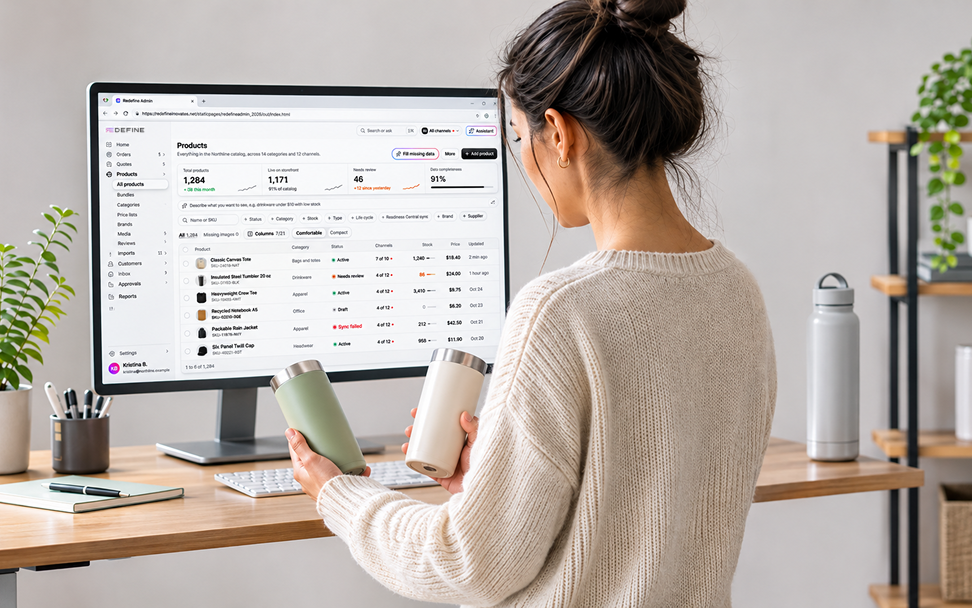
Order in search
Orders products in categories and search by sales, margin and stock.
B2B commerce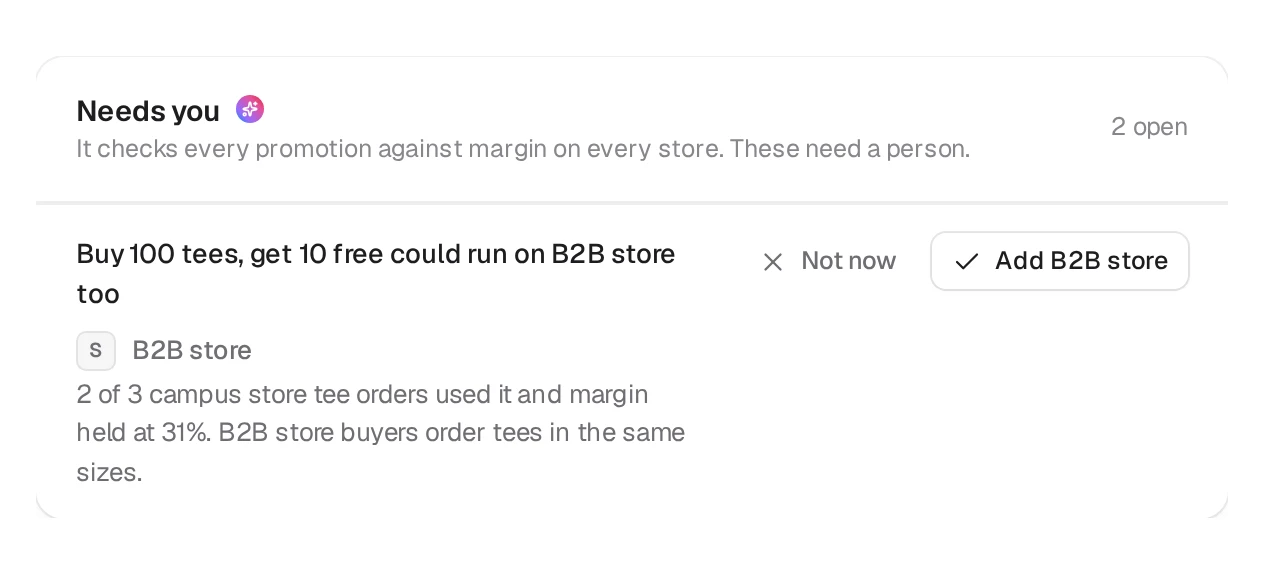
Who gets an offer
Each offer names who gets it, and is checked against your margin floor.
Promotions and merchandisingOne reorder, made personal
Step 1
The sales agent sees an account buys the same item on a steady cycle.
Step 2
It looks at the last order and when they will need the next one.
Step 3
It prices the next quantity break from that account's own price list.
[Price list] Their contract or tier price
Step 4
A draft reorder quote waits for your rep. Nothing reaches the buyer until a person sends it.
Questions
Yes. Customers get their contract or tier price, and everyone else gets the base list. Quantity breaks apply on top, on every store that uses them.
Each price list says who gets it. See customer-specific pricing
Yes. A kit or a contract price can be set so only that account sees it. Their own part numbers show to their buyers and print on POs, invoices and packing slips.
Turn a store off and it hides from them right away. See customer accounts
The sales agent watches how often each account buys an item. When one is due, it drafts a reorder quote at their price break for your rep to send.
It also flags accounts likely to lapse. See predictive commerce intelligence
No. Suggestion widgets show what a shopper might also like. This sets what each company sees and pays, then suggests the next order. It is built for B2B buying.
Each store can still keep its own categories and pages. See B2B commerce
Only inside your limits. Each agent can ask first, do low-risk work alone, or run on autopilot. A price change over your limit waits in Needs you.
Every action is logged, with Undo. See AI workflow assistance
If every buyer pays the same price and buys the same way, you may not need it. It pays off when you sell to many companies with their own prices, stores and terms.
In the demo, we show it on your own accounts. See all AI tools
Book a demo
Tell us who you sell to and how their prices differ today. In the demo, we load a few of your accounts, log in as a buyer, and show the reorders the agents draft. A demo built on your own stores, accounts and price lists. You can also use the demo booking page.

Tell us which problem costs you the most. We set up the demo around it.