




Dynamics 365 apps

The right D365 solutions for how you work.

Redefine Innovations helps you pick the D365 solutions you need and sets them up on shared data.

Half Price Drapes: stock counts 99.2% right on Dynamics 365. See the case study.

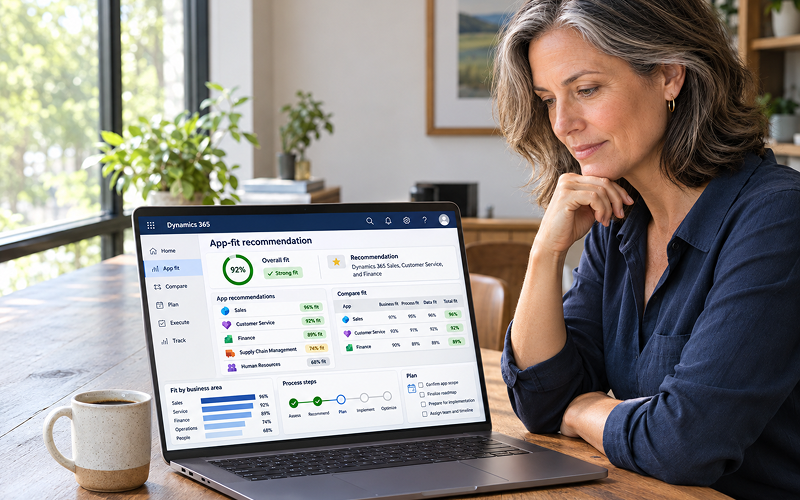
An operations lead and a Redefine consultant looking at the Dynamics 365 apps page on a laptop

Proof

Results from our Dynamics 365 clients

Apps only help when the data under them is right. These numbers come from Dynamics 365 work our team did.

  • Half Price Drapes
    99.2%
    Stock counts right, up from about 82%.
  • Parsons Kellogg
    -58%
    Less time on reports done by hand.
  • Imtra
    ~85%
    Hand sync steps to Business Central now run on their own.

These were Dynamics 365 data and reporting projects, not app selections. Sources: Half Price Drapes, Parsons Kellogg, Imtra.

Not sure which Dynamics 365 apps you need?

Get your app fit recommendation from a Redefine consultant.

Get Your App Fit Recommendation

Short answer

Which Dynamics 365 apps does your business need?

Updated

Dynamics 365 is a set of Microsoft business apps that share one data platform. Business Central runs finance and operations for small and mid-size firms. Finance, Supply Chain, Sales and Customer Service cover bigger needs. Redefine Innovations helps you pick the apps that match your work and set them up so every team uses the same records.

Each app does one job well. The trouble starts when apps are picked one at a time and never share data.

So we start with how your work flows, then pick the fewest apps that cover it.

Common Dynamics 365 apps

Pick by the work you need to run

WayWhat you getBest whenWhere it stops
Business CentralA small or mid-size firmMoney, stock, orders in one appVery large firms may need more
Finance and Supply ChainA large or global firmDeep money and stock toolsMore setup work
Sales and Customer ServiceTeams that sell and help buyersOne record for each customerNeeds clean customer data

What we look at first

  • [1] How your work flows today
  • [2] Which teams use which records
  • [3] What your current apps do well
  • [4] What each new app would cost

Plan your license cost with the Business Central licensing calculator. Plan your first year with the implementation cost calculator.

One set of data

Run your whole business on Dynamics 365.

Pick apps that fit your work and share the same data, so your teams stop copying records.

See how we work
A small team linking five app cards to one shared data card on a wall

Before and after

Many loose apps. One shared system.

Scattered

Each team uses its own app, and the data never meets.

  • Money

    Records typed twice

  • Stock

    Records typed twice

  • Orders

    Records typed twice

  • Sales

    Records typed twice

  • Support

    Records typed twice

No single record
Apps that do not talk

5

Shared

The apps you need, on one set of data.

  • Business Central

    One set of records

  • Finance

    One set of records

  • Sales

    One set of records

  • Service

    One set of records

  • Supply Chain

    One set of records

  • Reports

    One set of records

Dynamics 365
Data platform for every app

1

Cost of doing nothing

What does typing records twice cost you?

Use your own numbers to see what shared data could save.

Your numbers

Monthly

3,000
20.0%
$4
70.0%

Time saved per month

Your estimate

Saved now
$2K
Could save
$8K

Still spent on typing

$6Kper month

$72K a year in staff time, not cash.

Get Your App Fit Recommendation

This is an estimate from your own numbers, not a promise.

Estimate: records x (could flow minus flow now) x cost per record. Not a promise.

Five Dynamics 365 apps, five jobs

An engineering mindset for Dynamics 365 systems

We run growth the way engineers run software.

Redefine is an engineering company. Developers, Dynamics 365 experts, data experts and business consultants work as one team, so your apps are picked, set up and checked by the same people.

  1. Engineer writing an app goal and the number that proves it on a whiteboard

    01 Our way: How we work

    Every change is a test with a success number.

    Each app goes live with a number that shows it works.

    Old way: Instead of the usual agency habit

    Changes ship on opinion.

    Nobody can say if a new app helped.

  2. Developer checking the customer list for copies in Dynamics 365 Business Central

    02 Our way: How we work

    We fix the cause in the system and the data.

    Engineers look at the data under each app, not just the screens.

    Old way: Instead of the usual agency habit

    Fixes stop at the surface.

    The same problem comes back next month.

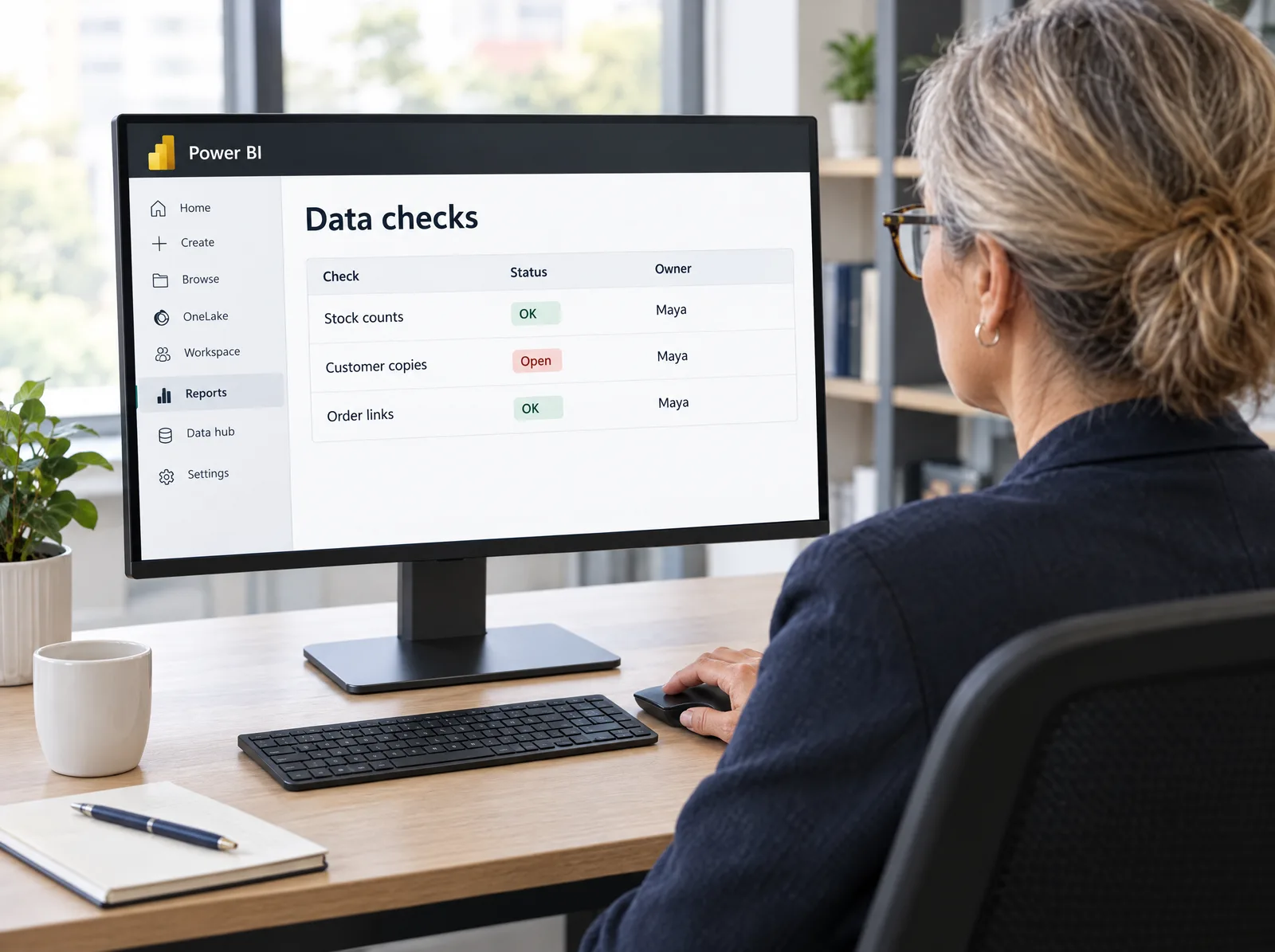
  3. Operations manager reading a Power BI table of data checks that names one owner each

    03 Our way: How we work

    Alerts fire as soon as a number drifts, with one owner.

    Someone sees a problem the day it starts.

    Old way: Instead of the usual agency habit

    Problems wait for the monthly report.

    By then the damage is done.

How Redefine works

TheREDEFINEMethod

Map your work first, then add apps in the right order.

Dynamics 365 apps share one data layer, so the order you add them matters more than how many you buy. We fix the core first.

Get Your App Fit Recommendation

Get advice made for your business.

Why this approach matters

  • Fix the real problem first.
  • Skip apps you do not need.
  • Choices based on your data.
  1. Start here

    Step 1: Diagnose

    We look at how your teams work, which systems they use and where work gets stuck.

    You receive A clear view of your work

  2. Choose what matters

    Step 2: Prioritize

    We pick the apps for your core work first. No new app comes before the core works.

    You receive A ranked app plan

  3. Do the work

    Step 3: Deliver

    We set up the chosen apps on shared data and fit them to how each team works.

    You receive Apps set up on shared data

  4. Check the result

    Step 4: Prove

    We check the setup does what we agreed. Business results are checked later against your goals.

    You receive A setup check

  5. Keep improving

    Step 5: Improve

    We look at how your teams use the apps and suggest next steps. Ongoing help is your choice.

    You receive Ideas for next steps

What you receive

A clear plan, from your work today to apps your teams use.

Case study / Stock data on Dynamics 365

Half Price Drapes

Clean stock data on Dynamics 365.

This was a Dynamics 365 stock data project, not an app selection. It shows why the data under your apps comes first.

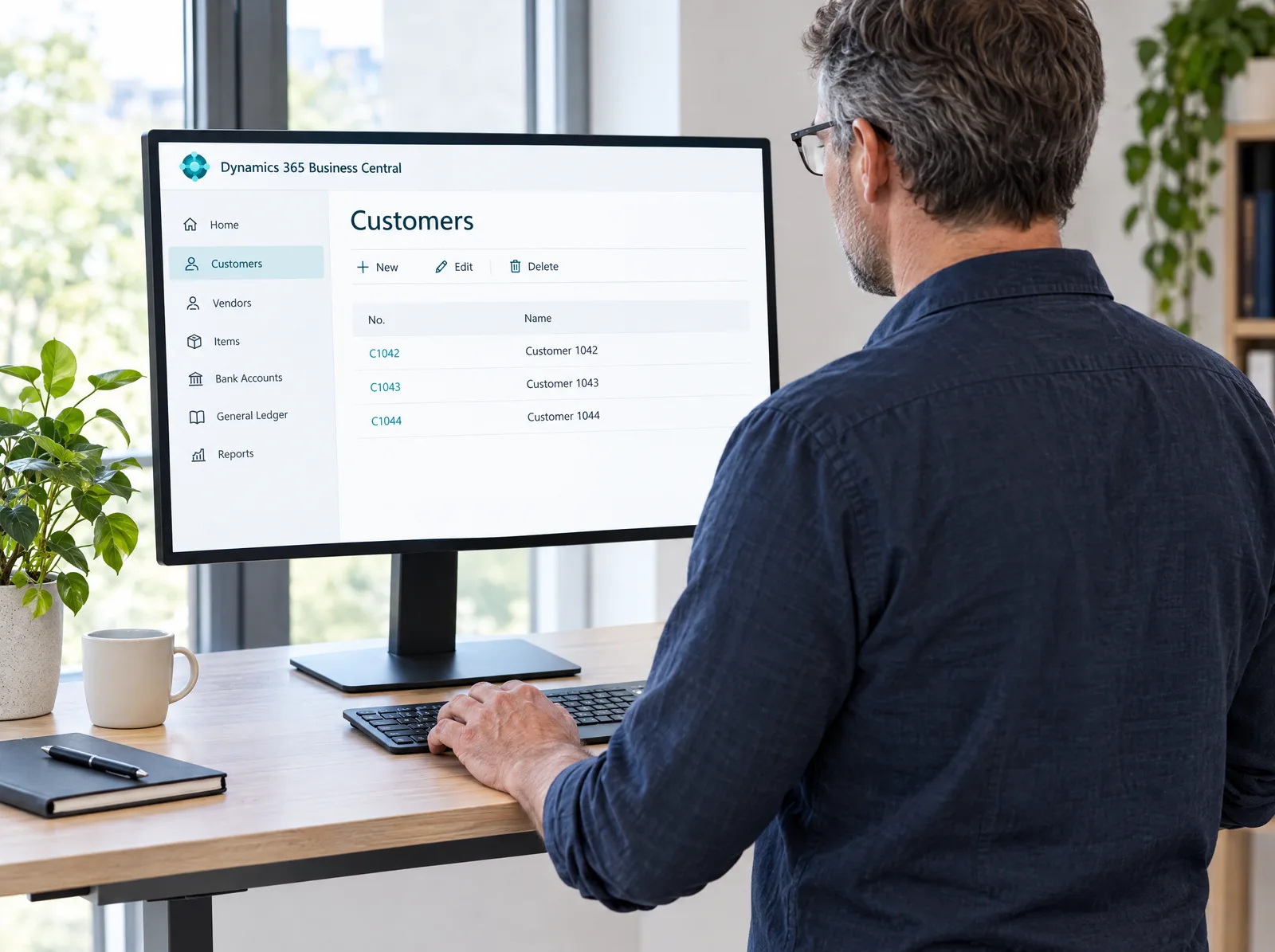
A stock lead checking an item list in Dynamics 365 Business Central on a tablet between shelves of fabric rolls

Result

Stock accuracy

Before

~82%

After

99.2%

Source: Half Price Drapes case study.

  1. 01 / Problem

    Stock counts were off.

    About 82% of counts were right, so orders hit empty shelves.

  2. 02 / Diagnosis

    The data was the cause.

    Records in Dynamics 365 did not match what was on the shelf.

  3. 03 / Action

    Fix the data first.

    We cleaned the records and fixed how stock data moved.

  4. 04 / Result

    Counts reached 99.2% right.

    The team trusts the stock numbers, and sales passed $70M a year.

We did this for Half Price Drapes. It was a Dynamics 365 stock data project, not an app selection. The same team helps you pick your apps.

Your recommendation

See what your App Fit Recommendation covers.

A Redefine consultant sends this after a first talk. It shows which apps fit your work, in what order, and how they link.

Sections
5
Apps
1
Order
First
Get Your App Fit Recommendation

Redefine

Confidential

Prepared for: your business

App Fit Recommendation

Contents

  1. 01How your work flows today3
  2. 02Apps that fit your work7
  3. 03The order to add them12
  4. 04How the apps share data18
  5. 05Next steps22

App Fit Recommendation

Your business

01 / 05

First app

Business Central

Your money, stock and orders sit in three tools. One app can hold all three.

Tools it can replace

Effort to set up

Medium

Priority

High

Add apps in this order

Core app Sales app Reports

How your App Fit Recommendation is laid out: the cover and page 3.

What is the REDEFINE Method?

The REDEFINE Method is Redefine Innovations' business-first framework for identifying business constraints, prioritizing improvements, delivering appropriate solutions, verifying outcomes, and sustaining improvements.

It has five stages: Diagnose, Prioritize, Deliver, Prove and Improve. Read the REDEFINE Method
How long does a Dynamics 365 project take?

It depends on your business and how many apps you need.

We look at your needs first, then set a plan with you that keeps the dates real.

How does Redefine help pick the right apps?

We learn your goals, look at how each team works and see where work gets stuck.

Then we suggest the fewest apps that cover your work, in the right order.

Do Dynamics 365 apps cost money each month?

Yes. The main costs are Microsoft user licenses and the setup work. The mix of apps changes both.

Plan your license cost before you talk to us: Try the Business Central licensing calculator

What makes Dynamics 365 apps different?

Sales, Customer Service and Finance keep one record for each customer. You can start with Business Central and add apps later without moving your data.

Microsoft updates add new tools over time.

Can I add more apps later?

Yes. You can grow your Dynamics 365 setup as your business grows.

We tell you when one more app makes sense, and when it does not.

What does Dynamics 365 training cover?

Training covers the apps you pick, for new and skilled users. It can be split by role, like finance staff on Finance and sellers on Sales.

See how we plan sessions: See Dynamics 365 training

App fit recommendation

Get your Dynamics 365 app fit recommendation

Start with advice made for you. We tell you which apps fit your goals and help you plan a clear path.

Business owner reading a printed Dynamics 365 app fit recommendation at a long table by a window
  • A person reads every request
  • A written recommendation
  • 25+ years building business systems
  • 550+ projects delivered

Your App Fit Recommendation

Tell us which tools your teams use today and what feels slow. A short note is fine.

  1. 1You share your setup
  2. 2We ask a few questions
  3. 3You get your advice
  4. 4You see a clear roadmap