







Workflow automation services

Let every order move through your systems on its own.

Let every order move through your systems on its own. Redefine Innovations connects your store, ERP, 3PL and CRM so orders, stock and invoices flow with no retyping. IMTRA: about 85% of manual ERP sync steps now run on their own.

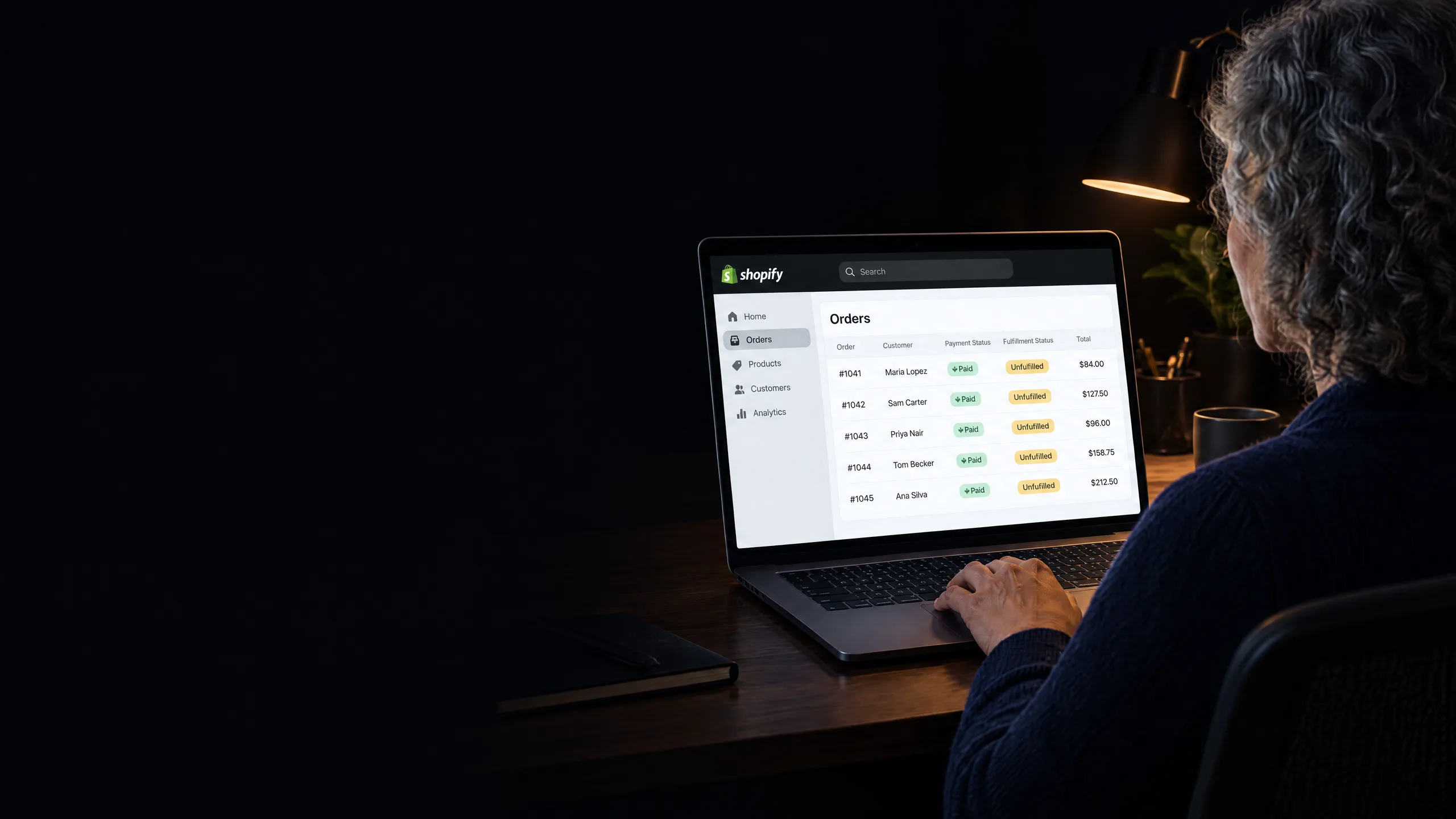
  1. Laptop showing the Shopify admin Orders page with new paid orders waiting to be fulfilled

    01Paid order lands, 9:02

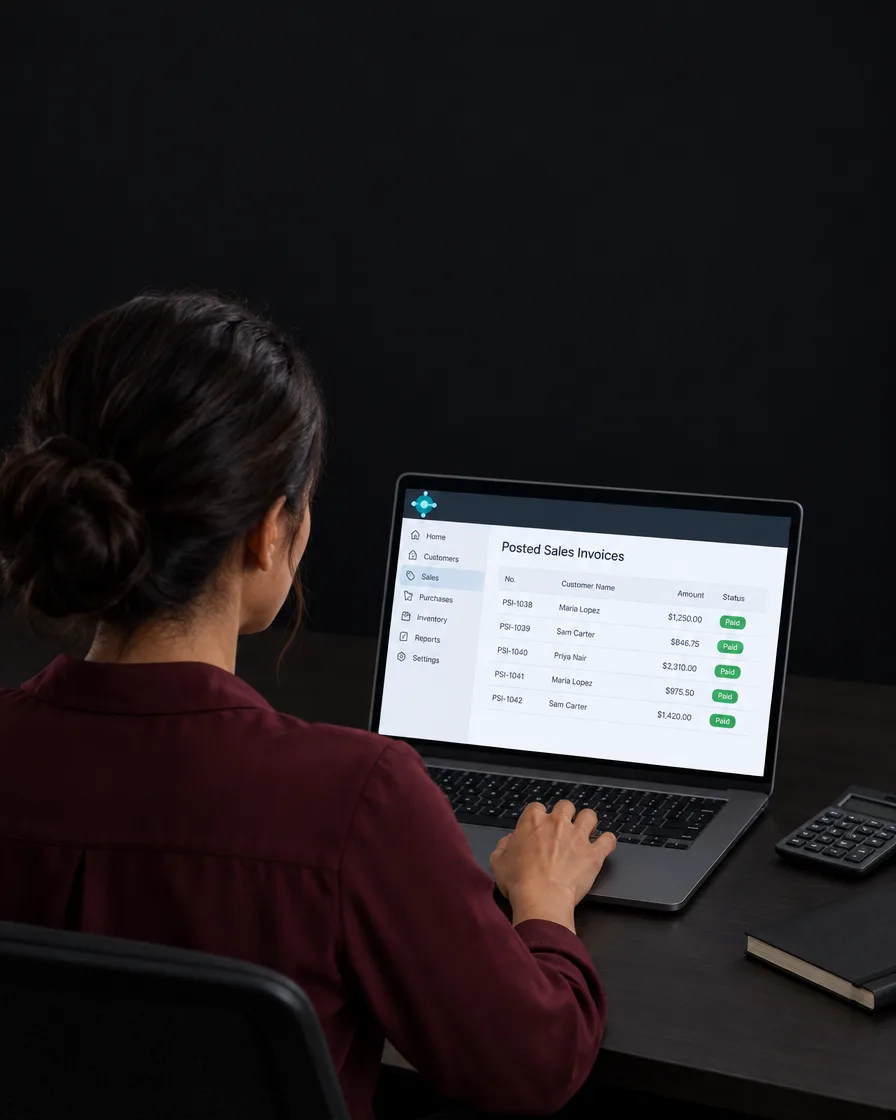
  2. Monitor showing a Business Central sales order created from a store order

    02Sales order in the ERP, 9:02

  3. A warehouse worker scans a box from a shelf to pick an order

    03Picked in the warehouse, 9:20

  4. A shipping clerk stacks a sealed parcel on a pallet at the loading dock

    04Shipped, tracking sent back, 15:30

Client results

Workflows we automated, and what changed

Each number comes from a Redefine case study. Each one is a workflow that used to need a person.

Source: Redefine case studies for IMTRA, JWE Inc and Half Price Drapes.

Get a workflow automation map for your systems.

Written for your business, no obligation.

Get my workflow map

Short answer

What are workflow automation services?

Updated

Workflow automation services from Redefine Innovations connect your store, ERP, warehouse and CRM so work moves between them on its own. An order, a stock change or a payment starts the workflow. Each step then runs by rule, with checks, retries and alerts. Your team stops retyping data and only steps in when something needs a person.

Most teams start with a no-code tool. It works until order volume grows, a field changes, or one failed step goes unseen for a week.

So we map each workflow first: what starts it, which fields move, and what happens when a step fails.

Pick the workflow you need

Each one has its own page

WorkflowWhat starts itWhat you getLearn more
Order to cashA paid orderInvoice and payment posted in the ERPIntegration workflow and process
Order to fulfillmentA released orderPicked, packed and shipped, tracking sent backOrder-to-fulfillment integration
Stock syncA stock changeThe same count on every channelInventory synchronization services

What we read before we build

  • [1] Your order flow, store to ERP
  • [2] Fields each system needs
  • [3] Steps your team does by hand
  • [4] Errors and retries today

Part of our integration services.

Five workflows we automate most.

One order. Four systems. No retyping.

Press run and watch one of your orders move from the store to the ERP, the warehouse and the invoice.

Your order to cash workflow

  1. 1Order paid
  2. 2Sales order in ERP
  3. 3Picked and shipped
  4. 4Invoice posted

Press Run the workflow to start.

An engineering mindset for workflow automation

We run workflows the way engineers run software.

Redefine Innovations is an engineering company that does marketing. Developers, ERP engineers and marketers work on one team, so a fix reaches the real system, not just the tool that links them.

  1. Two engineers check a Business Central sales order while mapping the workflow

    01 Our way: The engineering habit

    Every change is a test with a success number.

    Each workflow has a "done when" line, such as zero retyped orders.

    Old way: The typical habit

    Changes ship on opinion.

    A workflow is called done once it is switched on.

  2. An engineer and an operations manager review the workflow plan together

    02 Our way: The engineering habit

    Developers fix the systems, not just the link.

    Store code, ERP data and tracking are fixed by the same team.

    Old way: The typical habit

    Fixes stop at the connector.

    Bad data in the store or ERP is left for you to clean.

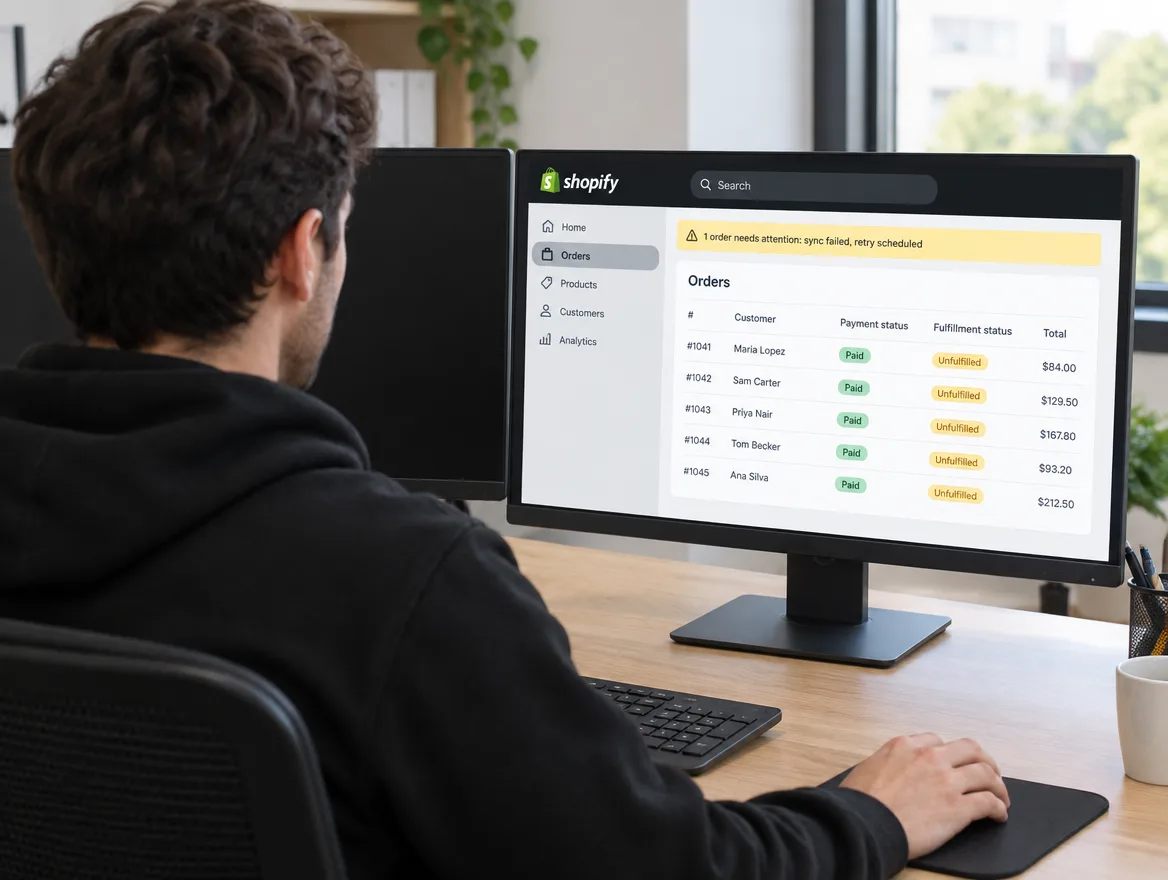
  3. Monitor showing a Shopify admin orders list with a sync alert on one order

    03 Our way: The engineering habit

    Alerts fire the day a step fails.

    Each alert has a planned response and one owner.

    Old way: The typical habit

    Problems wait for the monthly report.

    A skipped order shows up weeks later as a refund.

How Redefine works

The REDEFINE Method

How Redefine automates your workflows.

Every workflow follows five stages, and each one ends with something your team can check. Redefine maps the fields and the failure path before any connector is built, because a workflow that fails without a sound costs more than the manual step it replaced.

Get my workflow map

A written workflow automation map for your systems.

Why this approach matters

  • You automate the steps that cost the most first.
  • Every failed step has a retry and an owner.
  • You approve each stage before the next one starts.
  1. Start here

    Step 1: Diagnose

    We trace how orders, stock and payments move today, and count the steps your team does by hand in each system.

    You receive Current workflow map

  2. Choose what matters

    Step 2: Prioritize

    We rank each workflow by the hours and errors it costs. Order to cash and stock sync often come first.

    You receive Ranked list with scope

  3. Do the work

    Step 3: Deliver

    We build the workflows with field maps, rules, retries and alerts, and test them on a copy of your data.

    You receive Workflows on a test setup

  4. Check the result

    Step 4: Prove

    We run real orders through every path, including refunds and split shipments. Each workflow has a "done when" line.

    You receive Signed-off test results

  5. Keep improving

    Step 5: Improve

    After launch we watch errors, run times and manual touches, and send a short list of what to automate next.

    You receive Monthly workflow health note

What you receive

A workflow map, field maps, built and tested workflows, alerts, and a short run book for your team.

Case study / ERP workflow automation

IMTRA

Sells marine and industrial parts to dealers and buyers across four store types.
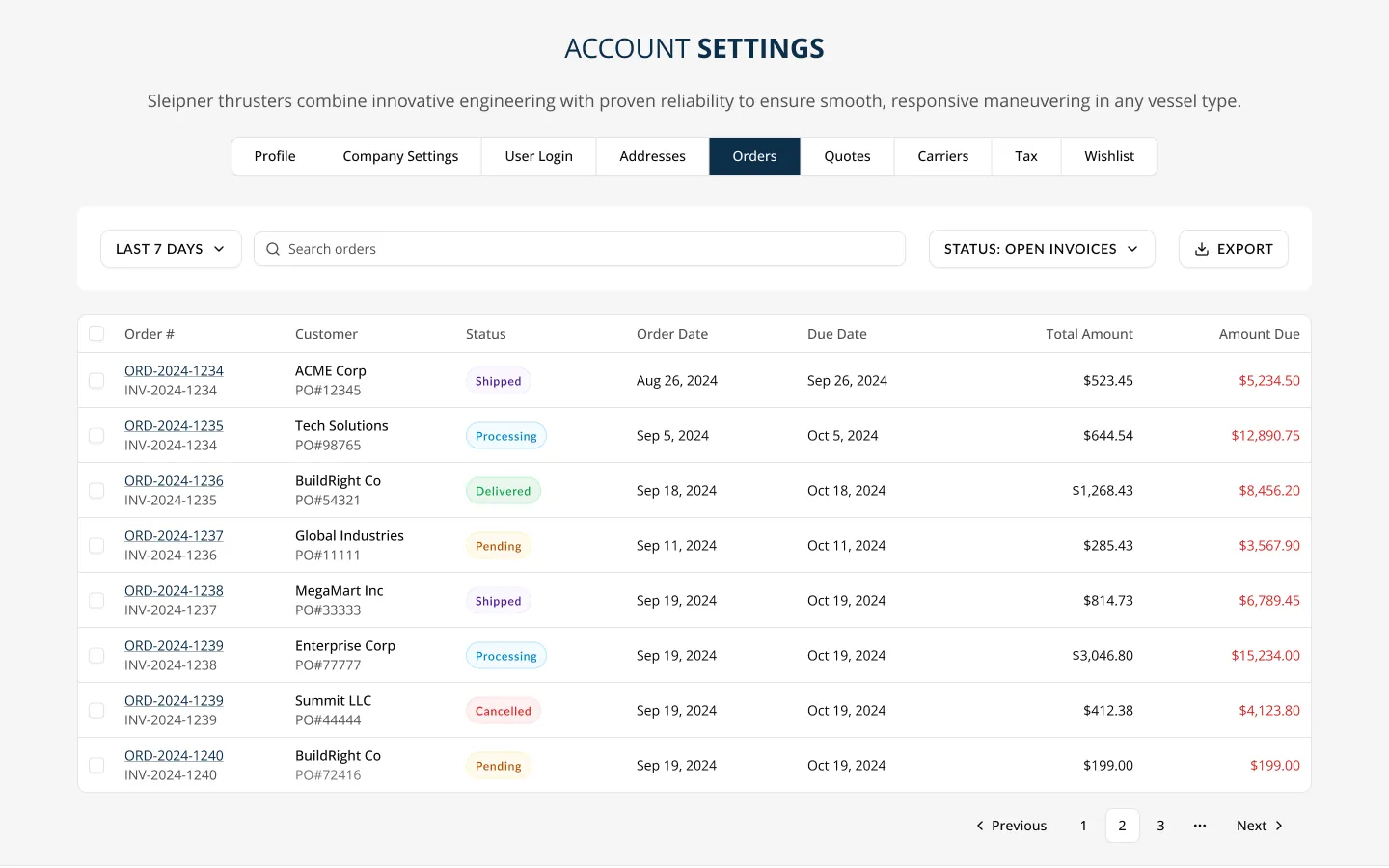
The IMTRA dealer portal Orders screen Redefine built, with order status, due dates and amounts due
  1. 01

    Problem

    Stock came from 4 sources by hand, and order status meant manual follow-up.

  2. 02

    Diagnosis

    Every gap traced back to one cause: the stores and Business Central did not share data on their own.

  3. 03

    Solution and result

    We built one portal on Business Central with order sync both ways, a single stock import and status tabs.

Manual ERP sync steps automated
~85%
Stock sources, now one import
4 to 1
Order sync with the ERP
Both ways

The same team will map and build your workflows.

Your workflow map

Know which workflows to automate first.

A written map of how work moves through your systems today, the steps your team does by hand, and the order to automate them, with scope and price. Redefine walks your team through it on a call.

Sections
5
First workflow
1
Systems mapped
4
Get my workflow map

Redefine

Confidential

Prepared for: your business

Workflow Automation Map

Contents

  1. 01Your workflows today3
  2. 02Steps done by hand7
  3. 03Field and rule maps12
  4. 04Failure and retry plan18
  5. 05Scope, timeline and price22

Workflow Automation Map

Your business

01 / 05

First workflow

Order to cash

Orders are typed into the ERP by hand each morning, so invoices and stock lag a day behind.

How much of each workflow runs on its own

Start with

Invoices

Priority

High

Order of work

Invoices Stock sync Your 3PL

How your Workflow Automation Map is laid out: the cover and the first workflow. After it, Redefine walks your team through the map.

What is the REDEFINE Method?

The REDEFINE Method is Redefine Innovations' business-first framework for identifying business constraints, prioritizing improvements, delivering appropriate solutions, verifying outcomes, and sustaining improvements.

It has five stages: Diagnose, Prioritize, Deliver, Prove and Improve. For workflows, it means Redefine maps every step and its failure path before anything is built. Read the REDEFINE Method

Which workflows can you automate?

Order to cash, order to fulfillment, 3PL orders and tracking, stock sync, returns, customer sync and invoices.

If a person moves data between two systems today, it can likely be a workflow. See integration workflow and process

Which systems do you connect?

Shopify, BigCommerce, Adobe Commerce, Business Central, NetSuite, Salesforce, HubSpot, 3PLs and marketplaces.

We use each system’s own API where it has one. See ecommerce ERP integration

Should we use Zapier or a custom workflow?

No-code tools are fine for a few simple steps. Custom workflows fit high order volume, many fields and steps that must not fail.

Your map says which fits each workflow. See Zapier to custom integration

What happens when a step fails?

The workflow retries, then alerts the owner the same day with the order and the error.

Nothing is dropped without a record, so your team can fix it in one place.

How much does it cost and how long does it take?

It depends on how many systems and workflows are in scope. Your map gives the scope, timeline and price before any work starts.

There are no surprises after you say yes.

What happens after I ask for a map?

We review how your orders, stock and invoices move today and send a written workflow automation map.

Then you decide. There is no obligation. See all integration services

Start here

Know which workflows to automate first

Get a written workflow automation map: the steps your team does by hand, the order to automate them, and the scope and price. No obligation.

An operations lead talks with a colleague in a warehouse office
  • A written map you keep
  • Store, ERP, 3PL and CRM
  • 25+ years in ecommerce
  • 550+ projects delivered

Request your workflow automation map

Tell us which systems you run and what feels stuck.

  1. 1Send your systems and store
  2. 2We trace your workflows
  3. 3You get your workflow map
  4. 4A call on the map