


Wolters Kluwer integration

Wolters Kluwer integration with ERP, accounting and ecommerce systems

Redefine Innovations connects Wolters Kluwer products like CCH SureTax and CCH Tagetik to your ERP, accounting and ecommerce systems, for finance, tax and audit teams.

MAXIMUM: 80% less manual data entry once its listings came from one feed. ERP work, not a Wolters Kluwer project. See the case study.

Running Sage as your ERP? See Sage integration services.

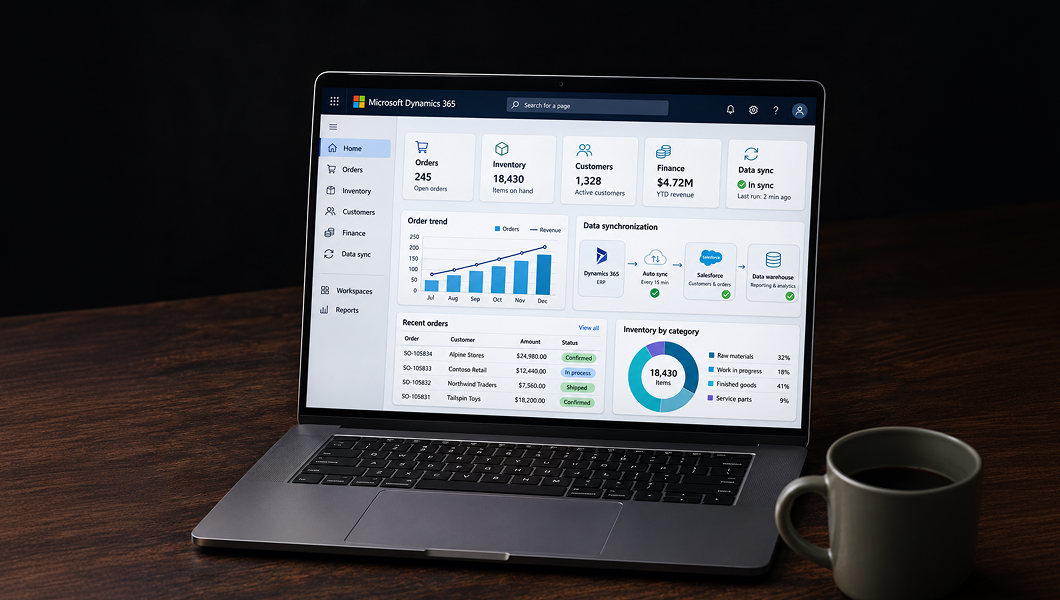
Tax manager and engineer check synced sales tax lines on the Business Central General Ledger Entries page

Every connection is mapped before it is built, not patched after go-live. Every field is agreed and every record is checked.

Client results

Less re-keying. Faster reports.

From our ERP and data work, not Wolters Kluwer projects.

  • Controller and engineer tick off a printed field map pairing ERP fields with tax and entity codes

    ERP and data work

    Data that moves on its own.

  • MAXIMUM: manual data entry

    -80%

    Listings now come from one feed.

  • IMTRA: stock sources

    4 to 1

    Four hand-keyed sources, one import.

  • Half Price Drapes: report time

    -90%

    Reports went from by hand to automated.

  • Parsons Kellogg: manual reporting time

Sources: the MAXIMUM, IMTRA, Half Price Drapes and Parsons Kellogg case studies on redefineinnovations.com.

Book a discovery workshop for your Wolters Kluwer systems.

Then get a scoped proposal with a field map and line-by-line cost.

Book A Discovery Workshop

Short answer

What is Wolters Kluwer integration?

Updated

Wolters Kluwer integration links products like CCH SureTax, CCH Tagetik and TeamMate with your ERP, accounting and ecommerce systems. Redefine Innovations plans, builds and supports these links for finance, tax and audit teams. Redefine maps the fields, builds each connector with the method agreed in scoping, and sets alerts with one owner.

Each Wolters Kluwer product has its own published way to connect, through APIs or web services. There is no screen scraping.

So we confirm the method in scoping, map every field with your team, and check the records in both systems before go-live.

One connector for each product

Scoped one by one, in one plan

ProductWhat it doesWhat we connectAgreed in the field map
CCH SureTaxWorks out sales taxSales lines from your ERP or storeTax codes for each item
CCH TagetikJoins the books of each entityLedger data at period closeEntity and currency codes
TeamMateRuns audit workSource data for workpapersWhich systems feed each workpaper

What we map first

  • [1] Your Wolters Kluwer products
  • [2] Your ERP, ledgers and store
  • [3] The job your team does most by hand
  • [4] Tax, entity and currency codes

Using Avalara for sales tax? See Avalara integration services, or all integration services.

Five jobs your team still does by hand.

See what manual work costs you
  • Accounts clerk keys sales lines by hand from a printed report into the NetSuite Sales Orders list

    Stop re-keying sales data. Typing sales into CCH SureTax by hand invites mistakes. We send each sale for you.

    CCH SureTax

    By hand today

    ERP sales lines to CCH SureTax

    With the connection: sent for you
  • Controller writes a period close checklist on a whiteboard: export ledger, fix entity codes, load and check

    Send ledger data on time. At close, ledger data goes to CCH Tagetik with the right entity codes.

    CCH Tagetik

    By hand today

    Ledger at period close to CCH Tagetik

    With the connection: sent for you
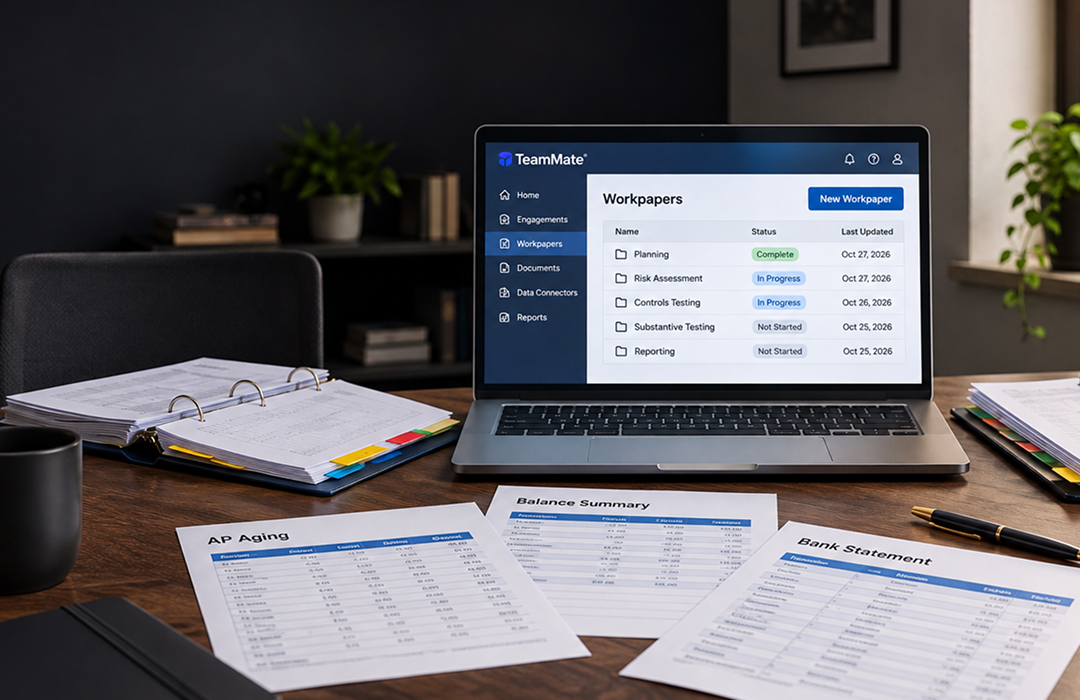
  • Auditor builds workpapers by hand from three printed reports and two tabbed binders

    Build workpapers faster. Workpapers no longer mean pulling data from many systems by hand.

    TeamMate

    By hand today

    Source system data to TeamMate

    With the connection: sent for you
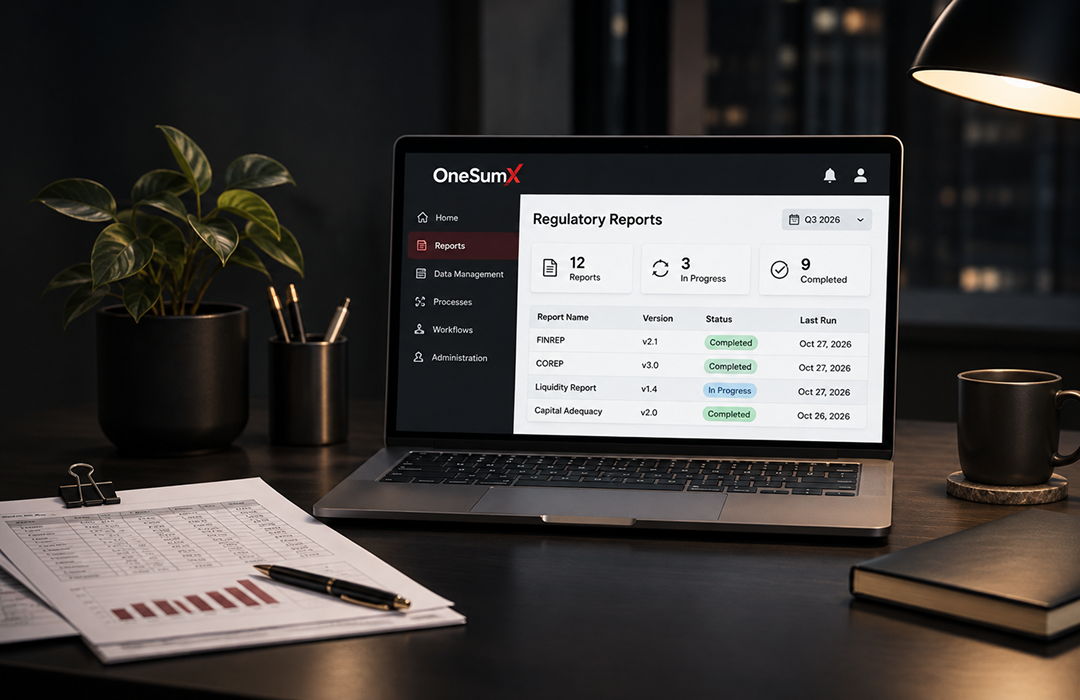
  • Reporting analyst circles a mismatched total while comparing two printed spreadsheet pages

    Make OneSumX reports easier. Spreadsheet reports are slow. Data flows into OneSumX with no hand entry.

    OneSumX

    By hand today

    Source data to OneSumX

    With the connection: sent for you
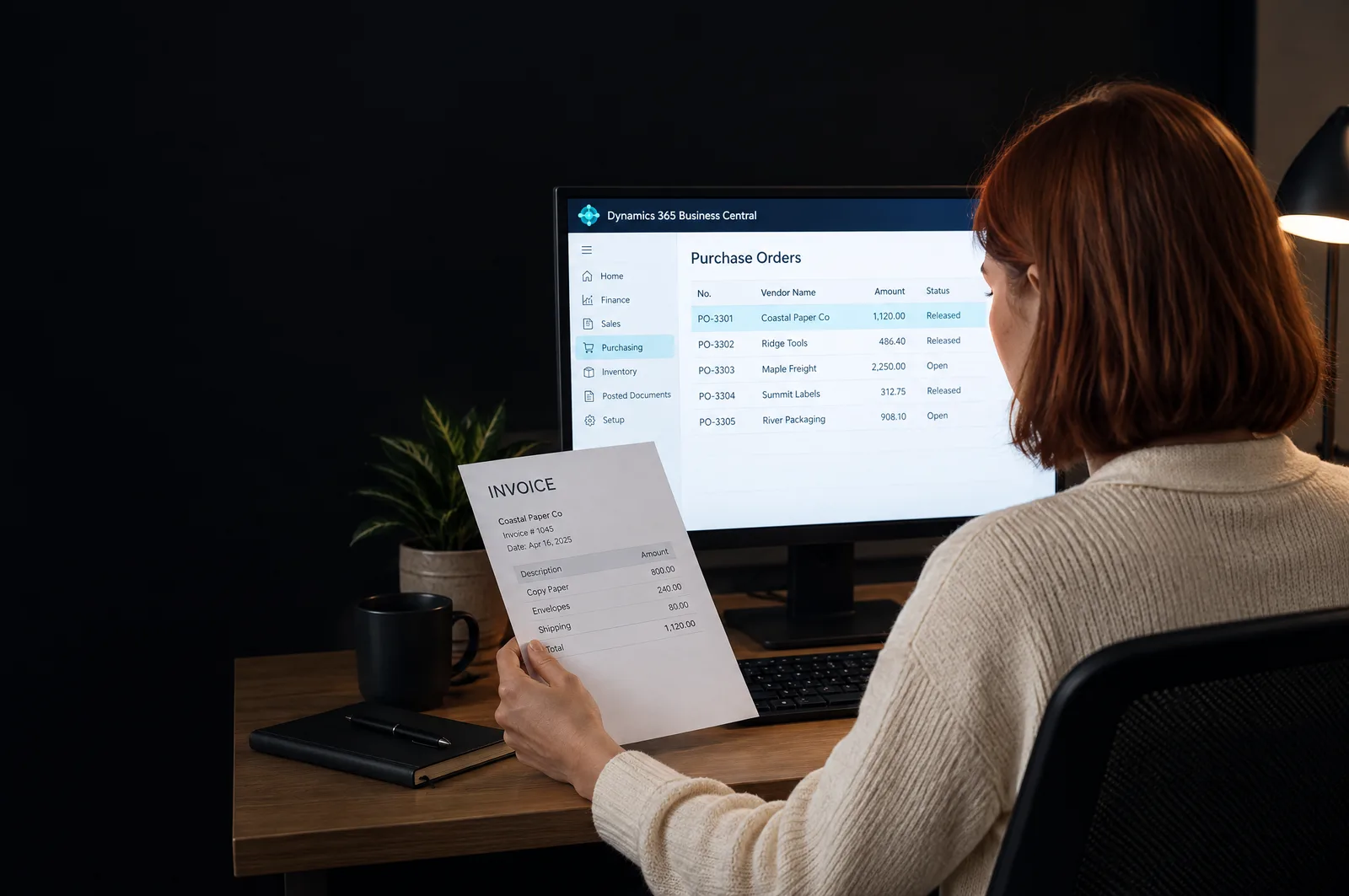
  • AP clerk holds a paper invoice beside the Business Central Purchase Orders list to match it by hand

    Match invoices without the hunt. Purchase order data goes to Basecone, so invoices match without the hunt.

    Basecone

    By hand today

    Purchase orders to Basecone

    With the connection: sent for you

One team to connect CCH SureTax

Data moves between your systems on its own, so finance, tax and audit teams decide from the same numbers.

  • CCH SureTax
  • CCH Tagetik
  • TeamMate
  • OneSumX
  • Basecone

Many vendors, one team for connected systems

Many vendors make a project slow. Redefine puts every role on one team, from the field map to support. Pick a part to see how.

Redefineone team

Wolters Kluwer

Each product gets its own connector.

CCH SureTax, CCH Tagetik, TeamMate, OneSumX and Basecone are scoped one by one, in one plan.

An engineering mindset for Wolters Kluwer integration

We run growth the way engineers run software.

Redefine Innovations is an engineering company. Developers, ERP engineers and marketers work on one team, so a fix reaches the system, not just the slide deck.

Typical consultant

The usual habit

  • Changes ship on opinion.

    Nobody sets a number to check the change against.

  • Advice ends with the recommendation.

    Someone else has to build what the slides describe.

    [!] Nobody owns the build

  • The job is done when the report is sent.

    Open items get lost after the handoff.

  • Problems show up in the monthly report.

    By then, the books are already off.

Redefine engineers

The engineering habit

  • Every change is a test with a success number.

    We agree the number first, then check it after release.

  • Engineers build and run the systems.

    The same team writes, tests and supports the connection.

    One team from map to support

  • Every task has a "done when" line.

    Like "tax lines match in both systems."

  • Alerts fire the week a number drifts.

    Each alert has a planned response and one owner.

Two engineers watch a terminal reconciliation run report 1,248 records matched and zero mismatches
Every change is checked against a number before it ships.

Cost of manual work

What manual data work costs you

See the hours and cost of keying orders and invoices by hand into tax and finance tools. Set your own numbers.

Your company

Your numbers

2,000
3 min
$30

Estimate: entries x minutes per entry / 60 x cost per hour. Based on your numbers. Not a forecast.

Monthly cost of manual work

$3,000

Staff time spent keying data that a connection could move for you.

Hours of manual work a month

100

Your year

Your numbers

  • Cost a year$36,000
  • Hours a year1,200
Book A Discovery Workshop

How Redefine works

TheREDEFINEMethod

Wolters Kluwer integration, mapped before it is built.

Mismatched tax or entity codes cause most rework between an ERP and Wolters Kluwer products. So we would not build a connector before you approve the field map.

Book A Discovery Workshop

You get a scoped proposal with a field map and a line-by-line cost.

Why this approach matters

  • Mapping the connection first limits surprises during the build.
  • The first connection is the one that gives your team back the most hours.
  • Regular updates keep the connections in step as your systems change.
  1. Start here

    Step 1: Diagnose

    We map your Wolters Kluwer products and source systems, and find the most manual job with the highest labor cost.

    You receive A system map

  2. Choose what matters

    Step 2: Prioritize

    We rank each connection by the hours it loses and the risk it carries, then pick the first one to build.

    You receive A project priority list

  3. Do the work

    Step 3: Deliver

    Engineers build from the approved field map, using the method confirmed in scoping: APIs, web services or flat files.

    You receive A working system connection

  4. Check the result

    Step 4: Prove

    We reconcile records between the source system and the Wolters Kluwer product, and fix every gap.

    You receive Verified records

  5. Keep improving

    Step 5: Improve

    Alerts go to one named owner who manages the response. We update the connections as your systems change.

    You receive Ongoing connection updates

What you receive

A discovery workshop, a scoped proposal, a field mapping document and a line-by-line cost estimate.

Case study / Dynamics 365 and reporting

One record for every sale. Reports that run on their own.

Half Price Drapes

Dynamics 365, .NET and Power BI

A curtain and drapes retailer that sells on its own store and 18+ marketplaces. This was ERP and reporting work, not a Wolters Kluwer project.

The challenge

Stock, order and customer data sat in separate systems, and reports were built by hand.

The solution

Both stores feed Dynamics 365. Power BI turns that one record into live, automated reports.

Read the Half Price Drapes case study

Half Price Drapes / results

From the case study

Less time on reports
-90%
Inventory accuracy, up from ~82%
99.2%

Before and after the work

Report time, beforeBy handReport time, after-90%Stock accuracy, before~82%Stock accuracy, after99.2%

Source: Half Price Drapes case study, redefineinnovations.com. Figures copied from the case study.

Your discovery workshop

What you get before any build.

The workshop leads to a scoped proposal, so your team can decide with the facts in front of it. Open each part to see what you receive.

Discovery workshop

We map your products, systems and most manual job.

We look at your Wolters Kluwer products, your source ERP and the workflow that costs your team the most hours.

3 deliverables

  • System map

    Every product, system and data flow on one page.

  • Most manual workflow

    The job that takes your team the most hours today.

  • First connection pick

    Which link to build first, and why.

Scoped proposal

A field map, a plan and a line-by-line cost.

Your proposal shows how each connection will work and what it will cost, before you approve any build.

5 deliverables

  • Detailed field map

    Every field, code and rule, agreed with your team.

  • Connection method

    APIs, web services or flat files, per product.

  • Prioritized roadmap

    The order of work, first connection first.

  • Line-by-line cost

    The price of each part, one line at a time.

  • Timeline and milestones

    When each connection goes live.

Book A Discovery Workshop
Finance lead and two engineers sketch boxes for ERP, store, tax, ledger and audit on a whiteboard in a discovery workshop

Field map

For your approval

CCH SureTax: sales lines from your ERP

Source
Your ERP sales invoice lines.
Target
A tax request to CCH SureTax.
Rule
Each item tax code maps to one SureTax tax code.
Done when
Tax lines match in both systems.
Prepared for: your companyOne page of your scoped proposal

Which Wolters Kluwer products can Redefine connect?

Redefine connects CCH SureTax, CCH Tagetik, TeamMate, OneSumX and Basecone. They cover tax, consolidation, audit, regulatory reports and invoices.

Each product gets its own connector in one plan. Also see Avalara integration services

Which ERP, accounting and ecommerce systems can connect to Wolters Kluwer products?

Dynamics 365 Finance and Operations, SAP S/4HANA, Oracle NetSuite, Sage Intacct, QuickBooks, Xero, and custom ERPs with API access. WooCommerce, Shopify and Adobe Commerce stores can connect too.

You keep the systems you run today. See ERP integration services

How long does a Wolters Kluwer integration take?

It depends on the scope of the project.

The timeline is set in your scoped proposal. Each connector goes live in order of need.

How much does Wolters Kluwer integration cost?

The cost depends on what your project needs.

You get a line-by-line cost in the scoped proposal.

Can the CCH Tagetik connection handle many entities and currencies?

Yes. Entity codes and currency rules are agreed in the field map before the build starts.

That way, the connection fits how your group is set up.

What happens when a sync fails?

An alert goes to one named owner, who manages the fix.

The fix follows a plan agreed before go-live. See data integration services

How does the connection use the Wolters Kluwer API or web services?

Each Wolters Kluwer product has its own published way to connect, through APIs or web services.

The method is set in the field map before the build. We never use screen scraping. See API integration services

What is the REDEFINE Method?

The REDEFINE Method is Redefine Innovations' business-first framework for identifying business constraints, prioritizing improvements, delivering appropriate solutions, verifying outcomes, and sustaining improvements.

It has five stages: Diagnose, Prioritize, Deliver, Prove and Improve. For Wolters Kluwer, it covers the system map, the field map, reconciled records and alerts with one owner. Read the REDEFINE Method

Start here

Connect Wolters Kluwer with your systems.

Book a discovery workshop with Redefine Innovations. You then get a scoped proposal with a detailed field map and a line-by-line cost.

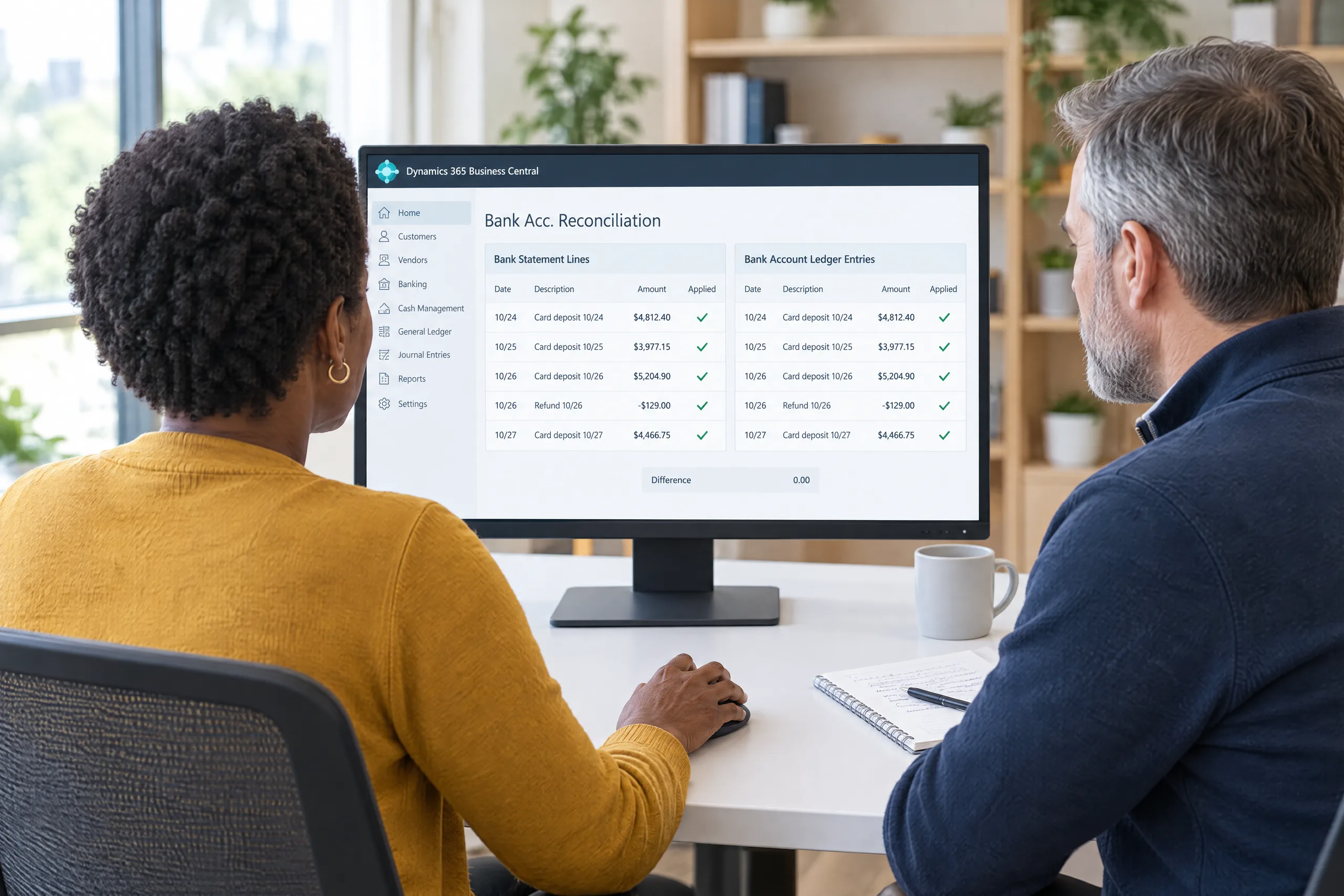
A finance lead and an engineer check matched records line by line in Business Central
  • A map of your systems
  • A line-by-line cost
  • 25+ years in business
  • 550+ projects delivered

Book your discovery workshop

Tell us about your systems and what feels stuck.

  1. 1You send this form
  2. 2You join the discovery workshop
  3. 3You get your scoped proposal
  4. 4You approve the field map, then we build